


 Скачать презентацию Systems Analysis IT Project Management Pepper
15271245c0ed5f9315c407823c773070.ppt
- Количество слайдов: 25
 Systems Analysis & IT Project Management Pepper
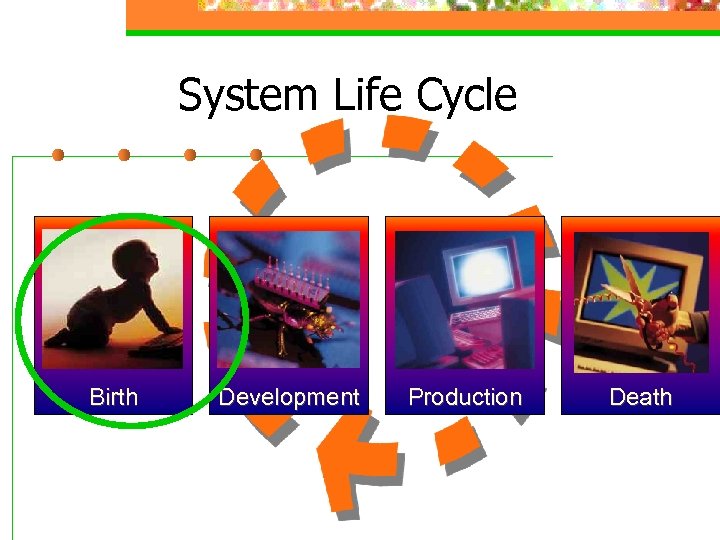 System Life Cycle Birth Development Production Death
 System Development Life Cycle n n n Planning –> Project development Analysis -> System Requirement Design -> Application Specifications Implementation -> Working system Maintenance -> Ongoing until death
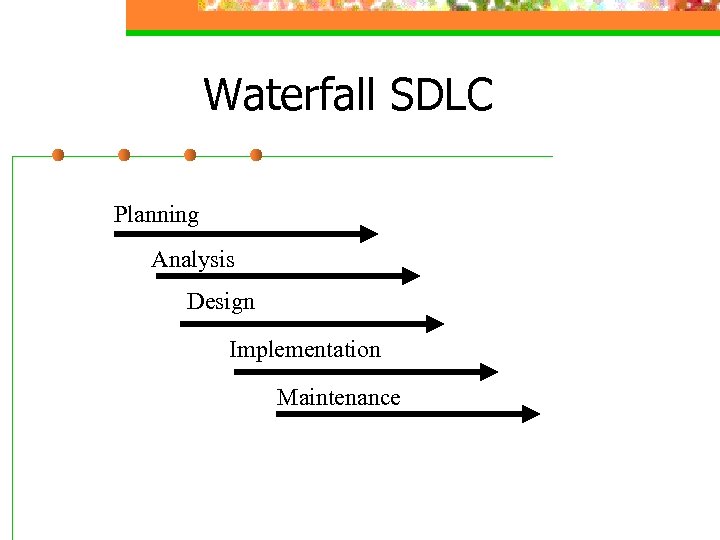 Waterfall SDLC Planning Analysis Design Implementation Maintenance
 Planning Assemble the team (outsource? , JAD) n Identify opportunities n Justify project n Choose development methodology n Develop a schedule n Produce a project development plan n
 Planning The team Outsource n JAD (joint application Development) n Could be you n
 Planning Identify Opportunities - PIECES P -> performance (respond too slow) n I -> information (info users need in time) n E -> economics (costs too much) n C -> control (decisions in wrong hands) n E -> efficiencies (needs too much of user) n S -> service (too hard to use) n
 Planning Justify project New product / service n Lower costs n Compete n
 Planning Choose methodology Structured – start from process analysis n Information engineering – start from the data n Object oriented – look at who does what with what data n Rapid application – get out a prototype n
 Prototyping Monthly Technolog y Update n Developing Prototype Systems n Scalable Systems n System Specifications (Specs) n Functional Specifications n Three Objectives n Analyze current situation n Identify information needs n Develop a model of the target system n Rapid Application Development (RAD)
 Finishing Planning So you can start analysis (system requirements) n Very high level schedule n Very high level goals n
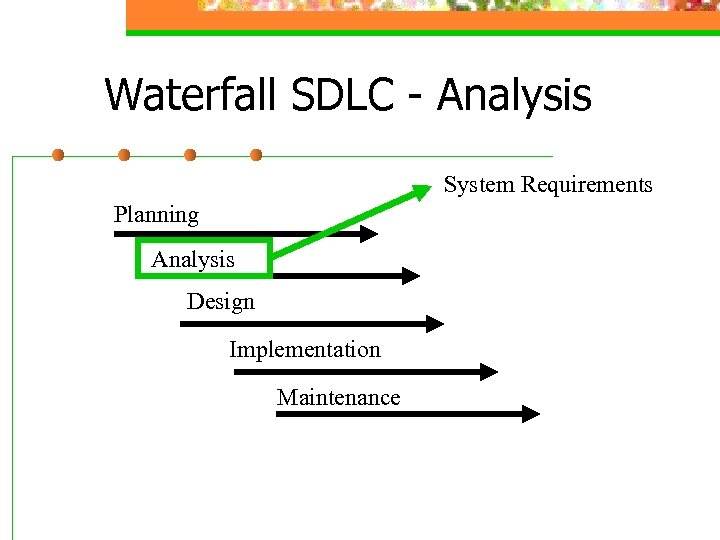 Waterfall SDLC - Analysis System Requirements Planning Analysis Design Implementation Maintenance
 Analysis Study the one you have n System requirements document n Case Tools can help n Document requirements using DFDs, ERD, OOD n
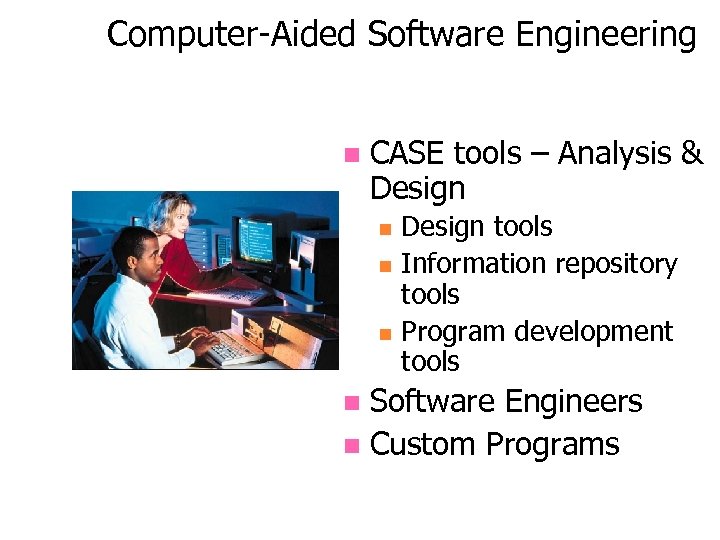 Computer-Aided Software Engineering n CASE tools – Analysis & Design n Design tools Information repository tools Program development tools Software Engineers n Custom Programs n Courtesy of Federal Express Corporation. All rights reserved.
 CASE Tool Kit Contains n Design tools n n n Information repository tools n n n User interface Screen generator Layout Report generator Cross-referencing system (database) Packages system documentation Program development tools n n Application Generator Generation of text data
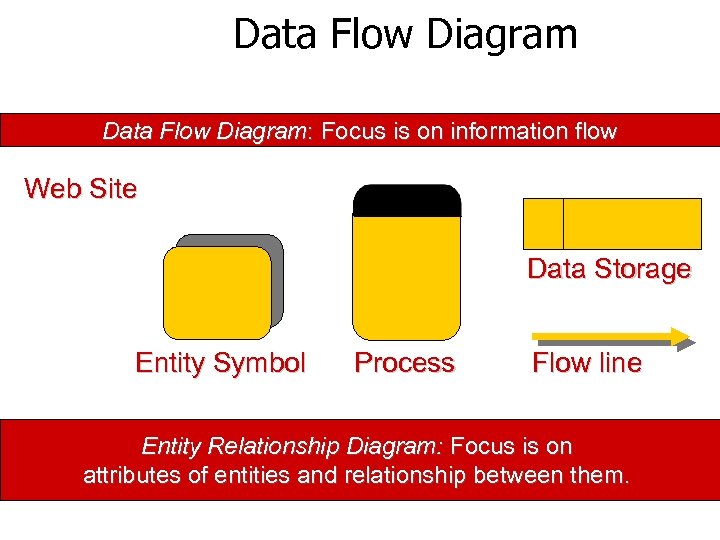 Data Flow Diagram: Focus is on information flow Web Site Data Storage Entity Symbol Process Flow line Entity Relationship Diagram: Focus is on attributes of entities and relationship between them.
 Object Oriented Focus on what people will do with the system – Start with the users n Use case diagrams n Class diagram n Sample 2 n sample 3 n
 ERD Entities (Files) n Attributes (fields) n Relationships n Good web site n
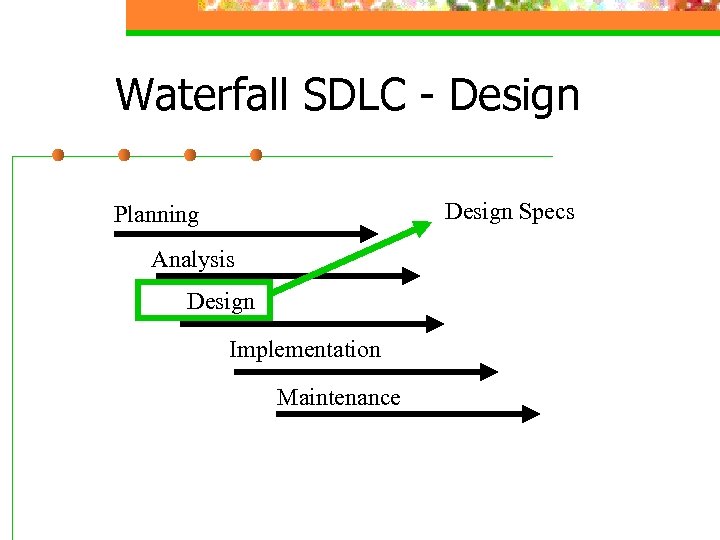 Waterfall SDLC - Design Specs Planning Analysis Design Implementation Maintenance
 Design n Identify and evaluate solutions n n Select hardware and software n n RFP and RFQ Develop application specification doc n n Turnkey, Package, Custom, In house Centralized, distributed, web Decision support worksheet Followed by change requests – feature creep Get approval – detailed cost and plan
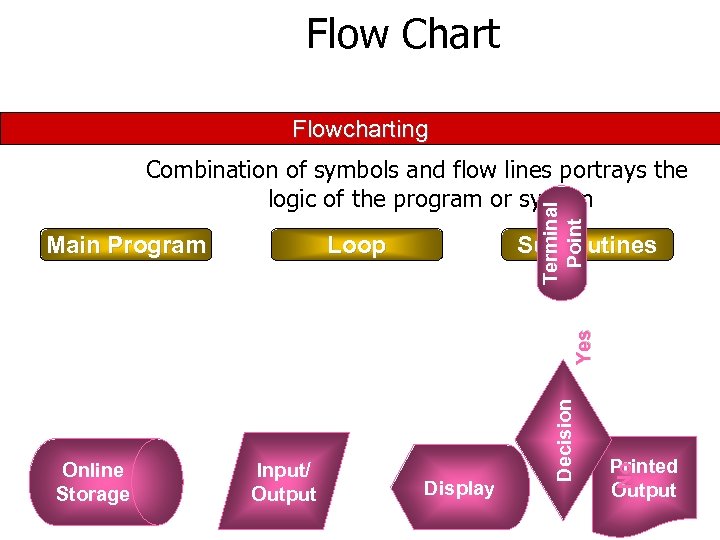 Flow Chart Flowcharting Loop Subroutines Input/ Output Display Printed Output No Online Storage Decision Yes Main Program Terminal Point Combination of symbols and flow lines portrays the logic of the program or system
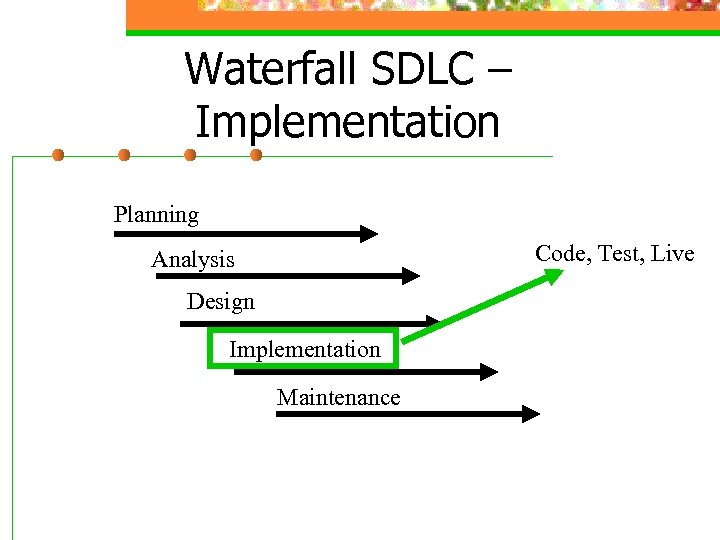 Waterfall SDLC – Implementation Planning Code, Test, Live Analysis Design Implementation Maintenance
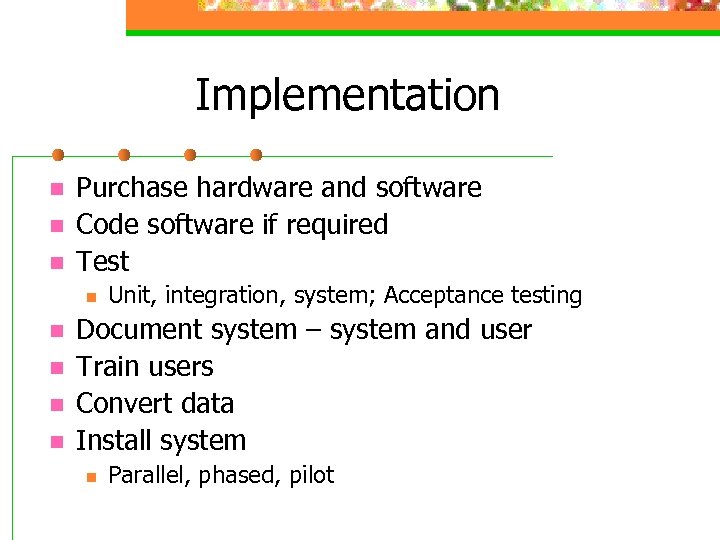 Implementation n Purchase hardware and software Code software if required Test n n n Unit, integration, system; Acceptance testing Document system – system and user Train users Convert data Install system n Parallel, phased, pilot
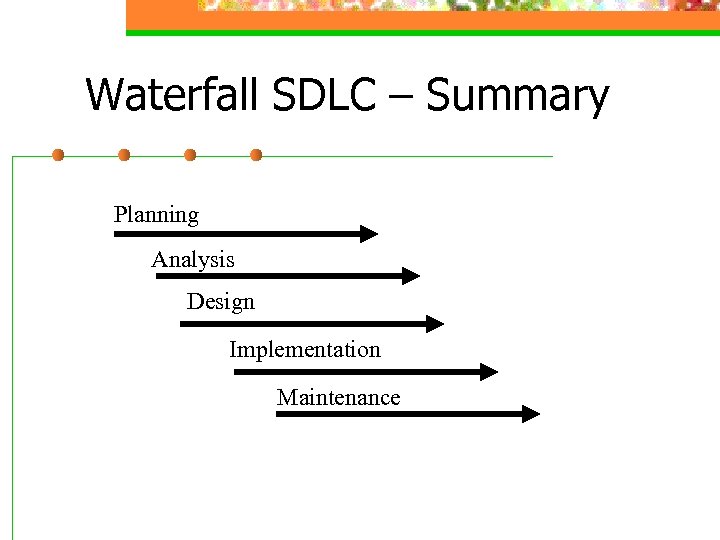 Waterfall SDLC – Summary Planning Analysis Design Implementation Maintenance
 Assignment - Planning n n n Determine team members Interview to find out what system they could use – (Unless they have a system on excel -> look at information part of PIECES. ) Write short statement of goal and schedule. (Use assignment page for schedule. Explain what system you will create. )