


 Скачать презентацию systemd the modern init system you will learn
466649f6ed773ad8916d8f314e6473d5.ppt
- Количество слайдов: 50
 systemd: the modern init system you will learn to love Alison Chaiken alison@she-devel. com http: //she-devel. com Jan. 7, 2015 Text in blue is hyperlinked. On-the-fly audience exercises.
 Topics Motivation Concepts Usage Controversy
 ? ? ? Quiz: ? what is the most widely used Linux init system? ? ?
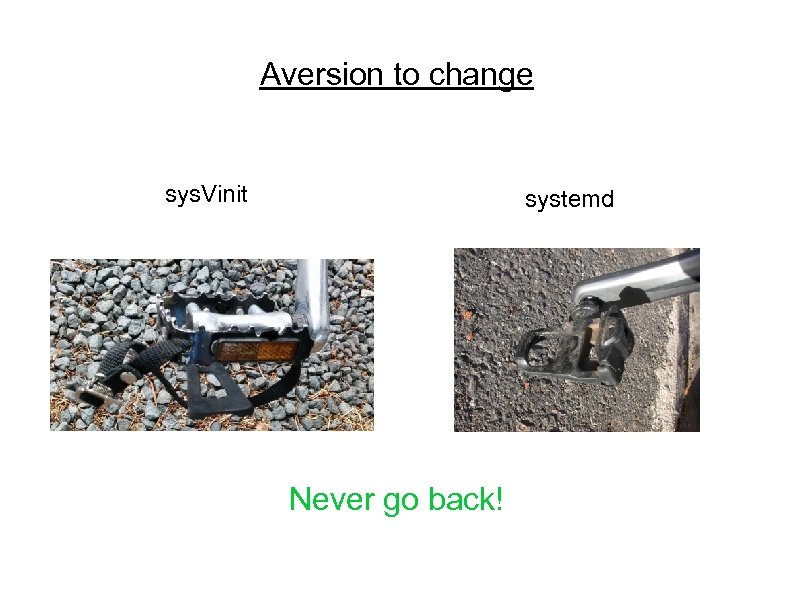 Aversion to change sys. Vinit systemd Never go back!
 systemd is. . . already the basis of Fedora, RHEL, Cent. OS, Open. SUSE and much embedded. soon to be the basis of Debian and Ubuntu. praised by Jordan Hubbard of Free. BSD. after Open. Stack and Docker, the most discussed new Linux feature.
 Concepts
 systemd is: modular; asynchronous and concurrent; described by declarative sets of properties; bundled with analysis tools and tests; features a fully language-agnostic API.
 Philosophy of systemd Extract duplicate functionality from daemons and move it to systemd core or kernel. Replace /etc scripts with declarative config files. Expose newer kernel APIs to userspace via a simple interface.
 One daemon to rule them all xinetd: a daemon to lazily launch internet services when activity is detected on an AF_INET socket systemd: a daemon to lazily launch any system service when activity is detected on an AF_UNIX socket (oversimplification)
 which services are started by sys. Vinit? Try: 'ls/etc/init. d'
 Which daemons started by systemd directly? Try: 'ls /lib/systemd/system/*. service' Try: 'systemctl list-sockets'
![Sys. V already has a big service manager: bash [user@localhost]$ wc -l /sbin/init 64](https://present5.com/presentation/466649f6ed773ad8916d8f314e6473d5/image-12.jpg "Sys. V already has a big service manager: bash [user@localhost]$ wc -l /sbin/init 64") Sys. V already has a big service manager: bash [user@localhost]$ wc -l /sbin/init 64 [user@localhost]$ wc -l /bin/bash 4154 [user@localhost]$ wc -l /lib/systemd 5944
Sys. V already has a big service manager: bash [user@localhost]$ wc -l /sbin/init 64 [user@localhost]$ wc -l /bin/bash 4154 [user@localhost]$ wc -l /lib/systemd 5944
![Side-by-side comparison [user@localhost]$ wc /etc/rc 5. d/S 16 rsyslog 126 380 2796 /etc/rc 5.](https://present5.com/presentation/466649f6ed773ad8916d8f314e6473d5/image-13.jpg "Side-by-side comparison [user@localhost]$ wc /etc/rc 5. d/S 16 rsyslog 126 380 2796 /etc/rc 5.") Side-by-side comparison [user@localhost]$ wc /etc/rc 5. d/S 16 rsyslog 126 380 2796 /etc/rc 5. d/S 16 rsyslog [user@localhost]$ wc /lib/systemd/system/rsyslog. service 15 16 290 /lib/systemd/system/rsyslog. service
Side-by-side comparison [user@localhost]$ wc /etc/rc 5. d/S 16 rsyslog 126 380 2796 /etc/rc 5. d/S 16 rsyslog [user@localhost]$ wc /lib/systemd/system/rsyslog. service 15 16 290 /lib/systemd/system/rsyslog. service
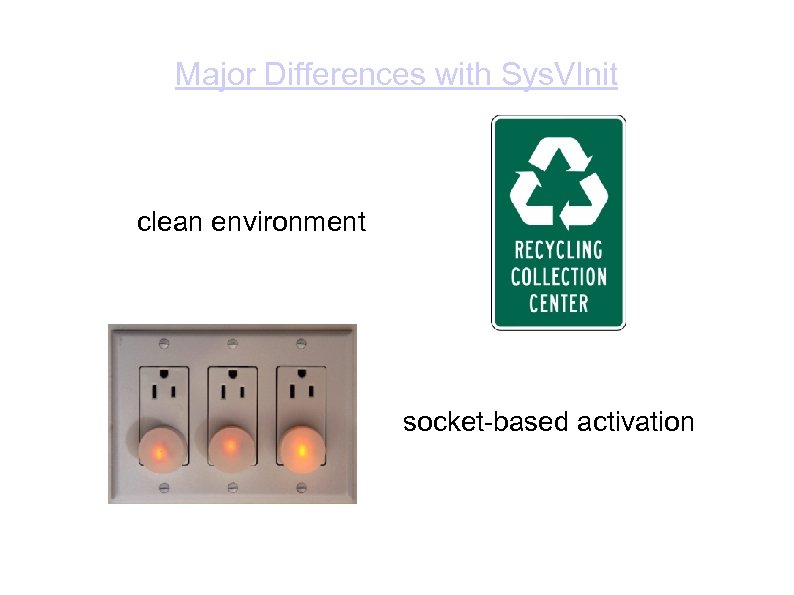 Major Differences with Sys. VInit clean environment socket-based activation
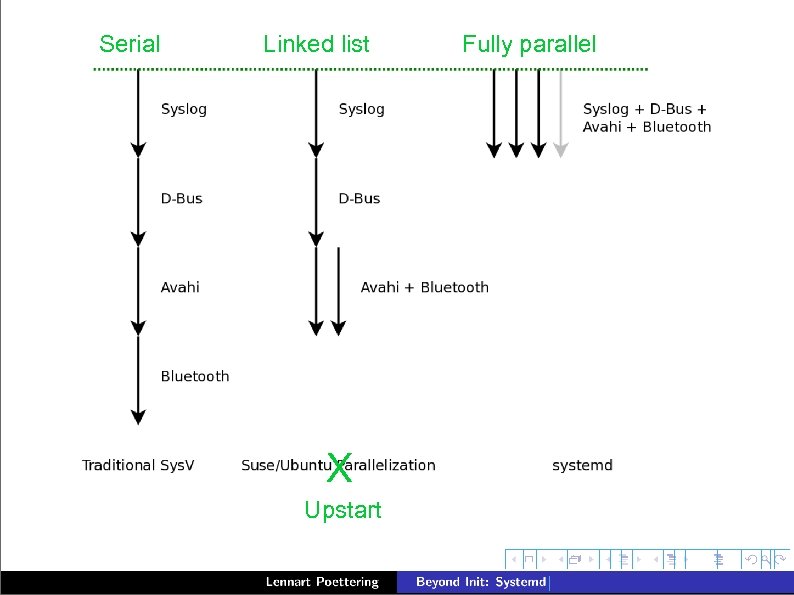 Serial Linked list X Upstart Fully parallel
![[Socket activation demo with cups and ncat]](https://present5.com/presentation/466649f6ed773ad8916d8f314e6473d5/image-16.jpg "[Socket activation demo with cups and ncat]") [Socket activation demo with cups and ncat]
[Socket activation demo with cups and ncat]
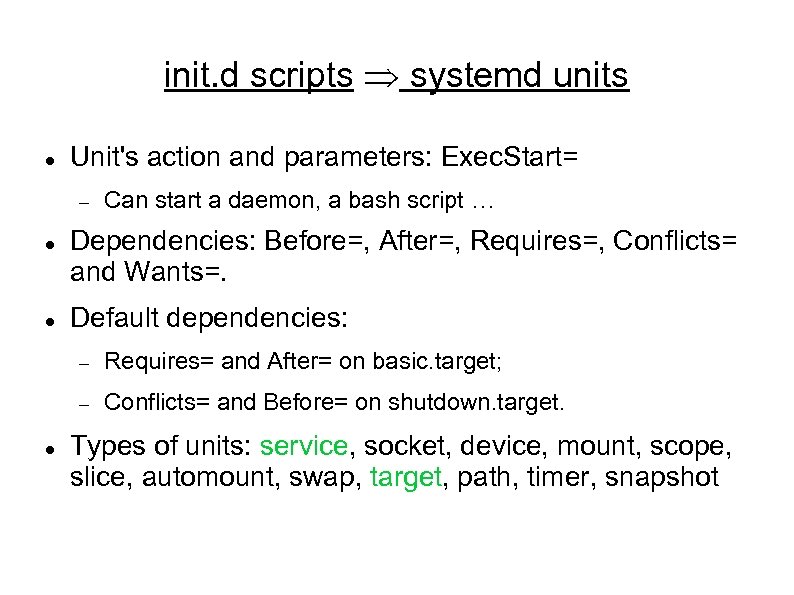 init. d scripts Þ systemd units Unit's action and parameters: Exec. Start= Can start a daemon, a bash script … Dependencies: Before=, After=, Requires=, Conflicts= and Wants=. Default dependencies: Requires= and After= on basic. target; Conflicts= and Before= on shutdown. target. Types of units: service, socket, device, mount, scope, slice, automount, swap, target, path, timer, snapshot
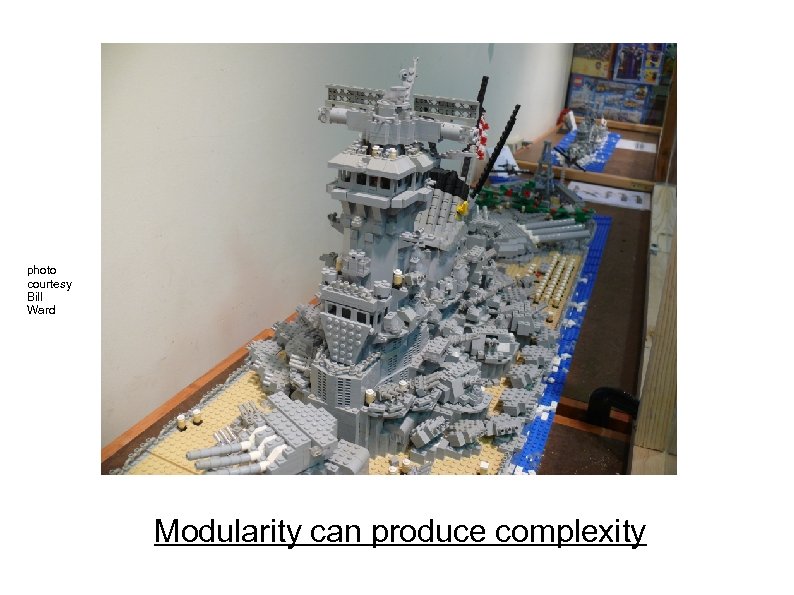 photo courtesy Bill Ward Modularity can produce complexity
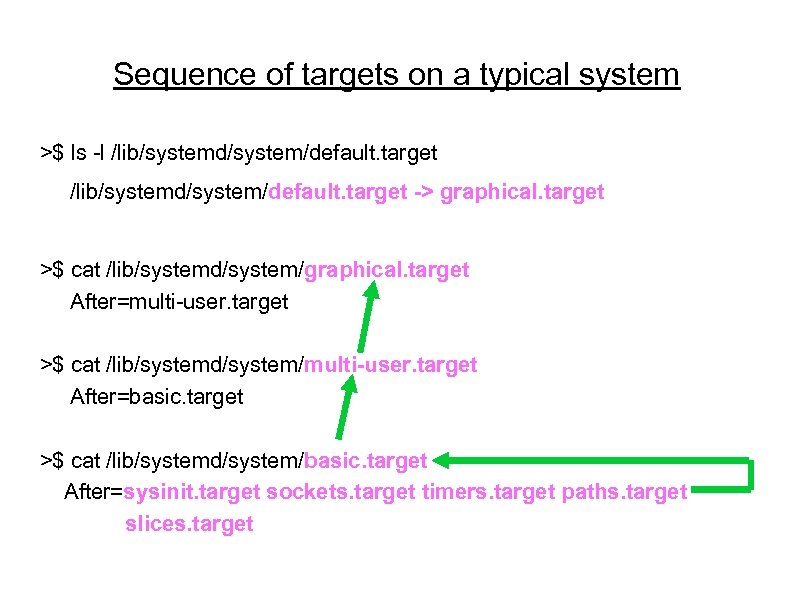 Sequence of targets on a typical system >$ ls -l /lib/systemd/system/default. target -> graphical. target >$ cat /lib/systemd/system/graphical. target After=multi-user. target >$ cat /lib/systemd/system/multi-user. target After=basic. target >$ cat /lib/systemd/system/basic. target After=sysinit. target sockets. target timers. target paths. target slices. target
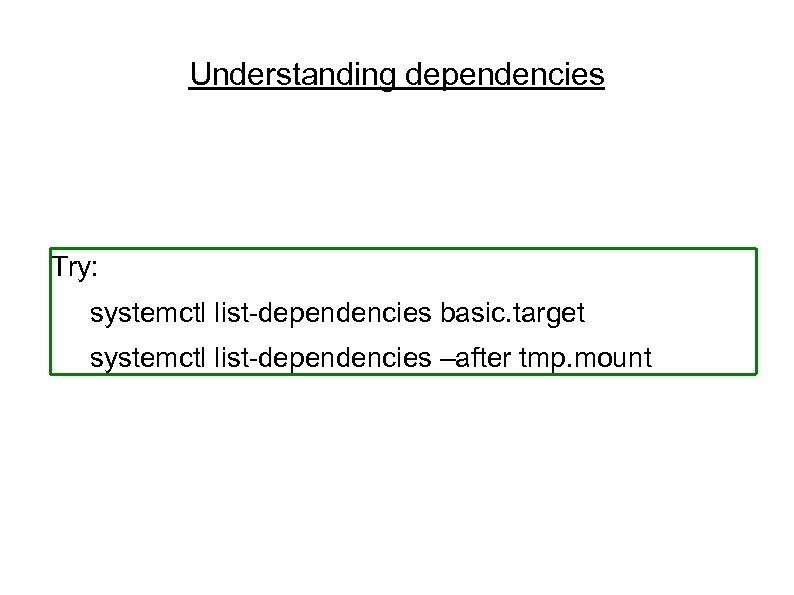 Understanding dependencies Try: systemctl list-dependencies basic. target systemctl list-dependencies –after tmp. mount
 Usage
Usage
 systemd is easy to use systemd utilities: Try: apropos systemd | grep ctl All-ASCII configuration files: no hidden “registry”. Customization is by overriding default files. Many choices are controllable via symlinks. Bash-completion by default. Backwards compatibility with Sys. Vinit
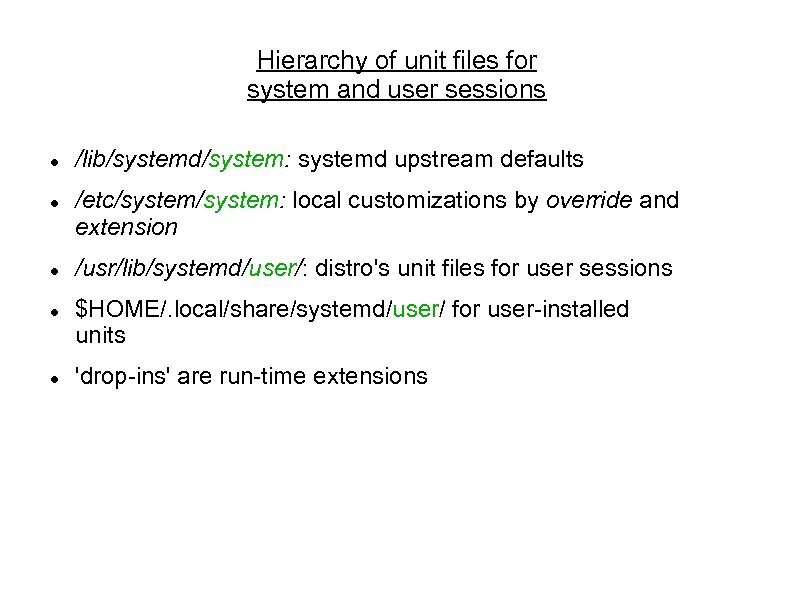 Hierarchy of unit files for system and user sessions /lib/systemd/system: systemd upstream defaults /etc/system: local customizations by override and extension /usr/lib/systemd/user/: distro's unit files for user sessions $HOME/. local/share/systemd/user/ for user-installed units 'drop-ins' are run-time extensions
 Override your defaults! Replace a unit in /lib by creating one of the same name in /etc. Add services by symlinking them into /etc/systemd/system/default. target. wants. Best practice: do not change the files in /lib/systemd. 'systemd-delta to see customizations. Read in-use unit with 'systemctl cat'. photo courtesy Jym Dyer
 Controversy
 using the systemd journal Binary format is (rightfully) controversial. Run “addgroup $USER systemdjournal” for access. Log-reading tools are simple: journalctl -xn journalctl -p err journalctl /usr/sbin/cron systemctl status systemctl is-failed bluetooth systemctl --failed
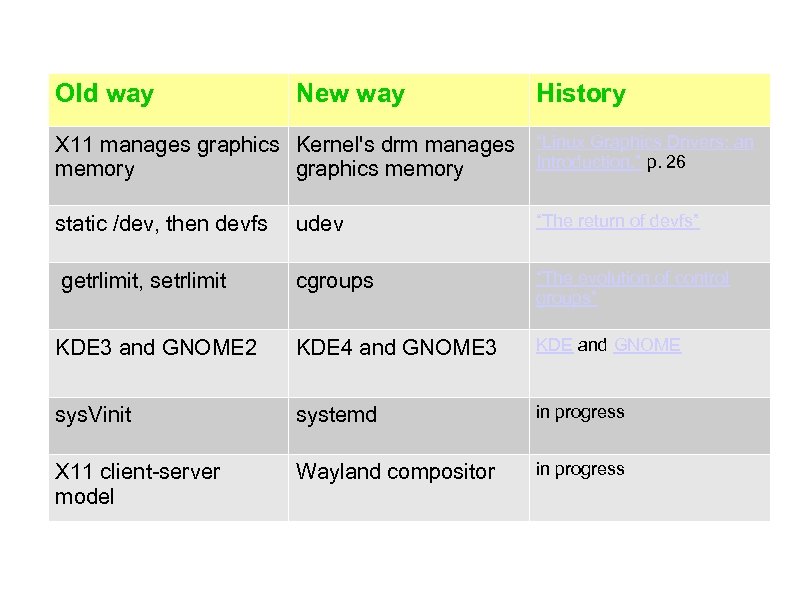 Old way New way History X 11 manages graphics Kernel's drm manages “Linux Graphics Drivers: an Introduction, ” p. 26 memory graphics memory static /dev, then devfs udev “The return of devfs” getrlimit, setrlimit cgroups “The evolution of control groups” KDE 3 and GNOME 2 KDE 4 and GNOME 3 KDE and GNOME sys. Vinit systemd in progress X 11 client-server model Wayland compositor in progress
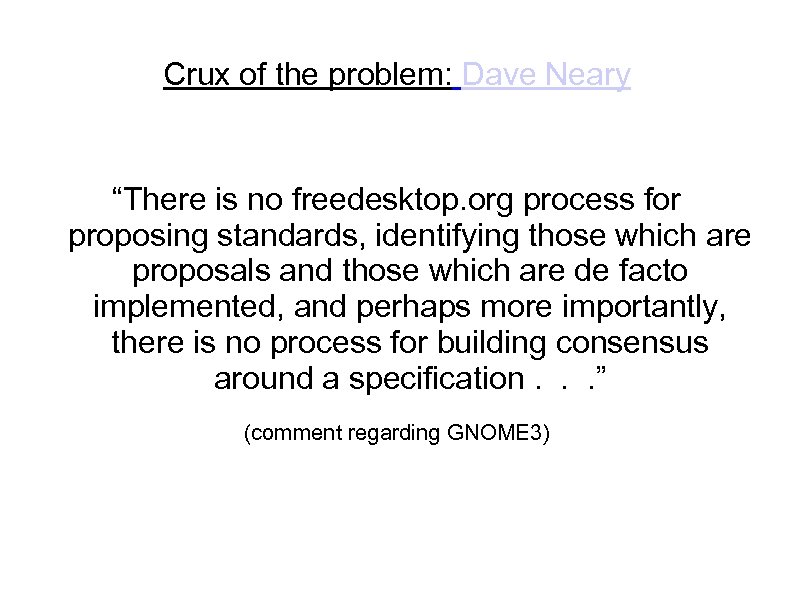 Crux of the problem: Dave Neary “There is no freedesktop. org process for proposing standards, identifying those which are proposals and those which are de facto implemented, and perhaps more importantly, there is no process for building consensus around a specification. . . ” (comment regarding GNOME 3)
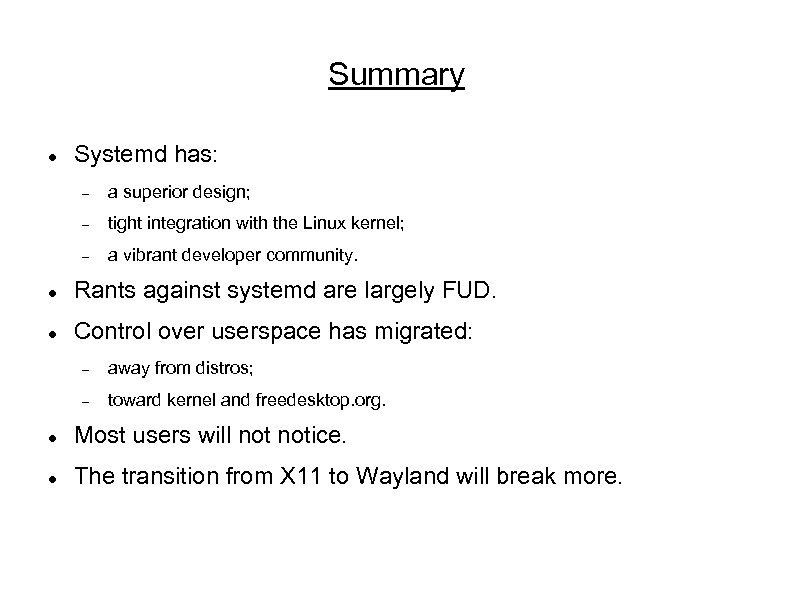 Summary Systemd has: a superior design; tight integration with the Linux kernel; a vibrant developer community. Rants against systemd are largely FUD. Control over userspace has migrated: away from distros; toward kernel and freedesktop. org. Most users will notice. The transition from X 11 to Wayland will break more.
 Thanks Mentor Graphics for sending me to Germany to hack on systemd. Kevin Dankwardt for teaching me about LWN and cscope. Vladimir Pantelic, Tom Gundersen and Lennart Poettering for corrections (without implied 'ack'). Bill Ward and Jym Dyer for use of their images.
 photo courtesy Jym Dyer
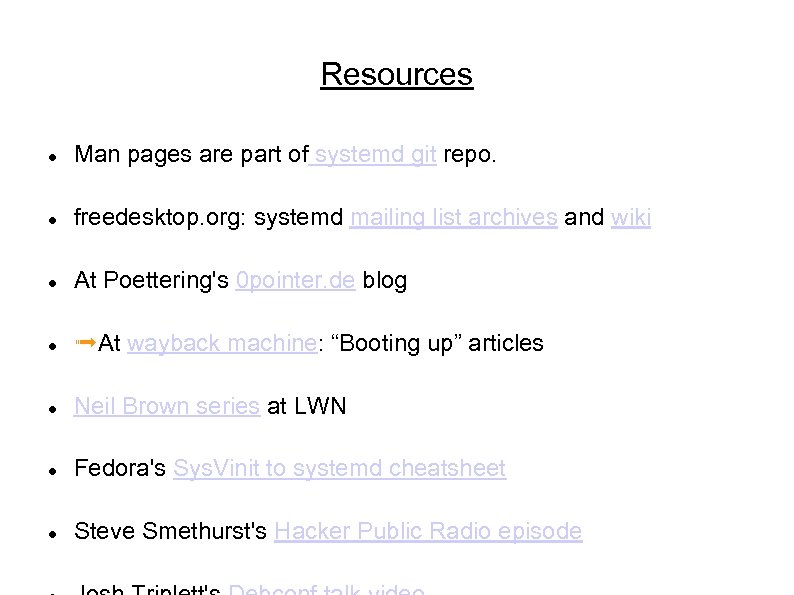 Resources Man pages are part of systemd git repo. freedesktop. org: systemd mailing list archives and wiki At Poettering's 0 pointer. de blog ➟At wayback machine: “Booting up” articles Neil Brown series at LWN Fedora's Sys. Vinit to systemd cheatsheet Steve Smethurst's Hacker Public Radio episode
 Special topics
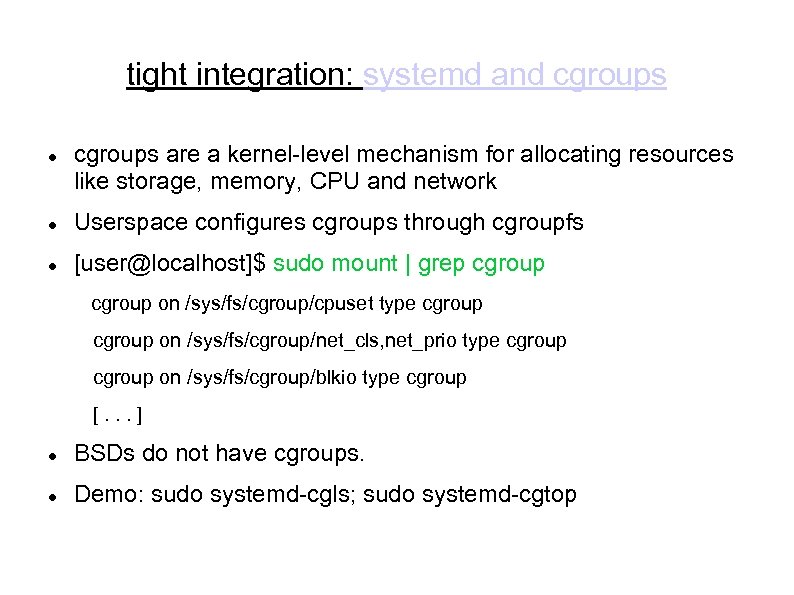 tight integration: systemd and cgroups are a kernel-level mechanism for allocating resources like storage, memory, CPU and network Userspace configures cgroups through cgroupfs [user@localhost]$ sudo mount | grep cgroup on /sys/fs/cgroup/cpuset type cgroup on /sys/fs/cgroup/net_cls, net_prio type cgroup on /sys/fs/cgroup/blkio type cgroup [. . . ] BSDs do not have cgroups. Demo: sudo systemd-cgls; sudo systemd-cgtop
 tight integration: systemd and udev is a daemon that handles kernel events related to changes in device status. udev was (controversially) merged into the systemd project. Like cgroups, udev is tightly integrated into the Linux kernel. Related imminent improvement: kdbus
 systemd and security: granular encapsulation Private. Tmp, Private. Devices, Private. Network Join. Namespaces Protect. System (/usr and /etc), Protect. Home Read. Only. Directories, Inaccessible. Directories systemd-nspawn: systemd's native containers Easy configuration of kernel's capability properties
 systemd in embedded systems systemd is widely adopted in embedded systems because fastboot is required; proper allocation of resources is critical; customization of boot sequence is common. Lack of backward compatibility for older kernels (due to firmware loading) is a pain point. Embedded use cases are not always understood by systemd devs.
 systemd and outside projects: Core. OS networkd was initially contributed by Core. OS developers. Core. OS's fleet “tool that presents your entire cluster as a single init system” is based on systemd. Spin up new containers due to events on sockets. Core. OS devs are outside systemd inner circle. systemd has many patches from Arch, Intel, Debian. . .
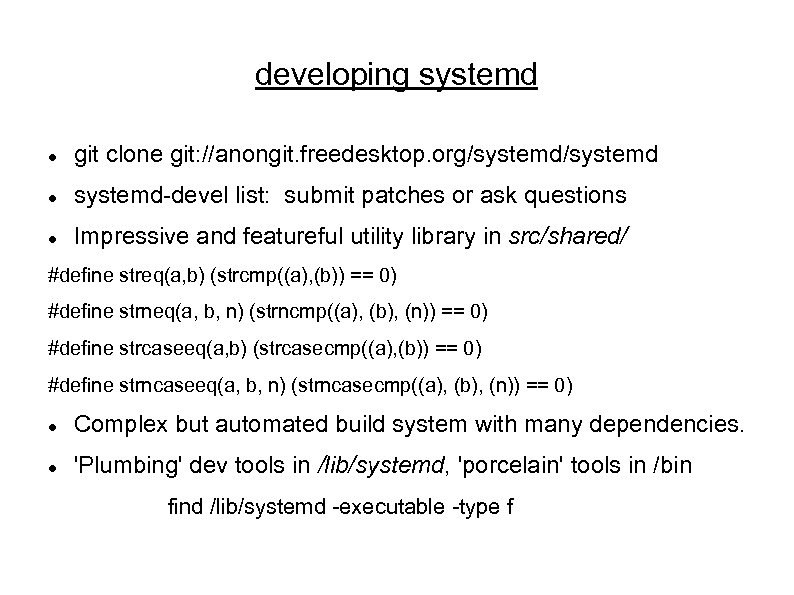 developing systemd git clone git: //anongit. freedesktop. org/systemd-devel list: submit patches or ask questions Impressive and featureful utility library in src/shared/ #define streq(a, b) (strcmp((a), (b)) == 0) #define strneq(a, b, n) (strncmp((a), (b), (n)) == 0) #define strcaseeq(a, b) (strcasecmp((a), (b)) == 0) #define strncaseeq(a, b, n) (strncasecmp((a), (b), (n)) == 0) Complex but automated build system with many dependencies. 'Plumbing' dev tools in /lib/systemd, 'porcelain' tools in /bin find /lib/systemd -executable -type f
 Leftover Materials
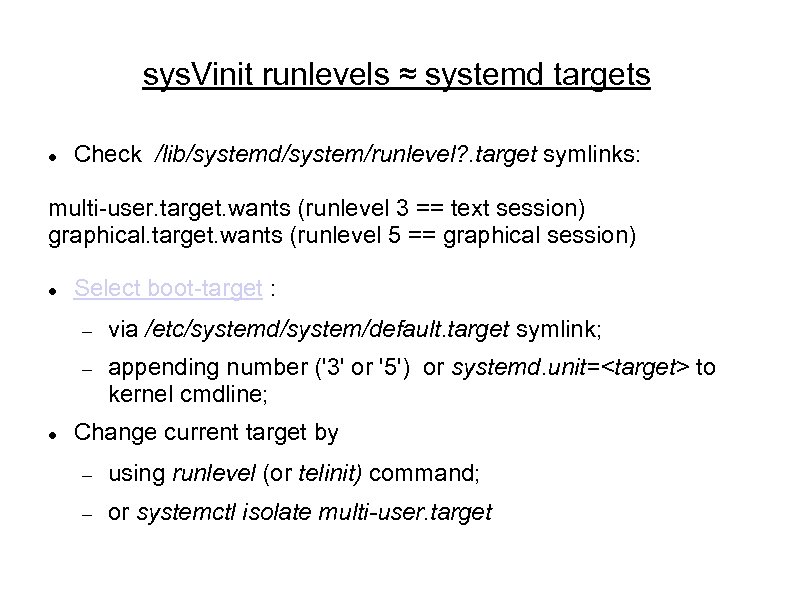 sys. Vinit runlevels ≈ systemd targets Check /lib/systemd/system/runlevel? . target symlinks: multi-user. target. wants (runlevel 3 == text session) graphical. target. wants (runlevel 5 == graphical session) Select boot-target : via /etc/systemd/system/default. target symlink; appending number ('3' or '5') or systemd. unit=
 Extensions: drop-ins Try: systemd-delta Try: systemctl cat
 Customizing your installation Replace a unit in /lib (upstream) by creating one of the same name in /etc (local changes). Add services to boot by symlinking them into /etc/systemd/system/default. target. wants. Best practice: do not change the files in /lib/systemd
![Example: set display manager [user@localhost ~]$ ls -l `locate display-manager. service` lrwxrwxrwx. 1 root](https://present5.com/presentation/466649f6ed773ad8916d8f314e6473d5/image-44.jpg "Example: set display manager [user@localhost ~]$ ls -l `locate display-manager. service` lrwxrwxrwx. 1 root") Example: set display manager [user@localhost ~]$ ls -l `locate display-manager. service` lrwxrwxrwx. 1 root 35 Dec 11 2013 /etc/systemd/system/display-manager. service -> /usr/lib/systemd/system/gdm. service [user@localhost ~]$ cat /usr/lib/systemd/system/gdm. service [Unit] Description=GNOME Display Manager [. . . ] [Install] Alias=display-manager. service or Wanted. By=graphical. target
Example: set display manager [user@localhost ~]$ ls -l `locate display-manager. service` lrwxrwxrwx. 1 root 35 Dec 11 2013 /etc/systemd/system/display-manager. service -> /usr/lib/systemd/system/gdm. service [user@localhost ~]$ cat /usr/lib/systemd/system/gdm. service [Unit] Description=GNOME Display Manager [. . . ] [Install] Alias=display-manager. service or Wanted. By=graphical. target
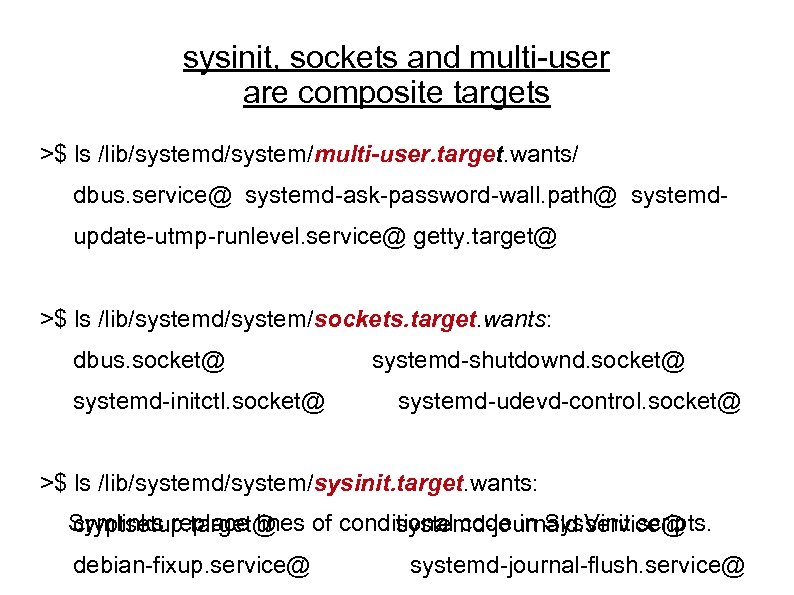 sysinit, sockets and multi-user are composite targets >$ ls /lib/systemd/system/multi-user. target. wants/ dbus. service@ systemd-ask-password-wall. path@ systemdupdate-utmp-runlevel. service@ getty. target@ >$ ls /lib/systemd/system/sockets. target. wants: dbus. socket@ systemd-initctl. socket@ systemd-shutdownd. socket@ systemd-udevd-control. socket@ >$ ls /lib/systemd/system/sysinit. target. wants: Symlinks replace lines of conditional code in Sys. Vinit scripts. cryptsetup. target@ systemd-journald. service@ debian-fixup. service@ systemd-journal-flush. service@
![Example: change the default target [alison@localhost ~]$ ls /etc/systemd/system/default. target -> /lib/systemd/system/graphical. target [alison@localhost](https://present5.com/presentation/466649f6ed773ad8916d8f314e6473d5/image-46.jpg "Example: change the default target [alison@localhost ~]$ ls /etc/systemd/system/default. target -> /lib/systemd/system/graphical. target [alison@localhost") Example: change the default target [alison@localhost ~]$ ls /etc/systemd/system/default. target -> /lib/systemd/system/graphical. target [alison@localhost ~]$ sudo rm /etc/systemd/system/default. target [alison@localhost ~]$ sudo ln -s /lib/systemd/system/multi-user. target /etc/systemd/system/default. target [alison@localhost ~]$ ~/bin/systemd-delta [. . . ] [REDIRECTED] /etc/systemd/system/default. target → /usr/lib/systemd/system/default. target
Example: change the default target [alison@localhost ~]$ ls /etc/systemd/system/default. target -> /lib/systemd/system/graphical. target [alison@localhost ~]$ sudo rm /etc/systemd/system/default. target [alison@localhost ~]$ sudo ln -s /lib/systemd/system/multi-user. target /etc/systemd/system/default. target [alison@localhost ~]$ ~/bin/systemd-delta [. . . ] [REDIRECTED] /etc/systemd/system/default. target → /usr/lib/systemd/system/default. target
 Misconceptions systemd is more complex than sys. Vinit. systemd is full of binary configuration files. The system log is now unreadable! And liable to corruption! {Fedora/GNOME/Red. Hat/Poettering} are trying to take over all of Linux.
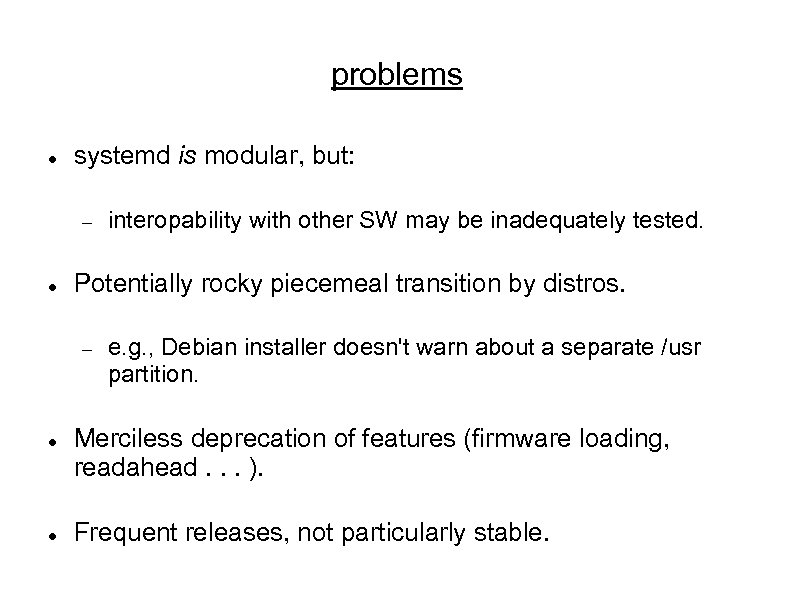 problems systemd is modular, but: Potentially rocky piecemeal transition by distros. interopability with other SW may be inadequately tested. e. g. , Debian installer doesn't warn about a separate /usr partition. Merciless deprecation of features (firmware loading, readahead. . . ). Frequent releases, not particularly stable.
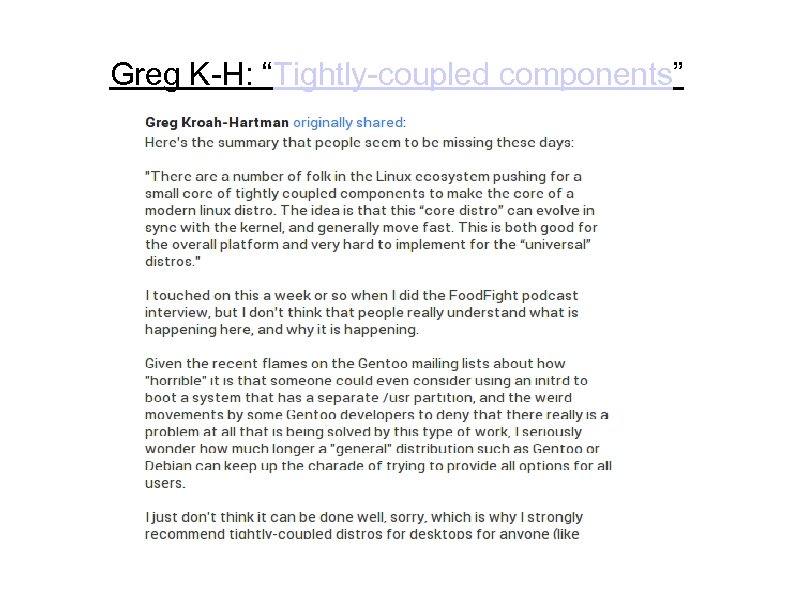 Greg K-H: “Tightly-coupled components”
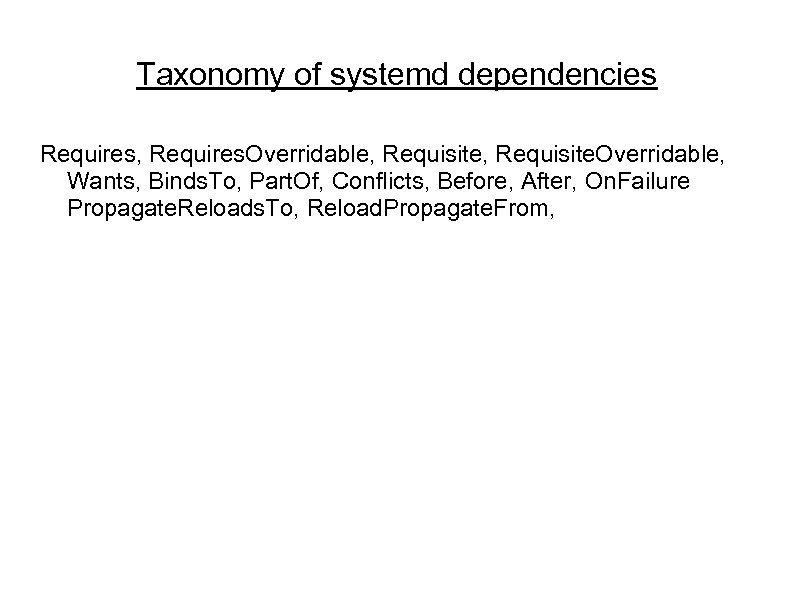 Taxonomy of systemd dependencies Requires, Requires. Overridable, Requisite. Overridable, Wants, Binds. To, Part. Of, Conflicts, Before, After, On. Failure Propagate. Reloads. To, Reload. Propagate. From,