


 Скачать презентацию System Monitoring and Automation CSCI N 321
a29fd0dd11f2d5bb69be3c72676e22fd.ppt
- Количество слайдов: 25
 System Monitoring and Automation CSCI N 321 – System and Network Administration Copyright © 2000, 2011 by Scott Orr and the Trustees of Indiana University
 Section Overview Automation of Periodic Tasks Scheduling and Cron Syslog Accounting
 References CQU 85321 System Administration Course n Chapter 14
 Automation and Observation Automation n Simplify repetitive tasks Shell Scripting Task Scheduling Observation n n Current Historical
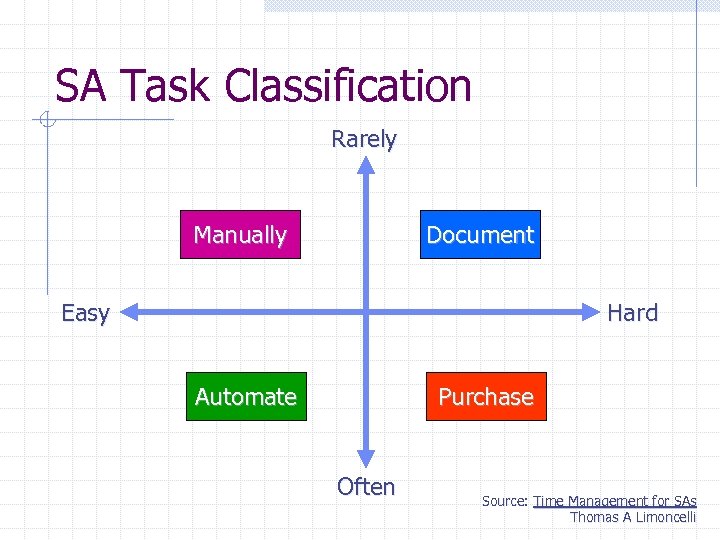 SA Task Classification Rarely Manually Document Easy Hard Automate Purchase Often Source: Time Management for SAs Thomas A Limoncelli
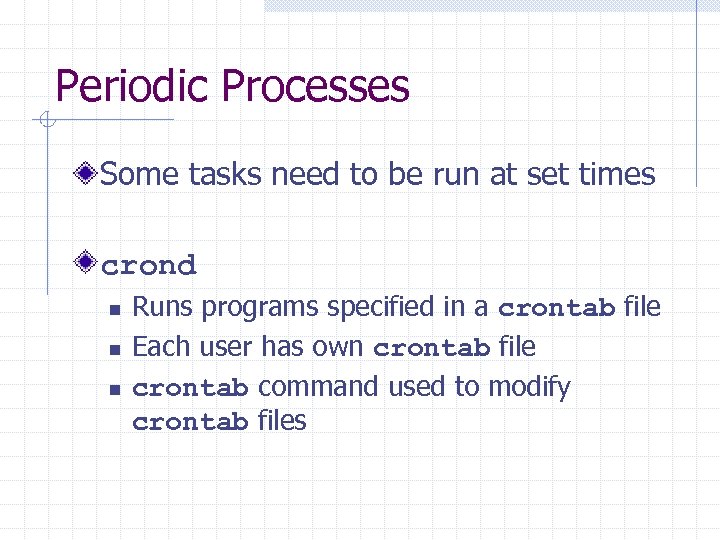 Periodic Processes Some tasks need to be run at set times crond n n n Runs programs specified in a crontab file Each user has own crontab file crontab command used to modify crontab files
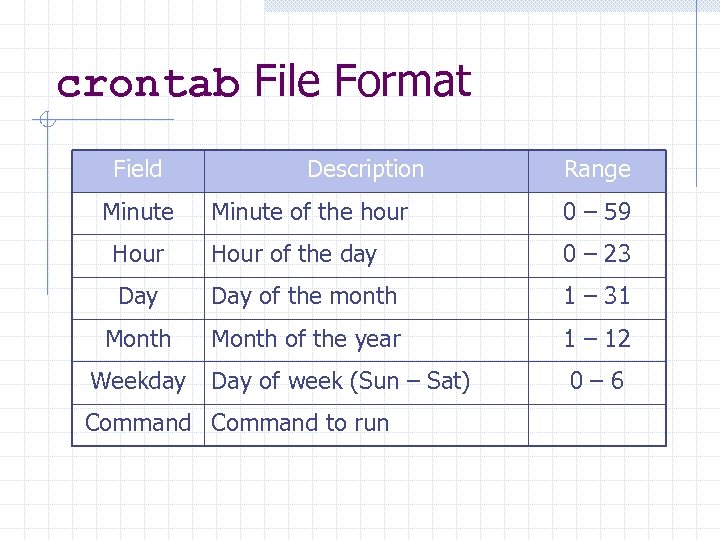 crontab File Format Field Minute Description Range Minute of the hour 0 – 59 Hour of the day 0 – 23 Day of the month 1 – 31 Month of the year 1 – 12 Day of week (Sun – Sat) 0– 6 Weekday Command to run
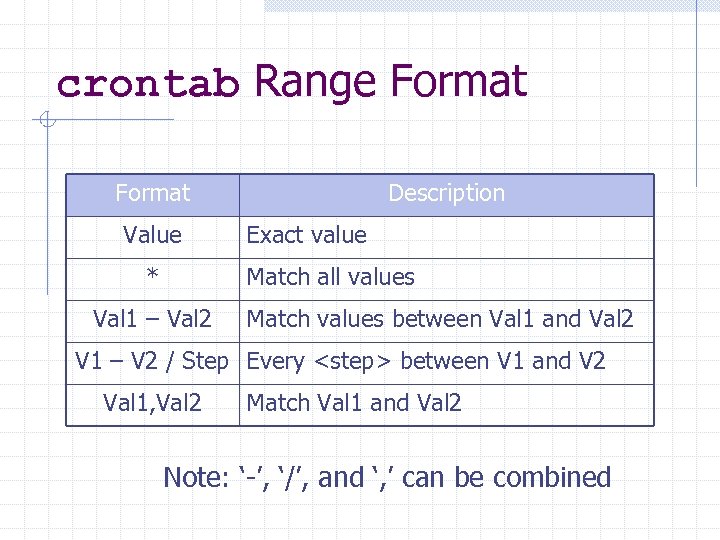 crontab Range Format Value * Description Exact value Match all values Val 1 – Val 2 Match values between Val 1 and Val 2 V 1 – V 2 / Step Every
![crontab Command crontab [-e|-l|-r] [user] -e: Edit the crontab file -l: List the contents](https://present5.com/presentation/a29fd0dd11f2d5bb69be3c72676e22fd/image-9.jpg "crontab Command crontab [-e|-l|-r] [user] -e: Edit the crontab file -l: List the contents") crontab Command crontab [-e|-l|-r] [user] -e: Edit the crontab file -l: List the contents of the crontab file -r: Remove the crontab file Root can specify other user crontabs
crontab Command crontab [-e|-l|-r] [user] -e: Edit the crontab file -l: List the contents of the crontab file -r: Remove the crontab file Root can specify other user crontabs
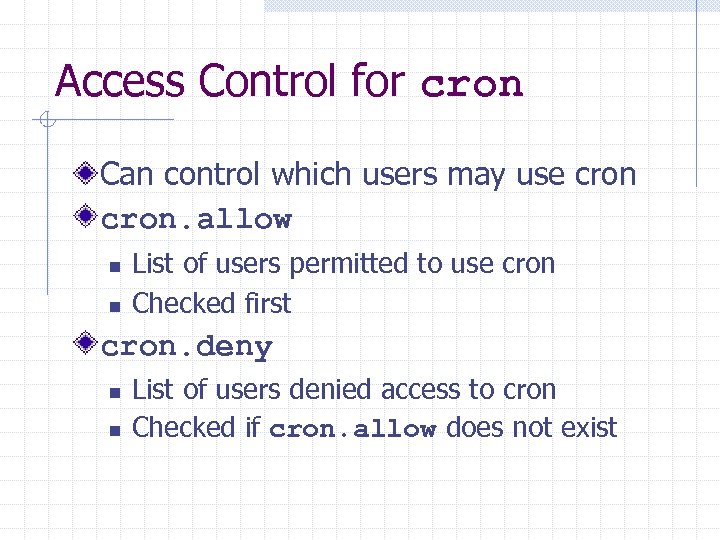 Access Control for cron Can control which users may use cron. allow n n List of users permitted to use cron Checked first cron. deny n n List of users denied access to cron Checked if cron. allow does not exist
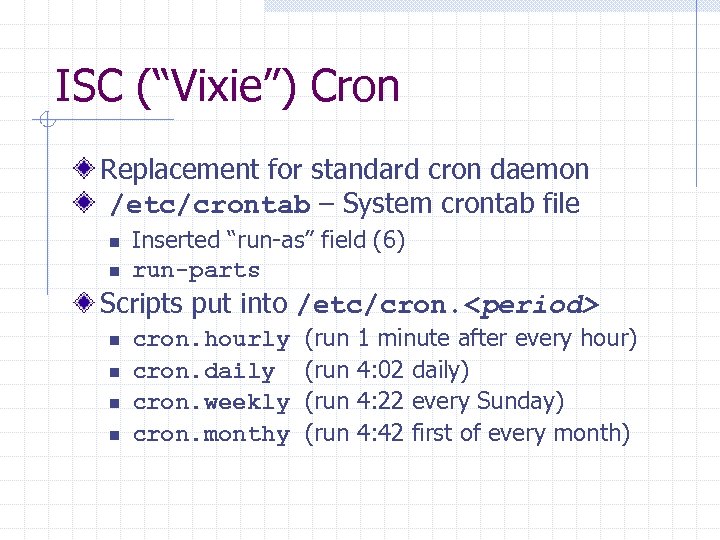 ISC (“Vixie”) Cron Replacement for standard cron daemon /etc/crontab – System crontab file n n Inserted “run-as” field (6) run-parts Scripts put into /etc/cron.
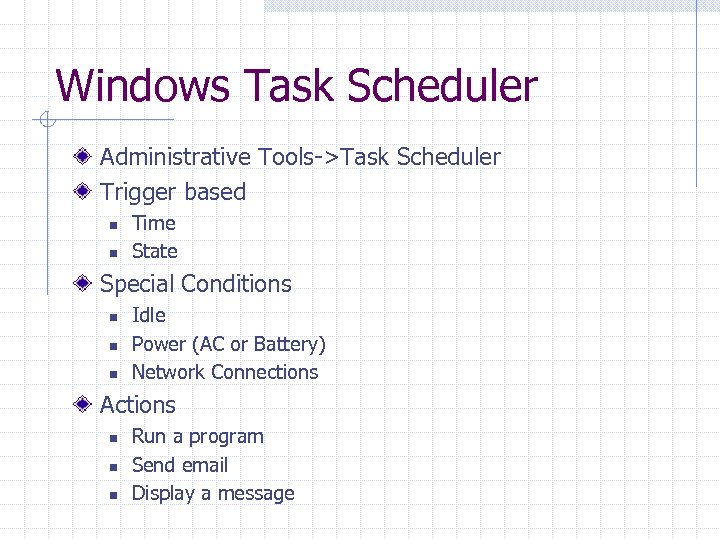 Windows Task Scheduler Administrative Tools->Task Scheduler Trigger based n n Time State Special Conditions n n n Idle Power (AC or Battery) Network Connections Actions n n n Run a program Send email Display a message
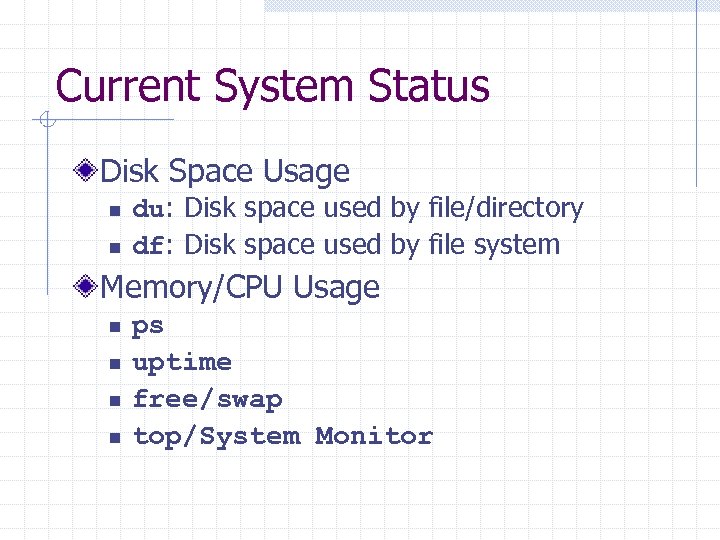 Current System Status Disk Space Usage n n du: Disk space used by file/directory df: Disk space used by file system Memory/CPU Usage n n ps uptime free/swap top/System Monitor
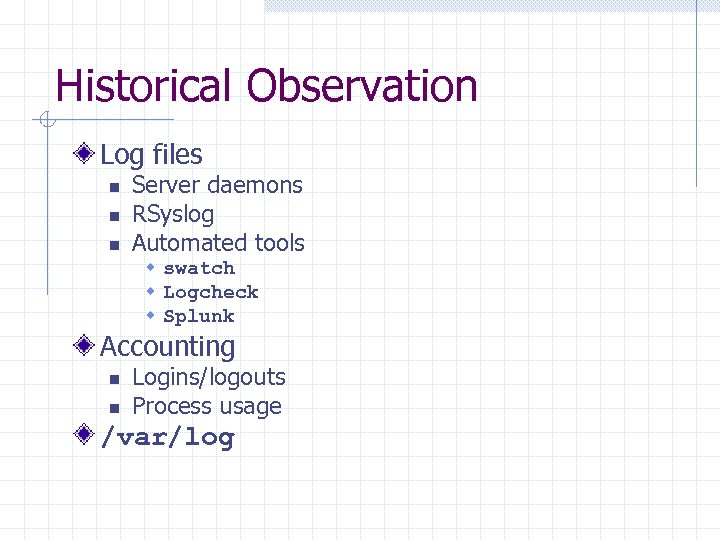 Historical Observation Log files n n n Server daemons RSyslog Automated tools w swatch w Logcheck w Splunk Accounting n n Logins/logouts Process usage /var/log
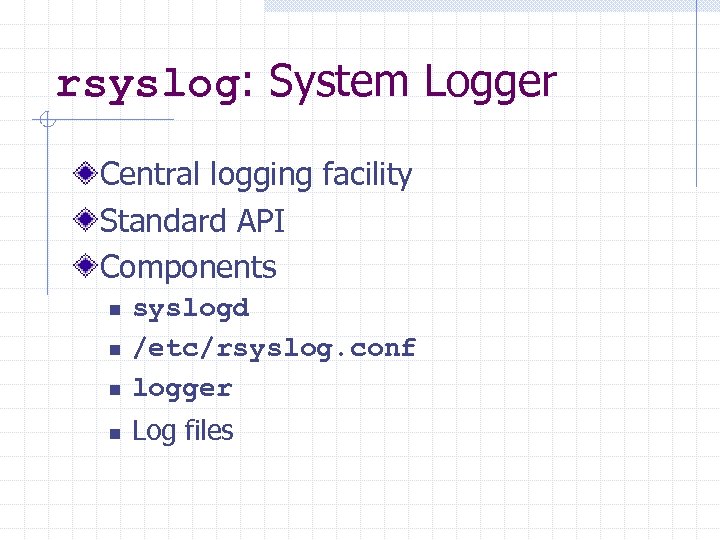 rsyslog: System Logger Central logging facility Standard API Components n syslogd /etc/rsyslog. conf logger n Log files n n
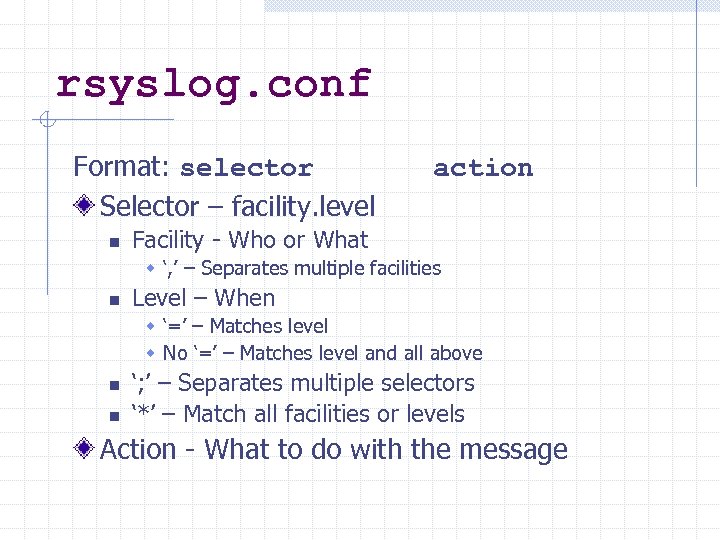 rsyslog. conf Format: selector Selector – facility. level n action Facility - Who or What w ‘, ’ – Separates multiple facilities n Level – When w ‘=’ – Matches level w No ‘=’ – Matches level and all above n n ‘; ’ – Separates multiple selectors ‘*’ – Match all facilities or levels Action - What to do with the message
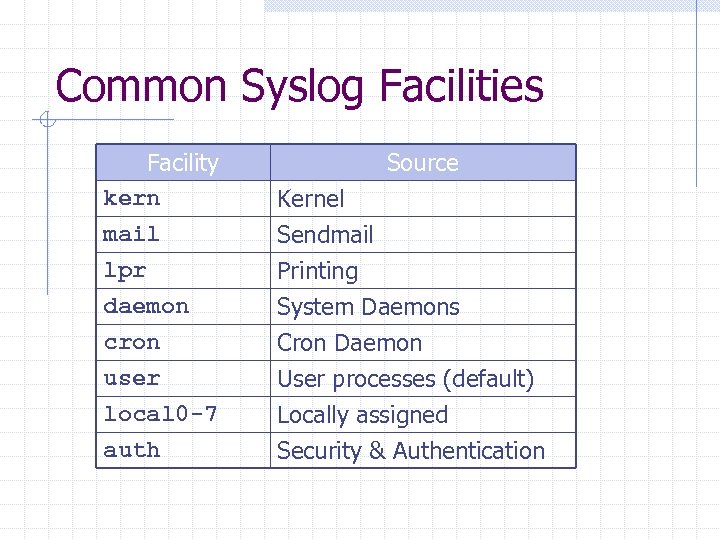 Common Syslog Facilities Facility kern mail lpr Source Kernel Sendmail Printing daemon cron user local 0 -7 auth System Daemons Cron Daemon User processes (default) Locally assigned Security & Authentication
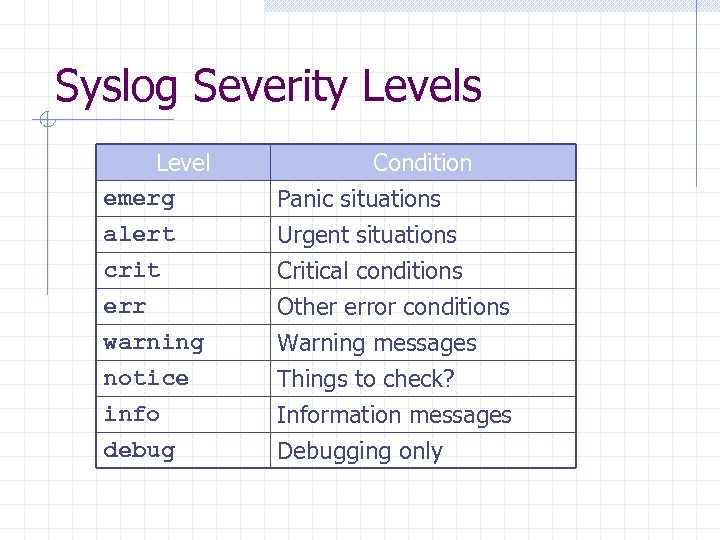 Syslog Severity Levels Level emerg alert crit Condition Panic situations Urgent situations Critical conditions err warning notice info debug Other error conditions Warning messages Things to check? Information messages Debugging only
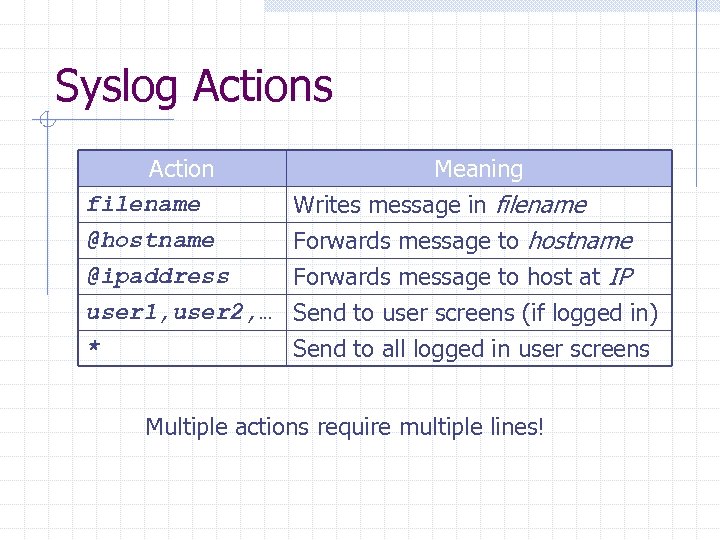 Syslog Actions Action filename @hostname @ipaddress Meaning Writes message in filename Forwards message to host at IP user 1, user 2, … Send to user screens (if logged in) * Send to all logged in user screens Multiple actions require multiple lines!
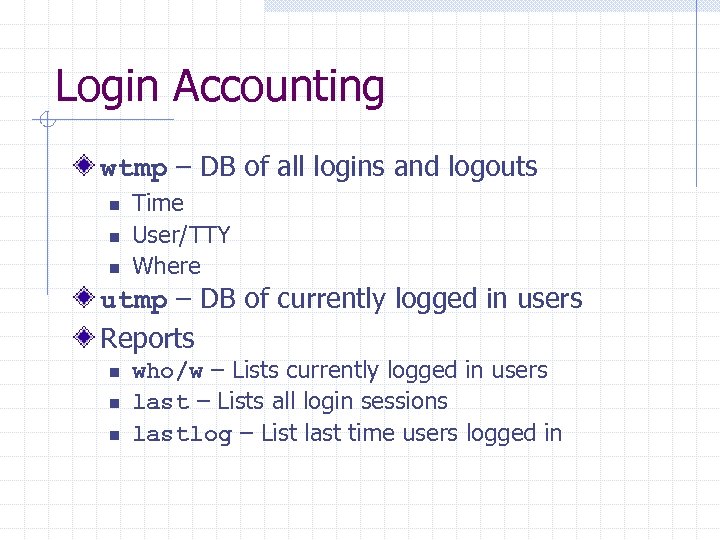 Login Accounting wtmp – DB of all logins and logouts n n n Time User/TTY Where utmp – DB of currently logged in users Reports n n n who/w – Lists currently logged in users last – Lists all login sessions lastlog – List last time users logged in
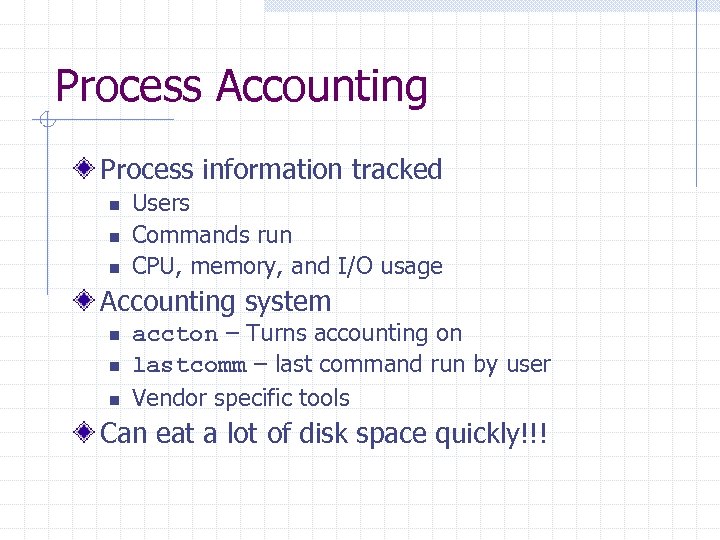 Process Accounting Process information tracked n n n Users Commands run CPU, memory, and I/O usage Accounting system n n n accton – Turns accounting on lastcomm – last command run by user Vendor specific tools Can eat a lot of disk space quickly!!!
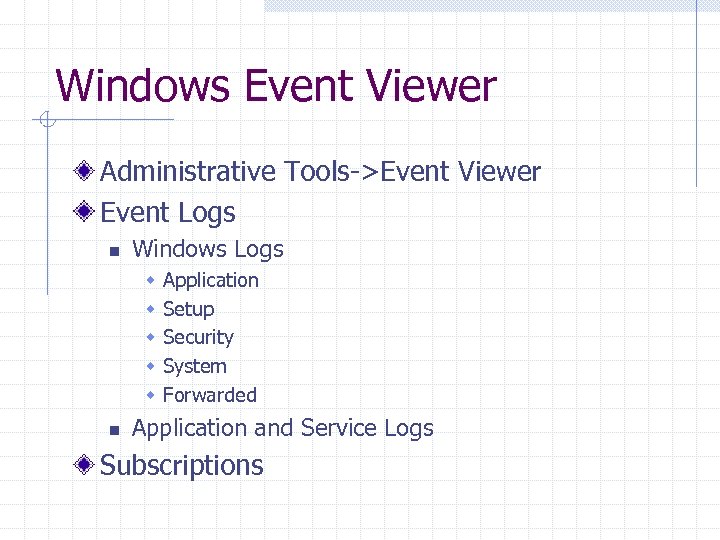 Windows Event Viewer Administrative Tools->Event Viewer Event Logs n Windows Logs w w w n Application Setup Security System Forwarded Application and Service Logs Subscriptions
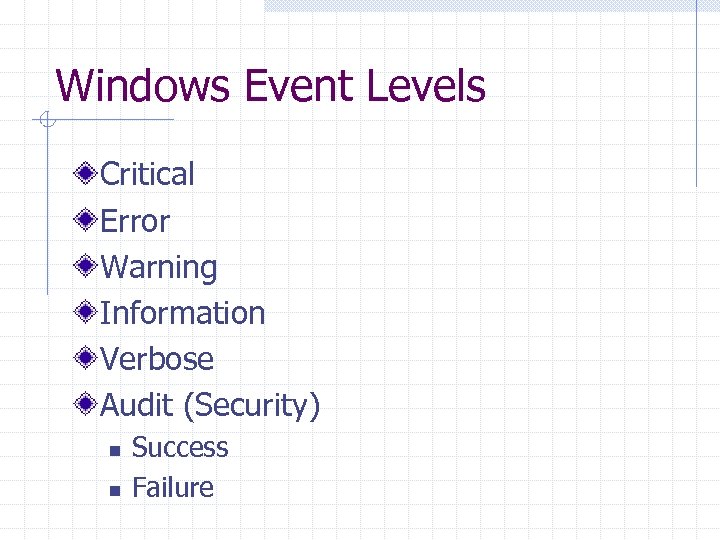 Windows Event Levels Critical Error Warning Information Verbose Audit (Security) n n Success Failure
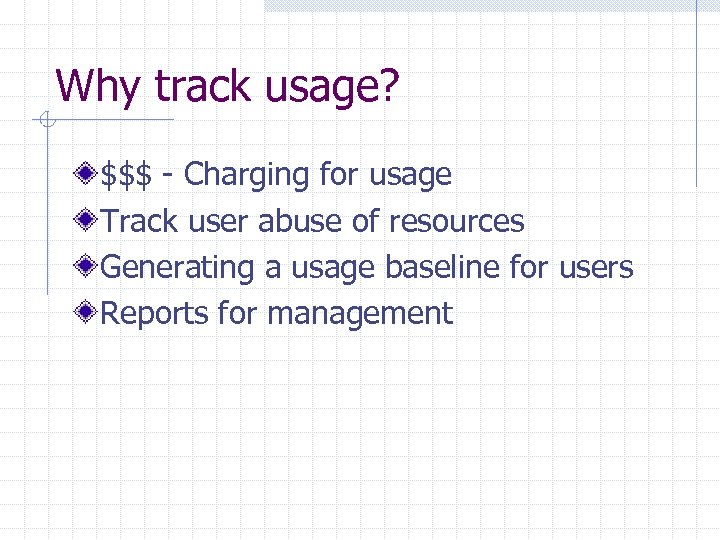 Why track usage? $$$ - Charging for usage Track user abuse of resources Generating a usage baseline for users Reports for management
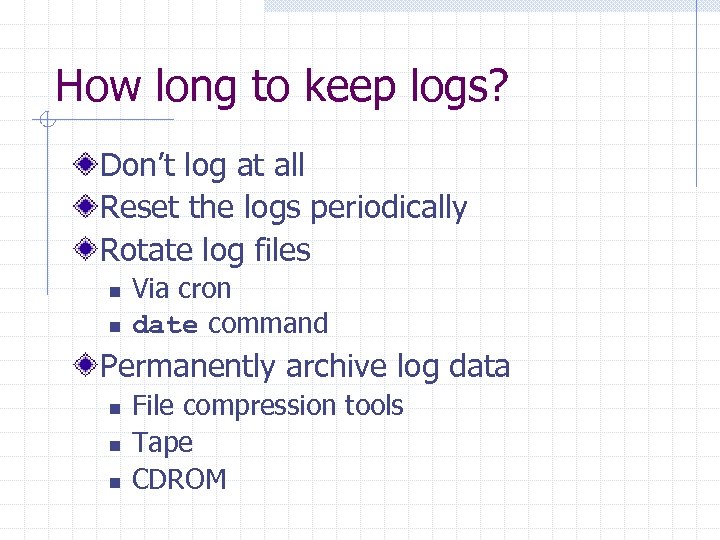 How long to keep logs? Don’t log at all Reset the logs periodically Rotate log files n n Via cron date command Permanently archive log data n n n File compression tools Tape CDROM