


 Скачать презентацию System Design Expert system development requires disciplined approach
f1c9da4e150cea7b379de8aa2c32b554.ppt
- Количество слайдов: 19
 System Design Expert system development requires disciplined approach, as with all professional software projects Ideas from conventional software engineering need to be modified for KB software however main difference: KB (central component of system) is inherently dynamic and changing - new rules, facts are continually being added and refined during development - knowledge representation often needs to be changed as a result - this in turn can affect inference engine and other utilities --> There is a continual loop between design fomulation / testing / debugging this loop is not as pervasive in conventional software, in which the system requirements stay fairly concrete throughout development B. Ross Cosc 4 f 79 1
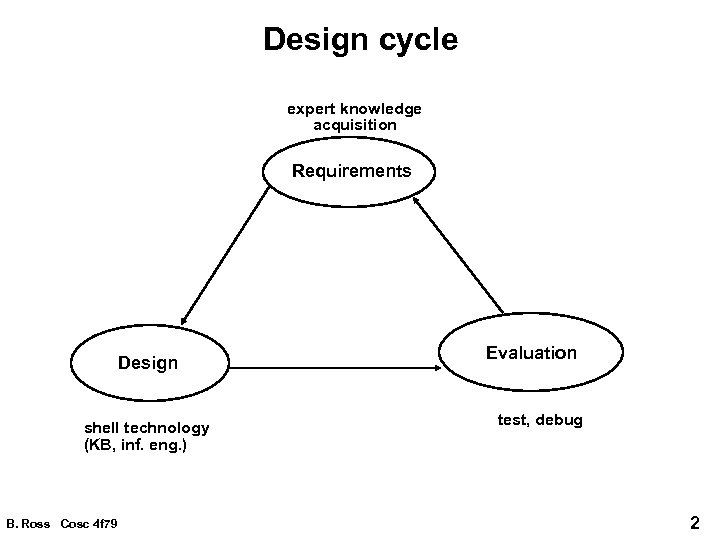 Design cycle expert knowledge acquisition Requirements Design shell technology (KB, inf. eng. ) B. Ross Cosc 4 f 79 Evaluation test, debug 2
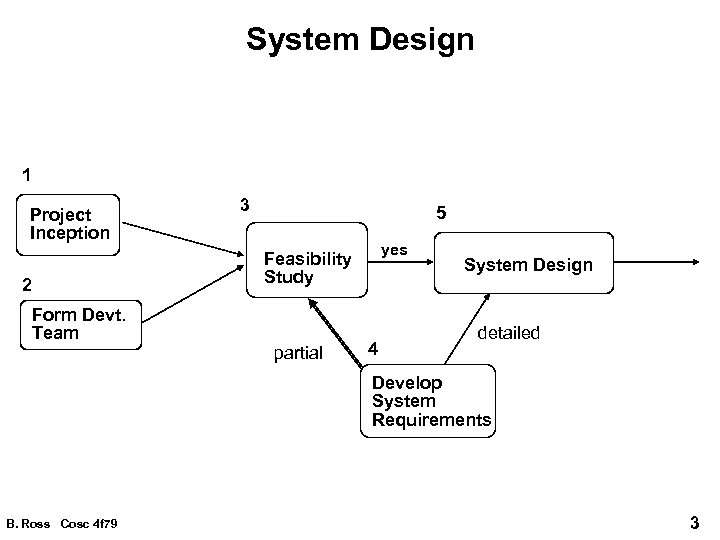 System Design 1 Project Inception 2 Form Devt. Team 3 5 yes Feasibility Study partial 4 System Design detailed Develop System Requirements B. Ross Cosc 4 f 79 3
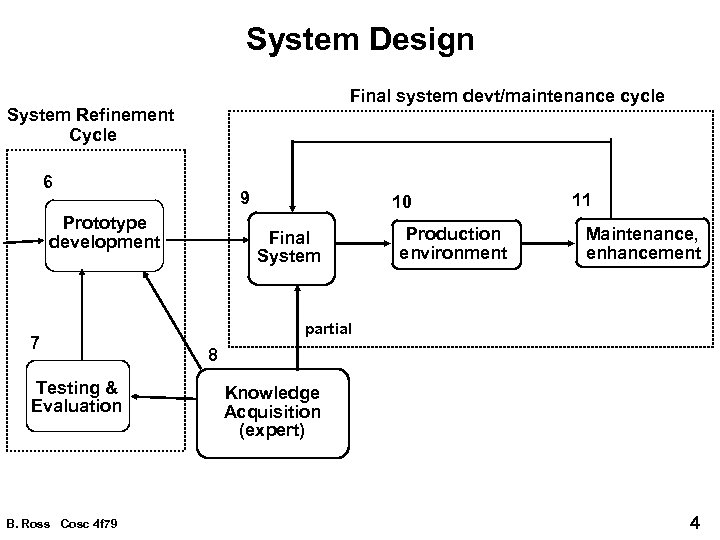 System Design Final system devt/maintenance cycle System Refinement Cycle 6 9 Prototype development 7 Testing & Evaluation B. Ross Cosc 4 f 79 10 Final System Production environment 11 Maintenance, enhancement partial 8 Knowledge Acquisition (expert) 4
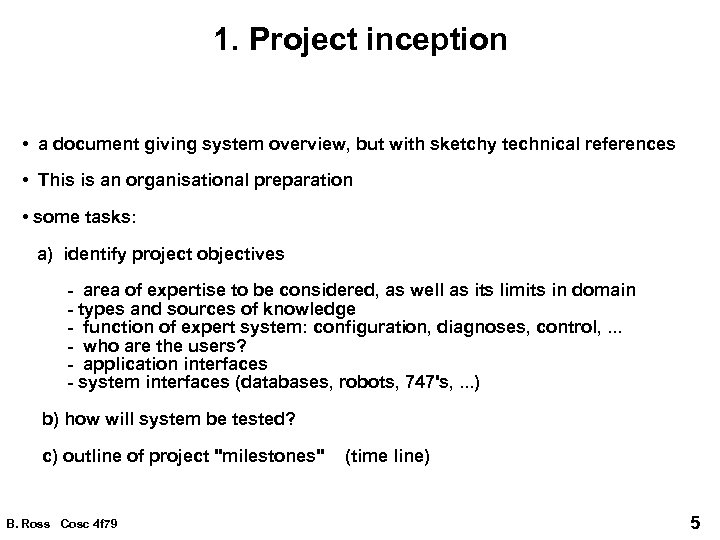 1. Project inception • a document giving system overview, but with sketchy technical references • This is an organisational preparation • some tasks: a) identify project objectives - area of expertise to be considered, as well as its limits in domain - types and sources of knowledge - function of expert system: configuration, diagnoses, control, . . . - who are the users? - application interfaces - system interfaces (databases, robots, 747's, . . . ) b) how will system be tested? c) outline of project "milestones" (time line) B. Ross Cosc 4 f 79 5
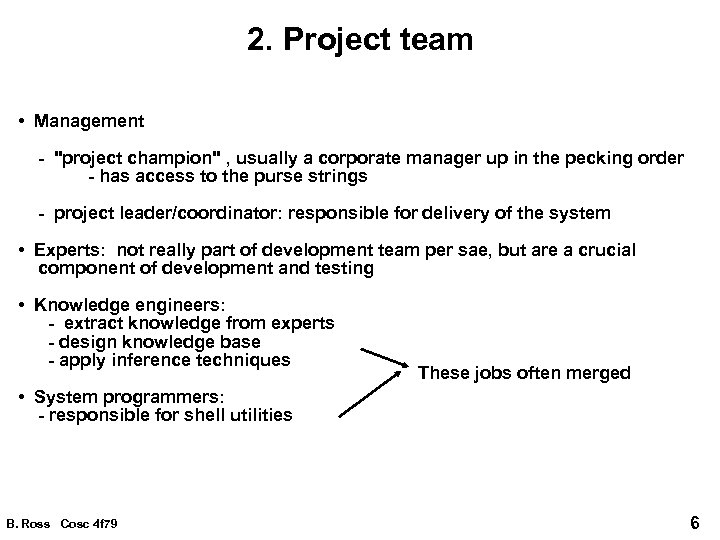 2. Project team • Management - "project champion" , usually a corporate manager up in the pecking order - has access to the purse strings - project leader/coordinator: responsible for delivery of the system • Experts: not really part of development team per sae, but are a crucial component of development and testing • Knowledge engineers: - extract knowledge from experts - design knowledge base - apply inference techniques These jobs often merged • System programmers: - responsible for shell utilities B. Ross Cosc 4 f 79 6
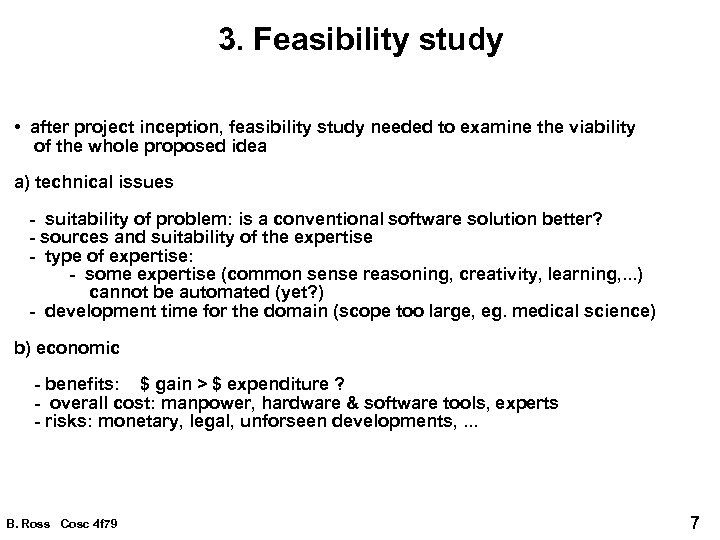 3. Feasibility study • after project inception, feasibility study needed to examine the viability of the whole proposed idea a) technical issues - suitability of problem: is a conventional software solution better? - sources and suitability of the expertise - type of expertise: - some expertise (common sense reasoning, creativity, learning, . . . ) cannot be automated (yet? ) - development time for the domain (scope too large, eg. medical science) b) economic - benefits: $ gain > $ expenditure ? - overall cost: manpower, hardware & software tools, experts - risks: monetary, legal, unforseen developments, . . . B. Ross Cosc 4 f 79 7
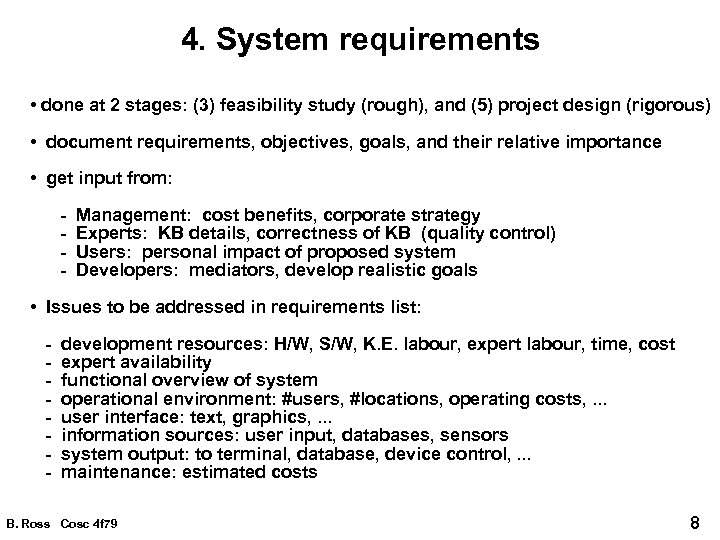 4. System requirements • done at 2 stages: (3) feasibility study (rough), and (5) project design (rigorous) • document requirements, objectives, goals, and their relative importance • get input from: - Management: cost benefits, corporate strategy - Experts: KB details, correctness of KB (quality control) - Users: personal impact of proposed system - Developers: mediators, develop realistic goals • Issues to be addressed in requirements list: - development resources: H/W, S/W, K. E. labour, expert labour, time, cost - expert availability - functional overview of system - operational environment: #users, #locations, operating costs, . . . - user interface: text, graphics, . . . - information sources: user input, databases, sensors - system output: to terminal, database, device control, . . . - maintenance: estimated costs B. Ross Cosc 4 f 79 8
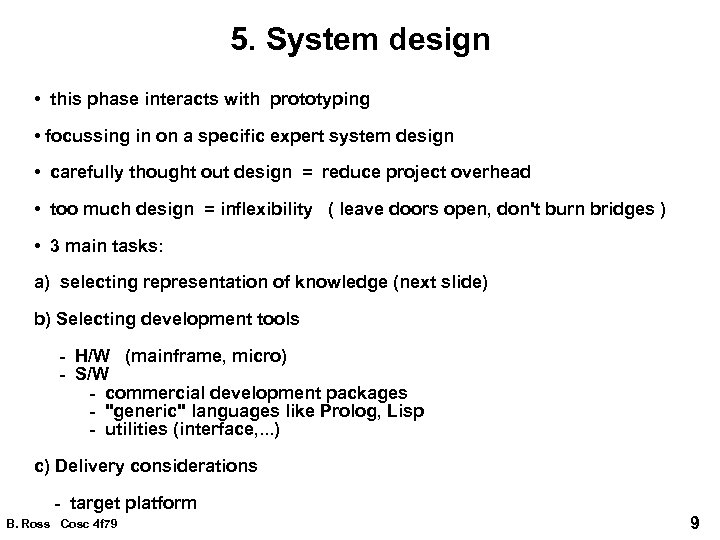 5. System design • this phase interacts with prototyping • focussing in on a specific expert system design • carefully thought out design = reduce project overhead • too much design = inflexibility ( leave doors open, don't burn bridges ) • 3 main tasks: a) selecting representation of knowledge (next slide) b) Selecting development tools - H/W (mainframe, micro) - S/W - commercial development packages - "generic" languages like Prolog, Lisp - utilities (interface, . . . ) c) Delivery considerations - target platform B. Ross Cosc 4 f 79 9
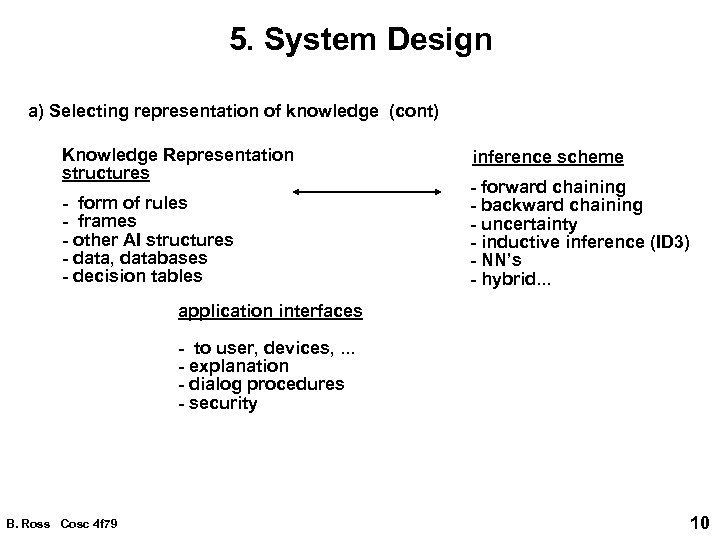 5. System Design a) Selecting representation of knowledge (cont) Knowledge Representation structures - form of rules - frames - other AI structures - data, databases - decision tables inference scheme - forward chaining - backward chaining - uncertainty - inductive inference (ID 3) - NN’s - hybrid. . . application interfaces - to user, devices, . . . - explanation - dialog procedures - security B. Ross Cosc 4 f 79 10
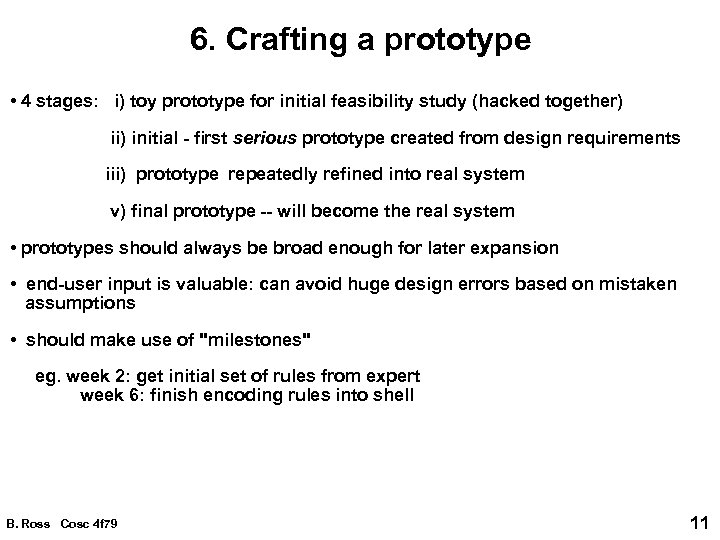 6. Crafting a prototype • 4 stages: i) toy prototype for initial feasibility study (hacked together) ii) initial - first serious prototype created from design requirements iii) prototype repeatedly refined into real system v) final prototype -- will become the real system • prototypes should always be broad enough for later expansion • end-user input is valuable: can avoid huge design errors based on mistaken assumptions • should make use of "milestones" eg. week 2: get initial set of rules from expert week 6: finish encoding rules into shell B. Ross Cosc 4 f 79 11
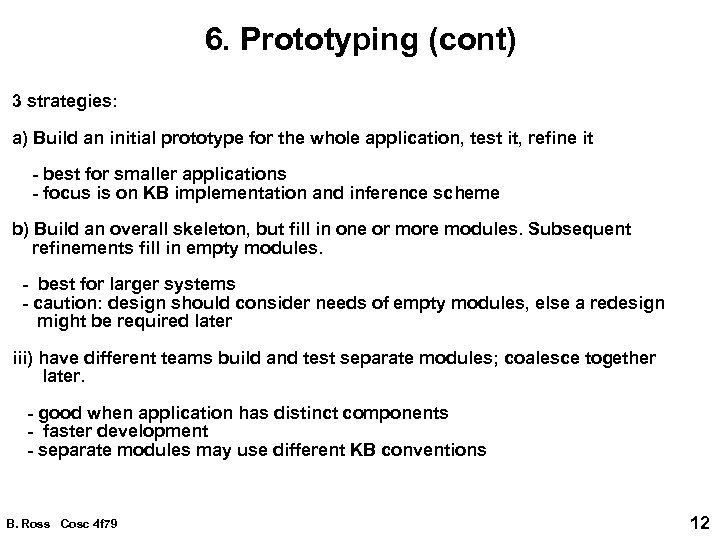 6. Prototyping (cont) 3 strategies: a) Build an initial prototype for the whole application, test it, refine it - best for smaller applications - focus is on KB implementation and inference scheme b) Build an overall skeleton, but fill in one or more modules. Subsequent refinements fill in empty modules. - best for larger systems - caution: design should consider needs of empty modules, else a redesign might be required later iii) have different teams build and test separate modules; coalesce together later. - good when application has distinct components - faster development - separate modules may use different KB conventions B. Ross Cosc 4 f 79 12
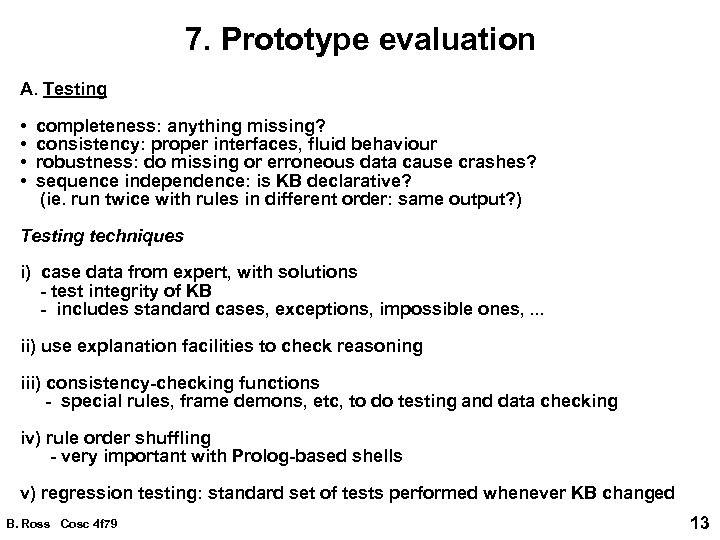 7. Prototype evaluation A. Testing • completeness: anything missing? • consistency: proper interfaces, fluid behaviour • robustness: do missing or erroneous data cause crashes? • sequence independence: is KB declarative? (ie. run twice with rules in different order: same output? ) Testing techniques i) case data from expert, with solutions - test integrity of KB - includes standard cases, exceptions, impossible ones, . . . ii) use explanation facilities to check reasoning iii) consistency-checking functions - special rules, frame demons, etc, to do testing and data checking iv) rule order shuffling - very important with Prolog-based shells v) regression testing: standard set of tests performed whenever KB changed B. Ross Cosc 4 f 79 13
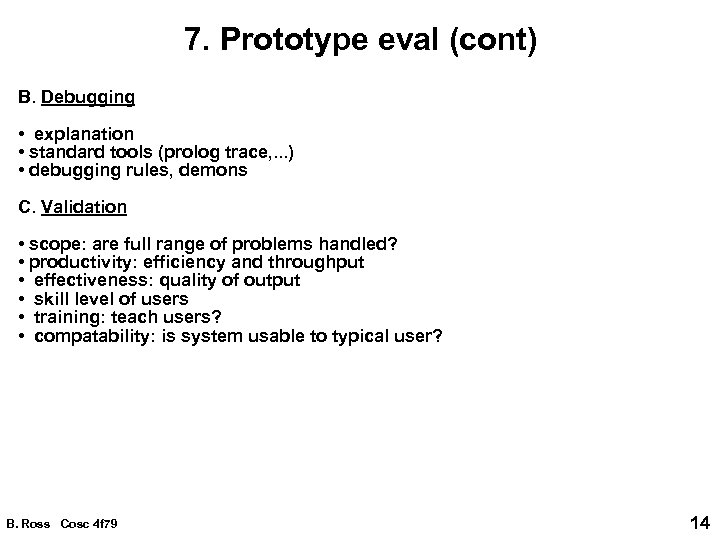 7. Prototype eval (cont) B. Debugging • explanation • standard tools (prolog trace, . . . ) • debugging rules, demons C. Validation • scope: are full range of problems handled? • productivity: efficiency and throughput • effectiveness: quality of output • skill level of users • training: teach users? • compatability: is system usable to typical user? B. Ross Cosc 4 f 79 14
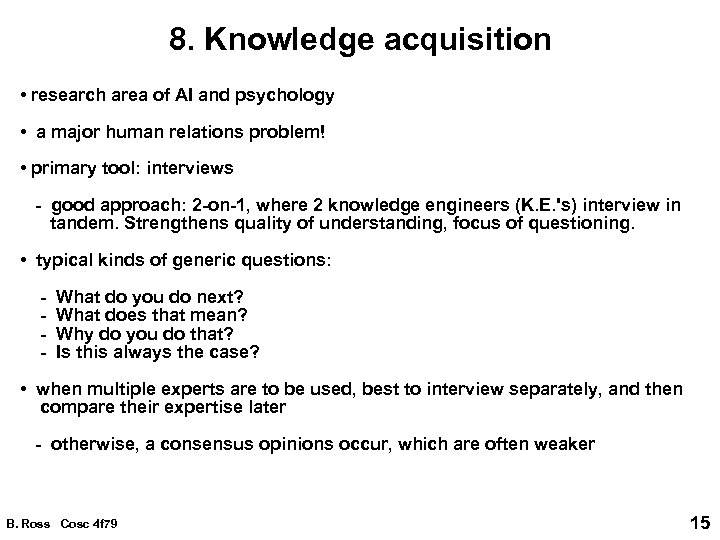 8. Knowledge acquisition • research area of AI and psychology • a major human relations problem! • primary tool: interviews - good approach: 2 -on-1, where 2 knowledge engineers (K. E. 's) interview in tandem. Strengthens quality of understanding, focus of questioning. • typical kinds of generic questions: - What do you do next? - What does that mean? - Why do you do that? - Is this always the case? • when multiple experts are to be used, best to interview separately, and then compare their expertise later - otherwise, a consensus opinions occur, which are often weaker B. Ross Cosc 4 f 79 15
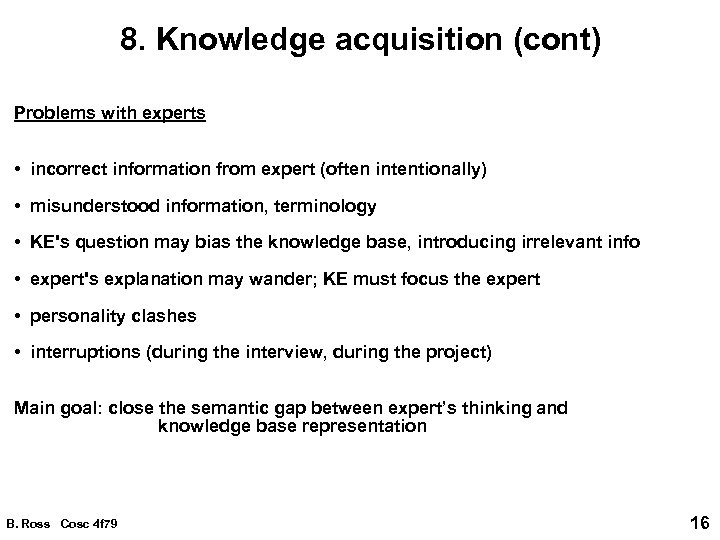 8. Knowledge acquisition (cont) Problems with experts • incorrect information from expert (often intentionally) • misunderstood information, terminology • KE's question may bias the knowledge base, introducing irrelevant info • expert's explanation may wander; KE must focus the expert • personality clashes • interruptions (during the interview, during the project) Main goal: close the semantic gap between expert’s thinking and knowledge base representation B. Ross Cosc 4 f 79 16
 9. Real system creation • The final prototype (which contains most of the guts of the final system) is given final refinements so that it can be put directly in the field environment. • can simply involve transporting code to target H/W and S/W platform, installing database and device hooks, etc B. Ross Cosc 4 f 79 17
 10, 11. Final testing & validation Following concerns: i) effectiveness of user interface - clarity, understanding, intuition - usage patterns: frequency, functionality - efficiency - error handling - training ii) productivity iii) solution quality, adequacy iv) degree to which benefits are obtained v) user support: training time? documentation needs? vi) user attitudes: love it or despise it (why? ) B. Ross Cosc 4 f 79 18
 Final validation (cont) • can be useful to have hooks in system which collect statistics - user interaction - KB use - errors 11. System maintenance, enhancement • maintenance is initially expected, but hopefully system becomes solid in time • enhancements can mean minor additions to KB, or major rewrites of system design (usually because clients were happy with the first system!) B. Ross Cosc 4 f 79 19