 Скачать презентацию Supporting Windows Mobile Devices By Chris De Herrera
abb1a19e331c9673085a343af3cb800a.ppt
- Количество слайдов: 24



Supporting Windows Mobile Devices By Chris De Herrera, Webmaster, Pocket PC FAQ Microsoft MVP – Windows Mobile
What is Windows Mobile? Windows Mobile is a combination of the Windows CE operating system, a new user interface and applications. – Smartphone – Windows Mobile Standard Edition – a cell phone first. Does not have a touch screen. – Pocket PC – Windows Mobile Professional – a data input device using a touch screen. – Size – small handheld devices however some are much larger – Combined devices – cell phone, PDA, media player, camera, etc.
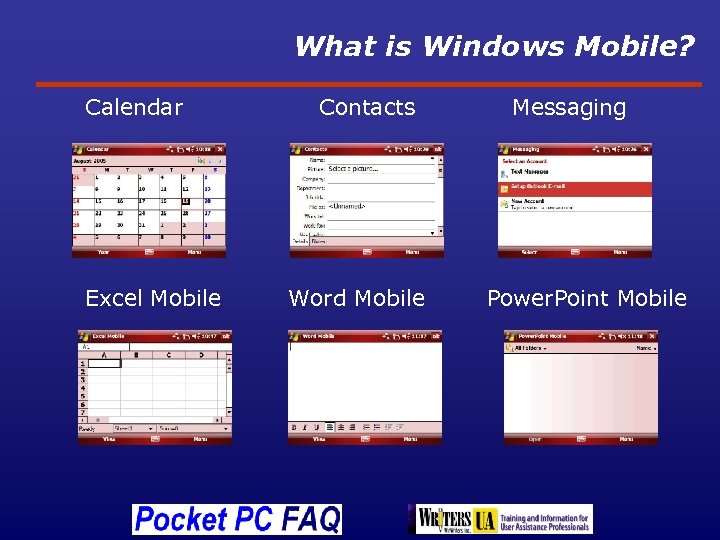
What is Windows Mobile? Calendar Excel Mobile Contacts Word Mobile Messaging Power. Point Mobile
What Are Windows Mobile’s Features? Windows Mobile offers: – Cell phone – voice calling – Cellular based data – Ev. DO, 1 x. RTT, GPRS, EDGE and UMTS – Wi-Fi – 802. 11 b as well as 802. 11 g – Storage – internal storage and expansion via micro. SD, mini. SD or SD flash – Connectivity – Supports TCP/IP, web browser, IMAP and POP 3 e-mail, native Exchange support – Ability to display Word, Excel, and Power. Point files – Pocket PCs can edit Word and Excel files
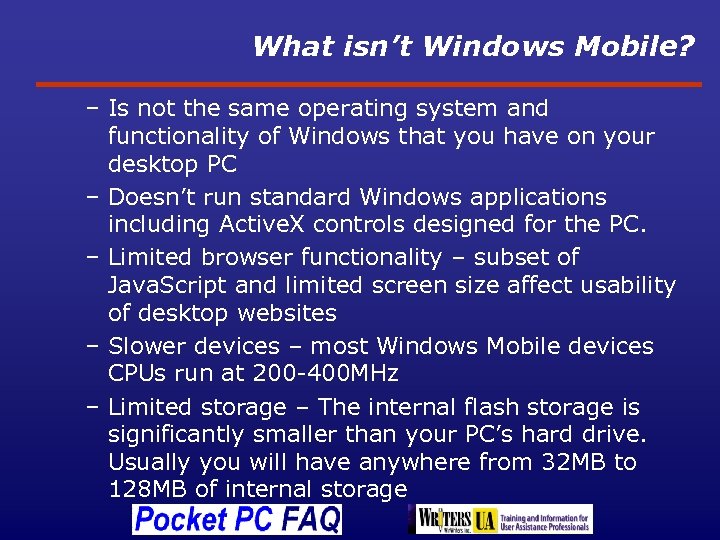
What isn’t Windows Mobile? – Is not the same operating system and functionality of Windows that you have on your desktop PC – Doesn’t run standard Windows applications including Active. X controls designed for the PC. – Limited browser functionality – subset of Java. Script and limited screen size affect usability of desktop websites – Slower devices – most Windows Mobile devices CPUs run at 200 -400 MHz – Limited storage – The internal flash storage is significantly smaller than your PC’s hard drive. Usually you will have anywhere from 32 MB to 128 MB of internal storage
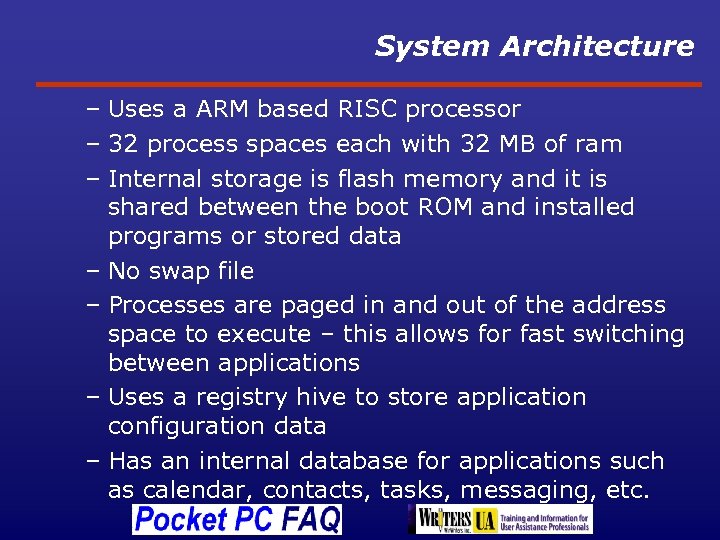
System Architecture – Uses a ARM based RISC processor – 32 process spaces each with 32 MB of ram – Internal storage is flash memory and it is shared between the boot ROM and installed programs or stored data – No swap file – Processes are paged in and out of the address space to execute – this allows for fast switching between applications – Uses a registry hive to store application configuration data – Has an internal database for applications such as calendar, contacts, tasks, messaging, etc.
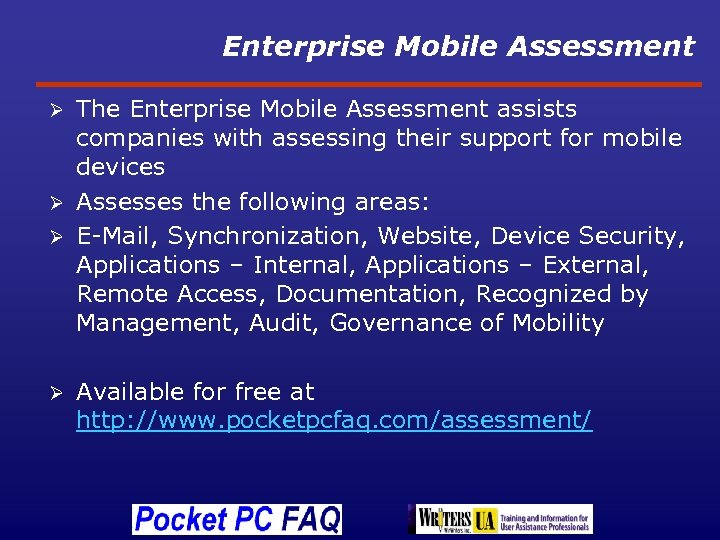
Enterprise Mobile Assessment The Enterprise Mobile Assessment assists companies with assessing their support for mobile devices Ø Assesses the following areas: Ø E-Mail, Synchronization, Website, Device Security, Applications – Internal, Applications – External, Remote Access, Documentation, Recognized by Management, Audit, Governance of Mobility Ø Ø Available for free at http: //www. pocketpcfaq. com/assessment/
Enterprise Mobile Assessment Demonstration Walkthrough
Connecting to the Desktop – Uses Active. Sync for Windows XP – Uses Windows Mobile Device Center (WMDC) for Windows Vista – Controls the type of data that is synchronized, whether or not internet connectivity via the desktop is available – TCP/IP is used to connect Windows Mobile to your PC – Installation order sensitive – must install Outlook prior to installing Active. Sync or WMDC – Troubleshooting is more complex due to error codes instead of text error messages Troubleshooting – Active. Sync http: //www. pocketpcfaq. com/faqs/tshootactivesync. htm – WMDC http: //www. pocketpcfaq. com/faqs/wmdc/index. htm
Windows Mobile Device Center Demonstration Walkthrough
Remote Control of a Device Active. Sync Remote Display Part of the Developer Toys - FREE http: //www. microsoft. com/downloads/details. asp x? Family. ID=74473 fd 6 -1 dcc-47 aa-ab 286 a 2 b 006 edfe 9&displaylang=en 3 rd Party Software such as: • Soti Pocket Controller – http: //www. soti. net/ • My Mobiler – Free - http: //www. mtux. com/
Remote Control of a Device Demonstration Walkthrough
Connecting to Exchange 2003 SP 2 and Exchange 2007 support the ability to sync with Windows Mobile – A Digital Certificate is highly recommended for security – IMAP vs EAS – IMAP supports html e-mail on regardless of the version of Exchange – EAS only supports html e-mail with Exchange 2007 and Windows Mobile 6 – Troubleshooting error codes http: //www. pocketpcfaq. com/faqs/activesync/e xchange_errors. php
Exchange Mobile Client Configuration Demonstration Walkthrough
Managing Device Configurations – Exchange 2003 SP 2, Exchange 2007 – Can set password length and complexity and require periodic password change – 3 rd party – Odyssey Software Athena – SOTI Mobi. Control – System Center Mobile Device Manager (SCMDM) 2008 – announced last fall, currently in beta. – Over the air configuration of security settings configured from Windows servers. – This release will require users to upgrade their devices to support remote management.
Emulator – Run Apps w/o a Device Ø Ø Ø Test applications Create screen shots for documentation Reproduce user issues for support staff Best experience is with a Tablet PC because it allows you to emulate the Pocket PC’s touch screen using a stylus just like a real mobile device Download of Windows Mobile 5 emulator free http: //www. microsoft. com/downloads/details. asp x? familyid=C 62 D 54 A 5 -183 A-4 A 1 E-A 7 E 2 CC 500 ED 1 F 19 A&displaylang=en Windows Mobile 6 emulators are part of the Visual Studio 2005 SDKs
Emulator Demonstration Walkthrough
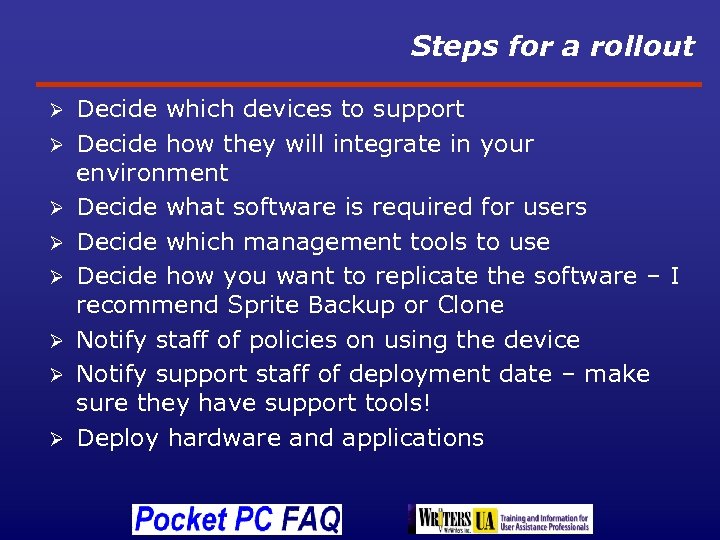
Steps for a rollout Ø Ø Ø Ø Decide which devices to support Decide how they will integrate in your environment Decide what software is required for users Decide which management tools to use Decide how you want to replicate the software – I recommend Sprite Backup or Clone Notify staff of policies on using the device Notify support staff of deployment date – make sure they have support tools! Deploy hardware and applications
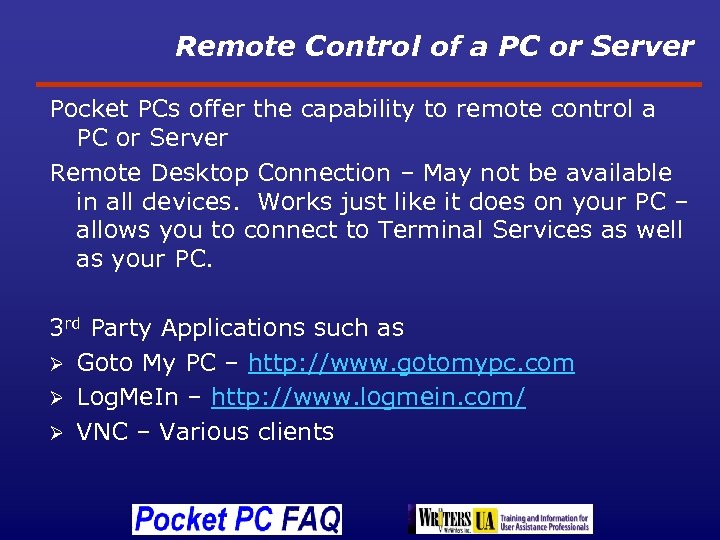
Remote Control of a PC or Server Pocket PCs offer the capability to remote control a PC or Server Remote Desktop Connection – May not be available in all devices. Works just like it does on your PC – allows you to connect to Terminal Services as well as your PC. 3 rd Party Applications such as Ø Goto My PC – http: //www. gotomypc. com Ø Log. Me. In – http: //www. logmein. com/ Ø VNC – Various clients
Remote Control of a PC via Log. Me. In Demonstration Walkthrough
Questions and Answers About Windows Mobile
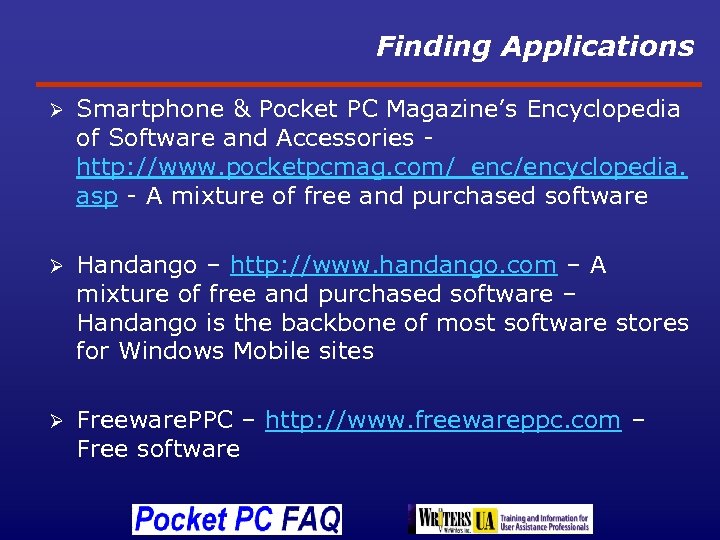
Finding Applications Ø Smartphone & Pocket PC Magazine’s Encyclopedia of Software and Accessories http: //www. pocketpcmag. com/_enc/encyclopedia. asp - A mixture of free and purchased software Ø Handango – http: //www. handango. com – A mixture of free and purchased software – Handango is the backbone of most software stores for Windows Mobile sites Ø Freeware. PPC – http: //www. freewareppc. com – Free software
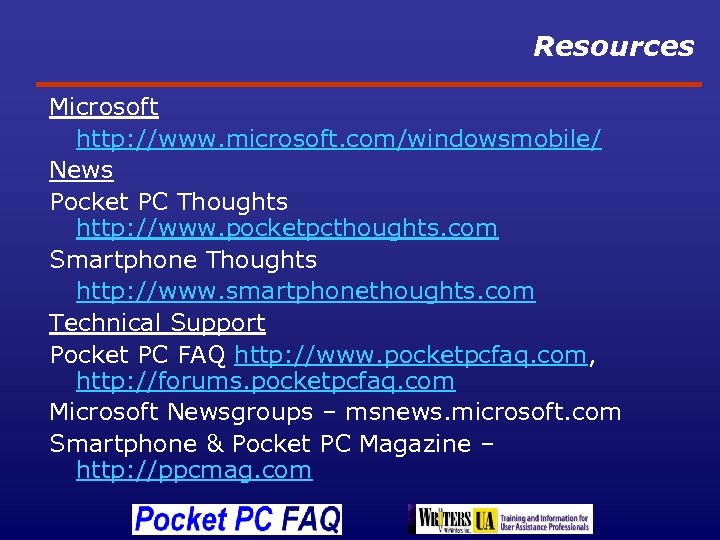
Resources Microsoft http: //www. microsoft. com/windowsmobile/ News Pocket PC Thoughts http: //www. pocketpcthoughts. com Smartphone Thoughts http: //www. smartphonethoughts. com Technical Support Pocket PC FAQ http: //www. pocketpcfaq. com, http: //forums. pocketpcfaq. com Microsoft Newsgroups – msnews. microsoft. com Smartphone & Pocket PC Magazine – http: //ppcmag. com
Supporting Windows Mobile Devices By Chris De Herrera, Webmaster, Pocket PC FAQ Microsoft MVP – Windows Mobile
Скачать презентацию Supporting Windows Mobile Devices By Chris De Herrera
abb1a19e331c9673085a343af3cb800a.ppt