


 Скачать презентацию SUNGARD SUMMIT 2007 sungardsummit com Implement and
e24ebbce9481764ae5217407f67f7fb5.ppt
- Количество слайдов: 19
 SUNGARD SUMMIT 2007 | sungardsummit. com Implement and Deploy Banner 7 Channels Presented by: Zachary Tirrell), Plymouth State University March 21, 2007 Course ID 449 A Community of Learning 1
 Introduction • Purpose: Overview of Banner channels and their implementation at PSU • Benefits of the session • • Determine key stakeholders Become aware of challenges Get an idea of the process Avoid problems we encountered Course ID 449 2
 Topics of Discussion • • • Overview of Plymouth State University History of PSU portal and integration environment Key people to involve and educate (the stakeholders) Review available channels Challenges encountered (majority of presentation) Course ID 449 3
 Plymouth State University Overview • • Small town Plymouth in northern New Hampshire 4000 FTE undergraduates, 500 FTE graduates Small class sizes Growing distance education program High demand for web delivered services Expectation to serve all constituents Tight knit, collaborative community Course ID 449 4
 History of PSU portal and integration • • • POISE (198*) SILAS (199*) My. Silas (1999) Banner Implementation (2001 -2004) Campus Pipeline (2002) Self Service Banner SSO (2003) Luminis III. 2 and LDI for e. Learning (July 2004) Luminis III. 3. x (Summer 2005) Banner 7. x with channels and INB SSO (Fall 2005) • Currently Running: Luminis III. 3. 3 (Build 64) • Preparing to Launch Luminis IV at the end of May Course ID 449 5
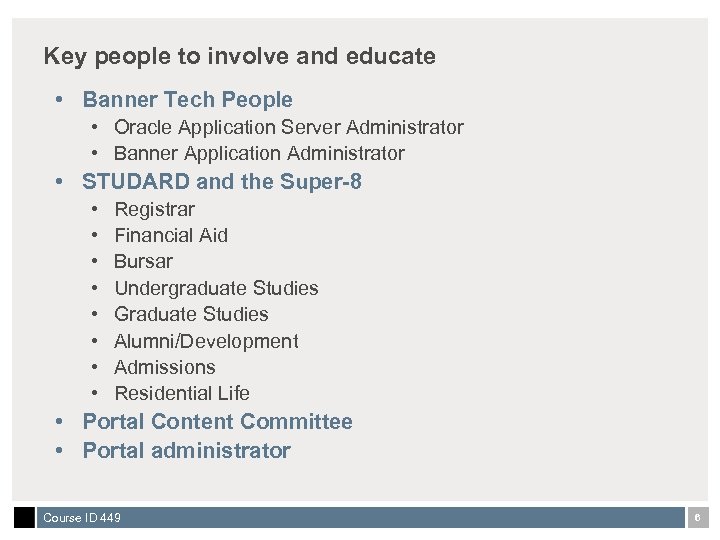 Key people to involve and educate • Banner Tech People • Oracle Application Server Administrator • Banner Application Administrator • STUDARD and the Super-8 • • Registrar Financial Aid Bursar Undergraduate Studies Graduate Studies Alumni/Development Admissions Residential Life • Portal Content Committee • Portal administrator Course ID 449 6
 SUNGARD SUMMIT 2007 | sungardsummit. com And now on to more interesting stuff… Cow Tongue A Community of Learning 7
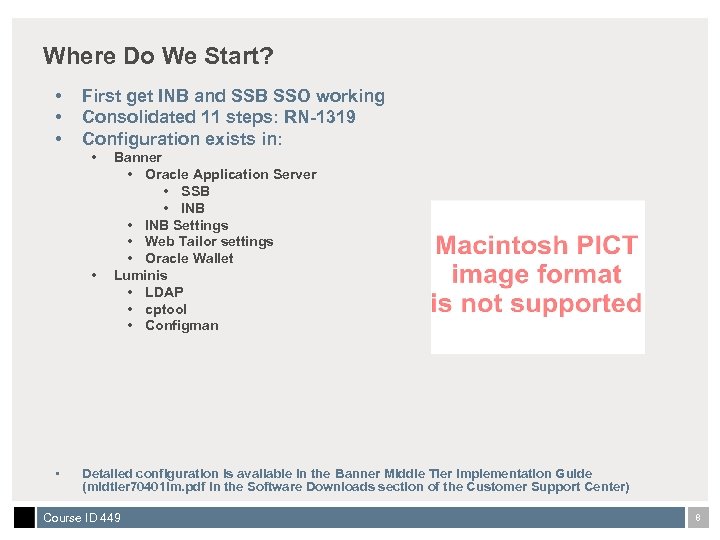 Where Do We Start? • • • First get INB and SSB SSO working Consolidated 11 steps: RN-1319 Configuration exists in: • • • Banner • Oracle Application Server • SSB • INB Settings • Web Tailor settings • Oracle Wallet Luminis • LDAP • cptool • Configman Detailed configuration is available in the Banner Middle Tier Implementation Guide (midtier 70401 im. pdf in the Software Downloads section of the Customer Support Center) Course ID 449 8
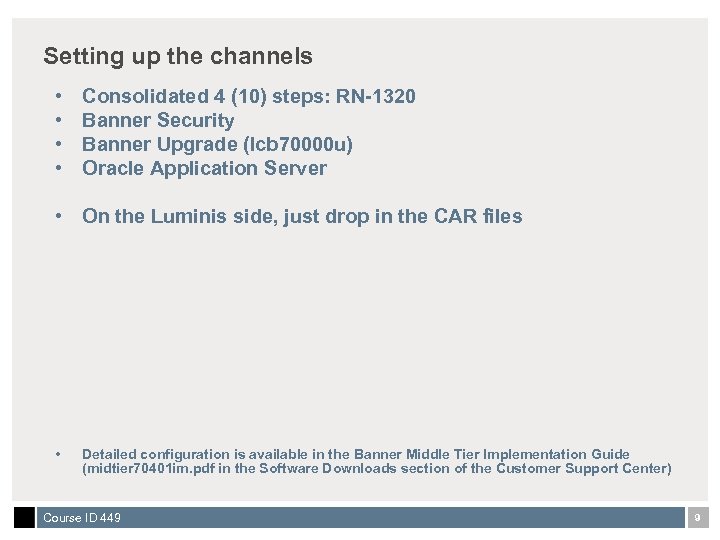 Setting up the channels • • Consolidated 4 (10) steps: RN-1320 Banner Security Banner Upgrade (lcb 70000 u) Oracle Application Server • On the Luminis side, just drop in the CAR files • Detailed configuration is available in the Banner Middle Tier Implementation Guide (midtier 70401 im. pdf in the Software Downloads section of the Customer Support Center) Course ID 449 9
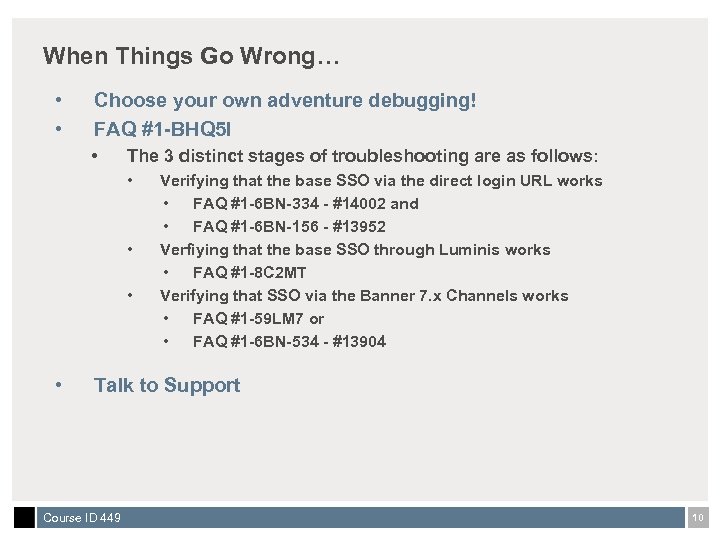 When Things Go Wrong… • • Choose your own adventure debugging! FAQ #1 -BHQ 5 I • The 3 distinct stages of troubleshooting are as follows: • • Verifying that the base SSO via the direct login URL works • FAQ #1 -6 BN-334 - #14002 and • FAQ #1 -6 BN-156 - #13952 Verfiying that the base SSO through Luminis works • FAQ #1 -8 C 2 MT Verifying that SSO via the Banner 7. x Channels works • FAQ #1 -59 LM 7 or • FAQ #1 -6 BN-534 - #13904 Talk to Support Course ID 449 10
 Problems We Encountered • “Early” documentation • No consolidated lists • No single consistent example throughout • • Firewalls Moving from test to production Multiple portal restarts Our SSB customizations Course ID 449 11
 There are 30+ of them! • How do you determine which to use, and how to deploy? • Academic Profile • Academic Services • Advancement Campaign Progress • Advancement Prospects • Advancement Research • Advancement Schedule • Advisor Dashboard • Approval Alerts • Banner Self-Service Plus • Career Network • Faculty Dashboard • Faculty Grade Assignment • Faculty Registration Tools • Faculty Schedule • Financial Aid Awards • Financial Aid Requirements • Keep In Touch • My Account • My Banner • My Reports • My Statement • Personal Information • Registration Tools • Student Grades • Student Work Study • Time Approval • Time Reporting • Employee Review • Employment Details • Finance Alerts Grants • Financial Advisor • Personnel Action Notices • Req's and PO's Course ID 449 12
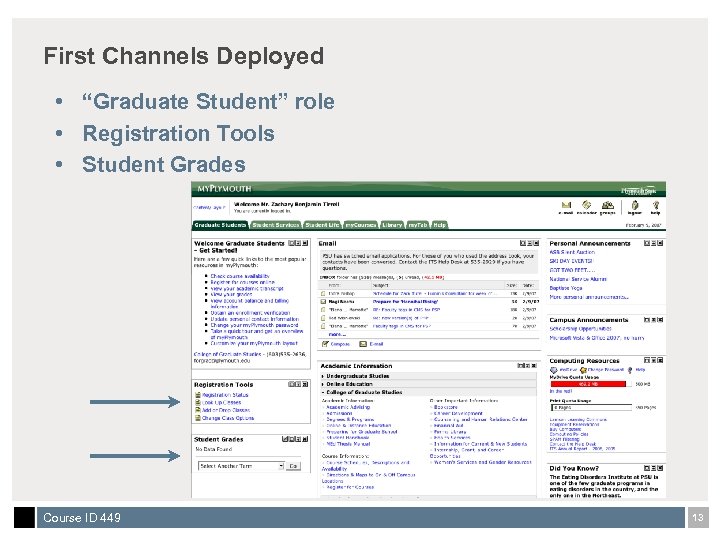 First Channels Deployed • “Graduate Student” role • Registration Tools • Student Grades Course ID 449 13
 Advantages of Governance Bodies • Portal Content Committee • Made decisions on placement • STUDARD • Decided what they wanted • Decided when they wanted it Course ID 449 14
 Drawbacks… • Integration means you’re integrated… • More need to communicate with your colleagues • Blurred lines of service • More complicated things to fix • New “stuff” to support • Must have a testing environment Course ID 449 15
 Find User Evangelists • • Contact key people in key offices Get them as testers Let them evangelize the channels End-user driven means quicker adoption Course ID 449 16
 Things we learned… • Consolidated documentation was MUCH BETTER • UDC has helped to ease finding the right support for integrated services • Roll out channels slowly • You cannot do this without a testing environment • Stakeholder buy-in is key to success • The road was bumpy, but worth traveling Course ID 449 17
 What Does the Future Hold? • • • Luminis IV in production More banner channels? Ajax enabled channels? Drag and Drop? Other thoughts and ideas? Course ID 449 18
 Thank You, Questions & Answers Zachary Tirrell zbtirrell@plymouth. edu Please complete the online class evaluation form Course ID 449 Sun. Gard, the Sun. Gard logo, Banner, Campus Pipeline, Luminis, Power. CAMPUS, Matrix, and Plus are trademarks or registered trademarks of Sun. Gard Data Systems Inc. or its subsidiaries in the U. S. and other countries. Third-party names and marks referenced herein are trademarks or registered trademarks of their respective owners. © 2007 Sun. Gard. All rights reserved. Course ID 449 19