


 Скачать презентацию Successfully Installing and Configuring Java Software Across Multiple
c22133b5dccb76486fbaa9cfb79f3849.ppt
- Количество слайдов: 30
 Successfully Installing and Configuring Java Software Across Multiple Platforms Greg Maletic CTO Zero G
 Agenda • Overview of deployment issues • How Install. Anywhere Enterprise Edition solves these issues • Technical Case Study – Informix/Cloudscape • Q&A
 Research shows: No one likes building installers. Things developers like to spend time on: … 182. Configure Linux Open. GL drivers 183. Re-install Windows NT 4 184. Listen to installer presentation 185. Build installer 186. Grout shower tile Our goal: Minimize the time you have to spend with our product.
 Main Problems • Deployment – How do the files get to where they’re needed? On every platform? – …uninstall? • Launching Java software – How do end users or other processes run my Java software? – How does the classpath get set properly? – How do I make sure the right VM is being used?
 Main Problems • System Configuration – – – How do I detect previous installations? Install into a special server directory? Set environment variables? Create shortcuts and links? Install services?
 Install. Anywhere™ Enterprise Edition • Supports virtually all Java technologyenabled platforms • Easy to use • Handles all the platform-specific details • Supports latest Java technologies • Highly customizable • Not just for Java!
 Install. Anywhere Enterprise Edition Core Features • Installs to Windows 98/NT/2000, Solaris, Linux, Mac OS, HP-UX, AIX, IRIX, and more. . . • Creates Launch. Anywhere™ app launchers for Java software • Optionally installs private VM for app • Automatically detects MAIN class and CLASSPATH • Creates Web. Install to deploy over Web
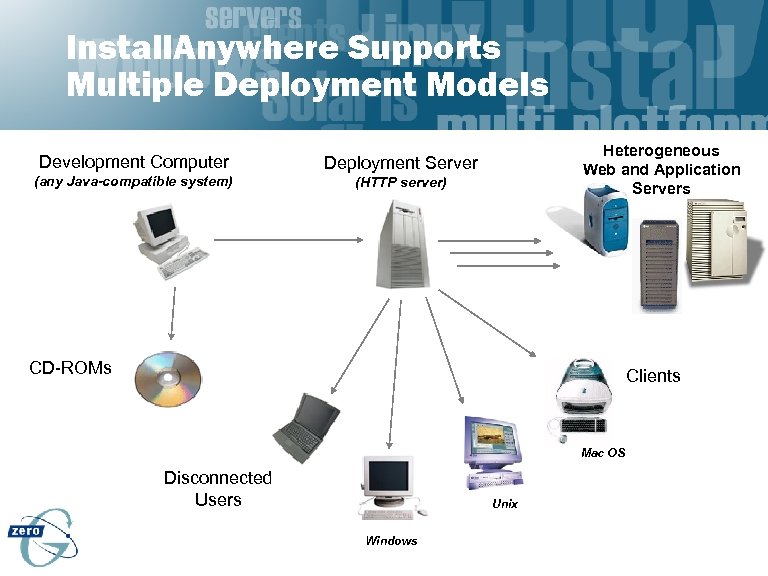 Install. Anywhere Supports Multiple Deployment Models Development Computer Deployment Server (any Java-compatible system) Heterogeneous Web and Application Servers (HTTP server) CD-ROMs Clients Mac OS Disconnected Users Unix Windows
 Case Study
 Cloudscape (Java ORDBMS) • A 100% Pure Java embeddable Object. Relational Database Management System with Synchronization – – Cloudscape Cloudsync Cloudconnector Cloudweb
 Cloudscape • Distributed Internet Application Development Platform • Deployment Landscape – Hundreds of thousands of Eval copies – All conceivable Java platforms • Complexity of Landscape – – Deploy variety of products Deploy large application Deploy to every platform Frequent point releases
 The Challenge • Ease of Use for Customer – Quarter million evaluation copies can add up to an enormous tech support problem • Large piece of software – Thousands of files for our Cloudconnector product • Cross Platform – Windows NT well understood by us – Macintosh… well…
 Cloudscape • Tool Requirements – – Ease of Use, both in-house and for customers Supports all platforms Speed of Installation Batch mode installer building • Customization Features – Ability to run code at Install time – Ability to perform functions like adding things to Windows Start Menu
 Cloudscape Project
 Open API • Goals – – Let developers extend the behavior of the installer Support use of native code Add GUI into the install wizard Let developers modify the installer’s behavior at install time – I 18 N compliant • Major classes – Custom. Code. Action – Installer. Proxy – Custom. Code. Panel
 Open API: Custom. Code. Action • Lets you add your own new, reusable behaviors to the installer • How? – Extend Custom. Code. Action – Put your action and any supporting classes or resources into a JAR – Add Execute Custom Code Action action into installer project
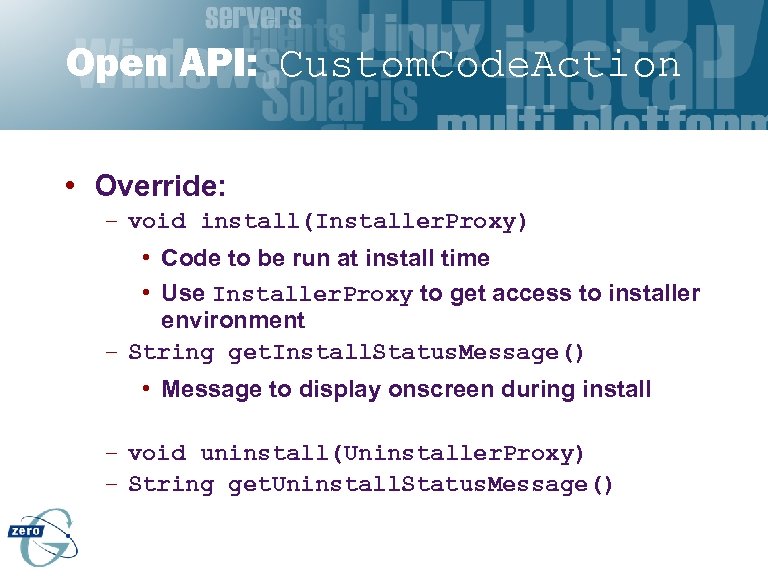 Open API: Custom. Code. Action • Override: – void install(Installer. Proxy) • Code to be run at install time • Use Installer. Proxy to get access to installer environment – String get. Install. Status. Message() • Message to display onscreen during install – void uninstall(Uninstaller. Proxy) – String get. Uninstall. Status. Message()
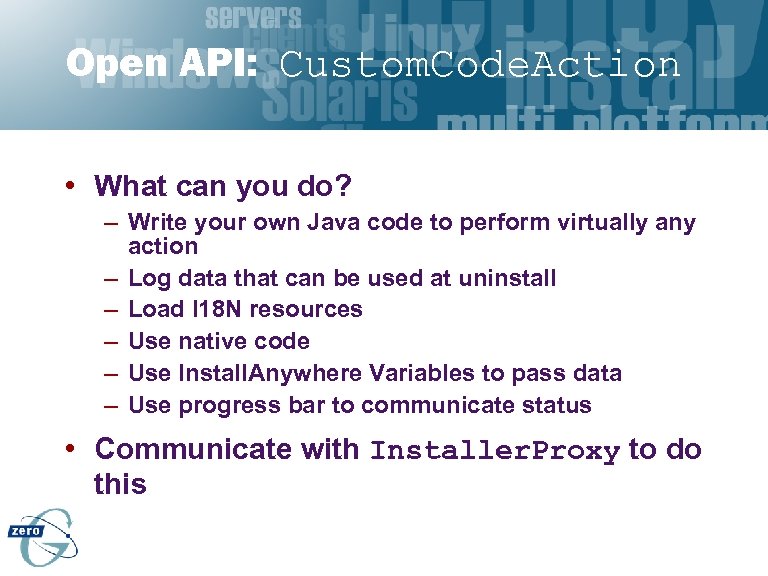 Open API: Custom. Code. Action • What can you do? – Write your own Java code to perform virtually any action – Log data that can be used at uninstall – Load I 18 N resources – Use native code – Use Install. Anywhere Variables to pass data – Use progress bar to communicate status • Communicate with Installer. Proxy to do this
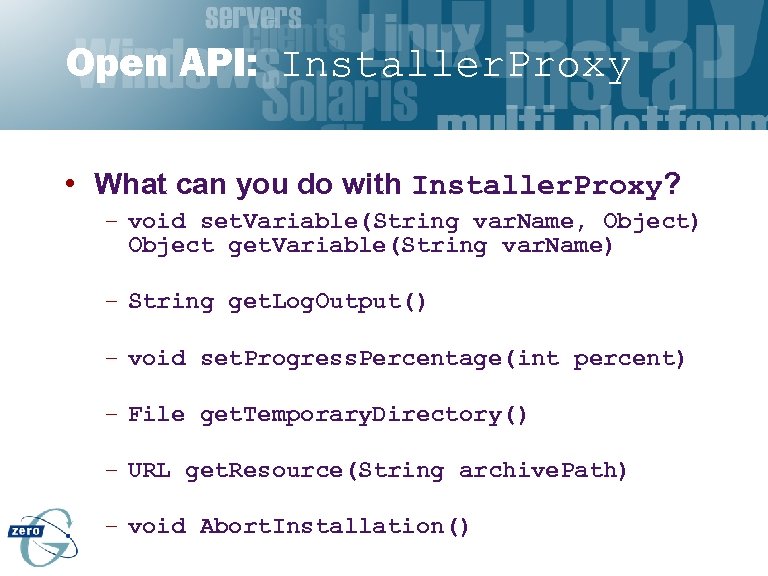 Open API: Installer. Proxy • What can you do with Installer. Proxy? – void set. Variable(String var. Name, Object) Object get. Variable(String var. Name) – String get. Log. Output() – void set. Progress. Percentage(int percent) – File get. Temporary. Directory() – URL get. Resource(String archive. Path) – void Abort. Installation()
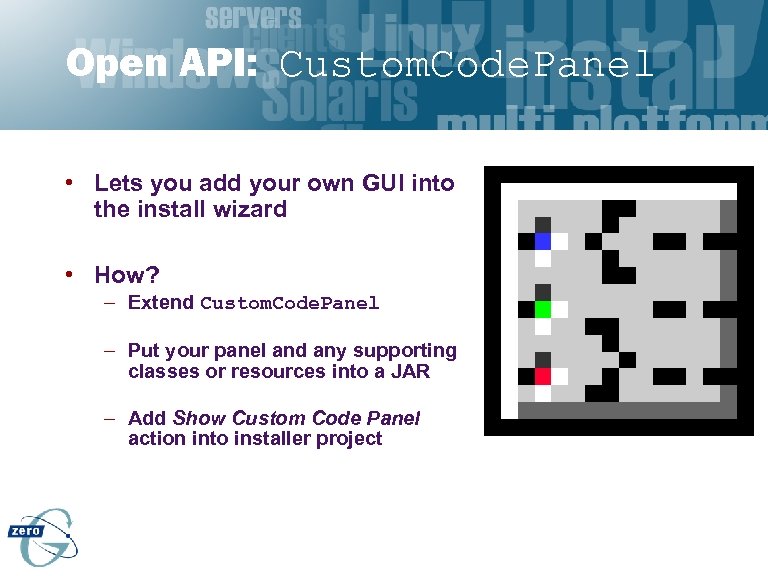 Open API: Custom. Code. Panel • Lets you add your own GUI into the install wizard • How? – Extend Custom. Code. Panel – Put your panel and any supporting classes or resources into a JAR – Add Show Custom Code Panel action into installer project
 Open API: Custom. Code. Panel • What can you do? – Specify your own wizard steps to ask configuration questions – Set Install. Anywhere Variables like USER_INSTALL_DIR – In simple cases, just use Show User Input Panel
 Building the Installer
 Installing Cloudscape
 Why should you use Install. Anywhere? • Multi-platform • Designed for Java developers – …but not just for Java • Easy to use • Easy to extend
 Who Uses Install. Anywhere? • Sun – – JFC classes Beans Development Kit (BDK) Java. Help many others… • Inprise – JBuilder 3. 0 • IBM, HP, Intel, Lucent, AT&T, and thousands of others
 Install. Anywhere Editions • Enterprise Edition – $1, 995 per developer seat • Standard Edition – $995 • Install. Anywhere Express – $495 • Install. Anywhere Now! – FREE
 Zero G Dev. Net • Your resource for software deployment expertise – – – – Online community Newsgroup Knowledge Database Posting area to share custom code actions and panels Unlimited phone and e-mail support Unlimited upgrades Early access to latest technologies • Annual subscription – $995 per developer year • The fastest way to get your installer finished and over with!
 Conclusion • Install. Anywhere Enterprise Edition – More users of any multi-platform installer technology – More features and functionality – More platforms – More extensibility • Handles major deployment models – Standalone applications – Rich and thin client-server applications
 What You Can Do • Visit the Zero G web site (www. Zero. G. com) • Download a trial edition of Enterprise, et. al. • …or, use Install. Anywhere Now! absolutely free of charge
 Q&A Zero G www. Zero. G. com (415) 512 -7771 Greg Maletic - greg@Zero. G. com