


 Скачать презентацию Student Information V 1 0 Slide 1
9739d1335890e20307e57b196d0f12bf.ppt
- Количество слайдов: 13
 Student Information V 1. 0 Slide 1
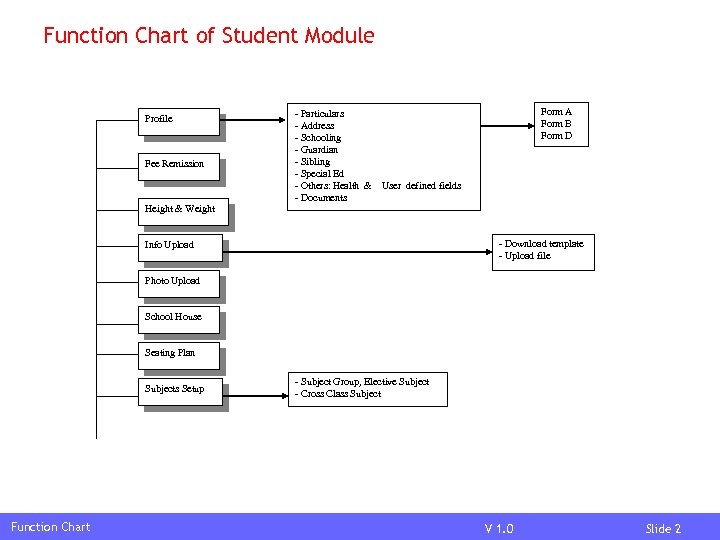 Function Chart of Student Module Profile Fee Remission Height & Weight - Particulars - Address - Schooling - Guardian - Sibling - Special Ed - Others: Health & - Documents Form A Form B Form D User defined fields - Download template - Upload file Info Upload Photo Upload School House Seating Plan Subjects Setup Function Chart - Subject Group, Elective Subject - Cross Class Subject V 1. 0 Slide 2
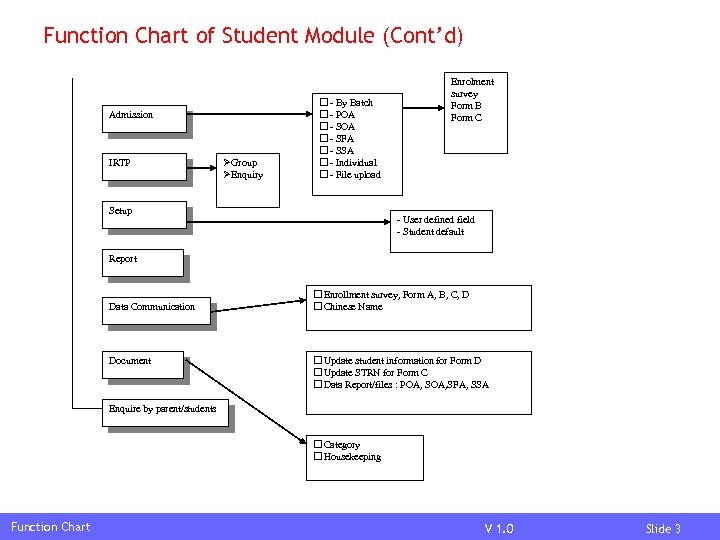 Function Chart of Student Module (Cont’d) Admission IRTP Group Enquiry - By Batch - POA - SFA - SSA - Individual - File upload Setup Enrolment survey Form B Form C - User defined field - Student default Report Data Communication Document Enrollment survey, Form A, B, C, D Chinese Name Update student information for Form D Update STRN for Form C Data Report/files : POA, SFA, SSA Enquire by parent/students Category Housekeeping Function Chart V 1. 0 Slide 3
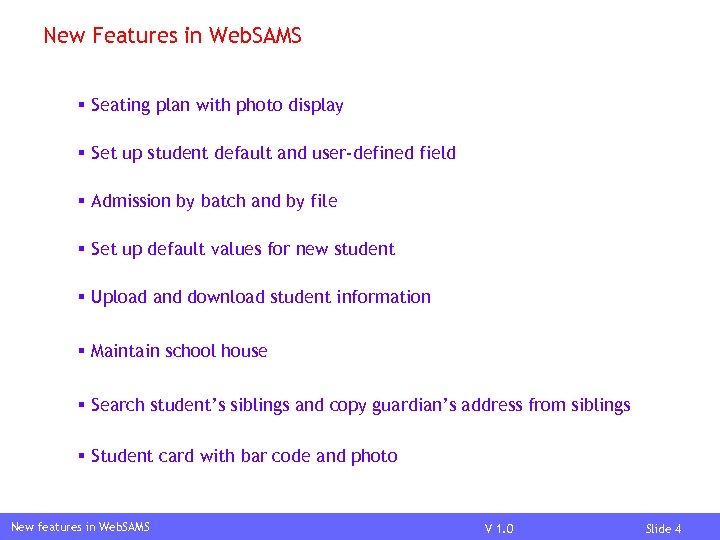 New Features in Web. SAMS § Seating plan with photo display § Set up student default and user-defined field § Admission by batch and by file § Set up default values for new student § Upload and download student information § Maintain school house § Search student’s siblings and copy guardian’s address from siblings § Student card with bar code and photo New features in Web. SAMS V 1. 0 Slide 4
 New Features in Web. SAMS (Cont’d) § Student can be admitted to secondary from primary in train school, can be accumulate promoted § Add student’s health records § Re-admit departed student with last registration number and information § IRTP Group New features in Web. SAMS V 1. 0 Slide 5
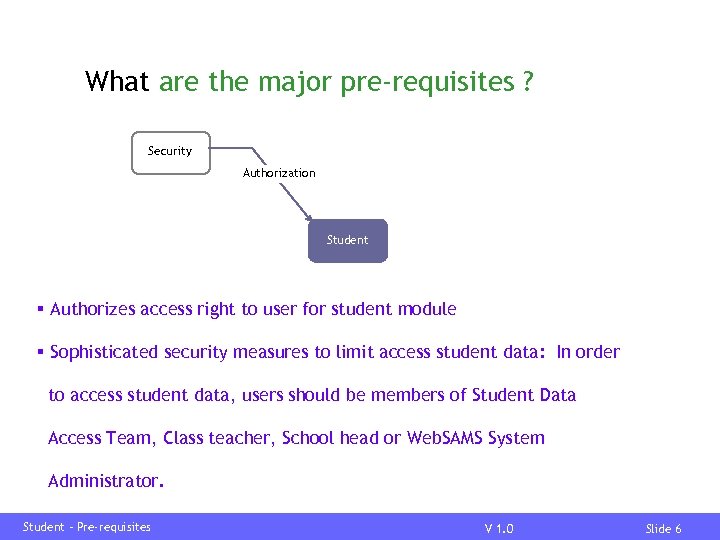 What are the major pre-requisites ? Security Authorization Student § Authorizes access right to user for student module § Sophisticated security measures to limit access student data: In order to access student data, users should be members of Student Data Access Team, Class teacher, School head or Web. SAMS System Administrator. Student – Pre-requisites V 1. 0 Slide 6
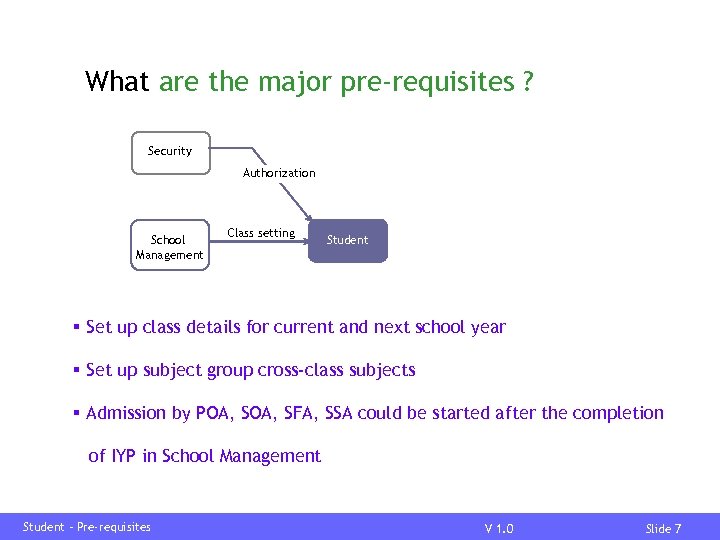 What are the major pre-requisites ? Security Authorization School Management Class setting Student § Set up class details for current and next school year § Set up subject group cross-class subjects § Admission by POA, SFA, SSA could be started after the completion of IYP in School Management Student – Pre-requisites V 1. 0 Slide 7
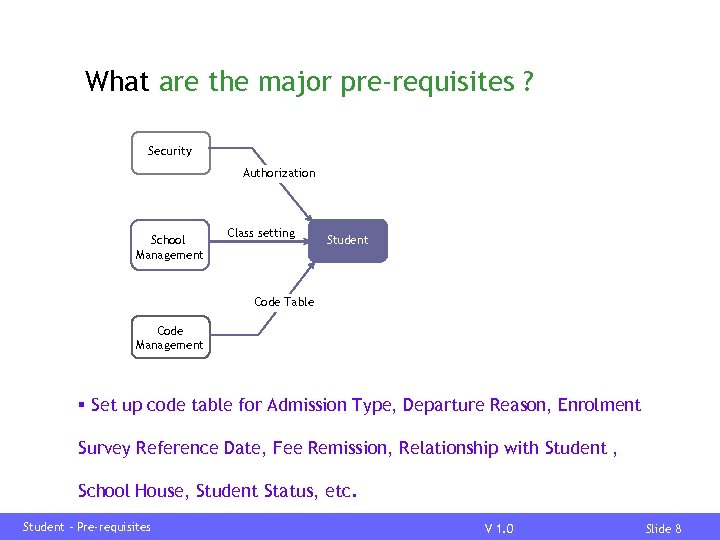 What are the major pre-requisites ? Security Authorization School Management Class setting Student Code Table Code Management § Set up code table for Admission Type, Departure Reason, Enrolment Survey Reference Date, Fee Remission, Relationship with Student , School House, Student Status, etc. Student – Pre-requisites V 1. 0 Slide 8
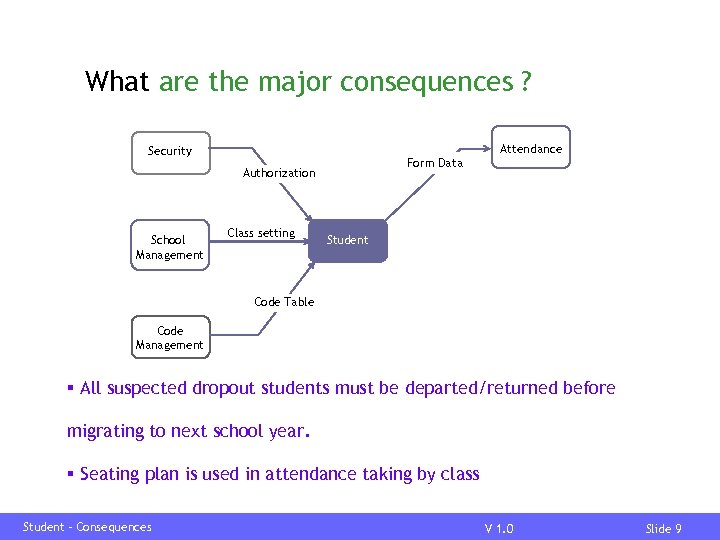 What are the major consequences ? Attendance Security Form Data Authorization School Management Class setting Student Code Table Code Management § All suspected dropout students must be departed/returned before migrating to next school year. § Seating plan is used in attendance taking by class Student – Consequences V 1. 0 Slide 9
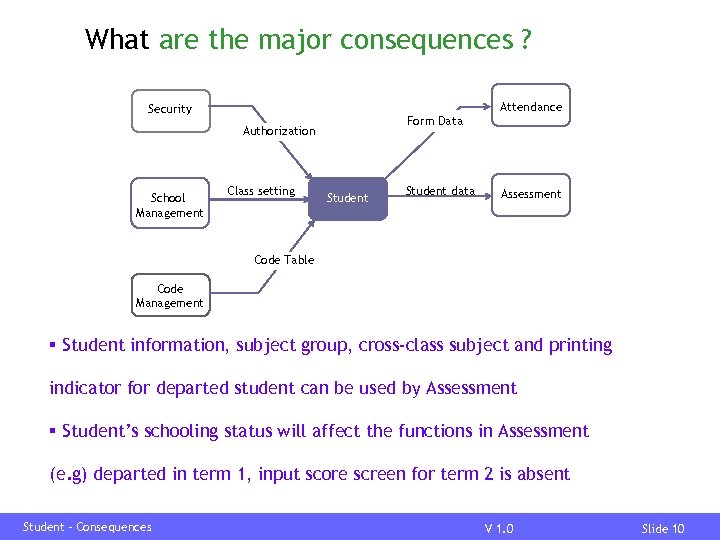 What are the major consequences ? Attendance Security Form Data Authorization School Management Class setting Student data Assessment Code Table Code Management § Student information, subject group, cross-class subject and printing indicator for departed student can be used by Assessment § Student’s schooling status will affect the functions in Assessment (e. g) departed in term 1, input score screen for term 2 is absent Student – Consequences V 1. 0 Slide 10
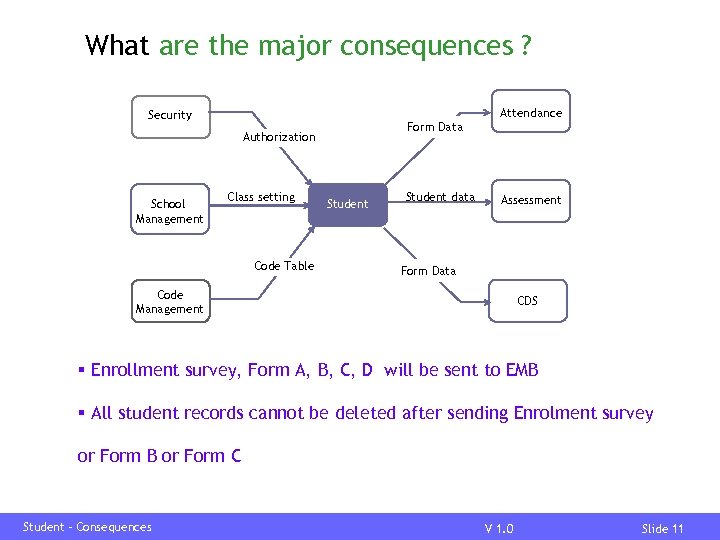 What are the major consequences ? Attendance Security Form Data Authorization School Management Class setting Code Table Student data Assessment Form Data Code Management CDS § Enrollment survey, Form A, B, C, D will be sent to EMB § All student records cannot be deleted after sending Enrolment survey or Form B or Form C Student – Consequences V 1. 0 Slide 11
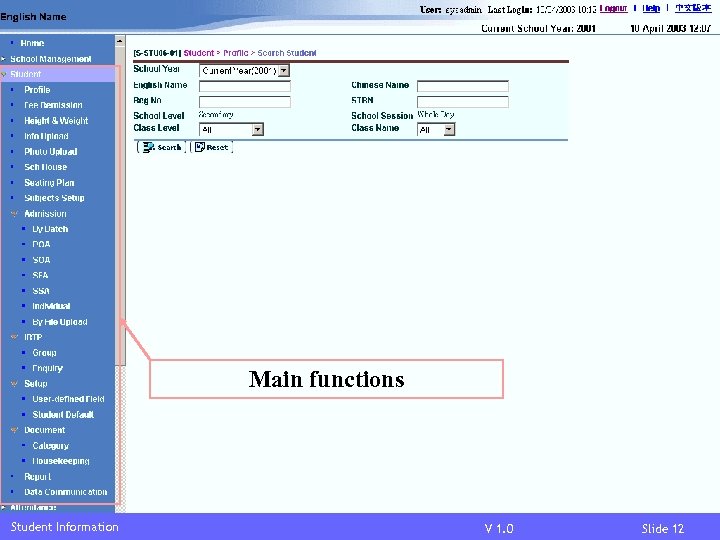 Main functions Student Information V 1. 0 Slide 12
 END Student Information V 1. 0 Slide 13