


 Скачать презентацию Student Administration Top Ten Everything you wanted to
e8a410a69a27f858809157ca6097d5bd.ppt
- Количество слайдов: 23
 Student Administration Top Ten Everything you wanted to know, but were afraid to ask……. .
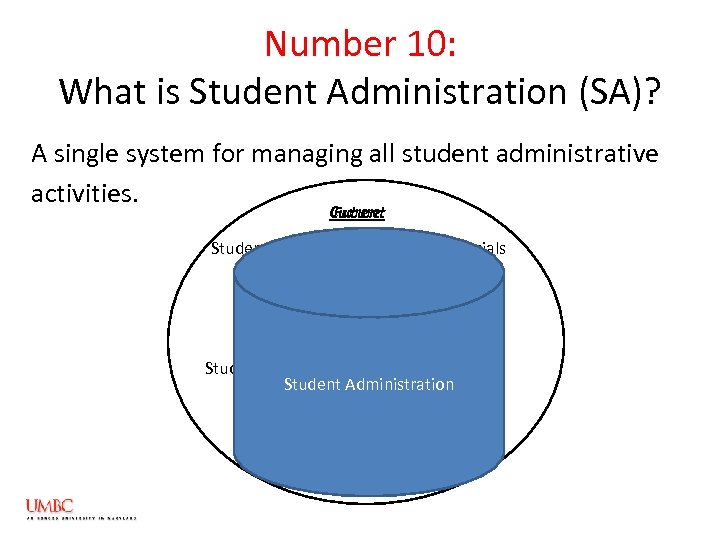 Number 10: What is Student Administration (SA)? A single system for managing all student administrative activities. Current Future Student Information Student Financials Student Records Spreadsheets Student Administration
 Number 9: Why is UMBC implementing SA? • To replace existing administrative systems with one integrated system. • To support a growing and changing campus. • To provide improved web-based, self-service functionality for faculty and students.
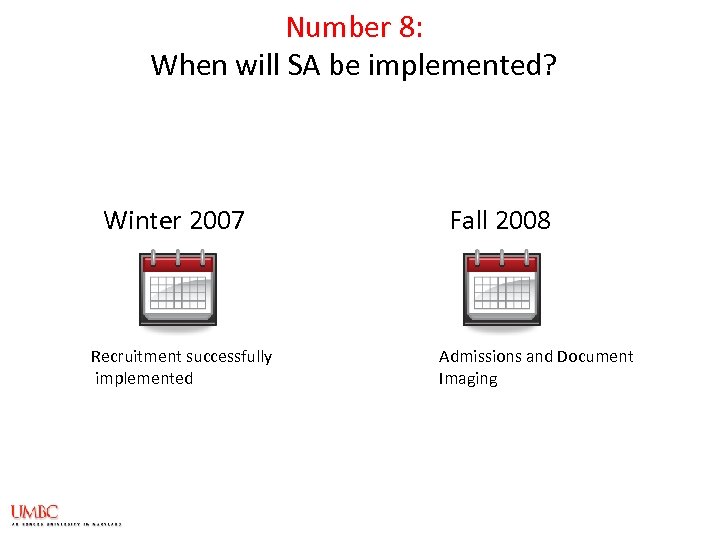 Number 8: When will SA be implemented? Winter 2007 Recruitment successfully implemented Fall 2008 Admissions and Document Imaging
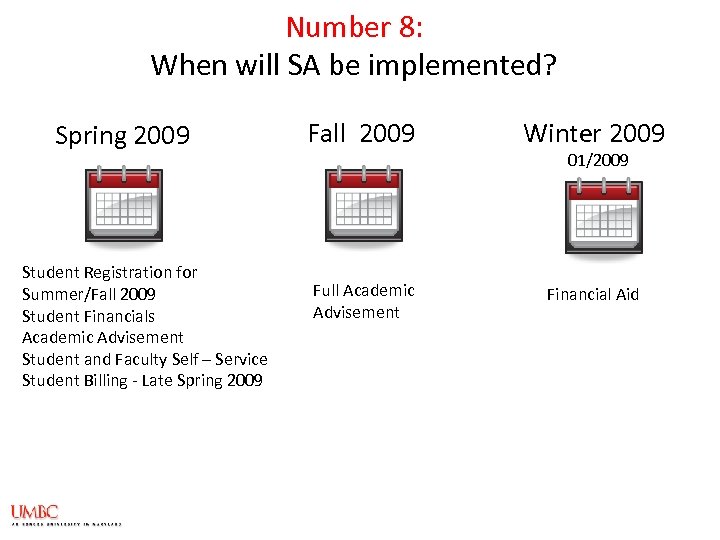 Number 8: When will SA be implemented? Spring 2009 Student Registration for Summer/Fall 2009 Student Financials Academic Advisement Student and Faculty Self – Service Student Billing - Late Spring 2009 Fall 2009 Winter 2009 Full Academic Advisement Financial Aid 01/2009
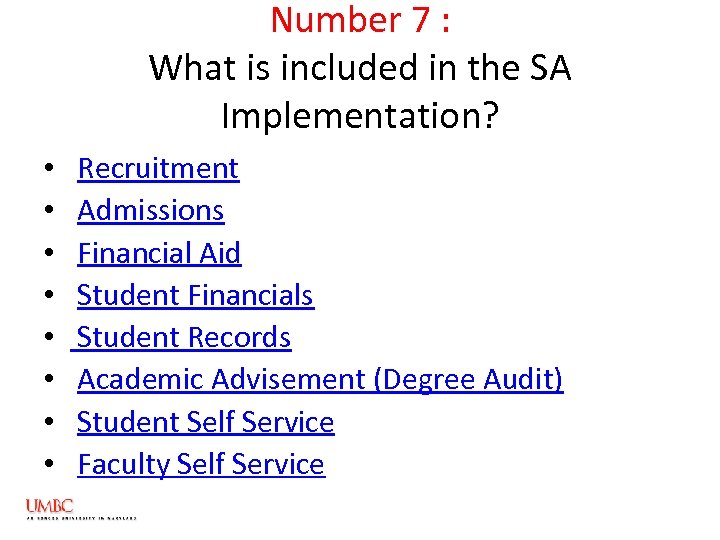 Number 7 : What is included in the SA Implementation? • • Recruitment Admissions Financial Aid Student Financials Student Records Academic Advisement (Degree Audit) Student Self Service Faculty Self Service
 Recruitment • Tracks prospects in one system • Provides for a way to identify which prospecting events are most effective • Easy way to identify which prospects turn into applicants and students Implemented January 2007
 Admissions • One place to enter, manage and analyze student applications and supporting information • Efficient matriculation of students • Graduate school supporting documentation will be available to Academic departments via improved document imaging solution Implementation Timeline – Fall 2008
 Financial Aid • Improved automation of awarding and disbursing of financial aid • Tighten financial aid and institutional compliance • Ability to view and accept awards online Implementation Timeline – Winter 2009.
 Student Financials • Allows for integration of independent systems to track and automate transactions to students’ financial account. • Reducing errors and redundancy • Real-time, user-friendly portal to view all student financial obligations and transactions Implementation Timeline – Spring 2009
 Student Records • Improved on-line tools to assist students in identifying appropriate class choices and managing their registration • Streamlined academic standing processes • Automated transfer credit evaluation process • Online scheduling • Online grading • Prerequisite checking (will be implemented in Fall 2009) Implementation Timeline –March 2009 Registration for Summer and Fall 2009 classes will be conducted online in Student Administration
 Academic Advisement • Automated ability to perform a degree audit for all Undergraduate students • Streamline graduation clearance • Advisor & Students able to view “what if” scenarios • More substantive advising and interaction between students and faculty Implementation Timeline – Spring 2009 for General Education Program Fall 2009 - Fully functional for Majors, Minors and Certificates
 Student Self-Service • Enhanced self-service features and functionality • Ability to view admission status, perform enrollment and student financial transactions and awards on-line • View Degree Audit and Transfer Credits • Improved course management and academic information Implementation Timeline – Spring 2009
 Faculty Self-Service A single point of entry to: • View class rosters and view student and advisee information • Access class schedules – Viewed as a list or in a calendar format • View final exam schedule for each term in a list or in a weekly schedule • Enter grades • Convenient link to student academic information – Degree Audit and Unofficial Transcripts Implementation Timeline – Spring 2009
 Number 6 : Who will be impacted by SA? 1. 2. 3. 4. Core Office Staff and Academic Support Staff Academic Department Staff Faculty Students Everyone at UMBC!
 Number 5 : What are the benefits of SA? Core Office Staff and Academic Support: • Cross - departmental information at your fingertips • Duplicate entries eliminated, work streamlined • Less data entry, more time for data management
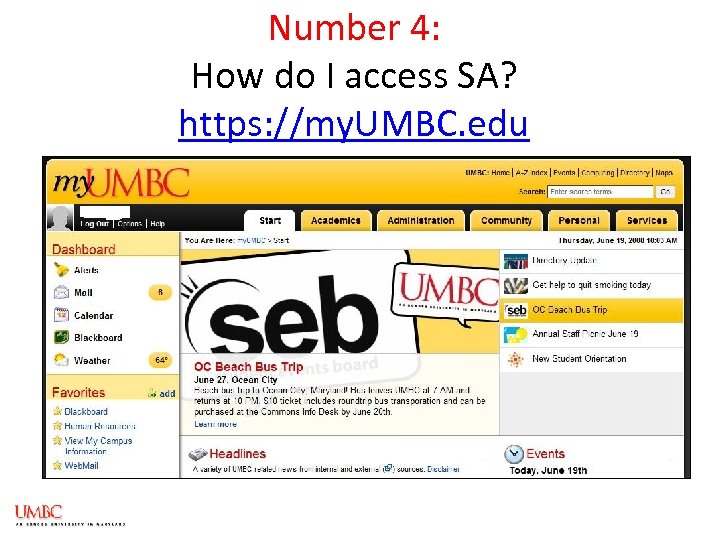 Number 4: How do I access SA? https: //my. UMBC. edu
 Number 3: What are the new SA terms I need to know? Academic Institution = UMBC Academic Career = Ugrad, Grad, Non-Credit Academic Program = Degree, Non-Degree Academic Plan = Major, Minor, Certificates Academic Sub-plan = Concentration or Track Term = Semester
 New SA Terms Continued Units = Credits Campus. ID = Unique identifier for all UMBC students, faculty and staff – printed on ID cards Empl. ID = Student or Employee ID number Service Indicators = Hold or Block on student record Milestones = Non Course Requirements
 Number 2: How do I get trained? JUST IN TIME TRAINING! What you need to know, when you need to know it. • Instructor-led courses • Online learning and simulations • Job aids • Training Manuals
 Number 1 : How do I get Help in SA when I need it? Log on to the Student Administration website https: //umbc. edu/sa You will find: • An overview of the project and its governance • Information about each SA module • End-user support section • FAQs • A place to post comments and questions (forum)
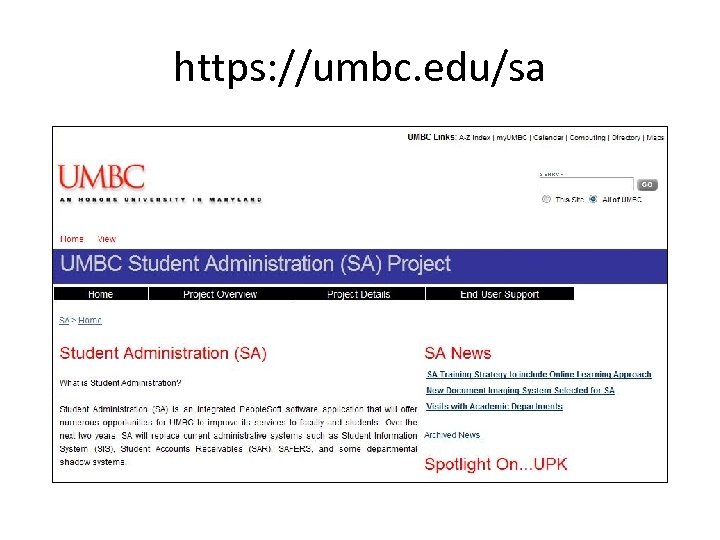 https: //umbc. edu/sa
 In Summary… The implementation of Student Administration will replace existing administrative systems with technology that supports a growing and changing campus and provides extensive web-based, selfservice functionality for faculty and students. Student Administration will allow the University to grow, provide better service to its students and faculty and stay competitive in the 21 st century.