 Скачать презентацию Strings Kanstantsin Ausiannikau Table of Contents 1
07_Strings.pptx
- Количество слайдов: 56



Strings Kanstantsin Ausiannikau
Table of Contents 1. What is String? 2. Creating and Using Strings – Declaring, Creating, Reading and Printing 3. Manipulating Strings – Comparing, Concatenating, Searching, Extracting Substrings, Splitting 4. Other String Operations – Replacing Substrings, Deleting Substrings, Changing Character Casing, Trimming 5. Building and Modifying Strings – Using String. Builder Class 6. Formatting Strings
What Is String?
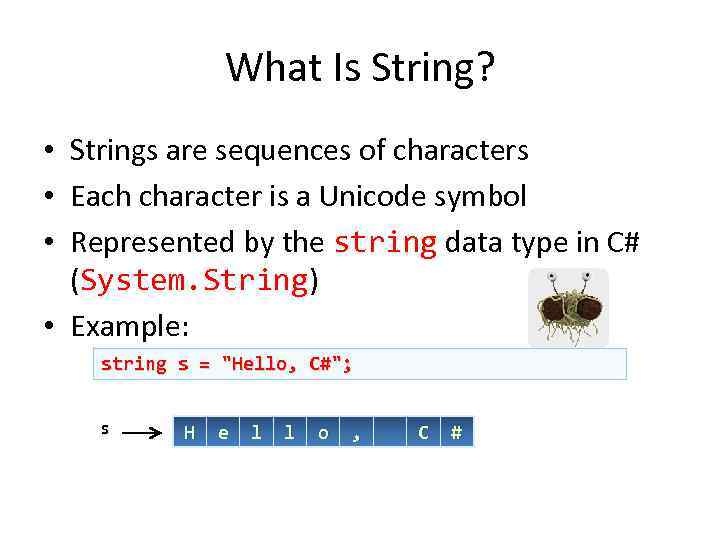
What Is String? • Strings are sequences of characters • Each character is a Unicode symbol • Represented by the string data type in C# (System. String) • Example: string s = "Hello, C#"; s H e l l o , C #
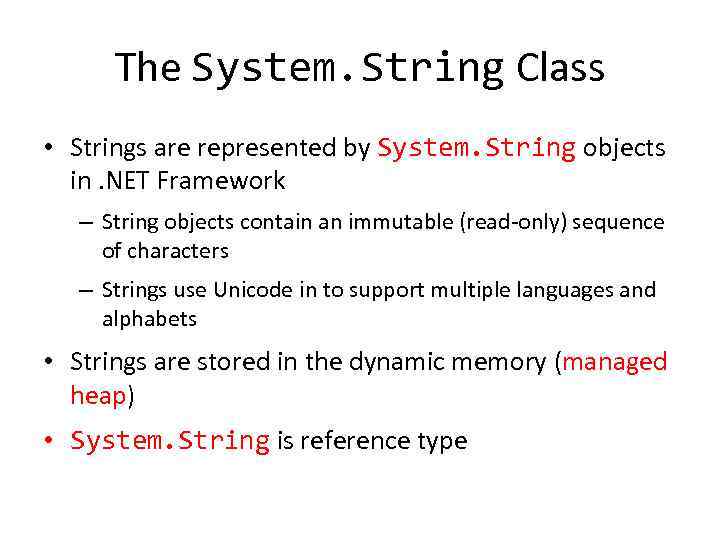
The System. String Class • Strings are represented by System. String objects in. NET Framework – String objects contain an immutable (read-only) sequence of characters – Strings use Unicode in to support multiple languages and alphabets • Strings are stored in the dynamic memory (managed heap) • System. String is reference type
![The System. String Class (2) • String objects are like arrays of characters (char[])](https://present5.com/presentation/17666590_165151480/image-6.jpg "The System. String Class (2) • String objects are like arrays of characters (char[])")
The System. String Class (2) • String objects are like arrays of characters (char[]) – Have fixed length (String. Length) – Elements can be accessed directly by index • The index is in the range [0. . . Length-1] string s = "Hello!"; int len = s. Length; // len = 6 char ch = s[1]; // ch = 'e' index = s[index] = 0 H 1 e 2 l 3 l 4 o 5 !
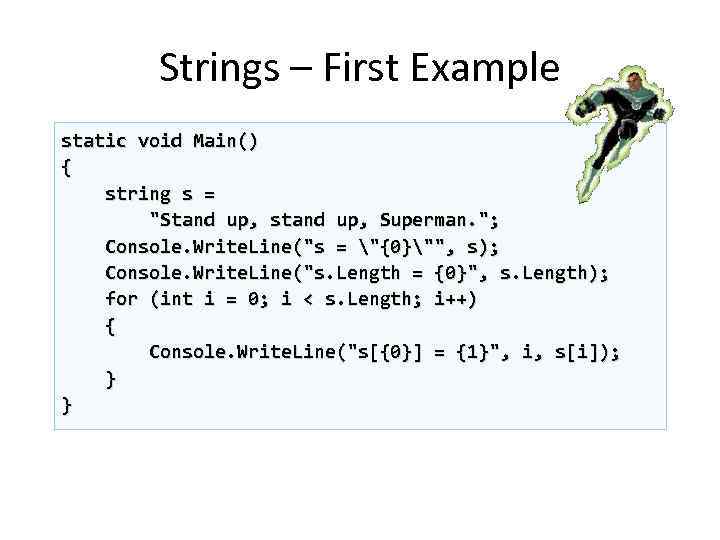
Strings – First Example static void Main() { string s = "Stand up, stand up, Superman. "; Console. Write. Line("s = "{0}"", s); Console. Write. Line("s. Length = {0}", s. Length); for (int i = 0; i < s. Length; i++) { Console. Write. Line("s[{0}] = {1}", i, s[i]); } }
Creating and Using Strings Declaring, Creating, Reading and Printing
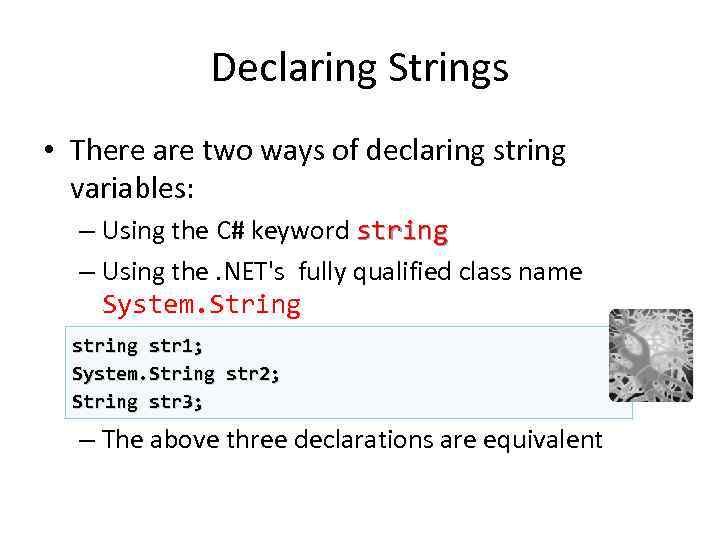
Declaring Strings • There are two ways of declaring string variables: – Using the C# keyword string – Using the. NET's fully qualified class name System. String str 1; System. String str 2; String str 3; – The above three declarations are equivalent
Creating Strings • Before initializing a string variable has null value • Strings can be initialized by: – Assigning a string literal to the string variable – Assigning the value of another string variable – Assigning the result of operation of type string
Creating Strings (2) • Not initialized variables has value of null string s; // s is equal to null • Assigning a string literal string s = "I am a string literal!"; • Assigning from another string variable string s 2 = s; • Assigning from the result of string operation string s = 42. To. String();
Reading and Printing Strings • Reading strings from the console – Use the method Console. Read. Line() string s = Console. Read. Line(); • Printing strings to the console • Use the methods Write() and Write. Line() Console. Write("Please enter your name: "); string name = Console. Read. Line(); Console. Write("Hello, {0}! ", name); Console. Write. Line("Welcome to our party!");
Manipulating Strings Comparing, Concatenating, Searching, Extracting Substrings, Splitting
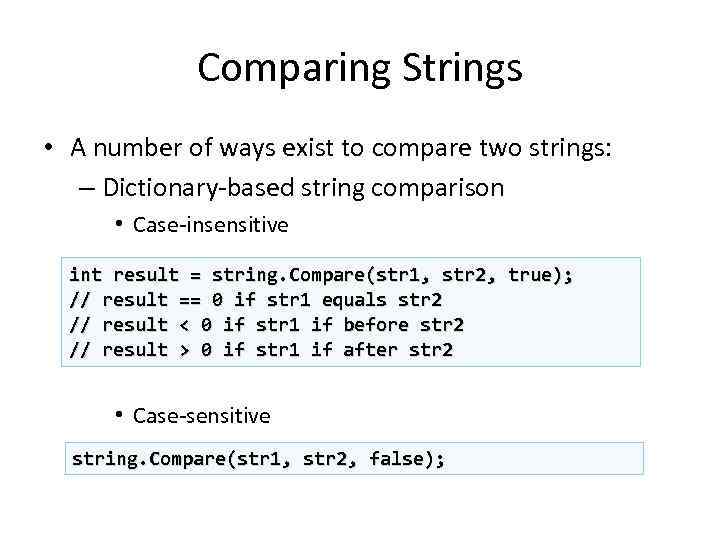
Comparing Strings • A number of ways exist to compare two strings: – Dictionary-based string comparison • Case-insensitive int result = string. Compare(str 1, str 2, true); // result == 0 if str 1 equals str 2 // result < 0 if str 1 if before str 2 // result > 0 if str 1 if after str 2 • Case-sensitive string. Compare(str 1, str 2, false);
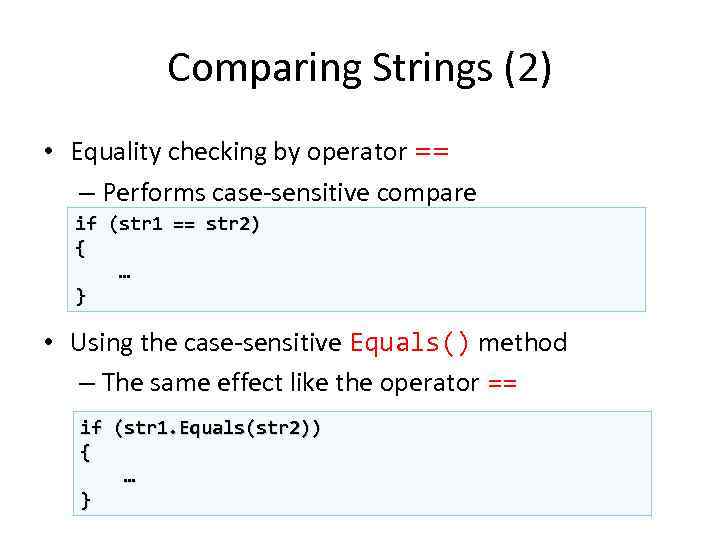
Comparing Strings (2) • Equality checking by operator == – Performs case-sensitive compare if (str 1 == str 2) { … } • Using the case-sensitive Equals() method – The same effect like the operator == if (str 1. Equals(str 2)) { … }
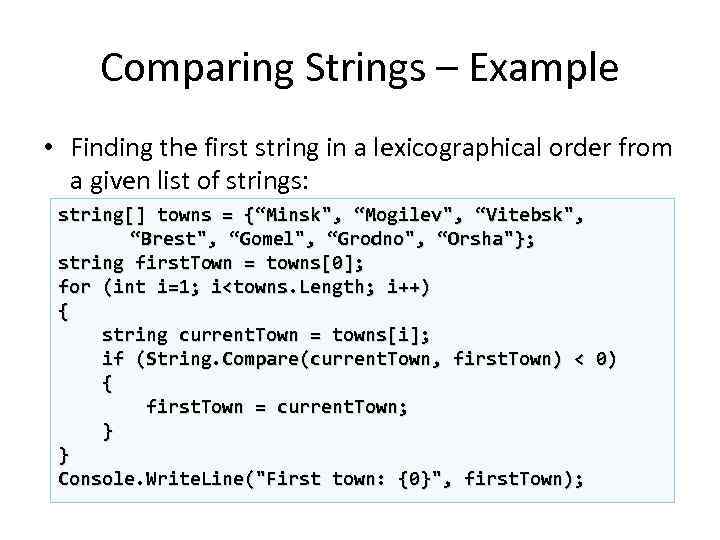
Comparing Strings – Example • Finding the first string in a lexicographical order from a given list of strings: string[] towns = {“Minsk", “Mogilev", “Vitebsk", “Brest", “Gomel", “Grodno", “Orsha"}; string first. Town = towns[0]; for (int i=1; i<towns. Length; i++) { string current. Town = towns[i]; if (String. Compare(current. Town, first. Town) < 0) { first. Town = current. Town; } } Console. Write. Line("First town: {0}", first. Town);
Comparing Strings Live Demo
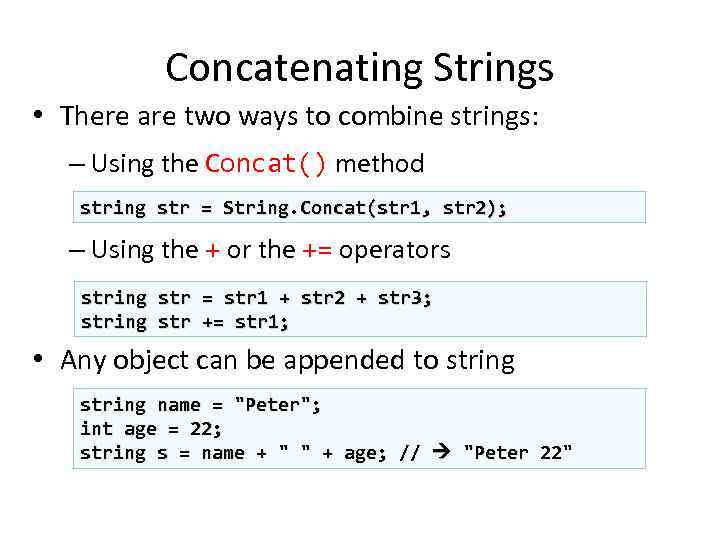
Concatenating Strings • There are two ways to combine strings: – Using the Concat() method string str = String. Concat(str 1, str 2); – Using the + or the += operators string str = str 1 + str 2 + str 3; += str 1; • Any object can be appended to string name = "Peter"; int age = 22; string s = name + " " + age; // "Peter 22"
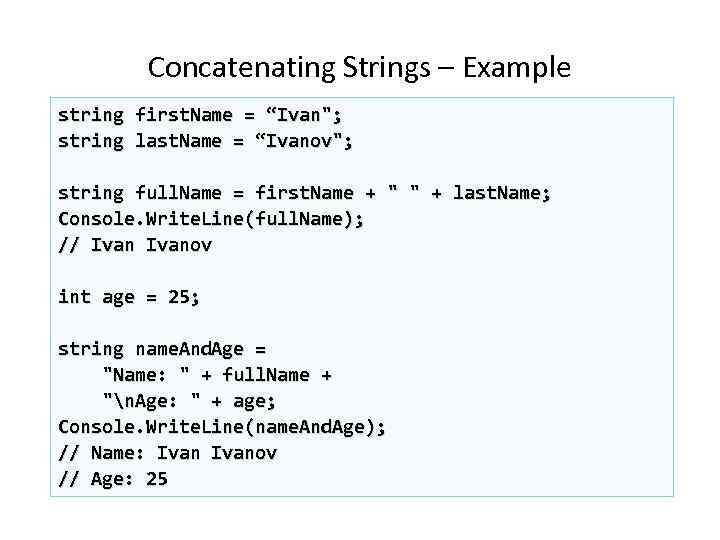
Concatenating Strings – Example string first. Name = “Ivan"; string last. Name = “Ivanov"; string full. Name = first. Name + " " + last. Name; Console. Write. Line(full. Name); // Ivanov int age = 25; string name. And. Age = "Name: " + full. Name + "n. Age: " + age; Console. Write. Line(name. And. Age); // Name: Ivanov // Age: 25
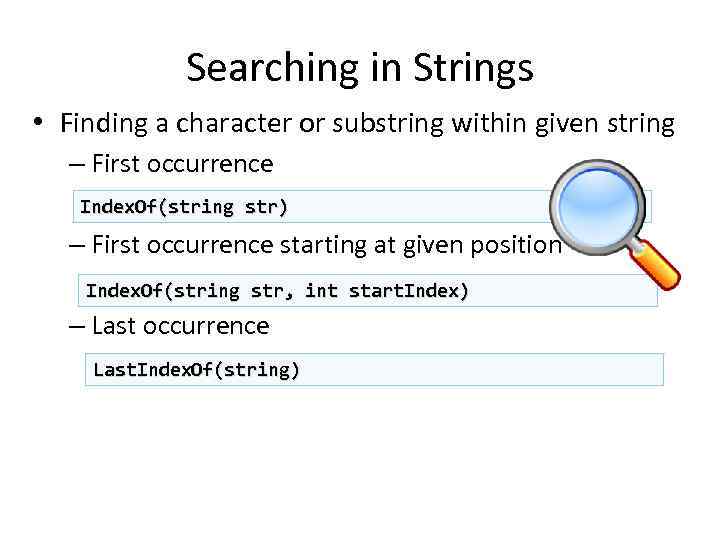
Searching in Strings • Finding a character or substring within given string – First occurrence Index. Of(string str) – First occurrence starting at given position Index. Of(string str, int start. Index) – Last occurrence Last. Index. Of(string)
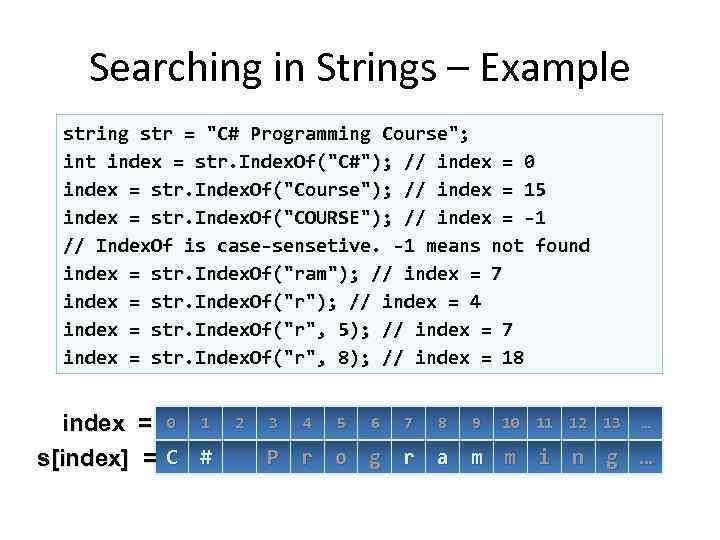
Searching in Strings – Example string str = "C# Programming Course"; int index = str. Index. Of("C#"); // index = 0 index = str. Index. Of("Course"); // index = 15 index = str. Index. Of("COURSE"); // index = -1 // Index. Of is case-sensetive. -1 means not found index = str. Index. Of("ram"); // index = 7 index = str. Index. Of("r"); // index = 4 index = str. Index. Of("r", 5); // index = 7 index = str. Index. Of("r", 8); // index = 18 index = 0 1 s[index] = C # 2 3 4 5 6 7 8 9 10 11 12 13 … P r o g r a m m i n g …
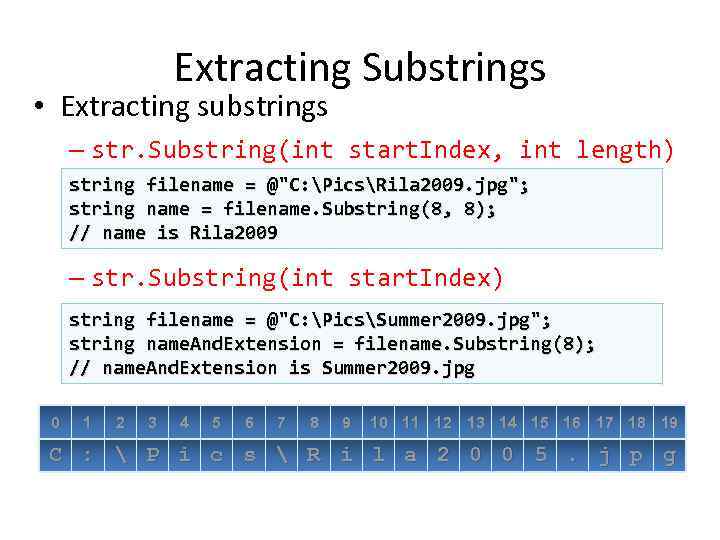
Extracting Substrings • Extracting substrings – str. Substring(int start. Index, int length) string filename = @"C: PicsRila 2009. jpg"; string name = filename. Substring(8, 8); // name is Rila 2009 – str. Substring(int start. Index) string filename = @"C: PicsSummer 2009. jpg"; string name. And. Extension = filename. Substring(8); // name. And. Extension is Summer 2009. jpg 0 1 2 3 4 5 6 7 8 9 10 11 12 13 14 15 16 17 18 19 C : P i c s R i l a 2 0 0 5. j p g
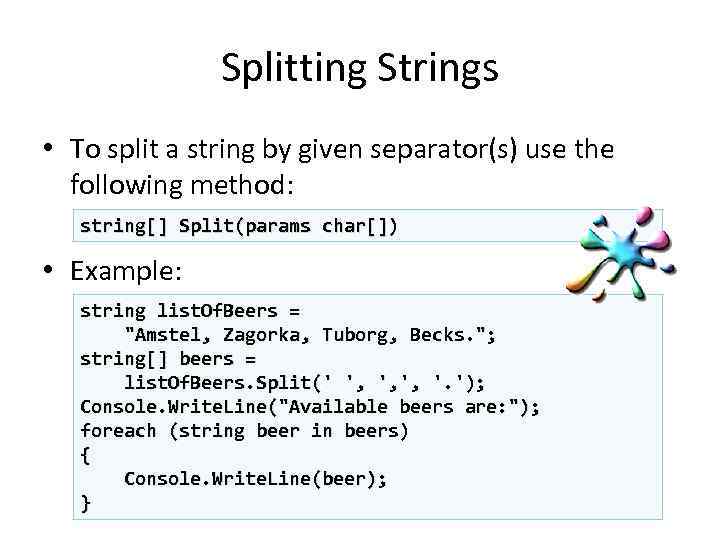
Splitting Strings • To split a string by given separator(s) use the following method: string[] Split(params char[]) • Example: string list. Of. Beers = "Amstel, Zagorka, Tuborg, Becks. "; string[] beers = list. Of. Beers. Split(' ', ', ', '. '); Console. Write. Line("Available beers are: "); foreach (string beer in beers) { Console. Write. Line(beer); }
Other String Operations Replacing Substrings, Deleting Substrings, Changing Character Casing, Trimming
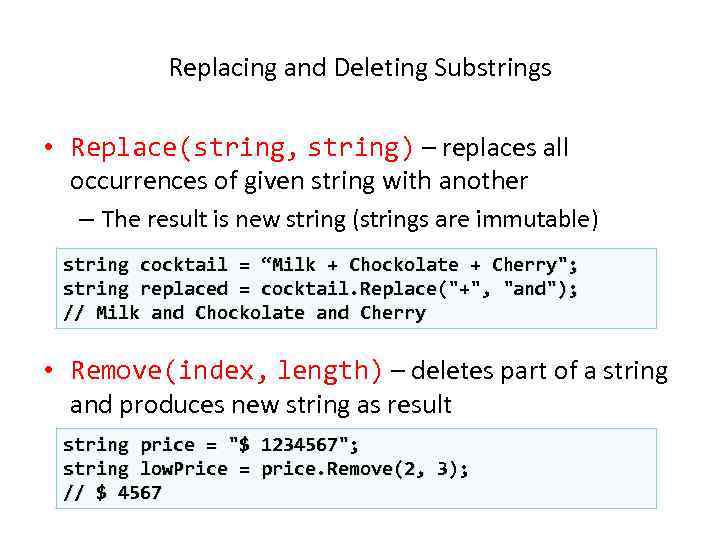
Replacing and Deleting Substrings • Replace(string, string) – replaces all occurrences of given string with another – The result is new string (strings are immutable) string cocktail = “Milk + Chockolate + Cherry"; string replaced = cocktail. Replace("+", "and"); // Milk and Chockolate and Cherry • Remove(index, length) – deletes part of a string and produces new string as result string price = "$ 1234567"; string low. Price = price. Remove(2, 3); // $ 4567
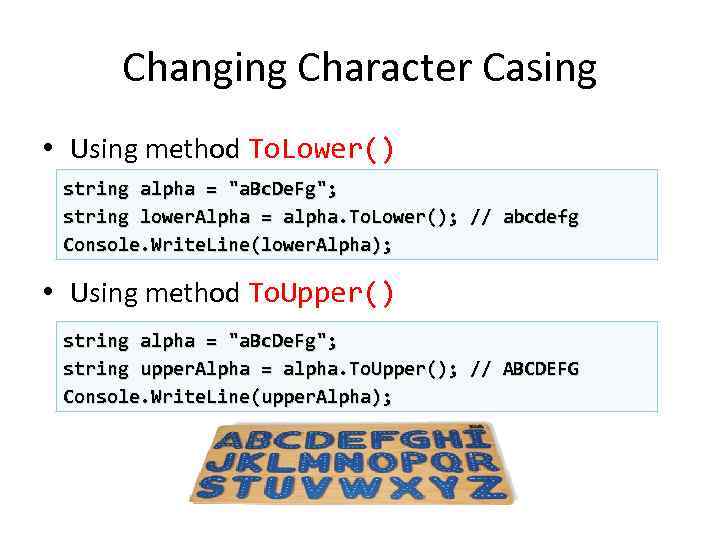
Changing Character Casing • Using method To. Lower() string alpha = "a. Bc. De. Fg"; string lower. Alpha = alpha. To. Lower(); // abcdefg Console. Write. Line(lower. Alpha); • Using method To. Upper() string alpha = "a. Bc. De. Fg"; string upper. Alpha = alpha. To. Upper(); // ABCDEFG Console. Write. Line(upper. Alpha);
Trimming White Space • Using method Trim() string s = " example of white space string clean = s. Trim(); Console. Write. Line(clean); "; • Using method Trim(chars) string s = " tn. Hello!!! n"; string clean = s. Trim(' ', ', ' , '!', 'n', 't'); Console. Write. Line(clean); // Hello • Using Trim. Start() and Trim. End() string s = " C# "; string clean = s. Trim. Start(); // clean = "C# "
Building and Modifying Strings Using String. Builder Class
Constructing Strings • Strings are immutable – Concat(), Replace(), Trim(), . . . return new string, do not modify the old one • Do not use "+" for strings in a loop! – It runs very, very inefficiently! public static string Dup. Char(char ch, int count) { string result = ""; for (int i=0; i<count; i++) Very bad practice. result += ch; return result; Avoid this! }
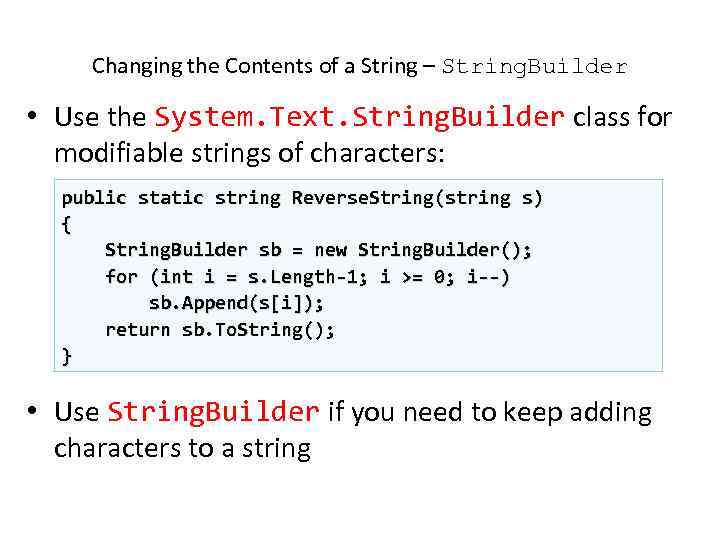
Changing the Contents of a String – String. Builder • Use the System. Text. String. Builder class for modifiable strings of characters: public static string Reverse. String(string s) { String. Builder sb = new String. Builder(); for (int i = s. Length-1; i >= 0; i--) sb. Append(s[i]); return sb. To. String(); } • Use String. Builder if you need to keep adding characters to a string
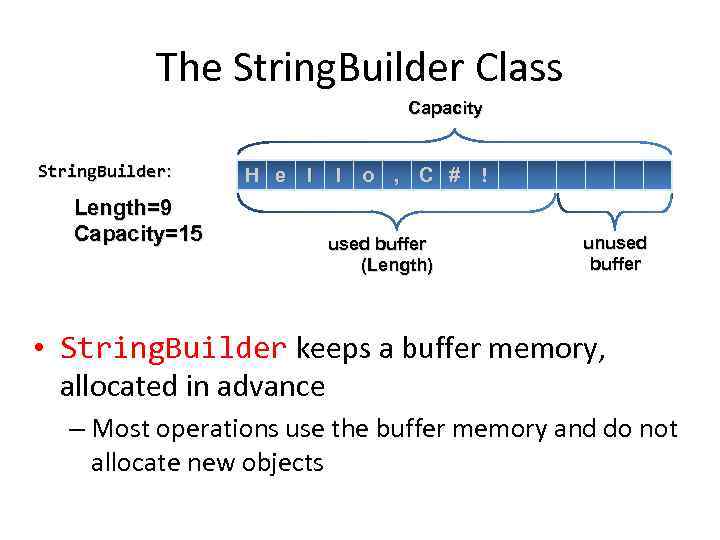
The String. Builder Class Capacity String. Builder: Length=9 Capacity=15 H e l l o , C # ! used buffer (Length) unused buffer • String. Builder keeps a buffer memory, allocated in advance – Most operations use the buffer memory and do not allocate new objects
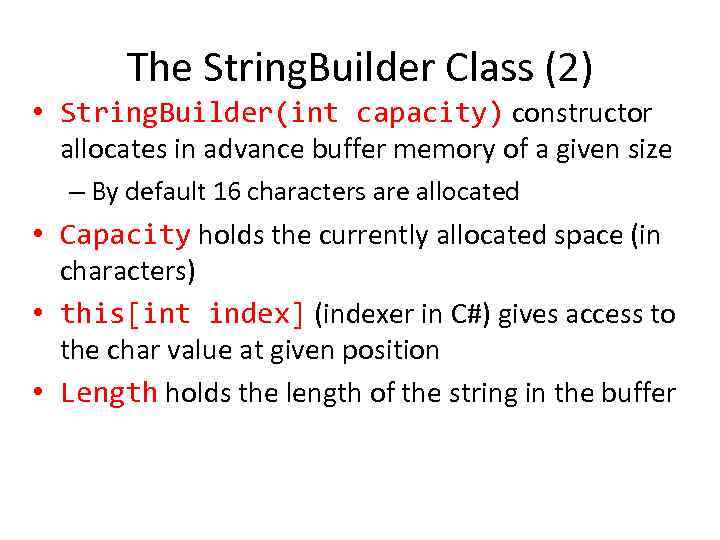
The String. Builder Class (2) • String. Builder(int capacity) constructor allocates in advance buffer memory of a given size – By default 16 characters are allocated • Capacity holds the currently allocated space (in characters) • this[int index] (indexer in C#) gives access to the char value at given position • Length holds the length of the string in the buffer
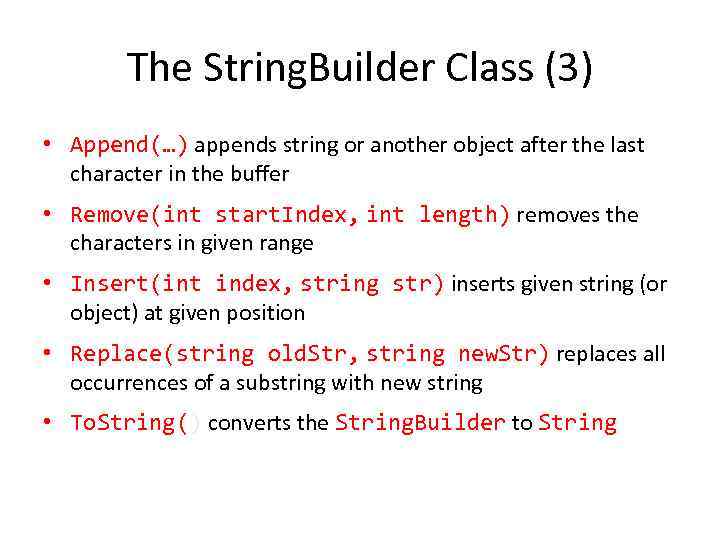
The String. Builder Class (3) • Append(…) appends string or another object after the last character in the buffer • Remove(int start. Index, int length) removes the characters in given range • Insert(int index, string str) inserts given string (or object) at given position • Replace(string old. Str, string new. Str) replaces all occurrences of a substring with new string • To. String() converts the String. Builder to String
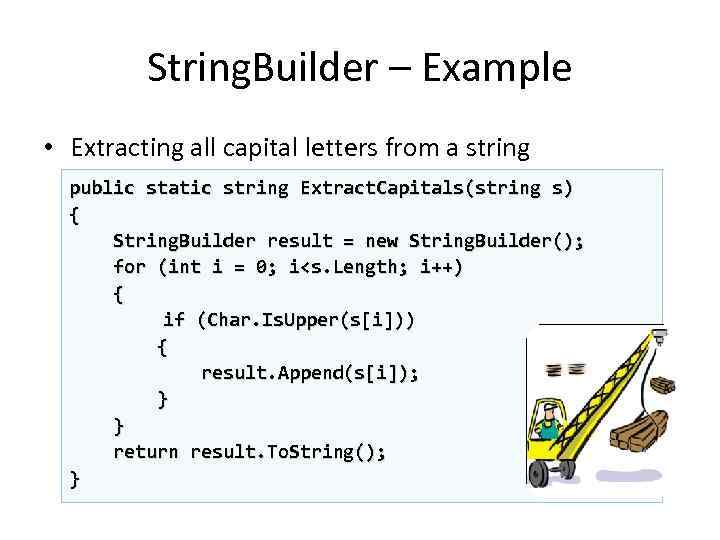
String. Builder – Example • Extracting all capital letters from a string public static string Extract. Capitals(string s) { String. Builder result = new String. Builder(); for (int i = 0; i<s. Length; i++) { if (Char. Is. Upper(s[i])) { result. Append(s[i]); } } return result. To. String(); }
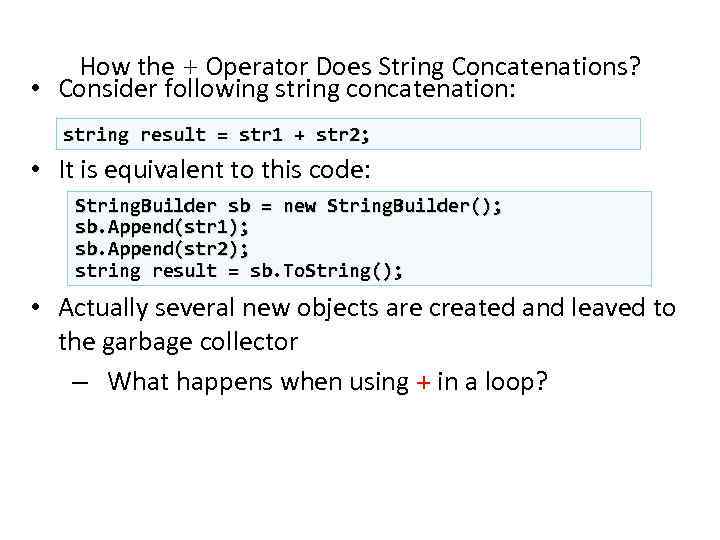
How the + Operator Does String Concatenations? • Consider following string concatenation: string result = str 1 + str 2; • It is equivalent to this code: String. Builder sb = new String. Builder(); sb. Append(str 1); sb. Append(str 2); string result = sb. To. String(); • Actually several new objects are created and leaved to the garbage collector – What happens when using + in a loop?
Formatting Strings Using To. String() and String. Format()
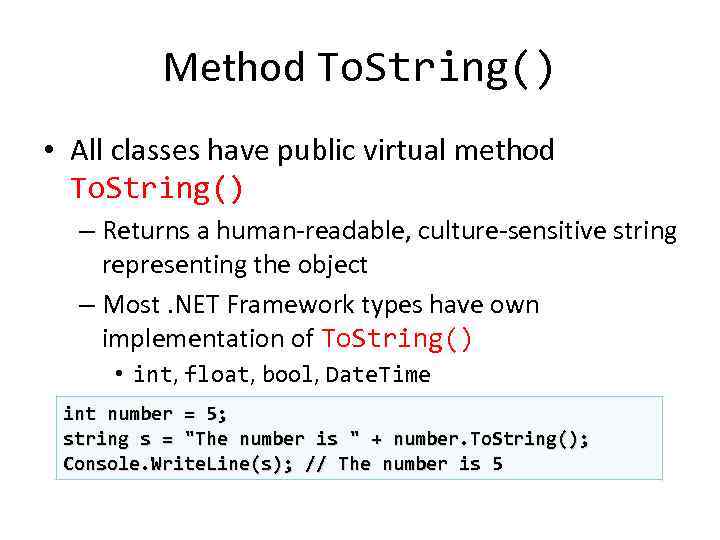
Method To. String() • All classes have public virtual method To. String() – Returns a human-readable, culture-sensitive string representing the object – Most. NET Framework types have own implementation of To. String() • int, float, bool, Date. Time int number = 5; string s = "The number is " + number. To. String(); Console. Write. Line(s); // The number is 5
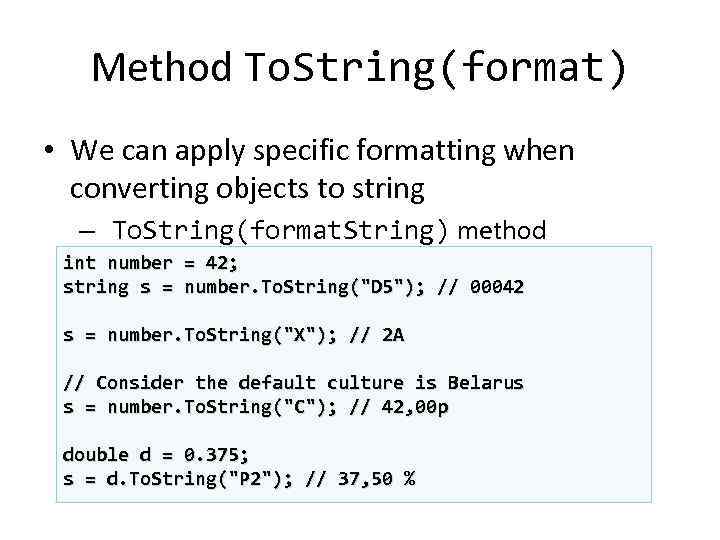
Method To. String(format) • We can apply specific formatting when converting objects to string – To. String(format. String) method int number = 42; string s = number. To. String("D 5"); // 00042 s = number. To. String("X"); // 2 A // Consider the default culture is Belarus s = number. To. String("C"); // 42, 00 р double d = 0. 375; s = d. To. String("P 2"); // 37, 50 %
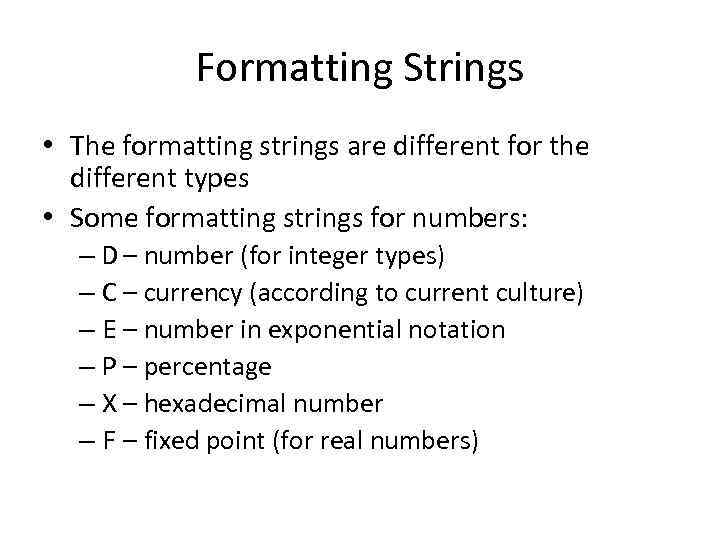
Formatting Strings • The formatting strings are different for the different types • Some formatting strings for numbers: – D – number (for integer types) – C – currency (according to current culture) – E – number in exponential notation – P – percentage – X – hexadecimal number – F – fixed point (for real numbers)
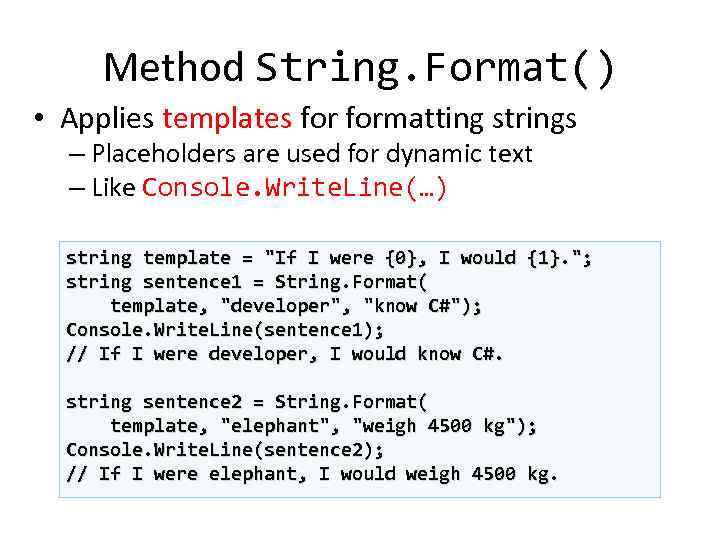
Method String. Format() • Applies templates formatting strings – Placeholders are used for dynamic text – Like Console. Write. Line(…) string template = "If I were {0}, I would {1}. "; string sentence 1 = String. Format( template, "developer", "know C#"); Console. Write. Line(sentence 1); // If I were developer, I would know C#. string sentence 2 = String. Format( template, "elephant", "weigh 4500 kg"); Console. Write. Line(sentence 2); // If I were elephant, I would weigh 4500 kg.
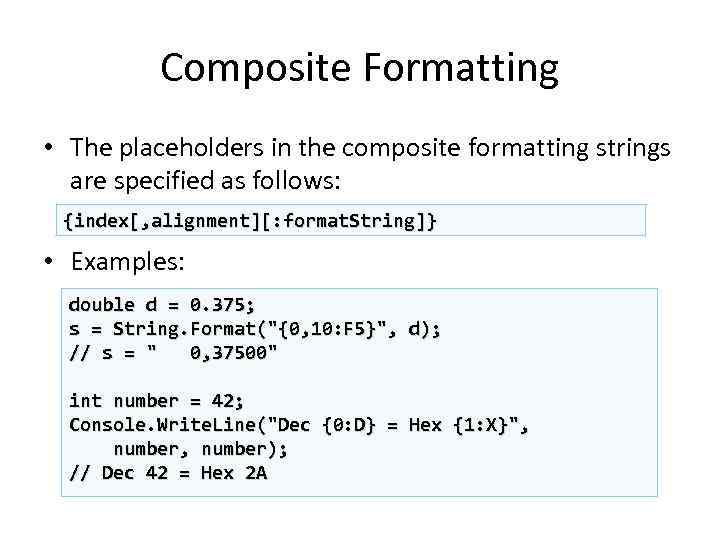
Composite Formatting • The placeholders in the composite formatting strings are specified as follows: {index[, alignment][: format. String]} • Examples: double d = 0. 375; s = String. Format("{0, 10: F 5}", d); // s = " 0, 37500" int number = 42; Console. Write. Line("Dec {0: D} = Hex {1: X}", number); // Dec 42 = Hex 2 A
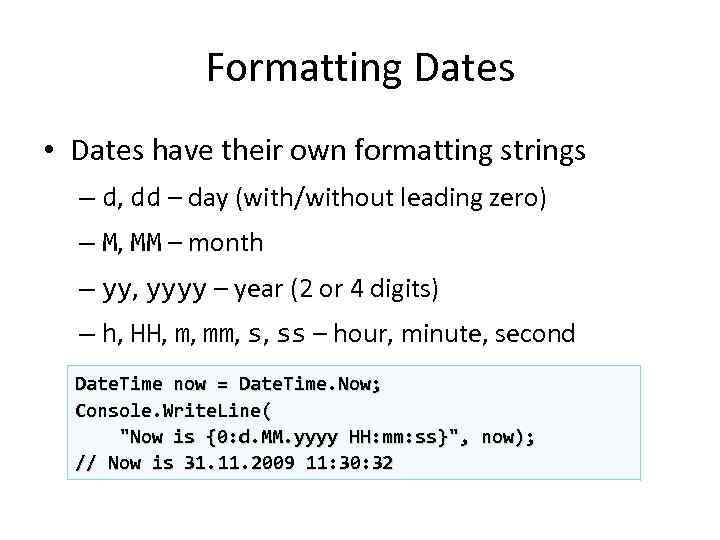
Formatting Dates • Dates have their own formatting strings – d, dd – day (with/without leading zero) – M, MM – month – yy, yyyy – year (2 or 4 digits) – h, HH, m, mm, s, ss – hour, minute, second Date. Time now = Date. Time. Now; Console. Write. Line( "Now is {0: d. MM. yyyy HH: mm: ss}", now); // Now is 31. 11. 2009 11: 30: 32
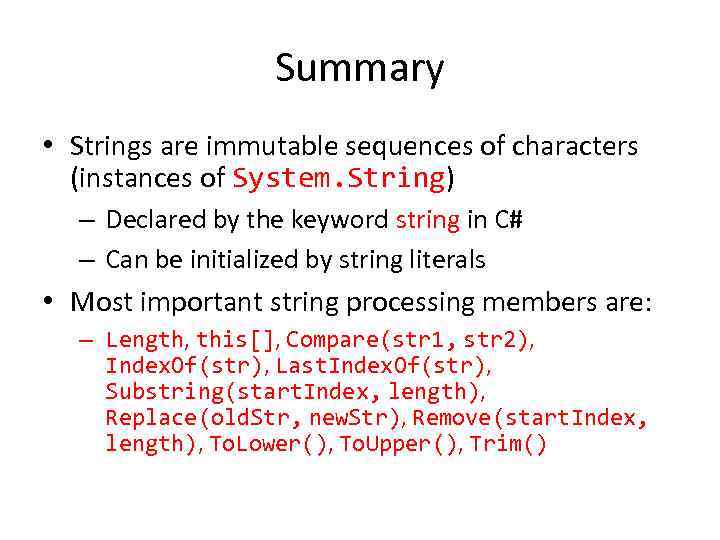
Summary • Strings are immutable sequences of characters (instances of System. String) – Declared by the keyword string in C# – Can be initialized by string literals • Most important string processing members are: – Length, this[], Compare(str 1, str 2), Index. Of(str), Last. Index. Of(str), Substring(start. Index, length), Replace(old. Str, new. Str), Remove(start. Index, length), To. Lower(), To. Upper(), Trim()
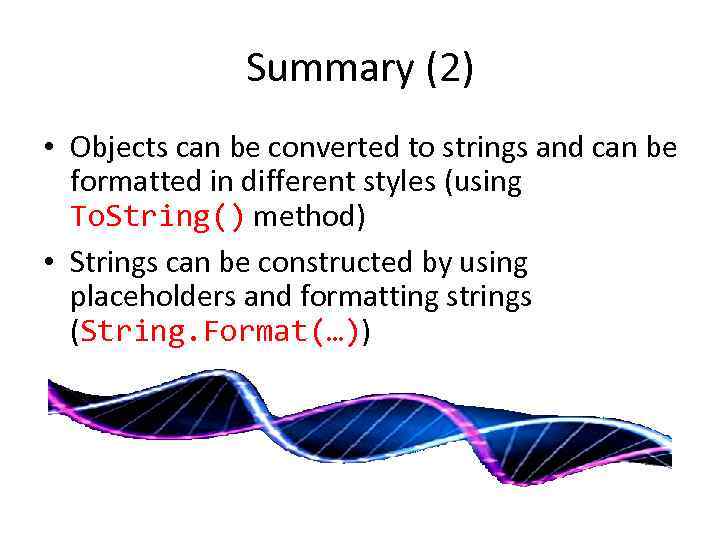
Summary (2) • Objects can be converted to strings and can be formatted in different styles (using To. String() method) • Strings can be constructed by using placeholders and formatting strings (String. Format(…))
Strings and Text Processing ? ? Questions? ? ? ?
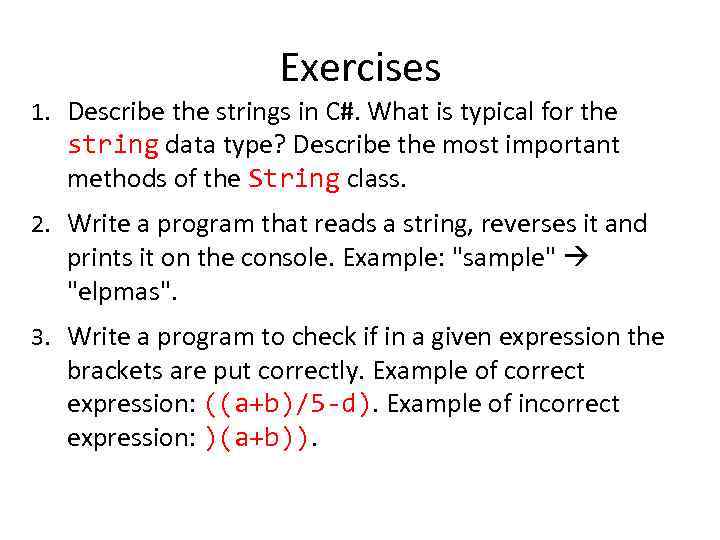
Exercises 1. Describe the strings in C#. What is typical for the string data type? Describe the most important methods of the String class. 2. Write a program that reads a string, reverses it and prints it on the console. Example: "sample" "elpmas". 3. Write a program to check if in a given expression the brackets are put correctly. Example of correct expression: ((a+b)/5 -d). Example of incorrect expression: )(a+b)).
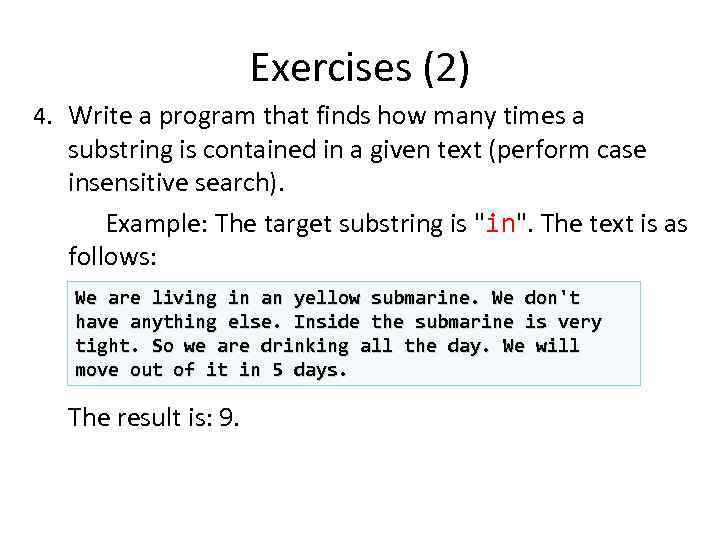
Exercises (2) 4. Write a program that finds how many times a substring is contained in a given text (perform case insensitive search). Example: The target substring is "in". The text is as follows: We are living in an yellow submarine. We don't have anything else. Inside the submarine is very tight. So we are drinking all the day. We will move out of it in 5 days. The result is: 9.
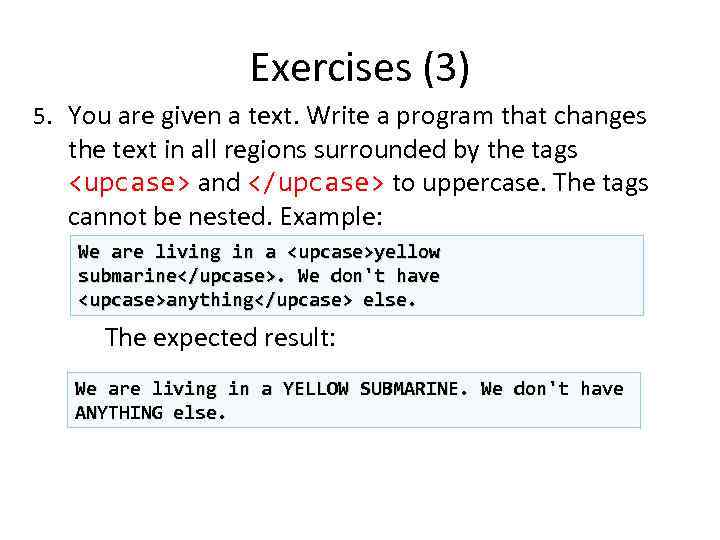
Exercises (3) 5. You are given a text. Write a program that changes the text in all regions surrounded by the tags <upcase> and </upcase> to uppercase. The tags cannot be nested. Example: We are living in a <upcase>yellow submarine</upcase>. We don't have <upcase>anything</upcase> else. The expected result: We are living in a YELLOW SUBMARINE. We don't have ANYTHING else.
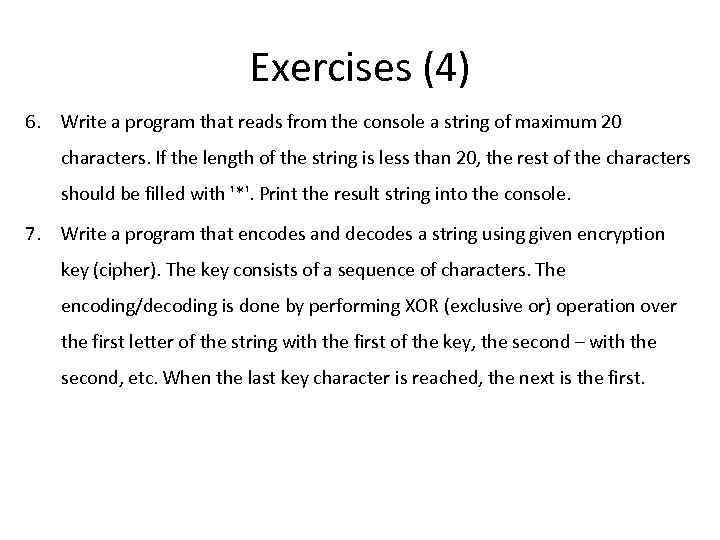
Exercises (4) 6. Write a program that reads from the console a string of maximum 20 characters. If the length of the string is less than 20, the rest of the characters should be filled with '*'. Print the result string into the console. 7. Write a program that encodes and decodes a string using given encryption key (cipher). The key consists of a sequence of characters. The encoding/decoding is done by performing XOR (exclusive or) operation over the first letter of the string with the first of the key, the second – with the second, etc. When the last key character is reached, the next is the first.
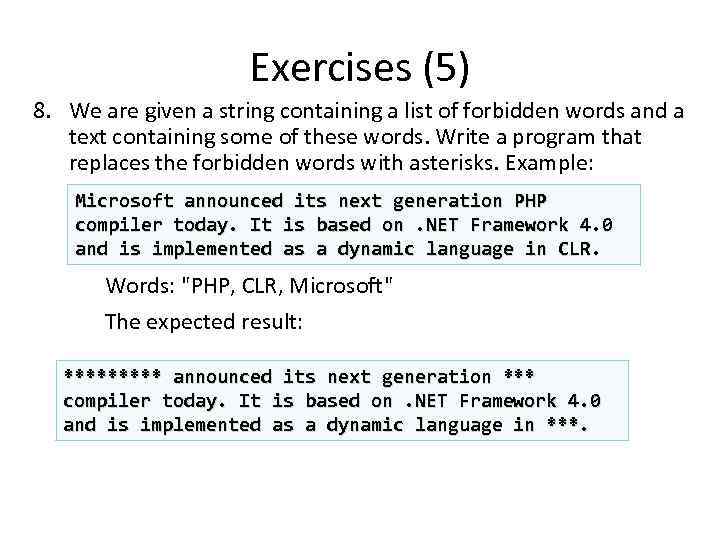
Exercises (5) 8. We are given a string containing a list of forbidden words and a text containing some of these words. Write a program that replaces the forbidden words with asterisks. Example: Microsoft announced its next generation PHP compiler today. It is based on. NET Framework 4. 0 and is implemented as a dynamic language in CLR. Words: "PHP, CLR, Microsoft" The expected result: ***** announced its next generation *** compiler today. It is based on. NET Framework 4. 0 and is implemented as a dynamic language in ***.
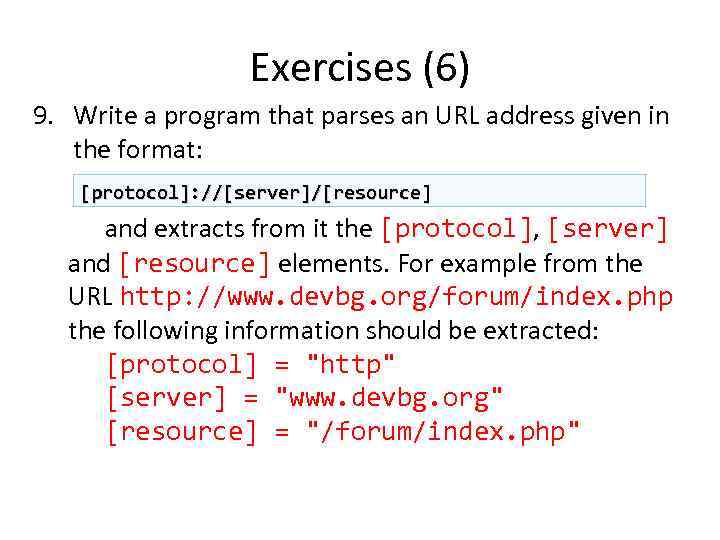
Exercises (6) 9. Write a program that parses an URL address given in the format: [protocol]: //[server]/[resource] and extracts from it the [protocol], [server] and [resource] elements. For example from the URL http: //www. devbg. org/forum/index. php the following information should be extracted: [protocol] = "http" [server] = "www. devbg. org" [resource] = "/forum/index. php"
Exercises (7) 10. Write a program that reverses the words in given sentence. Example: "C# is not C++, not PHP and not Delphi!" "Delphi not and PHP, not C++ not is C#!“.
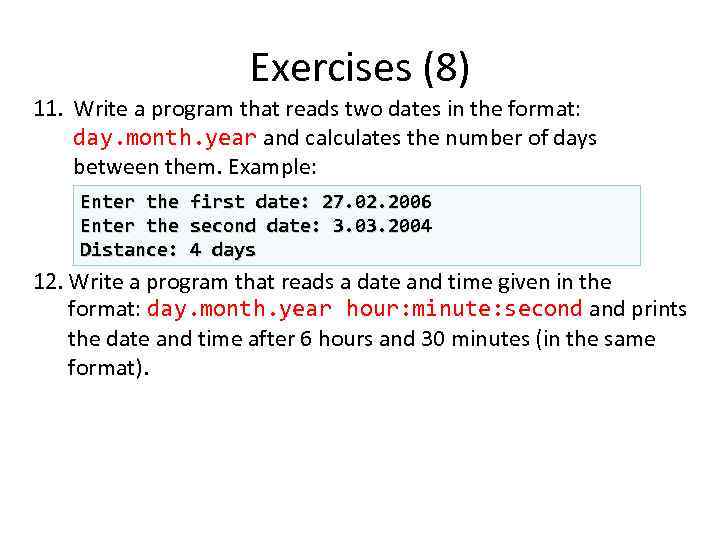
Exercises (8) 11. Write a program that reads two dates in the format: day. month. year and calculates the number of days between them. Example: Enter the first date: 27. 02. 2006 Enter the second date: 3. 03. 2004 Distance: 4 days 12. Write a program that reads a date and time given in the format: day. month. year hour: minute: second and prints the date and time after 6 hours and 30 minutes (in the same format).
Exercises (9) 13. Write a program for extracting all the email addresses from given text. All substrings that match the format <identifier>@<host>… <domain> should be recognized as emails. 14. Write a program that extracts from a given text all the dates that match the format DD. MM. YYYY. Display them in the standard date format for Canada. 15. Write a program that extracts from a given text all palindromes, e. g. "ABBA", "lamal", "exe". Spaces, dots and commas must be ignored.
Exercises (10) 16. Write a program that reads a string from the console and prints all different letters in the string along with information how many times each letter is found. 17. Write a program that reads a string from the console and lists all different words in the string along with information how many times each word is found. 18. Write a program that reads a string from the console and replaces all series of consecutive identical letters with a single one. Example: "aaaaabbbbbcdddeeeedssaa" "abcdedsa".
Exercises (11) 19. Write a program that reads a list of words, separated by spaces and prints the list in an alphabetical order.
Скачать презентацию Strings Kanstantsin Ausiannikau Table of Contents 1
07_Strings.pptx