 Скачать презентацию Strategies Tools for Centralizing and Automating Database
55ee31670c1a3ac3ac3195c7293dd048.ppt
- Количество слайдов: 26



Strategies & Tools for Centralizing and Automating Database Management February 21, 2006 Delivered by: Matthew Zito, Chief Scientist 156 5 th Avenue Penthouse New York, NY 10010 P: 646. 452. 4100 www. gridapp. com
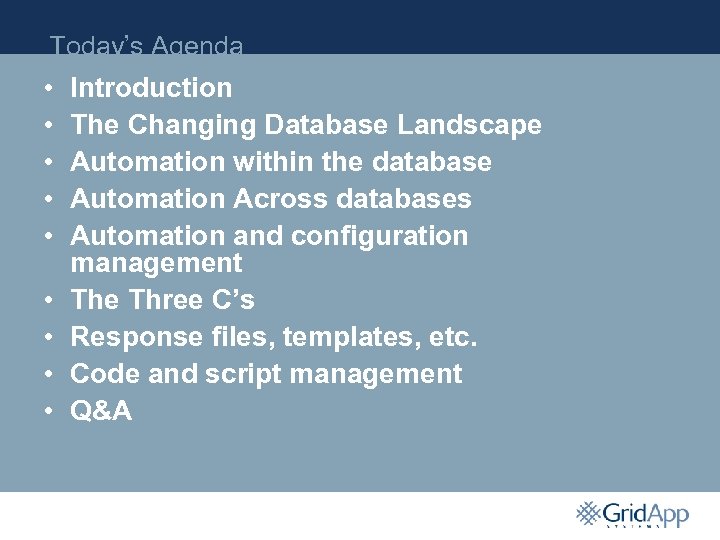
Today’s Agenda • • • Introduction The Changing Database Landscape Automation within the database Automation Across databases Automation and configuration management The Three C’s Response files, templates, etc. Code and script management Q&A
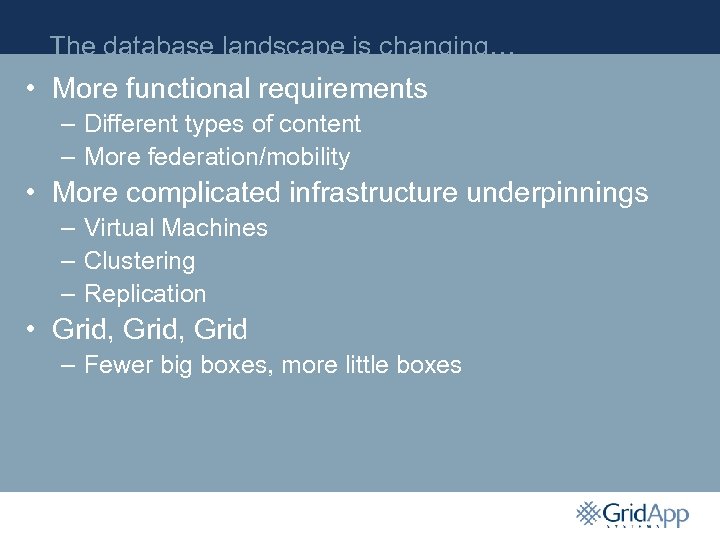
The database landscape is changing… • More functional requirements – Different types of content – More federation/mobility • More complicated infrastructure underpinnings – Virtual Machines – Clustering – Replication • Grid, Grid – Fewer big boxes, more little boxes
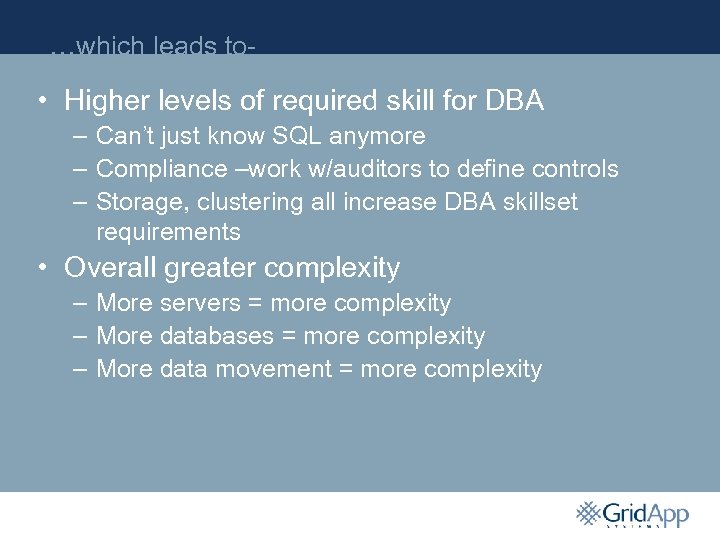
…which leads to- • Higher levels of required skill for DBA – Can’t just know SQL anymore – Compliance –work w/auditors to define controls – Storage, clustering all increase DBA skillset requirements • Overall greater complexity – More servers = more complexity – More databases = more complexity – More data movement = more complexity
So what’s to be done? • DBAs can’t be generalists anymore – Focus on development – Focus on new technology deployment • Create process – Less worrying about what’s happening to systems – More effective delegation • Reduce manual interaction with databases – Tools – Scripts – Let software do the work
Automation is the answer • Automation within a database – “Self-managing” – “Self-healing” • Automation across databases – Policies – Automated deployment – Schema management
Internal Automation • Storage – ASM – Tablespace management • Operational – Automatic SGA management – Automated Failover • Performance – ADDM – Client &listener load balancing
Storage Automation • ASM – – Reduces storage management complexity Automatically rebalances data on available disks Encourages standardization of disk devices Forget fine-tuning storage - ASM is “good enough” • Tablespace management – Oracle Managed Files – Standard functionality with some improvements
Operational Automation • Automatic SGA Management – Set an overall guideline for memory utilization • SGA_TARGET – Oracle tunes the components within that – Reduces “tweaking” of memory • Failover – RAC – configure TAF/connect string • connections automatically reconnect to surviving node(s) – Fast-start failover • automatic failover from primary to standby database – Compensates for stress-induced human error • reduces downtime
Performance Automation • ADDM – Automatic analysis of AWR reports – Provides coarse-grained recommendations – Not fine-grained tuning, but saves time • Load Balancing - RAC – Listener redirects inbound connections to the leastloaded node (doesn’t really work that well)
Internal Automation Summary • Focused on either very simple or very complicated problems – “I need to extend this tablespace by 10%” – “How do I distribute connections across RAC nodes” • Oracle is committed to reducing DB complexity – Increasingly automated features – Reduced tunable parameters • Will all internal management of databases be automated? – Forrester thinks yes – But then again….
Inter-database Automation Summary • Concepts – Automation & Process – The three “C”s • Standardized Oracle installation – Response files – Technical tools • Templated DBCA – Templates – Response files • Administration – Scripts – Schema & Templates
Automation Concepts • Standardization – Reduce complexity – Reduce ramp-up time for new DBAs – Reduce deployment time for new databases and applications • Repeatability – Write once, run anywhere – Inspire greater confidence in process – Get more sleep
Automation Concepts – continued • Centralization – “Single Source of Truth” for configuration data – Always be current – Enhanced auditing and understanding • Process – Automation does not remove the need for process – Process should be implemented in automation – Defined processes reduce downtime
The Three “C”s of Configuration Management • Code – ORACLE_HOME – ASM & Clusterware – Home-grown scripts • Content – Schema – PL/SQL • Configuration – Initialization parameters – Secondary application config (Data Guard, etc. ) – ASM layouts
Standardized Oracle Installation • Response Files – Provide a way to reliably install Oracle in an identical configuration – Allows you to effectively define standards for how and where Oracle should be installed – Saves time – just click and go • Basics – Two types of automated installations • Silent mode – won’t ask any questions • Suppressed mode – uses a response file and prompts for missing parameters – Response files are in the format name=value
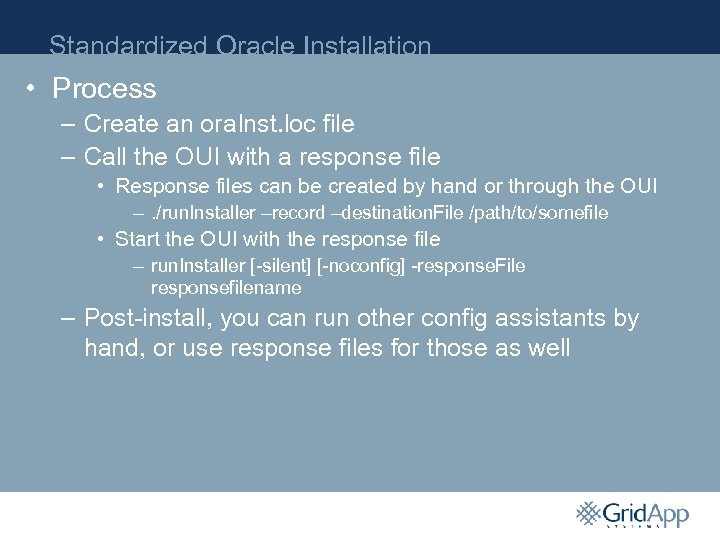
Standardized Oracle Installation • Process – Create an ora. Inst. loc file – Call the OUI with a response file • Response files can be created by hand or through the OUI –. /run. Installer –record –destination. File /path/to/somefile • Start the OUI with the response file – run. Installer [-silent] [-noconfig] -response. File P responsefilename – Post-install, you can run other config assistants by hand, or use response files for those as well
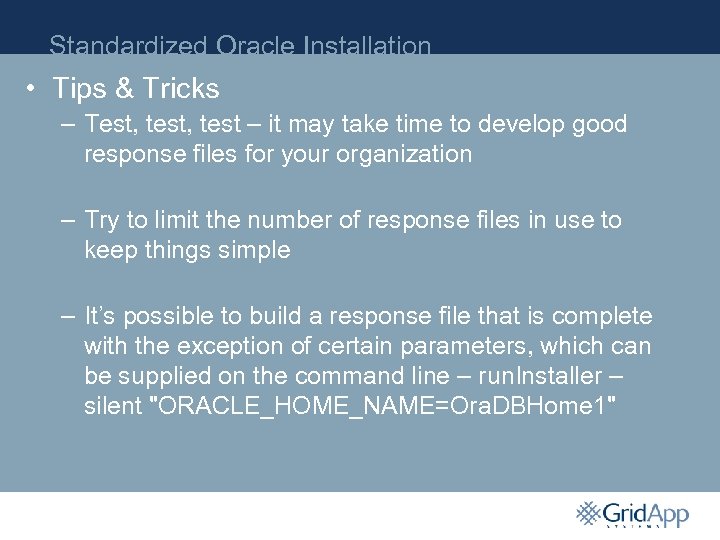
Standardized Oracle Installation • Tips & Tricks – Test, test – it may take time to develop good response files for your organization – Try to limit the number of response files in use to keep things simple P – It’s possible to build a response file that is complete with the exception of certain parameters, which can be supplied on the command line – run. Installer – silent "ORACLE_HOME_NAME=Ora. DBHome 1"
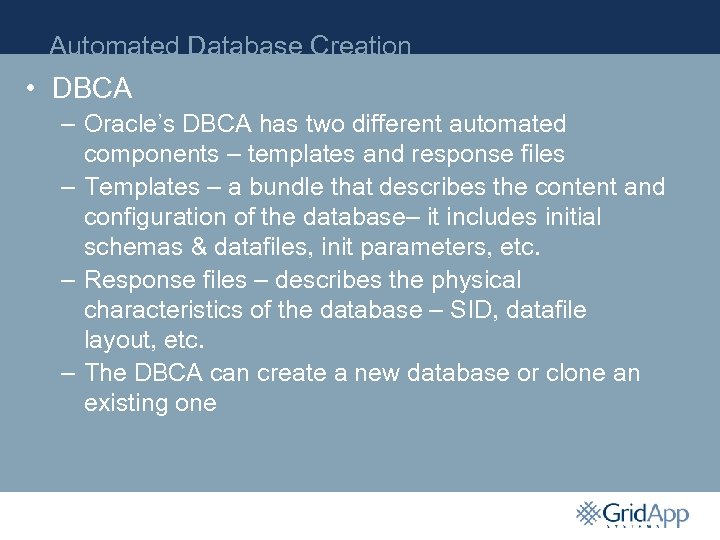
Automated Database Creation • DBCA – Oracle’s DBCA has two different automated components – templates and response files – Templates – a bundle that describes the content and configuration of the database– it includes initial schemas & datafiles, init parameters, etc. P – Response files – describes the physical characteristics of the database – SID, datafile layout, etc. – The DBCA can create a new database or clone an existing one
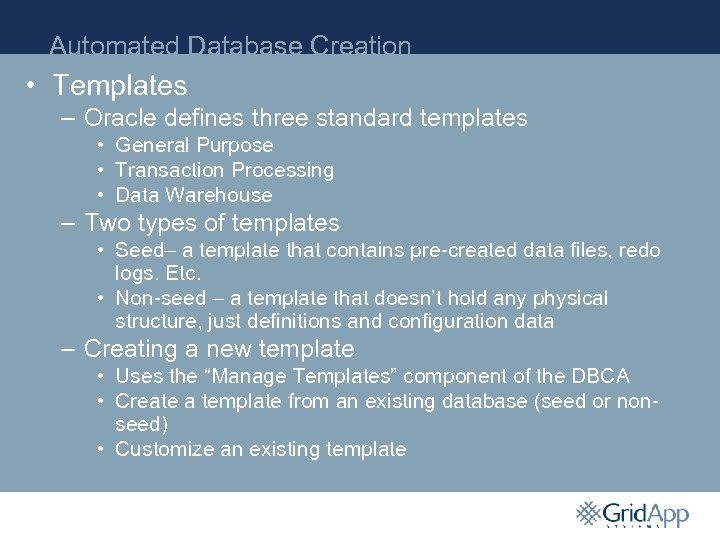
Automated Database Creation • Templates – Oracle defines three standard templates • General Purpose • Transaction Processing • Data Warehouse – Two types of templates • Seed– a template that contains pre-created data files, redo logs. Etc. P • Non-seed – a template that doesn’t hold any physical structure, just definitions and configuration data – Creating a new template • Uses the “Manage Templates” component of the DBCA • Create a template from an existing database (seed or nonseed) • Customize an existing template
Automated Database Creation • DBCA Response Files – Same format as the Oracle binary installer – Defines • • Datafile & redo log locations SID Node list (in a RAC environment) Overrides template init. ora parameters P – Does not define schema • Manual Database Creation – Uses SQL scripts to create the instance – Most reliable, reproducible method – Not as simple to customize
Automated Administration • Scripting – Write scripts generically to encourage reuse • Scripts pull variables in from config files – one per system or database • Automatically parse out oratab, etc. – Invest the time in building administration toolkits • Standardize on one language P • All executions log results to some central location – Use scripts to automatically install scripts postdatabase installation
Automated Administration • Source Code Management – Deploy a centralized SCM system across the database environment – Check everything in – When you install a database, check out the response file, tree of administrative scripts, database creation code, P and crontab file – Create tags for major code releases and tie them back to change control – Upgrading administrative scripts becomes as easy as doing a tree update
Summary • Automation across the database environment helps – Reduce database deployment time – Create a consistent set of databases – Guarantee stability • Centralizing configuration and code helps P – Ensure databases are always created with the correct/latest version of their config – Move changes smoothly from dev->QA->prod – Build clone/duplicate copies of databases based on their configurations at any point in time
Conclusion • The increasing complexity of database environments are encouraging DBAs to automate • Self-managing capabilities in the database reduce complexity and will continue to evolve P • Across databases, the focus is on policy and standardization
Q&A Matthew Zito – mzito@gridapp. com
Скачать презентацию Strategies Tools for Centralizing and Automating Database
55ee31670c1a3ac3ac3195c7293dd048.ppt