


 Скачать презентацию Strategies and Resources to Support Literacy Skills Rhonda
1ff8d0bf75468ffb339527ab990dba9a.ppt
- Количество слайдов: 37
 Strategies and Resources to Support Literacy Skills Rhonda Etter and Vicki Souter Assistive Technology Specialists Southeast Kansas Assistive Technology Access Site SKIL, Inc.
 Session Objectives • Participants will: – Discuss and understand the application of emergent literacy theory on reading instruction for students who are nonverbal – Discuss assessment strategies for identifying reading and writing accommodations for students who have learning disabilities – Learn resources for borrowing adaptive devices for trial use during assessment
 • Literacy supports for individuals who are emergent communicators • Literacy supports for individuals who have reading and writing disabilities
 Literacy supports for individuals who are emergent communicators
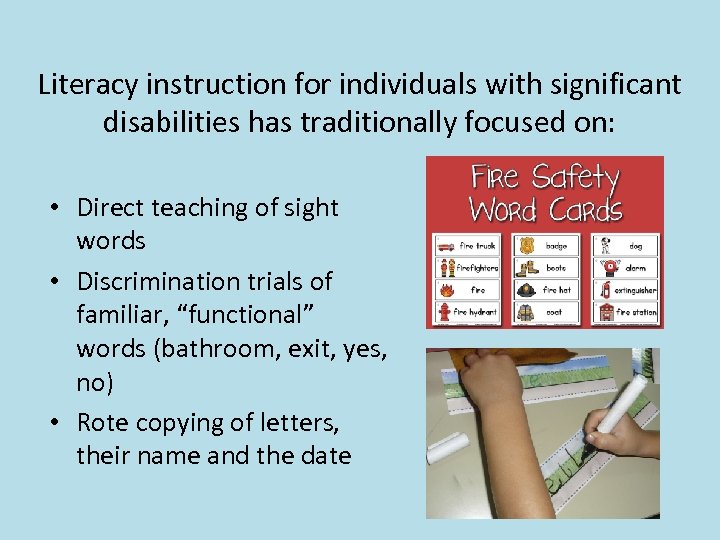 Literacy instruction for individuals with significant disabilities has traditionally focused on: • Direct teaching of sight words • Discrimination trials of familiar, “functional” words (bathroom, exit, yes, no) • Rote copying of letters, their name and the date
 People who do not speak have often received no literacy instruction.
 How can we provide better and more meaningful literacy instruction to these students?
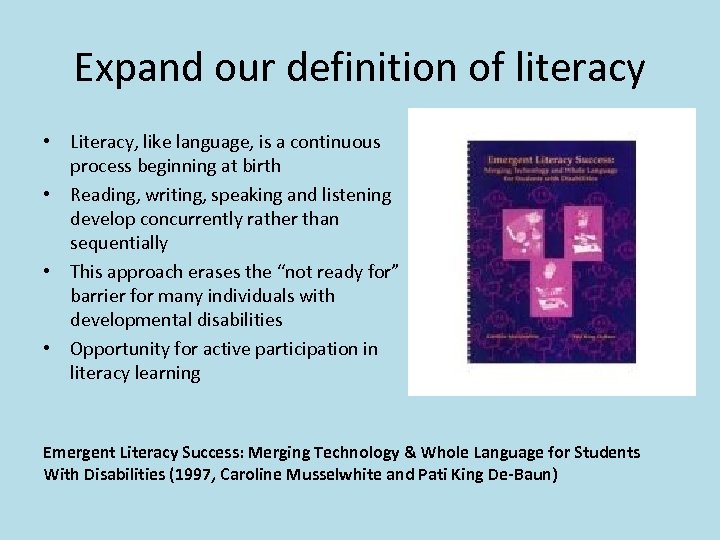 Expand our definition of literacy • Literacy, like language, is a continuous process beginning at birth • Reading, writing, speaking and listening develop concurrently rather than sequentially • This approach erases the “not ready for” barrier for many individuals with developmental disabilities • Opportunity for active participation in literacy learning Emergent Literacy Success: Merging Technology & Whole Language for Students With Disabilities (1997, Caroline Musselwhite and Pati King De-Baun)
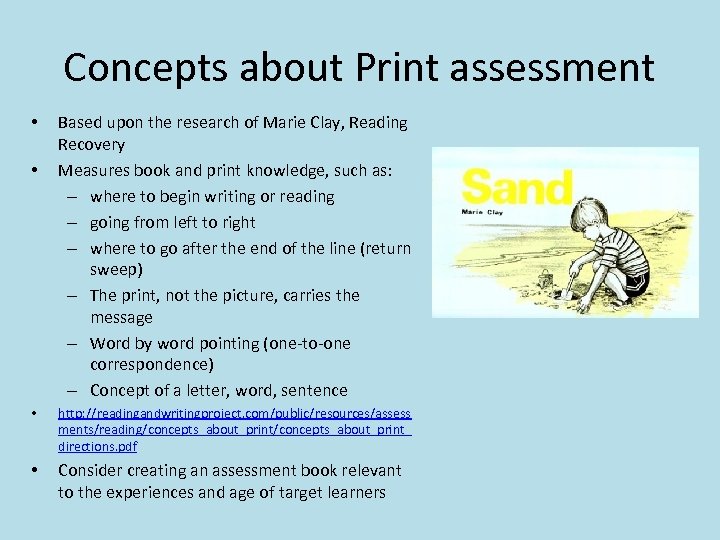 Concepts about Print assessment • • Based upon the research of Marie Clay, Reading Recovery Measures book and print knowledge, such as: – where to begin writing or reading – going from left to right – where to go after the end of the line (return sweep) – The print, not the picture, carries the message – Word by word pointing (one-to-one correspondence) – Concept of a letter, word, sentence • http: //readingandwritingproject. com/public/resources/assess ments/reading/concepts_about_print_ directions. pdf • Consider creating an assessment book relevant to the experiences and age of target learners
 Checklist of Emergent Literacy Skills • In Checklists chapter at the end of Emergent Literacy Success ( Musselwhite & De. Baun, 1997)
 Meaningful literacy goals for emergent communicators • Example Literacy Goals for: – Basic Interactor – Beginning Communicator – Expanded Communicator – Experienced Communicator *Note—the assistive technology tools in these examples are no longer current, but the literacy goals are very helpful From Emergent Literacy Success ( Musselwhite & De. Baun, 1997)
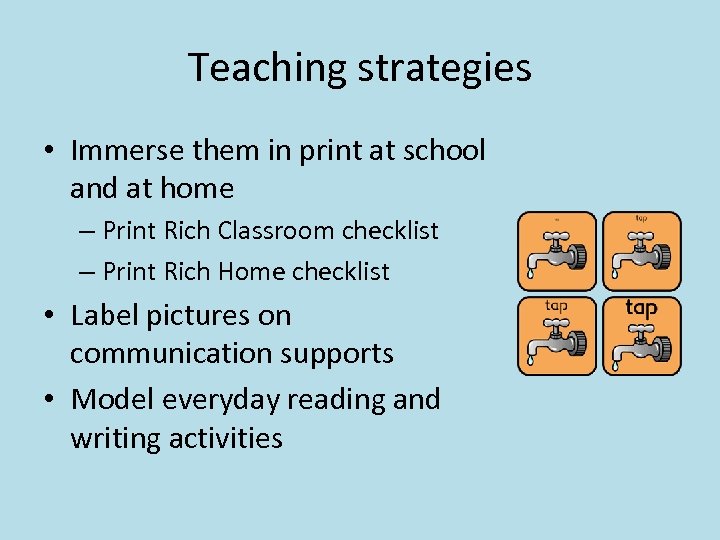 Teaching strategies • Immerse them in print at school and at home – Print Rich Classroom checklist – Print Rich Home checklist • Label pictures on communication supports • Model everyday reading and writing activities
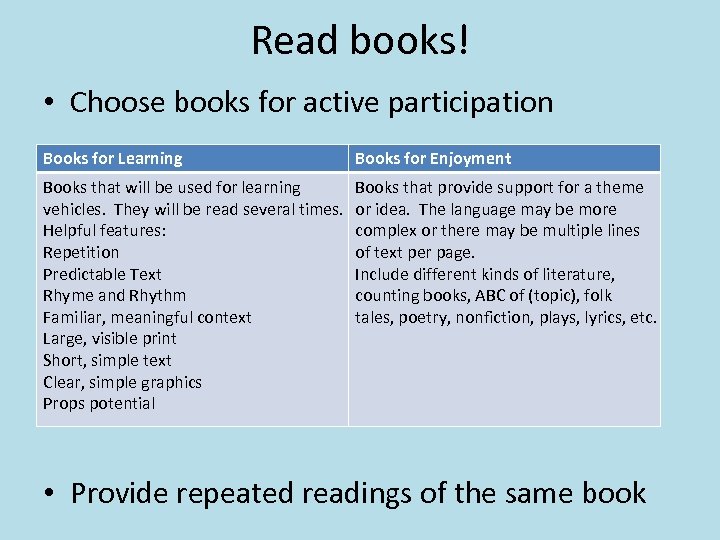 Read books! • Choose books for active participation Books for Learning Books for Enjoyment Books that will be used for learning vehicles. They will be read several times. Helpful features: Repetition Predictable Text Rhyme and Rhythm Familiar, meaningful context Large, visible print Short, simple text Clear, simple graphics Props potential Books that provide support for a theme or idea. The language may be more complex or there may be multiple lines of text per page. Include different kinds of literature, counting books, ABC of (topic), folk tales, poetry, nonfiction, plays, lyrics, etc. • Provide repeated readings of the same book
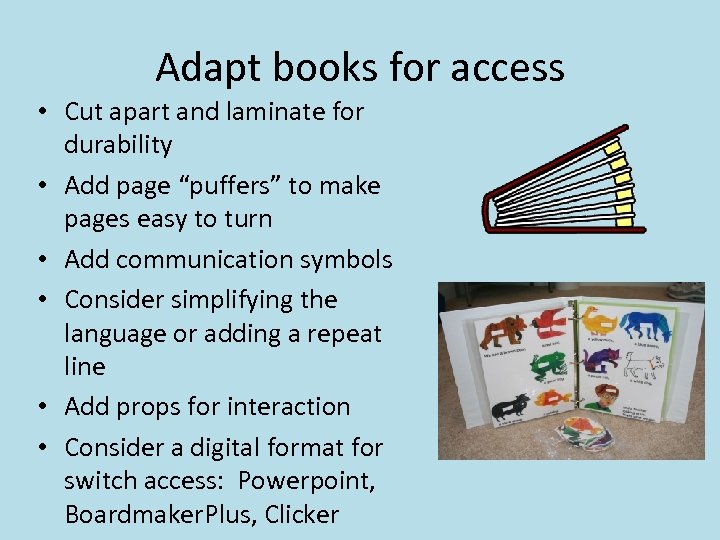 Adapt books for access • Cut apart and laminate for durability • Add page “puffers” to make pages easy to turn • Add communication symbols • Consider simplifying the language or adding a repeat line • Add props for interaction • Consider a digital format for switch access: Powerpoint, Boardmaker. Plus, Clicker
 Accessible Book Resources • Sherlock Center on Disabilities – Adapted books can be downloaded and printed • – http: //www. ric. edu/sherlockcenter/wwslist. html Accessible books in many formats – www. setbc. org/setbc/accessiblebooks/freebooksforyou. html • • Book specific communication boards – www. baltimorecityschools. org/site/Default. aspx? Page. ID=1446 Tar Heel Reader – Books that can be accessed by touch screen, Intellikeys, switch interface – http: //tarheelreader. org
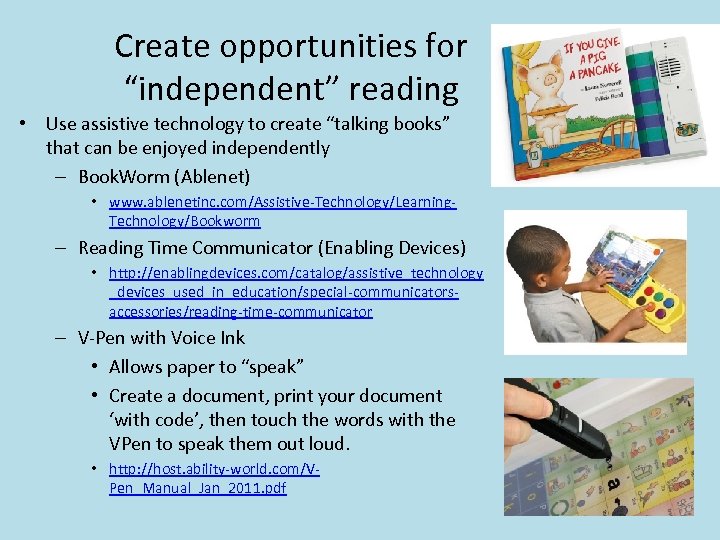 Create opportunities for “independent” reading • Use assistive technology to create “talking books” that can be enjoyed independently – Book. Worm (Ablenet) • www. ablenetinc. com/Assistive-Technology/Learning. Technology/Bookworm – Reading Time Communicator (Enabling Devices) • http: //enablingdevices. com/catalog/assistive_technology _devices_used_in_education/special-communicatorsaccessories/reading-time-communicator – V-Pen with Voice Ink • Allows paper to “speak” • Create a document, print your document ‘with code’, then touch the words with the VPen to speak them out loud. • http: //host. ability-world. com/VPen_Manual_Jan_2011. pdf
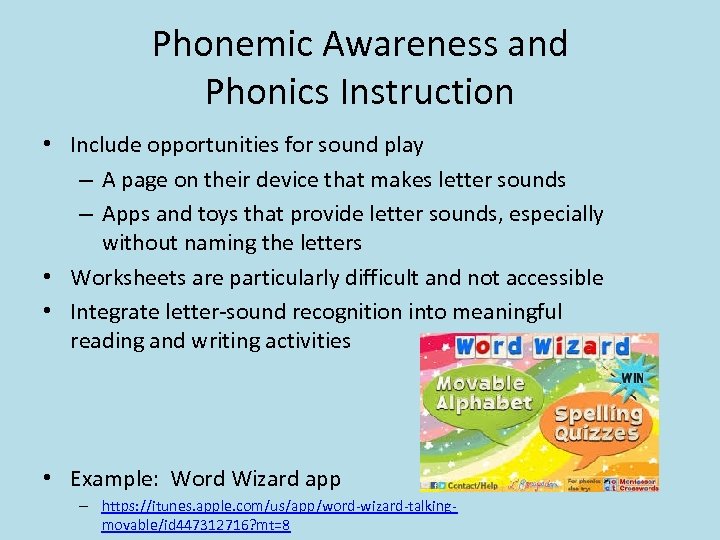 Phonemic Awareness and Phonics Instruction • Include opportunities for sound play – A page on their device that makes letter sounds – Apps and toys that provide letter sounds, especially without naming the letters • Worksheets are particularly difficult and not accessible • Integrate letter-sound recognition into meaningful reading and writing activities • Example: Word Wizard app – https: //itunes. apple. com/us/app/word-wizard-talkingmovable/id 447312716? mt=8
 Include writing activities • Adapted art and writing tool – OT’s can help identify the best adaptations • Keep it meaningful through authentic writing assignments – Label things – Sign in and out of the classroom – Send notes, cards, e-cards – Make lists – Involve them in home-school communication
 • Making it happen in the busy classroom or home requires team support, light tech, high tech, organization, determination and a clear vision of the ultimate goal—the highest level of literacy possible for each student. • They all deserve our best. Pati King-De. Baun and Caroline Musselwhite
 Identifying Supports for Students with Reading Disabilities • Reading disabilities are often identified around the 3 rd grade when the focus of education shifts from learning skills to learning content • Need for lifelong strategies – A learning disability affects the way people receive, process, or express information and lasts throughout life. – Solutions that help students be successful in school are also useful on the job.
 When reading is the problem • May confuse letters, order of letters • Loses place on the page • May have trouble trying to figure out a word s/he doesn’t know • May read slowly and reading may be exhausting • Mechanics of reading may be so difficult that the learner reads without comprehension
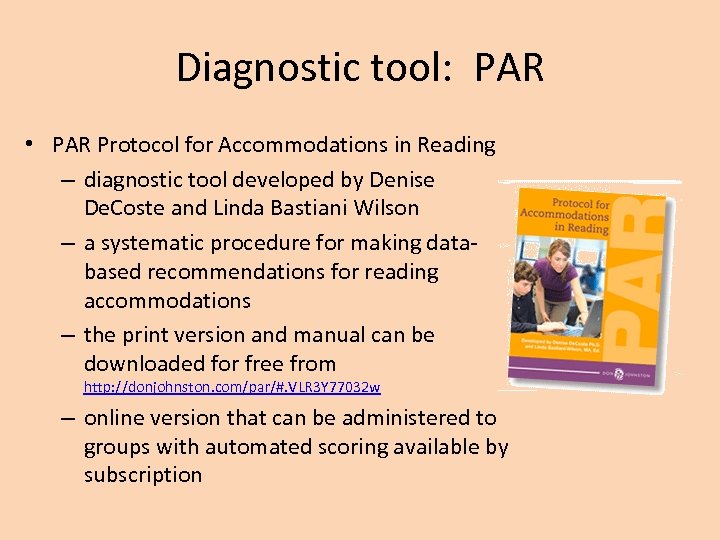 Diagnostic tool: PAR • PAR Protocol for Accommodations in Reading – diagnostic tool developed by Denise De. Coste and Linda Bastiani Wilson – a systematic procedure for making databased recommendations for reading accommodations – the print version and manual can be downloaded for free from http: //donjohnston. com/par/#. VLR 3 Y 77032 w – online version that can be administered to groups with automated scoring available by subscription
 more about the PAR • Not a reading test; a diagnostic tool to determine how the student best understands written information • Tests performance across 3 reading conditions: student read aloud, adult read aloud, and text reader • Narrative and expository reading passages provided for the 1 st to 10 th grade reading levels • Comprehension questions for each passage—factual, topic related, inferential and vocabulary • Video support for administration is available online
 • Results of the PAR will help you know if the best reading accommodation is: – Human reader – Text-to-speech reader – Neither—perhaps there is a language comprehension problem and texts need to have less language
 Resources for students who benefit from human readers • Paraprofessional or parent reading passages and test materials • Audiobooks from publishers • Audiobooks from Learning Ally http: //youtu. be/tk. YLb. R 0 kzm 8
 • Resources for students who benefit from text readers Need access to e-text http: //vimeo. com/80953444 • Try built in text readers in newer computer operating systems http: //donjohnston. com/snapread/#. VLSCD 77032 w • Text to speech software and apps – Snap&Read, Read: Outloud (Don Johnston), Read&Write Gold (Text. Help) – Vbookz i. Pad app • Bookshare • Devices that capture text and use OCR to convert to e. Text www. youtube. com/watch? v=9 w 3 j. CC 2 P_F 4 – Intel Reader
 When receptive language skills limit reading comprehension • Use language therapy time to pre-teach academic vocabulary and concepts • Look for alternative texts on the same subject – written lower reading levels – more picture support – Dorling Kindersley books – Don Johnston Start to Finish books http: //donjohnston. com/stfonline/#. VLSHj 77032 w – Saddleback’s Teen Emergent Reader libraries www. sdlback. com/teen-emergent-reader-libraries
 Identifying Supports for Students with Writing Disabilities • When writing is the problem – May reverse or transpose letters – May have trouble remembering how to form letters so use their own way – Have trouble writing without lined paper, spacing is poor – Writes very large – Tires easily by writing – May try to disguise poor spelling ability with deliberate messy writing – May avoid writing whenever possible
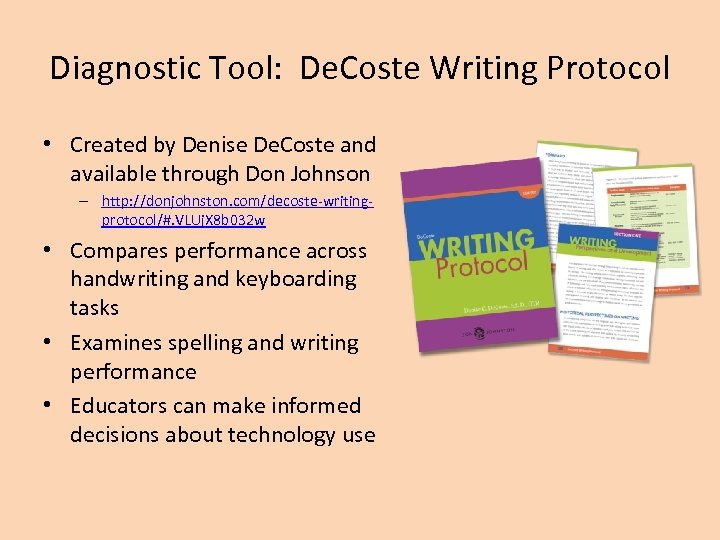 Diagnostic Tool: De. Coste Writing Protocol • Created by Denise De. Coste and available through Don Johnson – http: //donjohnston. com/decoste-writingprotocol/#. VLUj. X 8 b 032 w • Compares performance across handwriting and keyboarding tasks • Examines spelling and writing performance • Educators can make informed decisions about technology use
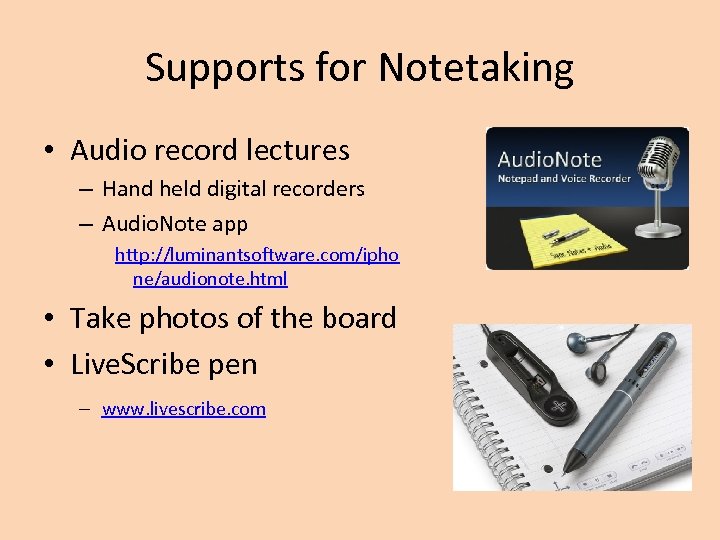 Supports for Notetaking • Audio record lectures – Hand held digital recorders – Audio. Note app http: //luminantsoftware. com/ipho ne/audionote. html • Take photos of the board • Live. Scribe pen – www. livescribe. com
 Supports for longer writing assignments • Alternative keyboards and mice – for computers many available for trial use from Assistive Technology for Kansans
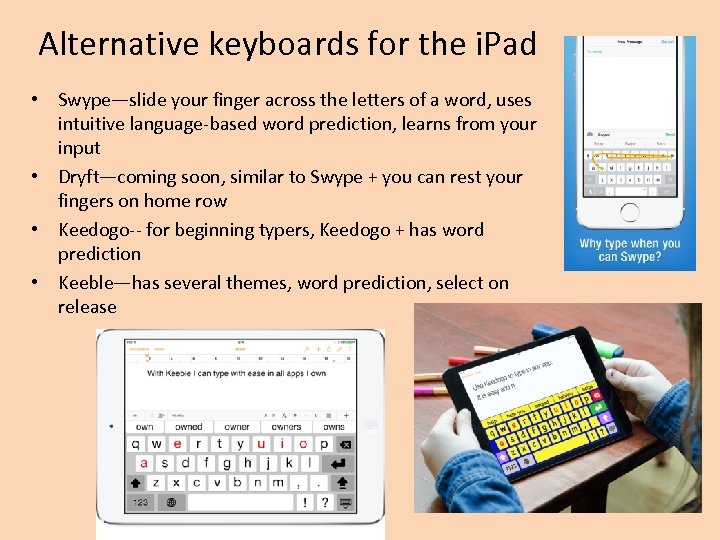 Alternative keyboards for the i. Pad • Swype—slide your finger across the letters of a word, uses intuitive language-based word prediction, learns from your input • Dryft—coming soon, similar to Swype + you can rest your fingers on home row • Keedogo-- for beginning typers, Keedogo + has word prediction • Keeble—has several themes, word prediction, select on release
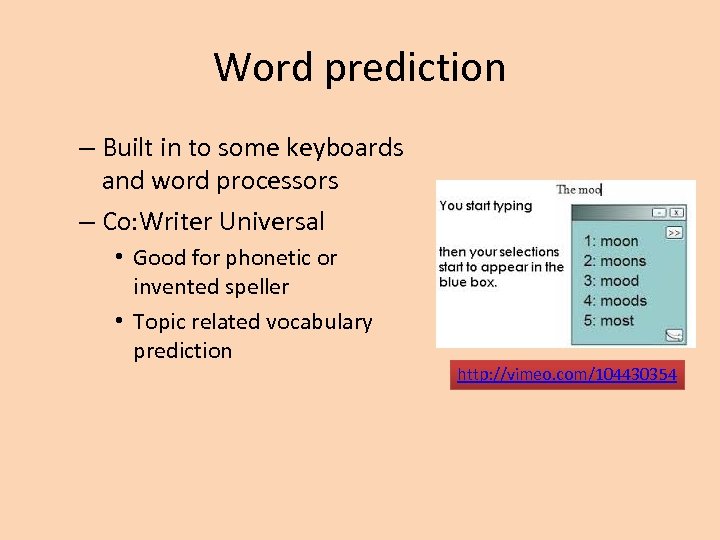 Word prediction – Built in to some keyboards and word processors – Co: Writer Universal • Good for phonetic or invented speller • Topic related vocabulary prediction http: //vimeo. com/104430354
 Talking word processors – Read & Write Gold and i. Read. Write app – www. texthelp. com – Write: Outloud • Includes talking spell checker • Talking dictionary with easy to understand language • Bibliographer http: //youtu. be/7 Iyu 64 sg. W u. I? list=UUZAh. Ywqm. DNE 3 ii 6 m. HLR 2 Cg • http: //donjohnston. com/writeoutloud/ #. VLk. SYMb 032 w http: //vimeo. com/70067585
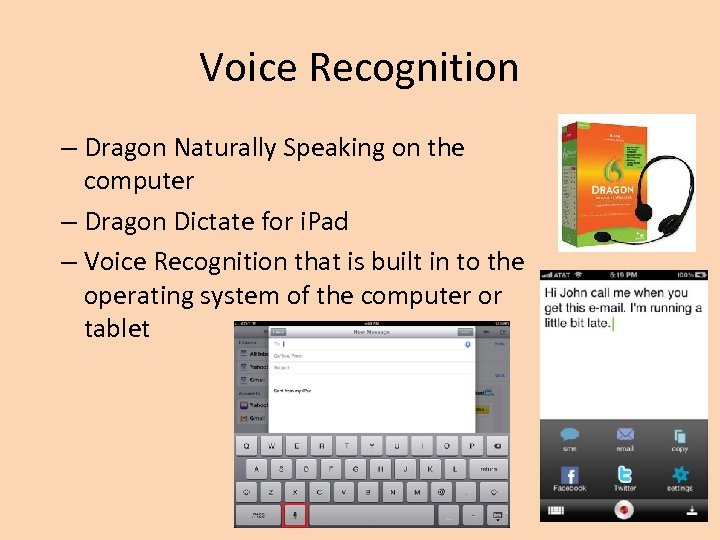 Voice Recognition – Dragon Naturally Speaking on the computer – Dragon Dictate for i. Pad – Voice Recognition that is built in to the operating system of the computer or tablet
 When expressive language skills limit writing abilities • Use low tech or high tech writing templates • Use graphic idea organizers such as Inspiration or Kidspiration • Use alternative writing assignments that allow the person to show learning – Narrated powerpoint presentations – Digital stories – Videotaped interviews – Poster presentations
 Final thoughts • One size/solution does not fit all • Each learning situation has unique demands • Involve students in actively identifying their own solutions • Support self-advocacy skills • Try before you buy • Tutors need to know how best to support individual students • Not all solutions are expensive! The solution may be already built in to your computer, tablet, or phone.