 Скачать презентацию Status Automator Job Process Automation Demonstration and Presentation
9ec8c1d18ed12020a16031ff482c6683.ppt
- Количество слайдов: 38



Status Automator Job Process Automation Demonstration and Presentation 3/19/2018
Status Automation Summary Dispatch knows what the truck is doing by tracking the job (not the truck) Job Statuses are fully automated – Driver doesn’t press any status buttons – Fully Integrated with Command Concrete – Tracking and scheduling times are accurate and reliable – Time is saved or recovered, productivity and all asset’s utilisation increased How it works? – Geofenced Locations – Bowl Sensor – Other vehicle activity Messages to the truck using voice
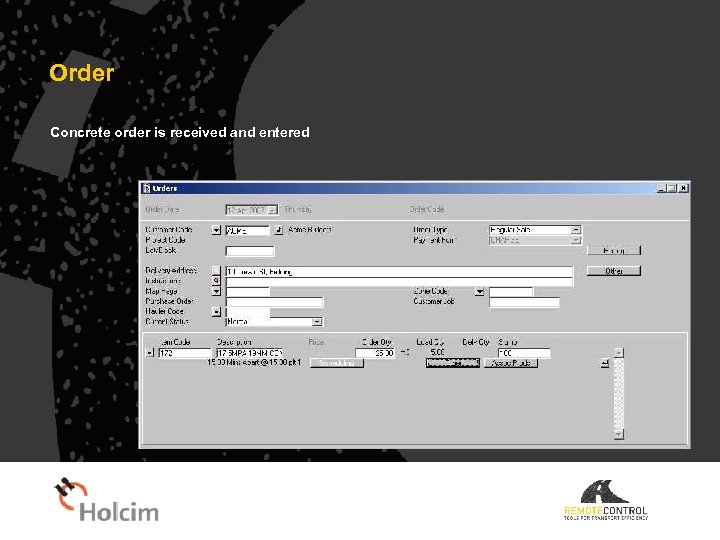
Order Concrete order is received and entered
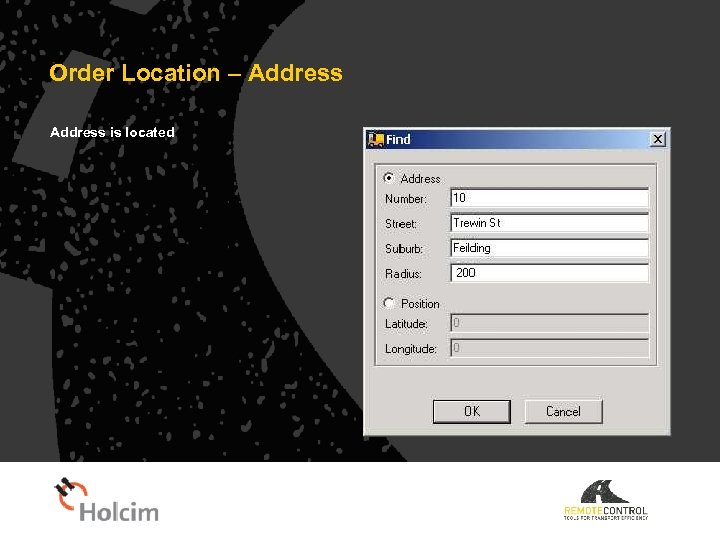
Order Location – Address is located
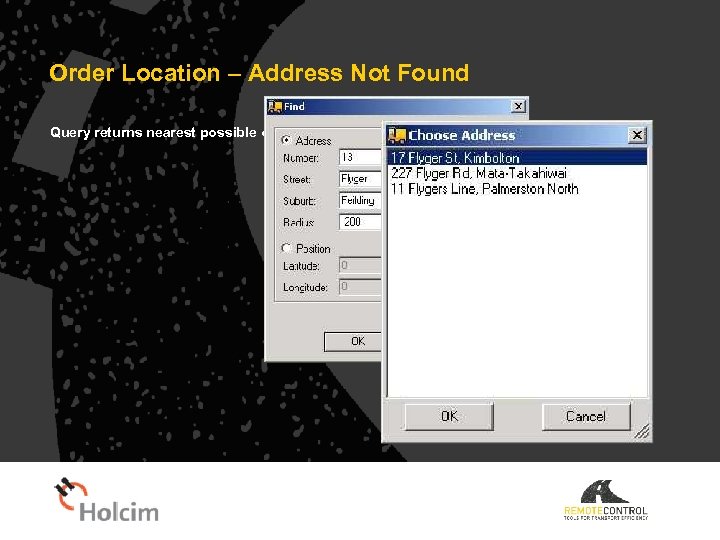
Order Location – Address Not Found Query returns nearest possible options
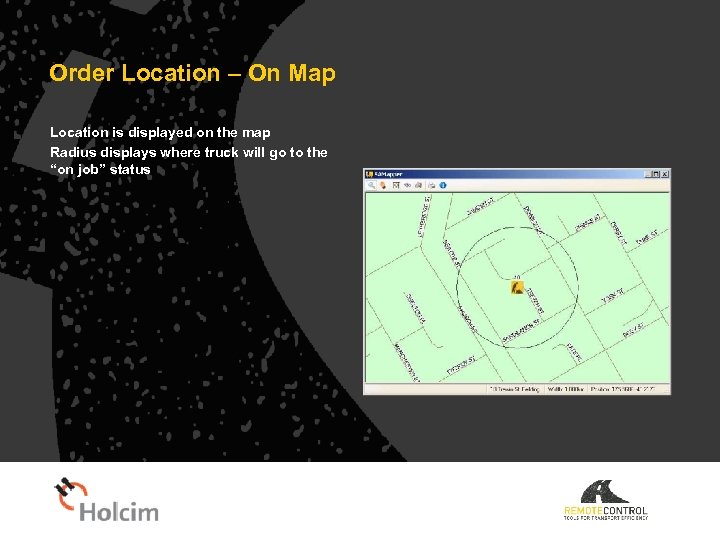
Order Location – On Map Location is displayed on the map Radius displays where truck will go to the “on job” status
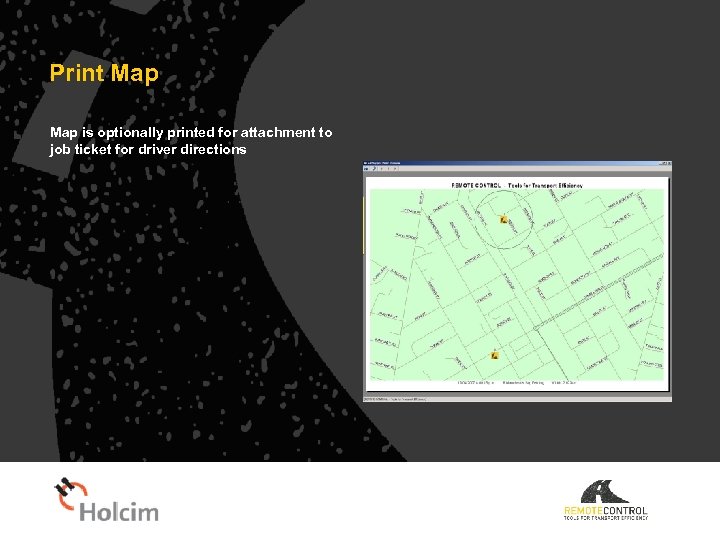
Print Map is optionally printed for attachment to job ticket for driver directions
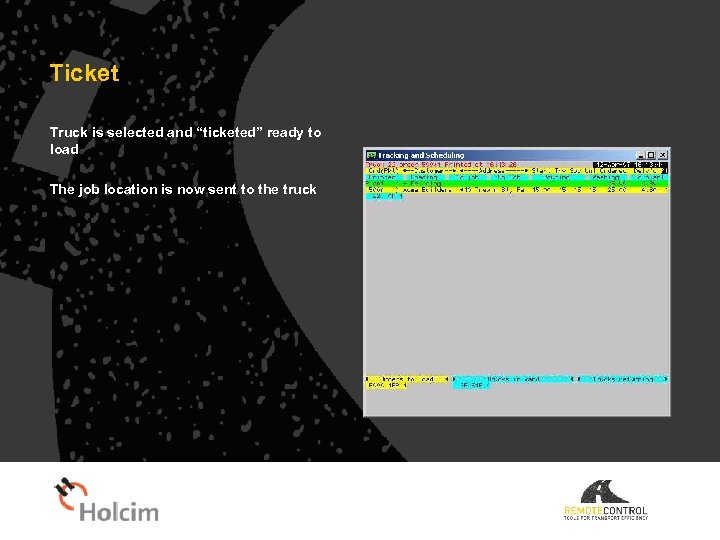
Ticket Truck is selected and “ticketed” ready to load The job location is now sent to the truck
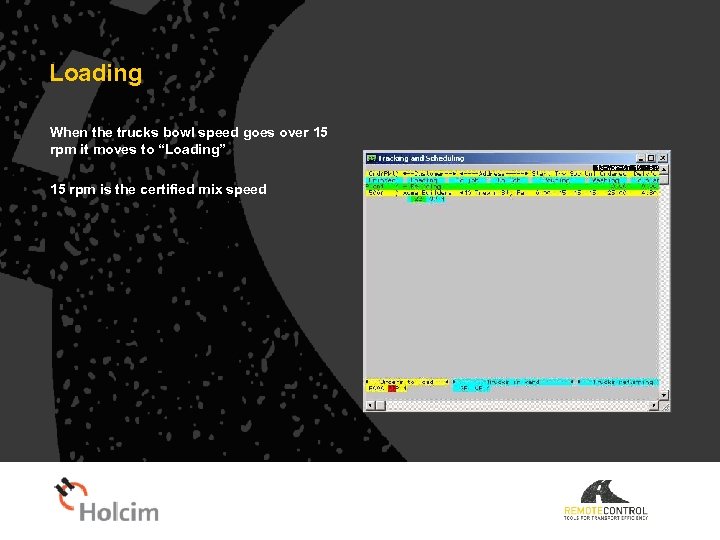
Loading When the trucks bowl speed goes over 15 rpm it moves to “Loading” 15 rpm is the certified mix speed
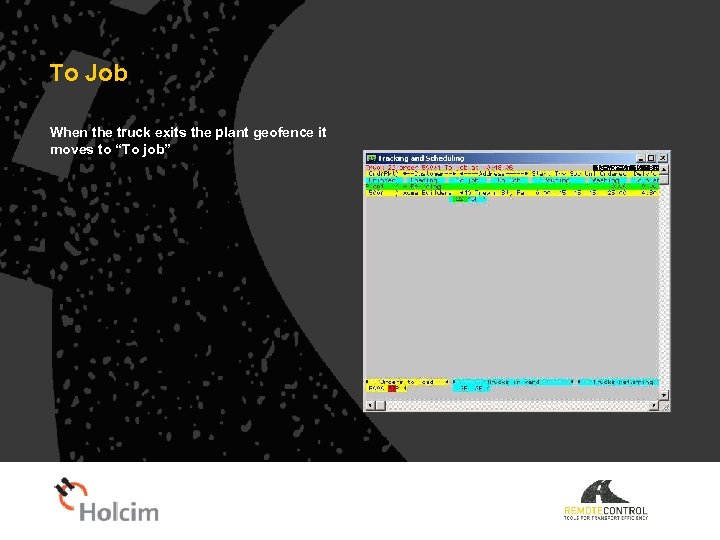
To Job When the truck exits the plant geofence it moves to “To job”
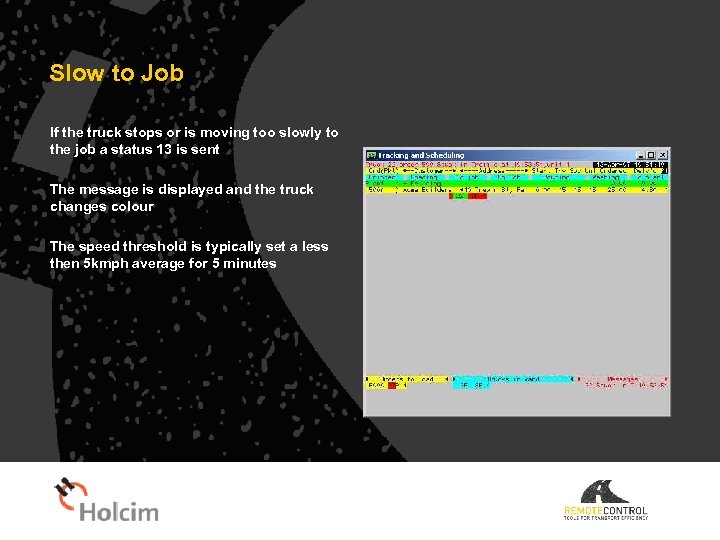
Slow to Job If the truck stops or is moving too slowly to the job a status 13 is sent The message is displayed and the truck changes colour The speed threshold is typically set a less then 5 kmph average for 5 minutes
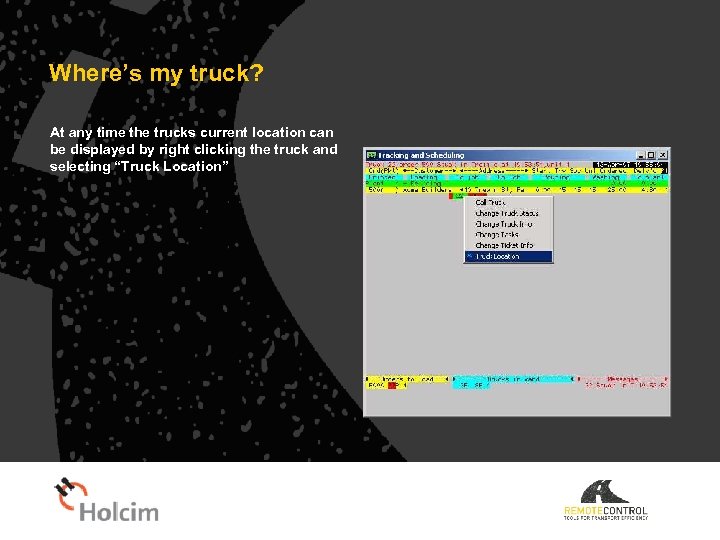
Where’s my truck? At any time the trucks current location can be displayed by right clicking the truck and selecting “Truck Location”
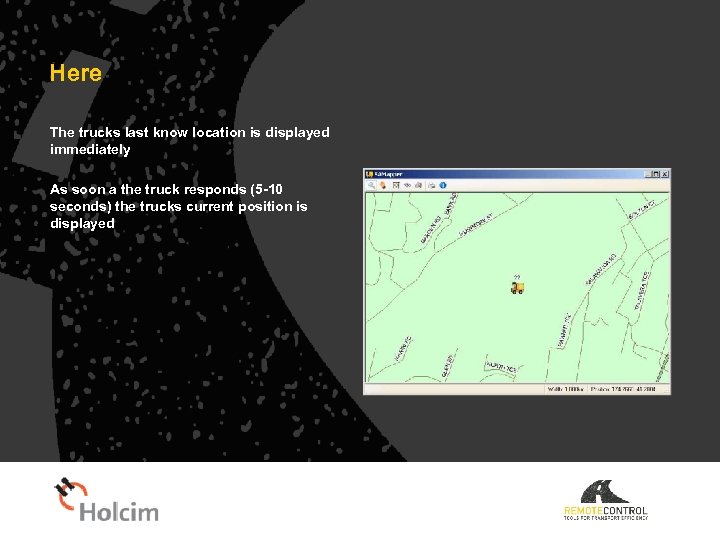
Here The trucks last know location is displayed immediately As soon a the truck responds (5 -10 seconds) the trucks current position is displayed
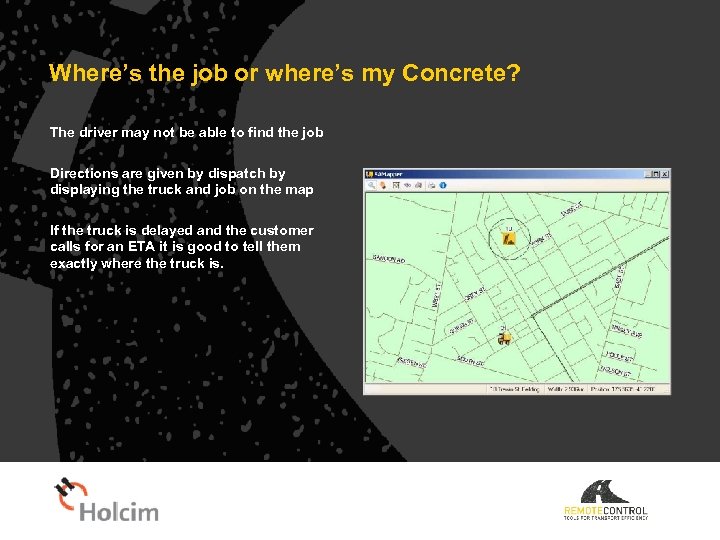
Where’s the job or where’s my Concrete? The driver may not be able to find the job Directions are given by dispatch by displaying the truck and job on the map If the truck is delayed and the customer calls for an ETA it is good to tell them exactly where the truck is.
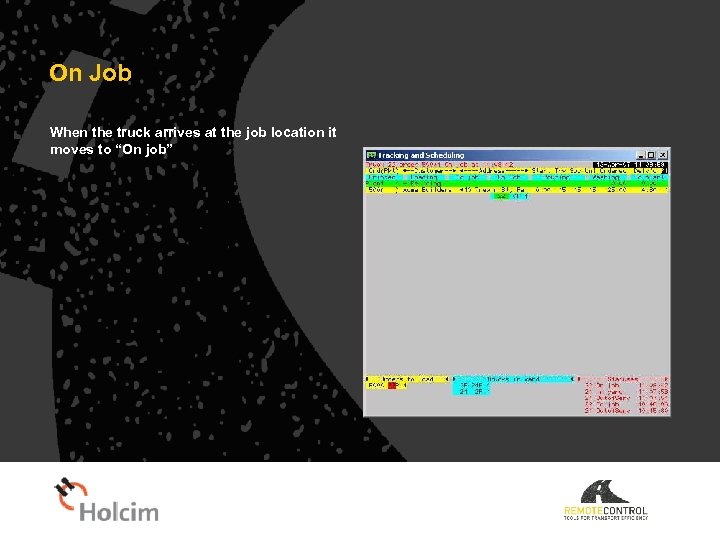
On Job When the truck arrives at the job location it moves to “On job”
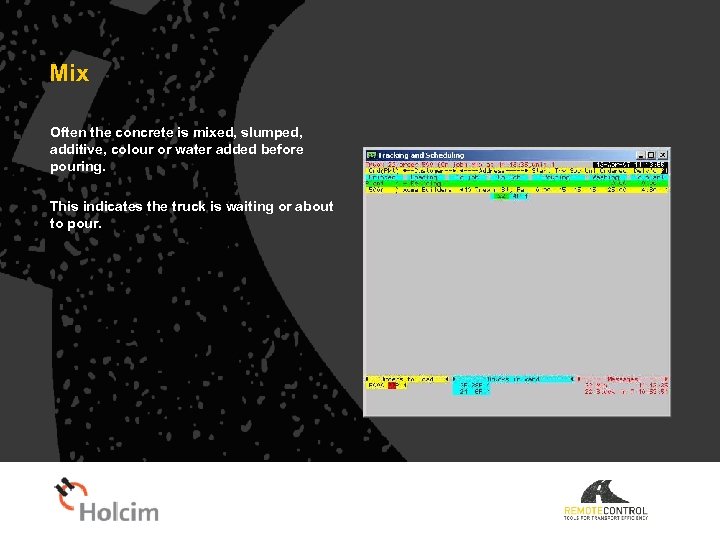
Mix Often the concrete is mixed, slumped, additive, colour or water added before pouring. This indicates the truck is waiting or about to pour.
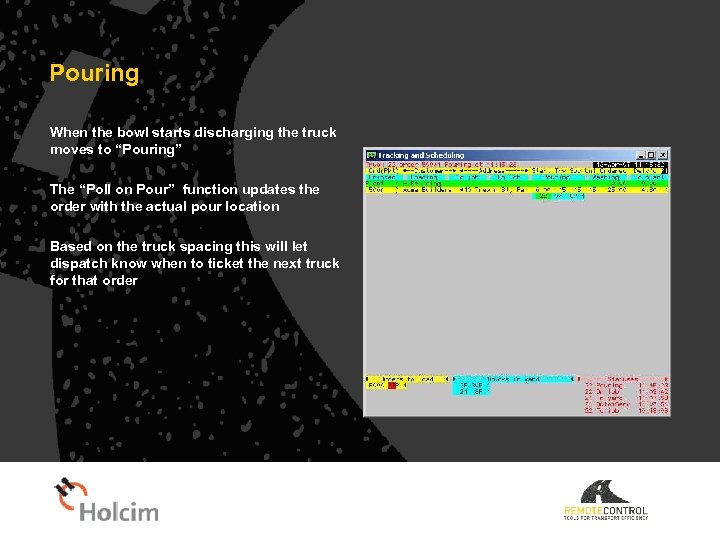
Pouring When the bowl starts discharging the truck moves to “Pouring” The “Poll on Pour” function updates the order with the actual pour location Based on the truck spacing this will let dispatch know when to ticket the next truck for that order
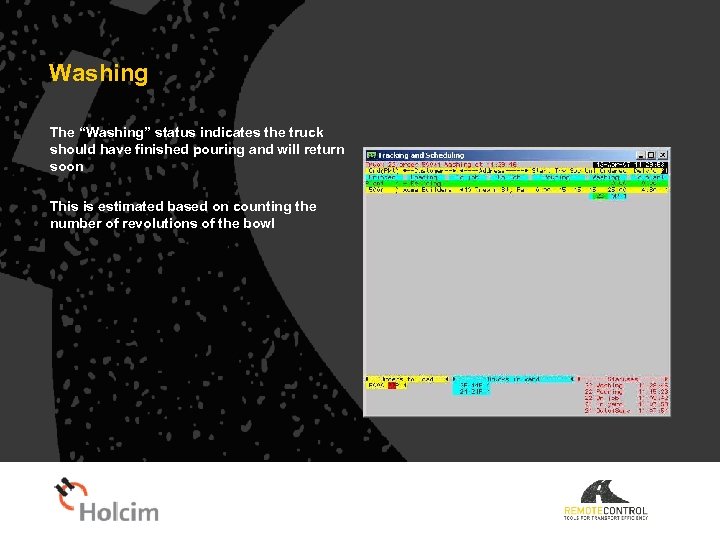
Washing The “Washing” status indicates the truck should have finished pouring and will return soon This is estimated based on counting the number of revolutions of the bowl
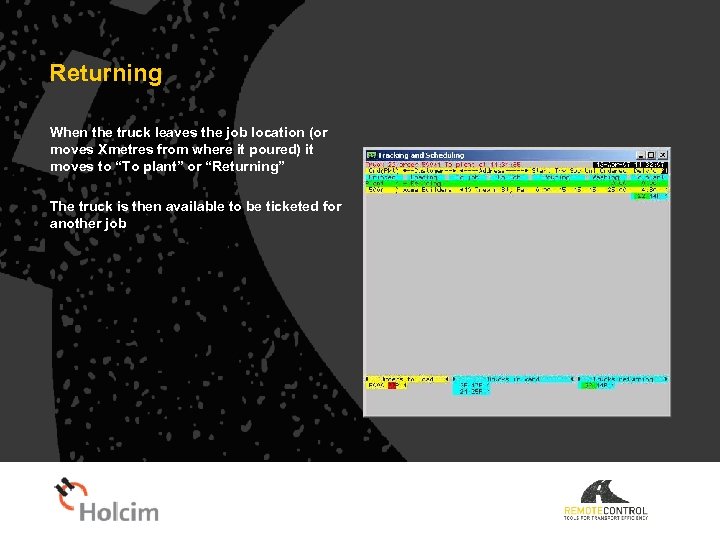
Returning When the truck leaves the job location (or moves Xmetres from where it poured) it moves to “To plant” or “Returning” The truck is then available to be ticketed for another job
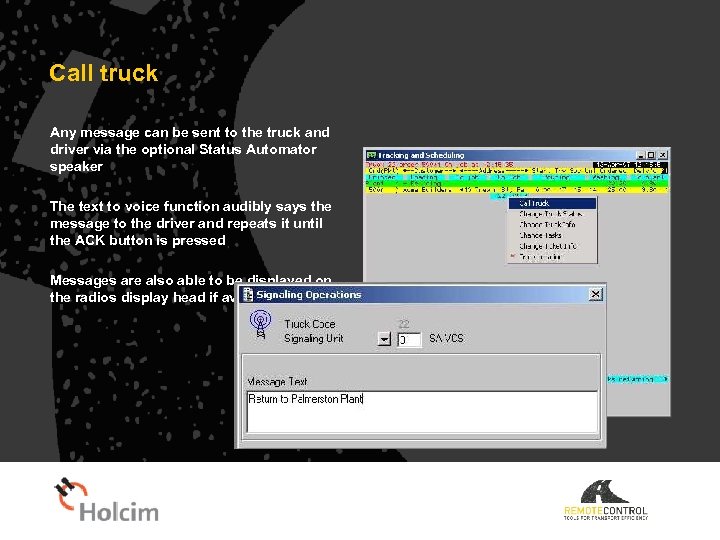
Call truck Any message can be sent to the truck and driver via the optional Status Automator speaker The text to voice function audibly says the message to the driver and repeats it until the ACK button is pressed Messages are also able to be displayed on the radios display head if available
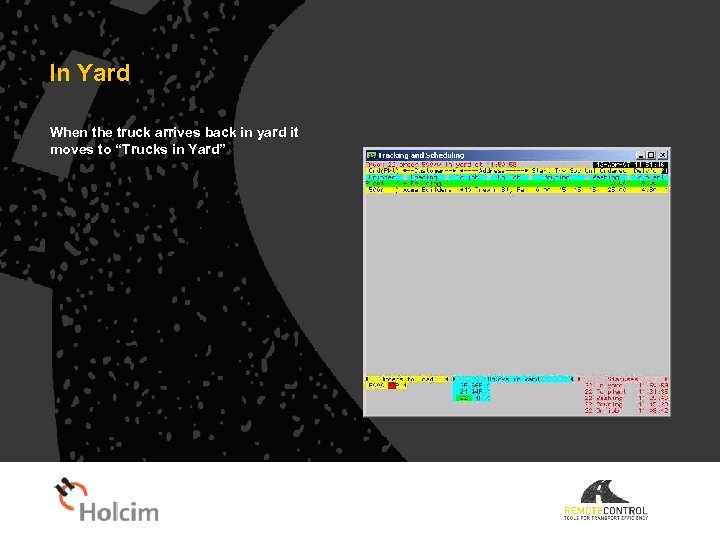
In Yard When the truck arrives back in yard it moves to “Trucks in Yard”
Standard Automatic Statuses 1 Ignition ON 2 Loading, in yard & bowl mixing > 15 rpm 3 To Job 4 On Job 5 Pour 1. 6 Wash/Finished pour 2. 7 Returning 3. 8 In Yard 9 Ignition OFF 10 Mixing 13 Slow to job 14 Moving 21 In Service 22 SOS – Manual 23 Discharge Warning 24 Bowl Over. Speed 25 Low Battery 26 Water Added 27 Over Rev 28 Cab Tilted 29 Seatbelt Unfastened 30 Driver Acknowledgement 31 Harsh Acceleration 32 Harsh Braking 33 Tilt Detected 34 SOS – Auto 35 Speeding 36 Speed Finished Xx Getting diesel Xx At dump
Reports Web based – Intranet – Customer hosted Driver performance Status Automator Performance Idle Times Service schedule
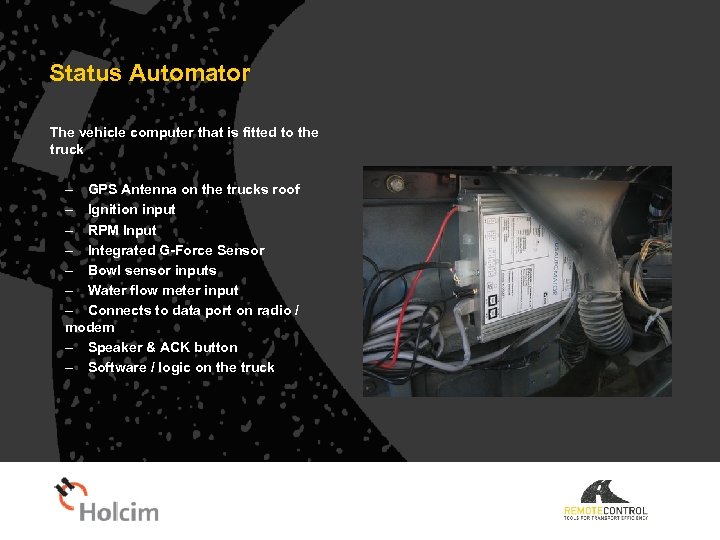
Status Automator The vehicle computer that is fitted to the truck – GPS Antenna on the trucks roof – Ignition input – RPM Input – Integrated G-Force Sensor – Bowl sensor inputs – Water flow meter input – Connects to data port on radio / modem – Speaker & ACK button – Software / logic on the truck
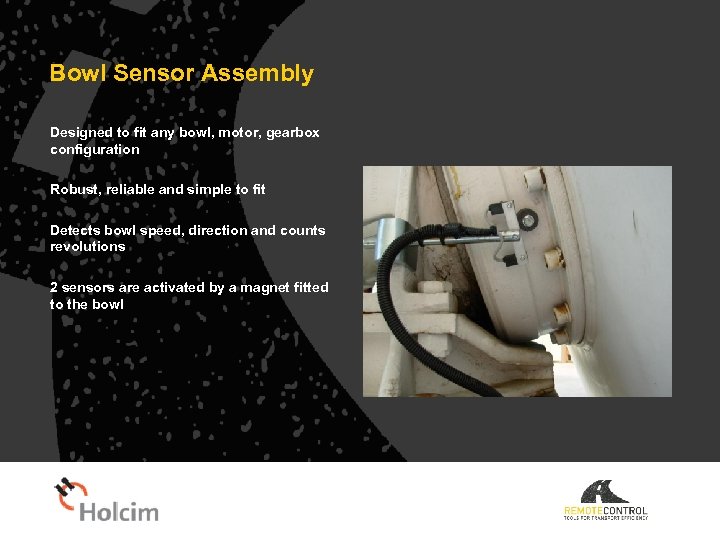
Bowl Sensor Assembly Designed to fit any bowl, motor, gearbox configuration Robust, reliable and simple to fit Detects bowl speed, direction and counts revolutions 2 sensors are activated by a magnet fitted to the bowl
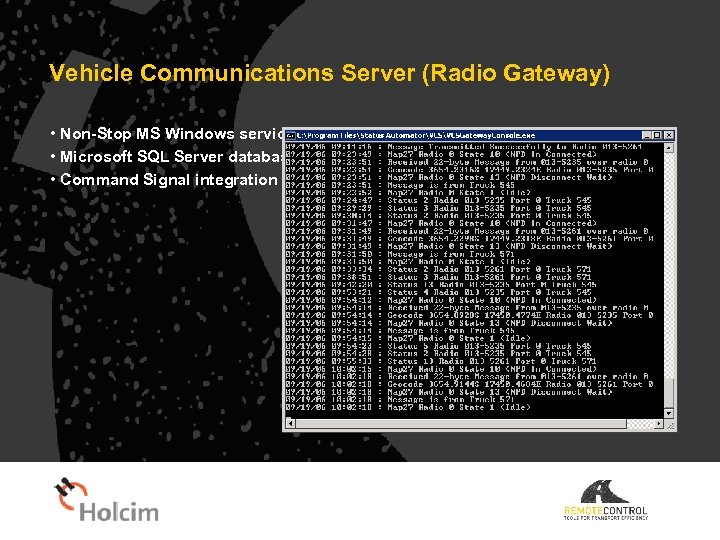
Vehicle Communications Server (Radio Gateway) • Non-Stop MS Windows service • Microsoft SQL Server database • Command Signal integration
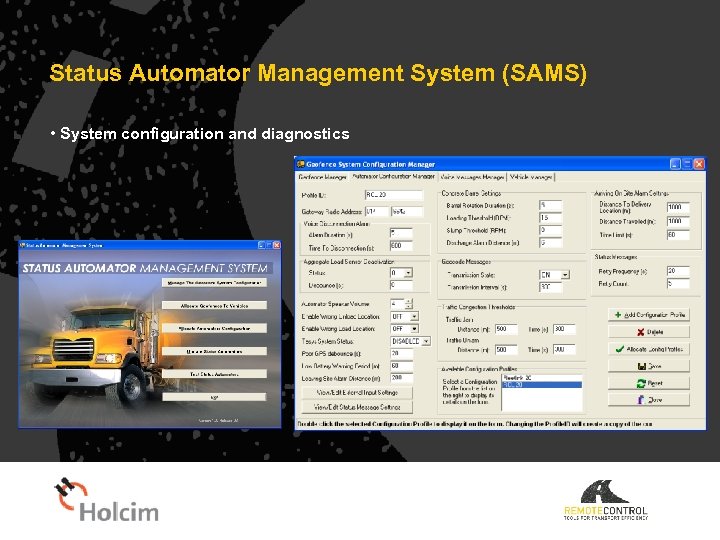
Status Automator Management System (SAMS) • System configuration and diagnostics
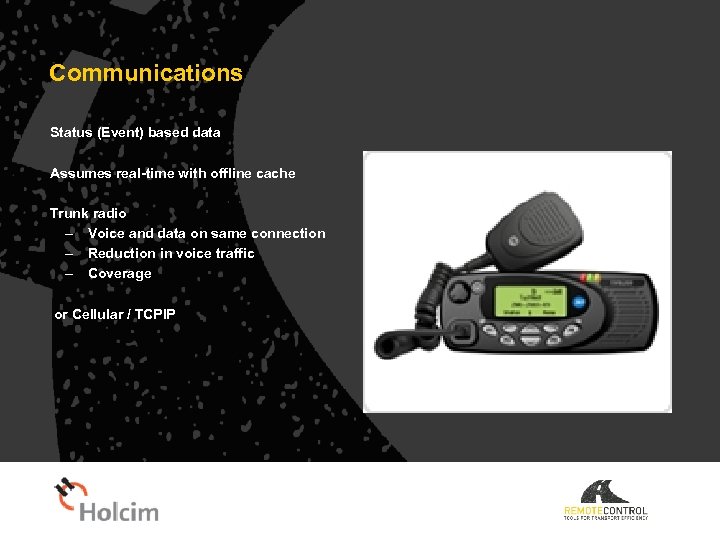
Communications Status (Event) based data Assumes real-time with offline cache Trunk radio – Voice and data on same connection – Reduction in voice traffic – Coverage or Cellular / TCPIP
Integration Industry Standard Command Concrete – Command Signal – Generic Maps Enables Command Signal and Microsoft Map. Point functions in Command Series not available in New Zealand Australia
Manual Statuses (Voice only or press the button) Industry Standard Performance is 50% of statuses pressed, 50% of this 50% are on time = 25% Human error –often forgotten and missed Intentional misuse – theft of time Unreliable – dispatcher cannot rely on tracking and scheduling status
Observations & Most Important Statuses Pour – May be used to schedule the next load to that job – Often pressed when the driver gets out of or back in the truck – May not “actually” start pouring for some time – Next load may be scheduled and 2 or more trucks held up by one job! Returning To Plant – The Status can reliably be used by despacthers to ticket the next job to that truck – Load is batched and ready for loading when the truck is back in yard, No downtime. In Yard – The most unproductive example, most regularly not pressed or late. – Driver wants to knock-off or have a coffee. – The truck IS available for the next job. – Driver breaks can be scheduled.
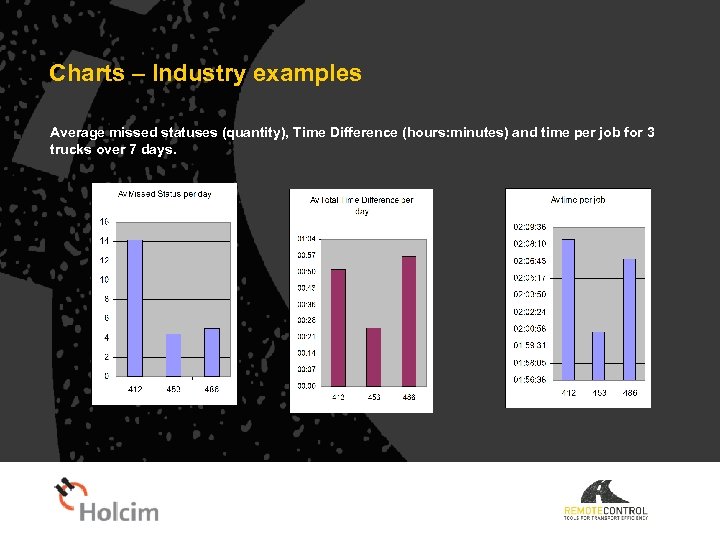
Charts – Industry examples Average missed statuses (quantity), Time Difference (hours: minutes) and time per job for 3 trucks over 7 days.
Driver Safety • Preventative Voice Alerts – Speeding – Over Revving – Over Bowl Speed – Tilt Detected – Harsh braking – Discharge (on road) warning – SOS – Rollover and collision
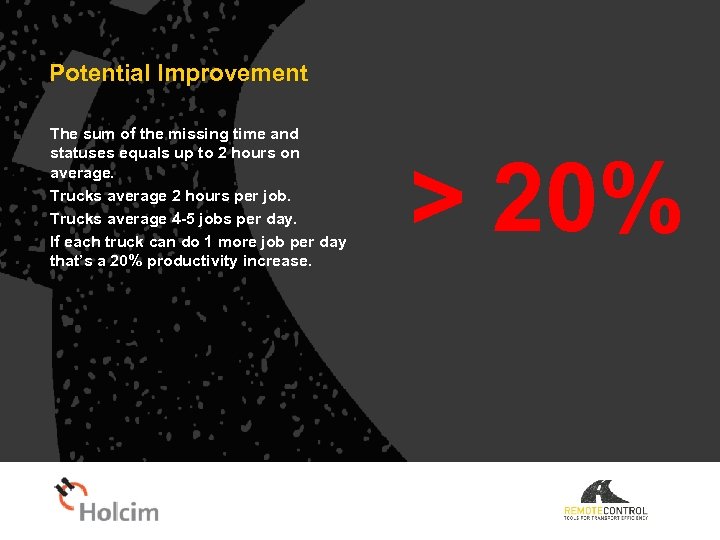
Potential Improvement The sum of the missing time and statuses equals up to 2 hours on average. Trucks average 2 hours per job. Trucks average 4 -5 jobs per day. If each truck can do 1 more job per day that’s a 20% productivity increase. > 20%
Return on Investment • Asset Utilisation – Around 1% of the cost of a truck, investment returns a utilisation increase >20% Or – A plant with 12 trucks may deliver the same volume with 10 trucks • Dispatcher can manage more trucks and jobs • HR freed for other tasks, sales, QA, maintenance, etc. • Wages saved
Driver Benefits • No buttons to press • Accuracy • No disputes • Health & Safety • Healthy Employer – Healthy Income • “The day goes faster” • NOT GPS (big brother), we are tracking the job, not the truck.
Business Benefits More jobs per day per truck or less trucks Customer satisfaction – On time everytime or customer advised – Truck tracking – new customers Command Concrete functions and reports can be used and relied upon Pricing & Billing – Waiting time (on job – pour- to plant) Cost of ownership – One antenna – Remote Configuration, a technician doesn’t need to go to the truck reconfigure More deliveries – more sales Market share Increased top & bottom line, profit
Customers Sunmix Metromix Hanson VIC Aggregate Hanson STT Works Infrastructure/Emoleum Holcim NZ Firth Allied Atlas Hytec Ready. Mix/Cemex Stevenson
Скачать презентацию Status Automator Job Process Automation Demonstration and Presentation
9ec8c1d18ed12020a16031ff482c6683.ppt