


 Скачать презентацию Standard data entry validation system in HCSO
48bd4046a944431fd4fc9e7a66812086.ppt
- Количество слайдов: 12
 Standard data entry & validation system in HCSO (ADEL) Erzsébet Kómár 3. May 2011. erzsebet. komar@ksh. hu IT Department
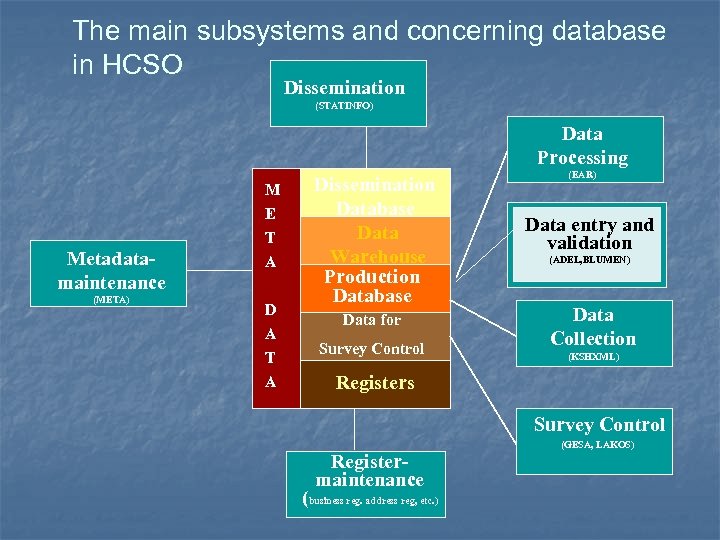 The main subsystems and concerning database in HCSO Dissemination (STATINFO) Data Processing M Metadatamaintenance (META) E T A D A T A Dissemination Database Data Warehouse Production Database Data for Survey Control (EAR) Data entry and validation (ADEL, BLUMEN) Data Collection (KSHXML) Registers Survey Control Registermaintenance (business reg. address reg, etc. ) (GESA, LAKOS)
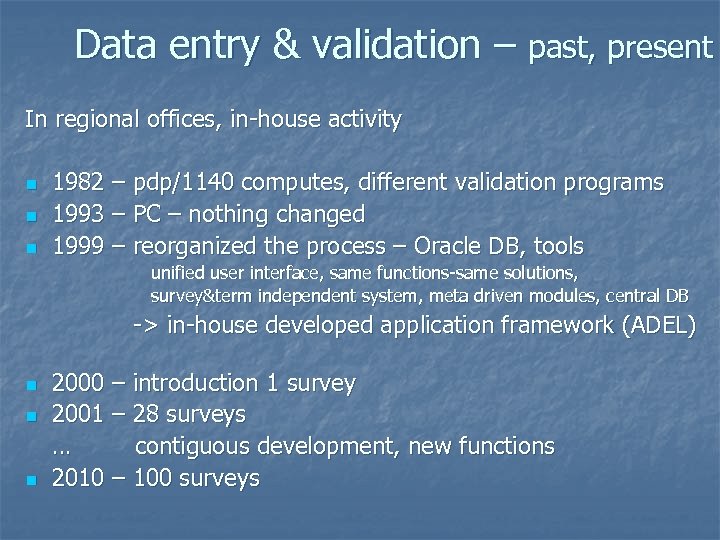 Data entry & validation – past, present In regional offices, in-house activity n n n 1982 – pdp/1140 computes, different validation programs 1993 – PC – nothing changed 1999 – reorganized the process – Oracle DB, tools unified user interface, same functions-same solutions, survey&term independent system, meta driven modules, central DB -> in-house developed application framework (ADEL) n n n 2000 – introduction 1 survey 2001 – 28 surveys … contiguous development, new functions 2010 – 100 surveys
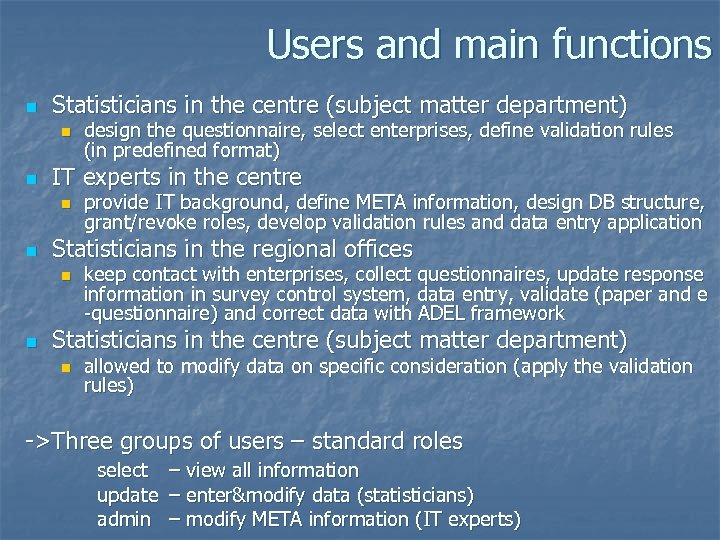 Users and main functions n Statisticians in the centre (subject matter department) n n IT experts in the centre n n provide IT background, define META information, design DB structure, grant/revoke roles, develop validation rules and data entry application Statisticians in the regional offices n n design the questionnaire, select enterprises, define validation rules (in predefined format) keep contact with enterprises, collect questionnaires, update response information in survey control system, data entry, validate (paper and e -questionnaire) and correct data with ADEL framework Statisticians in the centre (subject matter department) n allowed to modify data on specific consideration (apply the validation rules) ->Three groups of users – standard roles select – view all information update – enter&modify data (statisticians) admin – modify META information (IT experts)
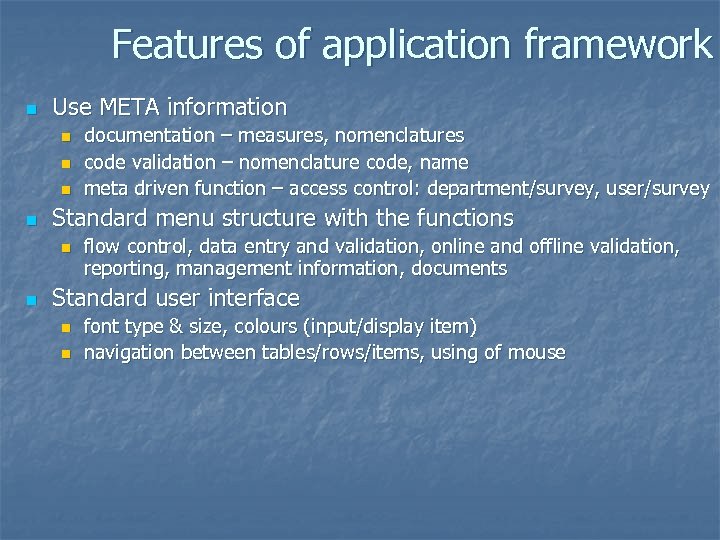 Features of application framework n Use META information n n Standard menu structure with the functions n n documentation – measures, nomenclatures code validation – nomenclature code, name meta driven function – access control: department/survey, user/survey flow control, data entry and validation, online and offline validation, reporting, management information, documents Standard user interface n n font type & size, colours (input/display item) navigation between tables/rows/items, using of mouse
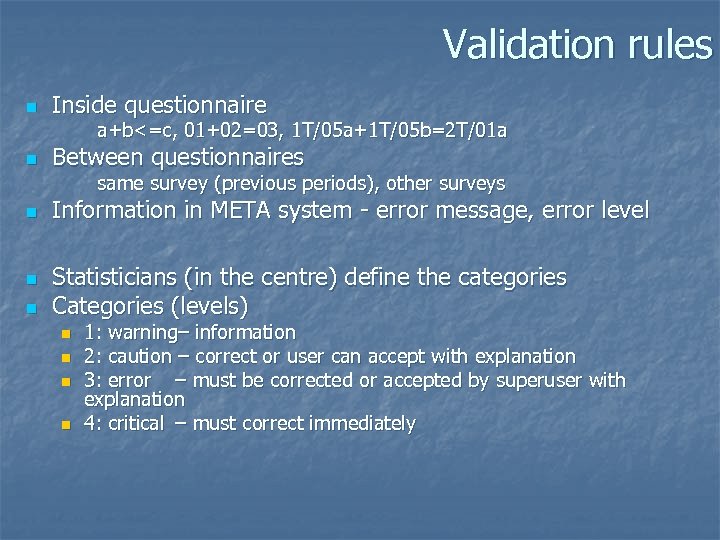 Validation rules n Inside questionnaire a+b<=c, 01+02=03, 1 T/05 a+1 T/05 b=2 T/01 a n Between questionnaires same survey (previous periods), other surveys n n n Information in META system - error message, error level Statisticians (in the centre) define the categories Categories (levels) n n 1: warning– information 2: caution – correct or user can accept with explanation 3: error – must be corrected or accepted by superuser with explanation 4: critical – must correct immediately
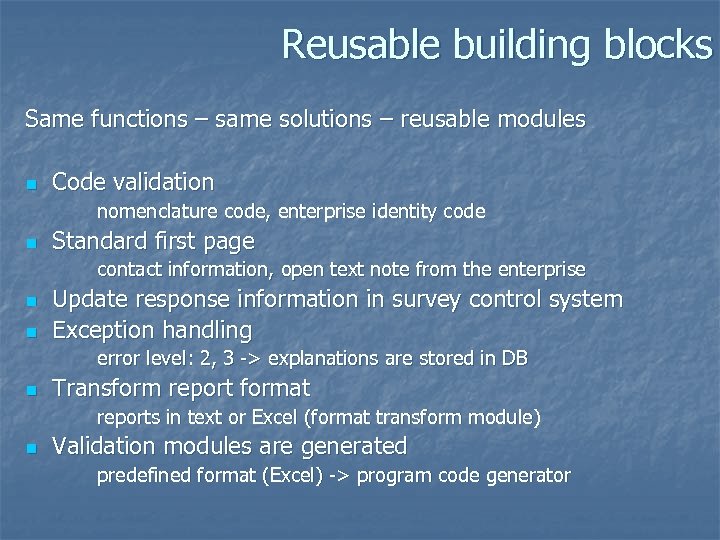 Reusable building blocks Same functions – same solutions – reusable modules n Code validation nomenclature code, enterprise identity code n Standard first page contact information, open text note from the enterprise n n Update response information in survey control system Exception handling error level: 2, 3 -> explanations are stored in DB n Transform report format reports in text or Excel (format transform module) n Validation modules are generated predefined format (Excel) -> program code generator
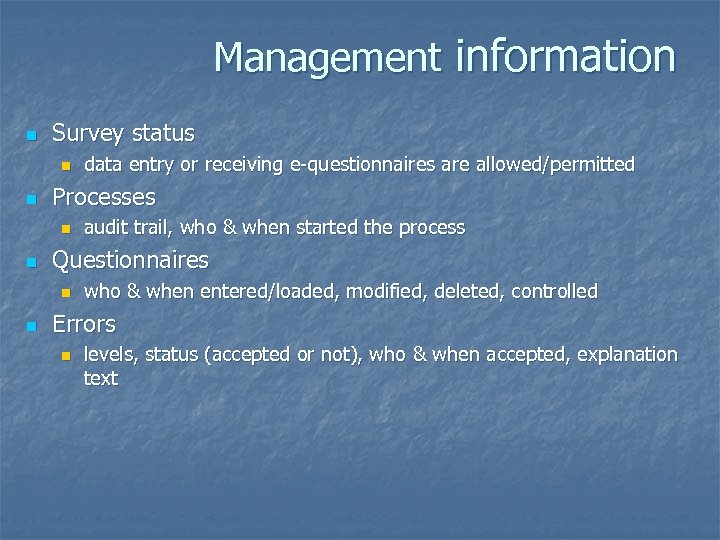 Management information n Survey status n n Processes n n audit trail, who & when started the process Questionnaires n n data entry or receiving e-questionnaires are allowed/permitted who & when entered/loaded, modified, deleted, controlled Errors n levels, status (accepted or not), who & when accepted, explanation text
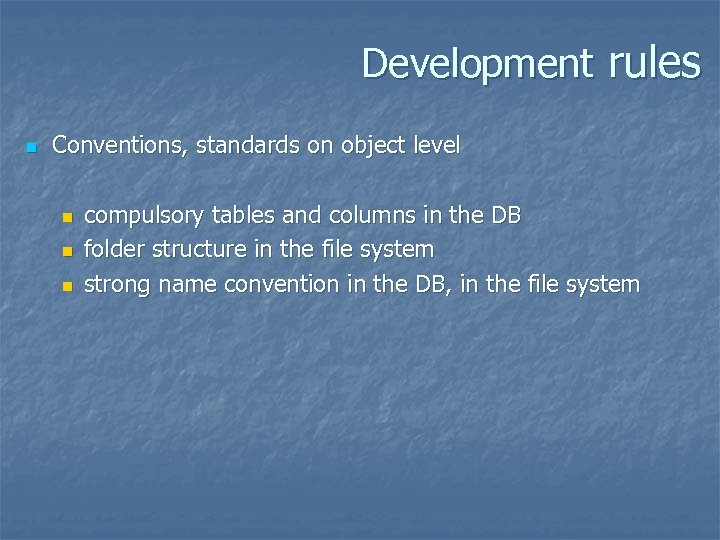 Development rules n Conventions, standards on object level n n n compulsory tables and columns in the DB folder structure in the file system strong name convention in the DB, in the file system
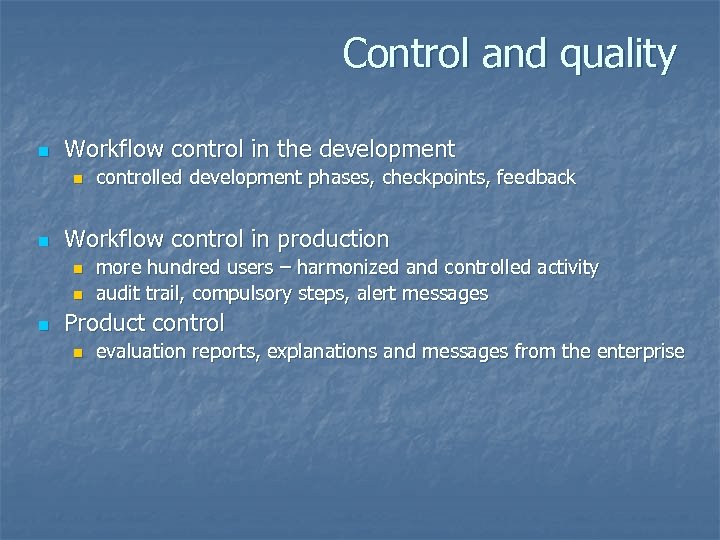 Control and quality n Workflow control in the development n n Workflow control in production n controlled development phases, checkpoints, feedback more hundred users – harmonized and controlled activity audit trail, compulsory steps, alert messages Product control n evaluation reports, explanations and messages from the enterprise
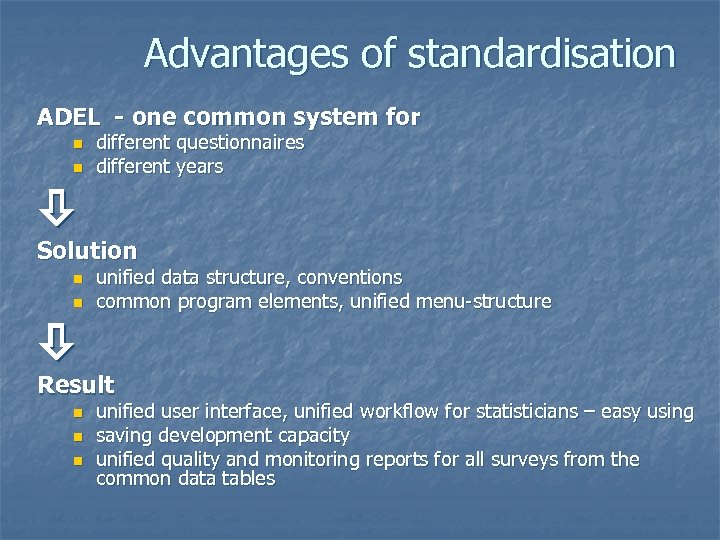 Advantages of standardisation ADEL - one common system for n n different questionnaires different years Solution n n unified data structure, conventions common program elements, unified menu-structure Result n n n unified user interface, unified workflow for statisticians – easy using saving development capacity unified quality and monitoring reports for all surveys from the common data tables
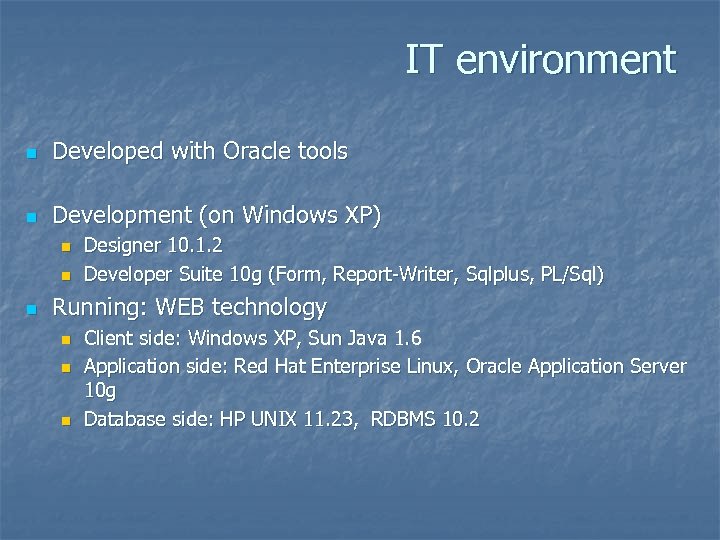 IT environment n Developed with Oracle tools n Development (on Windows XP) n n n Designer 10. 1. 2 Developer Suite 10 g (Form, Report-Writer, Sqlplus, PL/Sql) Running: WEB technology n n n Client side: Windows XP, Sun Java 1. 6 Application side: Red Hat Enterprise Linux, Oracle Application Server 10 g Database side: HP UNIX 11. 23, RDBMS 10. 2