


 Скачать презентацию St Edmund Technology Curriculum Workshop Wednesday August 21
2fc3524920058b5776022364043244a2.ppt
- Количество слайдов: 39
 St. Edmund Technology Curriculum Workshop Wednesday, August 21, 2013 Presenter: Susie Malnar http: //mssweeney. wikispaces. com/
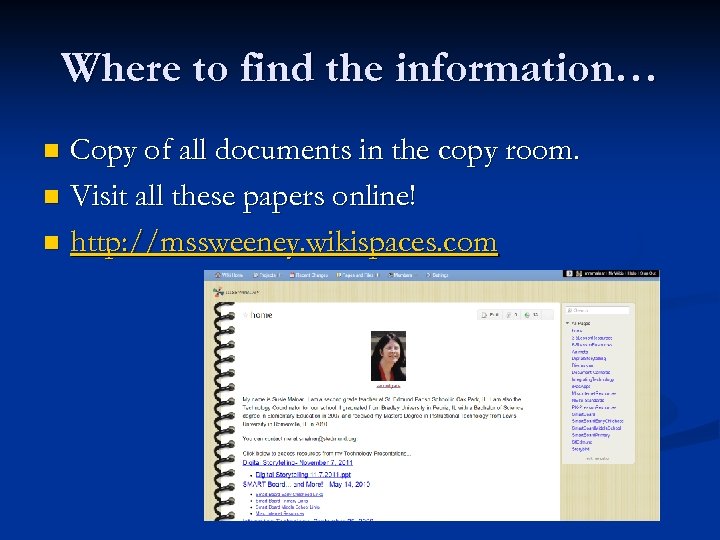 Where to find the information… Copy of all documents in the copy room. n Visit all these papers online! n http: //mssweeney. wikispaces. com n
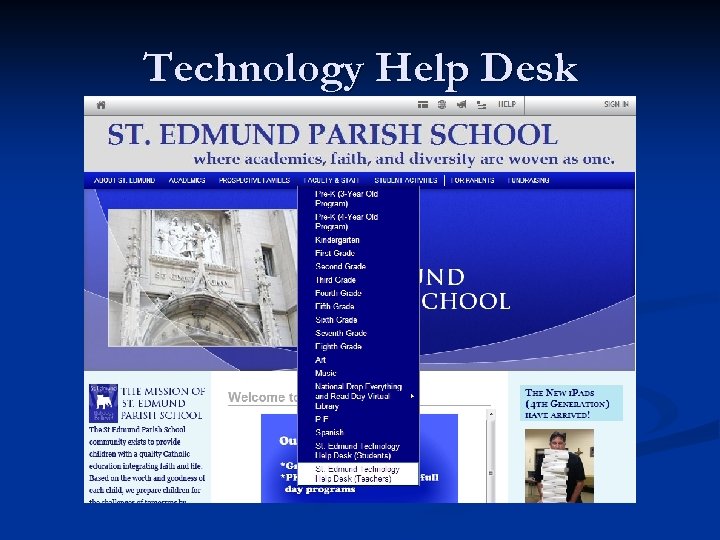 Technology Help Desk
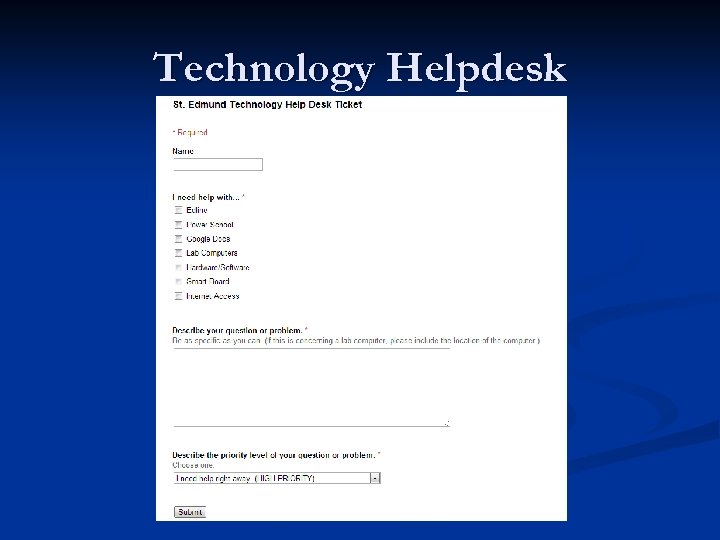 Technology Helpdesk
 Technology Help Desk n Please mark level of priority. n High Priority items will be taken care of that day. n If beyond my level of expertise, please be patient. You may have to wait until Randy comes in on the weekend. n n Lower Priority items- within a week Document! n ESPECIALLY with lab computers!
 Parent Communication n Email n n http: //mail. stedmund. org Check daily. n n Be aware of how full your mailbox is. Do not rely on saving an email to document parent communication. n n n Respond to parents within 24 hours during the week. Alternative: Use Google Docs to Copy/Paste. Comcast Bug Power. School Parent Portal n Even easier access to email parents…send whole class messages, etc.
 Parent Communication n School Website Portal for Information n Main Calendar on Front Page n Update daily with homework. n Update often with content. n n Photo slideshows are always a big hit! n Email photos to sssween 54@gmail. com for inclusion on the main website.
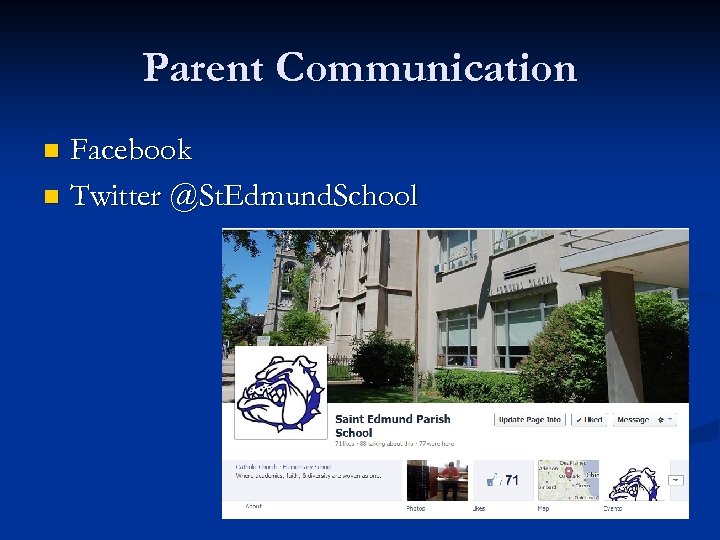 Parent Communication Facebook n Twitter @St. Edmund. School n
 2013 -2014 School Year- What’s New? n n A LOT! i. Pads n n Set of 14 State of the art charging cart Currently located in the 7 th grade classroom Document Cameras n n n Small but mighty! Projector + Document Camera on a cart First bundle has a laptop. I am working on a second laptop.
 2013 -2014 School Year- What’s New? n New Wi-fi Signals Stedmund-5 g n Stedmund-ms-5 g n n Passwords: gobulldogs! n Testing the strengths and reliability of the signals…report continued major outages to me. n Art Room = Dead Zone
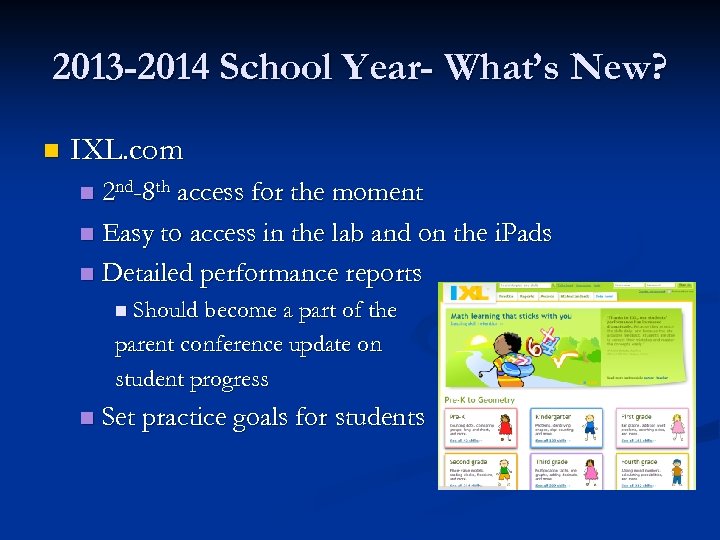 2013 -2014 School Year- What’s New? n IXL. com n 2 nd-8 th access for the moment n Easy to access in the lab and on the i. Pads n Detailed performance reports n Should become a part of the parent conference update on student progress n Set practice goals for students
 2013 -2014 School Year- What’s New? n New School Reach initiative School Notification System n Uses Power. School data n Automated Email, Calls, Texts n We will be doing preliminary tests to the system in early September n
 2013 -2014 School Year- What’s New? n Power. School Year 2 n Expanded use of tools and components n Start using Power. School as a way to access student information. n n Contact Information (Addresses, Phone #s, Allergy Alerts)
 2013 -2014 School Year- What’s New? n Power. School n Input attendance electronically using the Power. School website by 8: 20 A. M. DAILY! http: //archchicago. powerschool. com/teachers n I have to get some new teachers their log-ins still… Attendance is only taken in Homeroom class. n If students arrive after 8: 10, they are TARDY. If they are not present in the classroom when you take attendance, you must mark them ABSENT. n La. Verne must be the person to change from ABSENT to TARDY if they arrive after this time. n Note: Chronically Tardy Students n
 2013 -2014 School Year- What’s New? n Power. School Send attendance to the office as a LAST resort. Help ticket must be submitted if there is a technical problem. n Attendance- Subs n Grading- Update weekly. n n Administrator Access n Settings Check set for Early September n New to Power. School Grading Workshop- Week 2 n Look out for yellow exclamation points. n Weighted Grades- check with me first!
 2013 -2014 School Year- What’s New? n Power. School n Parent Portal- Grades 1 -8 n It will be explained to parents in PK, K that grades will not be on the site. Coming Trimester 2! n The more comments the better! n n You can even add comments for low test scores/grades! n More will be expected from Specials teachers as well. Finalizing Grades Schedule- Please follow. n Communicate issues with Power. School as soon as you encounter them… n
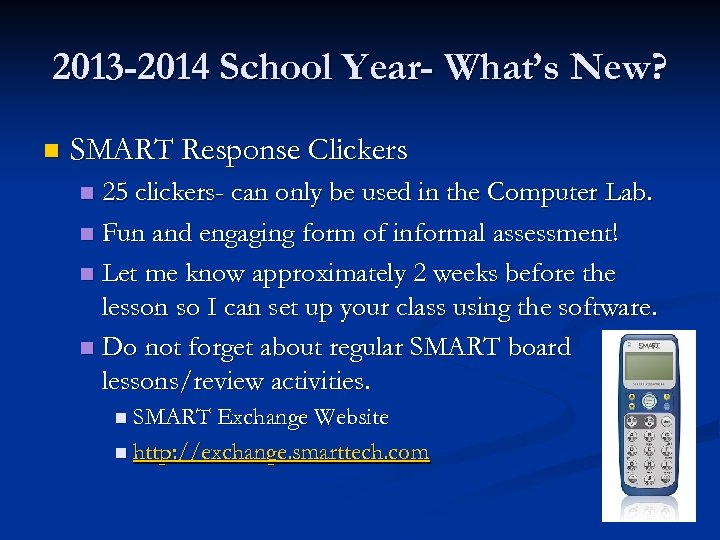 2013 -2014 School Year- What’s New? n SMART Response Clickers 25 clickers- can only be used in the Computer Lab. n Fun and engaging form of informal assessment! n Let me know approximately 2 weeks before the lesson so I can set up your class using the software. n Do not forget about regular SMART board lessons/review activities. n n SMART Exchange Website n http: //exchange. smarttech. com
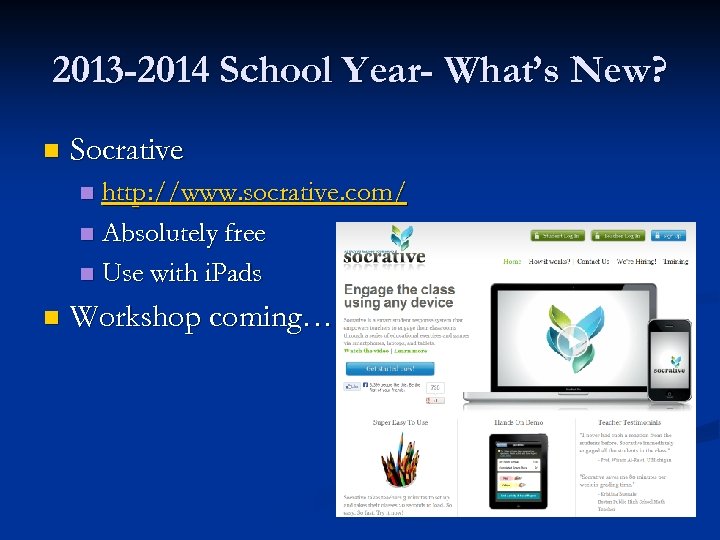 2013 -2014 School Year- What’s New? n Socrative http: //www. socrative. com/ n Absolutely free n Use with i. Pads n n Workshop coming…
 You are all tech teachers! n n 45 minutes/week of scheduled lab time (MONITORED) Lab Sign-Up Binder n n n First come…first serve sign-up Share the lab! Leave the lab the way you left it! (Chairs, papers, etc. ) Grades 4 -8: Train the students to use the Student Help ticket if there is an issue with any lab computer. Grades PK-3: Teachers fill out Help ticket if there is an issue with any lab computer.
 You are all tech teachers! n Google Chrome n n Classroom Computers n n Internet Explorer for JAVA programs if you run into issues using Google Chrome Next step in improving technology Please be sure to turn off the projector in the lab!
 NETS for Teachers
 NETS for Students
 NETS for Students http: //jsdcla. wikispaces. com/ISTE+Student+Standards+and+Resources
 NETS Standards Explanation for Teachers n Explanation for Students n
 Components of Tech Curriculum. PK 3 - 1 st Grade Digital Citizenship (Internet Safety) n Interactive Websites n n Xtra. Math (Gr. 1), ABC Ya!, PBS Kids SMART Board Activities n Using Computer Vocabulary n Teacher Modeling n n Graphic Organizers, Search Tools
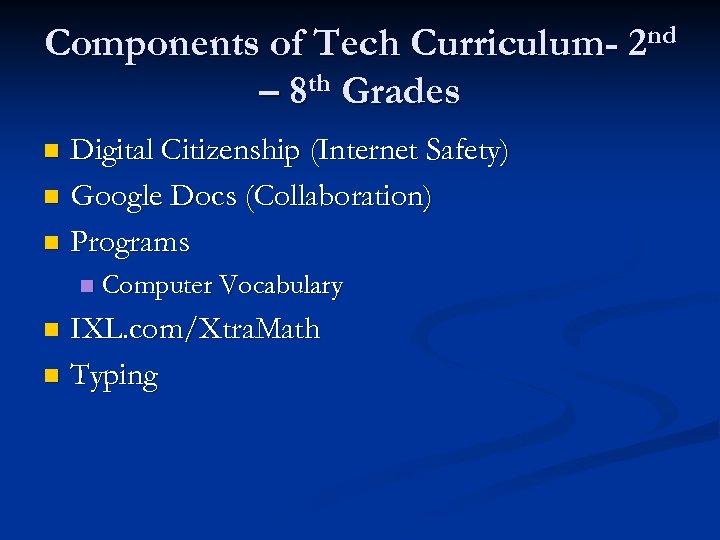 Components of Tech Curriculum- 2 nd – 8 th Grades Digital Citizenship (Internet Safety) n Google Docs (Collaboration) n Programs n n Computer Vocabulary IXL. com/Xtra. Math n Typing n
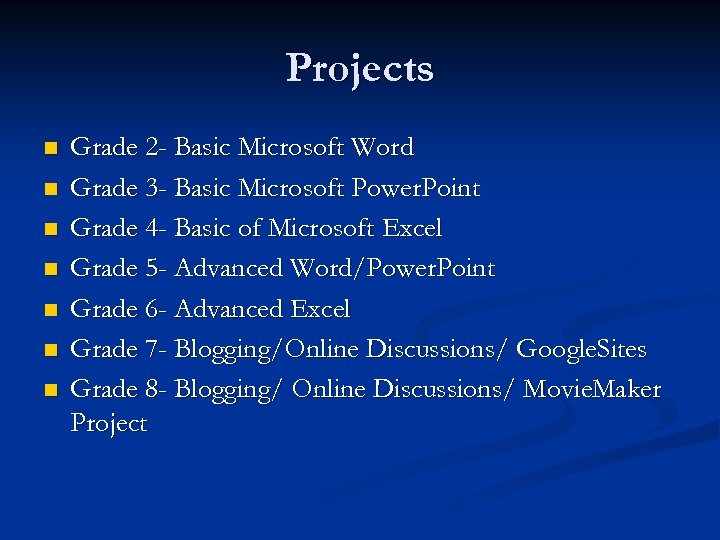 Projects n n n n Grade 2 - Basic Microsoft Word Grade 3 - Basic Microsoft Power. Point Grade 4 - Basic of Microsoft Excel Grade 5 - Advanced Word/Power. Point Grade 6 - Advanced Excel Grade 7 - Blogging/Online Discussions/ Google. Sites Grade 8 - Blogging/ Online Discussions/ Movie. Maker Project
 Internet Safety Areas of Focus n Grades PK-8 TBD n Common Sense Media n Net. Smartz n
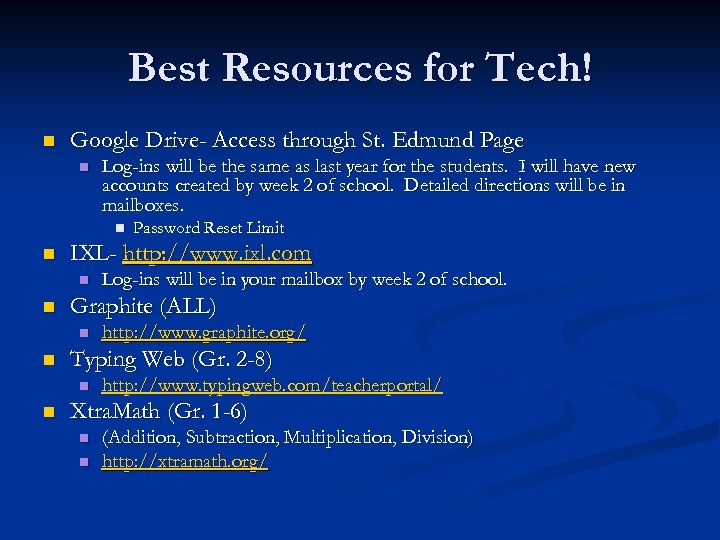 Best Resources for Tech! n Google Drive- Access through St. Edmund Page n Log-ins will be the same as last year for the students. I will have new accounts created by week 2 of school. Detailed directions will be in mailboxes. n n IXL- http: //www. ixl. com n n http: //www. graphite. org/ Typing Web (Gr. 2 -8) n n Log-ins will be in your mailbox by week 2 of school. Graphite (ALL) n n Password Reset Limit http: //www. typingweb. com/teacherportal/ Xtra. Math (Gr. 1 -6) n n (Addition, Subtraction, Multiplication, Division) http: //xtramath. org/
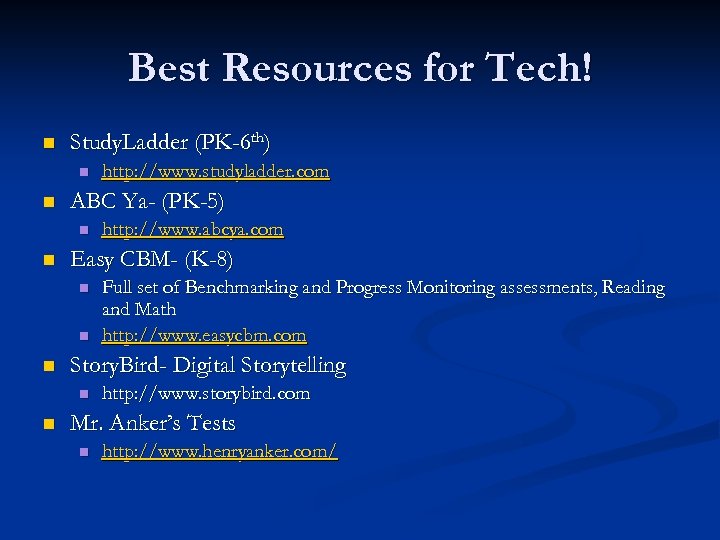 Best Resources for Tech! n Study. Ladder (PK-6 th) n n ABC Ya- (PK-5) n n n Full set of Benchmarking and Progress Monitoring assessments, Reading and Math http: //www. easycbm. com Story. Bird- Digital Storytelling n n http: //www. abcya. com Easy CBM- (K-8) n n http: //www. studyladder. com http: //www. storybird. com Mr. Anker’s Tests n http: //www. henryanker. com/
 Let’s celebrate! n World Education Games (from Mathletics) n n March 11 -13, 2014 (Literacy, Math, Science) Digital Learning Day n February 5, 2014
 i. Pads n Training for the Kids Middle School Assembly (5 -8) n Acceptable Use Policy in Handbook n i. Pad Usage Guidelines- must be signed by all students and parents prior to using equipment. n No tolerance policy for nonsense with this amazing tech tool! n
 i. Pad Management Guidelines n Check-out Procedures n Charging Procedures n Troubleshooting Procedures n Link to Amazing List of Apps n http: //mssweeney. wikispaces. com/i. Pad. Apps n ~74 Apps and Counting n n Request an App! Form on the Wikispaces Site n Request an i. Pad App
 Document Camera Cart + Laptop + Projector + Document Camera n Checkout Procedures- BINDER on the cart n n n Share the equipment! Be careful with the document camera. n Fragile! n Teacher Transportation n Be wary of student transportation of equipment.
 Document Camera n Troubleshooting n n Help ticket!! Photos Document uses of technology by taking photos! n Email them to ssween 54@gmail. com. n
 Power. School…AGAIN! n n n Grades 4 -8 will do progress reports through Power. School. Grades PK 3 – 3 rd grade will continue using the Handwritten Forms (carbon copy for records). Report Card Comments n n n When you compose your comments in Microsoft Word and then paste, quotation marks, apostrophes, dashes and other special characters can cause problems. The easiest way to avoid problems altogether is to compose your comment directly in the Gradebook or the comment box via the drop down menu. Please check your spelling!
 Power. School…AGAIN! n Report Card Comments Students with Modifications n Students in Advanced Math n Differentiated Spelling n DISCUSSION! n n I can add a personal comment bank for each teacher to make it easier for you to add comments from a drop down menu.
 Power. School…AGAIN! n Format for Multiple Comments n n Excellent participation. Needs to complete homework on time. Placement of General Behavior Comments n 1 st-5 th: Place comments in the Spelling Section n 6 th-8 th: Place comments in the course in which the behavior is impeding the student’s academic progress.
 I’m Done! Questions, Comments? n I hope this was helpful for all of you. n Use me as a resource! I have co-taught lessons (during 2 nd grade specials) and can help you create amazing tech experiences with your students! n