


 Скачать презентацию SQL Constraints and Triggers Chapter 6 Ullman
dc57bd1920ebaf7b3b114afa3e8a856e.ppt
- Количество слайдов: 20
 SQL: Constraints and Triggers • Chapter 6 Ullman and Widom • Certain properties we’d like our database to hold • Modification of the database may break these properties • Build handlers into the database definition
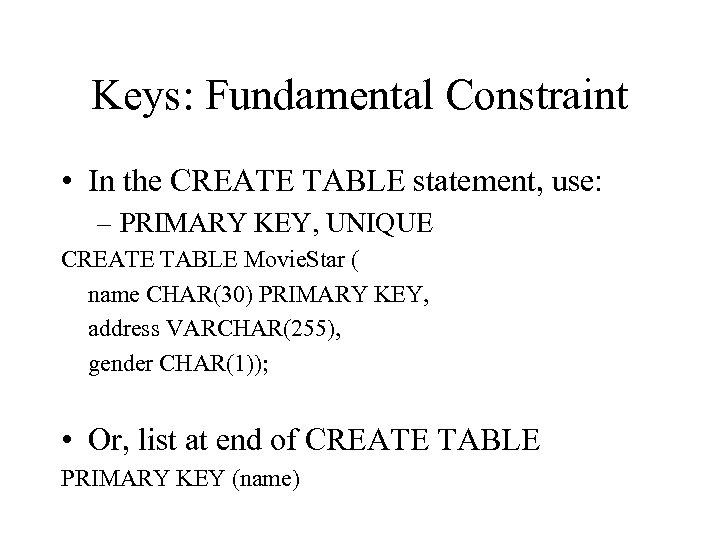 Keys: Fundamental Constraint • In the CREATE TABLE statement, use: – PRIMARY KEY, UNIQUE CREATE TABLE Movie. Star ( name CHAR(30) PRIMARY KEY, address VARCHAR(255), gender CHAR(1)); • Or, list at end of CREATE TABLE PRIMARY KEY (name)
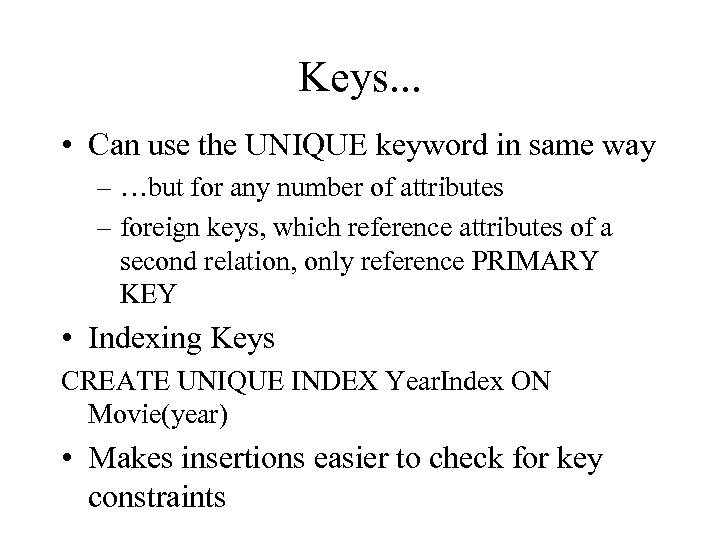 Keys. . . • Can use the UNIQUE keyword in same way – …but for any number of attributes – foreign keys, which reference attributes of a second relation, only reference PRIMARY KEY • Indexing Keys CREATE UNIQUE INDEX Year. Index ON Movie(year) • Makes insertions easier to check for key constraints
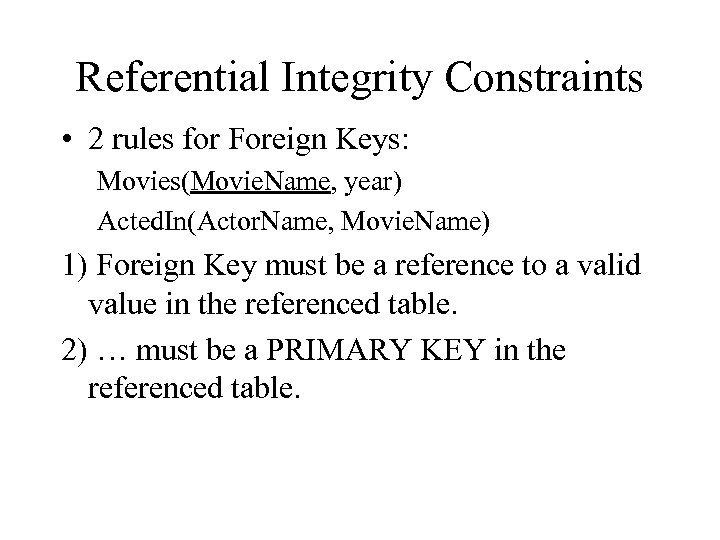 Referential Integrity Constraints • 2 rules for Foreign Keys: Movies(Movie. Name, year) Acted. In(Actor. Name, Movie. Name) 1) Foreign Key must be a reference to a valid value in the referenced table. 2) … must be a PRIMARY KEY in the referenced table.
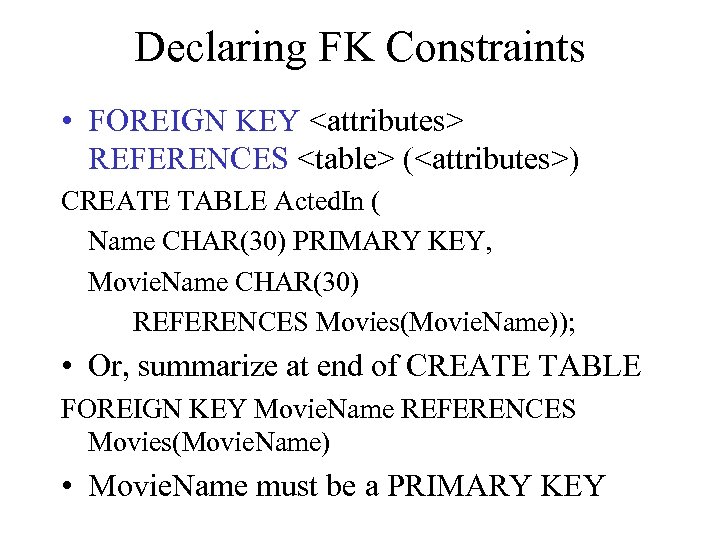 Declaring FK Constraints • FOREIGN KEY
 (
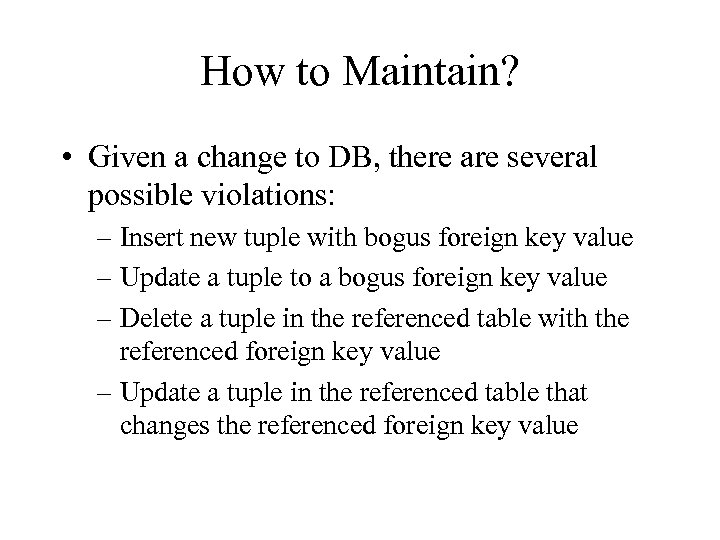 How to Maintain? • Given a change to DB, there are several possible violations: – Insert new tuple with bogus foreign key value – Update a tuple to a bogus foreign key value – Delete a tuple in the referenced table with the referenced foreign key value – Update a tuple in the referenced table that changes the referenced foreign key value
 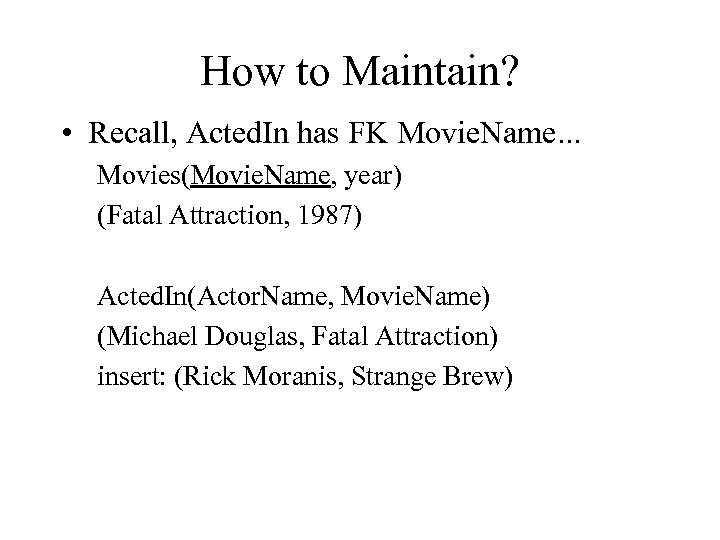 How to Maintain? • Recall, Acted. In has FK Movie. Name. . . Movies(Movie. Name, year) (Fatal Attraction, 1987) Acted. In(Actor. Name, Movie. Name) (Michael Douglas, Fatal Attraction) insert: (Rick Moranis, Strange Brew)
 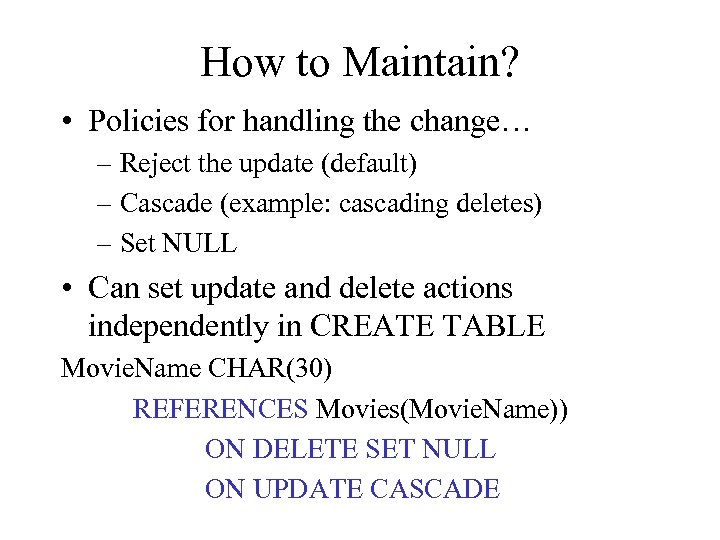 How to Maintain? • Policies for handling the change… – Reject the update (default) – Cascade (example: cascading deletes) – Set NULL • Can set update and delete actions independently in CREATE TABLE Movie. Name CHAR(30) REFERENCES Movies(Movie. Name)) ON DELETE SET NULL ON UPDATE CASCADE
 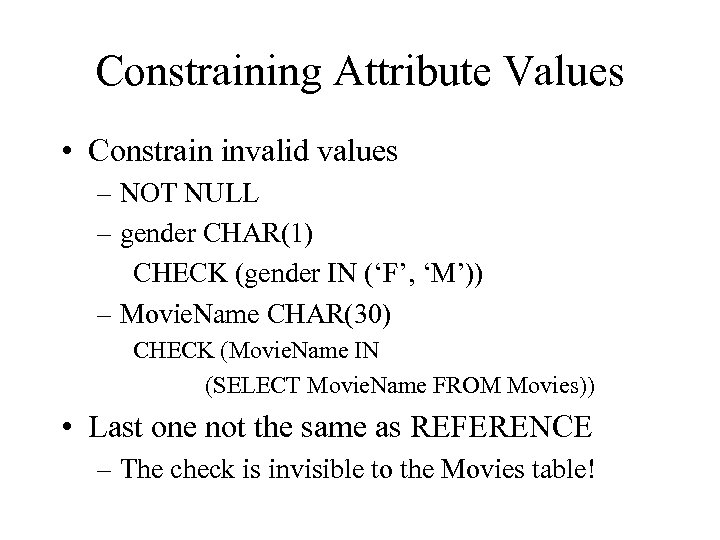 Constraining Attribute Values • Constrain invalid values – NOT NULL – gender CHAR(1) CHECK (gender IN (‘F’, ‘M’)) – Movie. Name CHAR(30) CHECK (Movie. Name IN (SELECT Movie. Name FROM Movies)) • Last one not the same as REFERENCE – The check is invisible to the Movies table!
 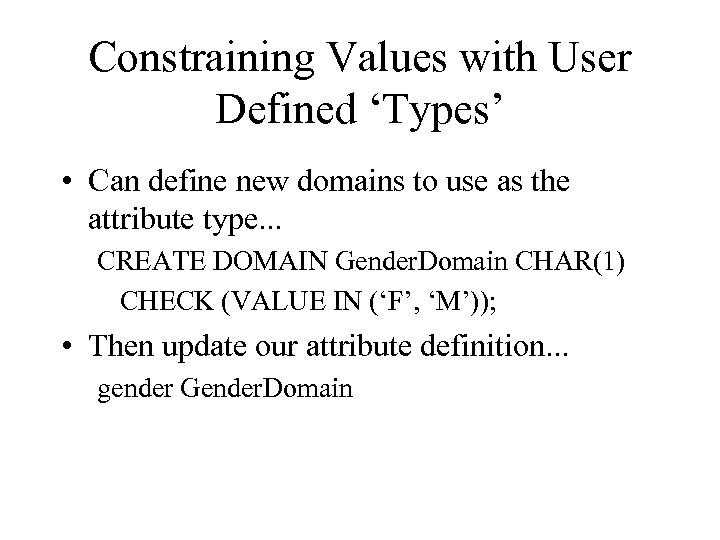 Constraining Values with User Defined ‘Types’ • Can define new domains to use as the attribute type. . . CREATE DOMAIN Gender. Domain CHAR(1) CHECK (VALUE IN (‘F’, ‘M’)); • Then update our attribute definition. . . gender Gender. Domain
 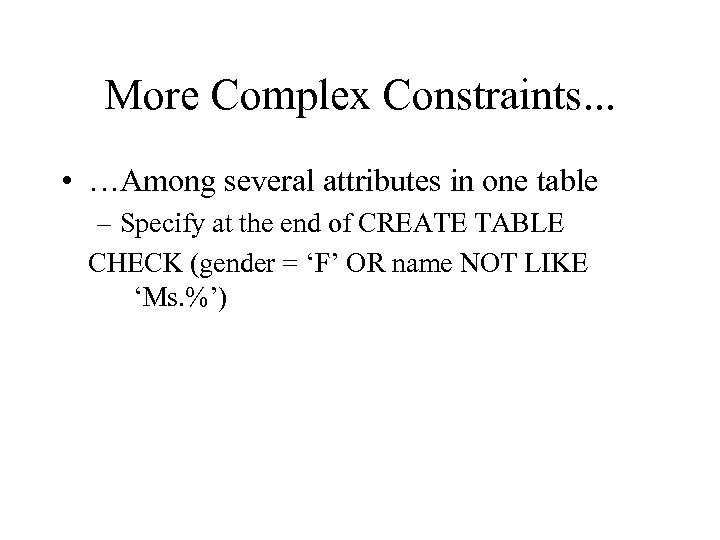 More Complex Constraints. . . • …Among several attributes in one table – Specify at the end of CREATE TABLE CHECK (gender = ‘F’ OR name NOT LIKE ‘Ms. %’)
 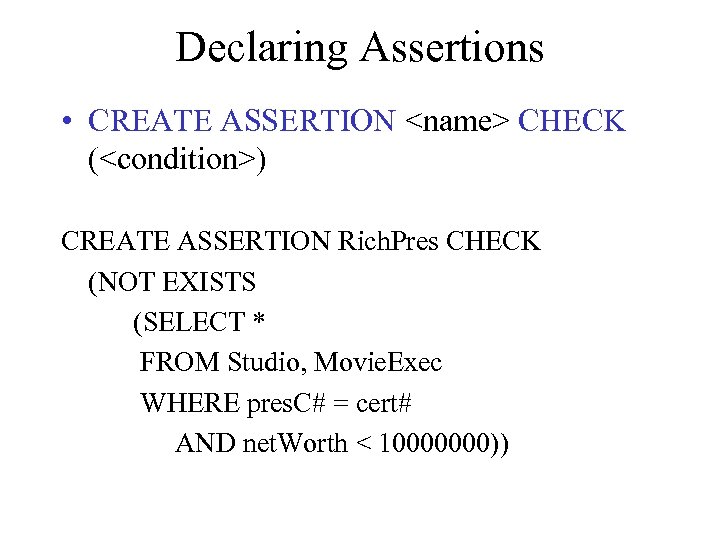 Declaring Assertions • CREATE ASSERTION
 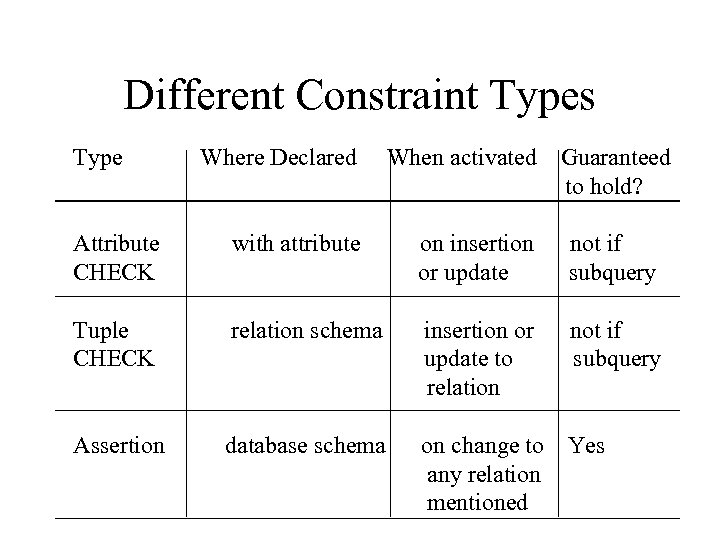 Different Constraint Types Type Where Declared When activated Guaranteed to hold? Attribute CHECK with attribute on insertion or update not if subquery Tuple CHECK relation schema insertion or update to relation not if subquery Assertion database schema on change to any relation mentioned Yes
 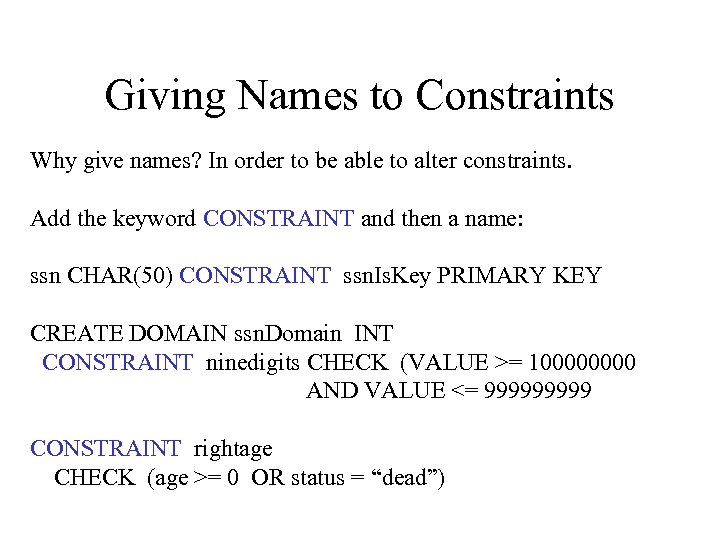 Giving Names to Constraints Why give names? In order to be able to alter constraints. Add the keyword CONSTRAINT and then a name: ssn CHAR(50) CONSTRAINT ssn. Is. Key PRIMARY KEY CREATE DOMAIN ssn. Domain INT CONSTRAINT ninedigits CHECK (VALUE >= 10000 AND VALUE <= 99999 CONSTRAINT rightage CHECK (age >= 0 OR status = “dead”)
 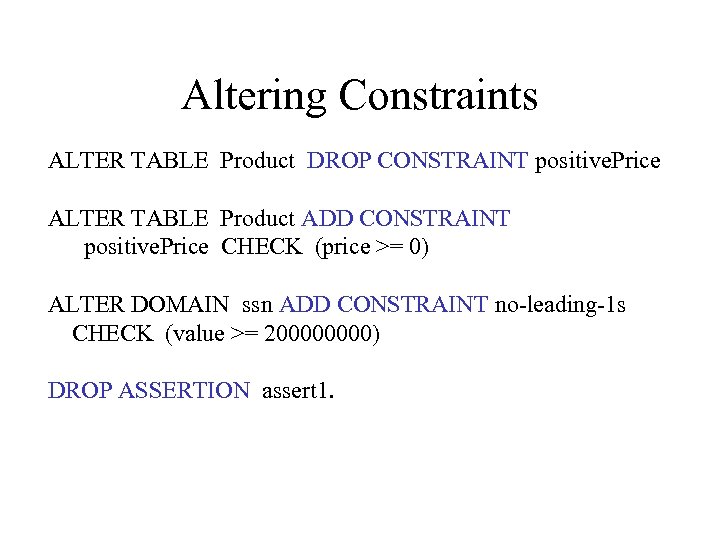 Altering Constraints ALTER TABLE Product DROP CONSTRAINT positive. Price ALTER TABLE Product ADD CONSTRAINT positive. Price CHECK (price >= 0) ALTER DOMAIN ssn ADD CONSTRAINT no-leading-1 s CHECK (value >= 20000) DROP ASSERTION assert 1.
 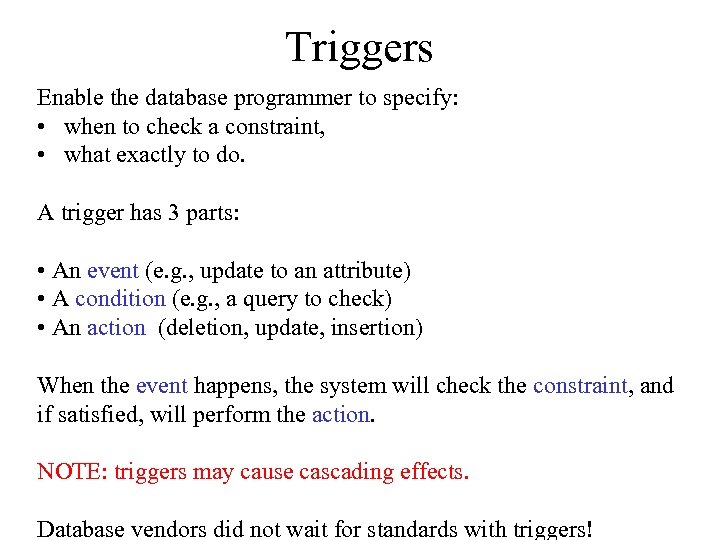 Triggers Enable the database programmer to specify: • when to check a constraint, • what exactly to do. A trigger has 3 parts: • An event (e. g. , update to an attribute) • A condition (e. g. , a query to check) • An action (deletion, update, insertion) When the event happens, the system will check the constraint, and if satisfied, will perform the action. NOTE: triggers may cause cascading effects. Database vendors did not wait for standards with triggers!
 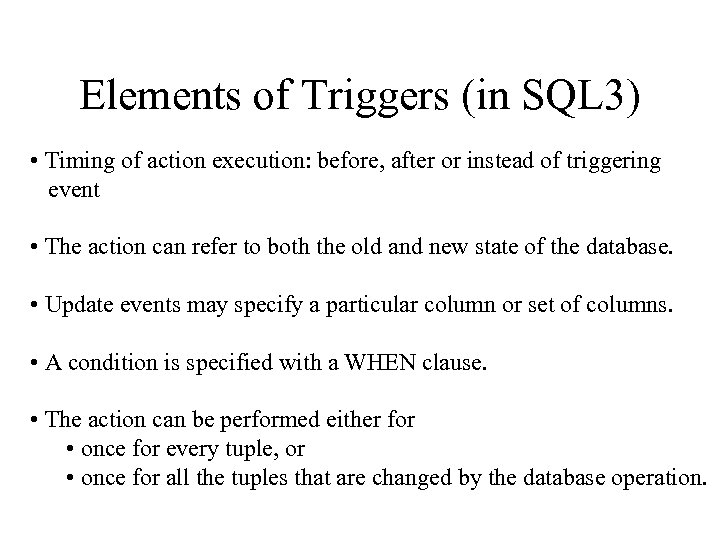 Elements of Triggers (in SQL 3) • Timing of action execution: before, after or instead of triggering event • The action can refer to both the old and new state of the database. • Update events may specify a particular column or set of columns. • A condition is specified with a WHEN clause. • The action can be performed either for • once for every tuple, or • once for all the tuples that are changed by the database operation.
 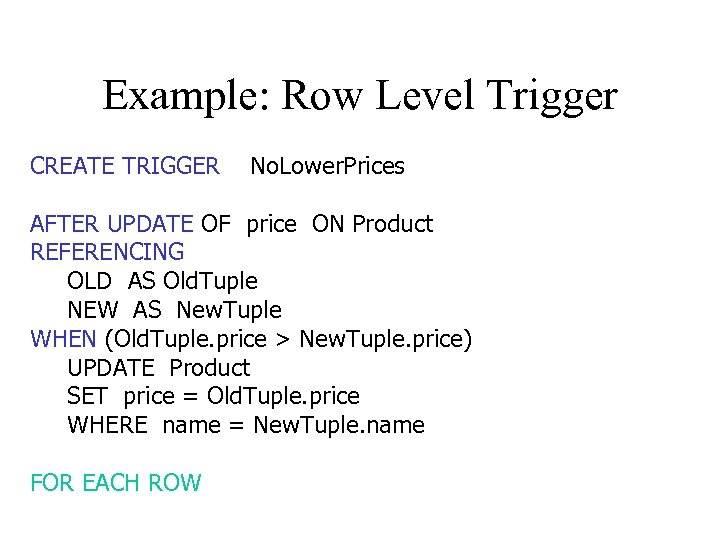 Example: Row Level Trigger CREATE TRIGGER No. Lower. Prices AFTER UPDATE OF price ON Product REFERENCING OLD AS Old. Tuple NEW AS New. Tuple WHEN (Old. Tuple. price > New. Tuple. price) UPDATE Product SET price = Old. Tuple. price WHERE name = New. Tuple. name FOR EACH ROW
 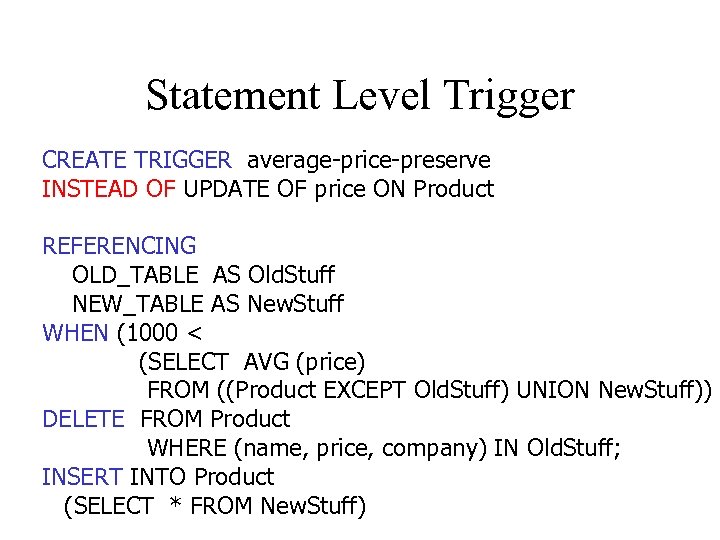 Statement Level Trigger CREATE TRIGGER average-price-preserve INSTEAD OF UPDATE OF price ON Product REFERENCING OLD_TABLE AS Old. Stuff NEW_TABLE AS New. Stuff WHEN (1000 < (SELECT AVG (price) FROM ((Product EXCEPT Old. Stuff) UNION New. Stuff)) DELETE FROM Product WHERE (name, price, company) IN Old. Stuff; INSERT INTO Product (SELECT * FROM New. Stuff)
 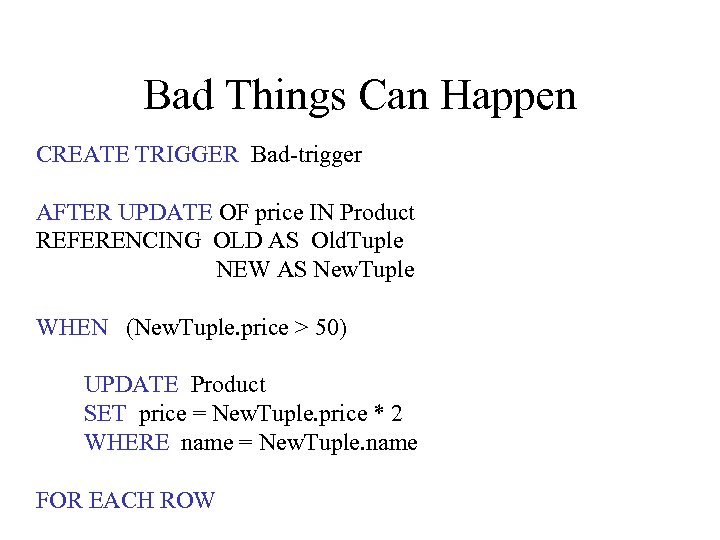 Bad Things Can Happen CREATE TRIGGER Bad-trigger AFTER UPDATE OF price IN Product REFERENCING OLD AS Old. Tuple NEW AS New. Tuple WHEN (New. Tuple. price > 50) UPDATE Product SET price = New. Tuple. price * 2 WHERE name = New. Tuple. name FOR EACH ROW