 Скачать презентацию Some Background Activities Around Classes The last
1de0fbea470be461f609aaeb7c7f810c.ppt
- Количество слайдов: 58



Some Background Activities Around Classes • The last day!!!! We discussed some classes and programs that called them. • For example we had the Grade. Book and Grade Book Test Classes
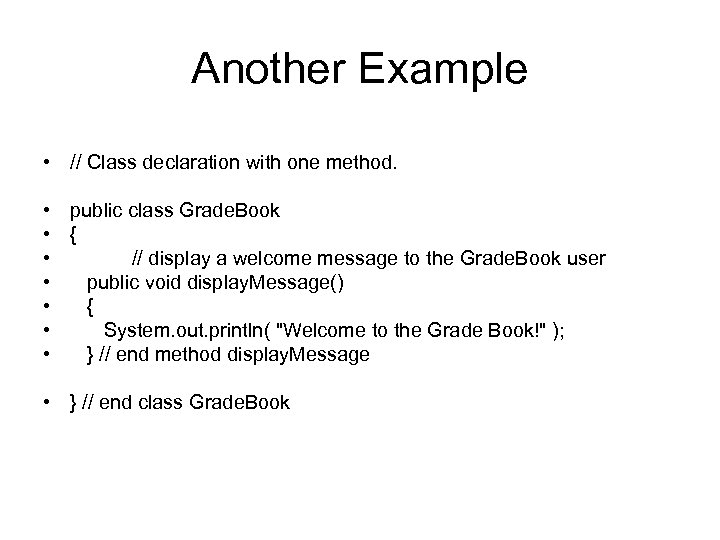
Another Example • // Class declaration with one method. • public class Grade. Book • { • // display a welcome message to the Grade. Book user • public void display. Message() • { • System. out. println( "Welcome to the Grade Book!" ); • } // end method display. Message • } // end class Grade. Book
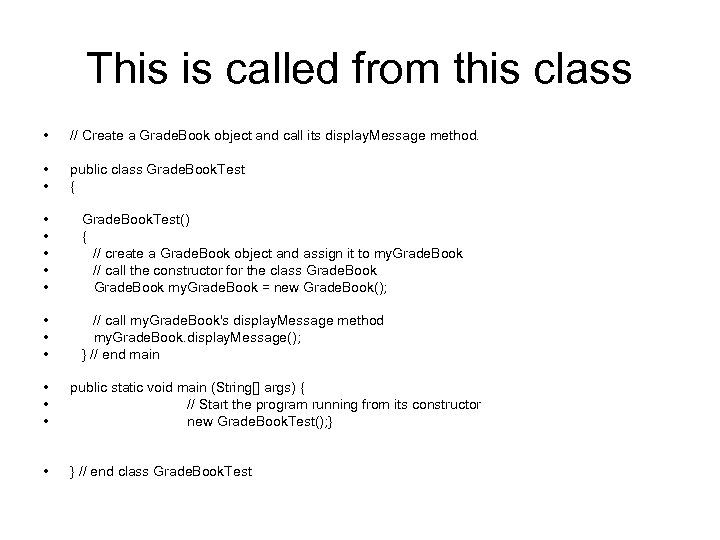
This is called from this class • // Create a Grade. Book object and call its display. Message method. • • public class Grade. Book. Test { • • • Grade. Book. Test() { // create a Grade. Book object and assign it to my. Grade. Book // call the constructor for the class Grade. Book my. Grade. Book = new Grade. Book(); • • • // call my. Grade. Book's display. Message method my. Grade. Book. display. Message(); } // end main • • • public static void main (String[] args) { // Start the program running from its constructor new Grade. Book. Test(); } • } // end class Grade. Book. Test
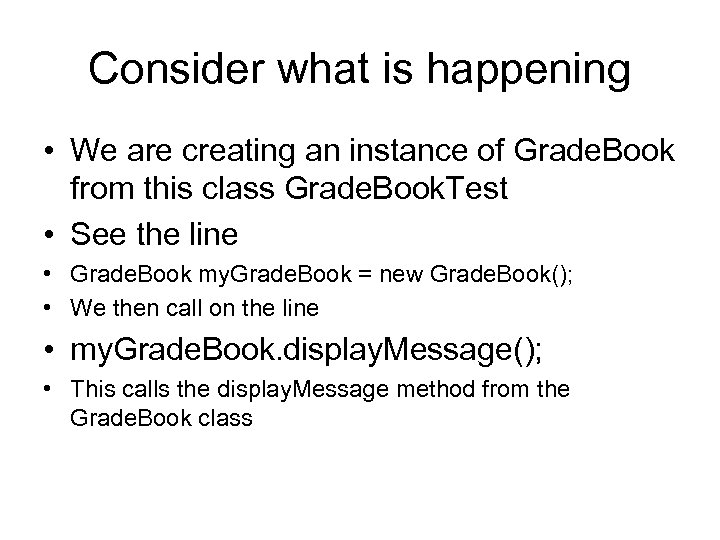
Consider what is happening • We are creating an instance of Grade. Book from this class Grade. Book. Test • See the line • Grade. Book my. Grade. Book = new Grade. Book(); • We then call on the line • my. Grade. Book. display. Message(); • This calls the display. Message method from the Grade. Book class
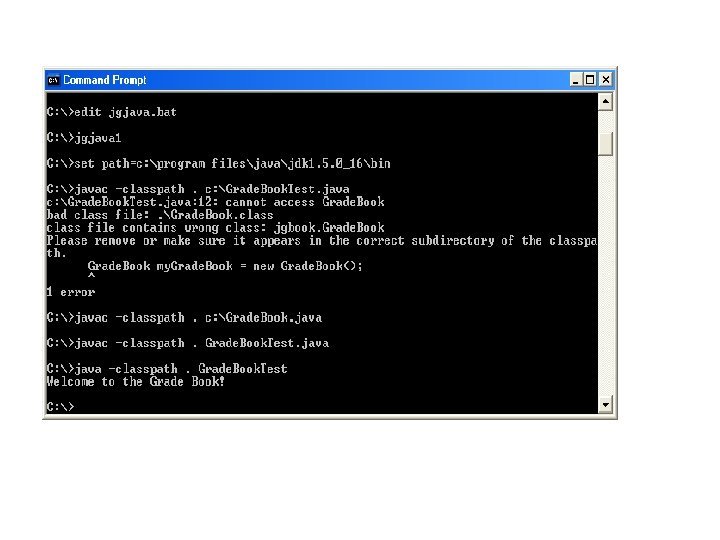
Next Lecture • How do we implement all this • We need to do this by linking all the classes together. • One way of doing this is with the – classpath qualifier at compilation time using the javac command • We have already seen this at run time with the java command. But we can use the same idea at compilation time • This will tell the compiler where to find classes. • See the following dialogue
Directory mnemonics • In Dos the directory hierarchy uses some short cuts • refers to the root directory • So if we type cd • We will be returned to the root directory • The parent directory of any directory is indicated by. . • So if we were in C: johnsjavaprogs and we typed cd. . • We will be returned to C: johnsjava
Directory mnemonics. notation • The current directory is indicated by. • So when we use. We are referring to the current directory • So javac –classpath. Grade. Book will look for classes in the current directory. So the java classes used must be there.
Consider the following two Classes • Book • And Bookstore 1 due to June Barrett • Their Code is
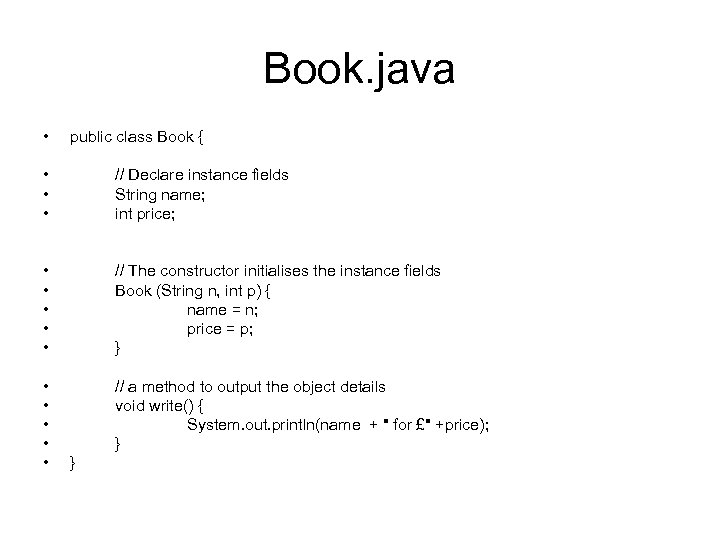
Book. java • public class Book { • • • // Declare instance fields String name; int price; • • • // The constructor initialises the instance fields Book (String n, int p) { name = n; price = p; } • • • // a method to output the object details void write() { System. out. println(name + " for £" +price); } }
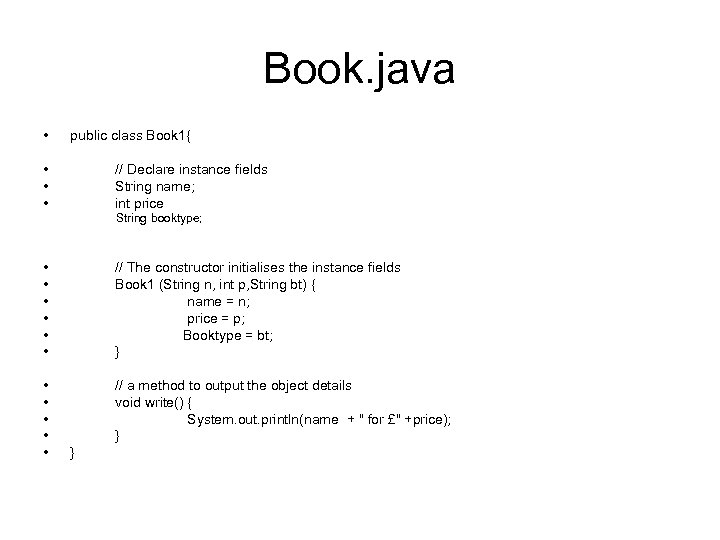
Book. java • public class Book 1{ • • • // Declare instance fields String name; int price String booktype; • • • // The constructor initialises the instance fields Book 1 (String n, int p, String bt) { name = n; price = p; Booktype = bt; } • • • // a method to output the object details void write() { System. out. println(name + " for £" +price); } }
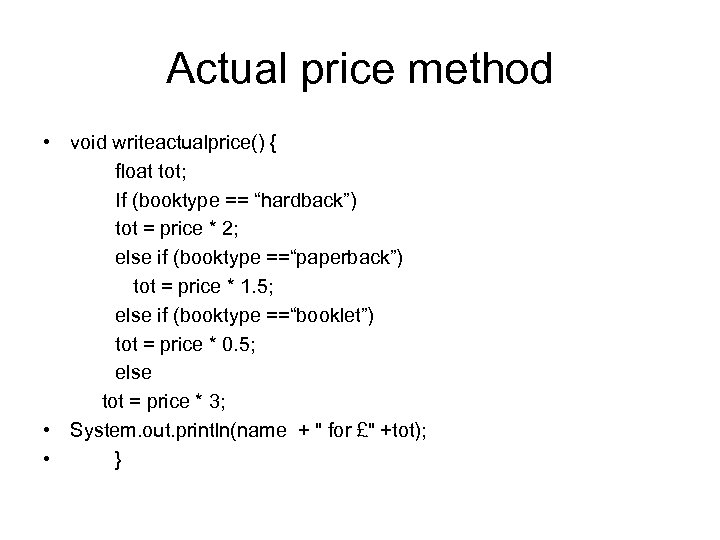
Actual price method • void writeactualprice() { float tot; If (booktype == “hardback”) tot = price * 2; else if (booktype ==“paperback”) tot = price * 1. 5; else if (booktype ==“booklet”) tot = price * 0. 5; else tot = price * 3; • System. out. println(name + " for £" +tot); • }
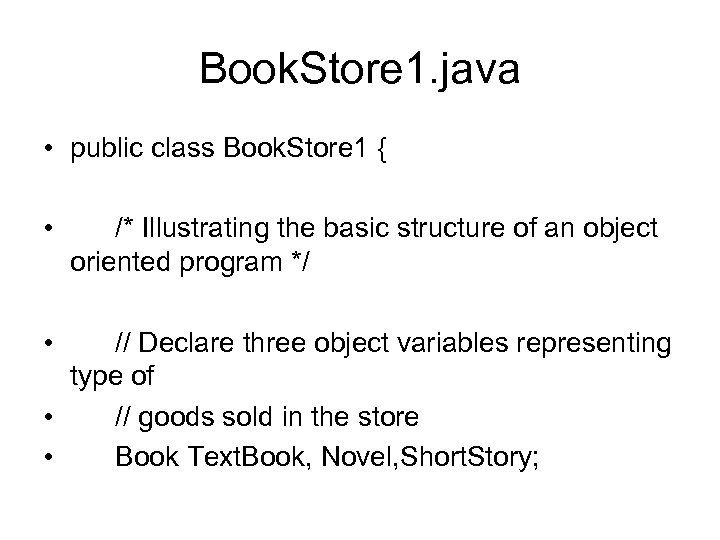
Book. Store 1. java • public class Book. Store 1 { • • /* Illustrating the basic structure of an object oriented program */ // Declare three object variables representing type of • // goods sold in the store • Book Text. Book, Novel, Short. Story;
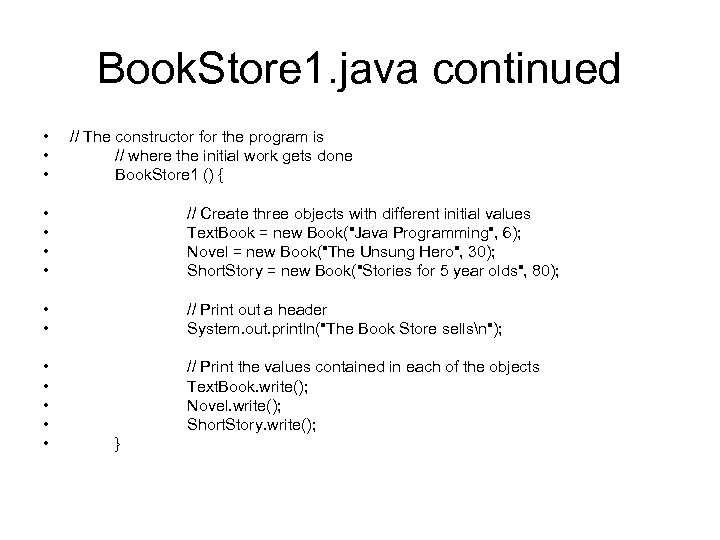
Book. Store 1. java continued • • • // The constructor for the program is // where the initial work gets done Book. Store 1 () { • • // Create three objects with different initial values Text. Book = new Book("Java Programming", 6); Novel = new Book("The Unsung Hero", 30); Short. Story = new Book("Stories for 5 year olds", 80); • • // Print out a header System. out. println("The Book Store sellsn"); • • • // Print the values contained in each of the objects Text. Book. write(); Novel. write(); Short. Story. write(); }
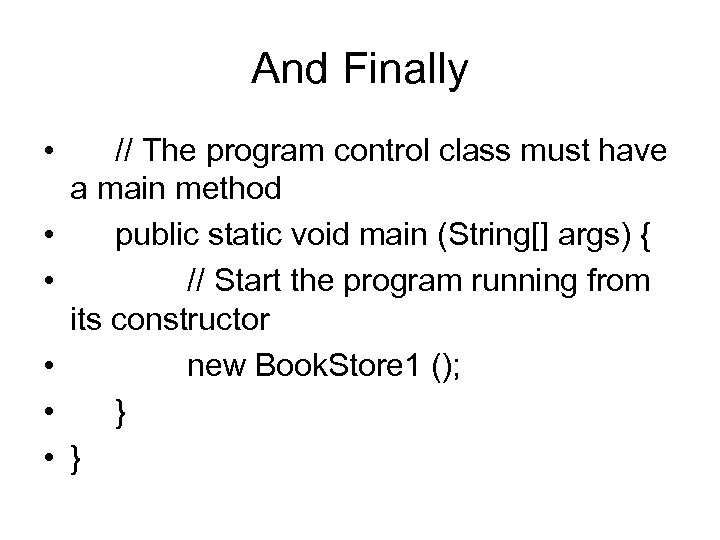
And Finally • • • // The program control class must have a main method public static void main (String[] args) { // Start the program running from its constructor new Book. Store 1 (); } }
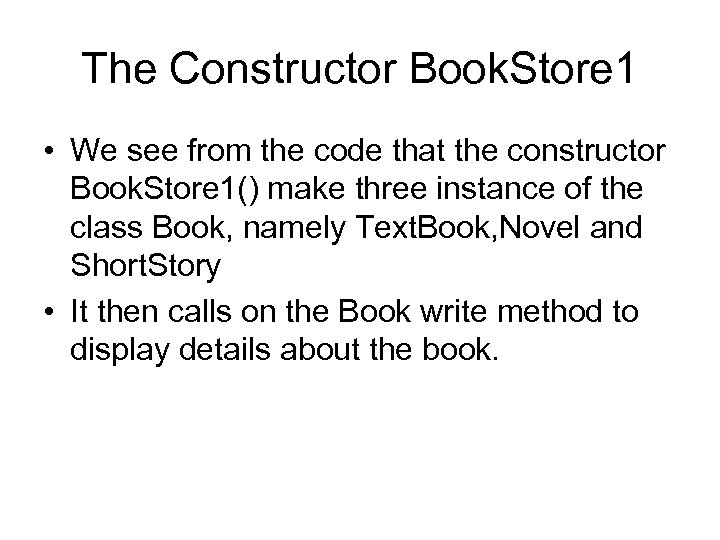
The Constructor Book. Store 1 • We see from the code that the constructor Book. Store 1() make three instance of the class Book, namely Text. Book, Novel and Short. Story • It then calls on the Book write method to display details about the book.
Next How do we compile these • Firstly Book. java and Book. Store 1. java must be in the same directory
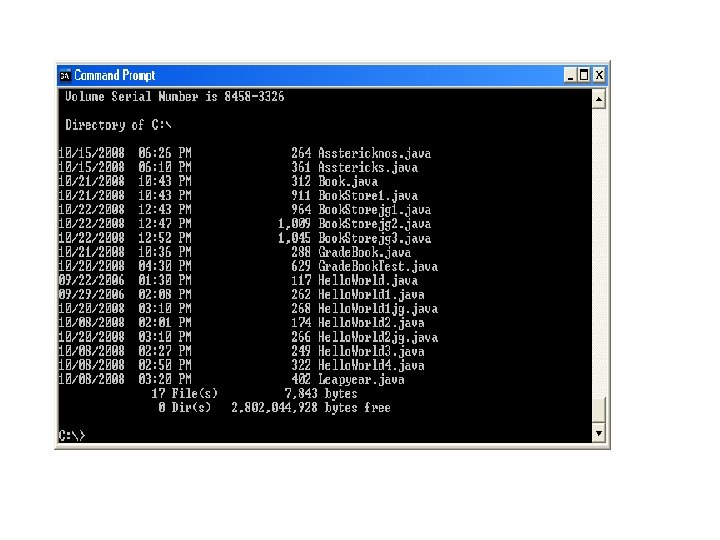
From a Directory Listing • We see that they are both in the c: directory • Next we compile and run the classes using the • Javac and Java commands with • –classpath.

From this screen we see • That the class correctly executes the specific objects.
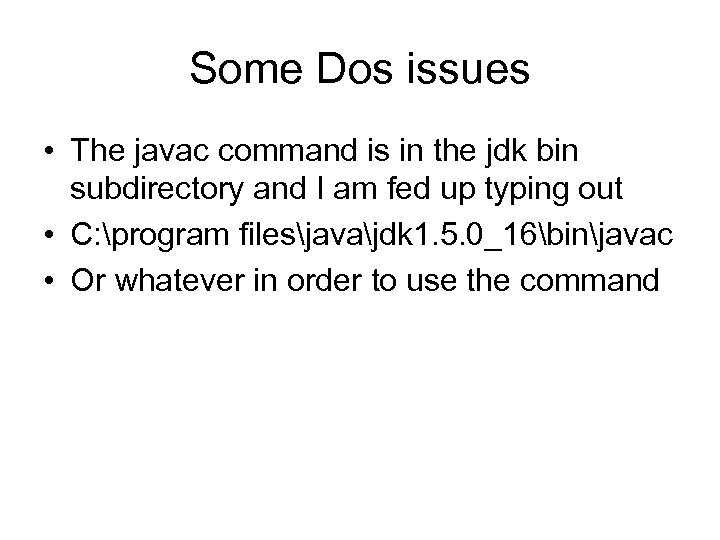
Some Dos issues • The javac command is in the jdk bin subdirectory and I am fed up typing out • C: program filesjavajdk 1. 5. 0_16binjavac • Or whatever in order to use the command
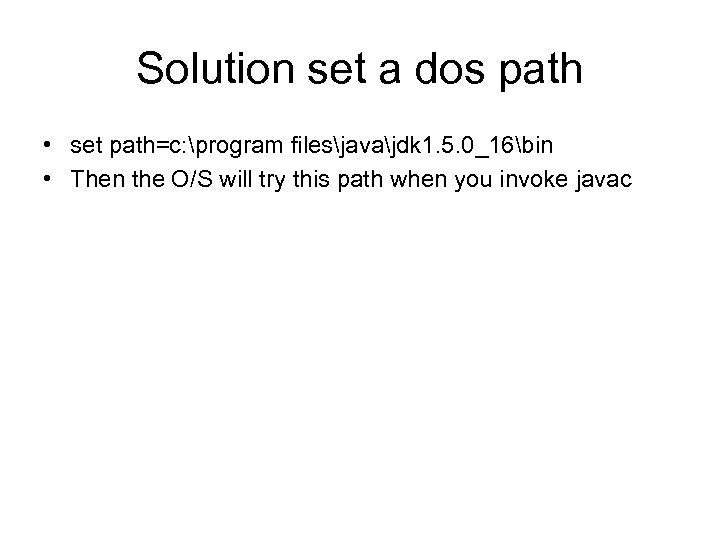
Solution set a dos path • set path=c: program filesjavajdk 1. 5. 0_16bin • Then the O/S will try this path when you invoke javac
Packages • An alternative way of accessing classes • We have already seen • import java. util. Scanner; • For example in our Leapyear program
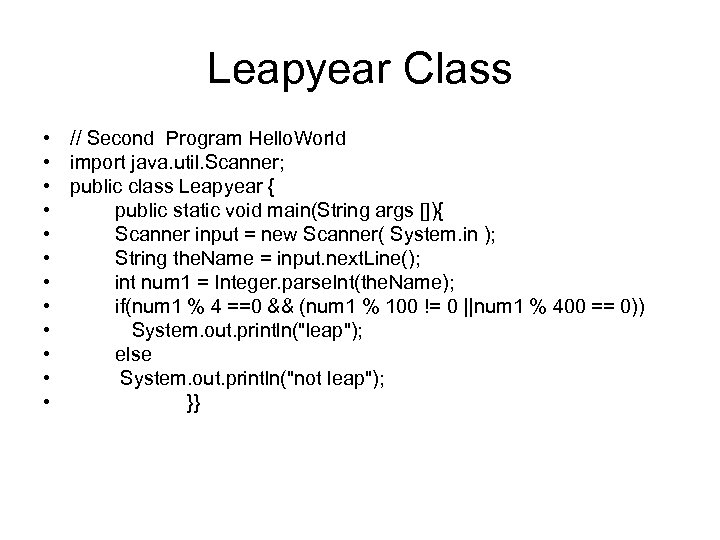
Leapyear Class • // Second Program Hello. World • import java. util. Scanner; • public class Leapyear { • public static void main(String args []){ • Scanner input = new Scanner( System. in ); • String the. Name = input. next. Line(); • int num 1 = Integer. parse. Int(the. Name); • if(num 1 % 4 ==0 && (num 1 % 100 != 0 ||num 1 % 400 == 0)) • System. out. println("leap"); • else • System. out. println("not leap"); • }}
Java Packages • java. util. Scanner is a set of classes held in java listing device known as a package • This allows us keep java classes in directories and subdirectories and import them into our user defined classes
How do we create Packages • Consider our Hello. World. java class, • Say we want to create a package world which will contain the Hello. World class. • All classes in the package must contain the package Keyword at the start • First thing we have to do is to specify the keyword package with the name of the package we want to use (world in our case) on top of our source file, before the code that defines the real classes in the package, as shown in our Hello. World class below:
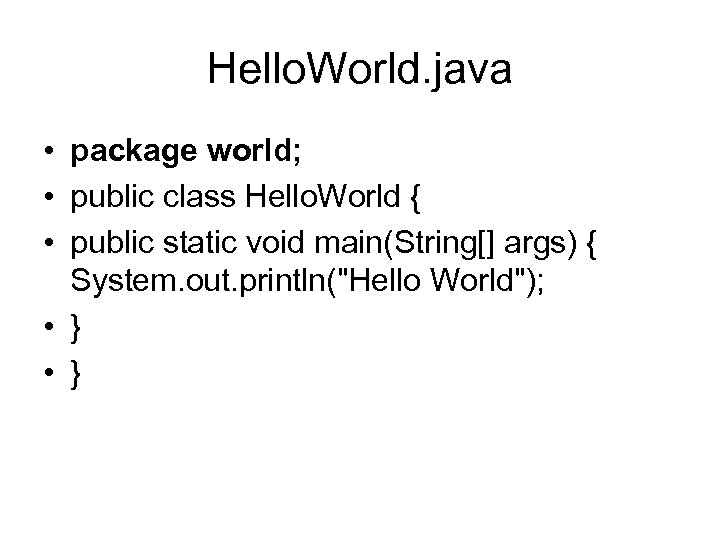
Hello. World. java • package world; • public class Hello. World { • public static void main(String[] args) { System. out. println("Hello World"); • }
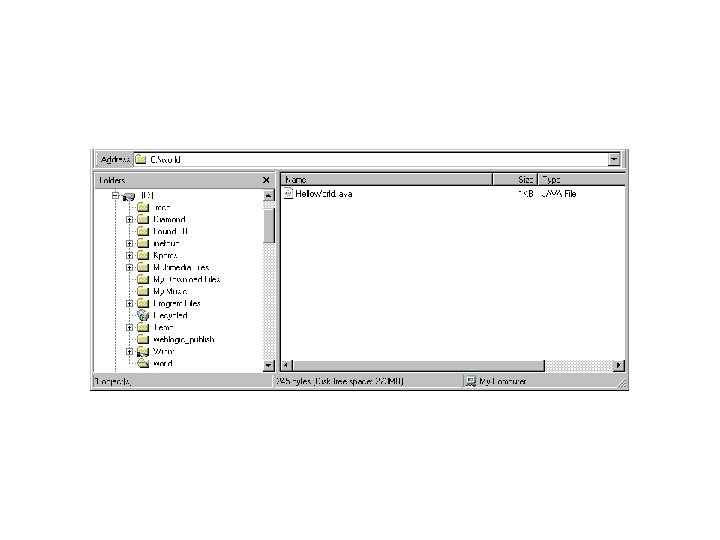
Create a world directory • One thing you must do after creating a package for the class is to create nested subdirectories to represent package hierachy of the class. In our case, we have the world package, which requires only one directory. So, we create a directory world and put our Hello. World. java into it.
• Then to use it we can use the import statement at the start of another class • Consider • The following variations of our Book class
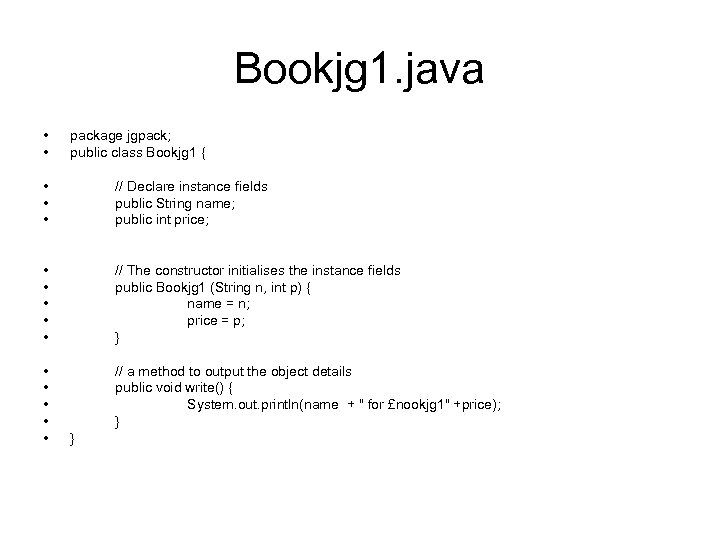
Bookjg 1. java • • package jgpack; public class Bookjg 1 { • • • // Declare instance fields public String name; public int price; • • • // The constructor initialises the instance fields public Bookjg 1 (String n, int p) { name = n; price = p; } • • • // a method to output the object details public void write() { System. out. println(name + " for £nookjg 1" +price); } }
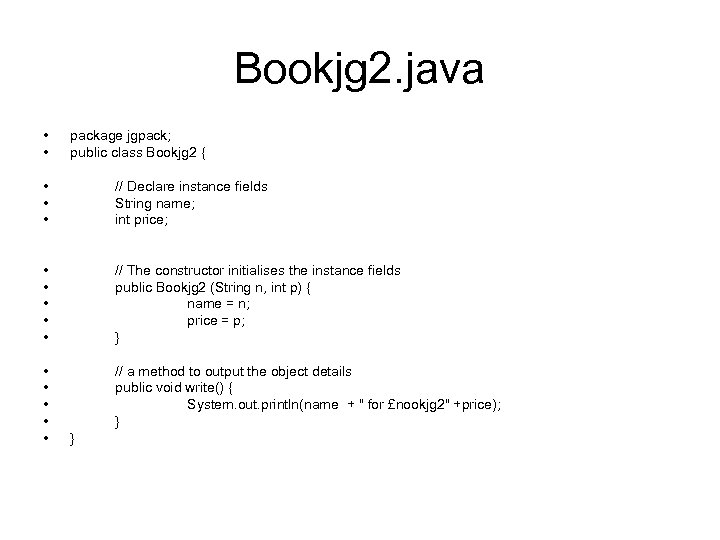
Bookjg 2. java • • package jgpack; public class Bookjg 2 { • • • // Declare instance fields String name; int price; • • • // The constructor initialises the instance fields public Bookjg 2 (String n, int p) { name = n; price = p; } • • • // a method to output the object details public void write() { System. out. println(name + " for £nookjg 2" +price); } }
Using a mkdir command • We create a directory jgpack; • We put these files into a directory jgpack;
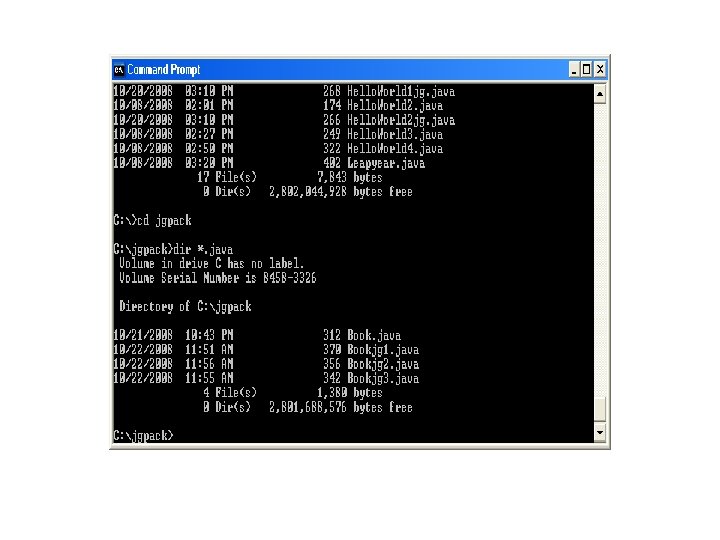
Going back to c: • We have a modified version of Book. Store 1
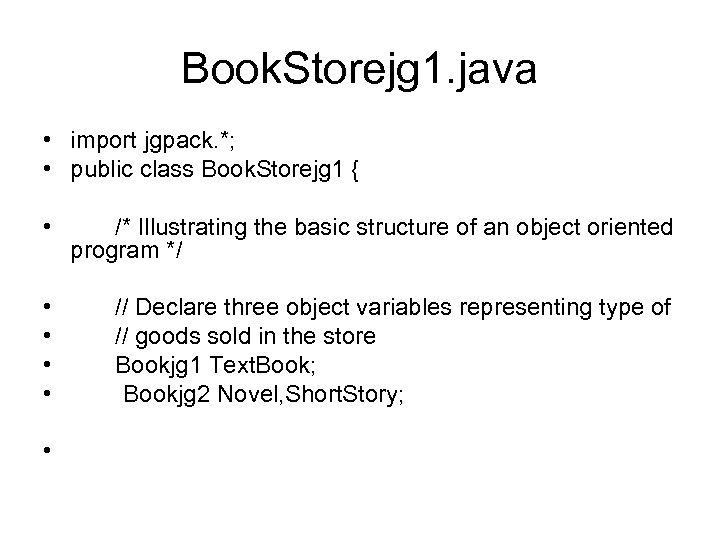
Book. Storejg 1. java • import jgpack. *; • public class Book. Storejg 1 { • /* Illustrating the basic structure of an object oriented program */ • • // Declare three object variables representing type of // goods sold in the store Bookjg 1 Text. Book; Bookjg 2 Novel, Short. Story; •
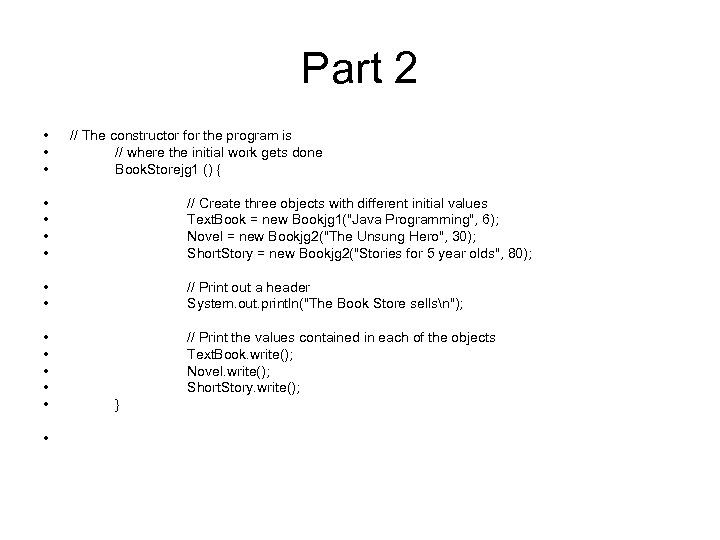
Part 2 • • • // The constructor for the program is // where the initial work gets done Book. Storejg 1 () { • • // Create three objects with different initial values Text. Book = new Bookjg 1("Java Programming", 6); Novel = new Bookjg 2("The Unsung Hero", 30); Short. Story = new Bookjg 2("Stories for 5 year olds", 80); • • // Print out a header System. out. println("The Book Store sellsn"); • • • // Print the values contained in each of the objects Text. Book. write(); Novel. write(); Short. Story. write(); • }
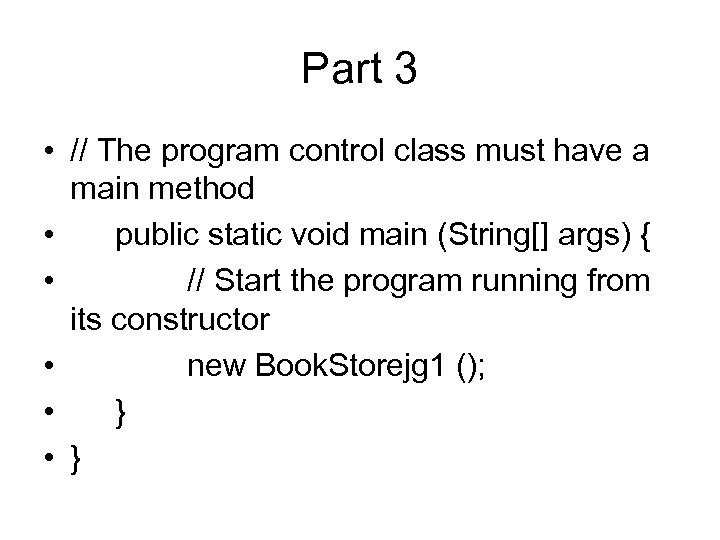
Part 3 • // The program control class must have a main method • public static void main (String[] args) { • // Start the program running from its constructor • new Book. Storejg 1 (); • }
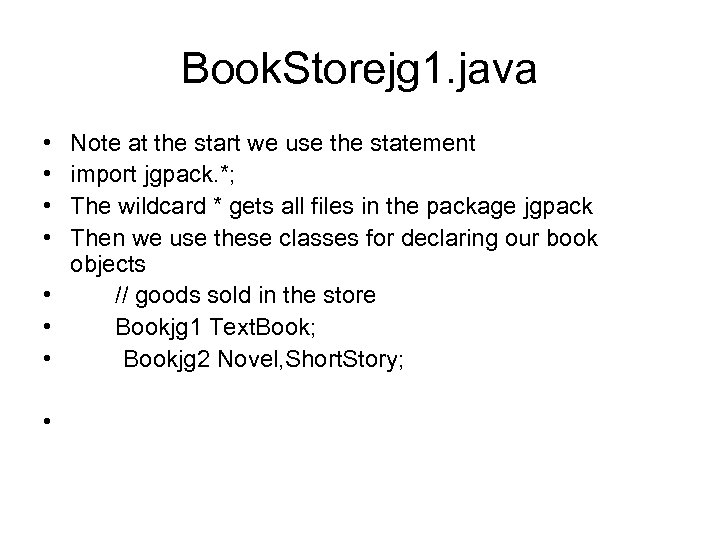
Book. Storejg 1. java • • Note at the start we use the statement import jgpack. *; The wildcard * gets all files in the package jgpack Then we use these classes for declaring our book objects • // goods sold in the store • Bookjg 1 Text. Book; • Bookjg 2 Novel, Short. Story; •

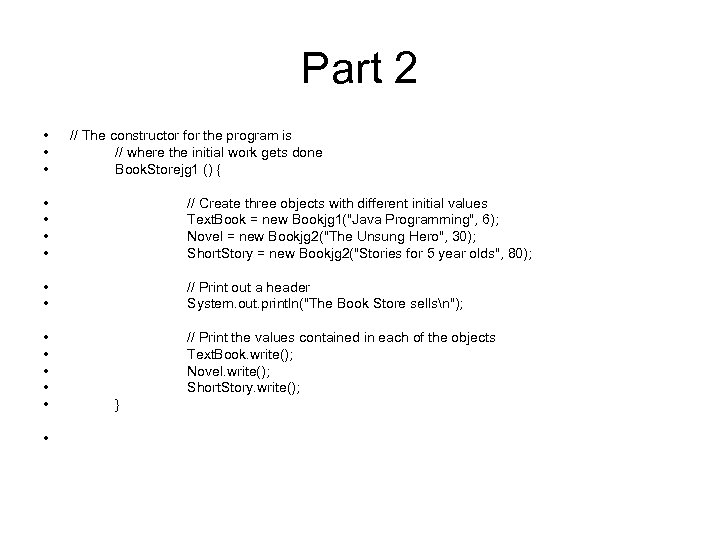
Part 2 • • • // The constructor for the program is // where the initial work gets done Book. Storejg 1 () { • • // Create three objects with different initial values Text. Book = new Bookjg 1("Java Programming", 6); Novel = new Bookjg 2("The Unsung Hero", 30); Short. Story = new Bookjg 2("Stories for 5 year olds", 80); • • // Print out a header System. out. println("The Book Store sellsn"); • • • // Print the values contained in each of the objects Text. Book. write(); Novel. write(); Short. Story. write(); • }
Here • We use the constructors to create new instances of these objects and procede as before
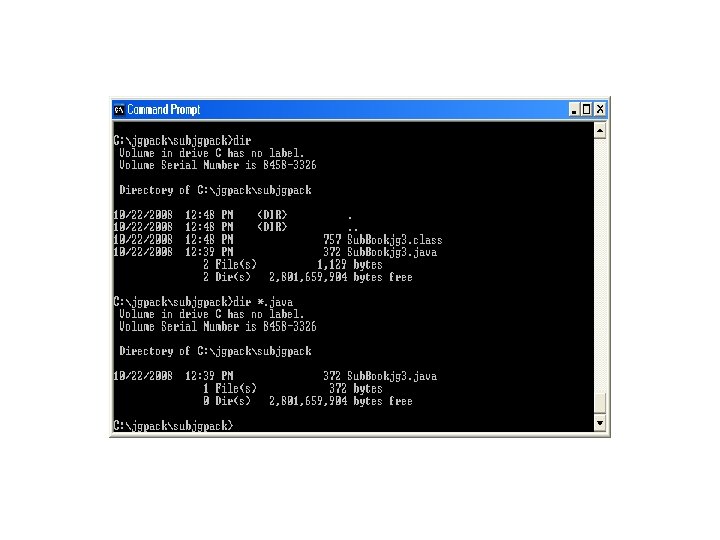
We can also use subdirectories • Say we create a subdirectory for jgpack called subjgpack then we can create a subpackage for jgpack • We include another variation of book in here
Our variation bookstore is now
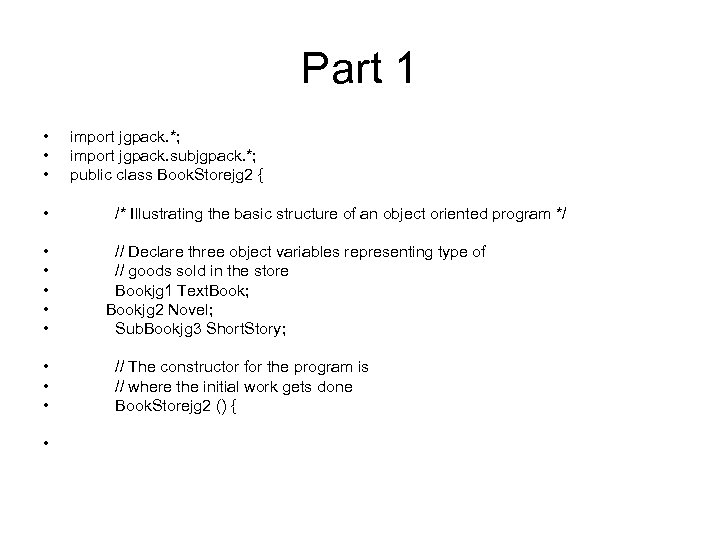
Part 1 • • • • import jgpack. *; import jgpack. subjgpack. *; public class Book. Storejg 2 { /* Illustrating the basic structure of an object oriented program */ // Declare three object variables representing type of // goods sold in the store Bookjg 1 Text. Book; Bookjg 2 Novel; Sub. Bookjg 3 Short. Story; // The constructor for the program is // where the initial work gets done Book. Storejg 2 () {
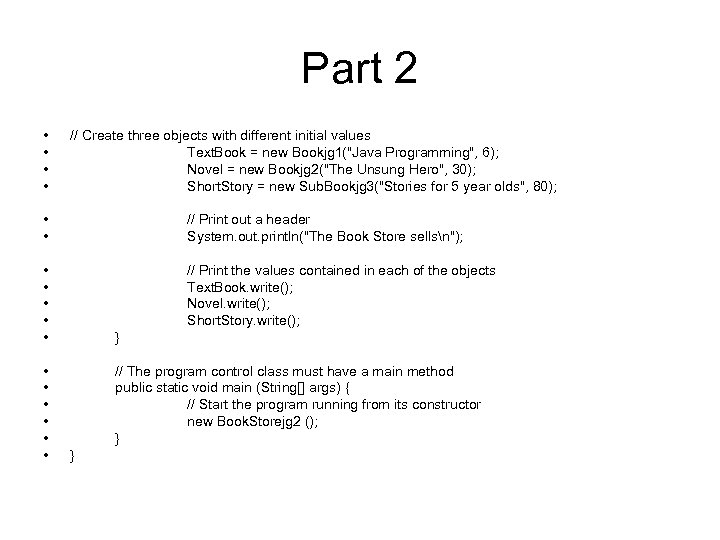
Part 2 • • // Create three objects with different initial values Text. Book = new Bookjg 1("Java Programming", 6); Novel = new Bookjg 2("The Unsung Hero", 30); Short. Story = new Sub. Bookjg 3("Stories for 5 year olds", 80); • • // Print out a header System. out. println("The Book Store sellsn"); • • • // Print the values contained in each of the objects Text. Book. write(); Novel. write(); Short. Story. write(); • • • } // The program control class must have a main method public static void main (String[] args) { // Start the program running from its constructor new Book. Storejg 2 (); } }
• However another way to do this is
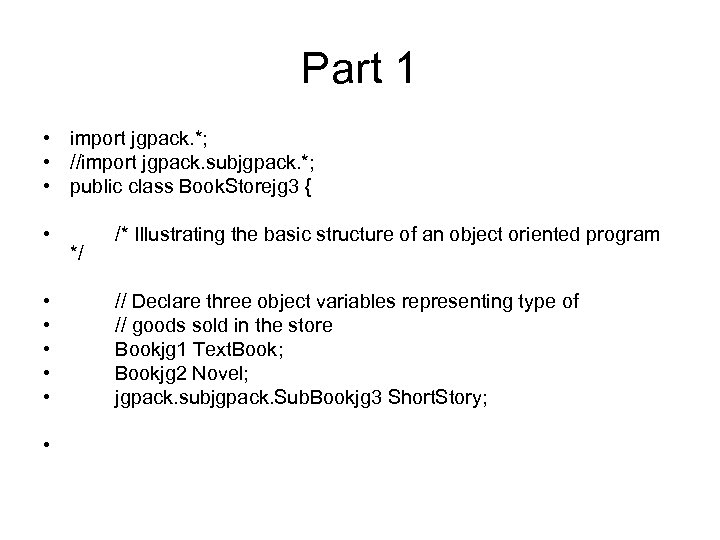
Part 1 • import jgpack. *; • //import jgpack. subjgpack. *; • public class Book. Storejg 3 { • • */ /* Illustrating the basic structure of an object oriented program // Declare three object variables representing type of // goods sold in the store Bookjg 1 Text. Book; Bookjg 2 Novel; jgpack. subjgpack. Sub. Bookjg 3 Short. Story;
Exercise 1 • Design A Person Class which models the listing in a mobile phone address book. • Name, Mobile Number , E-mail • The methods in this class should • 1: List the phone number of the person given their name • 2: List the Name of the person given their Phone number • 3: Display a persons email address; • Write a second class which uses the Person Class
Exercise 2 • Construct a Class to represent a Grocery Item • The following methods should be included • Method to display Stocklevel • Method to display Price • Method to sell quantity of item • Method to buy in quantity of item • Design another class which uses this class
Exercise 3 • Write a class which represents a date • Provide methods which get the day, the month and the year • Provide a method which displays the date • Provide a method which calculates the successor of a given date • Design a class which uses the date class
Exercise 4 • Write a class which represents a video in a video store • Provide methods which display the Rental cost, the title and the status of the video i. e. whether it is in or out of the store • A method to rent the video • A method to return the video • A method to change the price of renting the video • A class which uses this video class


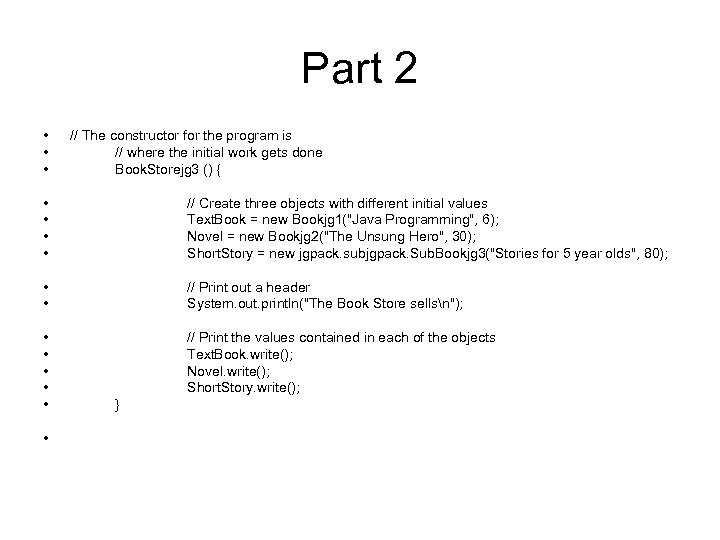
Part 2 • • • // The constructor for the program is // where the initial work gets done Book. Storejg 3 () { • • // Create three objects with different initial values Text. Book = new Bookjg 1("Java Programming", 6); Novel = new Bookjg 2("The Unsung Hero", 30); Short. Story = new jgpack. subjgpack. Sub. Bookjg 3("Stories for 5 year olds", 80); • • // Print out a header System. out. println("The Book Store sellsn"); • • • // Print the values contained in each of the objects Text. Book. write(); Novel. write(); Short. Story. write(); • }
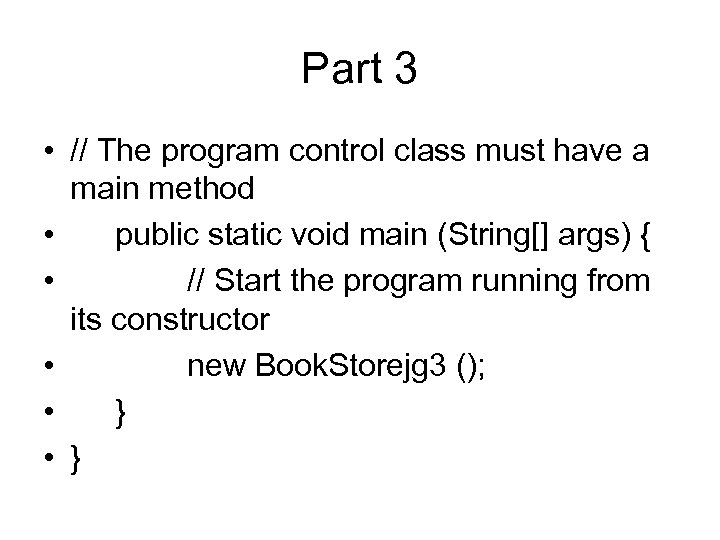
Part 3 • // The program control class must have a main method • public static void main (String[] args) { • // Start the program running from its constructor • new Book. Storejg 3 (); • }
Скачать презентацию Some Background Activities Around Classes The last
1de0fbea470be461f609aaeb7c7f810c.ppt