


 Скачать презентацию Software Project Management Session 12 Project Success Q
bfad6bb8248587d4ecf7371867fbc64c.ppt
- Количество слайдов: 47
 Software Project Management Session 12: Project Success Q 7503, Fall 2002 1
 Today • Finish: testing, migration, rollout (lect’s 10 & 11) • Defining project success – And failure • Success tips • Final exam review Q 7503, Fall 2002 2
 Session 11 Review • We’ll cover this later in class: Exam review Q 7503, Fall 2002 3
 Concluding Software Projects • Seems simple, often isn’t • Potential Issues – Last-minute change requests • “One more feature” – Disputes of fulfillment of all requirements • Often “interpretation” issues – Keeping the team motivated – Difficult transition to maintenance Q 7503, Fall 2002 4
 Maintenance Phase • The “No respect” phase • Less “glamorous” – Lack of enthusiasm • Pressure to make fixes quickly – For “production” problems • Software can become “hacked” “patchwork” over time • Finding a support & test platform can be difficult – Often the forgotten child until fixes are needed Q 7503, Fall 2002 5
 Maintenance Phase • Compare to hardware maintenance – Not to keep state same; but changes to state – Fixes and enhancements • Configuration control is very important – Fixing the “right” version; tracking branches • Project management not always carried over • Smaller team – Often not a ‘dedicated team’ – Drawn from developer with other main tasks Q 7503, Fall 2002 6
 Maintenance Phase • Contracts, remember those? – Always consider the maintenance phase here – Often via a “labor hours” contract • Time & materials in a “direct” scenario – Otherwise via “maintenance contract” • Percentage of software license fee • Ex: 20% of original cost per year • Corp. budget if internal/IS projects – Often annual/monthly “maintenance” allocations Q 7503, Fall 2002 7
 Success Metrics • 1. On schedule – Requires good: plan; estimation; control • 2. Within budget – Again: planning, estimation & control • 3. According to requirements – Importance of good requirements – Perception & negotiation critical Q 7503, Fall 2002 8
 You are not Santa Claus • Learn to say “No” – Be polite but firm • The Value of Versions – “We will put that in phase 2” • An Ounce of Prevention Q 7503, Fall 2002 9
 Think Small • • Keep requirements tight & focused One milestone at a time Smaller, incremental chunks As simple as possible but no simpler Q 7503, Fall 2002 10
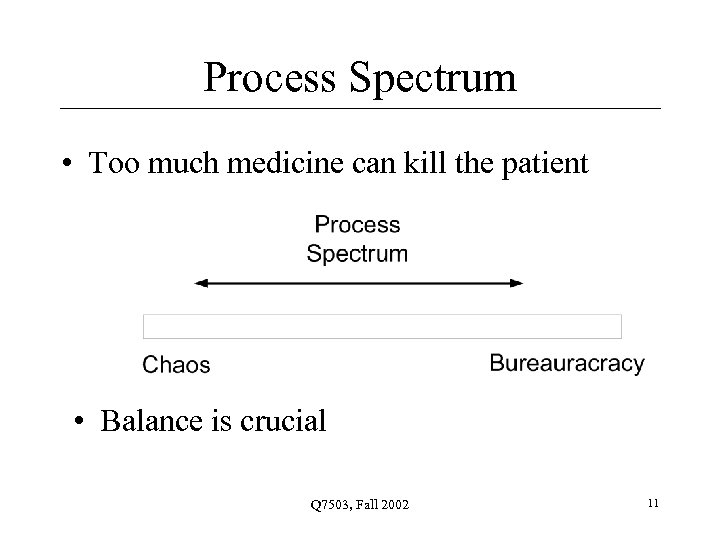 Process Spectrum • Too much medicine can kill the patient • Balance is crucial Q 7503, Fall 2002 11
 Paralysis • Analysis Paralysis • Over-process • Nothing gets finished • 65% of software professionals have experienced this • Paralysis Paranoia • Fear of over-process = process avoidance Q 7503, Fall 2002 12
 Miscellaneous • MBWA – Management by Walk About • • Shows your actually involved day-to-day Recognizes individuals may say more 1 -on-1 Allows spontaneity Finds personnel problems sooner Q 7503, Fall 2002 13
 Delegate • Don’t be a “Control Freak” • You need to be the “hub” but not everything Q 7503, Fall 2002 14
 Success Rates • By Industry – Best: Retail • Tight cost controls in general – Worst: Government • Least controls • By Size – Smaller is better: cost, duration, team • Stats Q 7503, Fall 2002 15
 Project Home Page • Give your project an intranet page • Central repository for project status, documents and other resources • Mc. Connell’s example Q 7503, Fall 2002 16
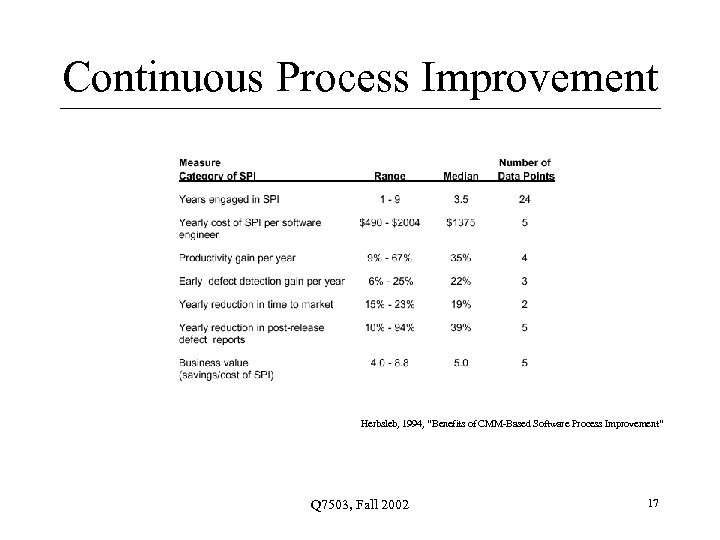 Continuous Process Improvement Herbsleb, 1994, “Benefits of CMM-Based Software Process Improvement” Q 7503, Fall 2002 17
 Tools • Project Control Panel Q 7503, Fall 2002 18
 Final Exam Review • Format: Similar to last one – Open questions and multiple choice Q 7503, Fall 2002 19
 Risk Management • Risk Management – Types of risk: schedule, cost, requirements • Risk Identification – Involve the team • Risk Analysis – Risk Exposure (RE = Prob. * Size) – Probability is 15%, size is 10 weeks • . 15 * 10 w = 1. 5 w • Risk Prioritization – 80 -20 rule; large size or prob. 1 st; grouping; ignoring Q 7503, Fall 2002 20
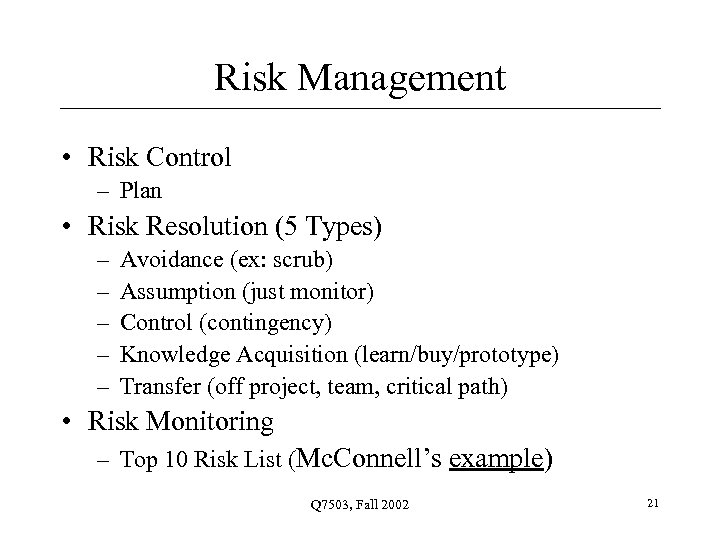 Risk Management • Risk Control – Plan • Risk Resolution (5 Types) – – – Avoidance (ex: scrub) Assumption (just monitor) Control (contingency) Knowledge Acquisition (learn/buy/prototype) Transfer (off project, team, critical path) • Risk Monitoring – Top 10 Risk List (Mc. Connell’s example) Q 7503, Fall 2002 21
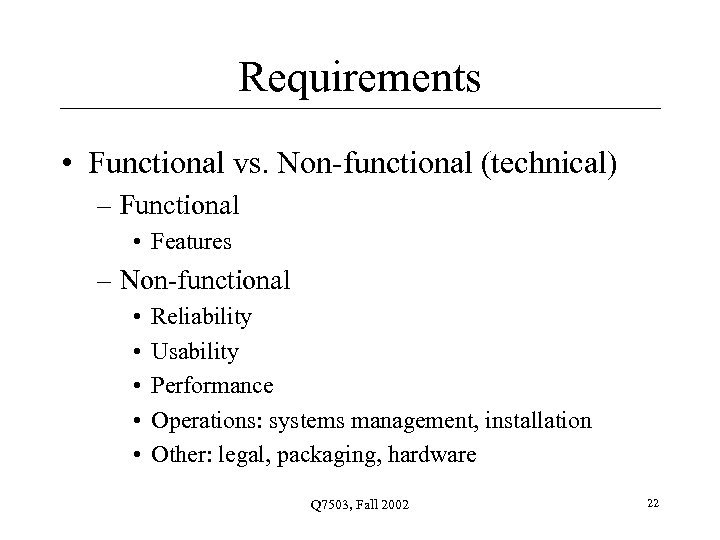 Requirements • Functional vs. Non-functional (technical) – Functional • Features – Non-functional • • • Reliability Usability Performance Operations: systems management, installation Other: legal, packaging, hardware Q 7503, Fall 2002 22
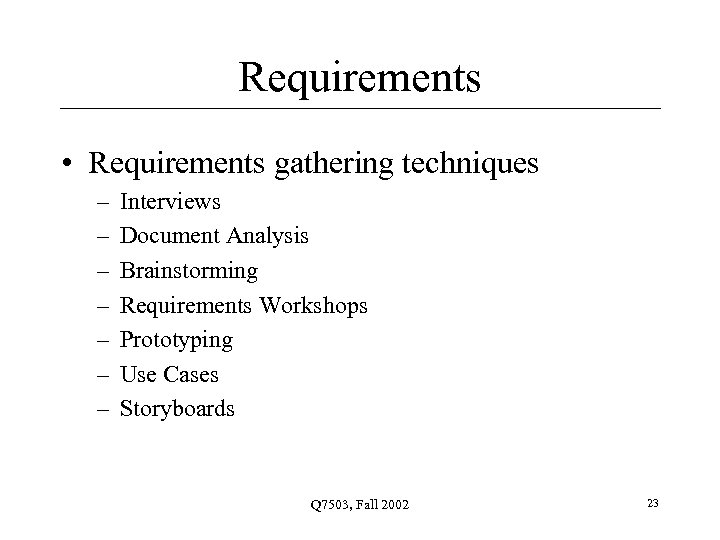 Requirements • Requirements gathering techniques – – – – Interviews Document Analysis Brainstorming Requirements Workshops Prototyping Use Cases Storyboards Q 7503, Fall 2002 23
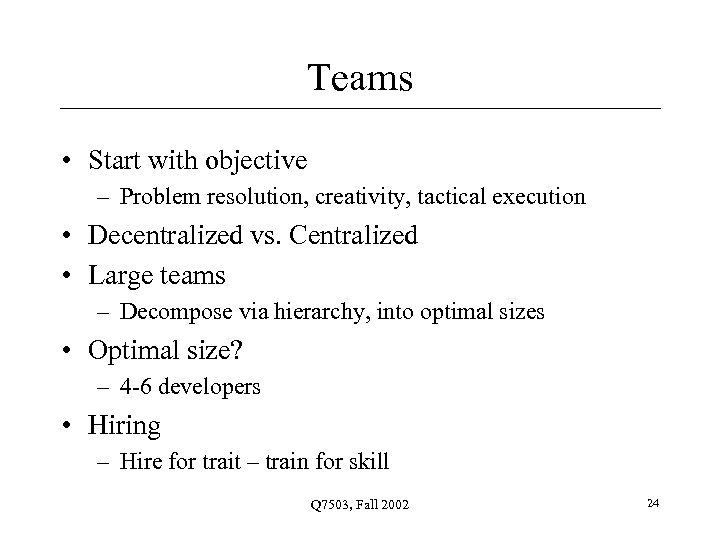 Teams • Start with objective – Problem resolution, creativity, tactical execution • Decentralized vs. Centralized • Large teams – Decompose via hierarchy, into optimal sizes • Optimal size? – 4 -6 developers • Hiring – Hire for trait – train for skill Q 7503, Fall 2002 24
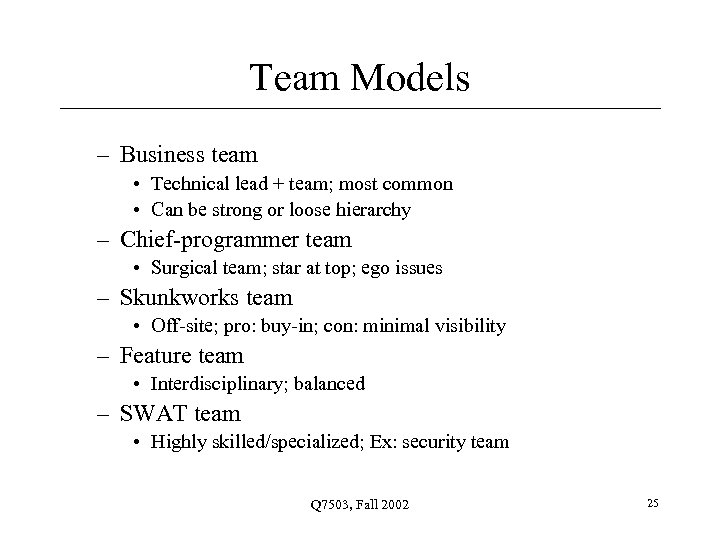 Team Models – Business team • Technical lead + team; most common • Can be strong or loose hierarchy – Chief-programmer team • Surgical team; star at top; ego issues – Skunkworks team • Off-site; pro: buy-in; con: minimal visibility – Feature team • Interdisciplinary; balanced – SWAT team • Highly skilled/specialized; Ex: security team Q 7503, Fall 2002 25
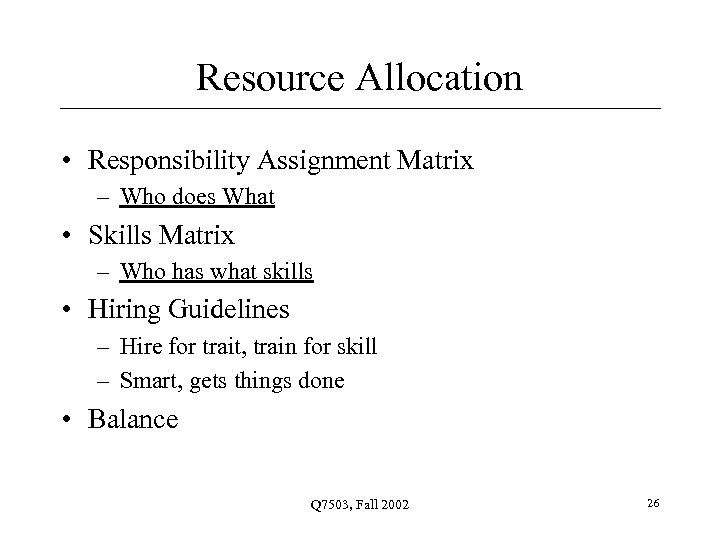 Resource Allocation • Responsibility Assignment Matrix – Who does What • Skills Matrix – Who has what skills • Hiring Guidelines – Hire for trait, train for skill – Smart, gets things done • Balance Q 7503, Fall 2002 26
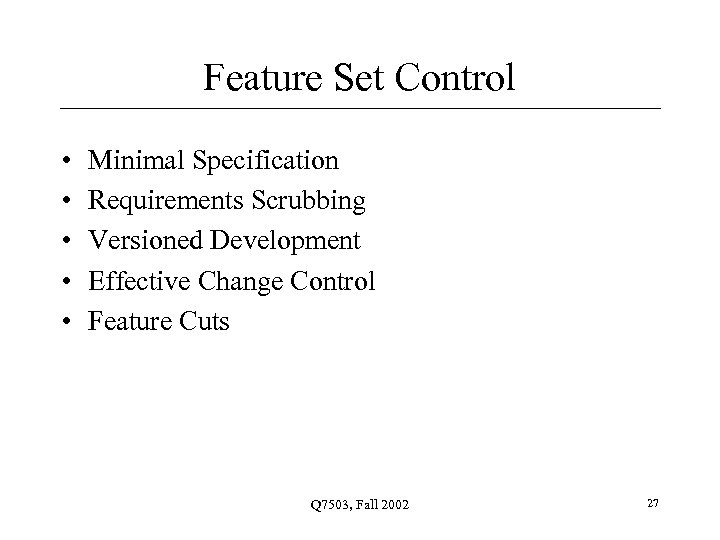 Feature Set Control • • • Minimal Specification Requirements Scrubbing Versioned Development Effective Change Control Feature Cuts Q 7503, Fall 2002 27
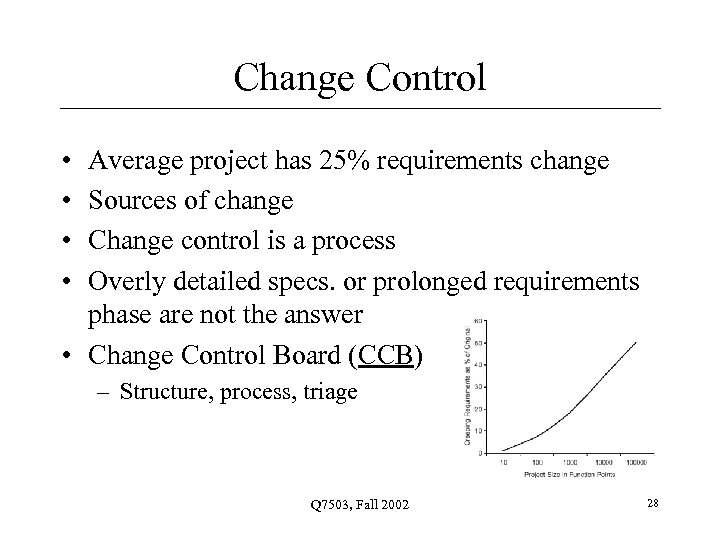 Change Control • • Average project has 25% requirements change Sources of change Change control is a process Overly detailed specs. or prolonged requirements phase are not the answer • Change Control Board (CCB) – Structure, process, triage Q 7503, Fall 2002 28
 Configuration Control • • • Items: code, documents Change & Version control SCM Configuration Management Plan Maintenance Q 7503, Fall 2002 29
 Exam Review • Project Roles • Project Control – Planning – Measuring – Evaluating – Acting • Binary Reporting Q 7503, Fall 2002 30
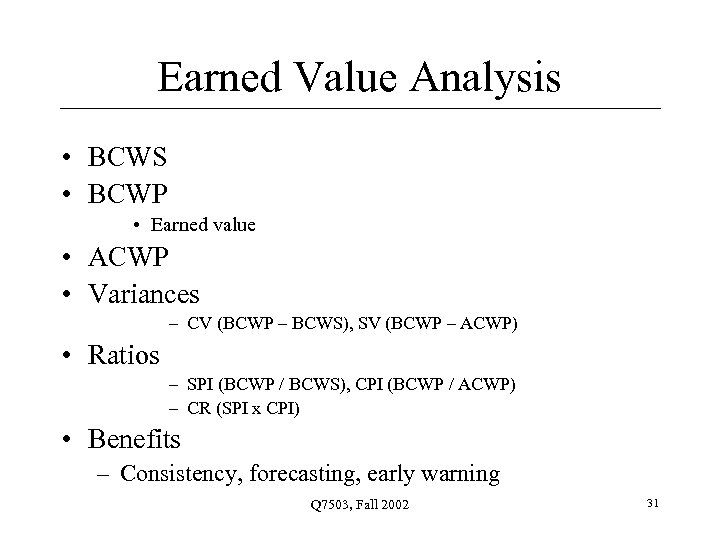 Earned Value Analysis • BCWS • BCWP • Earned value • ACWP • Variances – CV (BCWP – BCWS), SV (BCWP – ACWP) • Ratios – SPI (BCWP / BCWS), CPI (BCWP / ACWP) – CR (SPI x CPI) • Benefits – Consistency, forecasting, early warning Q 7503, Fall 2002 31
 CMM • Capability Maturity Model • Five levels – Initial – Repeatable – Defined – Managed – Optimizing • Links: Diagram, Levels Q 7503, Fall 2002 32
 Tools & Languages • Impact of platform and language choice – Staffing requirements – Methodology • Cobol != Java – Tools and infrastructure • Software, hardware • Classic Mistake: silver bullet syndrome – Over-reliance/expectation on tool benefits Q 7503, Fall 2002 33
 QA & Testing • Testing “Phases” – Unit – Integration – System – User Acceptance Testing • Testing Types – Black-box – White-box Q 7503, Fall 2002 34
 QA & Testing • Static vs. Dynamic Testing • Automated Testing – Pros and cons • Defect tracking • Integration: 2 types – Top down – Bottom up Q 7503, Fall 2002 35
 Defect Metrics • Open Bugs (outstanding defects) – Ranked by severity • Open Rates – How many new bugs over a period of time • Close Rates – How many closed over that same period – Ex: 10 bugs/day • Change Rate – Number of times the same issue updated • Fix Failed Counts – Fixes that didn’t really fix (still open) – One measure of “vibration” in project Q 7503, Fall 2002 36
 Migration and Rollout • Migration Strategies – 1. Flash Cut • A. Immediate Replacement • B. Parallel Operation – 2. Staged • One part at a time Q 7503, Fall 2002 37
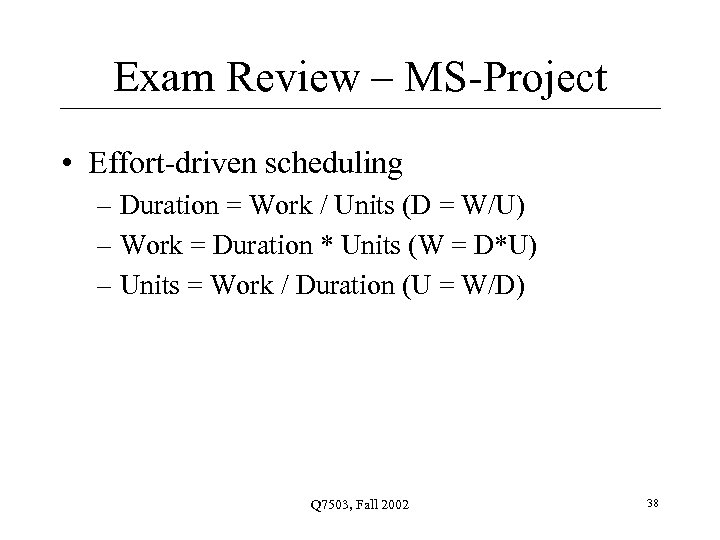 Exam Review – MS-Project • Effort-driven scheduling – Duration = Work / Units (D = W/U) – Work = Duration * Units (W = D*U) – Units = Work / Duration (U = W/D) Q 7503, Fall 2002 38
 Resource Leveling • 5 Leveling techniques – Activity shifting – Activity splitting – Activity stretching – Resource substitution – Allocating overtime Q 7503, Fall 2002 39
 Migration • Migration Plan • Importance of 2 -way communication – Find-out customer’s key dates • Minimize intrusiveness • Back-out Plan • Data Conversion Q 7503, Fall 2002 40
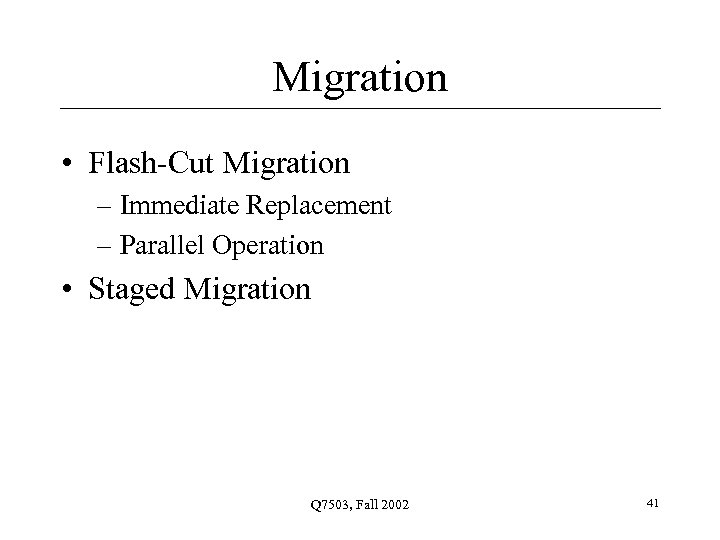 Migration • Flash-Cut Migration – Immediate Replacement – Parallel Operation • Staged Migration Q 7503, Fall 2002 41
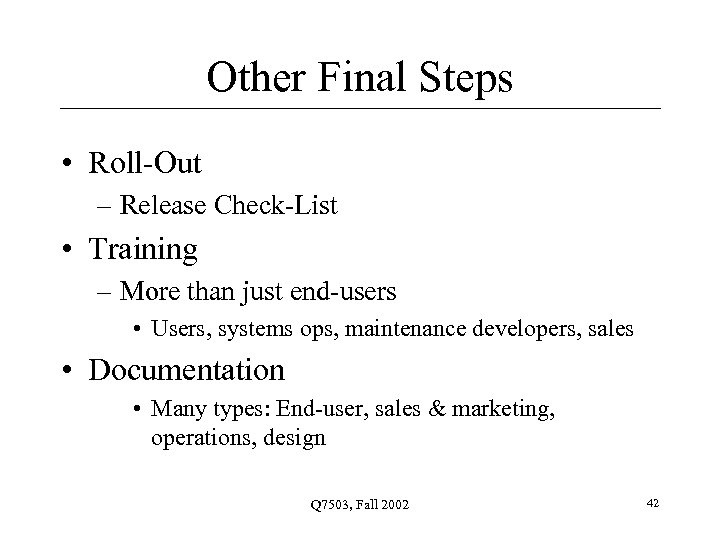 Other Final Steps • Roll-Out – Release Check-List • Training – More than just end-users • Users, systems ops, maintenance developers, sales • Documentation • Many types: End-user, sales & marketing, operations, design Q 7503, Fall 2002 42
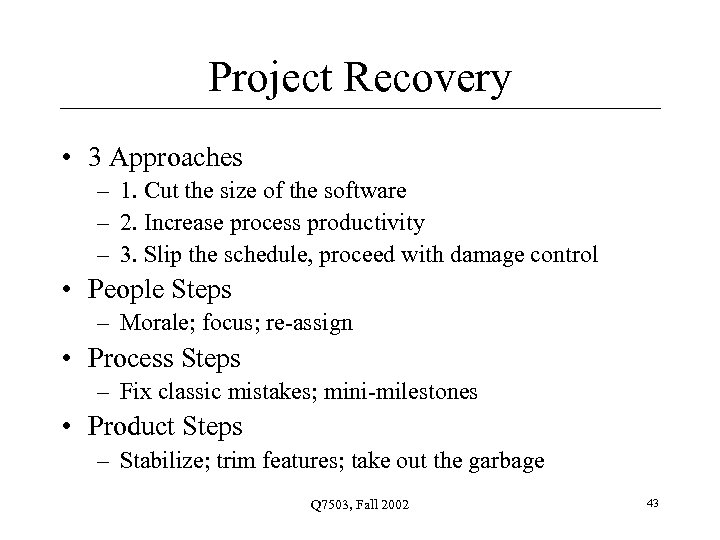 Project Recovery • 3 Approaches – 1. Cut the size of the software – 2. Increase process productivity – 3. Slip the schedule, proceed with damage control • People Steps – Morale; focus; re-assign • Process Steps – Fix classic mistakes; mini-milestones • Product Steps – Stabilize; trim features; take out the garbage Q 7503, Fall 2002 43
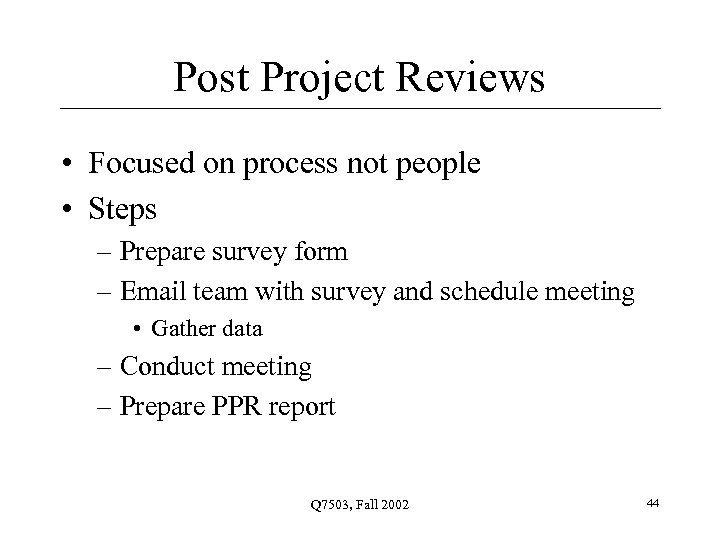 Post Project Reviews • Focused on process not people • Steps – Prepare survey form – Email team with survey and schedule meeting • Gather data – Conduct meeting – Prepare PPR report Q 7503, Fall 2002 44
 Homework • Next week: Final Exam Q 7503, Fall 2002 45
 Questions? Q 7503, Fall 2002 46
 Q 7503, Fall 2002 47