


 Скачать презентацию Software Processes Ian Sommerville 2004 Software Engineering 7
ebe9890033f6210862a9d095aabef945.ppt
- Количество слайдов: 50
 Software Processes ©Ian Sommerville 2004 Software Engineering, 7 th edition. Chapter 4 Slide 1
 Objectives l l l To introduce software process models To describe three generic process models and when they may be used To describe outline process models for requirements engineering, software development, testing and evolution To explain the Rational Unified Process model To introduce CASE technology to support software process activities ©Ian Sommerville 2004 Software Engineering, 7 th edition. Chapter 4 Slide 2
 Topics covered l l l Software process models Process iteration Process activities The Rational Unified Process Computer-aided software engineering ©Ian Sommerville 2004 Software Engineering, 7 th edition. Chapter 4 Slide 3
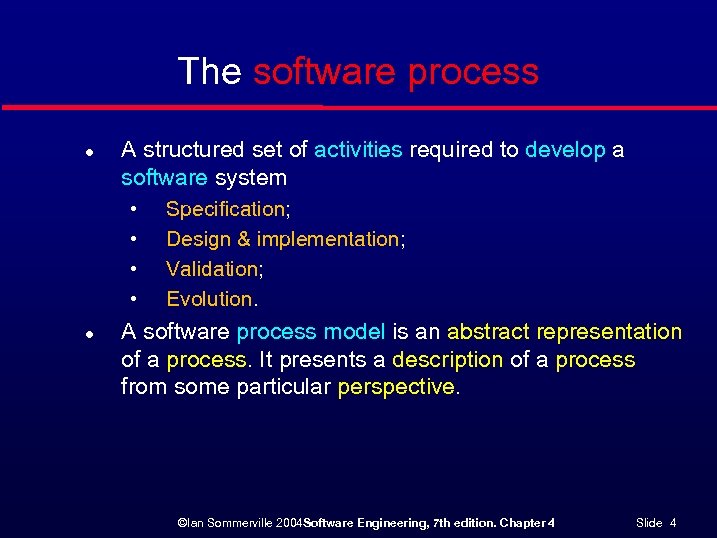 The software process l A structured set of activities required to develop a software system • • l Specification; Design & implementation; Validation; Evolution. A software process model is an abstract representation of a process. It presents a description of a process from some particular perspective. ©Ian Sommerville 2004 Software Engineering, 7 th edition. Chapter 4 Slide 4
 Generic software process models l The waterfall model • l Evolutionary development • l Separate and distinct phases of specification and development. Specification, development and validation are interleaved. Component-based software engineering • The system is assembled from existing components. ©Ian Sommerville 2004 Software Engineering, 7 th edition. Chapter 4 Slide 5
 Waterfall model ©Ian Sommerville 2004 Software Engineering, 7 th edition. Chapter 4 Slide 6
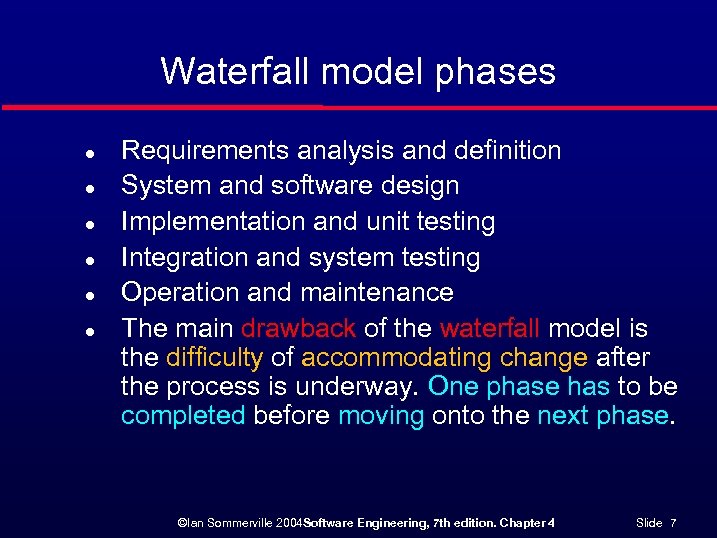 Waterfall model phases l l l Requirements analysis and definition System and software design Implementation and unit testing Integration and system testing Operation and maintenance The main drawback of the waterfall model is the difficulty of accommodating change after the process is underway. One phase has to be completed before moving onto the next phase. ©Ian Sommerville 2004 Software Engineering, 7 th edition. Chapter 4 Slide 7
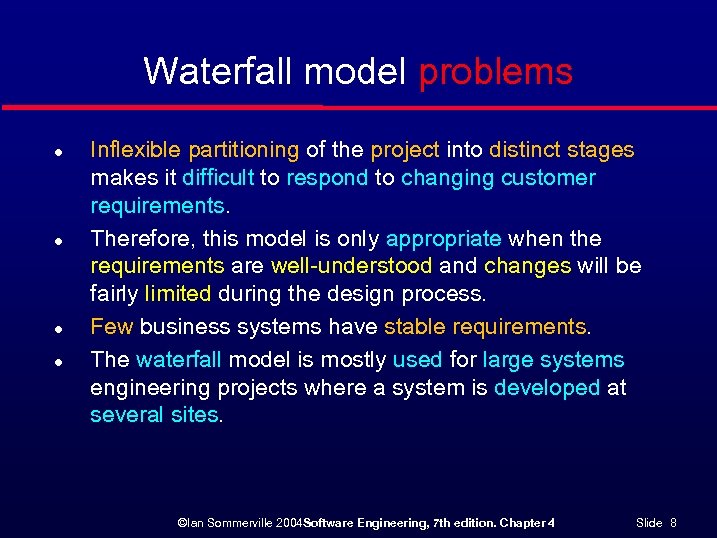 Waterfall model problems l l Inflexible partitioning of the project into distinct stages makes it difficult to respond to changing customer requirements. Therefore, this model is only appropriate when the requirements are well-understood and changes will be fairly limited during the design process. Few business systems have stable requirements. The waterfall model is mostly used for large systems engineering projects where a system is developed at several sites. ©Ian Sommerville 2004 Software Engineering, 7 th edition. Chapter 4 Slide 8
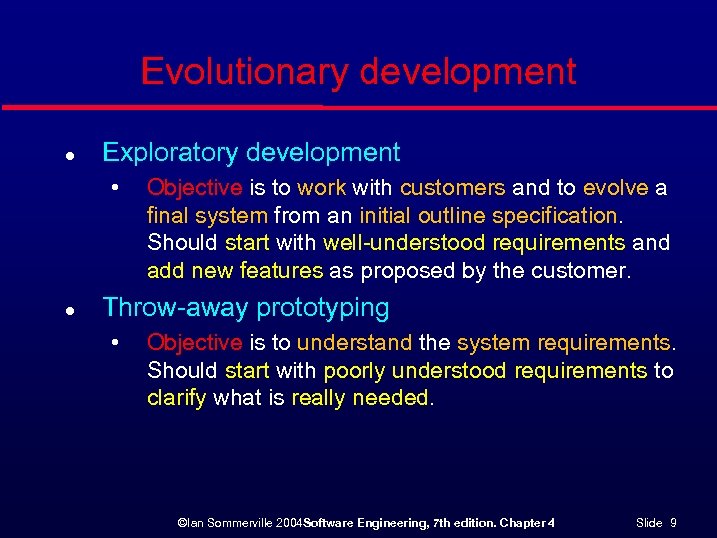 Evolutionary development l Exploratory development • l Objective is to work with customers and to evolve a final system from an initial outline specification. Should start with well-understood requirements and add new features as proposed by the customer. Throw-away prototyping • Objective is to understand the system requirements. Should start with poorly understood requirements to clarify what is really needed. ©Ian Sommerville 2004 Software Engineering, 7 th edition. Chapter 4 Slide 9
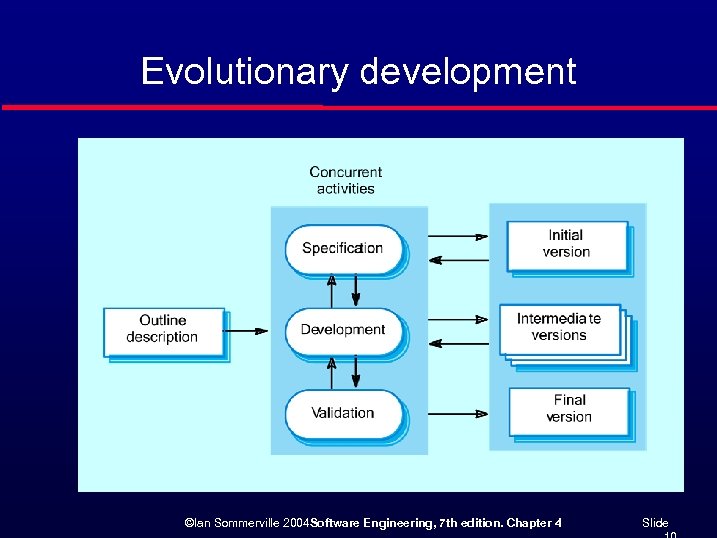 Evolutionary development ©Ian Sommerville 2004 Software Engineering, 7 th edition. Chapter 4 Slide
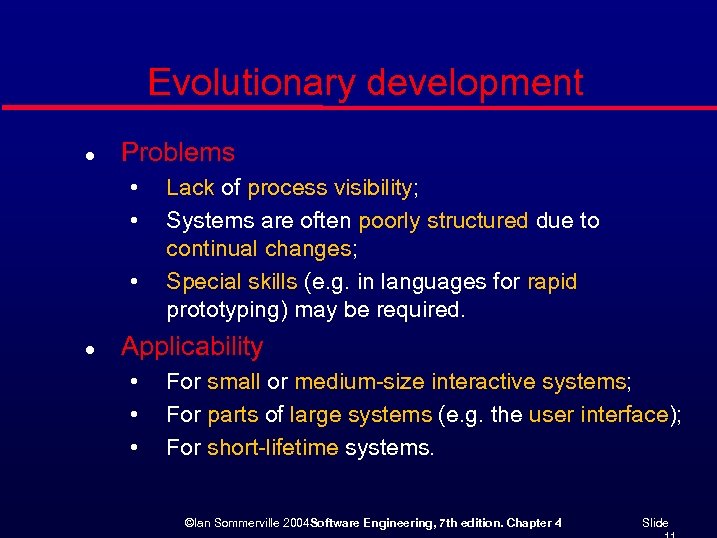 Evolutionary development l Problems • • • l Lack of process visibility; Systems are often poorly structured due to continual changes; Special skills (e. g. in languages for rapid prototyping) may be required. Applicability • • • For small or medium-size interactive systems; For parts of large systems (e. g. the user interface); For short-lifetime systems. ©Ian Sommerville 2004 Software Engineering, 7 th edition. Chapter 4 Slide
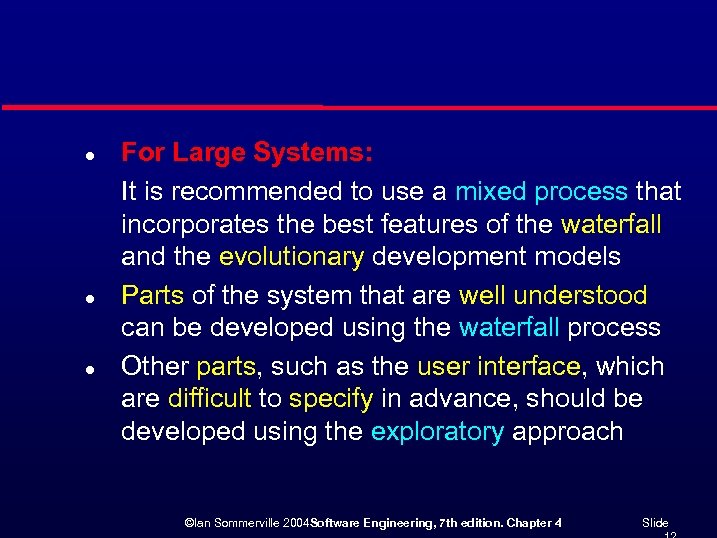 l l l For Large Systems: It is recommended to use a mixed process that incorporates the best features of the waterfall and the evolutionary development models Parts of the system that are well understood can be developed using the waterfall process Other parts, such as the user interface, which are difficult to specify in advance, should be developed using the exploratory approach ©Ian Sommerville 2004 Software Engineering, 7 th edition. Chapter 4 Slide
 Component-based software engineering l l Based on systematic reuse where systems are integrated from existing components or COTS (Commercial-off-the-shelf) systems. Process stages • • l Component analysis by searching given specs Requirements modification for found components System design with reuse; Development and integration. This approach is becoming increasingly used as component standards have emerged. ©Ian Sommerville 2004 Software Engineering, 7 th edition. Chapter 4 Slide
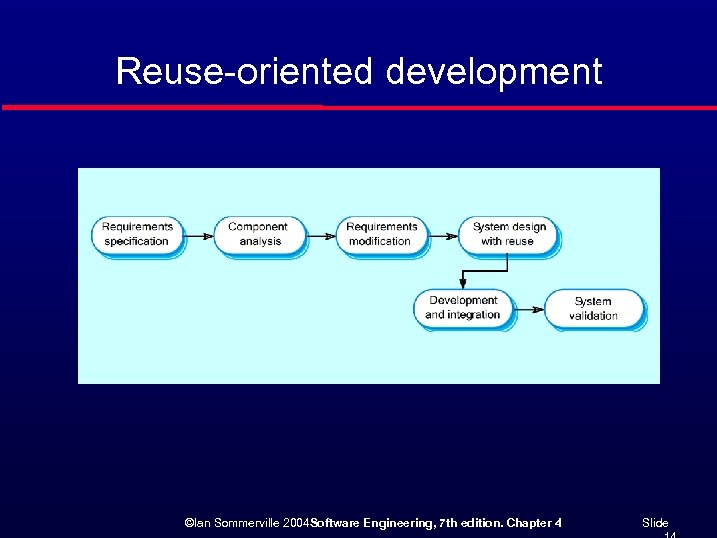 Reuse-oriented development ©Ian Sommerville 2004 Software Engineering, 7 th edition. Chapter 4 Slide
 Process iteration l l l System requirements ALWAYS evolve in the course of a project so process iteration where earlier stages are reworked is always part of the process for large systems. Iteration can be applied to any of the generic process models. Two (related) approaches • • Incremental delivery; Spiral development. ©Ian Sommerville 2004 Software Engineering, 7 th edition. Chapter 4 Slide
 Incremental delivery l l l Rather than deliver the system as a single delivery, the development and delivery is broken down into increments with each increment delivering part of the required functionality. User requirements are prioritised and the highest priority requirements are included in early increments. Once the development of an increment is started, the requirements are frozen though requirements for later increments can continue to evolve. ©Ian Sommerville 2004 Software Engineering, 7 th edition. Chapter 4 Slide
 Incremental development ©Ian Sommerville 2004 Software Engineering, 7 th edition. Chapter 4 Slide
 Incremental development advantages l l Customer value can be delivered with each increment so system functionality is available earlier. Early increments act as a prototype to help elicit requirements for later increments. Lower risk of overall project failure. The highest priority system services tend to receive the most testing. ©Ian Sommerville 2004 Software Engineering, 7 th edition. Chapter 4 Slide
 Spiral development l l l Process is represented as a spiral rather than as a sequence of activities with backtracking. Each loop in the spiral represents a phase in the process. The innermost loop might concern with feasibility, next loop with requirements definition, next loop with design, and so on. No fixed phases - loops in the spiral are chosen depending on what is required. Risks are explicitly assessed and resolved throughout the process. ©Ian Sommerville 2004 Software Engineering, 7 th edition. Chapter 4 Slide
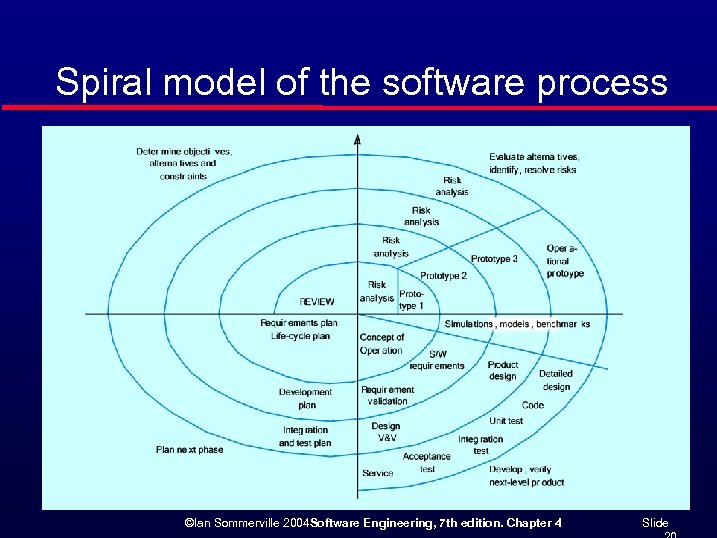 Spiral model of the software process ©Ian Sommerville 2004 Software Engineering, 7 th edition. Chapter 4 Slide
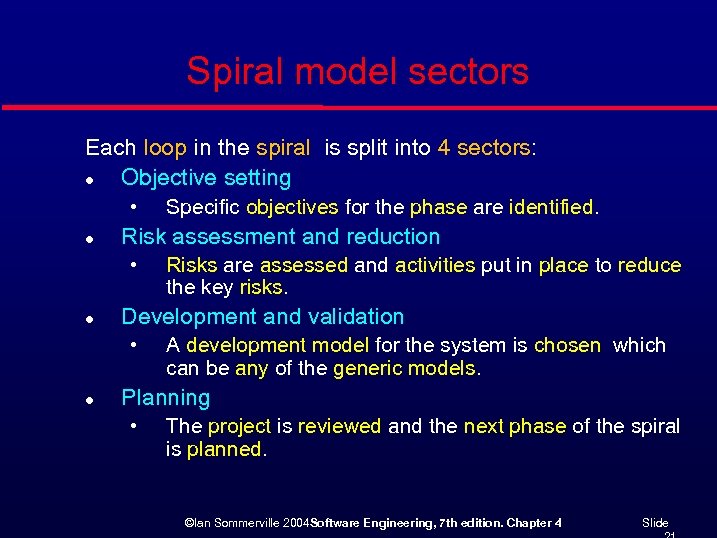 Spiral model sectors Each loop in the spiral is split into 4 sectors: l Objective setting • l Risk assessment and reduction • l Risks are assessed and activities put in place to reduce the key risks. Development and validation • l Specific objectives for the phase are identified. A development model for the system is chosen which can be any of the generic models. Planning • The project is reviewed and the next phase of the spiral is planned. ©Ian Sommerville 2004 Software Engineering, 7 th edition. Chapter 4 Slide
 Process activities l l Software specification Software design and implementation Software validation Software evolution ©Ian Sommerville 2004 Software Engineering, 7 th edition. Chapter 4 Slide
 Software specification l l The process of establishing what services are required and the constraints on the system’s operation and development. Requirements engineering process • • Feasibility study; Requirements elicitation and analysis; Requirements specification; Requirements validation. ©Ian Sommerville 2004 Software Engineering, 7 th edition. Chapter 4 Slide
 The requirements engineering process ©Ian Sommerville 2004 Software Engineering, 7 th edition. Chapter 4 Slide
 Software design and implementation l l The process of converting the system specification into an executable system. Software design • l Implementation • l Design a software structure that realises the specification; Translate this structure into an executable program; The activities of design and implementation are closely related and may be inter-leaved. ©Ian Sommerville 2004 Software Engineering, 7 th edition. Chapter 4 Slide
 Design process activities l l l Architectural design Interface design Component design Data structure design Algorithm design ©Ian Sommerville 2004 Software Engineering, 7 th edition. Chapter 4 Slide
 The software design process ©Ian Sommerville 2004 Software Engineering, 7 th edition. Chapter 4 Slide
 Structured methods l l l Systematic approaches to developing a software design. The design is usually documented as a set of graphical models. Possible models • • • Object model; Sequence model; State transition model; Structural model; Data-flow model. ©Ian Sommerville 2004 Software Engineering, 7 th edition. Chapter 4 Slide
 Programming and debugging l l l Translating a design into a program and removing errors from that program. Programming is a personal activity - there is no generic programming process. Programmers carry out some program testing to discover faults in the program and remove these faults in the debugging process. ©Ian Sommerville 2004 Software Engineering, 7 th edition. Chapter 4 Slide
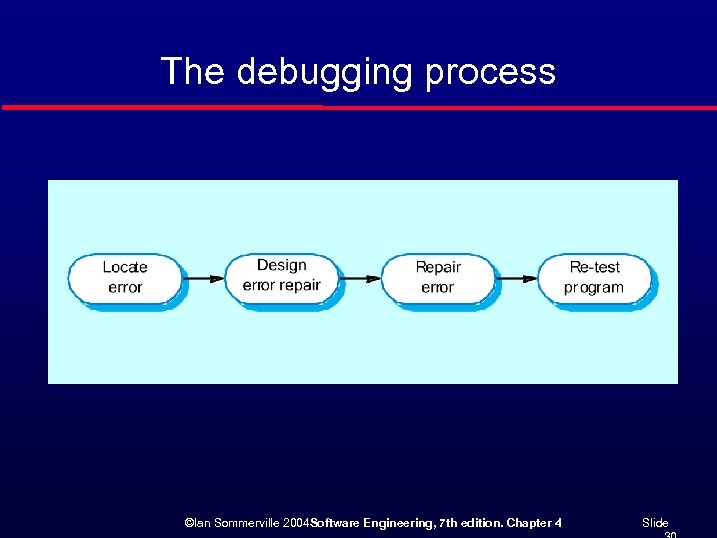 The debugging process ©Ian Sommerville 2004 Software Engineering, 7 th edition. Chapter 4 Slide
 Software validation l l l Verification and validation (V & V) is intended to show that a system conforms to its specification and meets the requirements of the system customer. Involves checking and review processes and system testing. System testing involves executing the system with test cases that are derived from the specification of the real data to be processed by the system. ©Ian Sommerville 2004 Software Engineering, 7 th edition. Chapter 4 Slide
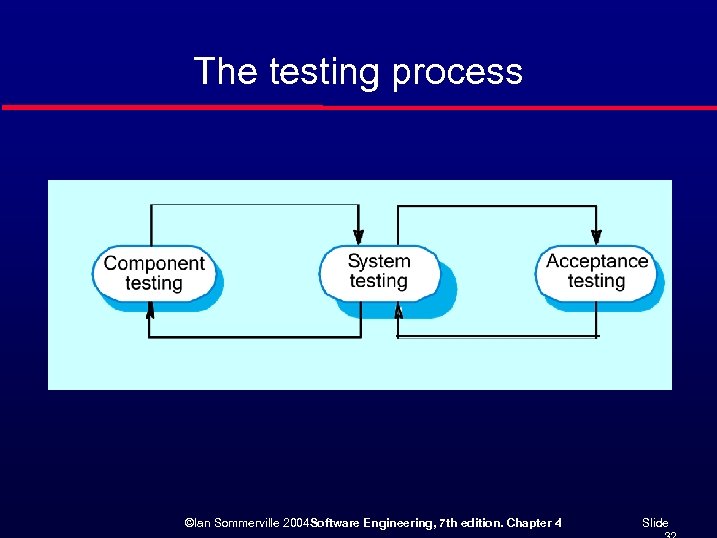 The testing process ©Ian Sommerville 2004 Software Engineering, 7 th edition. Chapter 4 Slide
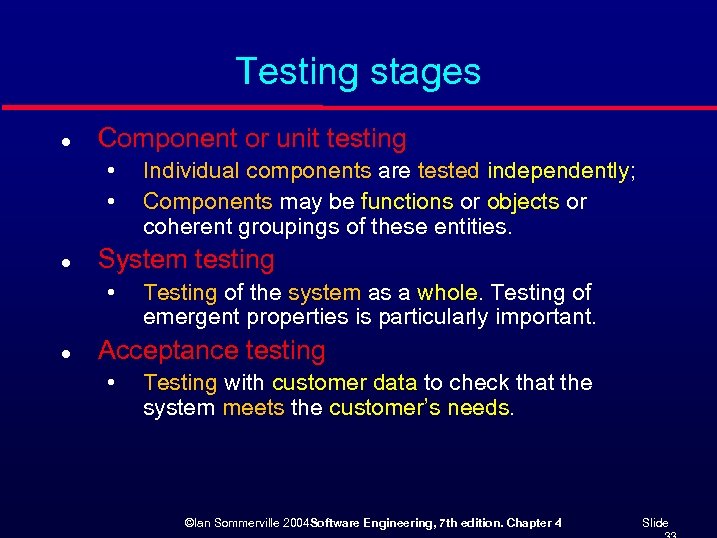 Testing stages l Component or unit testing • • l System testing • l Individual components are tested independently; Components may be functions or objects or coherent groupings of these entities. Testing of the system as a whole. Testing of emergent properties is particularly important. Acceptance testing • Testing with customer data to check that the system meets the customer’s needs. ©Ian Sommerville 2004 Software Engineering, 7 th edition. Chapter 4 Slide
 Testing phases ©Ian Sommerville 2004 Software Engineering, 7 th edition. Chapter 4 Slide
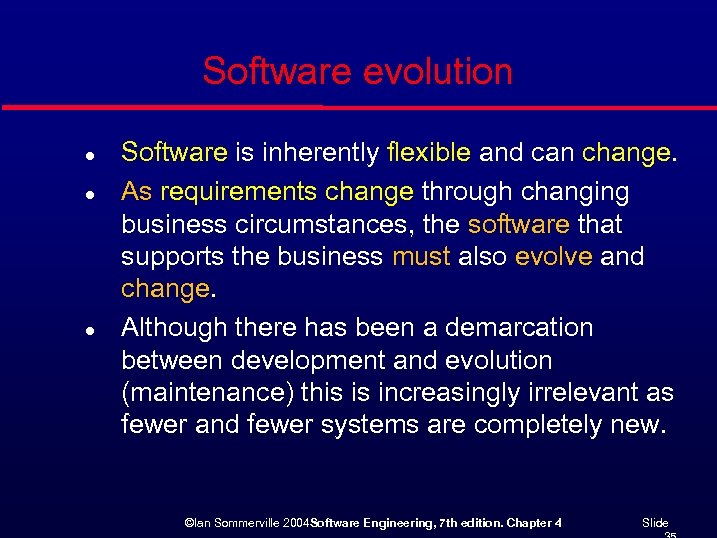 Software evolution l l l Software is inherently flexible and can change. As requirements change through changing business circumstances, the software that supports the business must also evolve and change. Although there has been a demarcation between development and evolution (maintenance) this is increasingly irrelevant as fewer and fewer systems are completely new. ©Ian Sommerville 2004 Software Engineering, 7 th edition. Chapter 4 Slide
 System evolution ©Ian Sommerville 2004 Software Engineering, 7 th edition. Chapter 4 Slide
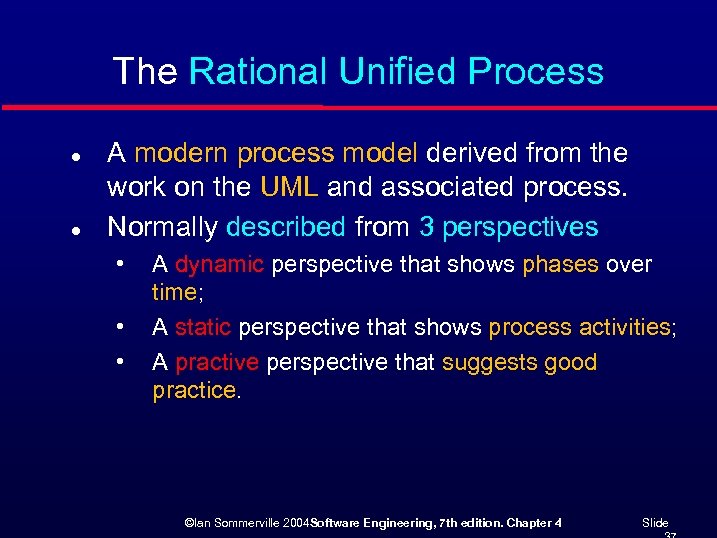 The Rational Unified Process l l A modern process model derived from the work on the UML and associated process. Normally described from 3 perspectives • • • A dynamic perspective that shows phases over time; A static perspective that shows process activities; A practive perspective that suggests good practice. ©Ian Sommerville 2004 Software Engineering, 7 th edition. Chapter 4 Slide
 RUP phase model ©Ian Sommerville 2004 Software Engineering, 7 th edition. Chapter 4 Slide
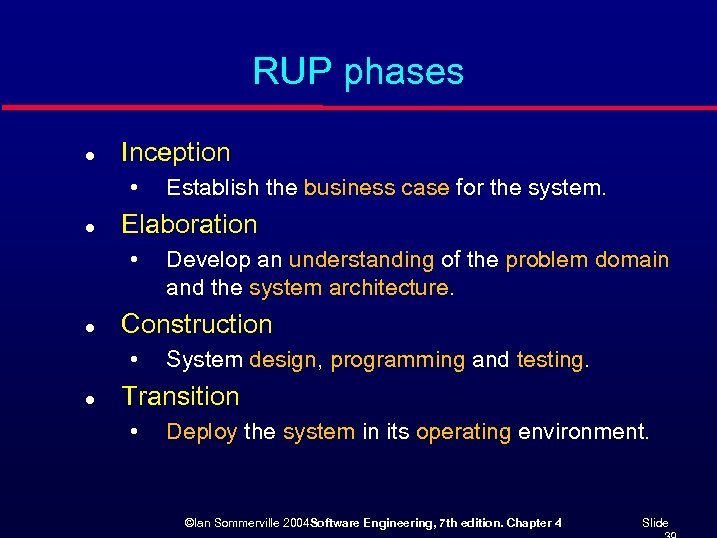 RUP phases l Inception • l Elaboration • l Develop an understanding of the problem domain and the system architecture. Construction • l Establish the business case for the system. System design, programming and testing. Transition • Deploy the system in its operating environment. ©Ian Sommerville 2004 Software Engineering, 7 th edition. Chapter 4 Slide
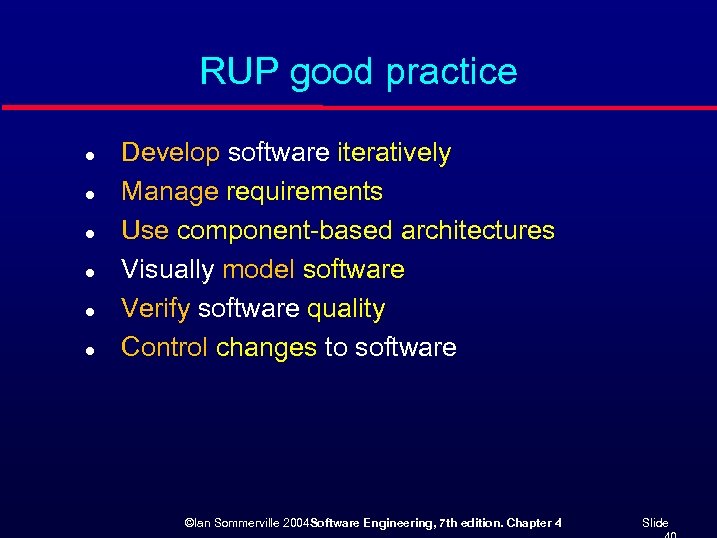 RUP good practice l l l Develop software iteratively Manage requirements Use component-based architectures Visually model software Verify software quality Control changes to software ©Ian Sommerville 2004 Software Engineering, 7 th edition. Chapter 4 Slide
 Static workflows ©Ian Sommerville 2004 Software Engineering, 7 th edition. Chapter 4 Slide
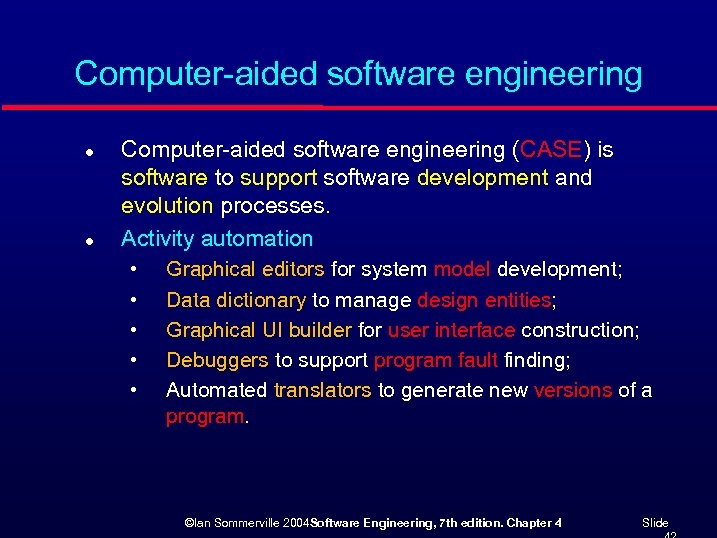 Computer-aided software engineering l l Computer-aided software engineering (CASE) is software to support software development and evolution processes. Activity automation • • • Graphical editors for system model development; Data dictionary to manage design entities; Graphical UI builder for user interface construction; Debuggers to support program fault finding; Automated translators to generate new versions of a program. ©Ian Sommerville 2004 Software Engineering, 7 th edition. Chapter 4 Slide
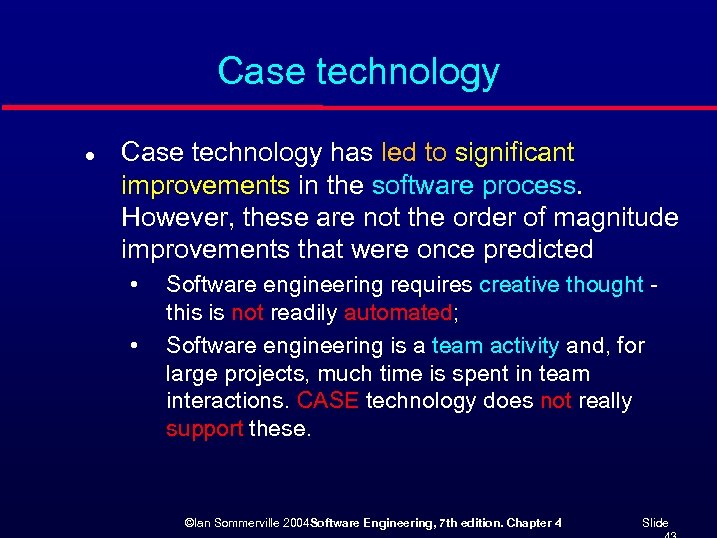 Case technology l Case technology has led to significant improvements in the software process. However, these are not the order of magnitude improvements that were once predicted • • Software engineering requires creative thought this is not readily automated; Software engineering is a team activity and, for large projects, much time is spent in team interactions. CASE technology does not really support these. ©Ian Sommerville 2004 Software Engineering, 7 th edition. Chapter 4 Slide
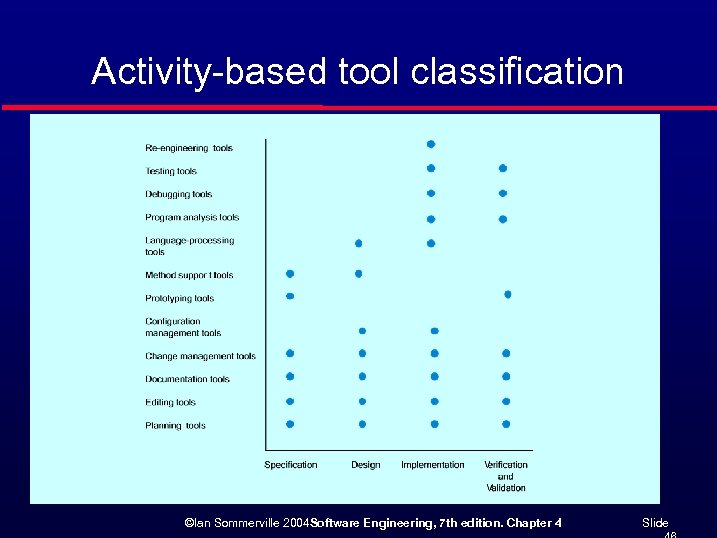
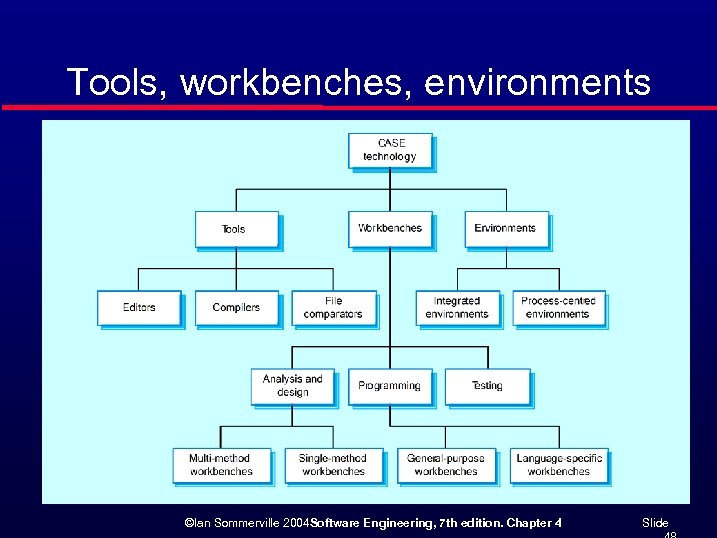
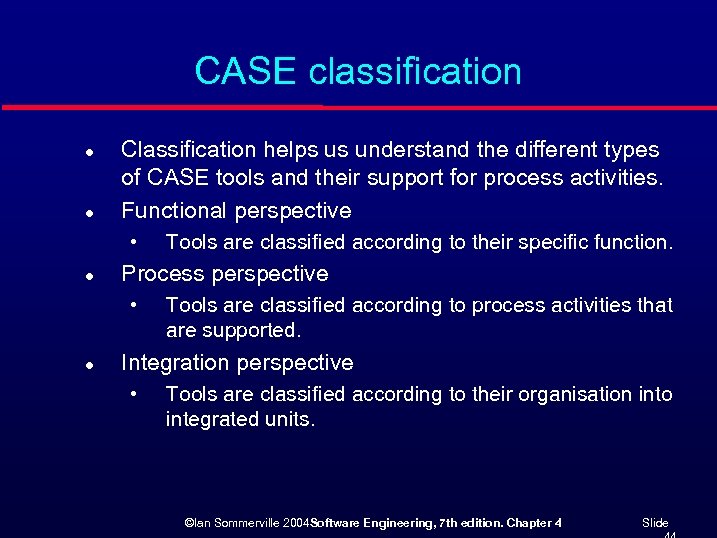 CASE classification l l Classification helps us understand the different types of CASE tools and their support for process activities. Functional perspective • l Process perspective • l Tools are classified according to their specific function. Tools are classified according to process activities that are supported. Integration perspective • Tools are classified according to their organisation into integrated units. ©Ian Sommerville 2004 Software Engineering, 7 th edition. Chapter 4 Slide
 Functional tool classification ©Ian Sommerville 2004 Software Engineering, 7 th edition. Chapter 4 Slide
 Activity-based tool classification ©Ian Sommerville 2004 Software Engineering, 7 th edition. Chapter 4 Slide
 CASE integration l Tools • l Workbenches • l Support individual process tasks such as design consistency checking, text editing, etc. Support a process phase such as specification or design, Normally include a number of integrated tools. Environments • Support all or a substantial part of an entire software process. Normally include several integrated workbenches. ©Ian Sommerville 2004 Software Engineering, 7 th edition. Chapter 4 Slide
 Tools, workbenches, environments ©Ian Sommerville 2004 Software Engineering, 7 th edition. Chapter 4 Slide
 Key points l l l Software processes are the activities involved in producing and evolving a software system. Software process models are abstract representations of these processes. General activities are specification, design and implementation, validation and evolution. Generic process models describe the organisation of software processes. Examples include the waterfall model, evolutionary development and componentbased software engineering. Iterative process models describe the software process as a cycle of activities. ©Ian Sommerville 2004 Software Engineering, 7 th edition. Chapter 4 Slide
 Key points l l l Requirements engineering is the process of developing a software specification. Design and implementation processes transform the specification to an executable program. Validation involves checking that the system meets to its specification and user needs. Evolution is concerned with modifying the system after it is in use. The Rational Unified Process is a generic process model that separates activities from phases. CASE technology supports software process activities. ©Ian Sommerville 2004 Software Engineering, 7 th edition. Chapter 4 Slide