


 Скачать презентацию Social Media Manual Volunteer Leader Training Extension Homemaker
78ac8e44a068a95d44c74a9248c34dbe.ppt
- Количество слайдов: 23
 Social Media Manual Volunteer Leader Training Extension Homemaker Clubs
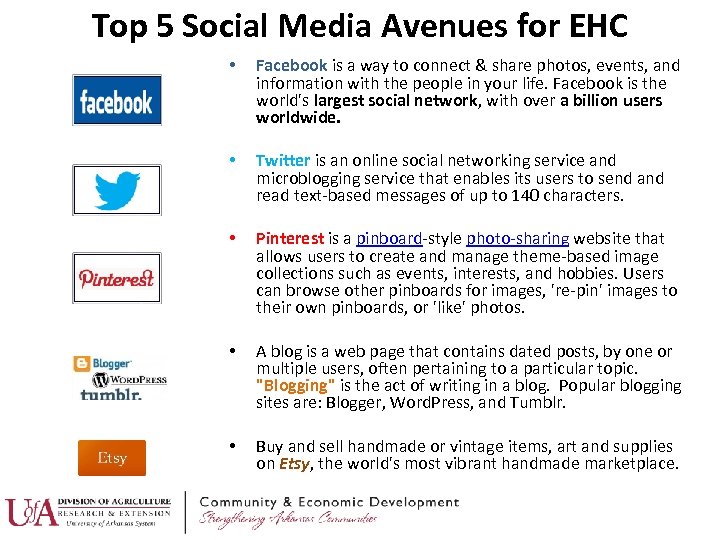 Top 5 Social Media Avenues for EHC • Facebook is a way to connect & share photos, events, and information with the people in your life. Facebook is the world's largest social network, with over a billion users worldwide. • Twitter is an online social networking service and microblogging service that enables its users to send and read text-based messages of up to 140 characters. • Pinterest is a pinboard-style photo-sharing website that allows users to create and manage theme-based image collections such as events, interests, and hobbies. Users can browse other pinboards for images, 're-pin' images to their own pinboards, or 'like' photos. • A blog is a web page that contains dated posts, by one or multiple users, often pertaining to a particular topic. "Blogging" is the act of writing in a blog. Popular blogging sites are: Blogger, Word. Press, and Tumblr. • Buy and sell handmade or vintage items, art and supplies on Etsy, the world's most vibrant handmade marketplace.
 ACCESSING THESE AVENUES Websites & screen shots provided on upcoming slides
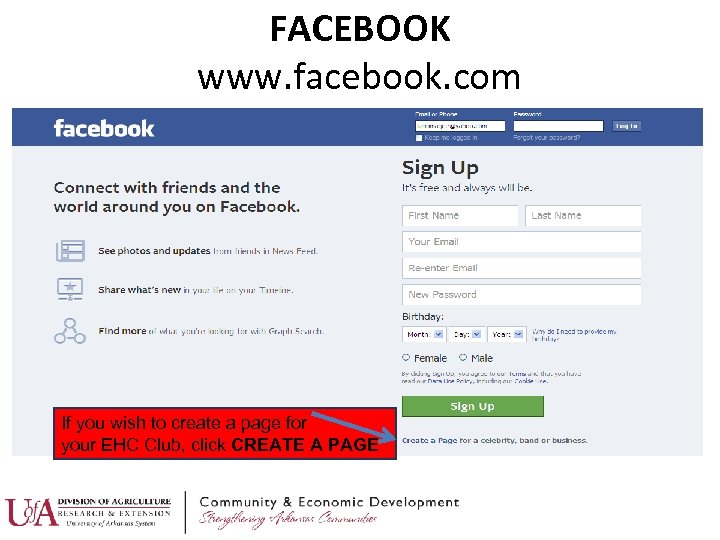 FACEBOOK www. facebook. com If you wish to create a page for your EHC Club, click CREATE A PAGE
 Steps to setting up a Facebook PAGE • Log into Facebook • You will have the option now of inviting friends • Click on Create a Page from your contact and • Choose a category from the sharing a status. You drop down menu can do these things • Add a profile picture now…or later. • Add basic about info. • Add a cover photo • Like your own page • Add to your about page ****FACEBOOK PAGES are open • Review permissions to EVERYONE!!!!!**** FOR MORE SPECIFICS ON EACH OF THE STEPS: http: //www. socialmediaexaminer. com/how-to-set-up-a-facebookpage-for-business/
 Steps to setting up a Facebook GROUP (open only to approved members) • Go to Facebook. com • If you already have an account, log in. If not, sign up by entering your information. Click sign up. • Enter the security code to proceed • You will be taken to a page to set up your profile. Click “skip this step” for all three steps (you can always add this information later). • You should now be at the “home” portion of the site • Now you want to click on the “Groups” links on the left side of the screen. • When you click on this link, you will be taken to a screen where you can “Create a group”. Click on “Create a Group”. • On the next screen, fill out the information for your club group. Click on create group. • Once you create your group, you will be taken to the next step in the Group creation process. • Once you have completed creating your Group profile, you will now be able to invite members from your friends list. • Your group is now created.
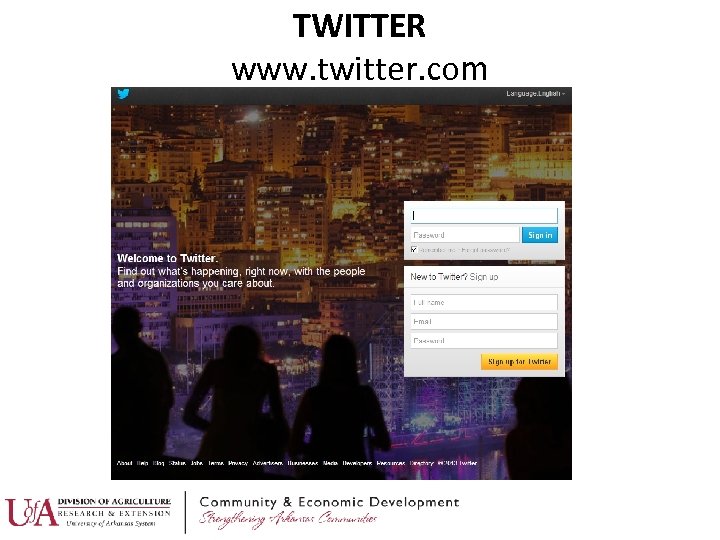 TWITTER www. twitter. com
 • • • Steps to setting up a Twitter Account Choose a profile name Add a photo of you Complete your bio Add your website address Follow some people Get tweeting FOR MORE SPECIFICS ON THESE STEPSSOURCE: www. aliciacowan. com
 PINTEREST www. pinterest. com
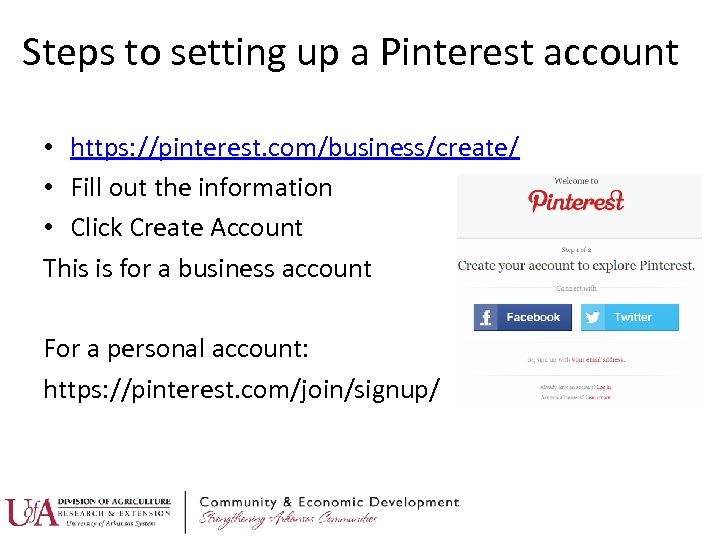 Steps to setting up a Pinterest account • https: //pinterest. com/business/create/ • Fill out the information • Click Create Account This is for a business account For a personal account: https: //pinterest. com/join/signup/
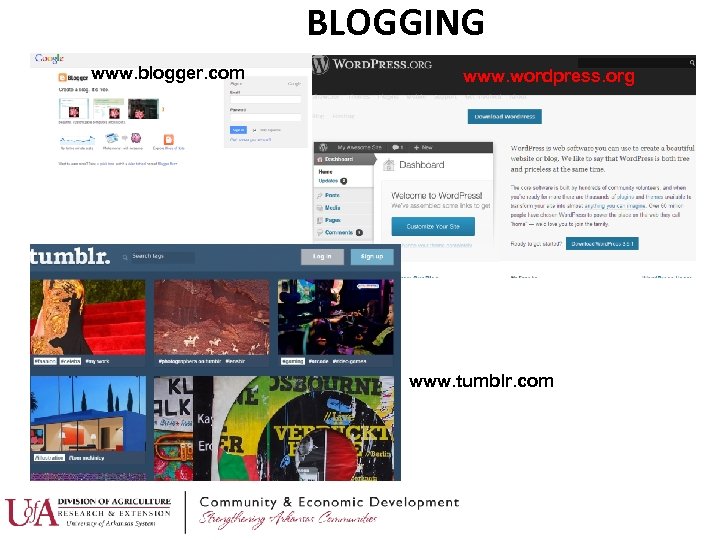 BLOGGING www. blogger. com www. wordpress. org www. tumblr. com
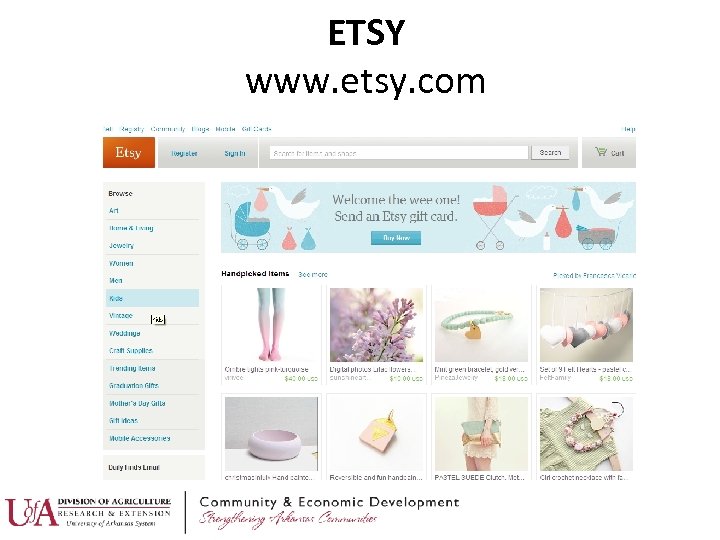 ETSY www. etsy. com
 Steps to setting up an Etsy account • • • (This is to SELL on Etsy) Register (if you haven’t • List Items already) • Get Paid Sign up to Sell • Billing Language & Currency • Open Your Shop Start setting up your shop To just simply browse/purchase on Etsy: Choose your shop name 1. www. etsy. com 2. Click REGISTER Shop Look and branding 3. Fill out the personal info. 4. Click REGISTER again
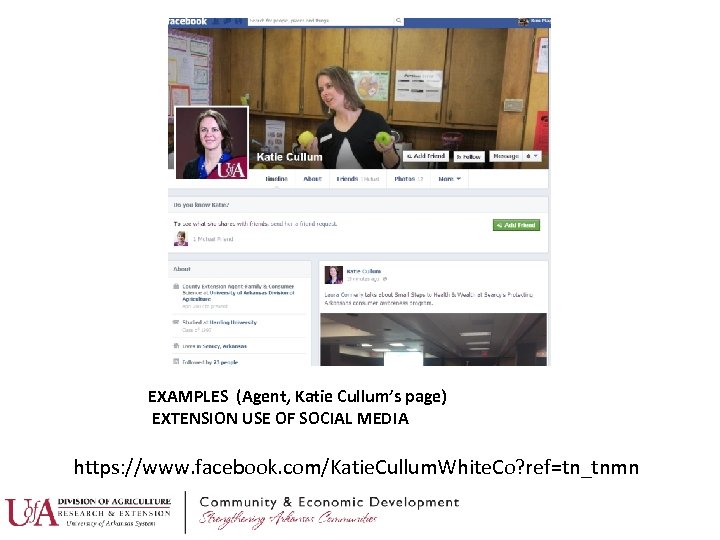 EXAMPLES (Agent, Katie Cullum’s page) EXTENSION USE OF SOCIAL MEDIA https: //www. facebook. com/Katie. Cullum. White. Co? ref=tn_tnmn
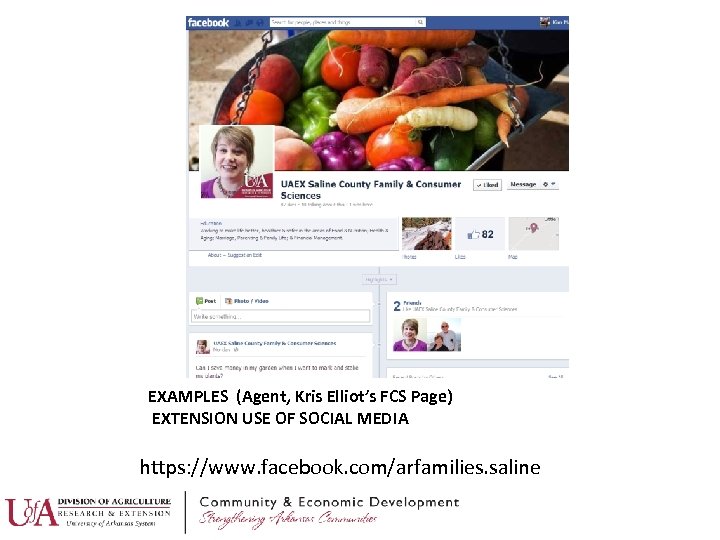 EXAMPLES (Agent, Kris Elliot’s FCS Page) EXTENSION USE OF SOCIAL MEDIA https: //www. facebook. com/arfamilies. saline
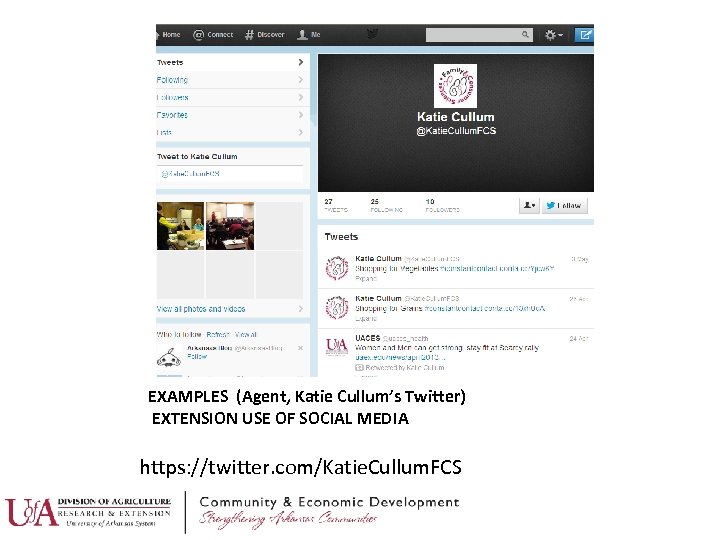 EXAMPLES (Agent, Katie Cullum’s Twitter) EXTENSION USE OF SOCIAL MEDIA https: //twitter. com/Katie. Cullum. FCS
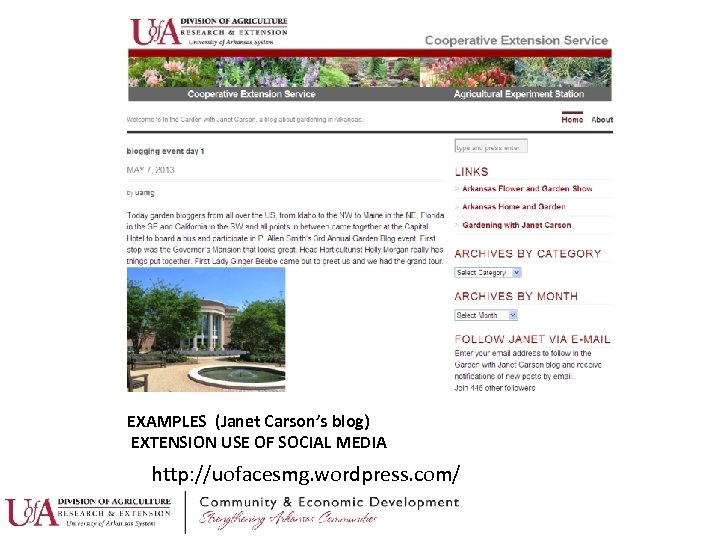 EXAMPLES (Janet Carson’s blog) EXTENSION USE OF SOCIAL MEDIA http: //uofacesmg. wordpress. com/
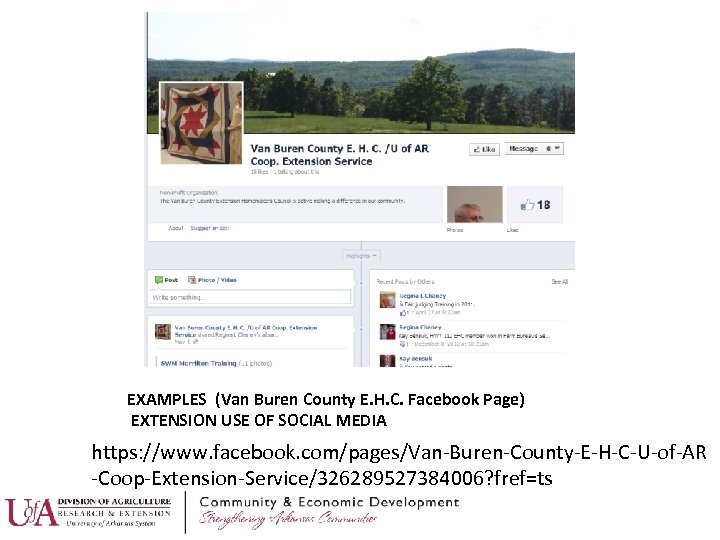 EXAMPLES (Van Buren County E. H. C. Facebook Page) EXTENSION USE OF SOCIAL MEDIA https: //www. facebook. com/pages/Van-Buren-County-E-H-C-U-of-AR -Coop-Extension-Service/326289527384006? fref=ts
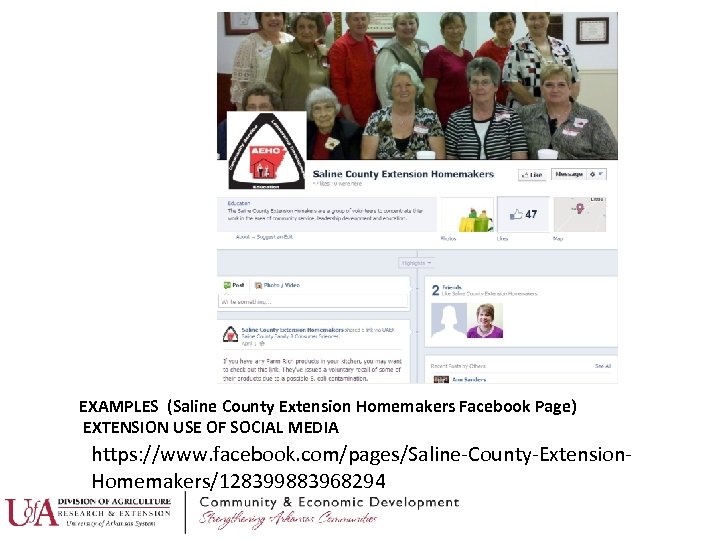 EXAMPLES (Saline County Extension Homemakers Facebook Page) EXTENSION USE OF SOCIAL MEDIA https: //www. facebook. com/pages/Saline-County-Extension. Homemakers/128399883968294
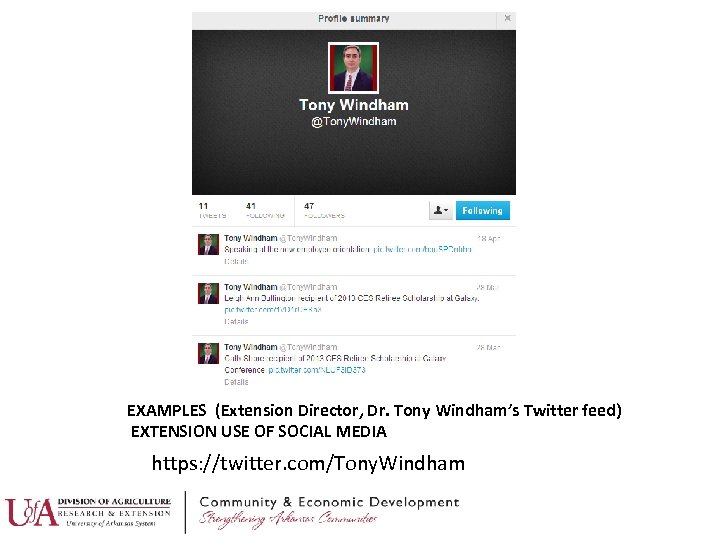 EXAMPLES (Extension Director, Dr. Tony Windham’s Twitter feed) EXTENSION USE OF SOCIAL MEDIA https: //twitter. com/Tony. Windham
 HOW CAN EHC GROUPS USE SOCIAL MEDIA? Meeting notices/reminders Training offerings Workshop offerings Helpful tips (such as health or wealth) • Bake sale (or other fundraisers) • Ask for quilt ideas & photos (or other subject matter photos/ideas of interest to club) • Interact with other clubs and ask them about their activities & events • • • Share recipes • National Nutrition Month, Autism Awareness Month, etc. • Food Safety recalls • Promote FCS & other Extension social media posts & programs • Community Service Projects • Award/scholarship recognition • Cooking Contests • Food Drives • Holiday Ideas
 TIPS Effectively Using Social Media • Post often; but not TOO often • Use crisp, clear photos • Engage clients (or whomever you are interacting with) • Link your social media efforts together to save time • Respond to any questions or interaction that you may receive in a timely manner • Steer clear of controversial issues • Learn from others
 23
23