


 Скачать презентацию SLAC Windows Update John Davis Ricardo Kau Teresa
676bb10856f7ffddf6b255007f5ab3a6.ppt
- Количество слайдов: 26
 SLAC Windows Update John Davis, Ricardo Kau, Teresa Downey, Andrea Chan (Presented by Bob Cowles) October 31, 2000 10/31/2000 HEPi. X-HEPNT 2000, Jefferson Lab 1
 Outline • • SMS WTS & Citrix Exchange Migration SAN 10/31/2000 HEPi. X-HEPNT 2000, Jefferson Lab 2
 SMS 1. 2 • Problematic • Best features were the Remote Control Tools. • Was better than doing upgrades manually 10/31/2000 HEPi. X-HEPNT 2000, Jefferson Lab 3
 SMS 2. 0 • Version 2. 0 was more stable. Sp 1 made it better • SMS 2. 0/SP 2 is very stable. • Creating 2. 0 -SP 2 image is not a simple process. It requires the 2. 0 CD image with the SP 1 image integrated into it. SP 2 is then integrated into this image creating a new final online CD image. This is then used to upgrade the SMS site servers. 10/31/2000 HEPi. X-HEPNT 2000, Jefferson Lab 4
 SMS 2. 0 SP 2 • Remote Control continues to be a good tool. • Fast and effective way of implementing security settings and OS service packs. • Very good granularity of security on the SMS Admin console ACL’s 10/31/2000 HEPi. X-HEPNT 2000, Jefferson Lab 5
 Win 2 K and SMS • Expect Remote Tools to remain a good use • Expect to use SMS for installation of non W 2 K certified software • Good Software License tracking tool 10/31/2000 HEPi. X-HEPNT 2000, Jefferson Lab 6
 Current Status • SMS manages roughly 50% of the 1600 Windows NT workstations at SLAC. • Currently what is implemented is on this web page • https: //www 2. slac. stanford. edu/comp/wi nnt/SLACONLY/sms-status. html 10/31/2000 HEPi. X-HEPNT 2000, Jefferson Lab 7
 Windows Terminal Server & Citrix Meta. Frame implementation at SLAC 1999 - 2000 10/31/2000 HEPi. X-HEPNT 2000, Jefferson Lab 8
 Types of Windows Terminal Server/Citrix Farms • Secure Business Systems Terminal Server/Citrix – Described to HEPNT last year at SLAC • General Purpose Windows Terminal Server/Citrix - Application Farm • WYSE Terminals – on the external router 10/31/2000 HEPi. X-HEPNT 2000, Jefferson Lab 9
 General Purpose Farm Driving Force • Non-Windows users have access to Windows applications – Win 32 • Windows users have access to specialized applications not available locally • Encourage single platform clients – No dual-boot systems • Provide most every app needed/requested by users 10/31/2000 HEPi. X-HEPNT 2000, Jefferson Lab 10
 Driving Force (continued) • Provides Remote Access capabilities • Strong support for Linux and Solaris clients • Linux/Unix users have access to AFS/NFS mounted volumes • Provides easy access to NT Domain resources for low-level Windows & Unix clients 10/31/2000 HEPi. X-HEPNT 2000, Jefferson Lab 11
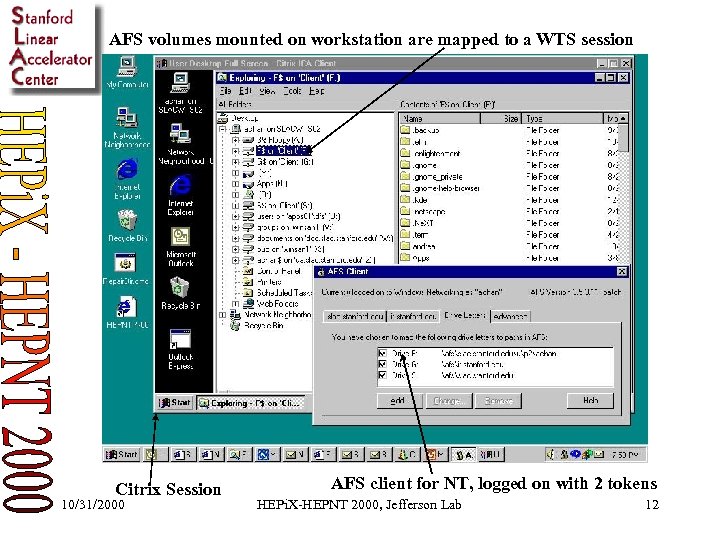 AFS volumes mounted on workstation are mapped to a WTS session Citrix Session 10/31/2000 AFS client for NT, logged on with 2 tokens HEPi. X-HEPNT 2000, Jefferson Lab 12
 Present Status • Load-balanced Farm based on Dell Power. Edge servers - Dual PII-400, 1 GB RAM, RAID 0 • 300 users using the Farm – mostly Linux & Unix users • Some users using X 11 dumb terminals to access the Farm via Citrix UIS (Unix Integration Services) • Used as remote access tool from many locations across country & abroad 10/31/2000 HEPi. X-HEPNT 2000, Jefferson Lab 13
 WYSE Public Terminals • ‘Public terminals’– On the external router, WYSE terminals (running Windows CE) are connected to a ‘Public Farm’ for guest access to e-mail, telnet/ssh, web. • Built-in Citrix ICA client for Windows CE • Primary use – visitors and public areas 10/31/2000 HEPi. X-HEPNT 2000, Jefferson Lab 14
 Implementation Lessons (1/2) • Many Win 32 applications are still not multi-user aware – developers using HKEY_LOCAL_MACHINE as opposed to HKEY_CURRENT_USER registry hives • Beware of potential “bad apps” on WTS – i. e. MS Net. Meeting, DOS applications 10/31/2000 HEPi. X-HEPNT 2000, Jefferson Lab 15
 Implementation Lessons (2/2) • Rogue Printer drivers create havoc for WTS servers - BSOD • SLAC’s business process application, PEOPLESOFT is not native to the Windows Terminal Server/Citrix Meta. Frame environment • Securing the application servers running WTS • Staff intensive installation, testing and troubleshooting 10/31/2000 HEPi. X-HEPNT 2000, Jefferson Lab 16
 Best Practices (1/2) • Allow exhaust testing of applications for compatibility with WTS & Citrix Meta. Frame • Separate %Root. Drive% and %System. Root% from %apps% • Apply MS Zero Admin Kit (ZAK) for WTS – file level security • Test printer drivers in test environment before production 10/31/2000 HEPi. X-HEPNT 2000, Jefferson Lab 17
 Best Practices (2/2) • Apply latest Service Packs and hot fixes immediately, but not before thorough testing • Recommend encrypted clients • Run highest NT authentication hash compatible with your site • Give “user access” only level to regular users 10/31/2000 HEPi. X-HEPNT 2000, Jefferson Lab 18
 Future Plans for WTS/Citrix • Evaluation of Citrix Meta. Frame Feature Release 1 • Greater color depth for CAD app & highencryption support for remote users • Testing & implementation of Windows 2000 native Terminal services • Testing & implementation of Windows 2000 Applications Deployment Services 10/31/2000 HEPi. X-HEPNT 2000, Jefferson Lab 19
 SLAC Exchange Server • Investigated options for nearly two years • Exchange server satisfied our requirements – Encrypted passwords – Secure web access – Database for messages – Fit into existing backup procedures – Plus. . it had calendar and virus scanning add-on 10/31/2000 HEPi. X-HEPNT 2000, Jefferson Lab 20
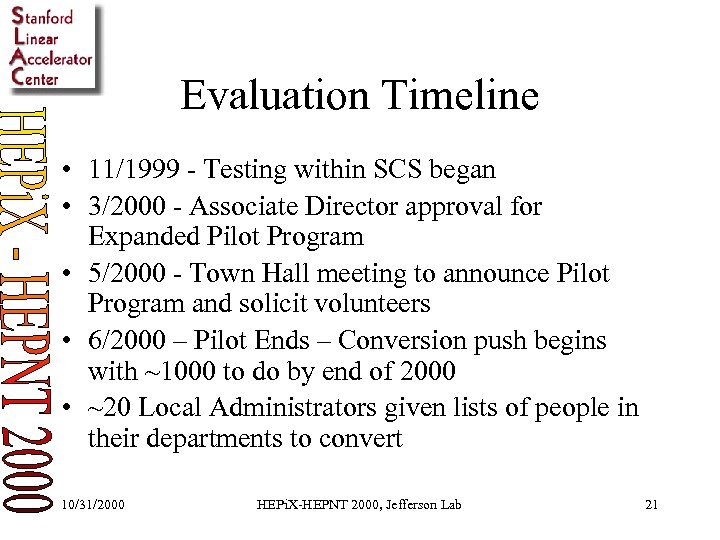 Evaluation Timeline • 11/1999 - Testing within SCS began • 3/2000 - Associate Director approval for Expanded Pilot Program • 5/2000 - Town Hall meeting to announce Pilot Program and solicit volunteers • 6/2000 – Pilot Ends – Conversion push begins with ~1000 to do by end of 2000 • ~20 Local Administrators given lists of people in their departments to convert 10/31/2000 HEPi. X-HEPNT 2000, Jefferson Lab 21
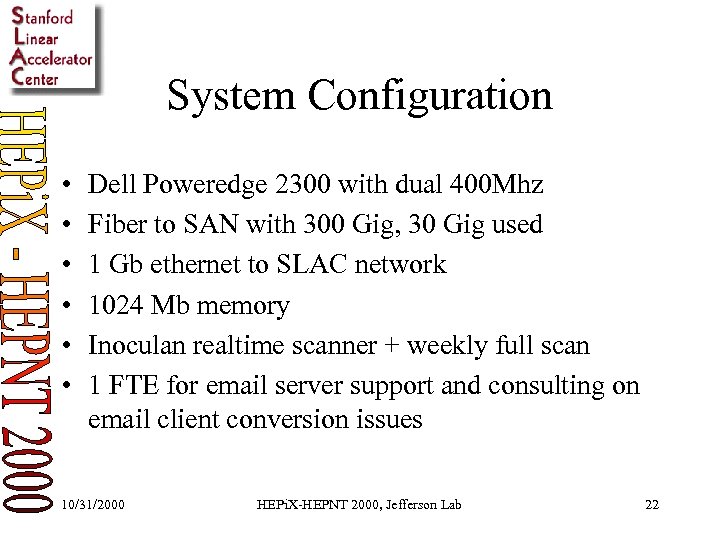 System Configuration • • • Dell Poweredge 2300 with dual 400 Mhz Fiber to SAN with 300 Gig, 30 Gig used 1 Gb ethernet to SLAC network 1024 Mb memory Inoculan realtime scanner + weekly full scan 1 FTE for email server support and consulting on email client conversion issues 10/31/2000 HEPi. X-HEPNT 2000, Jefferson Lab 22
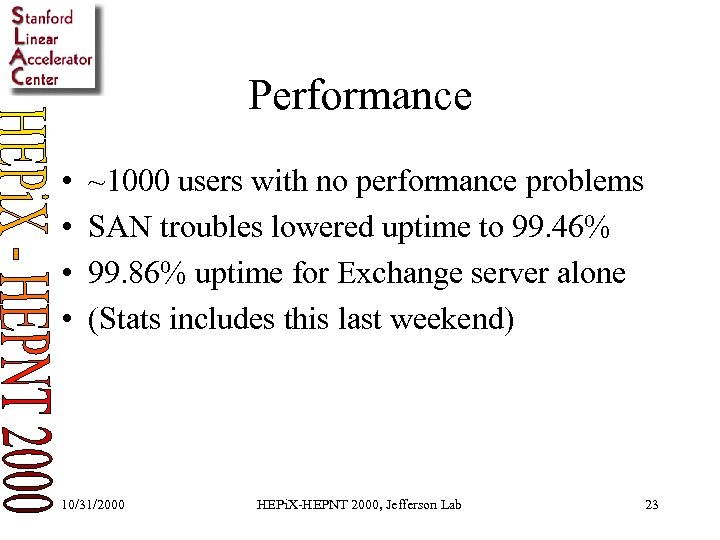 Performance • • ~1000 users with no performance problems SAN troubles lowered uptime to 99. 46% 99. 86% uptime for Exchange server alone (Stats includes this last weekend) 10/31/2000 HEPi. X-HEPNT 2000, Jefferson Lab 23
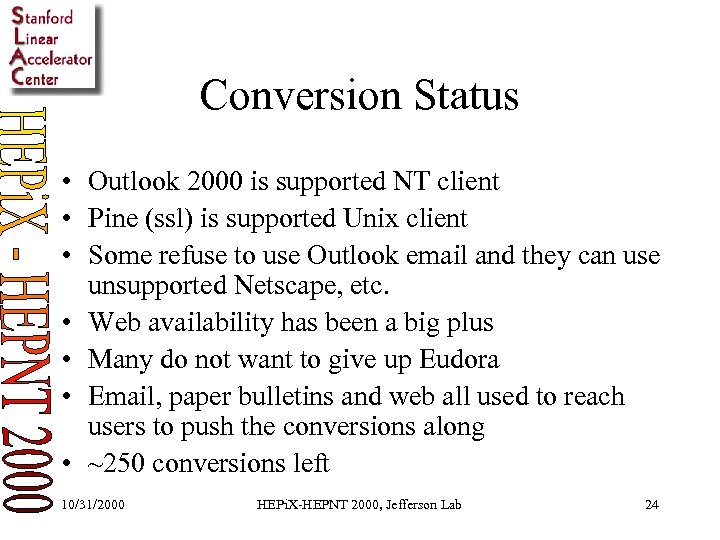 Conversion Status • Outlook 2000 is supported NT client • Pine (ssl) is supported Unix client • Some refuse to use Outlook email and they can use unsupported Netscape, etc. • Web availability has been a big plus • Many do not want to give up Eudora • Email, paper bulletins and web all used to reach users to push the conversions along • ~250 conversions left 10/31/2000 HEPi. X-HEPNT 2000, Jefferson Lab 24
 Lessons Learned (recent) • Be sure to have an emergency procedures documented – Catastrophe – Partial failure modes • Have all required CDs (and keys) to rebuild • Need access to backup tapes • Reliable storage system is required 10/31/2000 HEPi. X-HEPNT 2000, Jefferson Lab 25
 Questions? 10/31/2000 HEPi. X-HEPNT 2000, Jefferson Lab 26