


 Скачать презентацию Skyward SMS State Required Fields Staff Profile
49d009f9f5910832ac1a8af5b3787aaf.ppt
- Количество слайдов: 24
 Skyward SMS State Required Fields • Staff Profile (slides 2 -5) • Course - State Crosswalk and Tennessee fields • Student Demographics (slides 11 -25) • Resources (slide 26) • Contacts (slide 27) (slides 6 -10)
 2 Staff Profile Staff Fields State Required
 3 Staff Profile – Add Staff Profile Add Tutorial - ? Help (top right)
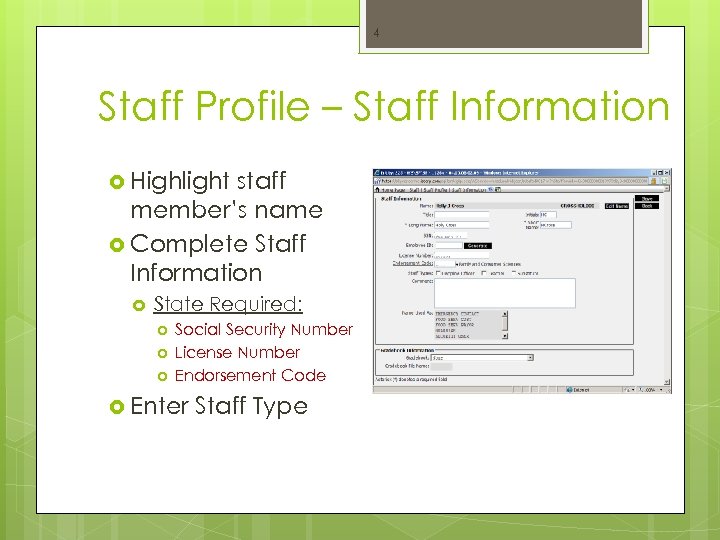 4 Staff Profile – Staff Information Highlight staff member’s name Complete Staff Information State Required: Social Security Number License Number Endorsement Code Enter Staff Type
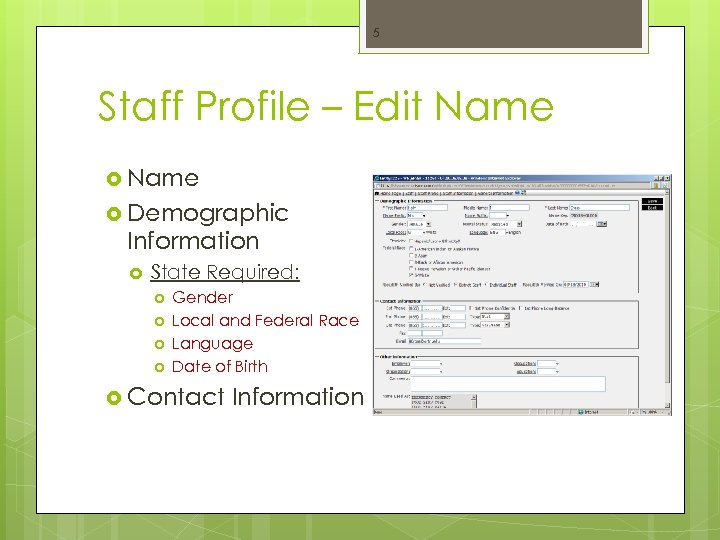 5 Staff Profile – Edit Name Demographic Information State Required: Gender Local and Federal Race Language Date of Birth Contact Information
 6 Course Maintenance State Crosswalk Course Defaults, Course Type and Tennessee fields.
 7 Course State Crosswalk Edit Course Defaults Select Course Master OF/CS/BC/CM OFfice Current Scheduling Build Course Master
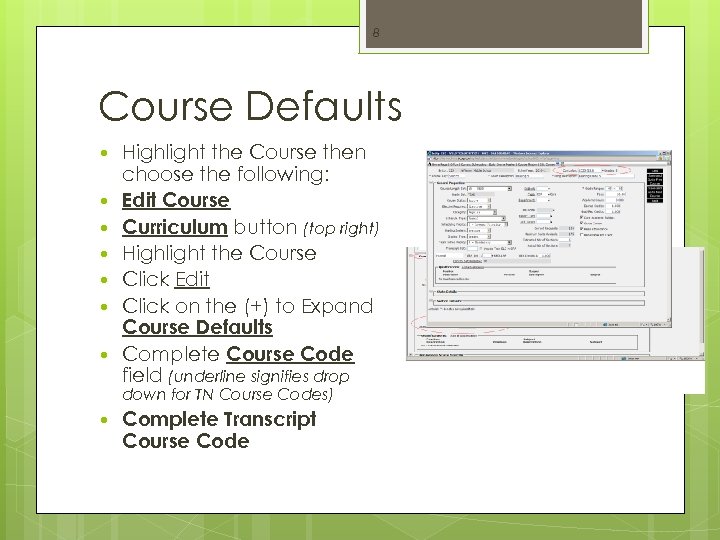 8 Course Defaults Highlight the Course then choose the following: Edit Course Curriculum button (top right) Highlight the Course Click Edit Click on the (+) to Expand Course Defaults Complete Course Code field (underline signifies drop down for TN Course Codes) Complete Transcript Course Code
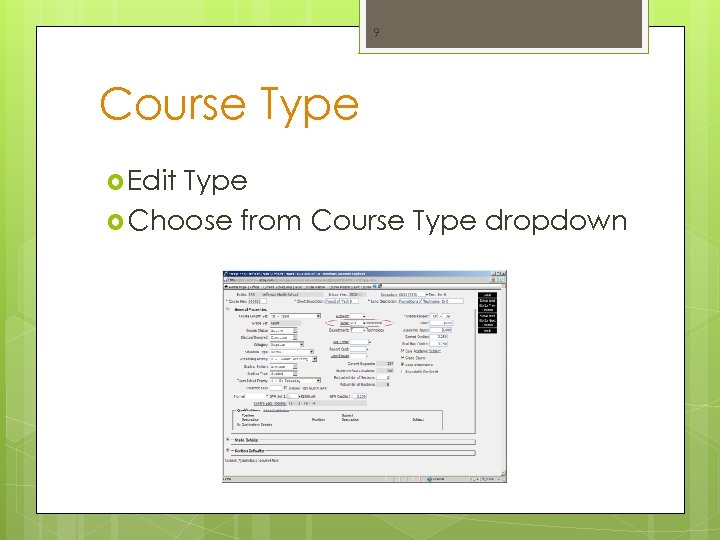 9 Course Type Edit Type Choose from Course Type dropdown
 10 Section Master - Tennessee Fields OF/CS/BC/SM Filter Options = Active Sections and 500 records Highlight the section Edit Section Click on the Tennessee button below Save button District ID = 870 School State ID = 55 UCHS; 25 HMMS; 40 MES; 45 SCES; 57 PES; 35 Class Type = Traditional, *Pullout or *Self Contained Teaching Method = Traditional Save *Elementary and Preschool LES; 53 ALC; 65 EMAC; 5 BRES
 11 Student Demographics Student Fields State Required
 12 Student Demographics General Profile Birth History School Path Entry/Withdrawal Entity TN/NCLB-2 (Immigrant and Misc - Student Classification) Schedule Transactions Busing Address Transport
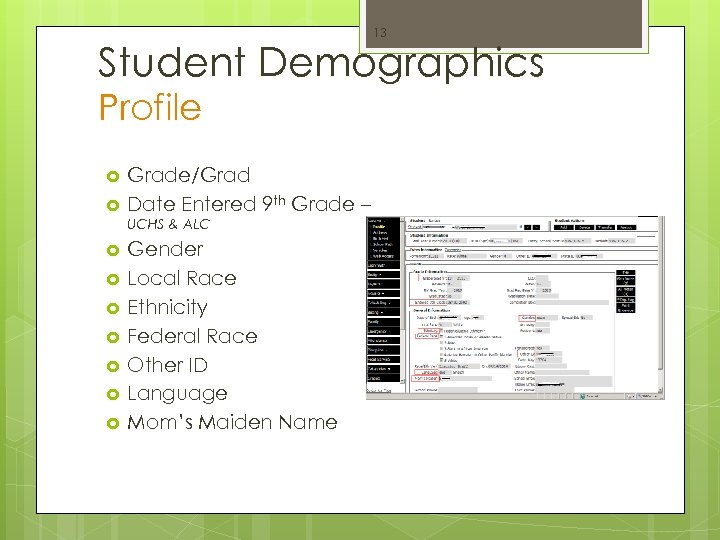 13 Student Demographics Profile Grade/Grad Date Entered 9 th Grade – UCHS & ALC Gender Local Race Ethnicity Federal Race Other ID Language Mom’s Maiden Name
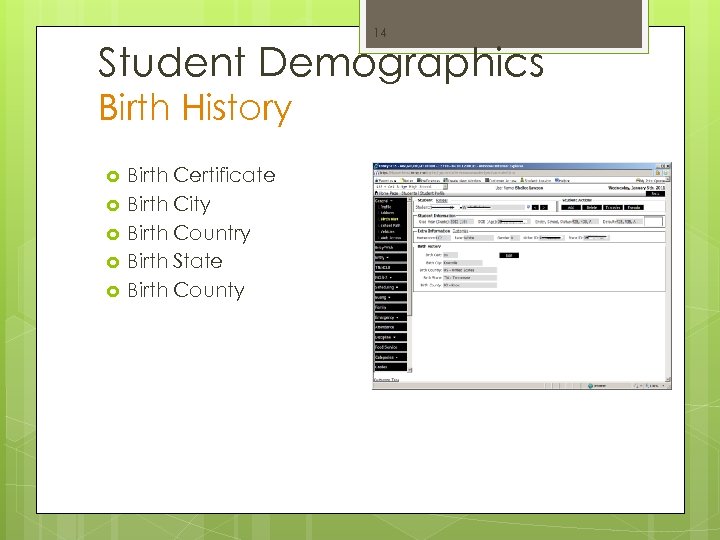 14 Student Demographics Birth History Birth Certificate Birth City Birth Country Birth State Birth County
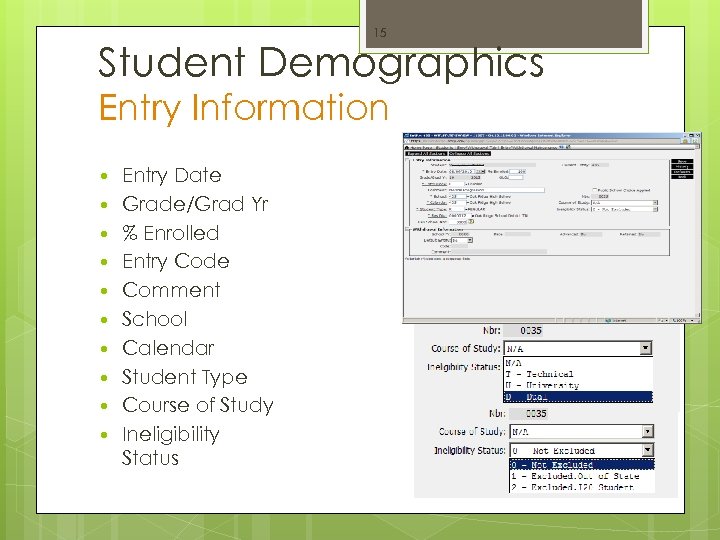 15 Student Demographics Entry Information Entry Date Grade/Grad Yr % Enrolled Entry Code Comment School Calendar Student Type Course of Study Ineligibility Status
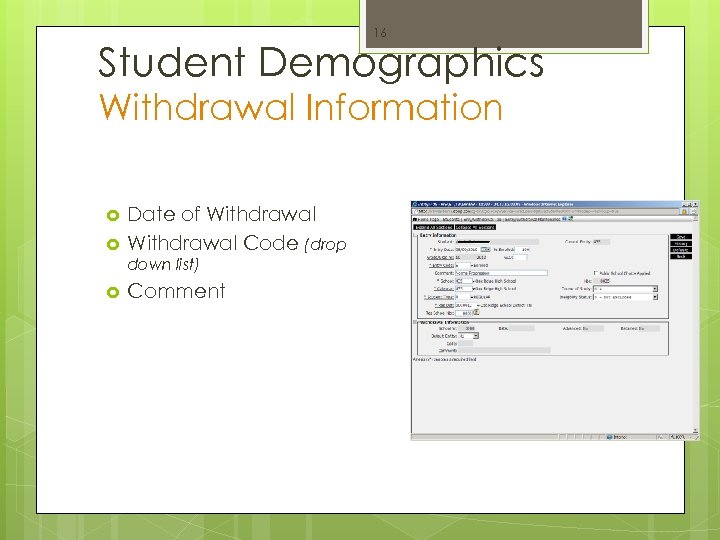 16 Student Demographics Withdrawal Information Date of Withdrawal Code (drop down list) Comment
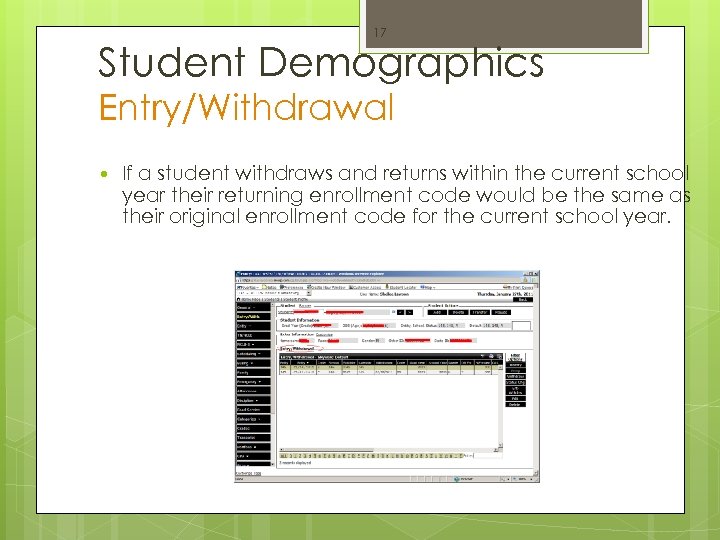 17 Student Demographics Entry/Withdrawal If a student withdraws and returns within the current school year their returning enrollment code would be the same as their original enrollment code for the current school year.
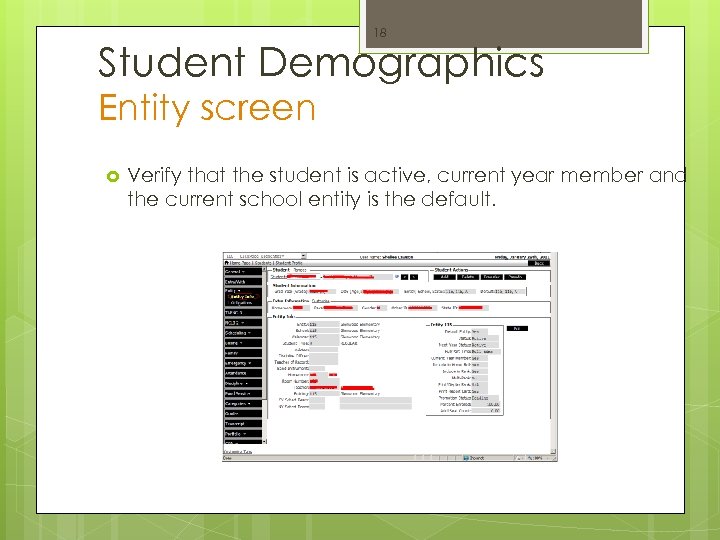 18 Student Demographics Entity screen Verify that the student is active, current year member and the current school entity is the default.
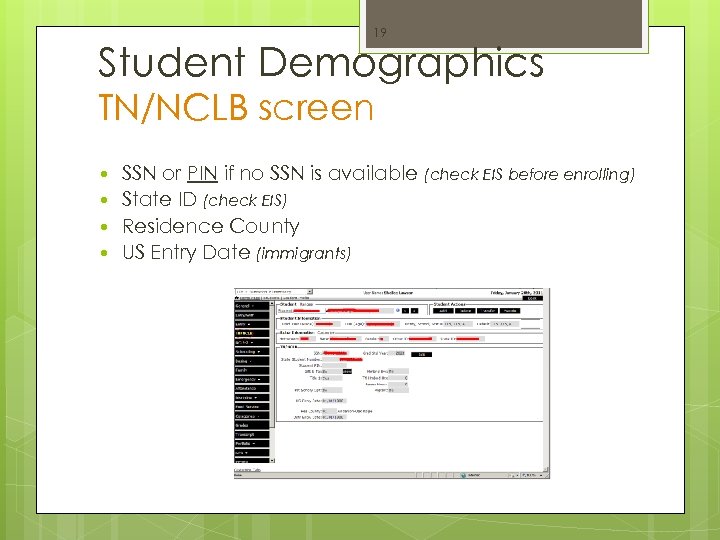 19 Student Demographics TN/NCLB screen SSN or PIN if no SSN is available (check EIS before enrolling) State ID (check EIS) Residence County US Entry Date (immigrants)
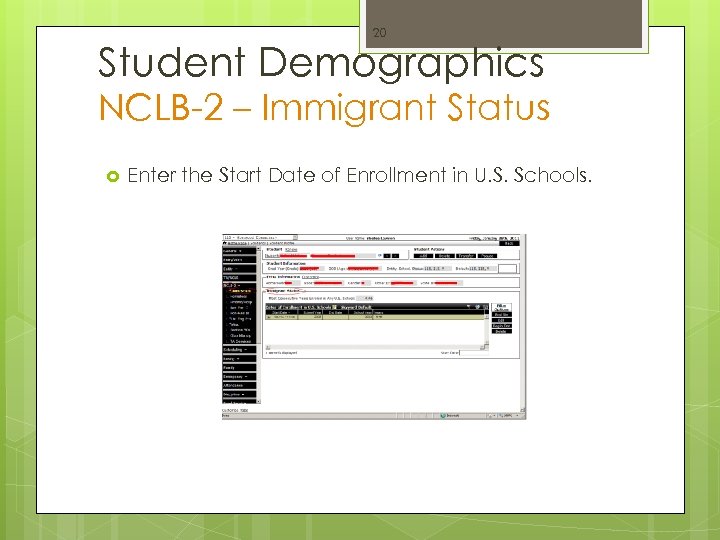 20 Student Demographics NCLB-2 – Immigrant Status Enter the Start Date of Enrollment in U. S. Schools.
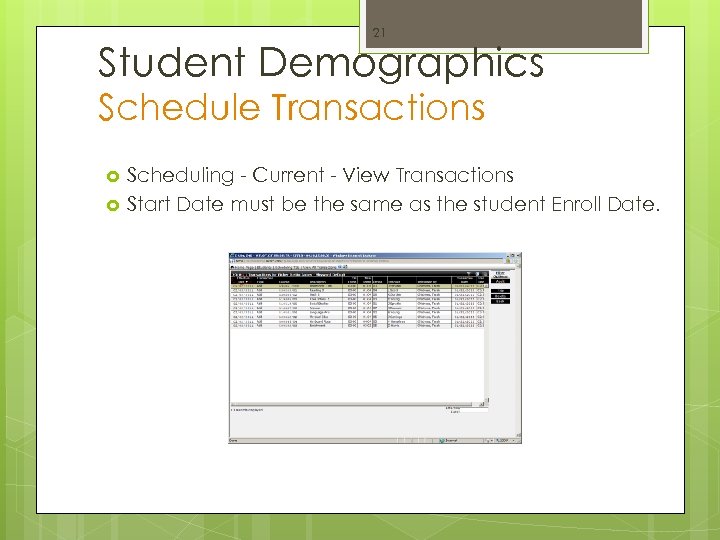 21 Student Demographics Schedule Transactions Scheduling - Current - View Transactions Start Date must be the same as the student Enroll Date.
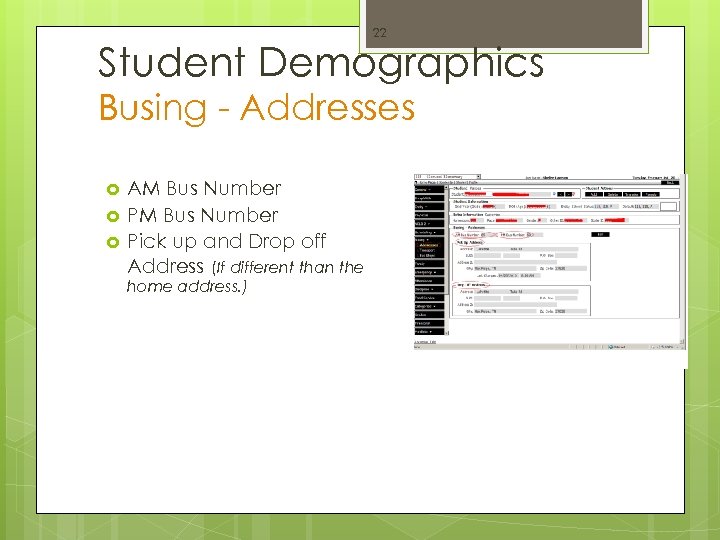 22 Student Demographics Busing - Addresses AM Bus Number Pick up and Drop off Address (If different than the home address. )
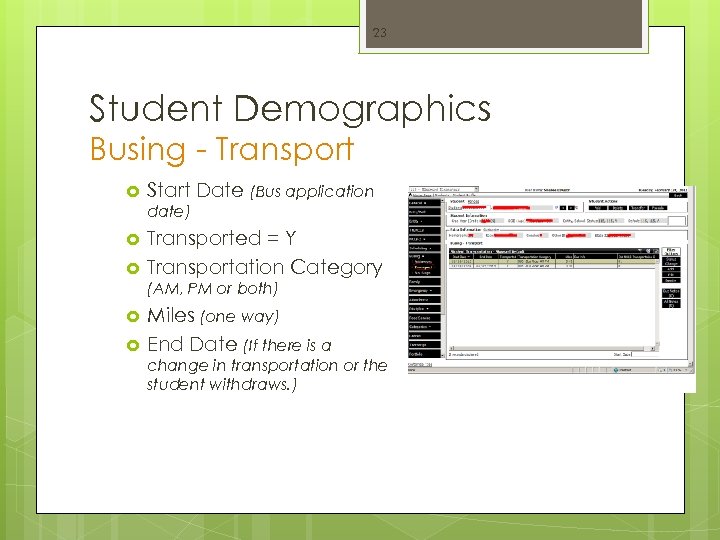 23 Student Demographics Busing - Transport Start Date (Bus application date) Transported = Y Transportation Category (AM, PM or both) Miles (one way) End Date (If there is a change in transportation or the student withdraws. )
 24 Resources Attendance Manual: http: //tennessee. gov/education/schapproval/attendancema nual/index. shtml Correlation of Course Codes: http: //tennessee. gov/education/schapproval/course_code_ corr. shtml (Available in February or March of the current school year) EIS Business Rules (Education Information System): http: //www. state. tn. us/education/eis/