 Скачать презентацию Site-level BDII installation configuration tutorial http www
e64326753c27d53a016b1719a8184a3c.ppt
- Количество слайдов: 16



Site-level BDII installation & configuration tutorial (http: //www. pd. infn. it/~aiftim/ ) Cristina Aiftimiei (INFN) EMI Release Manager EGI Technical Forum 2012 17 -21 Sep. 2012 EMI is partially funded by the European Commission under Grant Agreement RI-261611
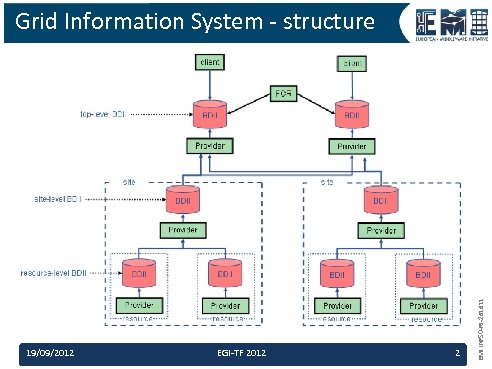
19/09/2012 EGI-TF 2012 2 EMI INFSO-RI-261611 Grid Information System - structure
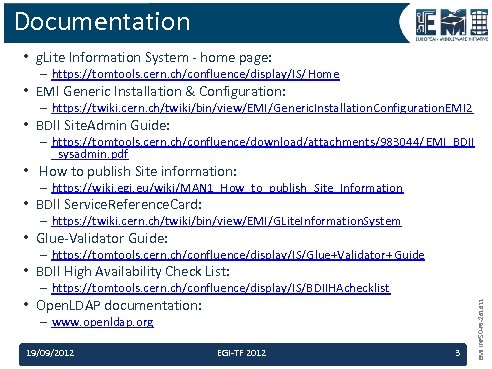
Documentation • g. Lite Information System - home page: – https: //tomtools. cern. ch/confluence/display/IS/Home • EMI Generic Installation & Configuration: – https: //twiki. cern. ch/twiki/bin/view/EMI/Generic. Installation. Configuration. EMI 2 • BDII Site. Admin Guide: – https: //tomtools. cern. ch/confluence/download/attachments/983044/ EMI_BDII _sysadmin. pdf • How to publish Site information: – https: //wiki. egi. eu/wiki/MAN 1_How_to_publish_Site_Information • BDII Service. Reference. Card: – https: //twiki. cern. ch/twiki/bin/view/EMI/GLite. Information. System • Glue-Validator Guide: – https: //tomtools. cern. ch/confluence/display/IS/Glue+Validator+ Guide • BDII High Availability Check List: • Open. LDAP documentation: – www. openldap. org 19/09/2012 EGI-TF 2012 3 EMI INFSO-RI-261611 – https: //tomtools. cern. ch/confluence/display/IS/BDIIHAchecklist
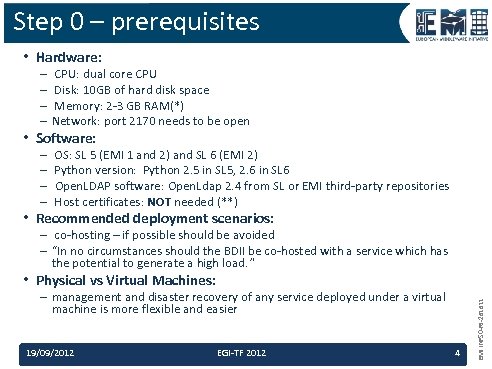
Step 0 – prerequisites • Hardware: – CPU: dual core CPU – Disk: 10 GB of hard disk space – Memory: 2 -3 GB RAM(*) – Network: port 2170 needs to be open • Software: – – OS: SL 5 (EMI 1 and 2) and SL 6 (EMI 2) Python version: Python 2. 5 in SL 5, 2. 6 in SL 6 Open. LDAP software: Open. Ldap 2. 4 from SL or EMI third-party repositories Host certificates: NOT needed (**) • Recommended deployment scenarios: – co-hosting – if possible should be avoided – “In no circumstances should the BDII be co-hosted with a service which has the potential to generate a high load. ” – management and disaster recovery of any service deployed under a virtual machine is more flexible and easier 19/09/2012 EGI-TF 2012 4 EMI INFSO-RI-261611 • Physical vs Virtual Machines:
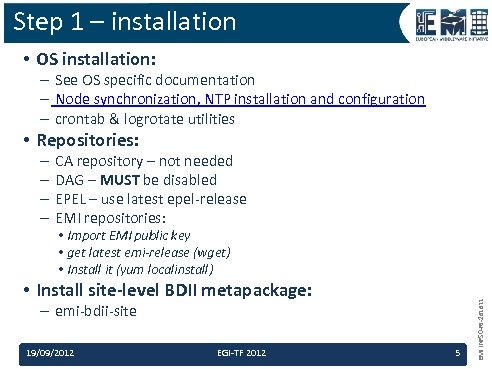
Step 1 – installation • OS installation: – See OS specific documentation – Node synchronization, NTP installation and configuration – crontab & logrotate utilities • Repositories: – – CA repository – not needed DAG – MUST be disabled EPEL – use latest epel-release EMI repositories: • Install site-level BDII metapackage: – emi-bdii-site 19/09/2012 EGI-TF 2012 5 EMI INFSO-RI-261611 • Import EMI public key • get latest emi-release (wget) • Install it (yum localinstall)
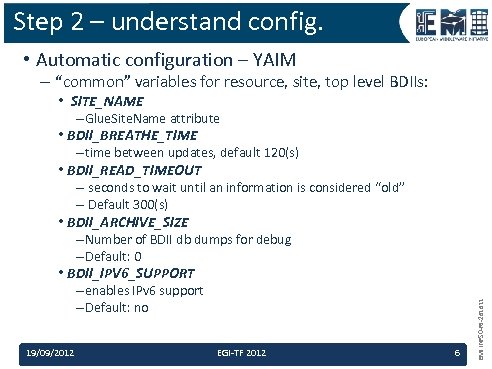
Step 2 – understand config. • Automatic configuration – YAIM – “common” variables for resource, site, top level BDIIs: – Glue. Site. Name attribute • BDII_BREATHE_TIME – time between updates, default 120(s) • BDII_READ_TIMEOUT – seconds to wait until an information is considered “old” – Default 300(s) • BDII_ARCHIVE_SIZE – Number of BDII db dumps for debug – Default: 0 • BDII_IPV 6_SUPPORT – enables IPv 6 support – Default: no 19/09/2012 EGI-TF 2012 6 EMI INFSO-RI-261611 • SITE_NAME
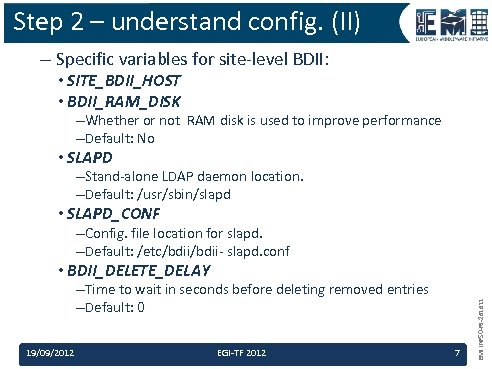
Step 2 – understand config. (II) – Specific variables for site-level BDII: • SITE_BDII_HOST • BDII_RAM_DISK –Whether or not RAM disk is used to improve performance –Default: No • SLAPD –Stand-alone LDAP daemon location. –Default: /usr/sbin/slapd • SLAPD_CONF –Config. file location for slapd. –Default: /etc/bdii- slapd. conf –Time to wait in seconds before deleting removed entries –Default: 0 19/09/2012 EGI-TF 2012 7 EMI INFSO-RI-261611 • BDII_DELETE_DELAY
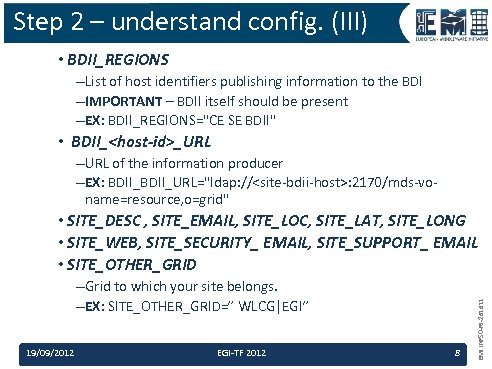
Step 2 – understand config. (III) • BDII_REGIONS –List of host identifiers publishing information to the BDI –IMPORTANT – BDII itself should be present –EX: BDII_REGIONS="CE SE BDII" • BDII_<host-id>_URL –URL of the information producer –EX: BDII_URL="ldap: //<site-bdii-host>: 2170/mds-voname=resource, o=grid" –Grid to which your site belongs. –EX: SITE_OTHER_GRID=” WLCG|EGI” 19/09/2012 EGI-TF 2012 8 EMI INFSO-RI-261611 • SITE_DESC , SITE_EMAIL, SITE_LOC, SITE_LAT, SITE_LONG • SITE_WEB, SITE_SECURITY_ EMAIL, SITE_SUPPORT_ EMAIL • SITE_OTHER_GRID
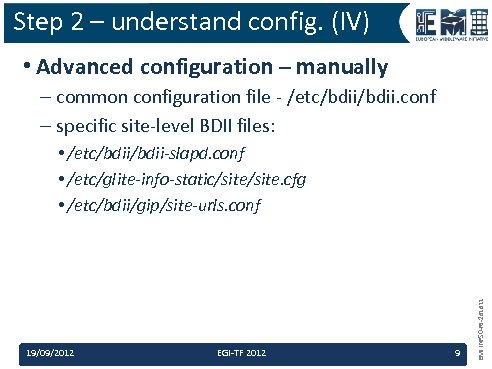
Step 2 – understand config. (IV) • Advanced configuration – manually – common configuration file - /etc/bdii. conf – specific site-level BDII files: 19/09/2012 EGI-TF 2012 9 EMI INFSO-RI-261611 • /etc/bdii-slapd. conf • /etc/glite-info-static/site. cfg • /etc/bdii/gip/site-urls. conf
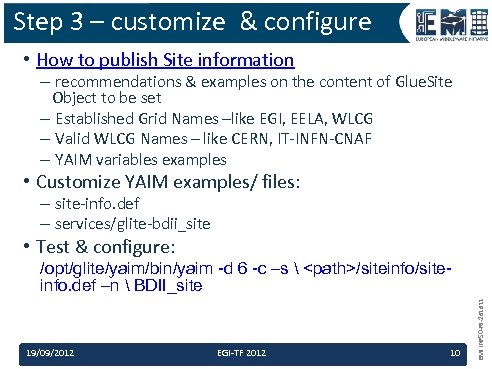
Step 3 – customize & configure • How to publish Site information – recommendations & examples on the content of Glue. Site Object to be set – Established Grid Names –like EGI, EELA, WLCG – Valid WLCG Names – like CERN, IT-INFN-CNAF – YAIM variables examples • Customize YAIM examples/ files: – site-info. def – services/glite-bdii_site • Test & configure: 19/09/2012 EGI-TF 2012 10 EMI INFSO-RI-261611 /opt/glite/yaim/bin/yaim -d 6 -c –s <path>/siteinfo. def –n BDII_site
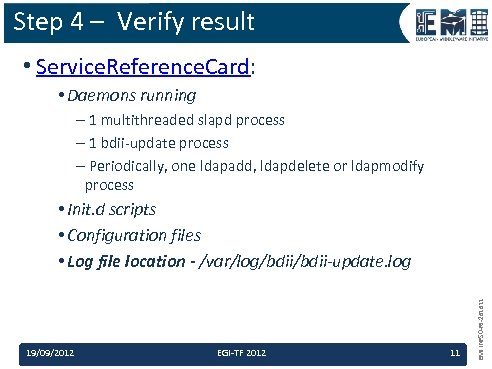
Step 4 – Verify result • Service. Reference. Card: • Daemons running – 1 multithreaded slapd process – 1 bdii-update process – Periodically, one ldapadd, ldapdelete or ldapmodify process 19/09/2012 EGI-TF 2012 11 EMI INFSO-RI-261611 • Init. d scripts • Configuration files • Log file location - /var/log/bdii-update. log
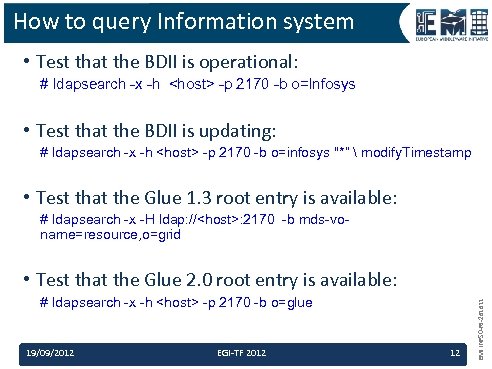
How to query Information system • Test that the BDII is operational: # ldapsearch -x -h <host> -p 2170 -b o=Infosys • Test that the BDII is updating: # ldapsearch -x -h <host> -p 2170 -b o=infosys "*” modify. Timestamp • Test that the Glue 1. 3 root entry is available: # ldapsearch -x -H ldap: //<host>: 2170 -b mds-voname=resource, o=grid # ldapsearch -x -h <host> -p 2170 -b o=glue 19/09/2012 EGI-TF 2012 12 EMI INFSO-RI-261611 • Test that the Glue 2. 0 root entry is available:
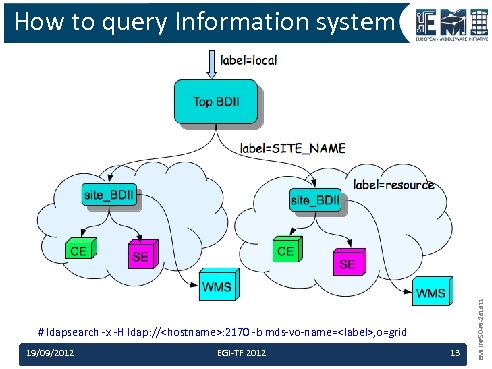
# ldapsearch -x -H ldap: //<hostname>: 2170 -b mds-vo-name=<label>, o=grid 19/09/2012 EGI-TF 2012 13 EMI INFSO-RI-261611 How to query Information system
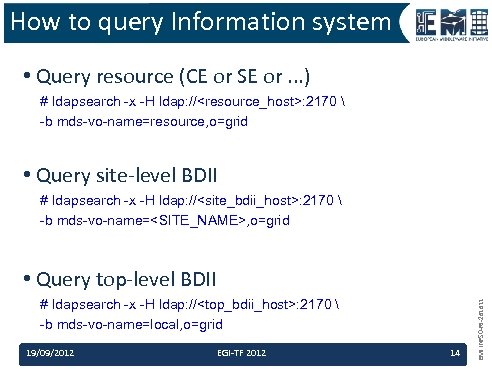
How to query Information system • Query resource (CE or SE or. . . ) # ldapsearch -x -H ldap: //<resource_host>: 2170 -b mds-vo-name=resource, o=grid • Query site-level BDII # ldapsearch -x -H ldap: //<site_bdii_host>: 2170 -b mds-vo-name=<SITE_NAME>, o=grid # ldapsearch -x -H ldap: //<top_bdii_host>: 2170 -b mds-vo-name=local, o=grid 19/09/2012 EGI-TF 2012 14 EMI INFSO-RI-261611 • Query top-level BDII
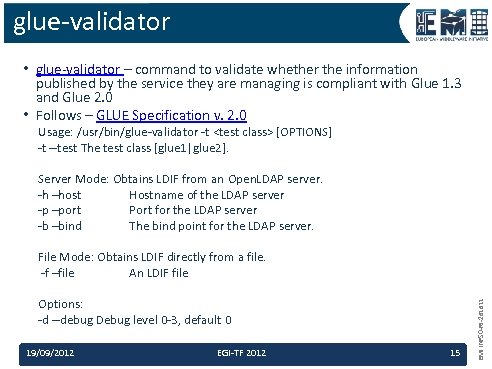
glue-validator • glue-validator – command to validate whether the information published by the service they are managing is compliant with Glue 1. 3 and Glue 2. 0 • Follows – GLUE Specification v. 2. 0 Usage: /usr/bin/glue-validator -t <test class> [OPTIONS] -t --test The test class [glue 1|glue 2]. Server Mode: Obtains LDIF from an Open. LDAP server. -h –host Hostname of the LDAP server -p –port Port for the LDAP server -b –bind The bind point for the LDAP server. Options: -d --debug Debug level 0 -3, default 0 19/09/2012 EGI-TF 2012 15 EMI INFSO-RI-261611 File Mode: Obtains LDIF directly from a file. -f –file An LDIF file

EMI is partially funded by the European Commission under Grant Agreement INFSO-RI-261611 03/21/12 16 EMI INFSO-RI-261611 Thank you
Скачать презентацию Site-level BDII installation configuration tutorial http www
e64326753c27d53a016b1719a8184a3c.ppt