
Скачать презентацию Site Development Foundations Lesson 11 2004 Скачать презентацию Site Development Foundations Lesson 11 2004

1fc59abc4b20732bbcd82e0a9d3e3dcb.ppt

  • Количество слайдов: 41

Site Development Foundations Lesson 11 • © 2004 Prosoft. Training • All rights reserved Site Development Foundations Lesson 11 • © 2004 Prosoft. Training • All rights reserved • ITD 110 Web Page Design I Instructors: Carlotta Eaton & John Sledd Copyright © 2004 Prosoft. Training, All Rights Reserved.
Lesson 11: Advanced Web Technologies Copyright © 2004 Prosoft. Training, All Rights Reserved. Lesson 11: Advanced Web Technologies Copyright © 2004 Prosoft. Training, All Rights Reserved.
Objectives • Identify client-side and server-side scripting technologies • Connect Web pages to databases Objectives • Identify client-side and server-side scripting technologies • Connect Web pages to databases • Use CSS to apply formatting to Web pages • Identify the benefits of Dynamic HTML (DHTML) • Define the function of the Document Object Model (DOM) and its relationship to browsers • Compare the use of a service provider to hosting your own Web site
Extending HTML • Client-side and server-side scripting • Connecting to databases • Additional ways Extending HTML • Client-side and server-side scripting • Connecting to databases • Additional ways to apply Cascading Style Sheets (CSS) • Dynamic HTML (DHTML) • Document Object Model (DOM)
Server-Side and Client-Side Languages • Programming concepts – Not required knowledge, but essential terminology Server-Side and Client-Side Languages • Programming concepts – Not required knowledge, but essential terminology is useful to understand • Programming statements – if/then/else – do while – do until – break
Server-Side Languages • Attributes of server-side language: – Code is executed by the Web Server-Side Languages • Attributes of server-side language: – Code is executed by the Web server, not the Web browser – Code executes because an interpreter has been installed and activated on the Web server • Server-side scripts are used for various purposes: – Browser detection – Database connectivity – Cookie creation and identification – Logon scripts – Hit counters – File uploading and downloading
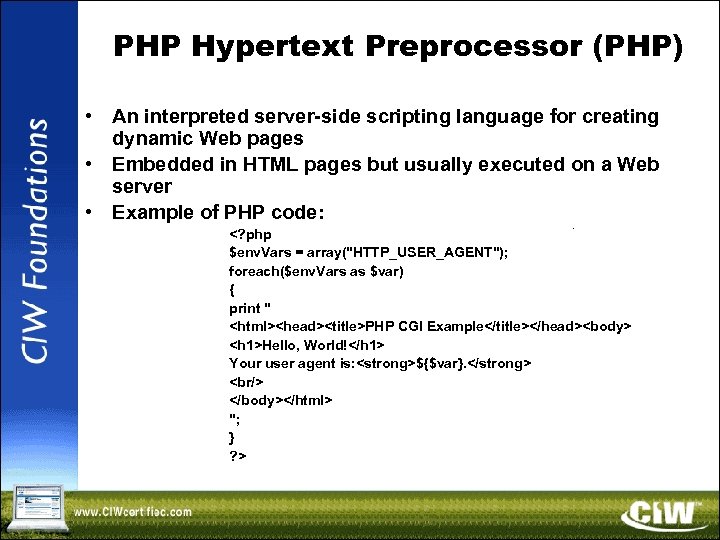
PHP Hypertext Preprocessor (PHP) • An interpreted server-side scripting language for creating dynamic Web PHP Hypertext Preprocessor (PHP) • An interpreted server-side scripting language for creating dynamic Web pages • Embedded in HTML pages but usually executed on a Web server • Example of PHP code: PHP CGI Example Hello, World! Your user agent is: ${$var}.
"; } ? >

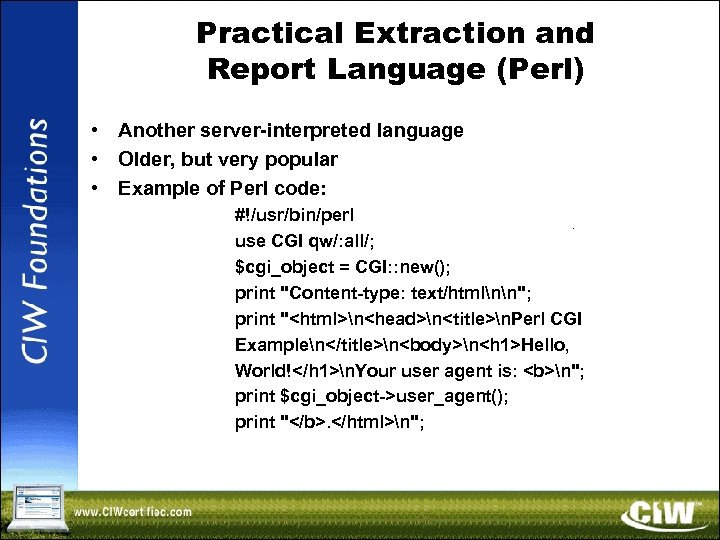
Practical Extraction and Report Language (Perl) • Another server-interpreted language • Older, but very Practical Extraction and Report Language (Perl) • Another server-interpreted language • Older, but very popular • Example of Perl code: #!/usr/bin/perl use CGI qw/: all/; $cgi_object = CGI: : new(); print "Content-type: text/htmlnn"; print "nnn. Perl CGI ExamplennnHello, World!n. Your user agent is: n"; print $cgi_object->user_agent(); print ". n";

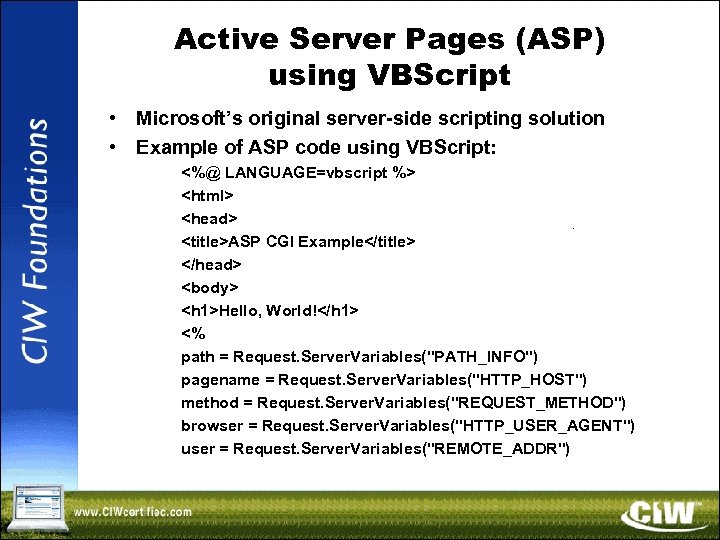
Active Server Pages (ASP) using VBScript • Microsoft’s original server-side scripting solution • Example Active Server Pages (ASP) using VBScript • Microsoft’s original server-side scripting solution • Example of ASP code using VBScript: <%@ LANGUAGE=vbscript %> ASP CGI Example Hello, World! <% path = Request. Server. Variables("PATH_INFO") pagename = Request. Server. Variables("HTTP_HOST") method = Request. Server. Variables("REQUEST_METHOD") browser = Request. Server. Variables("HTTP_USER_AGENT") user = Request. Server. Variables("REMOTE_ADDR")

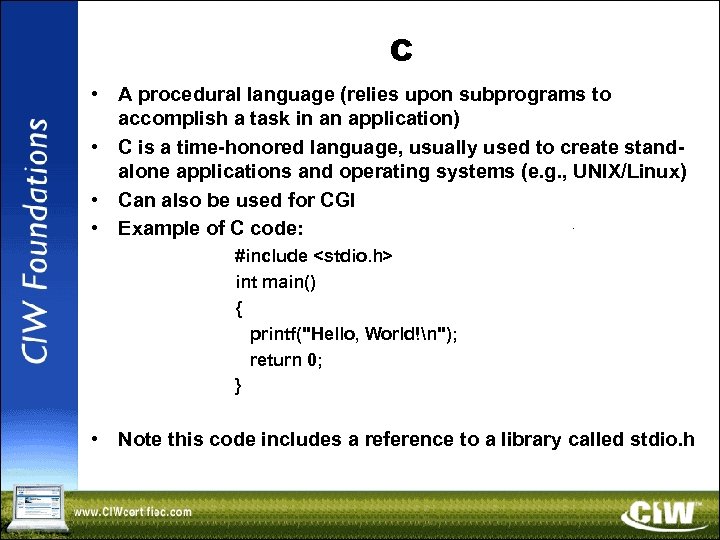
C • A procedural language (relies upon subprograms to accomplish a task in an C • A procedural language (relies upon subprograms to accomplish a task in an application) • C is a time-honored language, usually used to create standalone applications and operating systems (e. g. , UNIX/Linux) • Can also be used for CGI • Example of C code: #include int main() { printf("Hello, World!n"); return 0; } • Note this code includes a reference to a library called stdio. h

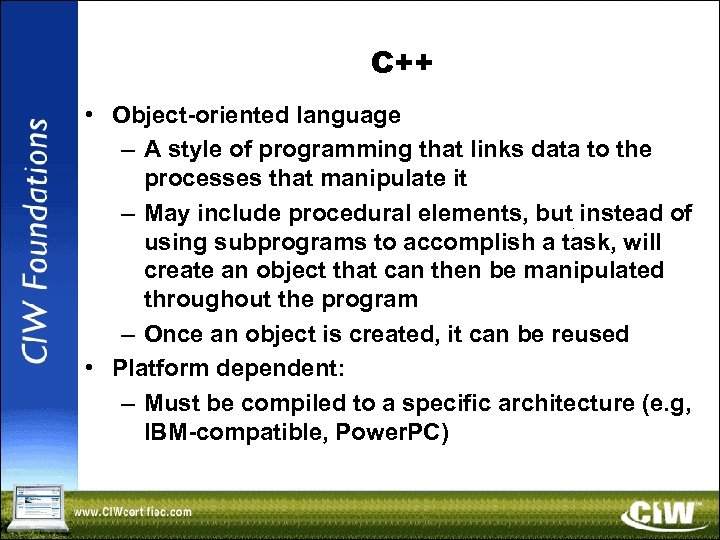
C++ • Object-oriented language – A style of programming that links data to the C++ • Object-oriented language – A style of programming that links data to the processes that manipulate it – May include procedural elements, but instead of using subprograms to accomplish a task, will create an object that can then be manipulated throughout the program – Once an object is created, it can be reused • Platform dependent: – Must be compiled to a specific architecture (e. g, IBM-compatible, Power. PC)

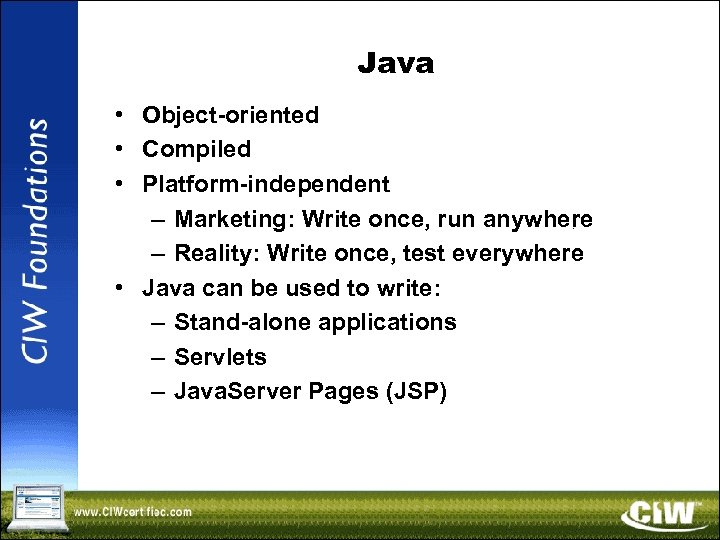
Java • Object-oriented • Compiled • Platform-independent – Marketing: Write once, run anywhere – Java • Object-oriented • Compiled • Platform-independent – Marketing: Write once, run anywhere – Reality: Write once, test everywhere • Java can be used to write: – Stand-alone applications – Servlets – Java. Server Pages (JSP)

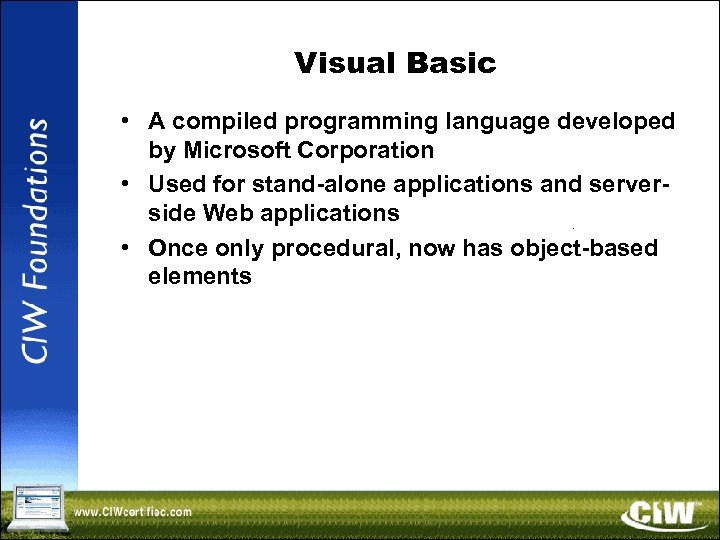
Visual Basic • A compiled programming language developed by Microsoft Corporation • Used for Visual Basic • A compiled programming language developed by Microsoft Corporation • Used for stand-alone applications and serverside Web applications • Once only procedural, now has object-based elements

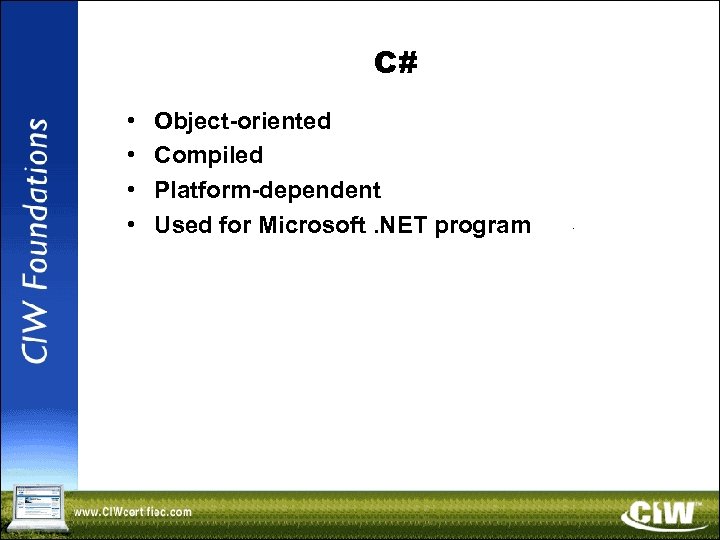
C# • • Object-oriented Compiled Platform-dependent Used for Microsoft. NET program C# • • Object-oriented Compiled Platform-dependent Used for Microsoft. NET program

Server Side Includes (SSIs) • An instruction inside of an XHTML/HTML page that directs Server Side Includes (SSIs) • An instruction inside of an XHTML/HTML page that directs the Web server to perform an action • An alternative to CGI • SSI instructions are in SGML • Can be used to: – Place the results of a database query into a page – Execute other programs – Indicate the last time a document was modified – Insert footer text at the bottom of a page – Add the current date as a timestamp to a page

Server Side Includes (SSIs) (cont’d) • Standard SSI file name extensions: –. shtml –. Server Side Includes (SSIs) (cont’d) • Standard SSI file name extensions: –. shtml –. shtm • SSI support in Web servers – Most Web servers include code that enables SSI – However, the SSI feature may be disabled • You may have to activate the feature • You may also have to define a MIME type

Client-Side Languages • Issues with client-side languages – Some clients do not support Java. Client-Side Languages • Issues with client-side languages – Some clients do not support Java. Script or any other such scripting language – Users can deactivate script execution in browsers that normally support it

Java. Script • Object-based • Adds interactivity to Web pages • Can also be Java. Script • Object-based • Adds interactivity to Web pages • Can also be used on the server side (Server-Side Java. Script, SSJS) • On the client side, can be used to: – Detect browsers – Create cookies – Create mouse rollovers • Java. Script advantages – Platform-independent – Vendor-neutral – Relatively simple

Java. Script (cont’d) • Can be placed in an HTML/XHTML document – Use the Java. Script (cont’d) • Can be placed in an HTML/XHTML document – Use the