


 Скачать презентацию Simulating A Satellite CSGC Mission Operations Team Cameron
13411c682a3604aa66903abc006c9794.ppt
- Количество слайдов: 15
 Simulating A Satellite CSGC Mission Operations Team Cameron Hatcher Brandon Bobian James Burkert Aleks Jarosz
 Computer Simulators l l Two Simulators – Flight Computer and Hardware Run on Linux Computers The two computers send data back and forth Send commands through Telnet and SCL interface
 Flight Computer Simulator l l Simulates the actual flight computer Allows VXWorks l l Real Time Operation System developed by Wind. River Systems Software is run in same environment as the satellite Can make commands to the hardware Receives replies from the hardware
 Hardware Simulator l l Accepts requests from Flight Computer Simulator Sends realistic replies Has different equations to calculate values for sensors Simulates every hardware sensor onboard the satellite l l Ex. Temperature sensors and voltage sensors Certain sensors are set to change dependent upon tasks l Ex. Calculated remaining battery charge
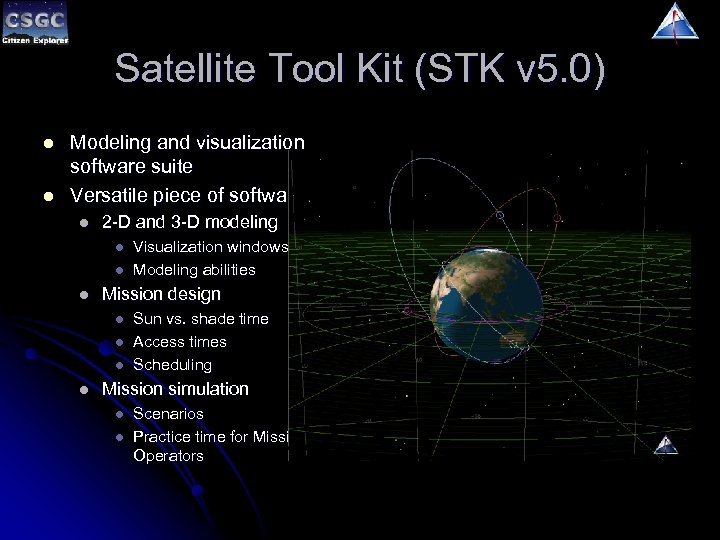 Satellite Tool Kit (STK v 5. 0) l l Modeling and visualization software suite Versatile piece of software l 2 -D and 3 -D modeling l l l Mission design l l Visualization windows Modeling abilities Sun vs. shade time Access times Scheduling Mission simulation l l Scenarios Practice time for Mission Operators
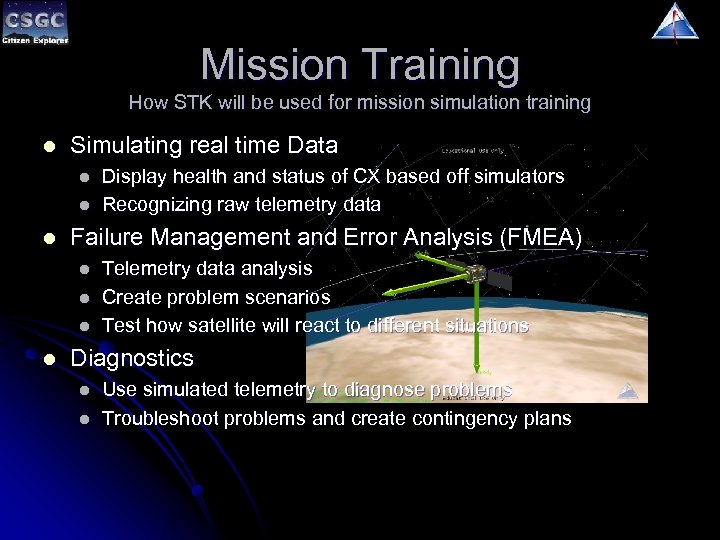 Mission Training How STK will be used for mission simulation training l Simulating real time Data l l l Failure Management and Error Analysis (FMEA) l l Display health and status of CX based off simulators Recognizing raw telemetry data Telemetry data analysis Create problem scenarios Test how satellite will react to different situations Diagnostics l l Use simulated telemetry to diagnose problems Troubleshoot problems and create contingency plans
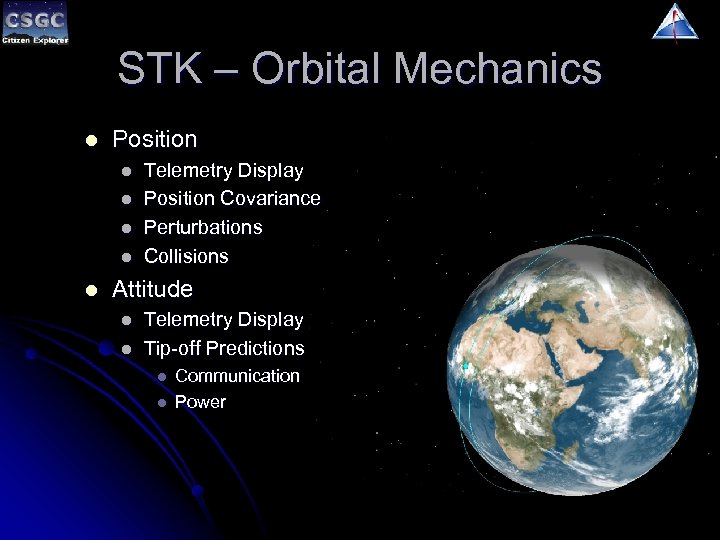 STK – Orbital Mechanics l Position l l l Telemetry Display Position Covariance Perturbations Collisions Attitude l l Telemetry Display Tip-off Predictions l l Communication Power
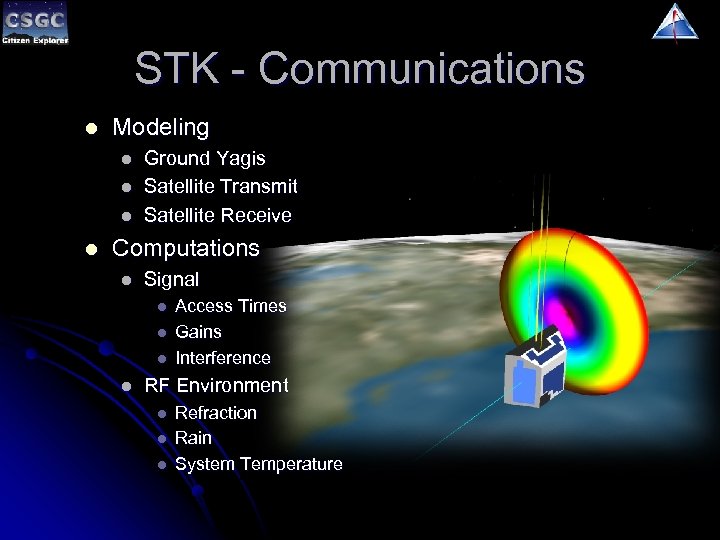 STK - Communications l Modeling l l Ground Yagis Satellite Transmit Satellite Receive Computations l Signal l l Access Times Gains Interference RF Environment l l l Refraction Rain System Temperature
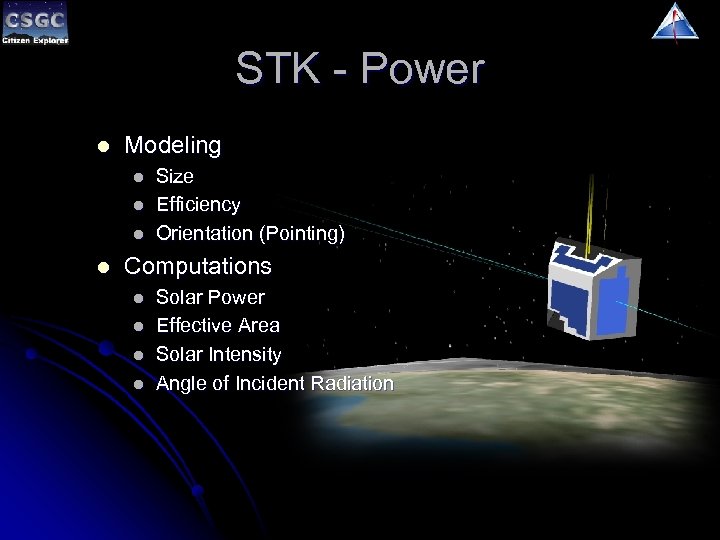 STK - Power l Modeling l l Size Efficiency Orientation (Pointing) Computations l l Solar Power Effective Area Solar Intensity Angle of Incident Radiation
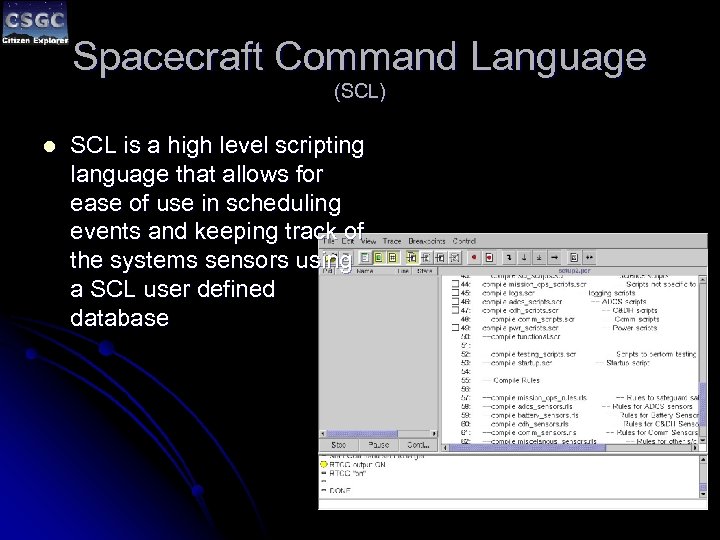 Spacecraft Command Language (SCL) l SCL is a high level scripting language that allows for ease of use in scheduling events and keeping track of the systems sensors using a SCL user defined database
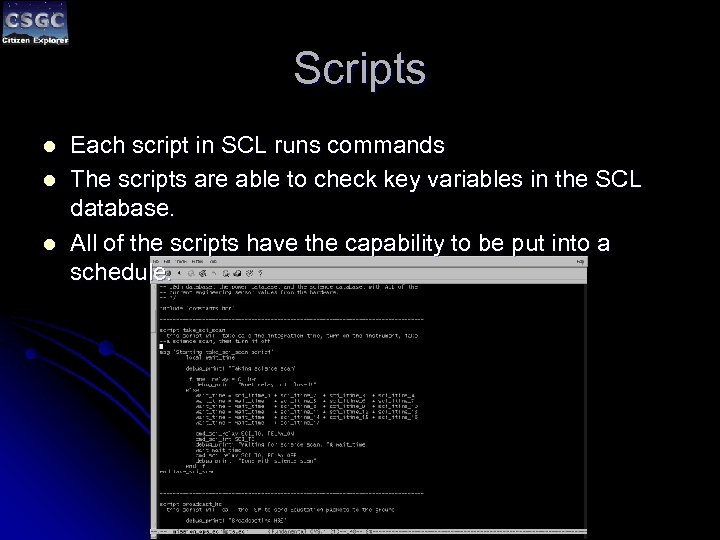 Scripts l l l Each script in SCL runs commands The scripts are able to check key variables in the SCL database. All of the scripts have the capability to be put into a schedule.
 SCL Database l l The SCL database is a user defined database that contains any and all variables that the user wishes to monitor. The database is updated at regular intervals with certain scripts that will update parts of the database specific to a certain subsystem. Contains all satellite sensor values Calculated values
 Rules and Constraints l l l A constraint limits the values that a variable can be A rule is used to alerts the operator if a variable goes beyond a certain range If a variable goes into a critical range, a rule will take corrective measures l Ex. Shutting off non-critical systems, such as cameras
 ASPEN l l Automated Scheduling and Planning ENvironment Used to create schedules for SCL Mission Operator originally creates schedule by hand Using ASPEN schedule can be adjusted for any conflicts that occur l l Ex. Two commands trying to use the same relay Schedules are compiled to an SCL executable format
 Running a Simulation l l l Schedule is uploaded to the Flight Computer Simulator and executed Commands are sent between the two simulators STK sends information to the hardware simulator Mission Operators monitors SCL environment and Telemetry GUI during pass times Telemetry GUI monitors the SCL database l Any problematic values will be shown in red or yellow