 Скачать презентацию SILO File Upload Feedback System By Marie
873413138499f77a832dae95c809cb68.ppt
- Количество слайдов: 33



SILO File Upload & Feedback System By Marie Harms State Library of Iowa August 18 & 19, 2010
The export and upload process • Export MARC bibliographic records from local automation system • Upload file of MARC records to SILO • Records are processed • Records are added to the Locator
Export guidelines • One large file of many records is easier and faster to process than multiple, small files with few records. • Combine small files into one large file, if possible.
Export process • Set-up the export parameters • Run the export process • Save file
Remember • One large file of many records is easier and faster to process than multiple, small files with few records. • Combine small files into one large file, if possible.
Work with your vendor • It is important to work with your vendor if you are unsure how to do the export. • SILO staff cannot assist you with this • Check Web page for some instructions
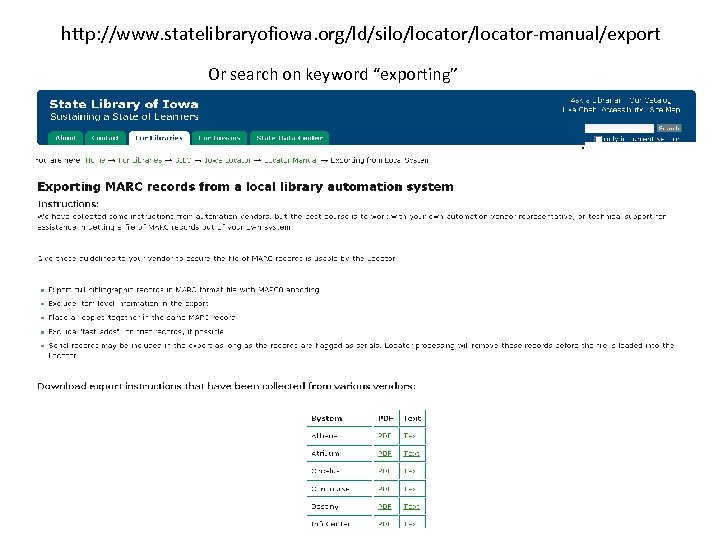
http: //www. statelibraryofiowa. org/ld/silo/locator-manual/export Or search on keyword “exporting”
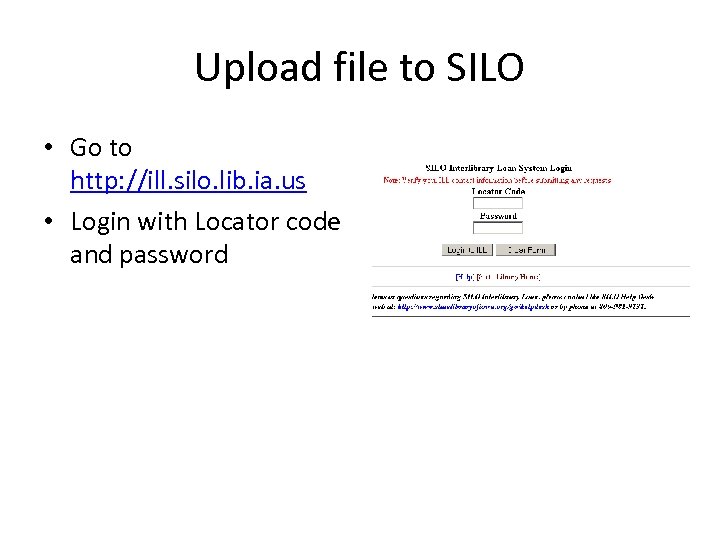
Upload file to SILO • Go to http: //ill. silo. lib. ia. us • Login with Locator code and password
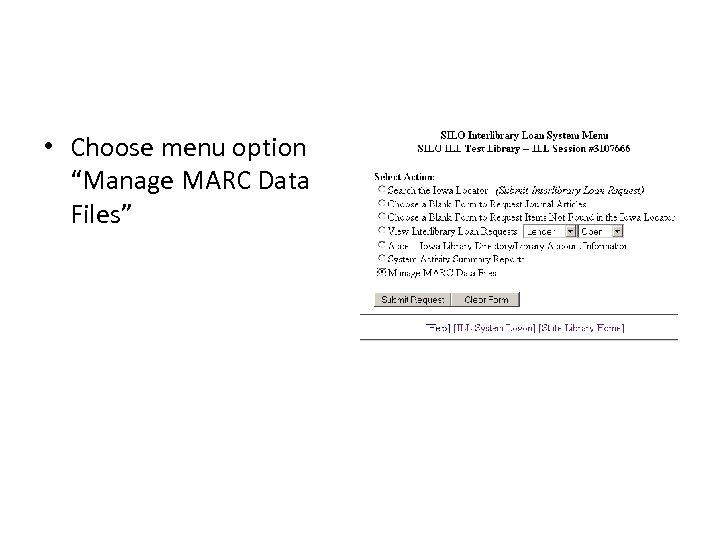
• Choose menu option “Manage MARC Data Files”
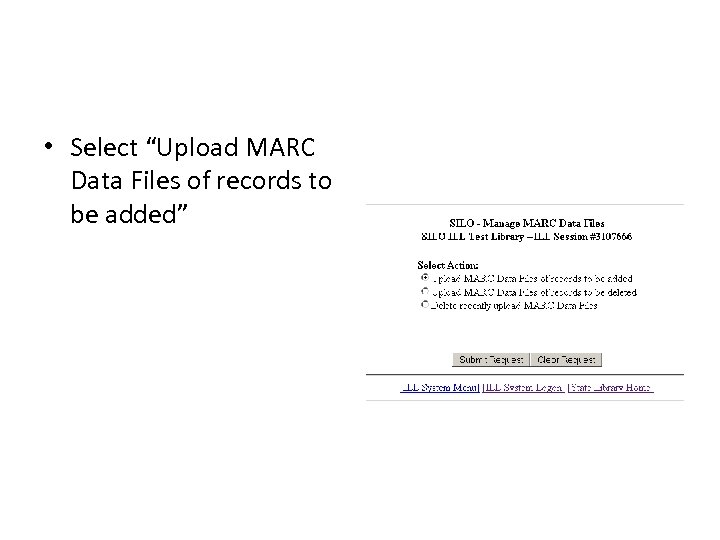
• Select “Upload MARC Data Files of records to be added”
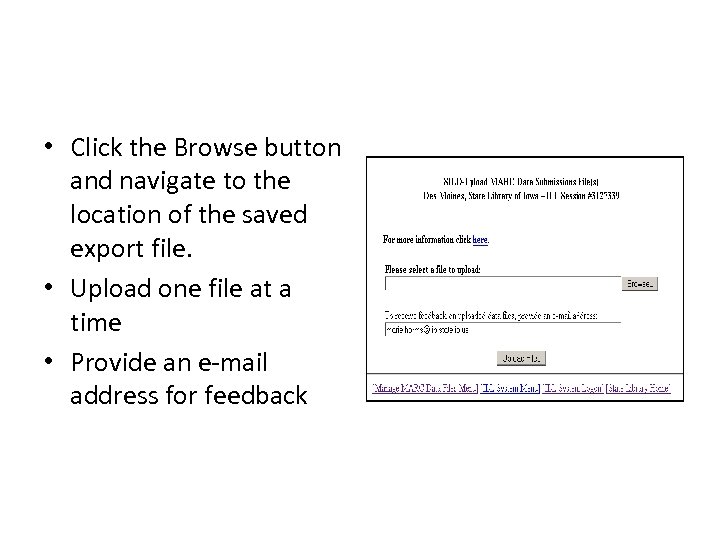
• Click the Browse button and navigate to the location of the saved export file. • Upload one file at a time • Provide an e-mail address for feedback
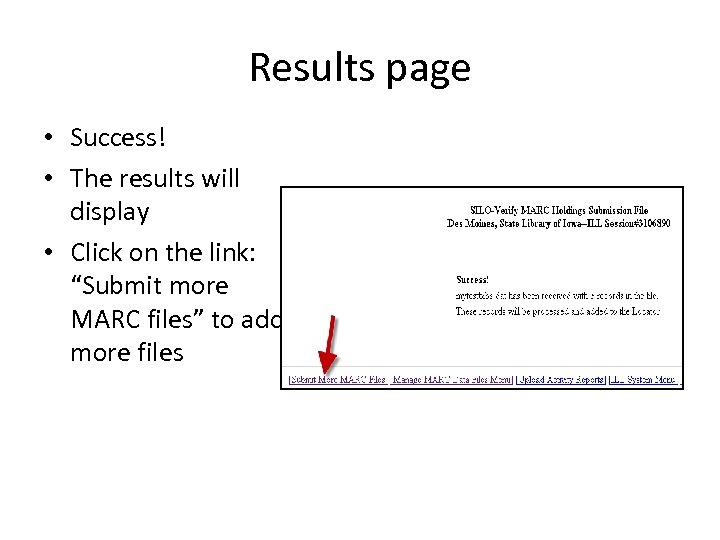
Results page • Success! • The results will display • Click on the link: “Submit more MARC files” to add more files
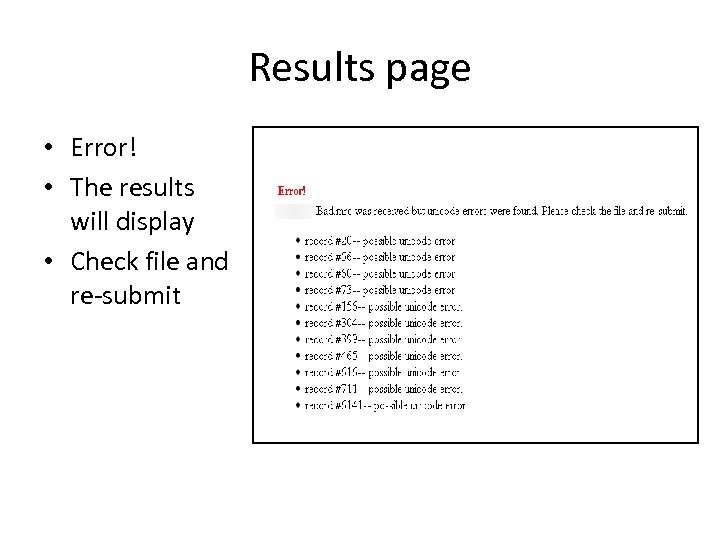
Results page • Error! • The results will display • Check file and re-submit
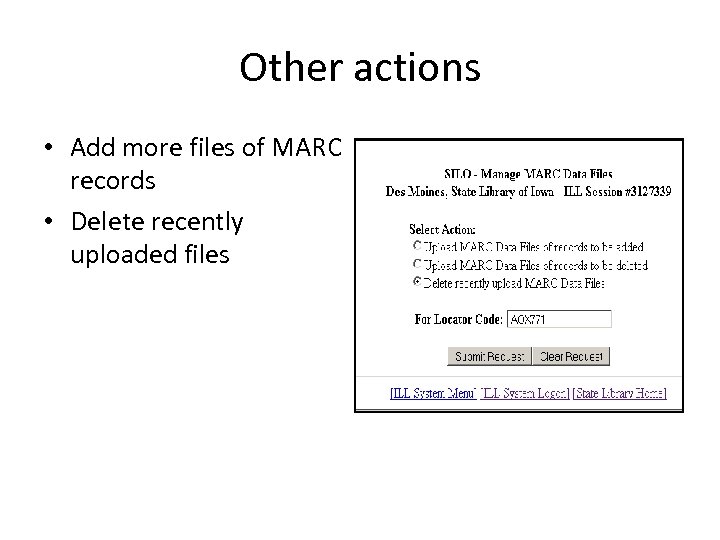
Other actions • Add more files of MARC records • Delete recently uploaded files
Records are processed • Files of records are processed the next weekday • Look for your records/holdings the next day after the upload
Records are processed • Each record is checked against the Locator MARC Record Standards • Records not meeting the standards are rejected • Records meeting the standards are added to the Locator
Records are added to the Locator • Holding codes are added to existing records • New records with holding code are added if no existing record is found
Feedback • This system offers the option of receiving an email report on the records submitted for inclusion in the Locator. The report includes: – the number of records loaded – the number of records rejected – detailed feedback for each rejected record
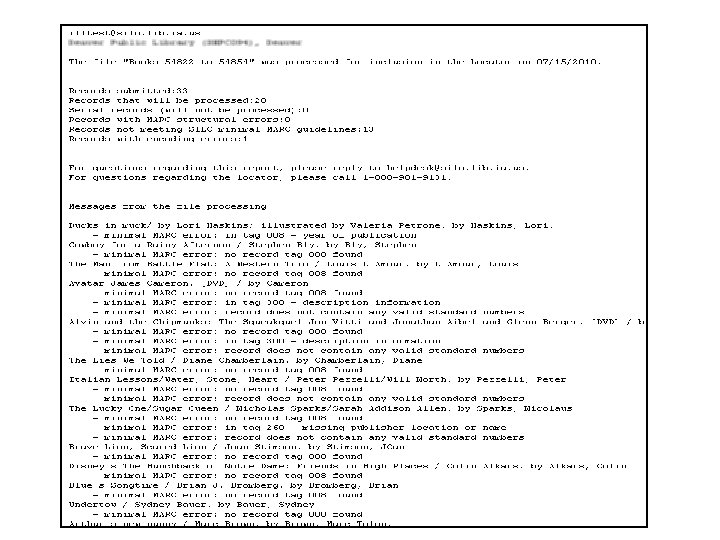
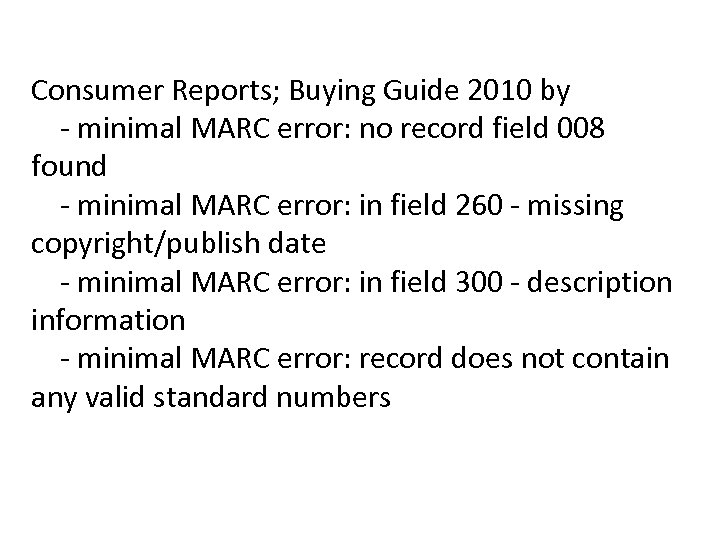
Consumer Reports; Buying Guide 2010 by - minimal MARC error: no record field 008 found - minimal MARC error: in field 260 - missing copyright/publish date - minimal MARC error: in field 300 - description information - minimal MARC error: record does not contain any valid standard numbers
Error Messages Decoded • The following error messages appear on individual MARC records in the Feedback List. A cataloger can use these messages to understand, generally, the quality of MARC records submitted.
Error in leader • The leader is the first 24 characters of a record. Each position has assigned meaning, but much of the information in the leader is for computer use. Locator processing checks each position and issues error messages for seven elements: • record status • record type • bib level • indicator count • subfield count
Errors in Directory MARC length error Incorrect entry map MARC encoding error MARC structure error Usually means the MARC record has been corrupted during a conversion, or it is simple file corruption. • MARC encoding and structure errors occur when the record is exported in a format other than USMARC or MARC 21. • • •
No field 008 found Error in field 008 – year of publication • The 008 field is referred to as Fixed-Length Data Elements, or Fixed Field Codes. Its 40 characters contain important information, but in abbreviated form. • Locator processing uses information found here to match records when loading records into the Locator and adding holdings to existing records.
Record does not contain any valid standard numbers • Each MARC record must contain at least one standard number. • ISBN Field 020/Subfield a • LCCN - Field 010/Subfield a • OCLC Accession Number - Field 035/Subfield a • ISSN - Field 022/Subfield a • UPC - Field 024/Subfield a/First indicator 1 • Publisher Number - Field 028/Subfield a
Error in field 260 - Missing publisher location or name Error in field 260 - Missing copyright/publish date • Locator processing looks for data in subfield a and b (place of publication and name of publisher), and subfield c (date of publication) • Uses this data, in conjunction with a standard number, when searching existing records in the Locator looking for a match.
Error in field 300 – description information • Locator processing looks for data in any subfields of field 300 (Physical description) and uses this data, in conjunction with a standard number, when searching existing records in the Locator looking for a match.
Fixing the records with errors • Fix records in your local cataloging utility • Buy a new MARC record • If a chronic problem: – Examine cataloging practices – Buy better records – Contact automation vendor for better export process
No reminders • The State Library will not issue reminders to libraries to update holdings • It is the responsibility of the library to initiate the upload process • Libraries participating in SILO ILL must submit holdings to the Locator
How often should you send files? • Each library determines this • Frequently enough that the Locator is up-todate • No so frequently that this process becomes a burden • Recommend monthly, or quarterly
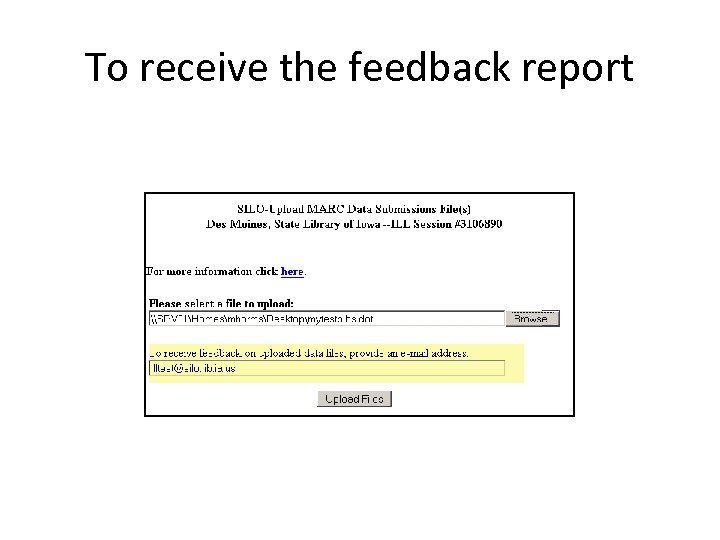
To receive the feedback report

We’re here to help! • • SILO Help Desk phone: 800 -981 -9131 e-mail: helpdesk@silo. lib. ia. us Web form: http: //www. statelibraryofiowa. org/go/helpdesk

We’re here to help! • • • Marie Harms Library Consultant State Library of Iowa 800 -248 -4483 (toll-free) 515 -281 -3464 (desk) 515 -490 -2132 (mobile)
Скачать презентацию SILO File Upload Feedback System By Marie
873413138499f77a832dae95c809cb68.ppt