


 Скачать презентацию Short-Term Memory What is it and why is
823ce07f10034133d867d055dde144a9.ppt
- Количество слайдов: 12
 Short-Term Memory What is it and why is it important to consider when buying a computer? ØWhat amount of RAM is recommended for a new system? Ø
 Ø Ø Ø Holds the data before and after processing Critical for a system to run smoothly and its software to work well RAM size is usually measured in megabytes or gigabytes
 B. K. Williams & S. C. Sawyer, (2007). Using information Technology Ø Ø Ø 128 megabytes for students At least 256 megabytes or possibly 512 megabytes if you want to handle graphics files As memory size required for additional software continues to grow, the library might want to buy for future
 Ø DDR-SDRAM is a more recent development and most often found in personal computers so the staff would probably want to make sure they bought a system with this type of memory
 Michael J. Miller, (Nov. 11, 2004) “Your Next PC. ” PC Magazine Ø Ø Recommends 512 MB of RAM as an inexpensive item that will do more to improve how a computer works than a more powerful processor For games, 1 gigabyte of RAM
 Kristopher Kubicki, . (March 19, 2006) “Vista and the Quest for More Memory. ” Daily Tech. Ø Ø Noticed a drop in price for more RAM every time a new Windows operating system is launched Expects to see 2 gigabytes as the norm for new computer systems
 Jason Cross, (Sept. 13, 2006) “The Best PC for the Money. ” PC Magazine. Ø Ø Recommends 2 gigabytes of memory with newer operating systems, especially Vista You could get by with 1 but price makes this too good a bargain to pass up, especially with whatever technology comes next
 Russell Hitchcock. (July 17, 2007) "Memory and Storage: Part 2. “ Windows. Networking. com Ø Ø Discuss newer type of chip called Magneto-resistive Random Access Memory , or MRAM, which uses magnetic storage Expensive and not readily available
 Schenone, Ron. (March 29, 2007) “Vista – How Much Ram Is Really Enough? ” The Blade by Ron Schenone, MVP. Ø Ø Ø Microsoft always low-balls the amount of RAM needed Found Microsoft XP ran fine with 1 gigabyte of RAM Vista ran faster and smoother with 2 gigabytes. No noticeable difference with 4 gigabytes
 Jeff Tyson and Dave Coustan, (2008). “How RAM Works, ” How Stuff Works. Ø Ø RAM needs depend on system you are running Microsoft recommends 128 megabytes with Windows XP, 256 megabytes for optimal performance
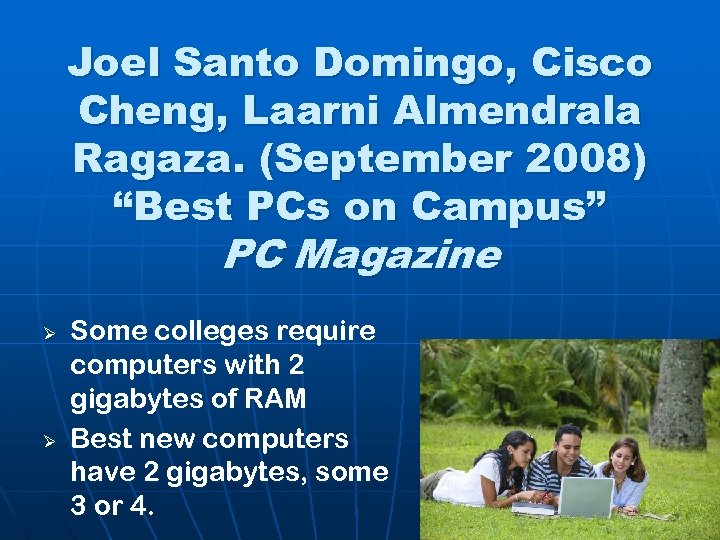 Joel Santo Domingo, Cisco Cheng, Laarni Almendrala Ragaza. (September 2008) “Best PCs on Campus” PC Magazine Ø Ø Some colleges require computers with 2 gigabytes of RAM Best new computers have 2 gigabytes, some 3 or 4.
 Summary Ø Ø Ø While books may provide a good introduction to what you might need for purchasing, technology changing so rapidly that information quickly obsolete Online articles and blogs and even print magazines seem a better source for the latest recommendations Standard now seems to be at least 1 or 2 gigabytes, but probably won’t be long before 3 or 4 is the norm