 Скачать презентацию Shell Programming Guntis Bārzdiņš Ģirts Folkmanis Normunds Grūzītis
5a7b2eb4ac1ad2ca5a95ffbb9a0c5232.ppt
- Количество слайдов: 93



Shell Programming Guntis Bārzdiņš Ģirts Folkmanis Normunds Grūzītis
Lecture outline w Shell features w Helper utilities: introduction w Connecting utilities with shell scripting w Helper utilities in detail w Piping, advanced examples w Shell scripts as files, programming constructs
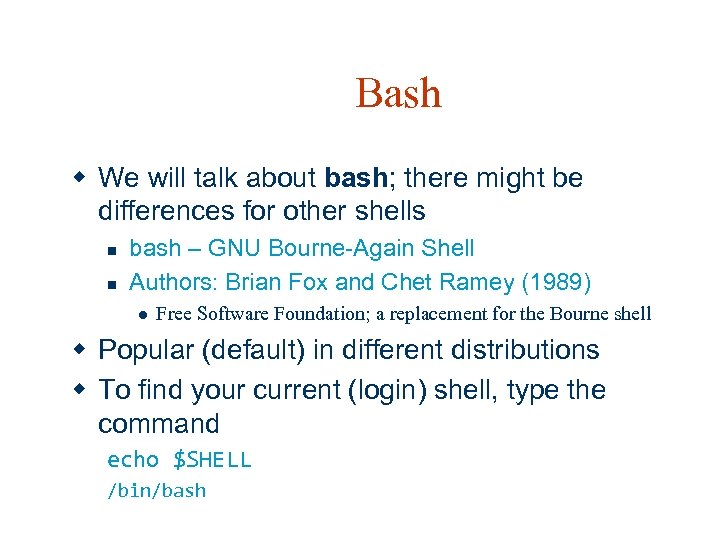
Bash w We will talk about bash; there might be differences for other shells n n bash – GNU Bourne-Again Shell Authors: Brian Fox and Chet Ramey (1989) l Free Software Foundation; a replacement for the Bourne shell w Popular (default) in different distributions w To find your current (login) shell, type the command echo $SHELL /bin/bash
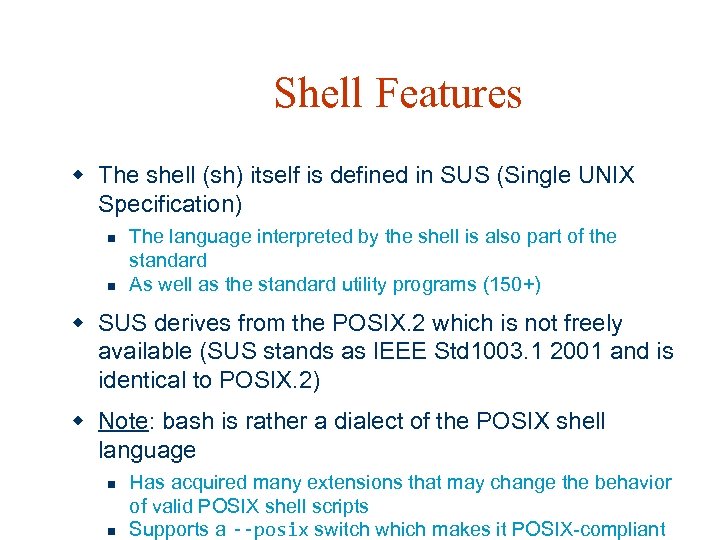
Shell Features w The shell (sh) itself is defined in SUS (Single UNIX Specification) n n The language interpreted by the shell is also part of the standard As well as the standard utility programs (150+) w SUS derives from the POSIX. 2 which is not freely available (SUS stands as IEEE Std 1003. 1 2001 and is identical to POSIX. 2) w Note: bash is rather a dialect of the POSIX shell language n n Has acquired many extensions that may change the behavior of valid POSIX shell scripts Supports a --posix switch which makes it POSIX-compliant
Shell features w Two types of usage: n n Command line - interactive Shell script, usually non-interactive w Shell scripts: "Shell Script is series of commands written in plain text file. Shell script is just like batch file is MS-DOS but have more power than the MS -DOS batch file. "
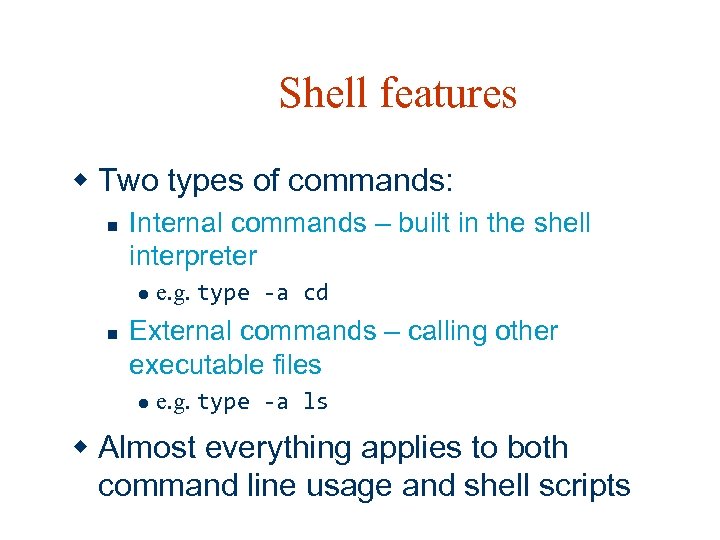
Shell features w Two types of commands: n Internal commands – built in the shell interpreter l n e. g. type -a cd External commands – calling other executable files l e. g. type -a ls w Almost everything applies to both command line usage and shell scripts
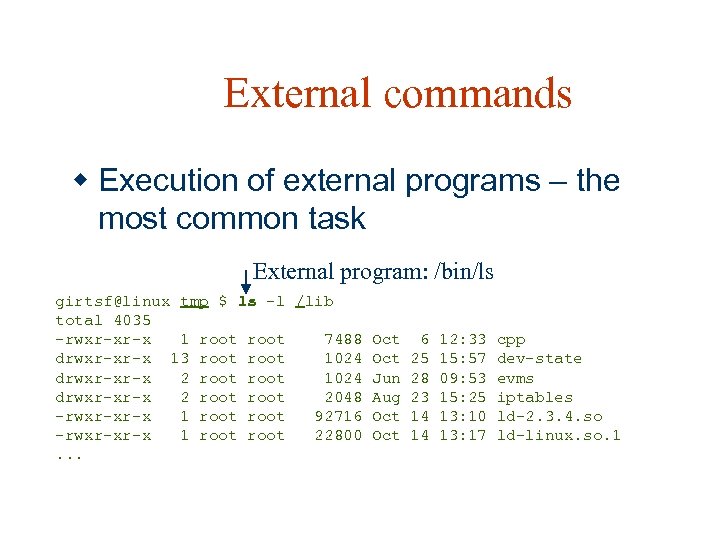
External commands w Execution of external programs – the most common task External program: /bin/ls girtsf@linux tmp $ ls -l /lib total 4035 -rwxr-xr-x 1 root 7488 drwxr-xr-x 13 root 1024 drwxr-xr-x 2 root 2048 -rwxr-xr-x 1 root 92716 -rwxr-xr-x 1 root 22800. . . Oct Jun Aug Oct 6 25 28 23 14 14 12: 33 15: 57 09: 53 15: 25 13: 10 13: 17 cpp dev-state evms iptables ld-2. 3. 4. so ld-linux. so. 1
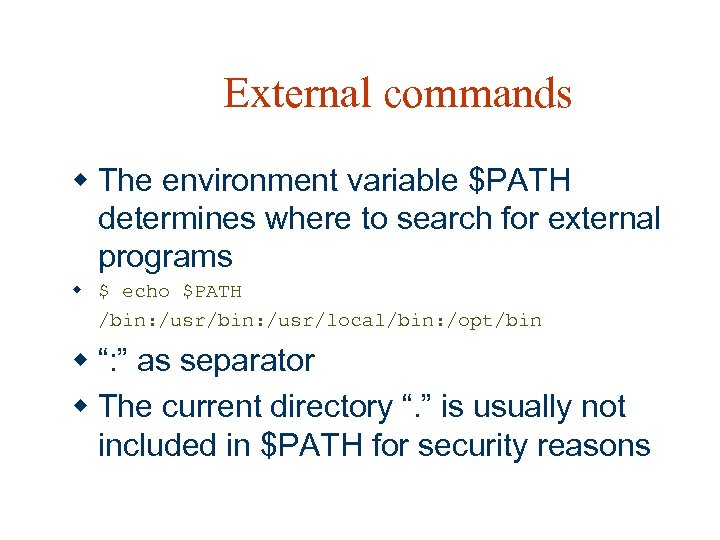
External commands w The environment variable $PATH determines where to search for external programs w $ echo $PATH /bin: /usr/local/bin: /opt/bin w “: ” as separator w The current directory “. ” is usually not included in $PATH for security reasons
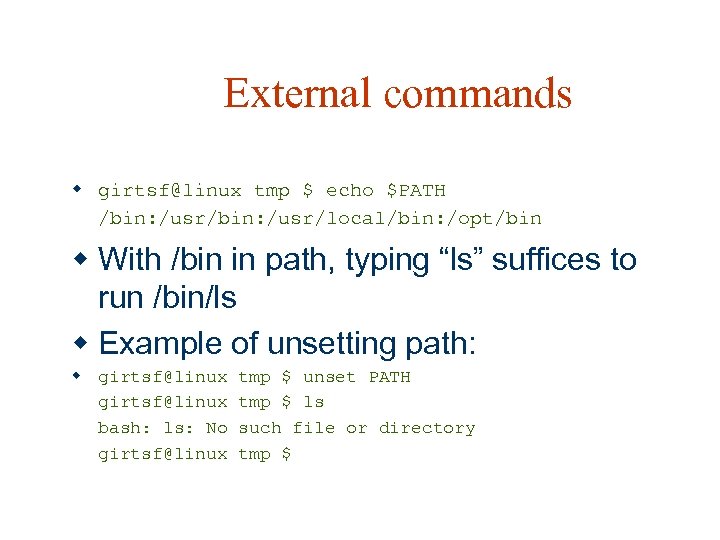
External commands w girtsf@linux tmp $ echo $PATH /bin: /usr/local/bin: /opt/bin w With /bin in path, typing “ls” suffices to run /bin/ls w Example of unsetting path: w girtsf@linux bash: ls: No girtsf@linux tmp $ unset PATH tmp $ ls such file or directory tmp $
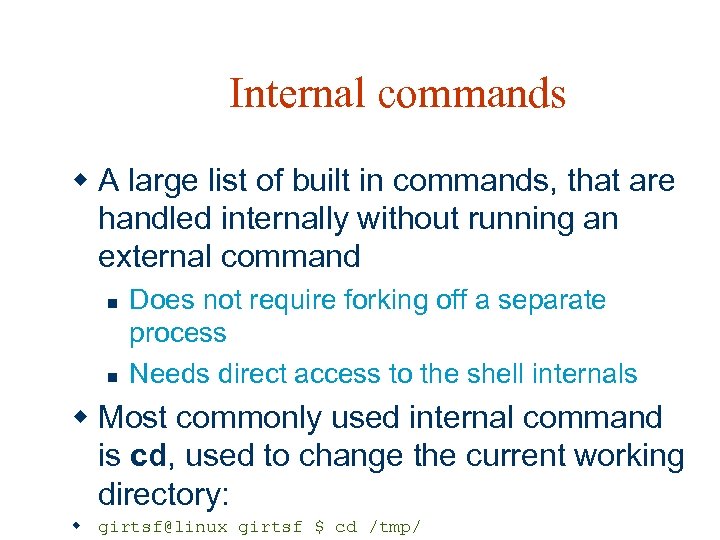
Internal commands w A large list of built in commands, that are handled internally without running an external command n n Does not require forking off a separate process Needs direct access to the shell internals w Most commonly used internal command is cd, used to change the current working directory: w girtsf@linux girtsf $ cd /tmp/
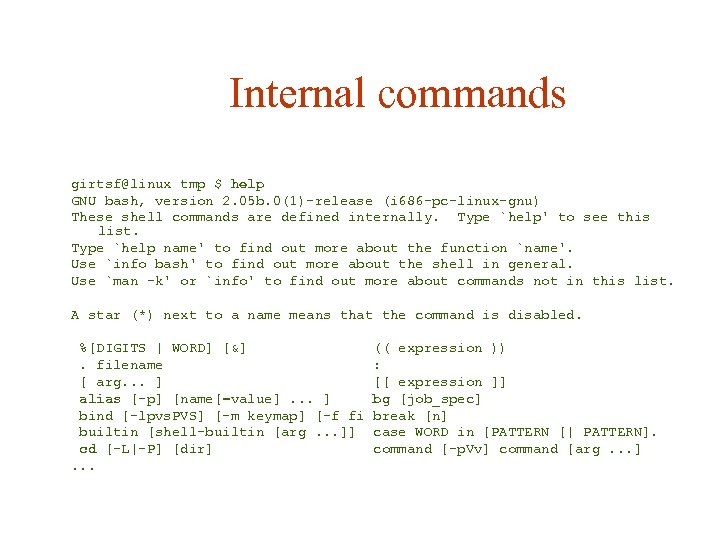
Internal commands girtsf@linux tmp $ help GNU bash, version 2. 05 b. 0(1)-release (i 686 -pc-linux-gnu) These shell commands are defined internally. Type `help' to see this list. Type `help name' to find out more about the function `name'. Use `info bash' to find out more about the shell in general. Use `man -k' or `info' to find out more about commands not in this list. A star (*) next to a name means that the command is disabled. %[DIGITS | WORD] [&]. filename [ arg. . . ] alias [-p] [name[=value]. . . ] bind [-lpvs. PVS] [-m keymap] [-f fi builtin [shell-builtin [arg. . . ]] cd [-L|-P] [dir]. . . (( expression )) : [[ expression ]] bg [job_spec] break [n] case WORD in [PATTERN [| PATTERN]. command [-p. Vv] command [arg. . . ]
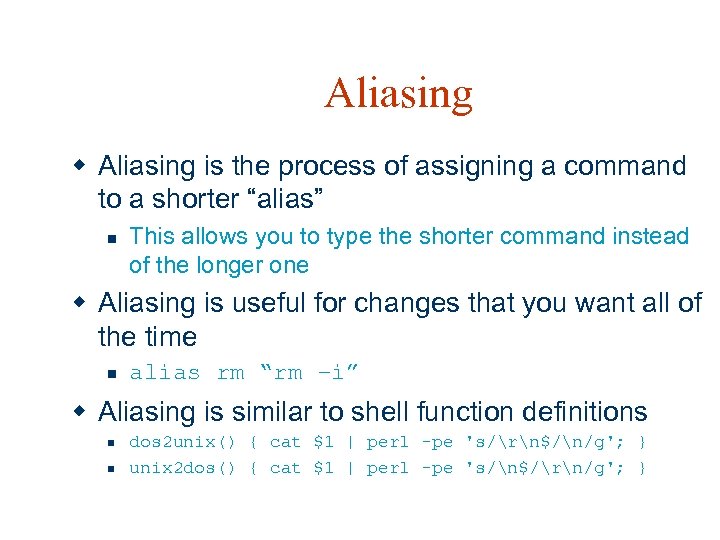
Aliasing w Aliasing is the process of assigning a command to a shorter “alias” n This allows you to type the shorter command instead of the longer one w Aliasing is useful for changes that you want all of the time n alias rm “rm –i” w Aliasing is similar to shell function definitions n n dos 2 unix() { cat $1 | perl -pe 's/rn$/n/g'; } unix 2 dos() { cat $1 | perl -pe 's/n$/rn/g'; }
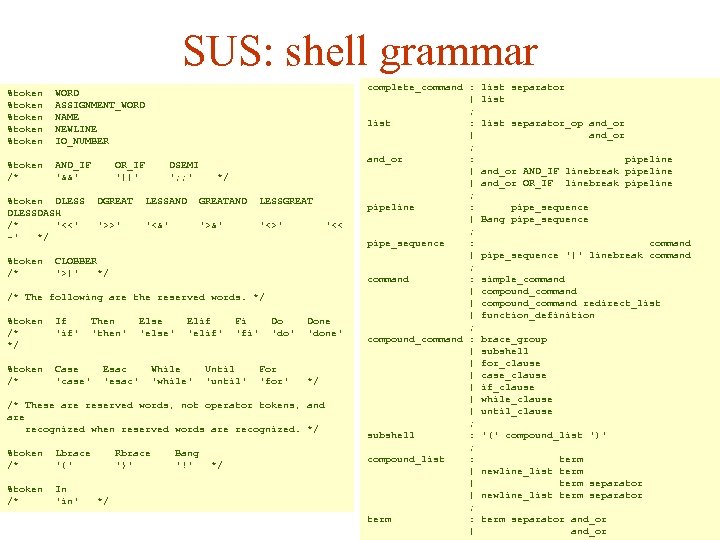
SUS: shell grammar %token %token WORD ASSIGNMENT_WORD NAME NEWLINE IO_NUMBER %token /* AND_IF '&&' %token DLESSDASH /* '<<' -' */ OR_IF '||' %token /* DSEMI '; ; ' */ DGREAT LESSAND GREATAND LESSGREAT '>>' '<&' '>&' '<>' '<< CLOBBER '>|' */ /* The following are the reserved words. */ %token /* */ If 'if' %token /* Case 'case' Then 'then' Else 'else' Esac 'esac' Elif 'elif' While 'while' Fi 'fi' Until 'until' Do 'do' For 'for' Done 'done' */ /* These are reserved words, not operator tokens, and are recognized when reserved words are recognized. */ %token /* Lbrace '{' %token /* In 'in' Rbrace '}' */ Bang '!' */ complete_command : | ; list : | ; and_or : | | ; pipeline : | ; pipe_sequence : | ; command : | | | ; compound_command : | | | ; subshell : ; compound_list : | | | ; term : | list separator_op and_or pipeline and_or AND_IF linebreak pipeline and_or OR_IF linebreak pipeline pipe_sequence Bang pipe_sequence command pipe_sequence '|' linebreak command simple_command compound_command redirect_list function_definition brace_group subshell for_clause case_clause if_clause while_clause until_clause '(' compound_list ')' term newline_list term separator and_or
Helper utilities w Helper utilities – various small external programs that are helpful when working with shell scripts or the command line w Called from shell (scripts or command line) w Somehow transforms input into output, based on the parameters
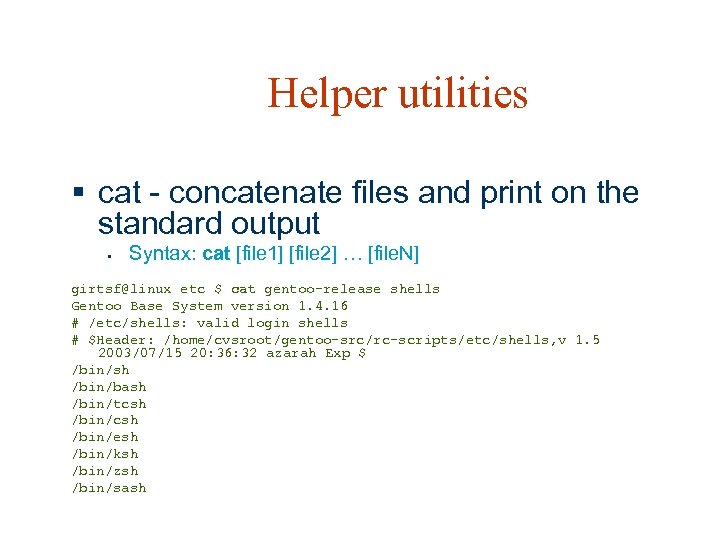
Helper utilities § cat - concatenate files and print on the standard output § Syntax: cat [file 1] [file 2] … [file. N] girtsf@linux etc $ cat gentoo-release shells Gentoo Base System version 1. 4. 16 # /etc/shells: valid login shells # $Header: /home/cvsroot/gentoo-src/rc-scripts/etc/shells, v 1. 5 2003/07/15 20: 36: 32 azarah Exp $ /bin/sh /bin/bash /bin/tcsh /bin/esh /bin/ksh /bin/zsh /bin/sash
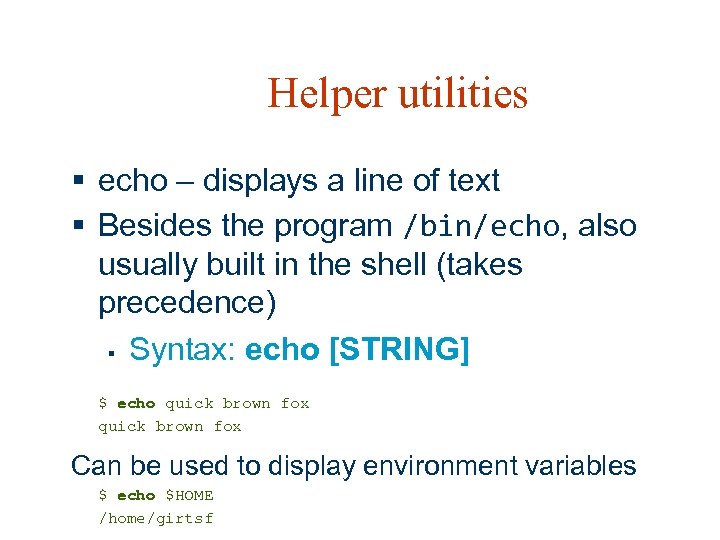
Helper utilities § echo – displays a line of text § Besides the program /bin/echo, also usually built in the shell (takes precedence) § Syntax: echo [STRING] $ echo quick brown fox Can be used to display environment variables $ echo $HOME /home/girtsf
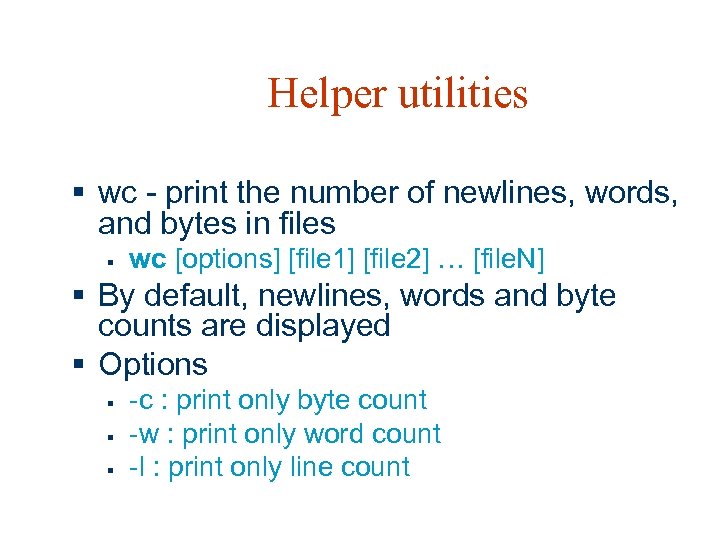
Helper utilities § wc - print the number of newlines, words, and bytes in files § wc [options] [file 1] [file 2] … [file. N] § By default, newlines, words and byte counts are displayed § Options § § § -c : print only byte count -w : print only word count -l : print only line count
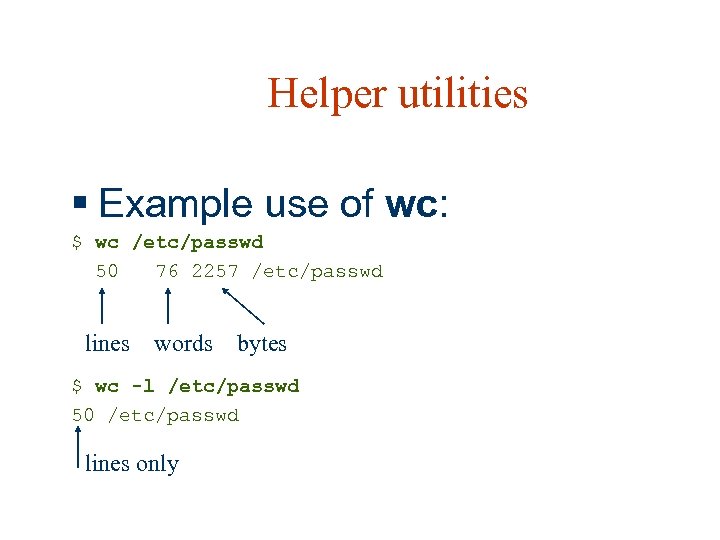
Helper utilities § Example use of wc: $ wc /etc/passwd 50 76 2257 /etc/passwd lines words bytes $ wc -l /etc/passwd 50 /etc/passwd lines only
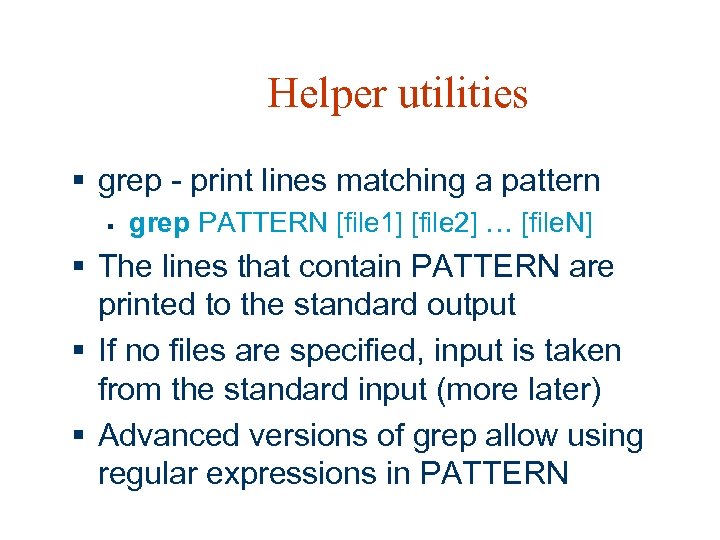
Helper utilities § grep - print lines matching a pattern § grep PATTERN [file 1] [file 2] … [file. N] § The lines that contain PATTERN are printed to the standard output § If no files are specified, input is taken from the standard input (more later) § Advanced versions of grep allow using regular expressions in PATTERN
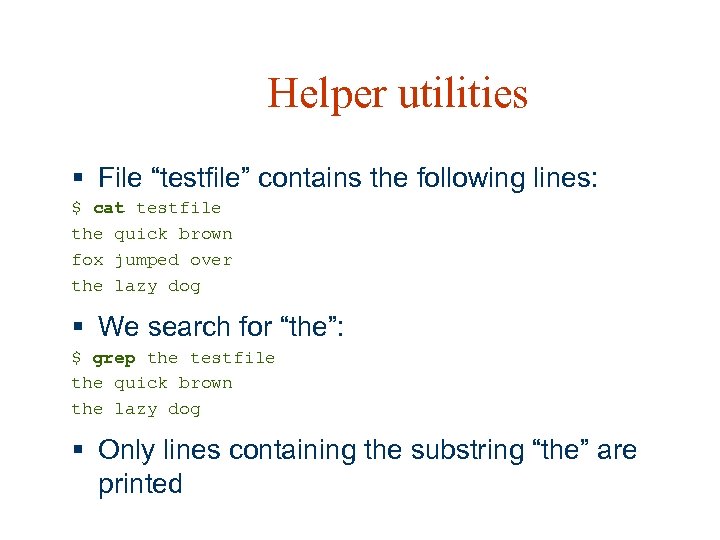
Helper utilities § File “testfile” contains the following lines: $ cat testfile the quick brown fox jumped over the lazy dog § We search for “the”: $ grep the testfile the quick brown the lazy dog § Only lines containing the substring “the” are printed
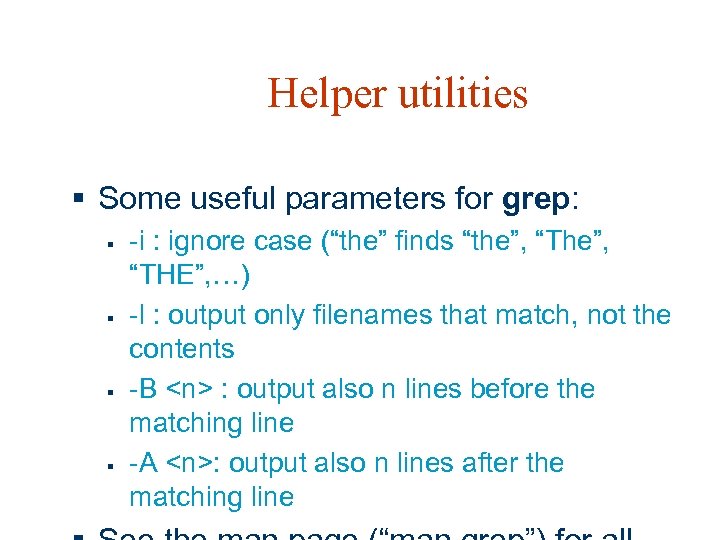
Helper utilities § Some useful parameters for grep: § § -i : ignore case (“the” finds “the”, “The”, “THE”, …) -l : output only filenames that match, not the contents -B <n> : output also n lines before the matching line -A <n>: output also n lines after the matching line
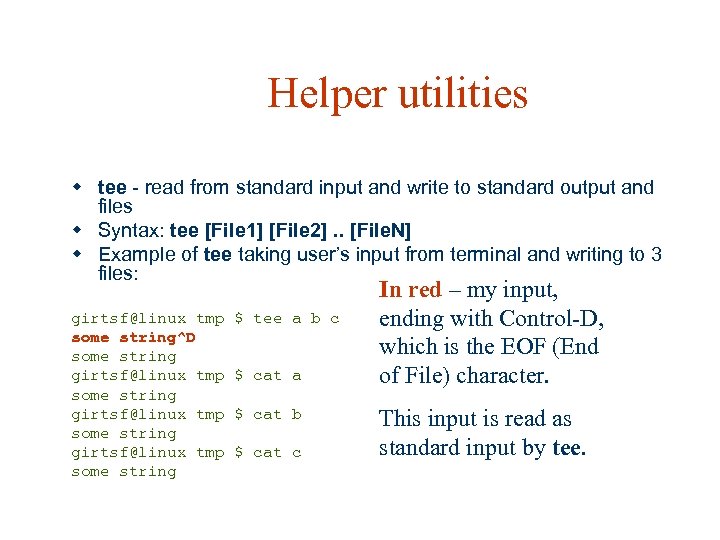
Helper utilities w tee - read from standard input and write to standard output and files w Syntax: tee [File 1] [File 2]. . [File. N] w Example of tee taking user’s input from terminal and writing to 3 files: girtsf@linux tmp some string^D some string girtsf@linux tmp some string $ tee a b c $ cat a $ cat b $ cat c In red – my input, ending with Control-D, which is the EOF (End of File) character. This input is read as standard input by tee.
Helper utilities w Any program can be used as a helper program w More examples later
Connecting utilities with shell scripting w Standard I/O w I/O redirection to/from file w I/O redirection using a pipe w Command substitution
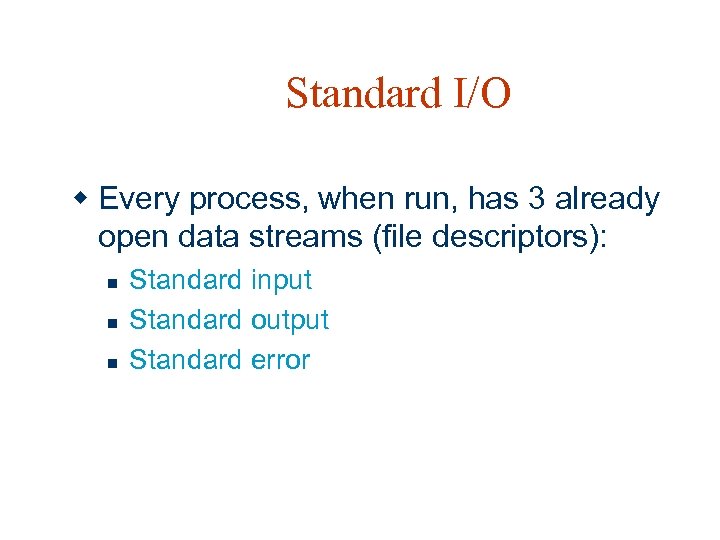
Standard I/O w Every process, when run, has 3 already open data streams (file descriptors): n n n Standard input Standard output Standard error
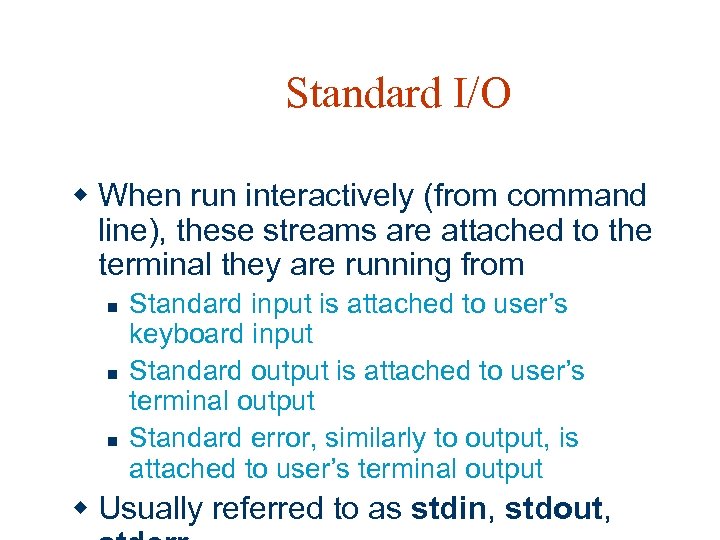
Standard I/O w When run interactively (from command line), these streams are attached to the terminal they are running from n n n Standard input is attached to user’s keyboard input Standard output is attached to user’s terminal output Standard error, similarly to output, is attached to user’s terminal output w Usually referred to as stdin, stdout,
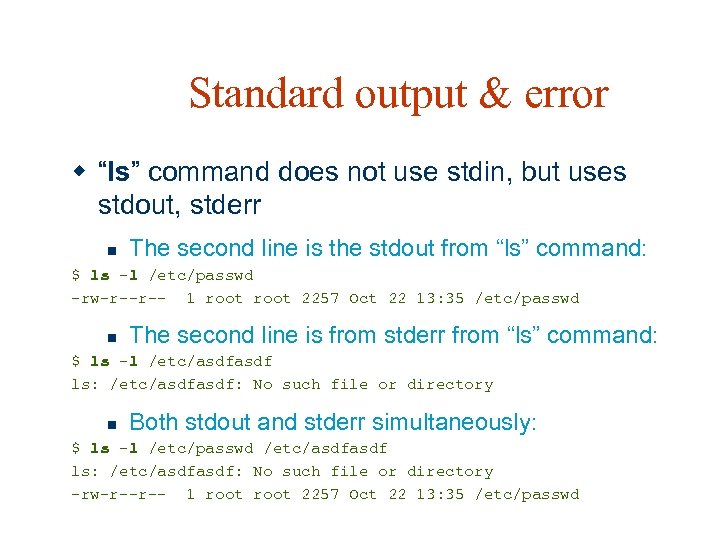
Standard output & error w “ls” command does not use stdin, but uses stdout, stderr n The second line is the stdout from “ls” command: $ ls -l /etc/passwd -rw-r--r-- 1 root 2257 Oct 22 13: 35 /etc/passwd n The second line is from stderr from “ls” command: $ ls -l /etc/asdf ls: /etc/asdf: No such file or directory n Both stdout and stderr simultaneously: $ ls -l /etc/passwd /etc/asdf ls: /etc/asdf: No such file or directory -rw-r--r-- 1 root 2257 Oct 22 13: 35 /etc/passwd
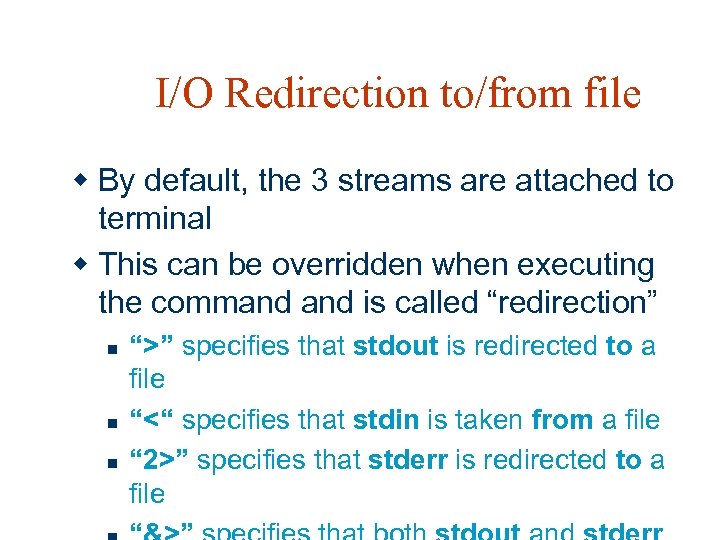
I/O Redirection to/from file w By default, the 3 streams are attached to terminal w This can be overridden when executing the command is called “redirection” n n n “>” specifies that stdout is redirected to a file “<“ specifies that stdin is taken from a file “ 2>” specifies that stderr is redirected to a file
![I/O Redirection to/from file w Syntax: n <cmd> [ > <file 1>] [ <](https://present5.com/presentation/5a7b2eb4ac1ad2ca5a95ffbb9a0c5232/image-29.jpg "I/O Redirection to/from file w Syntax: n <cmd> [ > <file 1>] [ <")
I/O Redirection to/from file w Syntax: n <cmd> [ > <file 1>] [ < <file 2> ] [ 2> <file 3> ] w For redirections that are specified, the respective stream will be attached to the specified file n None, two or all three types can be specified w If output file exists: n > - replace the file
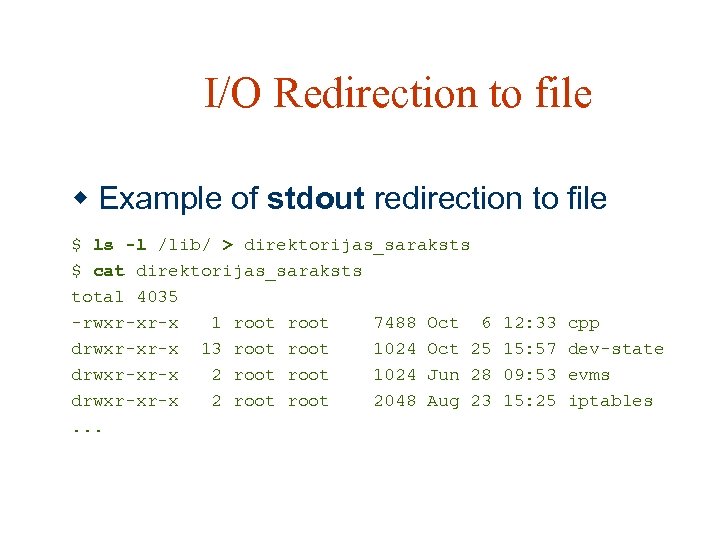
I/O Redirection to file w Example of stdout redirection to file $ ls -l /lib/ > direktorijas_saraksts $ cat direktorijas_saraksts total 4035 -rwxr-xr-x 1 root 7488 Oct 6 drwxr-xr-x 13 root 1024 Oct 25 drwxr-xr-x 2 root 1024 Jun 28 drwxr-xr-x 2 root 2048 Aug 23. . . 12: 33 15: 57 09: 53 15: 25 cpp dev-state evms iptables
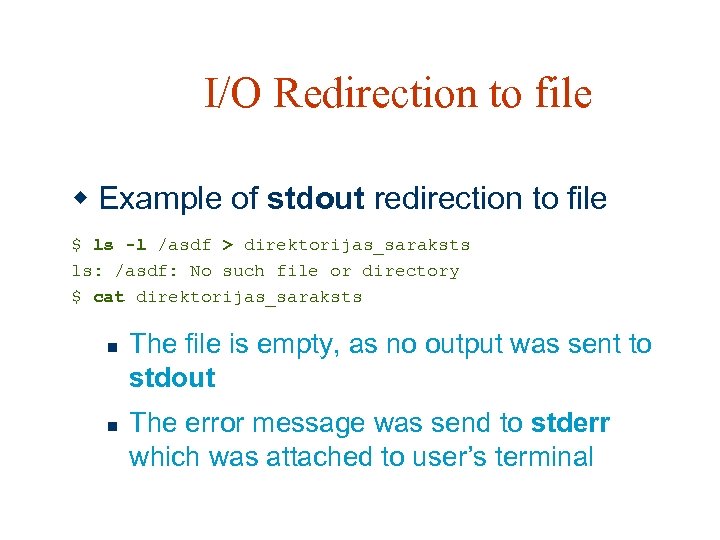
I/O Redirection to file w Example of stdout redirection to file $ ls -l /asdf > direktorijas_saraksts ls: /asdf: No such file or directory $ cat direktorijas_saraksts n n The file is empty, as no output was sent to stdout The error message was send to stderr which was attached to user’s terminal
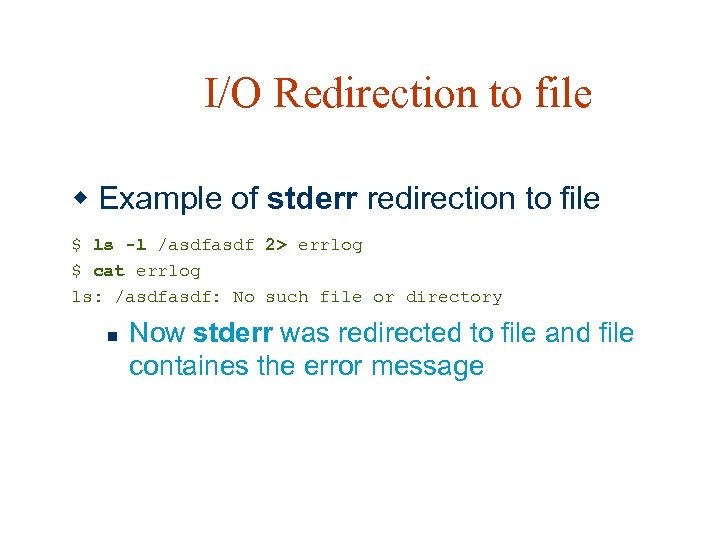
I/O Redirection to file w Example of stderr redirection to file $ ls -l /asdf 2> errlog $ cat errlog ls: /asdf: No such file or directory n Now stderr was redirected to file and file containes the error message
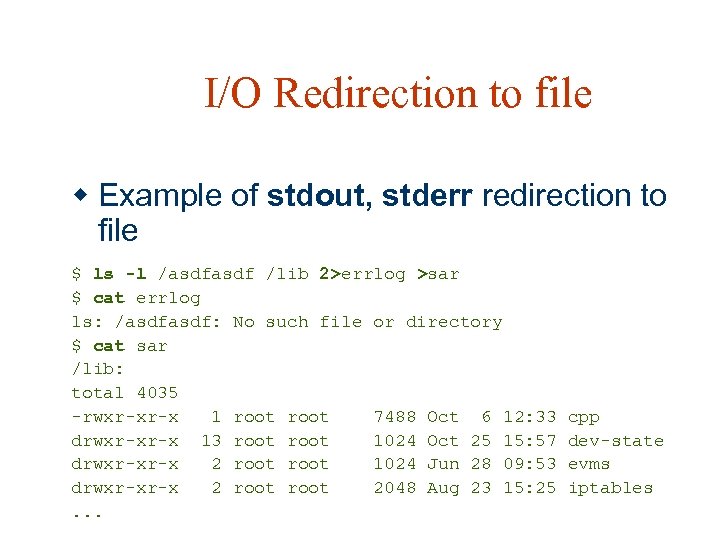
I/O Redirection to file w Example of stdout, stderr redirection to file $ ls -l /asdf /lib 2>errlog >sar $ cat errlog ls: /asdf: No such file or directory $ cat sar /lib: total 4035 -rwxr-xr-x 1 root 7488 Oct 6 12: 33 drwxr-xr-x 13 root 1024 Oct 25 15: 57 drwxr-xr-x 2 root 1024 Jun 28 09: 53 drwxr-xr-x 2 root 2048 Aug 23 15: 25. . . cpp dev-state evms iptables
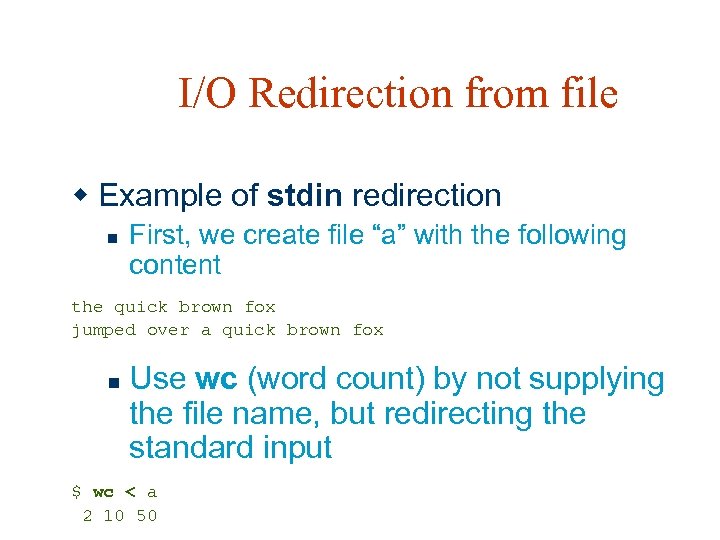
I/O Redirection from file w Example of stdin redirection n First, we create file “a” with the following content the quick brown fox jumped over a quick brown fox n Use wc (word count) by not supplying the file name, but redirecting the standard input $ wc < a 2 10 50
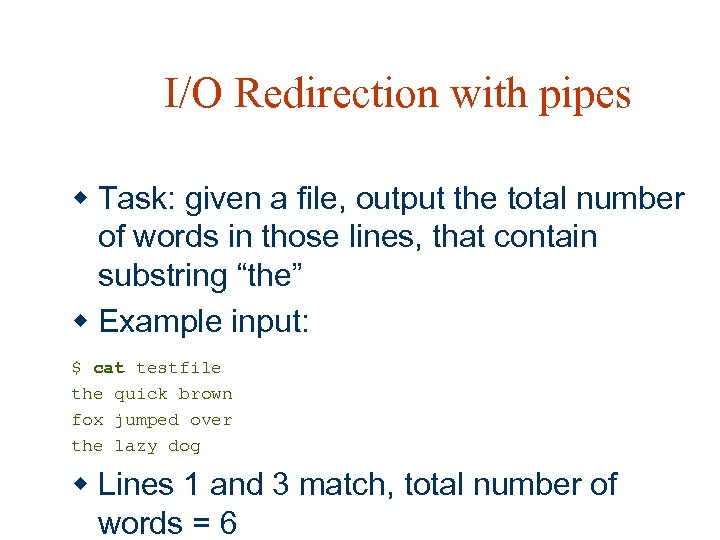
I/O Redirection with pipes w Task: given a file, output the total number of words in those lines, that contain substring “the” w Example input: $ cat testfile the quick brown fox jumped over the lazy dog w Lines 1 and 3 match, total number of words = 6
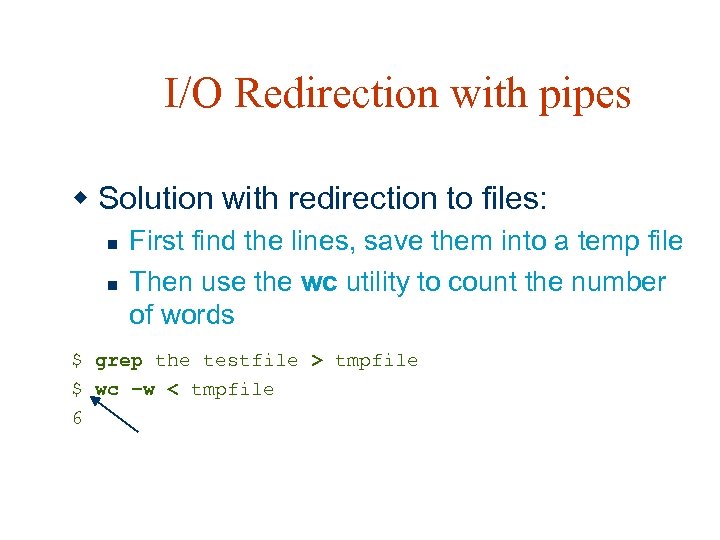
I/O Redirection with pipes w Solution with redirection to files: n n First find the lines, save them into a temp file Then use the wc utility to count the number of words $ grep the testfile > tmpfile $ wc –w < tmpfile 6
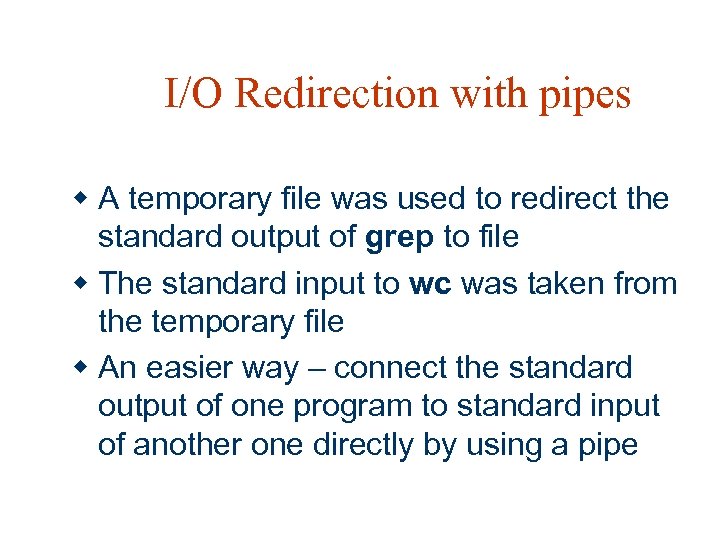
I/O Redirection with pipes w A temporary file was used to redirect the standard output of grep to file w The standard input to wc was taken from the temporary file w An easier way – connect the standard output of one program to standard input of another one directly by using a pipe
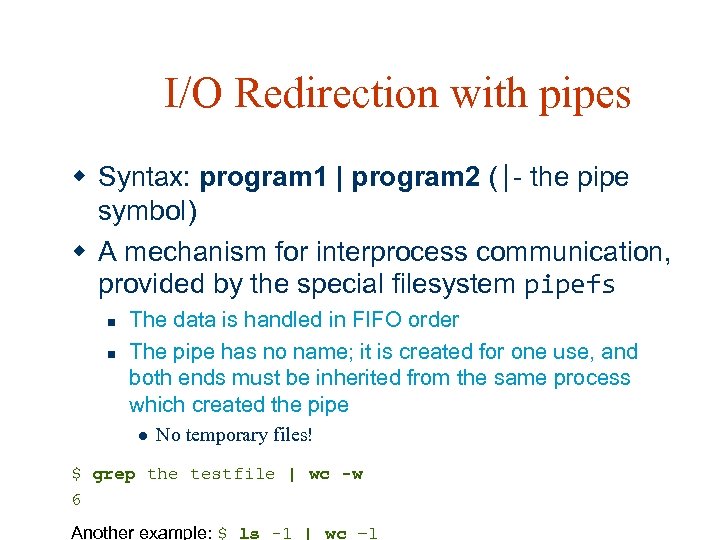
I/O Redirection with pipes w Syntax: program 1 | program 2 (|- the pipe symbol) w A mechanism for interprocess communication, provided by the special filesystem pipefs n n The data is handled in FIFO order The pipe has no name; it is created for one use, and both ends must be inherited from the same process which created the pipe l No temporary files! $ grep the testfile | wc -w 6 Another example: $ ls -1 | wc –l
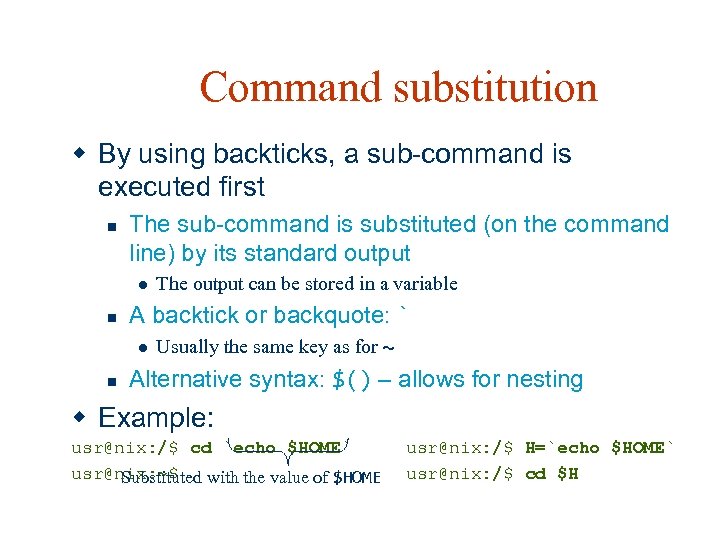
Command substitution w By using backticks, a sub-command is executed first n The sub-command is substituted (on the command line) by its standard output l n A backtick or backquote: ` l n The output can be stored in a variable Usually the same key as for ~ Alternative syntax: $() – allows for nesting w Example: usr@nix: /$ cd `echo $HOME` usr@nix: ~$ Substituted with the value of $HOME usr@nix: /$ H=`echo $HOME` usr@nix: /$ cd $H
Helper utilities w We will examine the following utilities: n n n cut sort uniq awk sed
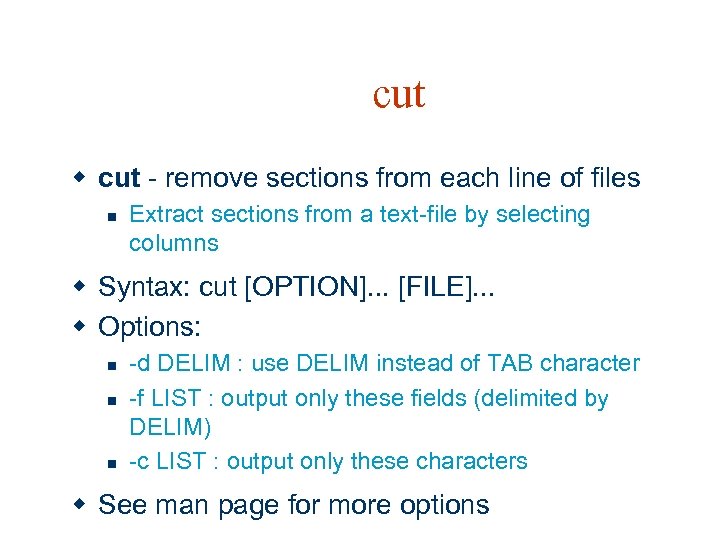
cut w cut - remove sections from each line of files n Extract sections from a text-file by selecting columns w Syntax: cut [OPTION]. . . [FILE]. . . w Options: n n n -d DELIM : use DELIM instead of TAB character -f LIST : output only these fields (delimited by DELIM) -c LIST : output only these characters w See man page for more options
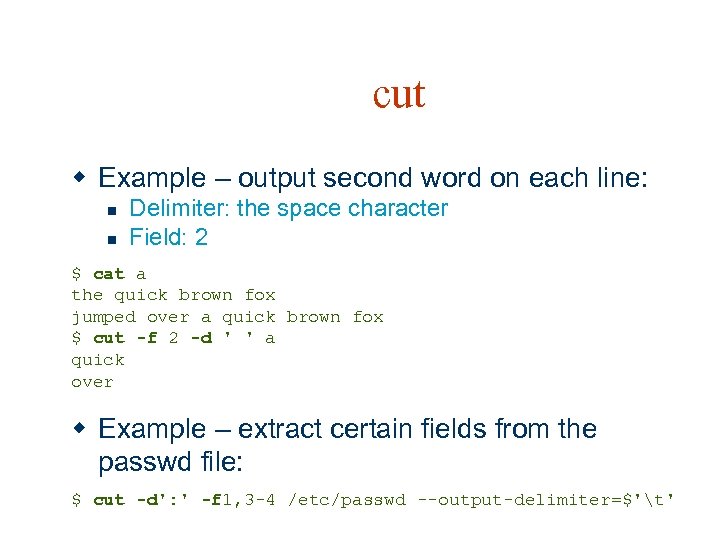
cut w Example – output second word on each line: n n Delimiter: the space character Field: 2 $ cat a the quick brown fox jumped over a quick brown fox $ cut -f 2 -d ' ' a quick over w Example – extract certain fields from the passwd file: $ cut -d': ' -f 1, 3 -4 /etc/passwd --output-delimiter=$'t'
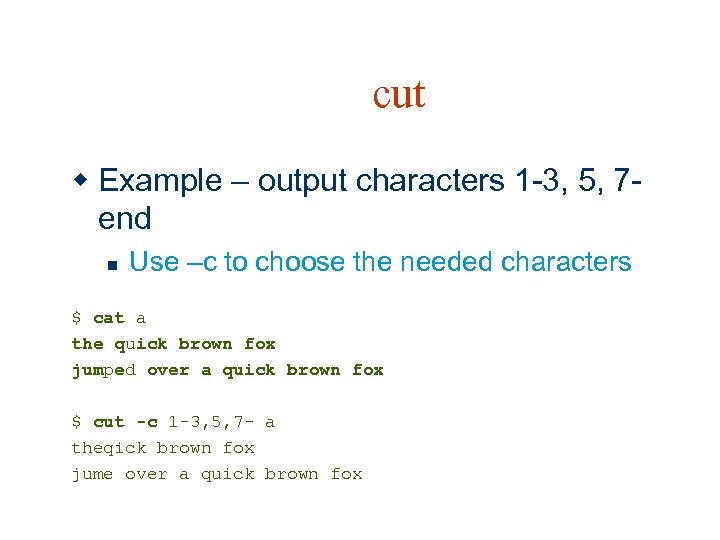
cut w Example – output characters 1 -3, 5, 7 end n Use –c to choose the needed characters $ cat a the quick brown fox jumped over a quick brown fox $ cut -c 1 -3, 5, 7 - a theqick brown fox jume over a quick brown fox
![sort w sort - sort lines of text files n sort [OPTION]. . .](https://present5.com/presentation/5a7b2eb4ac1ad2ca5a95ffbb9a0c5232/image-44.jpg "sort w sort - sort lines of text files n sort [OPTION]. . .")
sort w sort - sort lines of text files n sort [OPTION]. . . [FILE]. . . w Writes sorted concatenation of all FILE(s) to stdout w Interesting options: n n -r : reverse -n : compare according to string numerical value w See man page for more options
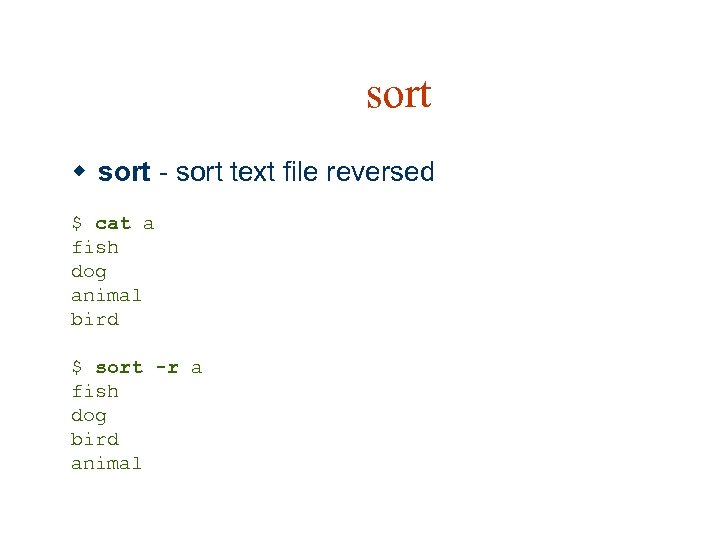
sort w sort - sort text file reversed $ cat a fish dog animal bird $ sort -r a fish dog bird animal
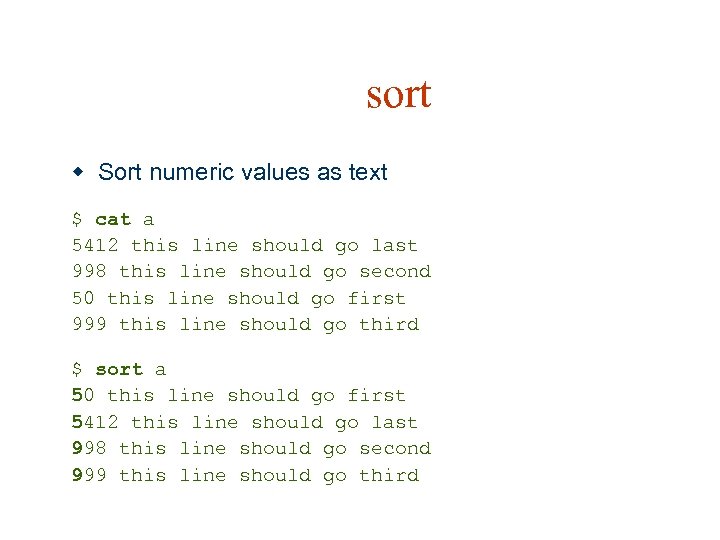
sort w Sort numeric values as text $ cat a 5412 this line should go last 998 this line should go second 50 this line should go first 999 this line should go third $ sort a 50 this line should go first 5412 this line should go last 998 this line should go second 999 this line should go third
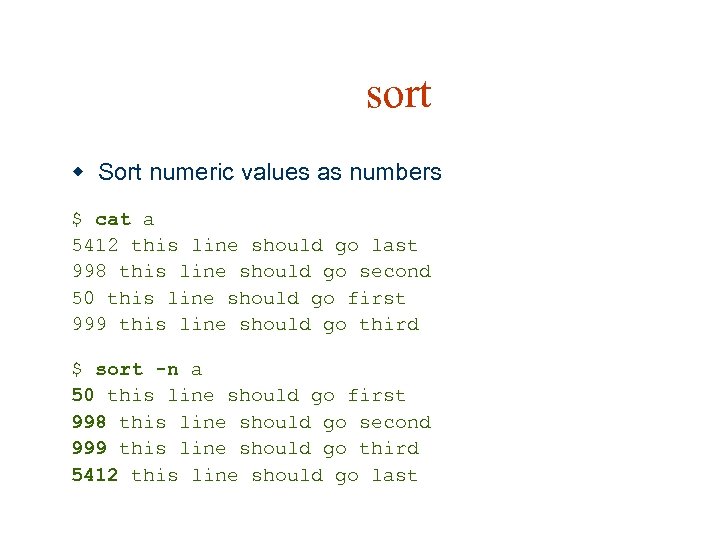
sort w Sort numeric values as numbers $ cat a 5412 this line should go last 998 this line should go second 50 this line should go first 999 this line should go third $ sort -n a 50 this line should go first 998 this line should go second 999 this line should go third 5412 this line should go last
![uniq w uniq - remove duplicate lines from a sorted file n uniq [OPTION].](https://present5.com/presentation/5a7b2eb4ac1ad2ca5a95ffbb9a0c5232/image-48.jpg "uniq w uniq - remove duplicate lines from a sorted file n uniq [OPTION].")
uniq w uniq - remove duplicate lines from a sorted file n uniq [OPTION]. . . [INPUT [OUTPUT]] w Discards all but one of successive identical lines from INPUT (or stdin), writing to OUTPUT (or stdout) w Can be used together with sort, to get file without duplicate lines
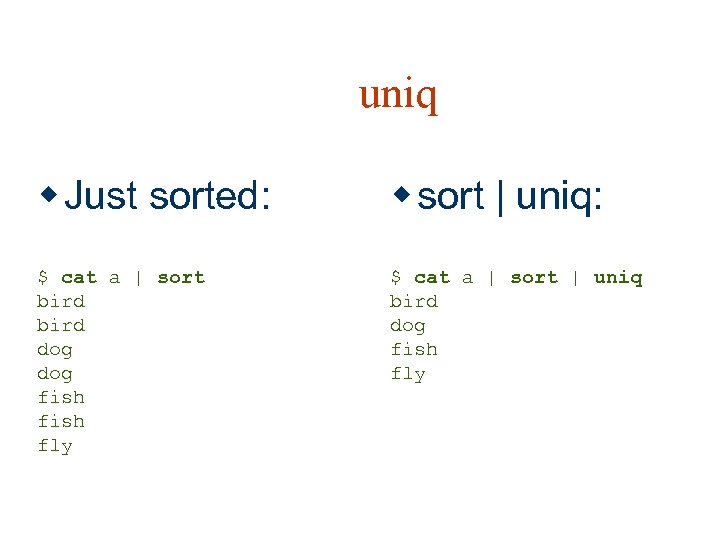
uniq w Just sorted: w sort | uniq: $ cat a | sort bird dog fish fly $ cat a | sort | uniq bird dog fish fly
awk w gawk (GNU awk) - pattern scanning and text processing language n n Gawk is the GNU Project's implementation of the AWK programming language. It conforms to the definition of the language in the POSIX 1003. 2 Command Language And Utilities Standard. This version in turn is based on the description in The AWK Programming Language, by Aho, Kernighan, and Weinberger, with the additional features found in the System V Release 4 version of UNIX awk. Originates from 1970 s
awk w Complete language interpreter n n n Variables User defined functions … w Useful for small one-liners n For processing text files l A file is treated as a sequence of records (lines by default) w An AWK program is a series of pattern-action pairs n A record (line) is scanned for each pattern in the program
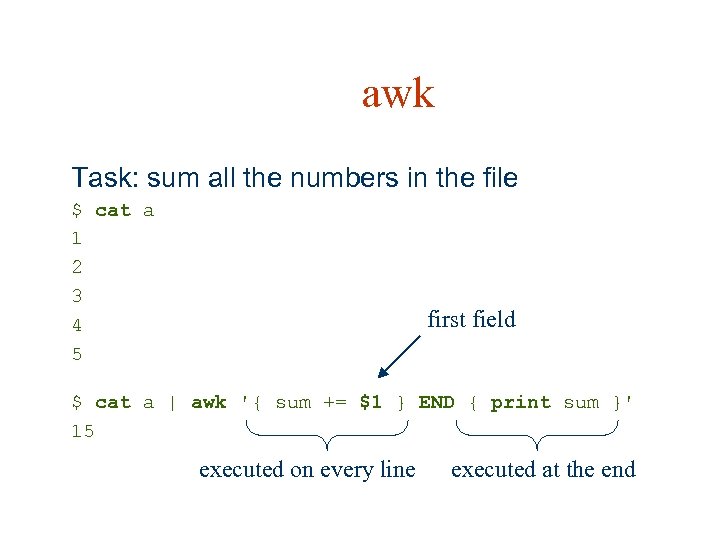
awk Task: sum all the numbers in the file $ cat a 1 2 3 4 5 first field $ cat a | awk '{ sum += $1 } END { print sum }' 15 executed on every line executed at the end
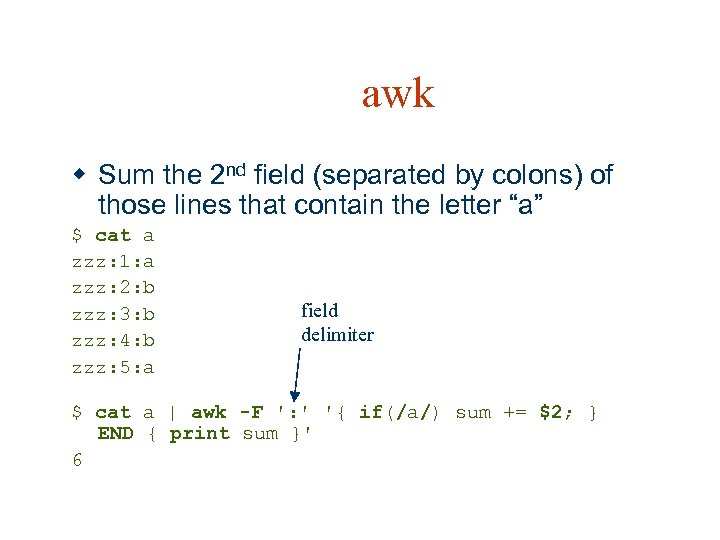
awk w Sum the 2 nd field (separated by colons) of those lines that contain the letter “a” $ cat a zzz: 1: a zzz: 2: b zzz: 3: b zzz: 4: b zzz: 5: a field delimiter $ cat a | awk -F ': ' '{ if(/a/) sum += $2; } END { print sum }' 6
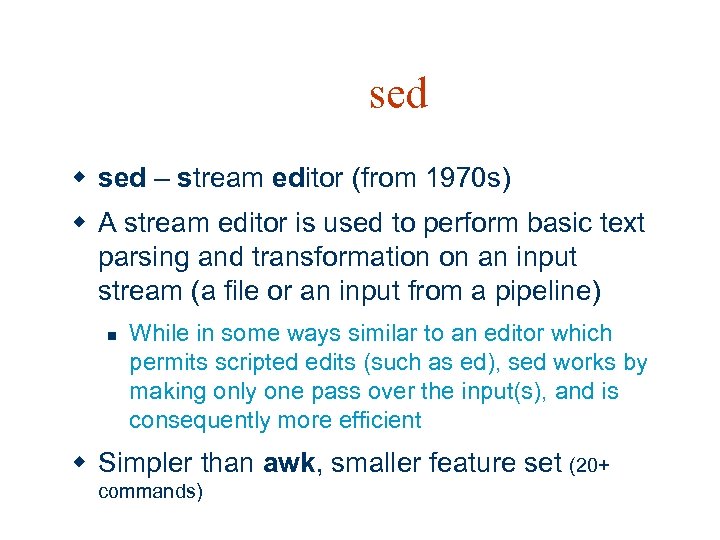
sed w sed – stream editor (from 1970 s) w A stream editor is used to perform basic text parsing and transformation on an input stream (a file or an input from a pipeline) n While in some ways similar to an editor which permits scripted edits (such as ed), sed works by making only one pass over the input(s), and is consequently more efficient w Simpler than awk, smaller feature set (20+ commands)
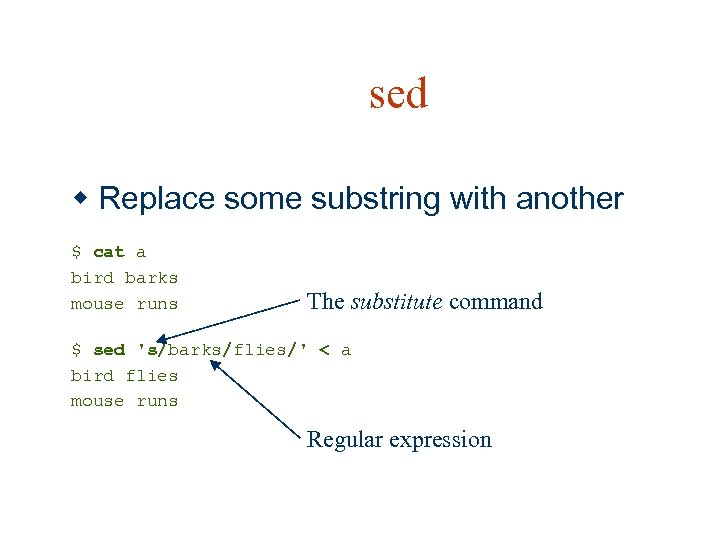
sed w Replace some substring with another $ cat a bird barks mouse runs The substitute command $ sed 's/barks/flies/' < a bird flies mouse runs Regular expression
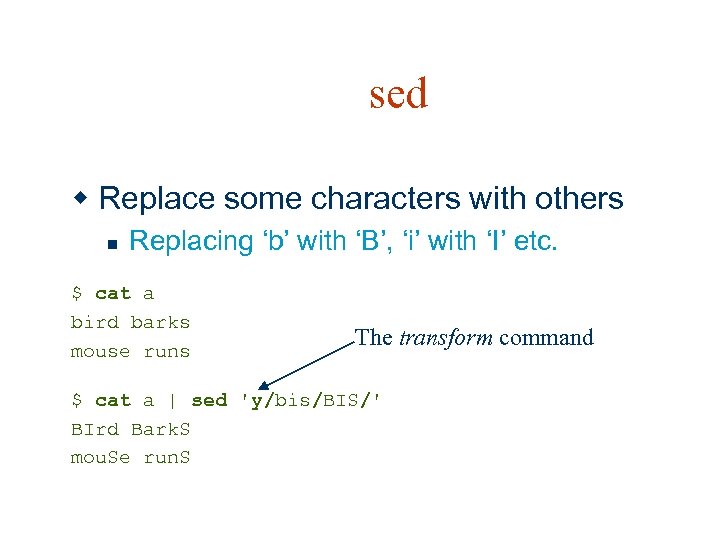
sed w Replace some characters with others n Replacing ‘b’ with ‘B’, ‘i’ with ‘I’ etc. $ cat a bird barks mouse runs The transform command $ cat a | sed 'y/bis/BIS/' BIrd Bark. S mou. Se run. S
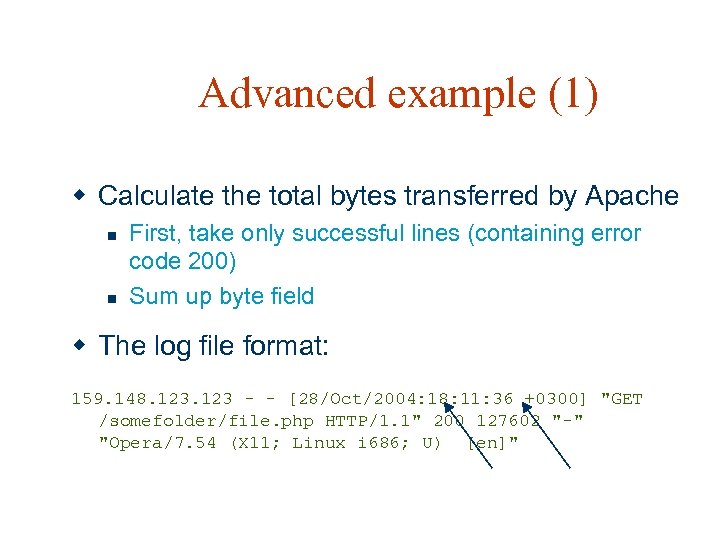
Advanced example (1) w Calculate the total bytes transferred by Apache n n First, take only successful lines (containing error code 200) Sum up byte field w The log file format: 159. 148. 123 - - [28/Oct/2004: 18: 11: 36 +0300] "GET /somefolder/file. php HTTP/1. 1" 200 127602 "-" "Opera/7. 54 (X 11; Linux i 686; U) [en]"
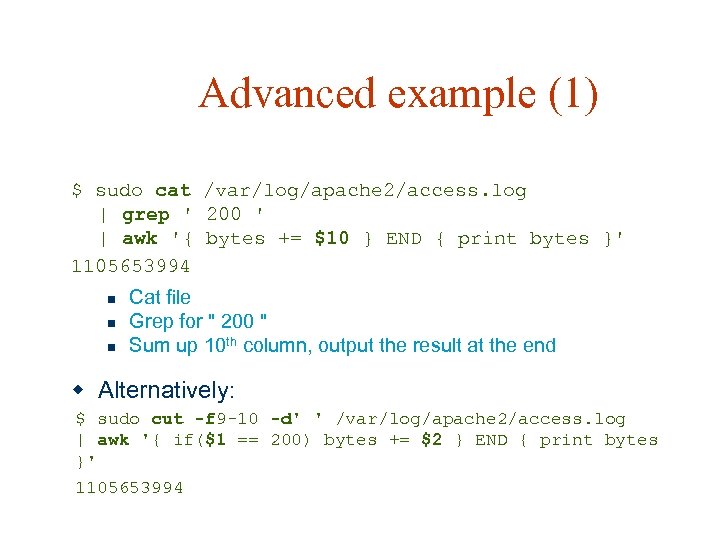
Advanced example (1) $ sudo cat /var/log/apache 2/access. log | grep ' 200 ' | awk '{ bytes += $10 } END { print bytes }' 1105653994 n n n Cat file Grep for " 200 " Sum up 10 th column, output the result at the end w Alternatively: $ sudo cut -f 9 -10 -d' ' /var/log/apache 2/access. log | awk '{ if($1 == 200) bytes += $2 } END { print bytes }' 1105653994
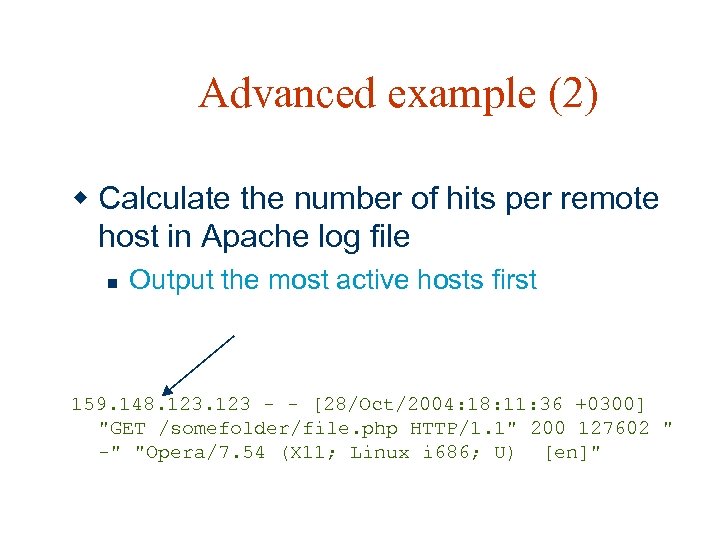
Advanced example (2) w Calculate the number of hits per remote host in Apache log file n Output the most active hosts first 159. 148. 123 - - [28/Oct/2004: 18: 11: 36 +0300] "GET /somefolder/file. php HTTP/1. 1" 200 127602 " -" "Opera/7. 54 (X 11; Linux i 686; U) [en]"
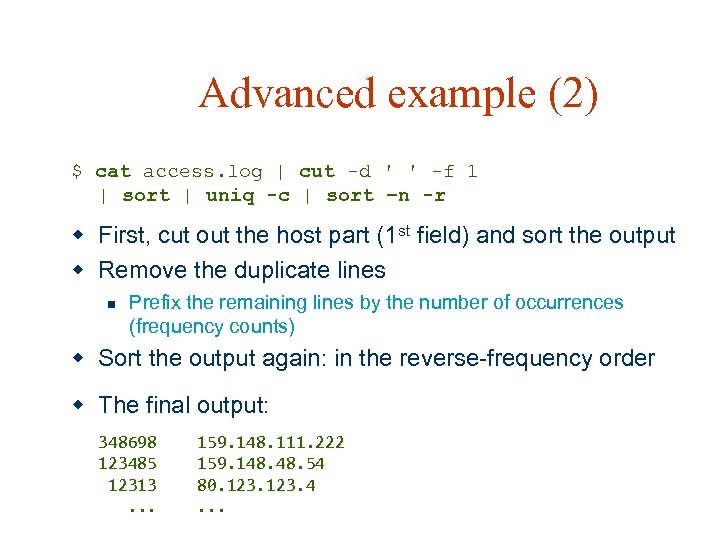
Advanced example (2) $ cat access. log | cut -d ' ' -f 1 | sort | uniq -c | sort –n -r w First, cut out the host part (1 st field) and sort the output w Remove the duplicate lines n Prefix the remaining lines by the number of occurrences (frequency counts) w Sort the output again: in the reverse-frequency order w The final output: 348698 159. 148. 111. 222 123485 159. 148. 54 12313 80. 123. 4 . . .
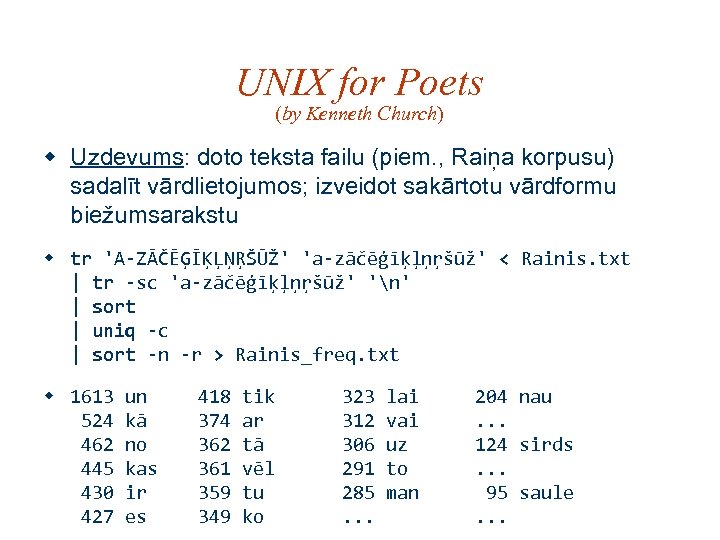
UNIX for Poets (by Kenneth Church) w Uzdevums: doto teksta failu (piem. , Raiņa korpusu) sadalīt vārdlietojumos; izveidot sakārtotu vārdformu biežumsarakstu w tr 'A-ZĀČĒĢĪĶĻŅŖŠŪŽ' 'a-zāčēģīķļņŗšūž' < Rainis. txt | tr -sc 'a-zāčēģīķļņŗšūž' 'n' | sort | uniq -c | sort -n -r > Rainis_freq. txt w 1613 un 524 kā 462 no 445 kas 430 ir 427 es 418 tik 374 ar 362 tā 361 vēl 359 tu 349 ko 323 lai 312 vai 306 uz 291 to 285 man . . . 204 nau. . . 124 sirds. . . 95 saule. . .
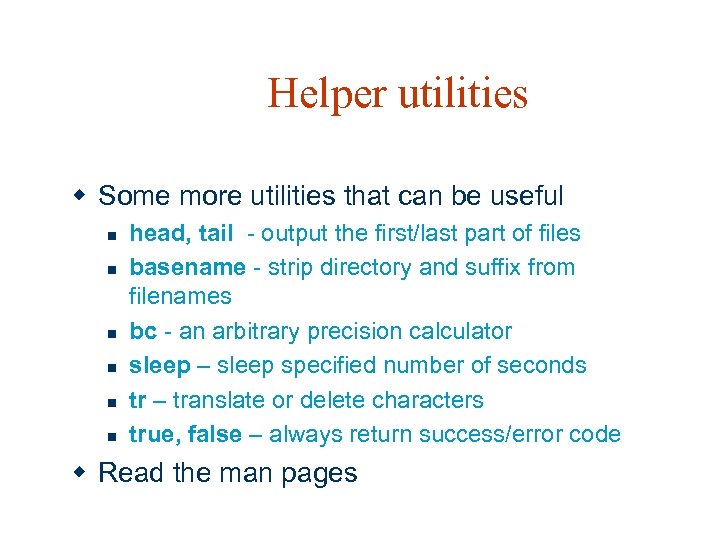
Helper utilities w Some more utilities that can be useful n n n head, tail - output the first/last part of files basename - strip directory and suffix from filenames bc - an arbitrary precision calculator sleep – sleep specified number of seconds tr – translate or delete characters true, false – always return success/error code w Read the man pages
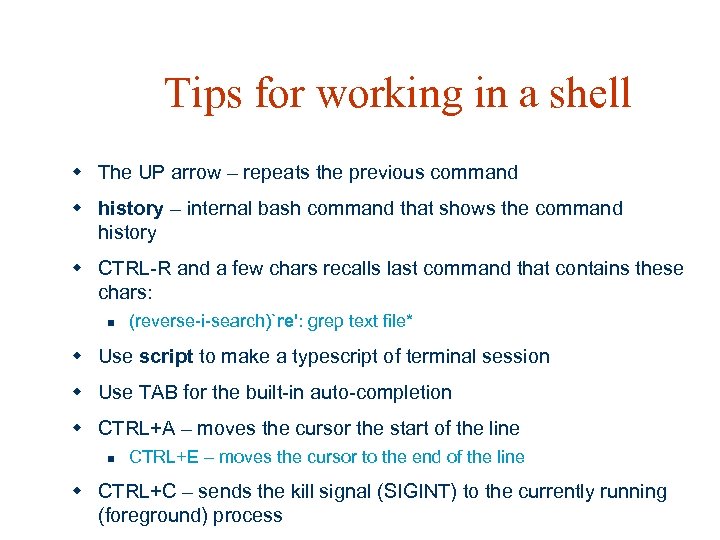
Tips for working in a shell w The UP arrow – repeats the previous command w history – internal bash command that shows the command history w CTRL-R and a few chars recalls last command that contains these chars: n (reverse-i-search)`re': grep text file* w Use script to make a typescript of terminal session w Use TAB for the built-in auto-completion w CTRL+A – moves the cursor the start of the line n CTRL+E – moves the cursor to the end of the line w CTRL+C – sends the kill signal (SIGINT) to the currently running (foreground) process

The ABCs of Unix w A is for awk, which runs like a snail w B is for biff, which reads all your mail w C is for cc, as hackers recall w D is for dd, the command that does all w E is for emacs, which rebinds your keys w F is for fsck, which rebuilds your trees w G is for grep, a clever detective w H is for halt, which may seem defective w I is for indent, which rarely amuses w J is for join, which nobody uses w K is for kill, which makes you the boss w L is for lex, which is missing from w N is for nice, which really is not w O is for od, which prints out things nice w P is for passwd, which reads in strings twice w Q is for quota, a Berkeley-type fable w R is for ranlib, for sorting a table w S is for spell, which attempts to belittle w T is for true, which does very little w U is for uniq, which is used after sort w V is for vi, which is hard to abort w W is for whoami, which tells your name w X is, well, X, of dubious fame w Y is for yes, which makes an impression, and w Z is for zcat, which handles compression
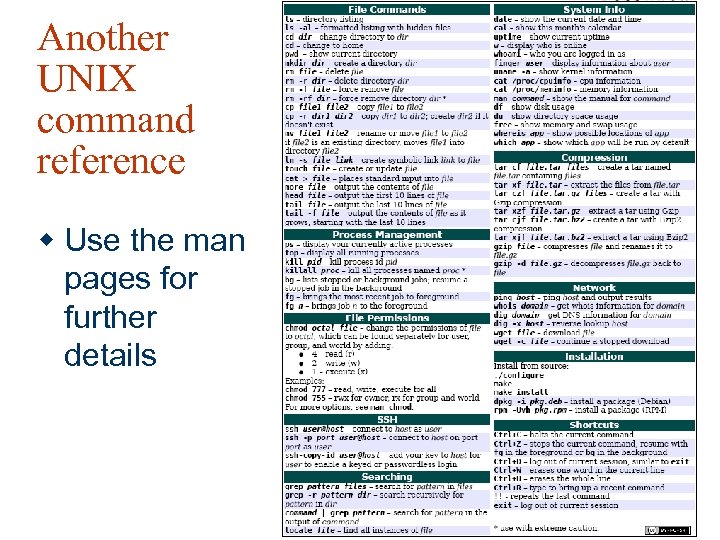
Another UNIX command reference w Use the man pages for further details
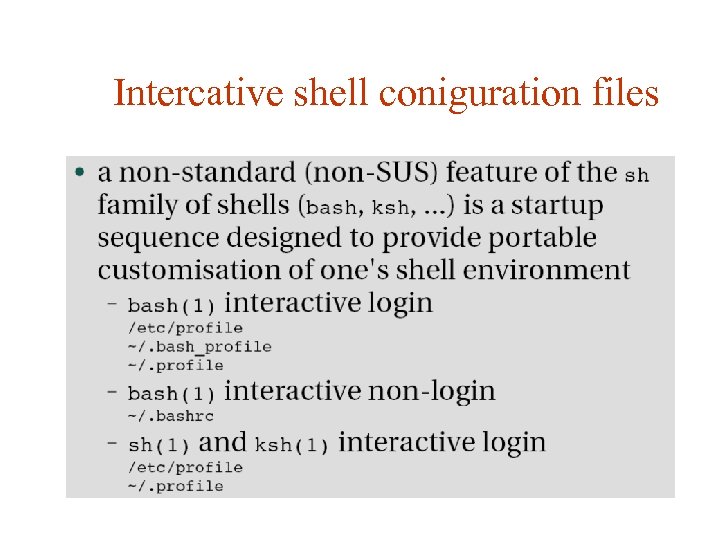
Intercative shell coniguration files
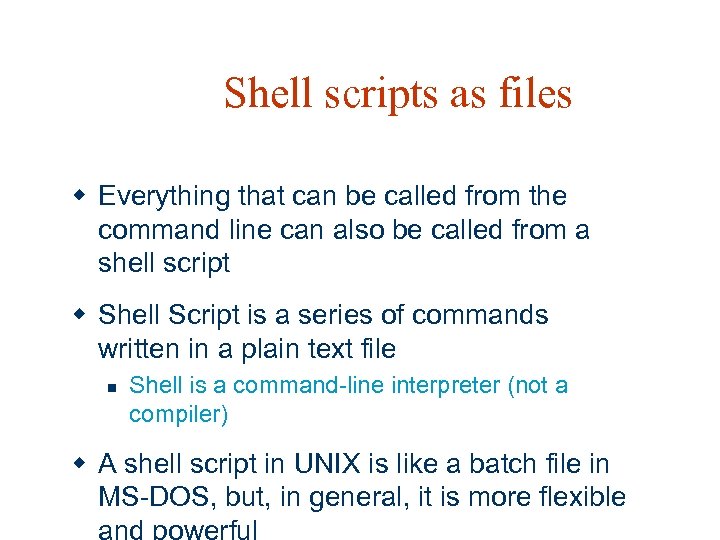
Shell scripts as files w Everything that can be called from the command line can also be called from a shell script w Shell Script is a series of commands written in a plain text file n Shell is a command-line interpreter (not a compiler) w A shell script in UNIX is like a batch file in MS-DOS, but, in general, it is more flexible
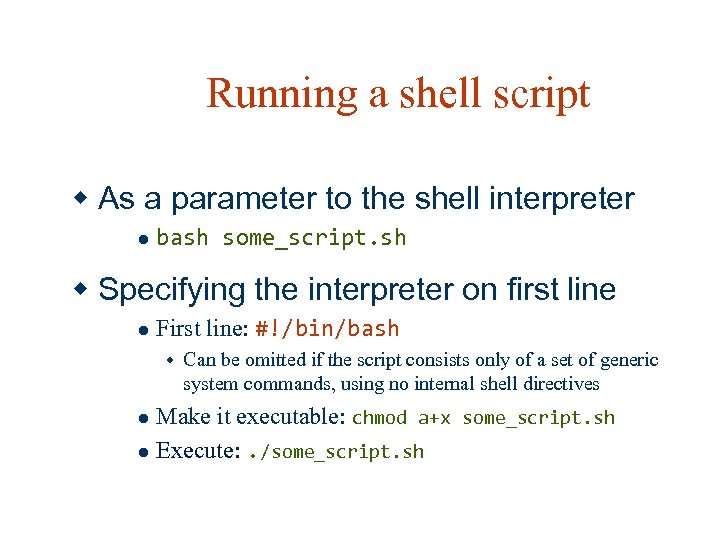
Running a shell script w As a parameter to the shell interpreter l bash some_script. sh w Specifying the interpreter on first line l First line: #!/bin/bash w Can be omitted if the script consists only of a set of generic system commands, using no internal shell directives Make it executable: chmod a+x some_script. sh l Execute: . /some_script. sh l
Basics w Interpreted line by line w The same effect when entering the lines one by one in interactive shell

Sample shell script Interpreter to be used #!/bin/bash # comment line echo "what a fine day: " date Regular commands to execute w Output, when called by “. /test. sh”: what a fine day: Thu Oct 28 23: 37: 39 EEST 2004
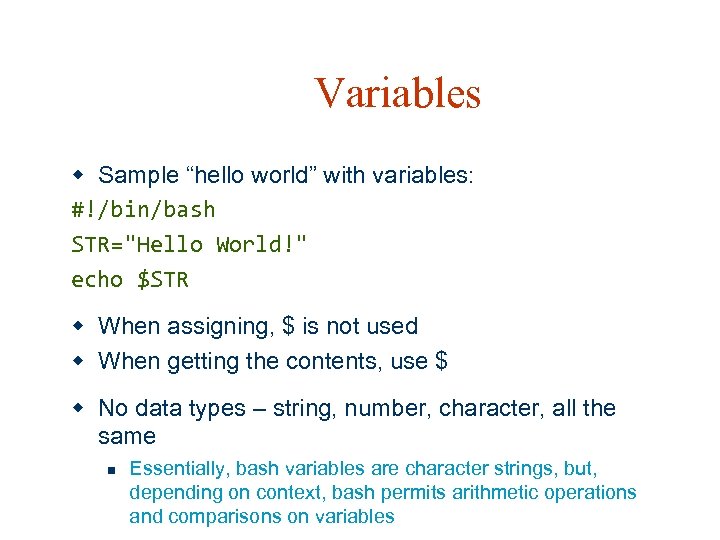
Variables w Sample “hello world” with variables: #!/bin/bash STR="Hello World!" echo $STR w When assigning, $ is not used w When getting the contents, use $ w No data types – string, number, character, all the same n Essentially, bash variables are character strings, but, depending on context, bash permits arithmetic operations and comparisons on variables
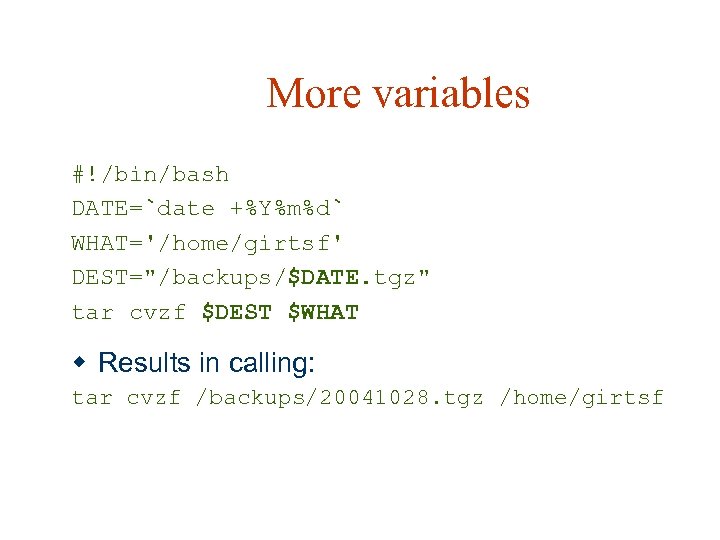
More variables #!/bin/bash DATE=`date +%Y%m%d` WHAT='/home/girtsf' DEST="/backups/$DATE. tgz" tar cvzf $DEST $WHAT w Results in calling: tar cvzf /backups/20041028. tgz /home/girtsf
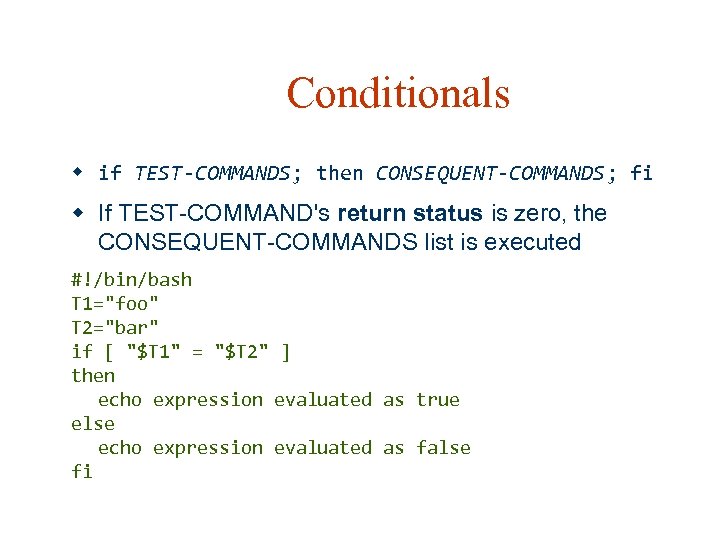
Conditionals w if TEST-COMMANDS; then CONSEQUENT-COMMANDS; fi w If TEST-COMMAND's return status is zero, the CONSEQUENT-COMMANDS list is executed #!/bin/bash T 1="foo" T 2="bar" if [ "$T 1" = "$T 2" ] then echo expression evaluated as true else echo expression evaluated as false fi
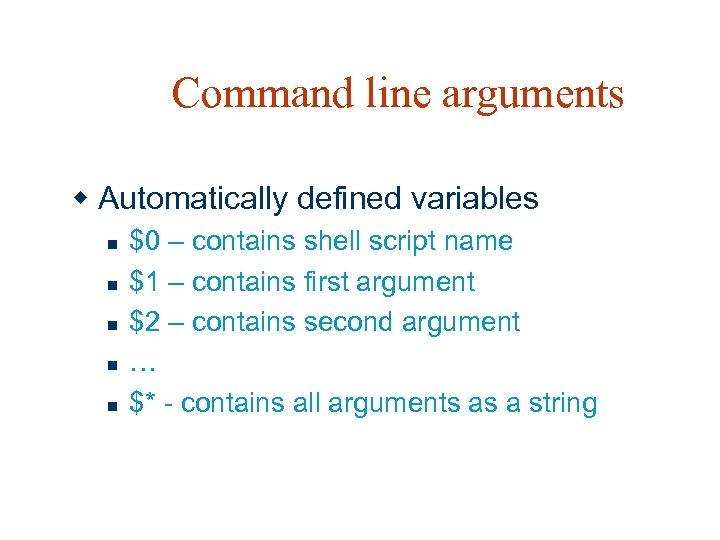
Command line arguments w Automatically defined variables n n n $0 – contains shell script name $1 – contains first argument $2 – contains second argument … $* - contains all arguments as a string
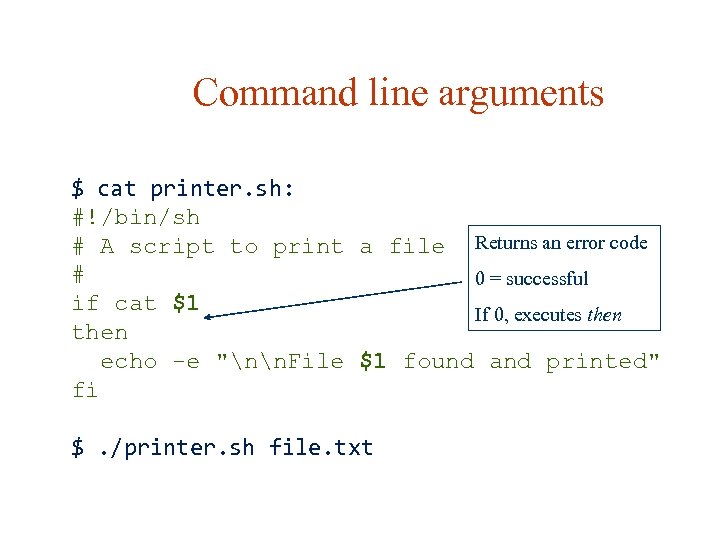
Command line arguments $ cat printer. sh: #!/bin/sh # A script to print a file Returns an error code # 0 = successful if cat $1 If 0, executes then echo -e "nn. File $1 found and printed" fi $. /printer. sh file. txt
![Comparisons w Either "test <expression>" or "[ <expression> ]" n n if test $1](https://present5.com/presentation/5a7b2eb4ac1ad2ca5a95ffbb9a0c5232/image-76.jpg "Comparisons w Either \"test <expression>\" or \"[ <expression> ]\" n n if test $1")
Comparisons w Either "test <expression>" or "[ <expression> ]" n n if test $1 -gt 0 if [ $1 -gt 0 ] w Numeric comparisons: n n -eq, -ne: equal / not equal -lt, -le, -gt, -ge : less than, less than or equal, greater than, greater than or equal
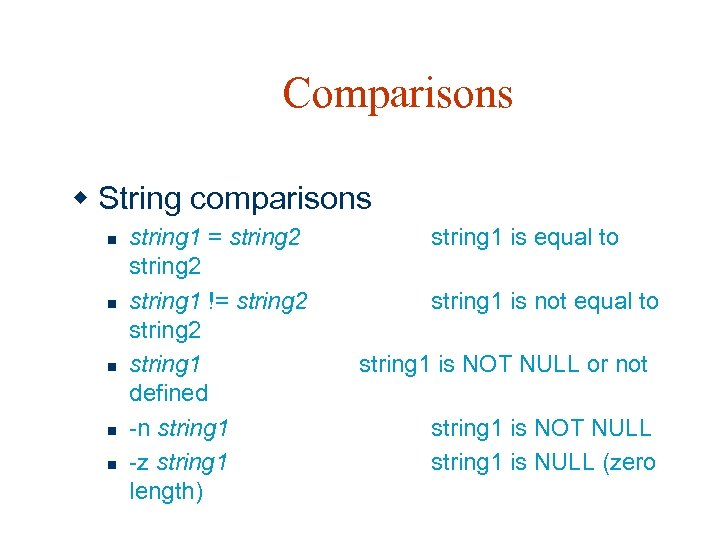
Comparisons w String comparisons n n n string 1 = string 2 string 1 != string 2 string 1 defined -n string 1 -z string 1 length) string 1 is equal to string 1 is not equal to string 1 is NOT NULL or not string 1 is NOT NULL string 1 is NULL (zero
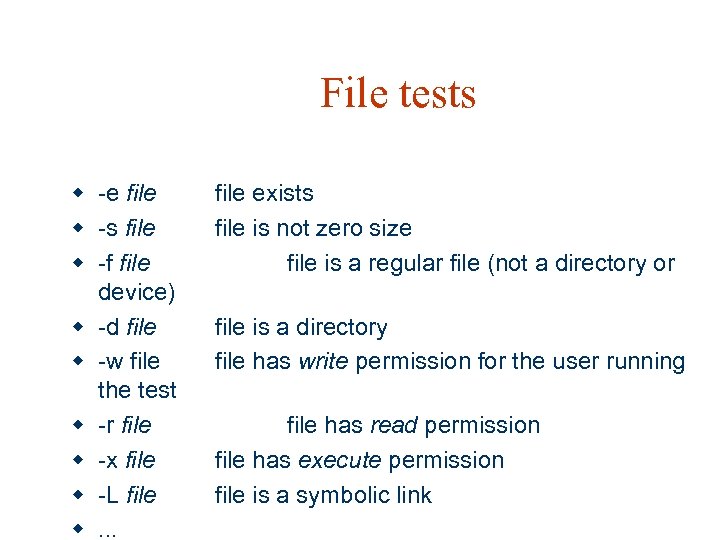
File tests w -e file w -s file w -f file device) w -d file w -w file the test w -r file w -x file w -L file w. . . file exists file is not zero size file is a regular file (not a directory or file is a directory file has write permission for the user running file has read permission file has execute permission file is a symbolic link
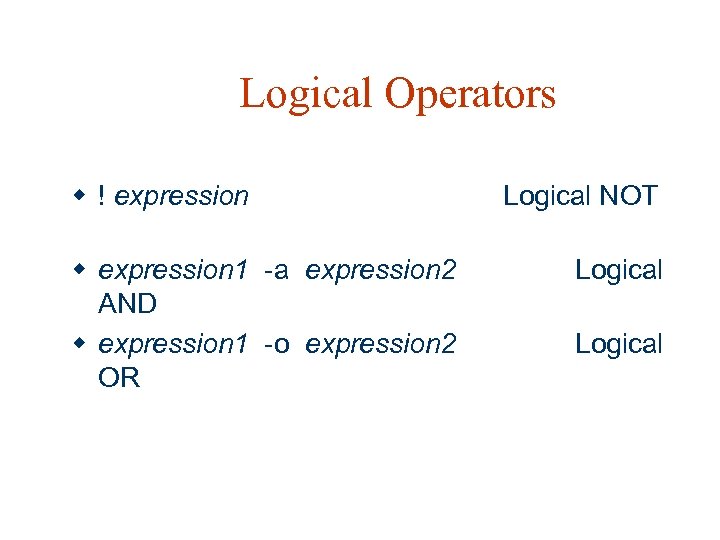
Logical Operators w ! expression w expression 1 -a expression 2 AND w expression 1 -o expression 2 OR Logical NOT Logical
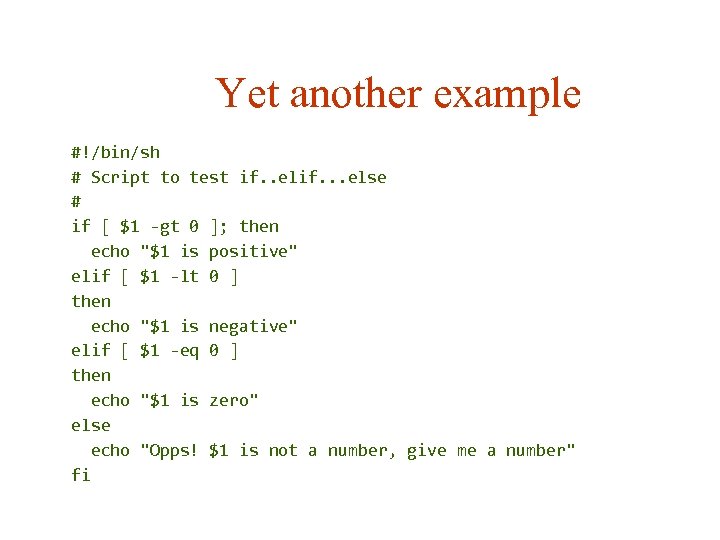
Yet another example #!/bin/sh # Script to test if. . elif. . . else # if [ $1 -gt 0 ]; then echo "$1 is positive" elif [ $1 -lt 0 ] then echo "$1 is negative" elif [ $1 -eq 0 ] then echo "$1 is zero" else echo "Opps! $1 is not a number, give me a number" fi
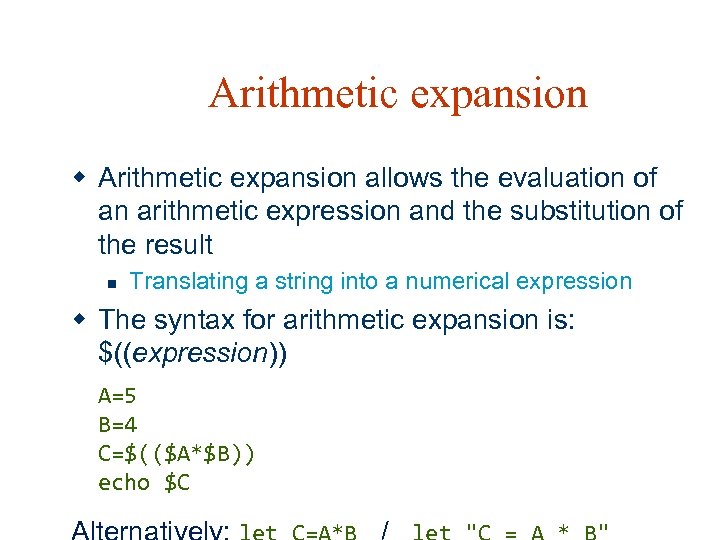
Arithmetic expansion w Arithmetic expansion allows the evaluation of an arithmetic expression and the substitution of the result n Translating a string into a numerical expression w The syntax for arithmetic expansion is: $((expression)) A=5 B=4 C=$(($A*$B)) echo $C
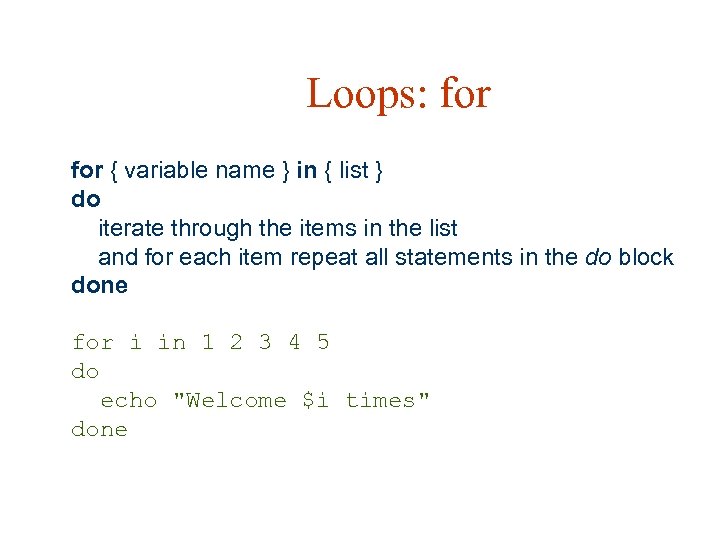
Loops: for { variable name } in { list } do iterate through the items in the list and for each item repeat all statements in the do block done for i in 1 2 3 4 5 do echo "Welcome $i times" done
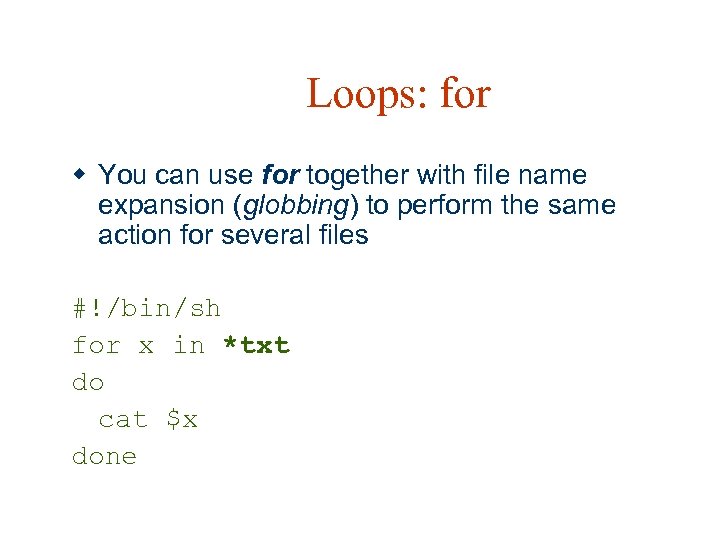
Loops: for w You can use for together with file name expansion (globbing) to perform the same action for several files #!/bin/sh for x in *txt do cat $x done
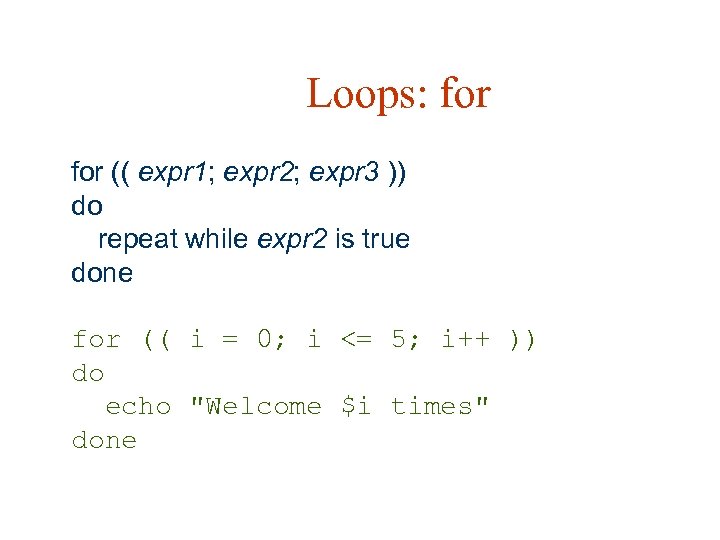
Loops: for (( expr 1; expr 2; expr 3 )) do repeat while expr 2 is true done for (( i = 0; i <= 5; i++ )) do echo "Welcome $i times" done
![Loops: while [ condition ] do command 1 command 2 command 3. . .](https://present5.com/presentation/5a7b2eb4ac1ad2ca5a95ffbb9a0c5232/image-85.jpg "Loops: while [ condition ] do command 1 command 2 command 3. . .")
Loops: while [ condition ] do command 1 command 2 command 3. . . done
Many more features w See man page w Linux Shell Scripting Tutorial: A Beginner's handbook: n http: //www. freeos. com/guides/lsst/ w Advanced Bash-Scripting Guide n http: //www. tldp. org/LDP/abs/html/index. html
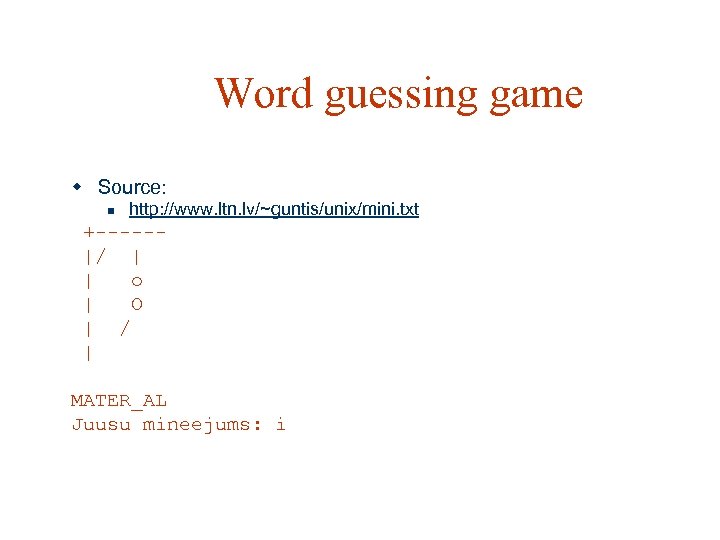
Word guessing game w Source: n http: //www. ltn. lv/~guntis/unix/mini. txt +-----|/ | | o | O | / | MATER_AL Juusu mineejums: i
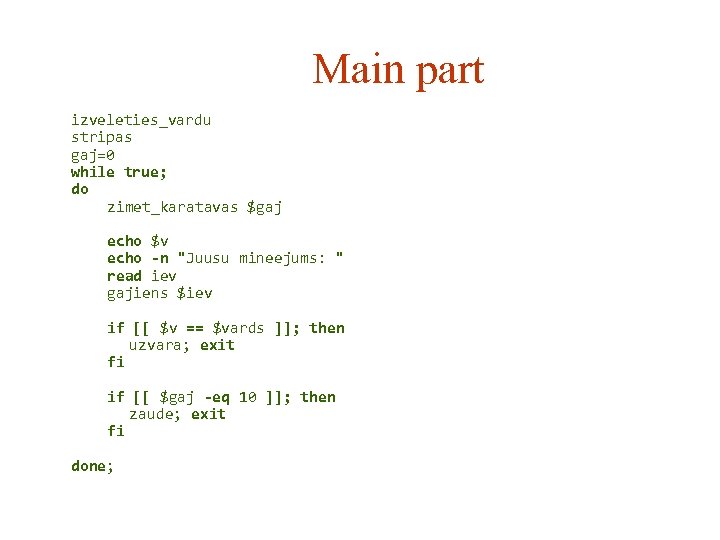
Main part izveleties_vardu stripas gaj=0 while true; do zimet_karatavas $gaj echo $v echo -n "Juusu mineejums: " read iev gajiens $iev if [[ $v == $vards ]]; then uzvara; exit fi if [[ $gaj -eq 10 ]]; then zaude; exit fi done;
![Get a random word izveleties_vardu() { local sk r if [[ -e /usr/share/dict/words ]];](https://present5.com/presentation/5a7b2eb4ac1ad2ca5a95ffbb9a0c5232/image-89.jpg "Get a random word izveleties_vardu() { local sk r if [[ -e /usr/share/dict/words ]];")
Get a random word izveleties_vardu() { local sk r if [[ -e /usr/share/dict/words ]]; then echo Nemu vienu nejausu vardu no vardnicas sk=`cat /usr/share/dict/words | wc -l` r=$(($RANDOM % $sk + 1)) vards=`tail -n $r /usr/share/dict/words | head -n 1 | tr a-z A-Z` else echo Vardnica nav atrasta, nemu nokluseto vardu vards="KARATAVAS" fi sleep 1 }
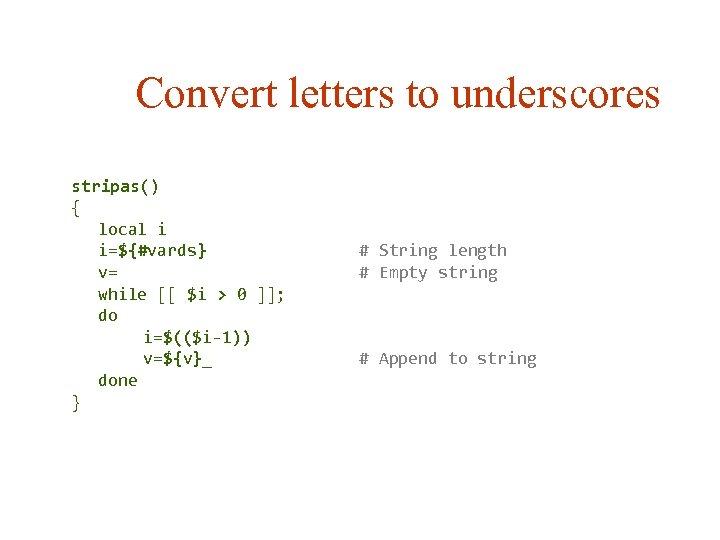
Convert letters to underscores stripas() { local i i=${#vards} v= while [[ $i > 0 ]]; do i=$(($i-1)) v=${v}_ done } # String length # Empty string # Append to string
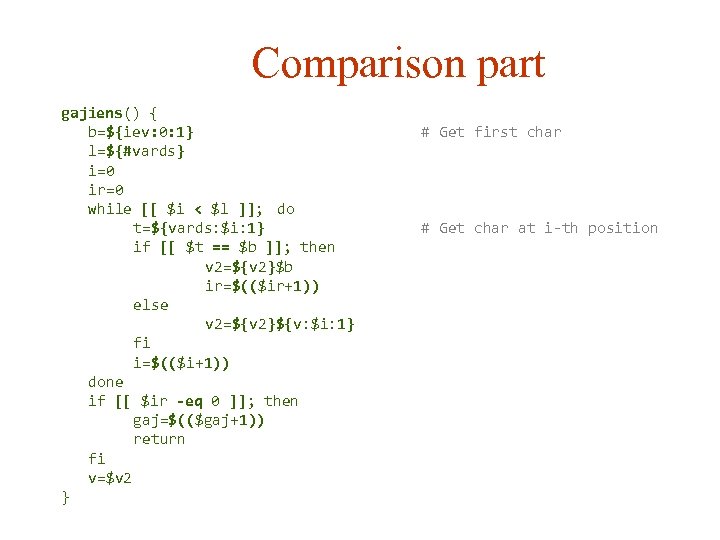
Comparison part gajiens() { b=${iev: 0: 1} l=${#vards} i=0 ir=0 while [[ $i < $l ]]; do t=${vards: $i: 1} if [[ $t == $b ]]; then v 2=${v 2}$b ir=$(($ir+1)) else v 2=${v 2}${v: $i: 1} fi i=$(($i+1)) done if [[ $ir -eq 0 ]]; then gaj=$(($gaj+1)) return fi v=$v 2 } # Get first char # Get char at i-th position

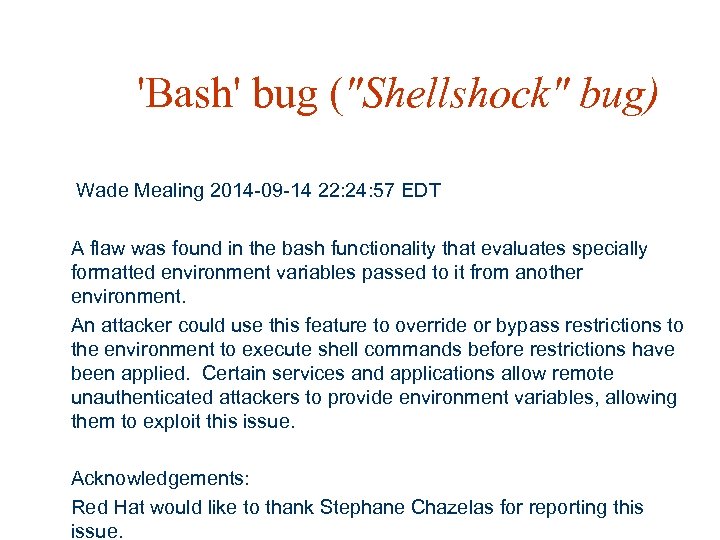
'Bash' bug ("Shellshock" bug) Wade Mealing 2014 -09 -14 22: 24: 57 EDT A flaw was found in the bash functionality that evaluates specially formatted environment variables passed to it from another environment. An attacker could use this feature to override or bypass restrictions to the environment to execute shell commands before restrictions have been applied. Certain services and applications allow remote unauthenticated attackers to provide environment variables, allowing them to exploit this issue. Acknowledgements: Red Hat would like to thank Stephane Chazelas for reporting this issue.
Скачать презентацию Shell Programming Guntis Bārzdiņš Ģirts Folkmanis Normunds Grūzītis
5a7b2eb4ac1ad2ca5a95ffbb9a0c5232.ppt