 Скачать презентацию Sharing e-learning resources collecting describing and re-purposing other
3a2c3491e2813734d605b08e749782b3.ppt
- Количество слайдов: 19



Sharing e-learning resources: collecting, describing and re-purposing other peoples’ resources Alison Dickens and Kate Dickens Subject Centre for Languages, Linguistics & Area Studies 8 th March 2006 – HE Academy Subject Centre Annual Conference
Overview • Introduction – Collecting: what are the issues? LLAS e-learning survey – Describing: general and pedagogic metadata – Repurposing: reuse and learning objects • Sharing of experiences • Repurposing checklist • Concluding comments/discussion 8 th March 2006 Subject Centre Annual Conference
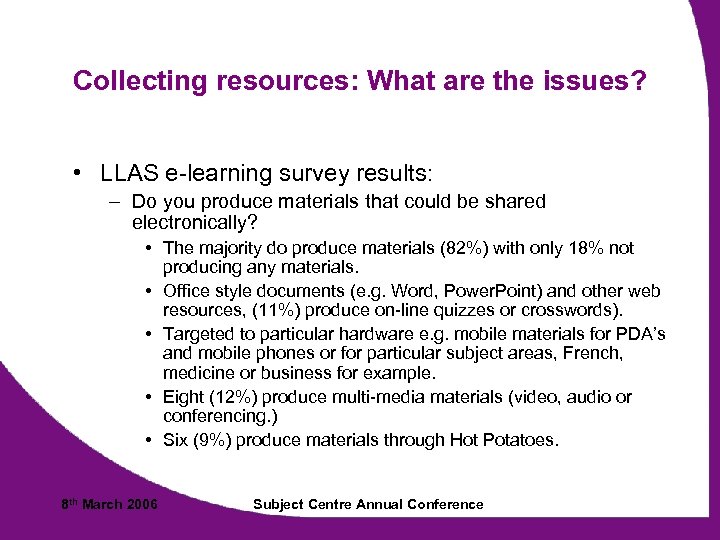
Collecting resources: What are the issues? • LLAS e-learning survey results: – Do you produce materials that could be shared electronically? • The majority do produce materials (82%) with only 18% not producing any materials. • Office style documents (e. g. Word, Power. Point) and other web resources, (11%) produce on-line quizzes or crosswords). • Targeted to particular hardware e. g. mobile materials for PDA’s and mobile phones or for particular subject areas, French, medicine or business for example. • Eight (12%) produce multi-media materials (video, audio or conferencing. ) • Six (9%) produce materials through Hot Potatoes. 8 th March 2006 Subject Centre Annual Conference
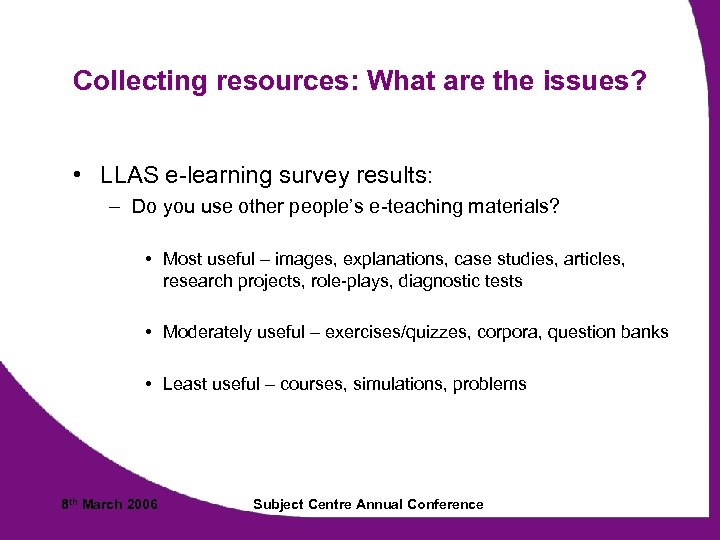
Collecting resources: What are the issues? • LLAS e-learning survey results: – Do you use other people’s e-teaching materials? • Most useful – images, explanations, case studies, articles, research projects, role-plays, diagnostic tests • Moderately useful – exercises/quizzes, corpora, question banks • Least useful – courses, simulations, problems 8 th March 2006 Subject Centre Annual Conference
Collecting resources: What are the issues? • LLAS e-learning survey results: – What factors make sharing materials easy? • • Compatible formats, platforms and technology. Interoperability Accessibility e. g. eliminating the need to enter passwords Copyright-free or cleared/IPR resolved Potential for customising (with the proviso that some teachers may not like to have their materials altered). • Technological simplicity (teachers and learners may not be as technically competent as they need to be thus materials must be easy to navigate and access). 8 th March 2006 Subject Centre Annual Conference
Collecting resources: What are the issues? • LLAS e-learning survey results: – What factors make sharing materials difficult? • Issues of copyright, IPR and ownership (when added to repositories and materials banks) • Loss of control over material (who is using, altering, selling? ) • Scope for modification (repurposing) and reuse • Technology and format (inc. technological skills) • Pedagogic approaches – different teaching and learning styles • Restrictions on access • Cost • Materials too specific to one course/context • Lack of will to share 8 th March 2006 Subject Centre Annual Conference
Collecting resources: What are the issues? • LLAS e-learning survey results: – What qualities of a resource are most important for sharing? • High priority – duration (length), interactivity, adaptability, format, learning activities, can be built upon, retrievability, selfcontained, feedback, clear descriptions • Medium priority – size, explicit learning outcomes, includes references • Medium to low – assessment, independent 8 th March 2006 Subject Centre Annual Conference
Collecting resources: What are the issues? • LLAS e-learning survey results: – What support would be most useful in developing shareable e-learning resources? • Highly useful – funding, copyright advice, collaborating with others, research data, training • Highly to moderately useful – designated design, repository, prescribed structure, learning technologist, more commitment from senior managers 8 th March 2006 Subject Centre Annual Conference
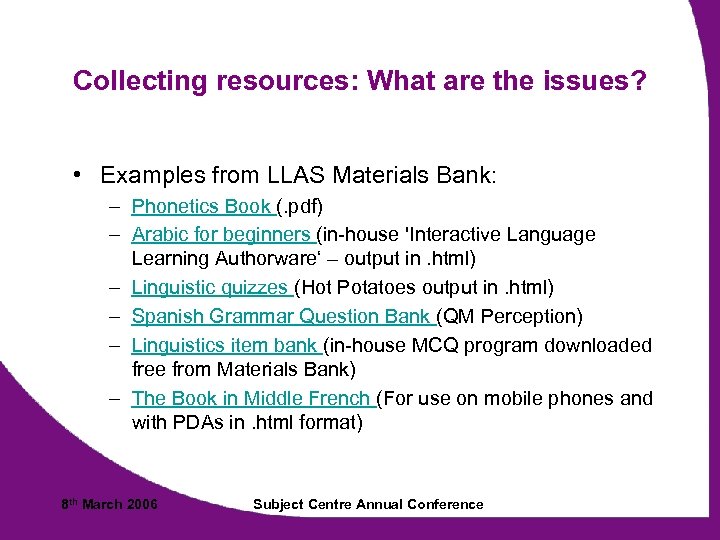
Collecting resources: What are the issues? • Examples from LLAS Materials Bank: – Phonetics Book (. pdf) – Arabic for beginners (in-house 'Interactive Language Learning Authorware‘ – output in. html) – Linguistic quizzes (Hot Potatoes output in. html) – Spanish Grammar Question Bank (QM Perception) – Linguistics item bank (in-house MCQ program downloaded free from Materials Bank) – The Book in Middle French (For use on mobile phones and with PDAs in. html format) 8 th March 2006 Subject Centre Annual Conference
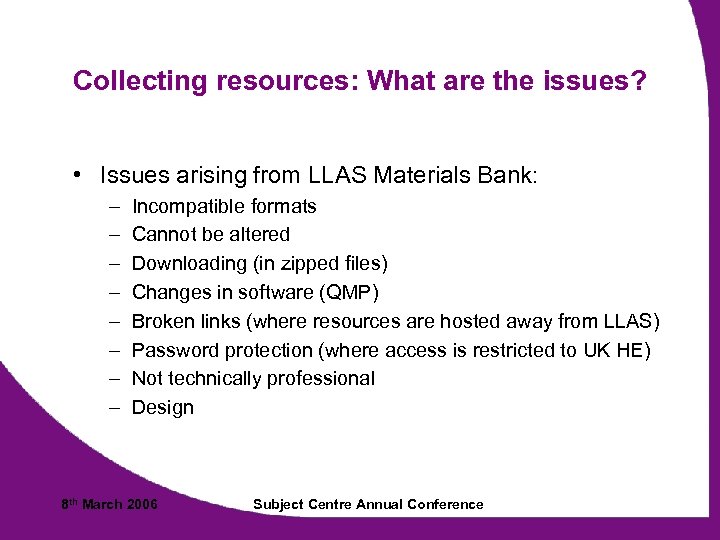
Collecting resources: What are the issues? • Issues arising from LLAS Materials Bank: – – – – Incompatible formats Cannot be altered Downloading (in zipped files) Changes in software (QMP) Broken links (where resources are hosted away from LLAS) Password protection (where access is restricted to UK HE) Not technically professional Design 8 th March 2006 Subject Centre Annual Conference
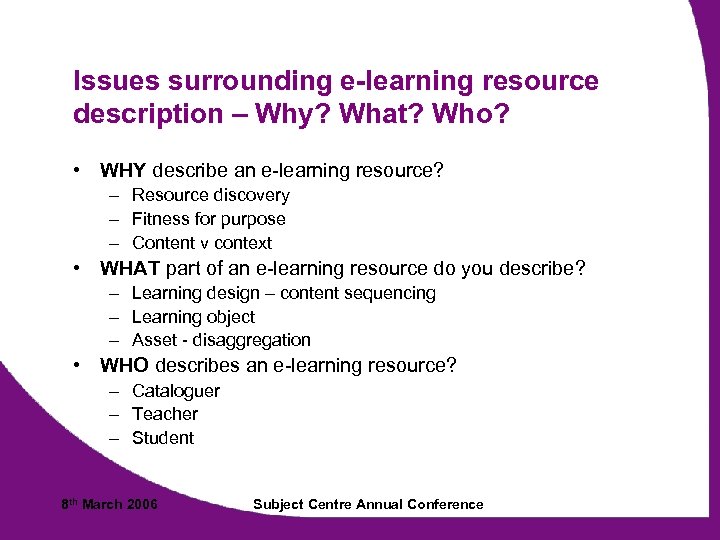
Issues surrounding e-learning resource description – Why? What? Who? • WHY describe an e-learning resource? – Resource discovery – Fitness for purpose – Content v context • WHAT part of an e-learning resource do you describe? – Learning design – content sequencing – Learning object – Asset - disaggregation • WHO describes an e-learning resource? – Cataloguer – Teacher – Student 8 th March 2006 Subject Centre Annual Conference
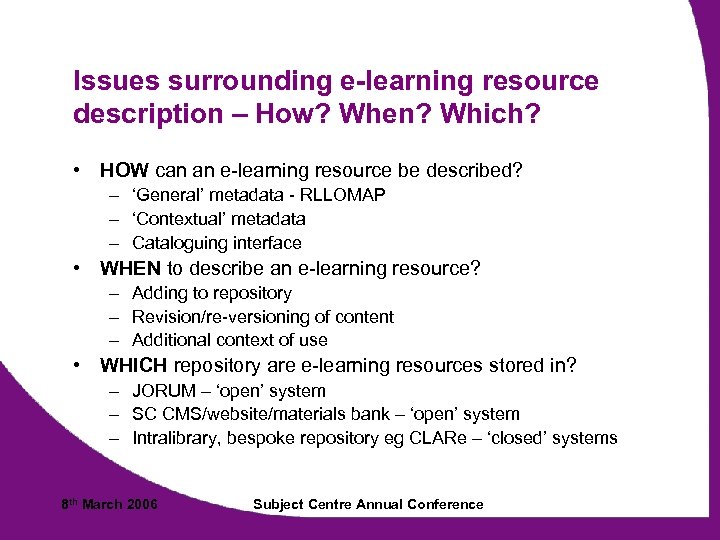
Issues surrounding e-learning resource description – How? When? Which? • HOW can an e-learning resource be described? – ‘General’ metadata - RLLOMAP – ‘Contextual’ metadata – Cataloguing interface • WHEN to describe an e-learning resource? – Adding to repository – Revision/re-versioning of content – Additional context of use • WHICH repository are e-learning resources stored in? – JORUM – ‘open’ system – SC CMS/website/materials bank – ‘open’ system – Intralibrary, bespoke repository eg CLARe – ‘closed’ systems 8 th March 2006 Subject Centre Annual Conference
Describing: Contextual (Pedagogic) Metadata • Key questions – Who is it for (learner or teacher or both)? – What level is included – national frameworks for the subject, university level, general (e. g. beginners, intermediate, advanced)? – How much description is needed? (e. g. suggestions for teaching/learning activities) – What are the differences between a learning object and learning resource (pedagogical asset) – Controlled vocabularies (e. g. LTSN pedagogic vocabulary) 8 th March 2006 Subject Centre Annual Conference
What is re-purposing? • Re-purposing is taking an existing resource and representing it in a mode which facilitates re-use • ‘Holy Grail’ of re-purposing is to create resources which will continue to be easily re-used to support teaching and learning in a range of contexts • How can ‘learning objects’ facilitate this? • What are the copyright implications? • How will resources be stored/delivered? 8 th March 2006 Subject Centre Annual Conference
LO design features • Designing for online delivery and re-usability – – – – – make learning activity-led scaffold learning (provide sufficient feedback and help) create clear and prominent task instructions ensure consistency of style and granularity* create context-independent LOs* use single template and development tool* recreate tasks using bank of interactive task templates* connect and maintain weblinks easily* develop LOs as single packages, interoperable - for use in different VLEs* 8 th March 2006 Subject Centre Annual Conference
What do YOU think are the critical success factors that make resources ‘attractive’ for re-use? • What has your Subject Centre /constituency done in this area? • Have you taken existing materials and re-purposed them? – Were there any barriers? – What was easy? – What was difficult? 8 th March 2006 Subject Centre Annual Conference
Some of our critical success factors for reuse • Availability – open/closed repository; SC website /materials bank • Description (appropriate metadata) = Relevant (resource discovery) • Disaggregation prior to reconstruction as learning objects (asset stripping? ? ) • Easy to edit – simple customisation (feeling of ownership) • Some materials are simply just not appropriate for reuse … 8 th March 2006 Subject Centre Annual Conference
Repurposing Checklist • Intended as a formative support tool for teacherlearning object developers • 3 sections: content, pedagogy and technology – Content: format of content (text, video, audio, image), size/length, potential for customisation… – Pedagogy: learning activities, learning outcomes, role of learner/teacher, feedback, assessment – Technology: file type, availability of software (to access resource), copyright… Checklist Questions • Presented as a learning object with feedback (in preparation) 8 th March 2006 Subject Centre Annual Conference
Some examples from the web • The virtual linguistics campus http: //linguistics. online. uni-marburg. de/ • Is business entrepreneurship for me? http: //www. wisc-online. com/ • E-languages http: //www. elanguages. ac. uk/ • RLO CETL http: //www. rlo-cetl. ac. uk/ • Merlot repository http: //www. merlot. org/Home. po • Wisc-online repository http: //www. wisc-online. com/ • LLAS Materials Bank www. llas. ac. uk/mb 8 th March 2006 Subject Centre Annual Conference
Скачать презентацию Sharing e-learning resources collecting describing and re-purposing other
3a2c3491e2813734d605b08e749782b3.ppt