


 Скачать презентацию SESSION TWO Using stuff Rough Guide to Image
6fa24a1fd672f69236ff2f47603b4927.ppt
- Количество слайдов: 49
 SESSION TWO Using stuff Rough Guide to Image Management CILIP, 31 March 2010
 SESSION TWO Using stuff Metadata content and ontologies: requirements for effective retrieval Rough Guide to Image Management CILIP, 31 March 2010
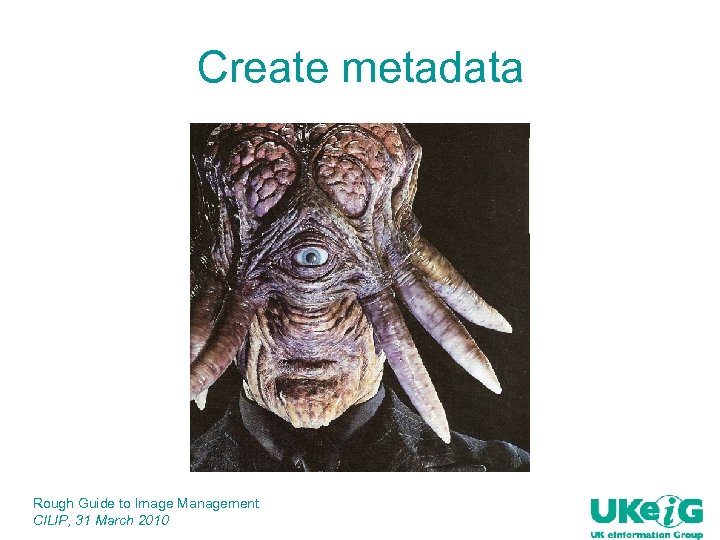 Create metadata Rough Guide to Image Management CILIP, 31 March 2010
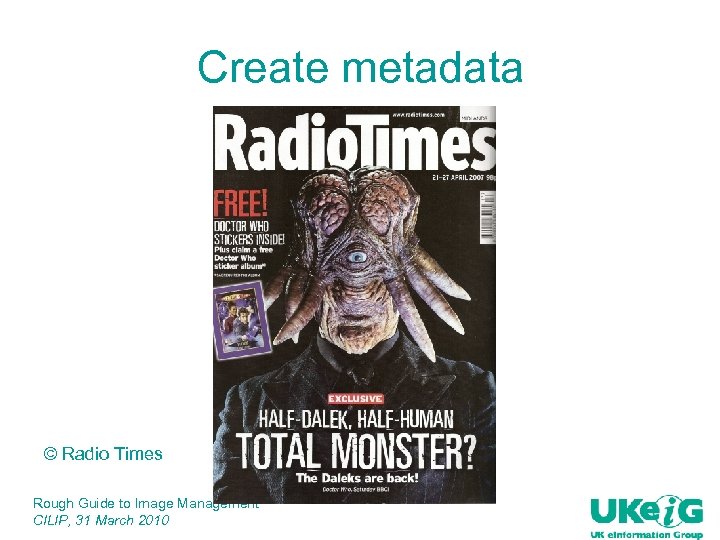 Create metadata © Radio Times Rough Guide to Image Management CILIP, 31 March 2010
 Metadata needs: q‘Bibliographic’ description: creator, title, subject etc q. Format details q. Relationships, source q. Context, language q. Rights q. Technical data q. Standards Rough Guide to Image Management CILIP, 31 March 2010
 Standards For a convenient listing see http: //metadata. net/ q DCMI: Dublin Core Metadata Initiative http: //dublincore. org/ q MODS: Metadata Object Description Schema http: //www. loc. gov/standards/mods/ q METS: Metadata Encoding and Transmission Schema http: //www. loc. gov/standards/mets/ q RDF: Resource Description Framework http: //www. w 3. org/RDF/ Rough Guide to Image Management CILIP, 31 March 2010
 Why bother? q. Machine indexing of texts is advanced and quite efficient q. Not so for pictures: where meaning/significance is often attributed by context q. E. g. ‘the first computer’, ‘the last man on the moon’ q. Context must be described in metadata Rough Guide to Image Management CILIP, 31 March 2010
 Ontologies q. Ontologies provide a way of defining context q. A three-dimensional thesaurus q. If we need words, we need definitions of words q. Especially in multiple languages Rough Guide to Image Management CILIP, 31 March 2010
 Getting started with ontologies q Useful page from AI Topics: http: //www. aaai. org/AITopics/html/ontol. html q Marine Metadata Interoperability http: //marinemetadata. org/guides/vocabs/ont/definition Gives comprehensive guidance on using ontologies and related tools, applicable beyond the marine domain Rough Guide to Image Management CILIP, 31 March 2010
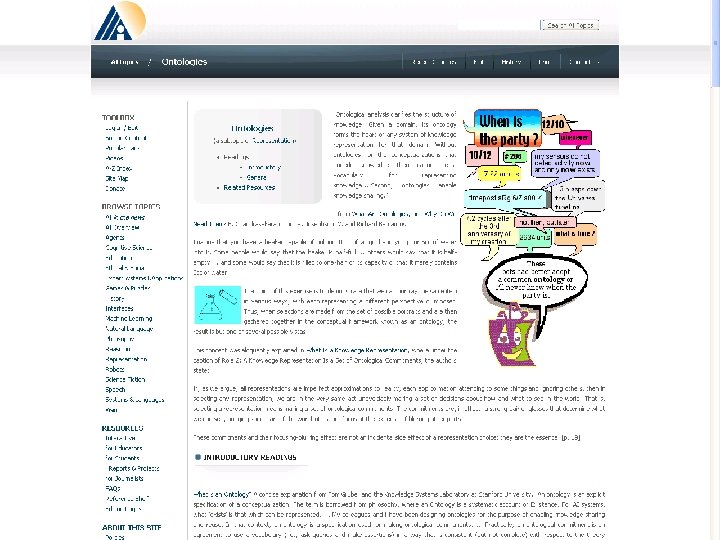 Getting started with ontologies http: //www. aaai. org/AITopics/html/ontol. html Rough Guide to Image Management CILIP, 31 March 2010
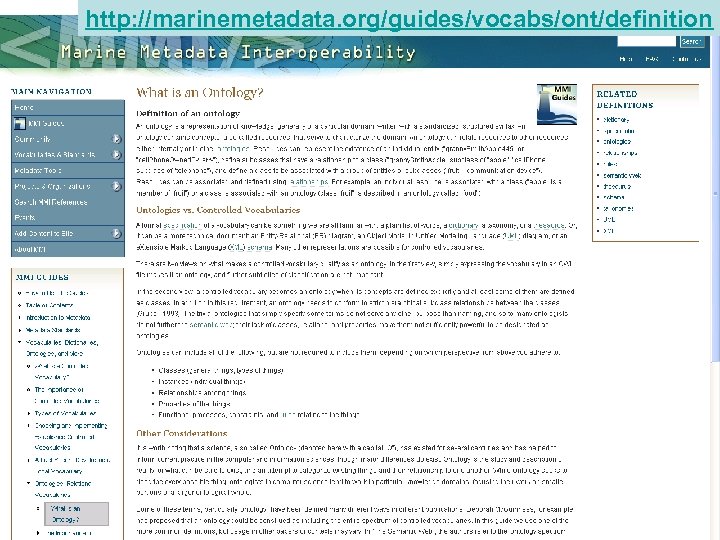 http: //marinemetadata. org/guides/vocabs/ont/definition Rough Guide to Image Management CILIP, 31 March 2010
 Finding ontologies and tools q. Swoogle http: //swoogle. umbc. edu/ q. Domain-specific e. g. FAO Agricultural Information Management Standards (AIMS) http: //aims. fao. org/pages/377/sub Rough Guide to Image Management CILIP, 31 March 2010
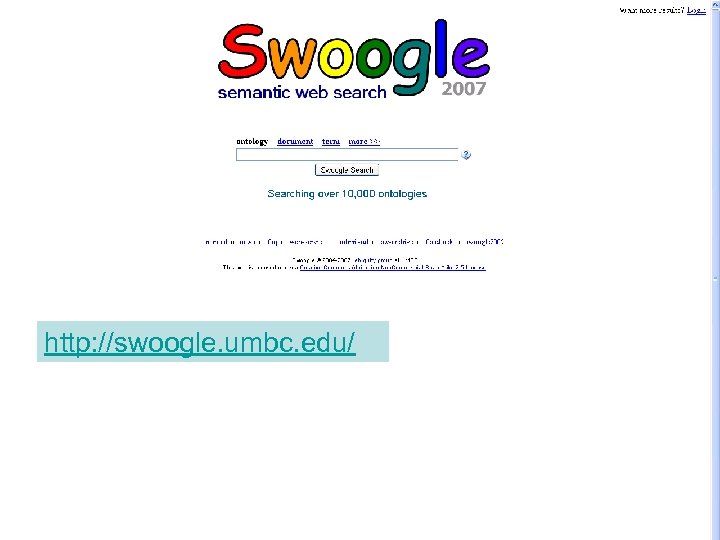 http: //swoogle. umbc. edu/ Rough Guide to Image Management CILIP, 31 March 2010
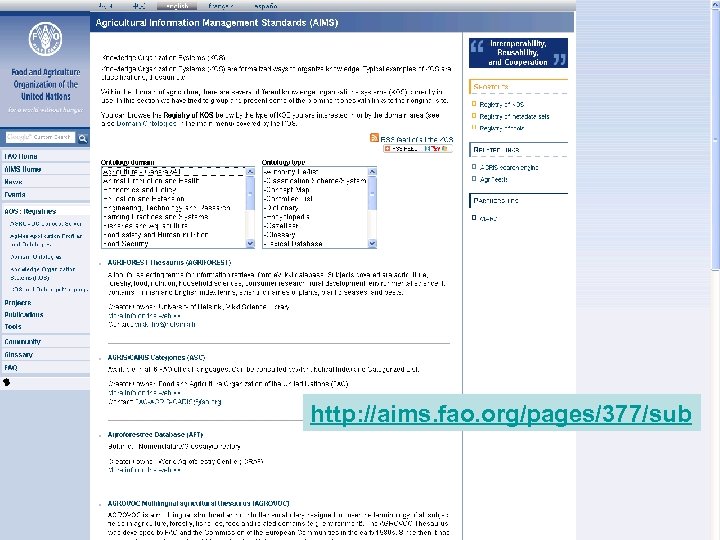 http: //aims. fao. org/pages/377/sub Rough Guide to Image Management CILIP, 31 March 2010
 Linguistic tools q ULAN: Union List of Artist’s Names Online http: //www. getty. edu/research/conducting_resea rch/vocabularies/ulan/ q TGN: Thesaurus of Geographic Names Online http: //www. getty. edu/research/conducting_resea rch/vocabularies/tgn/ q AAT: Art & Architecture Thesaurus Online http: //www. getty. edu/research/conducting_resea rch/vocabularies/aat/ q ICONCLASS http: //www. iconclass. nl/ q WORDNET http: //wordnet. princeton. edu/ Rough Guide to Image Management CILIP, 31 March 2010
 Content-based Image Retrieval q. Automatic analysis of colour distribution and shapes q. Edge detection to determine shape Rough Guide to Image Management CILIP, 31 March 2010
 Just how big is the ‘semantic gap’? n n To what extent is it now possible for computers to identify objects within images by direct inspection of the pixel information? The results I am about to show you are from two state-of-the-art automated methods for Ø object detection Ø semantic segmentation n Independently they produce good results, and in combination they are remarkable n Credits: Jamie Shotton (2007) Contour and Texture for Visual Recognition of Object Categories. Ph. D. Thesis, University of Cambridge
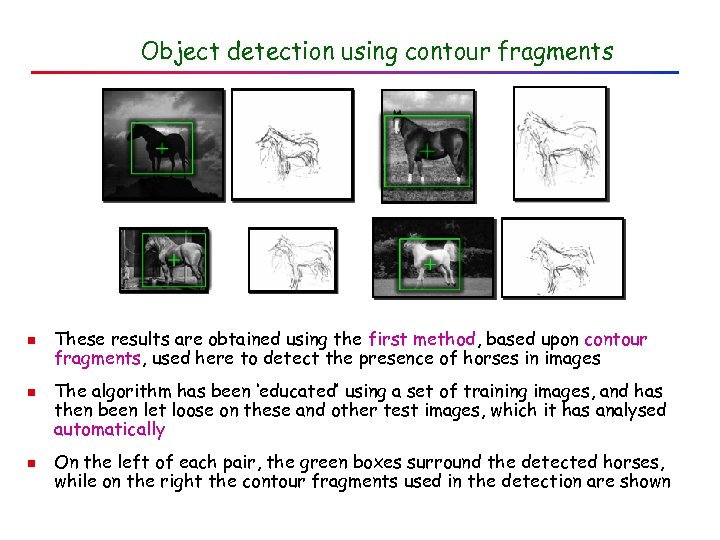 Object detection using contour fragments n n n These results are obtained using the first method, based upon contour fragments, used here to detect the presence of horses in images The algorithm has been ‘educated’ using a set of training images, and has then been let loose on these and other test images, which it has analysed automatically On the left of each pair, the green boxes surround the detected horses, while on the right the contour fragments used in the detection are shown
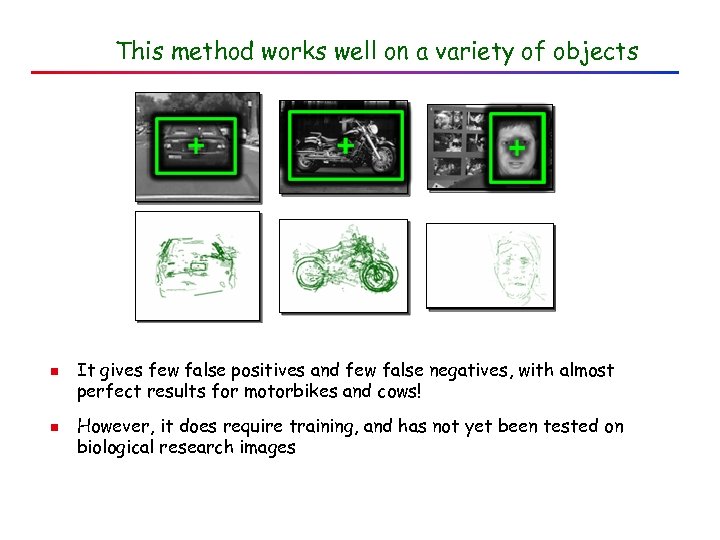 This method works well on a variety of objects n n It gives few false positives and few false negatives, with almost perfect results for motorbikes and cows! However, it does require training, and has not yet been tested on biological research images
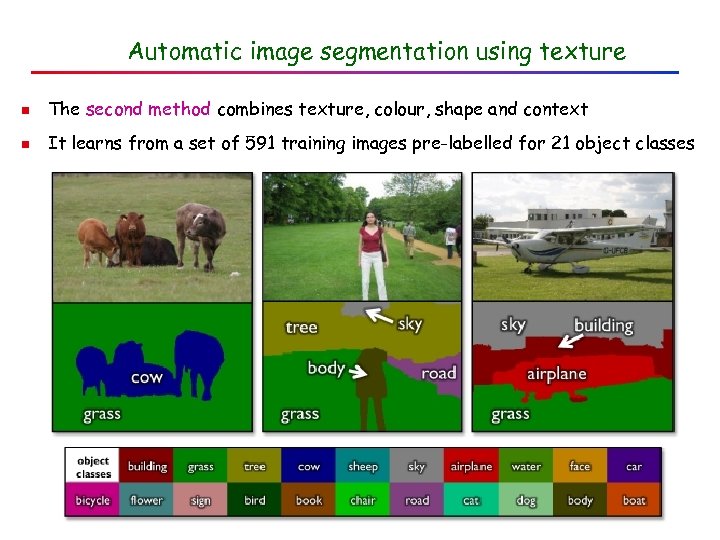 Automatic image segmentation using texture n The second method combines texture, colour, shape and context n It learns from a set of 591 training images pre-labelled for 21 object classes
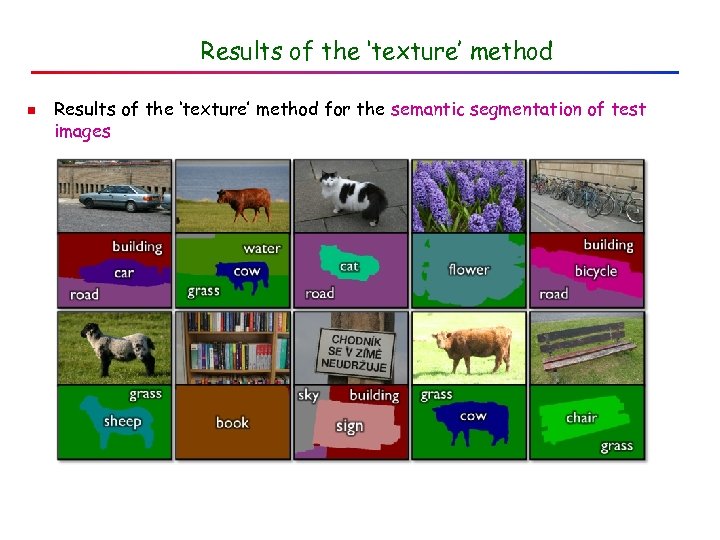 Results of the ‘texture’ method n Results of the ‘texture’ method for the semantic segmentation of test images
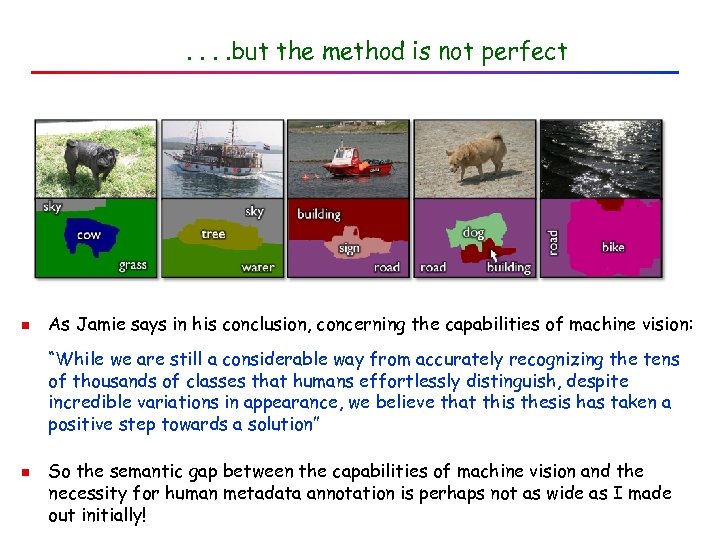 . . but the method is not perfect n As Jamie says in his conclusion, concerning the capabilities of machine vision: “While we are still a considerable way from accurately recognizing the tens of thousands of classes that humans effortlessly distinguish, despite incredible variations in appearance, we believe that this thesis has taken a positive step towards a solution” n So the semantic gap between the capabilities of machine vision and the necessity for human metadata annotation is perhaps not as wide as I made out initially!
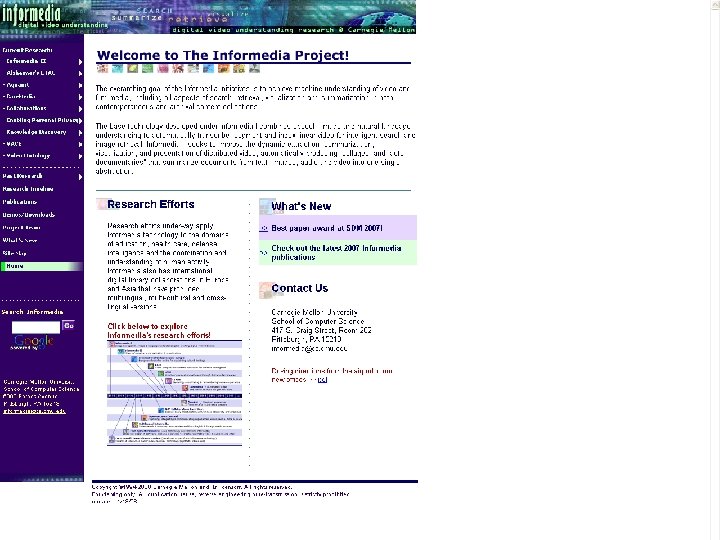
 Content-based Video Retrieval q Works better: moving objects easier to anaylse q Broadcasting systems use audio stream to help index video q Informedia Digital Video Library http: //www. informedia. cs. cmu. edu/ “combines speech, image and natural language understanding to automatically transcribe, segment and index linear video for intelligent search and image retrieval” Rough Guide to Image Management CILIP, 31 March 2010
 Rough Guide to Image Management CILIP, 31 March 2010
 SESSION TWO Using stuff Format and delivery issues Rough Guide to Image Management CILIP, 31 March 2010
 There’s no such thing as a digital image! q. Digital images are just a stream of 1’s and 0’s q. They have to be processed to be seen q. Almost all processing degrades the image q. How much degradation is acceptable? Rough Guide to Image Management CILIP, 31 March 2010
 Typical formats q. RAW : unprocessed, exactly as captured by camera. q. TIFF : processed but uncompressed. Generally best for archiving q. JPEG : processed and compressed. Best for ‘working’ copies, usually OK for web, not always for publication Rough Guide to Image Management CILIP, 31 March 2010
 How big do you want it? q DPI no guide to quality: depends on size of original and size of output. Better to quote size in pixels q Output size depends on resolution of output device q An image that is 1000 × 800 pixels q. On an old 72 ppi monitor will view at 13. 9” × 11. 1” q. On a new 96 ppi monitor will view at 10. 4” × 8. 3” q. On an average inkjet (150 lpi) will print at 6. 6” × 5. 3” q. On a high quality printer (250 lpi) will print at 4” × 3. 2” No. of pixels ÷ Output resolution = Output size (http: //www. jiscdigitalmedia. ac. uk/stillimages/advice/do-digital-images-existin-the-real-world/) Rough Guide to Image Management CILIP, 31 March 2010
 Choosing a file format q. Archive highest quality – generally TIFF q. Use working copies – generally JPEG – for display q. PDF or PSD may be appropriate for some projects q see http: //www. jiscdigitalmedia. ac. uk/stillimages/advi ce/choosing-a-file-format-for-digital-still-images/ Rough Guide to Image Management CILIP, 31 March 2010
 Delivering to the end user q. Low-res JPEGs ok for web or Power. Point q. High-res JPEGs normally needed for publication q. Author’s responsibility to check publisher’s requirements q. Normally chargeable – plus reproduction rights q. To keep or not to keep a library copy? Rough Guide to Image Management CILIP, 31 March 2010
 If you keep a copy… q. Needs long-term storage q. Needs adequate metadata q. May need additional scanning to create logical unit q… so needs institutional policy decision Rough Guide to Image Management CILIP, 31 March 2010
 SESSION TWO Using stuff Rights issues and commercial factors Rough Guide to Image Management CILIP, 31 March 2010
 Copyright in images q Photographs and images are protected as artistic works, provided original and ‘fixed’ q This right does not need to be stated q Electronic/digital copyright not specifically mentioned in law, which lags behind technology q Ease of copying and conversion makes infringement easy; permission given for one format may not apply to another Rough Guide to Image Management CILIP, 31 March 2010
 Who has the rights? q. The creator of the image q. The creator of the object imaged q. The subject of the image Rough Guide to Image Management CILIP, 31 March 2010
 Don’t do it! q. The Internet is NOT a copyright-free zone q. DO seek copyright permission q. DO acknowledge the source q. DON’T alter the image Paul Pedley, Copyright and images, Library and Information Update, 6(6) May 2007, 36 -37 Rough Guide to Image Management CILIP, 31 March 2010
 Fair dealing q. You may use images for private study and NON-COMMERCIAL research q. But not on websites OR INTRANETS because equivalent to multiple copying q. Permission must always be sought for that q. Establishing the copyright owner can be extremely difficult Rough Guide to Image Management CILIP, 31 March 2010
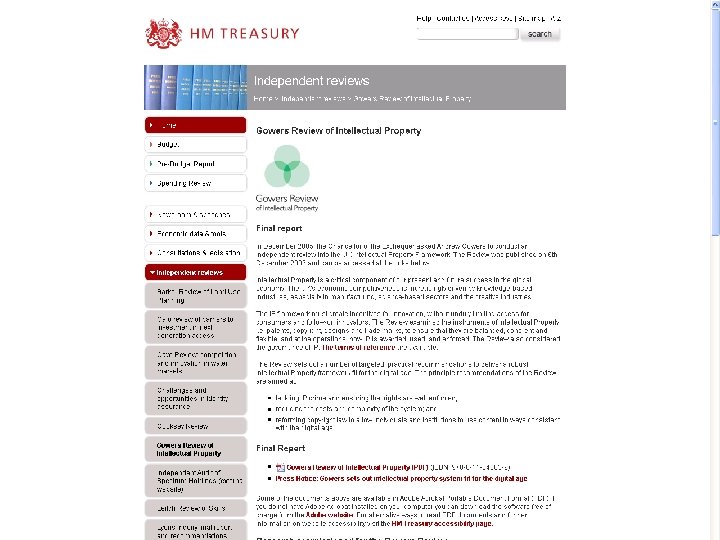
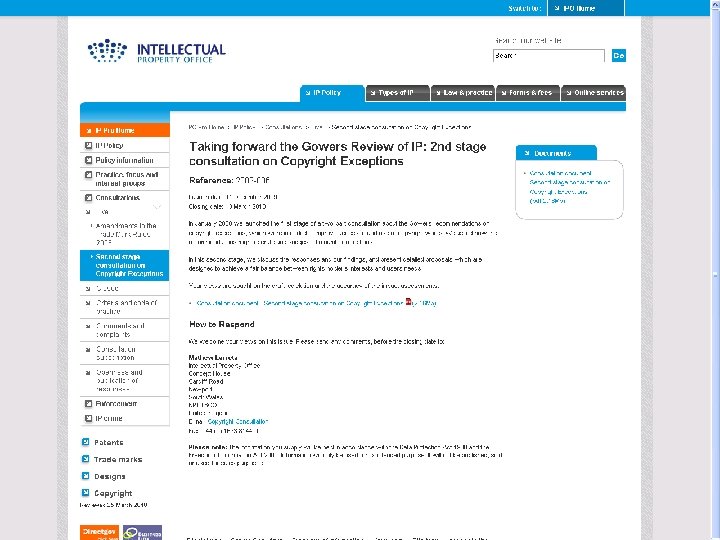
 Gowers proposals q Gowers Review of Intellectual Property HM Treasury, The Stationery Office, 2006 q Proposes provision for ‘orphan works’ where copyright owner cannot be traced q Intellectual Property Office [=Patent Office] should issue guidance on parameters of ‘reasonable search’ q And establish a voluntary register of copyright Rough Guide to Image Management CILIP, 31 March 2010
 Rough Guide to Image Management CILIP, 31 March 2010
 Rough Guide to Image Management CILIP, 31 March 2010
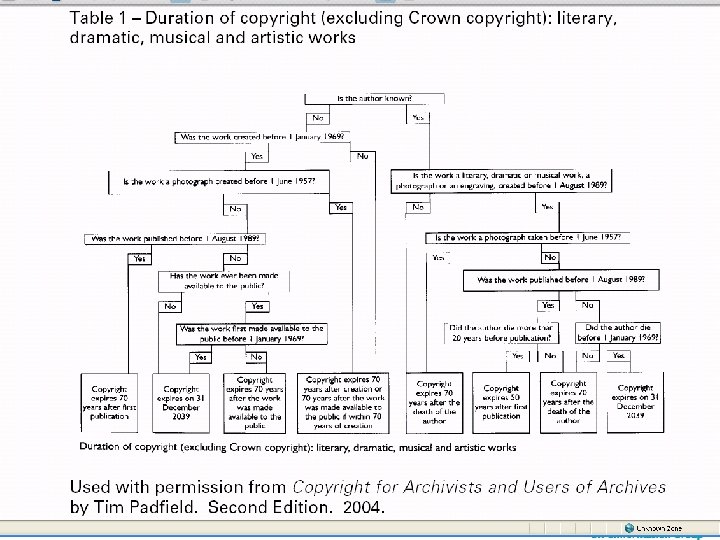
 How long? q 70 years after death of photographer (if UK citizen) for photos taken after August 1989; earlier, can be longer or shorter q. Take advice! Rough Guide to Image Management CILIP, 31 March 2010
 Rough Guide to Image Management CILIP, 31 March 2010
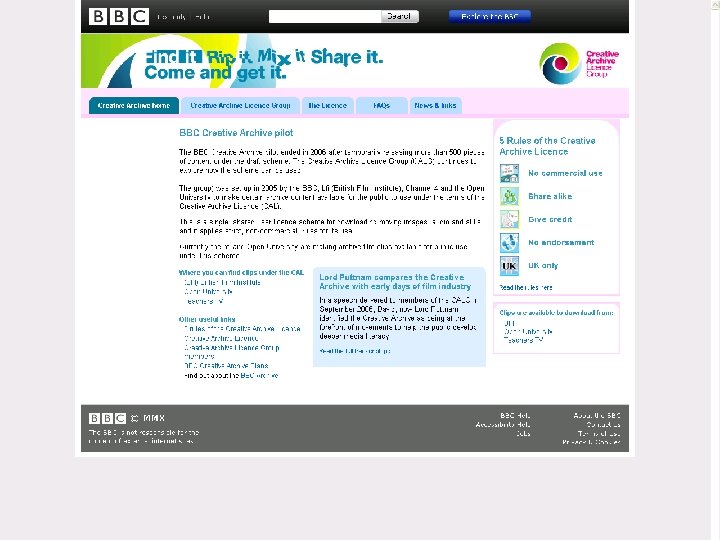
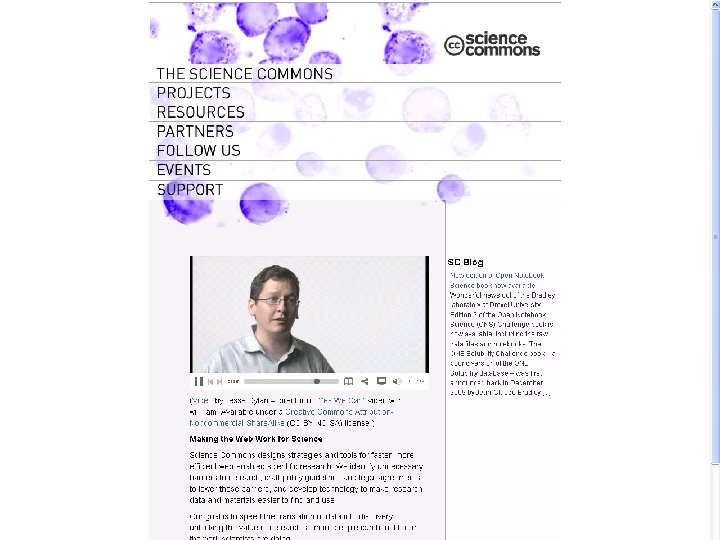
 Open Access q. Creative Commons http: //creativecommons. org/ q. Creative Archive (BBC) http: //creativearchive. bbc. co. uk/ q. Science Commons http: //sciencecommons. org/ q. All offer opportunity for creators to license material for web use: non-commercial, credited, share-alike Rough Guide to Image Management CILIP, 31 March 2010
 Rough Guide to Image Management CILIP, 31 March 2010
 Rough Guide to Image Management CILIP, 31 March 2010
 Rough Guide to Image Management CILIP, 31 March 2010
 More info q. JISC Digital Media: http: //www. jiscdigitalmedia. ac. uk/stillimages/adv ice/copyright-and-digital-images/ Rough Guide to Image Management CILIP, 31 March 2010
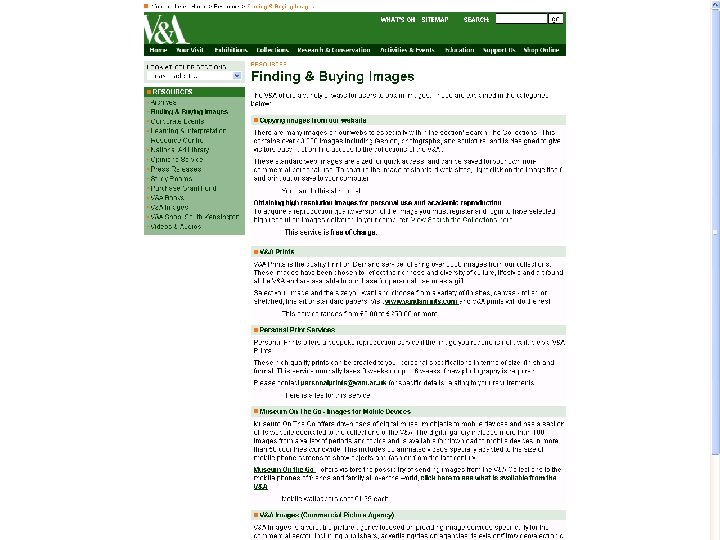
 Pricing your own material q No standard guidelines q Reproduction fees vary widely q V&A (http: //www. vam. ac. uk/resources/buying/) often taken as ‘best practice’: now scrapped repro fees for scholarly publications q Remember quoted prices are maxima – may be discounted or waived q Administration is costly q Remember original aim of digitising Rough Guide to Image Management CILIP, 31 March 2010
 Rough Guide to Image Management CILIP, 31 March 2010
 Buying material q. Unless for library collection, best for enquirer to deal direct with source q. May need advice on format, type of rights required etc q. For library retention use highest quality possible Rough Guide to Image Management CILIP, 31 March 2010