


 Скачать презентацию Session 7 Direct Loan Funding Cash Management
f483049282138ecab690e58aed480171.ppt
- Количество слайдов: 54
 Session 7 Direct Loan Funding & Cash Management Anthony (Tony) Laing Tremayne Cobb 1
 Direct Loan Funding & Cash Management Direct Loan Funding Cash Management G 5 – Updates 2
 Direct Loan Funding Process Overview “How do schools get their $Money$? ” 3
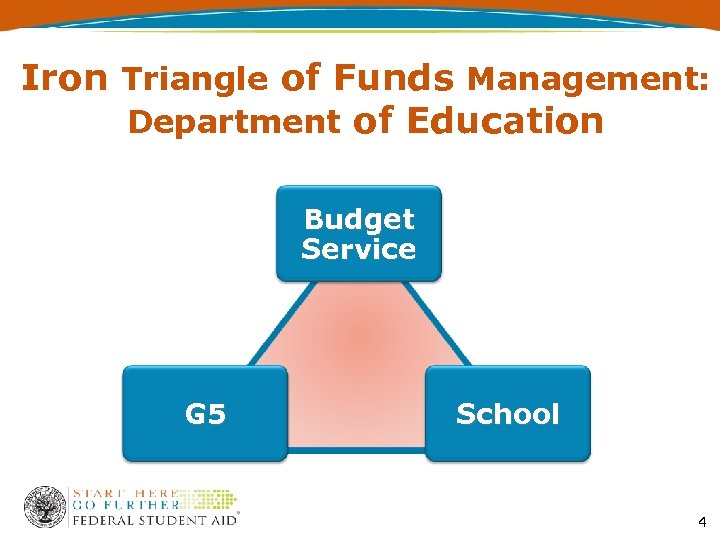 Iron Triangle of Funds Management: Department of Education Budget Service G 5 School 4
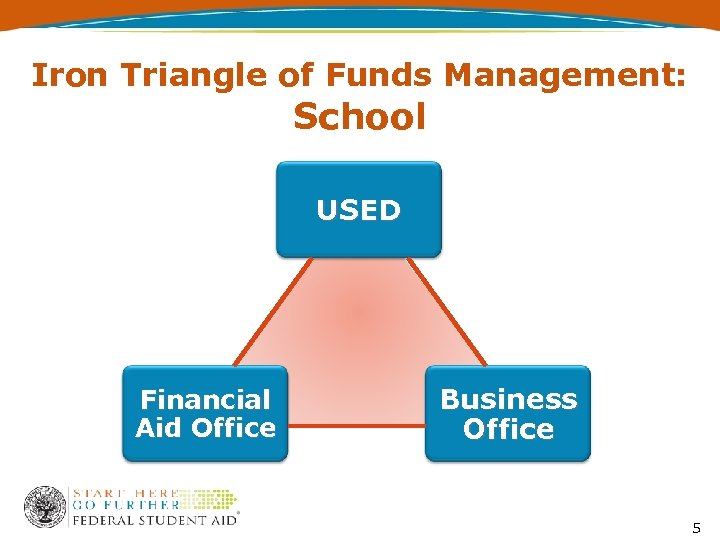 Iron Triangle of Funds Management: School USED Financial Aid Office Business Office 5
 Funding Lifecycle • Initial Authorization • Disbursement and Loan processing (in COD System) • Drawdowns (through G 5) • Monthly reconciliation disbursements/cash – School/COD System/G 5 • End of Award Year Reconciliation and Closeout 6
 Funding Life Cycle Example 2009 -2010 Award Year • Initial Authorization - March 2009 • Daily Processing • Monthly Reconciliation • Closeout – July 31, 2011
 Initial Authorization • Initial authorization in early Spring • Approximately 60 -65% of the amount of the disbursement records on file from the previous year • Possible increase in mid year
 Advance Funded/School. Initiated Drawdowns • School receives an initial CFL • School draws down cash via the G 5 Web site • School sends in MPNs and actual disbursement records to substantiate cash received • COD System sends CFL increases to G 5 so school can continue to drawdown funds as needed 9
 Daily Production COD 24 -Hour Turnaround Deadlines 10: 00 AM ET in COD - Same Day 10: 00 PM ET in COD - Next Day 10
 COD Disbursement Record Timing • Funding based on actual disbursements • 7 day rule – Records submitted 7 days in advance of disbursement date trigger an increase in funding 11
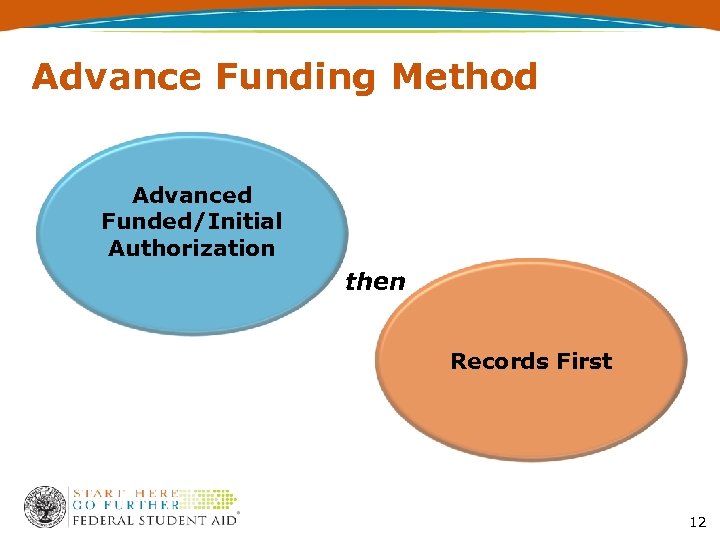 Advance Funding Method Advanced Funded/Initial Authorization then Records First 12
 Funding Method • Pushed Cash/System-Initiated Drawdowns funding method ends with the 2010 -2011 Award Year • Effects approximately 120 schools using the Push Cash method
 Foreign Schools • • 400 Foreign Schools new to Direct Loan Require GAPS Account Records First No Initial Authorization
 Title IV Funding to Schools Direct Loan Funding Cash Management G 5 – Updates 15
 Cash Management Requirements • 30 -Day Reporting Requirement – 685. 301(d) Direct Loan • 3 -Day Cash Rule – 668. 162(b) • Monthly Reconciliation – 685. 102(b) Direct Loan 16
 Direct Loan Reconciliation versus End-Of-Year Closeout • Monthly Reconciliation – Compare your records with the Dept’s to identify and account for discrepancies – Ending Cash Balance (ECB) allowable at $0 • Closeout – Ensure that all records are processed and all cash is accounted for & reconciled – Ending Cash Balance (ECB) must = $0 17
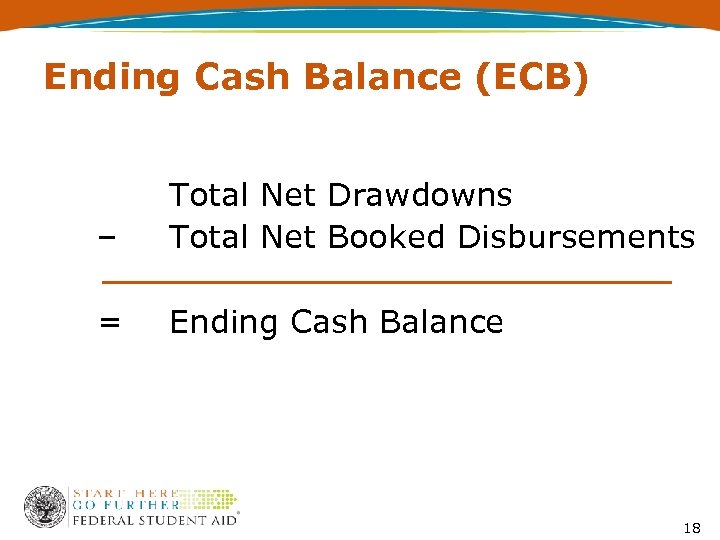 Ending Cash Balance (ECB) – Total Net Drawdowns Total Net Booked Disbursements = Ending Cash Balance 18
 COD and G 5 Tools Direct Loan Reconciliation • • School Account Statement (SAS) COD Funding Web screens COD Reports G 5 web screens and reports 19
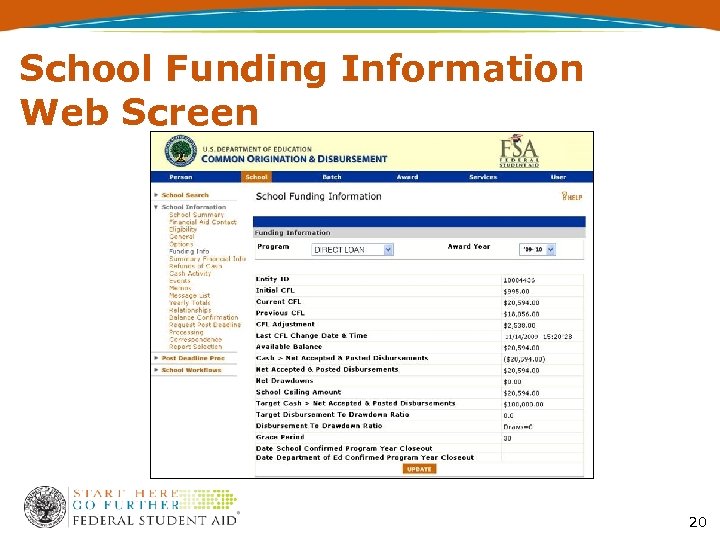 School Funding Information Web Screen 20
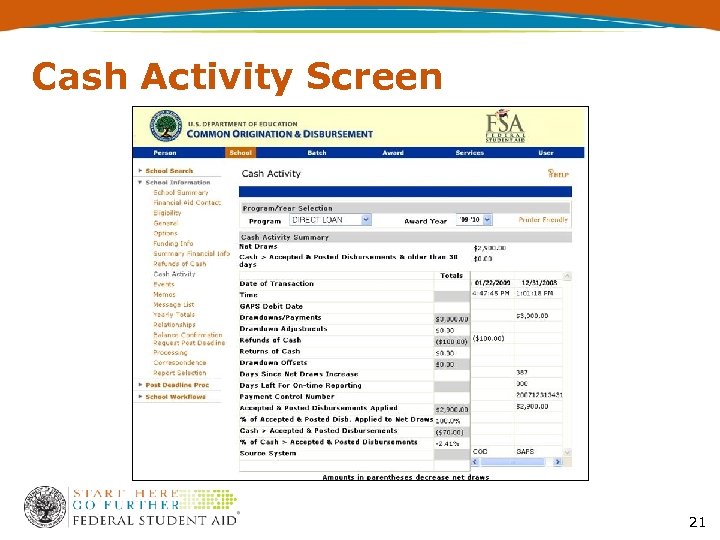 Cash Activity Screen 21
 Direct Loan School Account Statement (SAS) • Monthly file sent from the COD System – Contains school data as reflected on the COD System • Sections of the SAS – Cash Summary – Disbursement Summary by Loan type – Cash Detail – Loan/Disbursement Information 22
 Title IV Funding to Schools Direct Loan Funding Cash Management G 5 – Updates 23
 G 5 • Department of Education’s payment system • Formerly known as GAPS • Provides location for all school funding processes – Drawdown adjustments – Refunds – G 5 Funding Reports 24
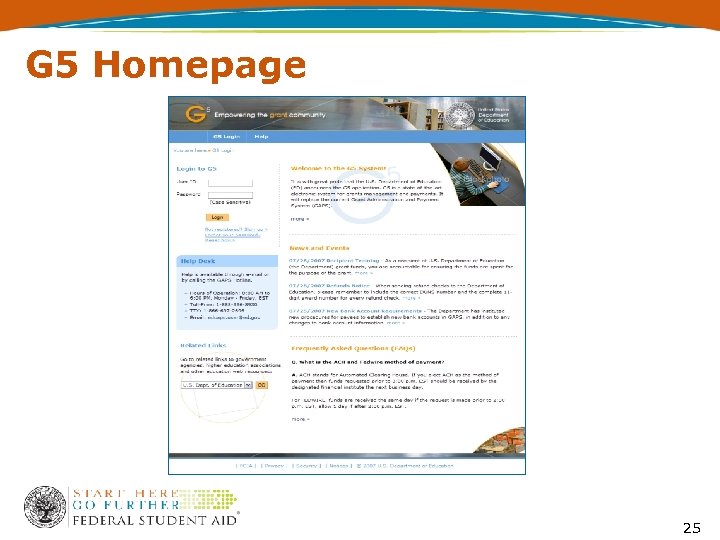 G 5 Homepage 25
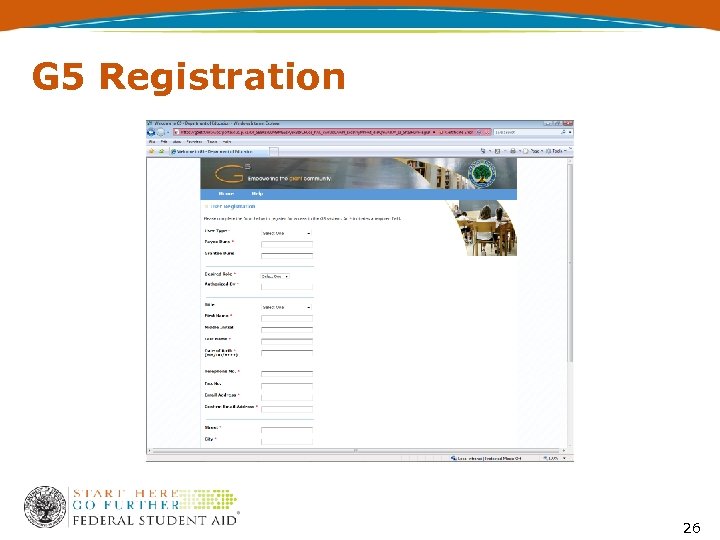 G 5 Registration 26
 My Awards • Displays a list of all of your institution's awards in G 5 • Gives a quick snapshot of a Recipient’s Award number, Available Balance, Last Date to Draw, and Award Status
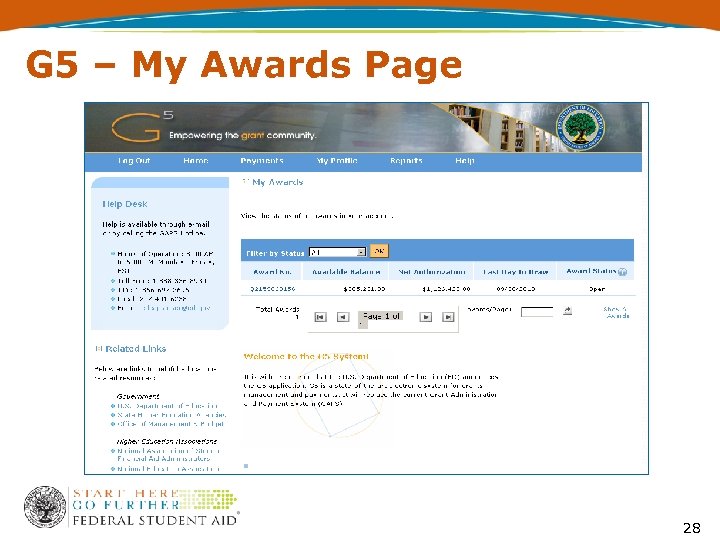 G 5 – My Awards Page 28
 How do I Request my Direct Loan Funds? ? ?
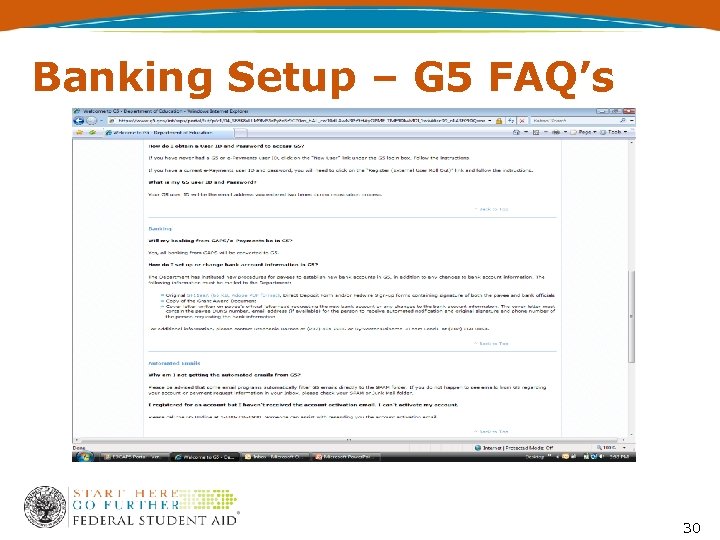 Banking Setup – G 5 FAQ’s 30
 Banking Cont… • Instructions on how to setup banking is located at www. g 5. gov in the FAQ section • Takes 2 -3 days to process banking once all documentation is received • Help with filling out SF-1199 A is available at the G 5 PC Lab station 31
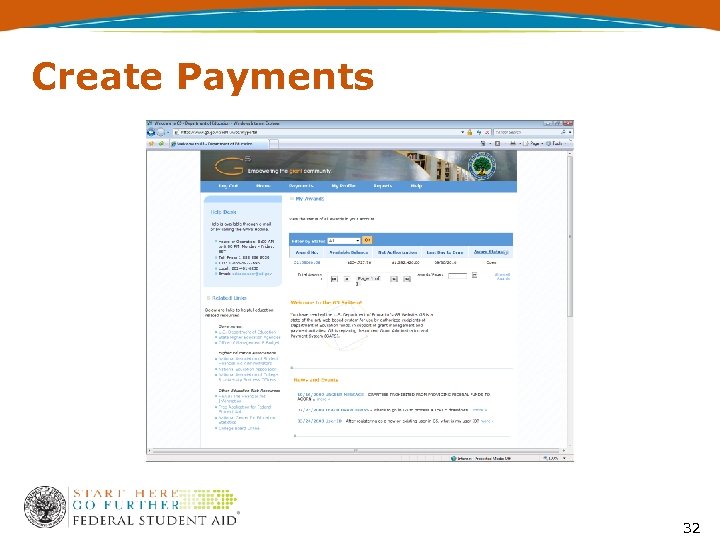 Create Payments 32
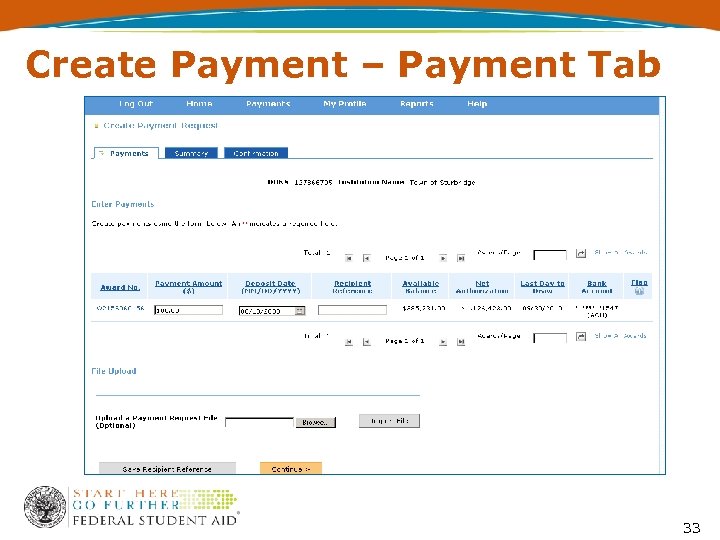 Create Payment – Payment Tab 33
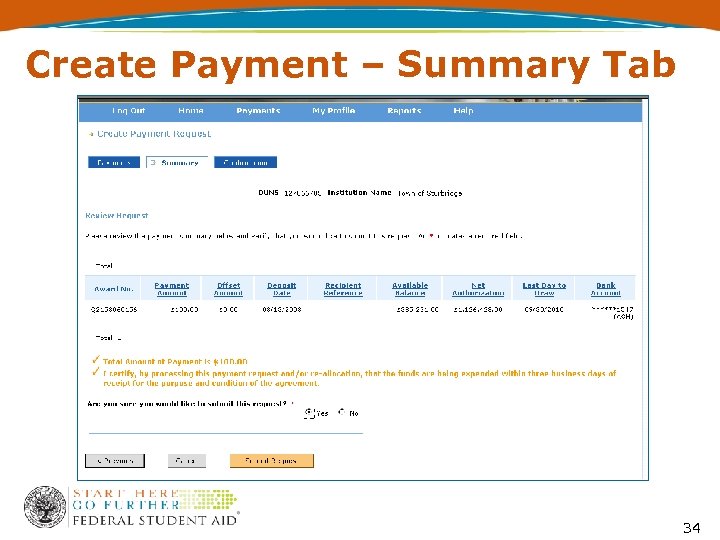 Create Payment – Summary Tab 34
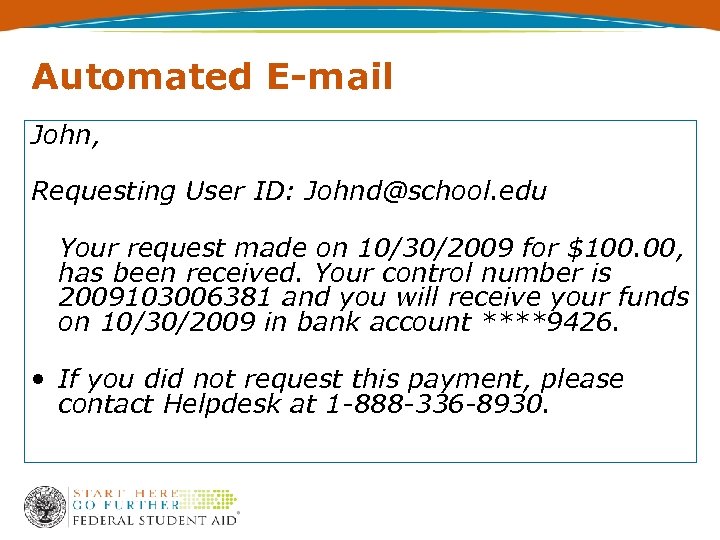 Automated E-mail John, Requesting User ID: Johnd@school. edu Your request made on 10/30/2009 for $100. 00, has been received. Your control number is 2009103006381 and you will receive your funds on 10/30/2009 in bank account ****9426. • If you did not request this payment, please contact Helpdesk at 1 -888 -336 -8930.
 Drawdown Adjustments • Can’t move more than has been drawn • Net adjustment must equal zero • Do not use adjustments as a substitute for returning excess cash • Do not use adjustments to close out a year or bring your school’s cash balance to zero
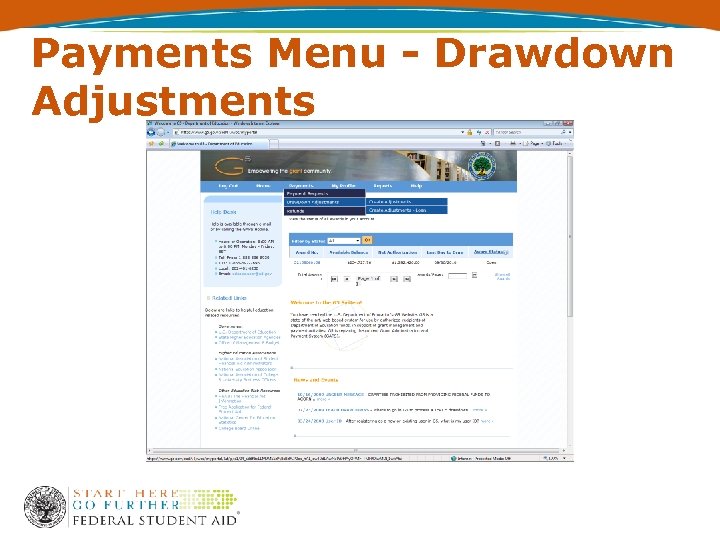 Payments Menu - Drawdown Adjustments
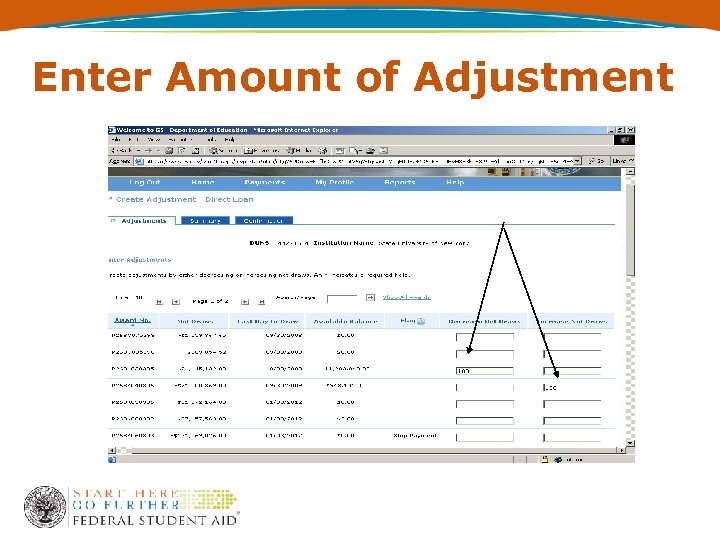 Enter Amount of Adjustment
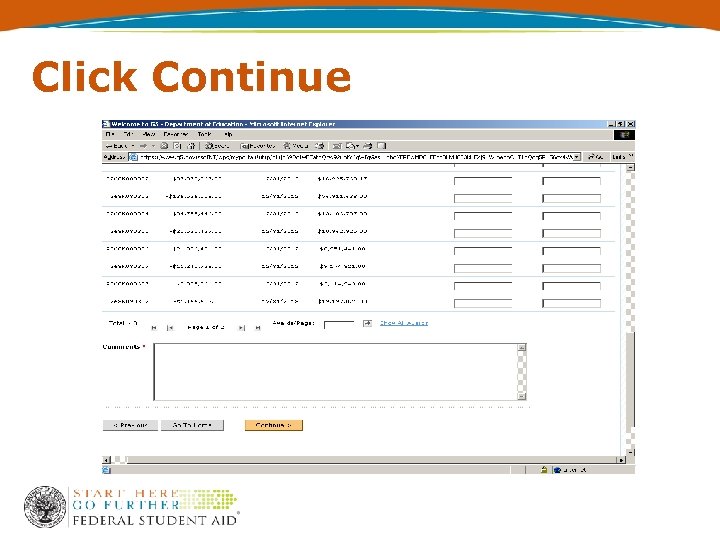 Click Continue
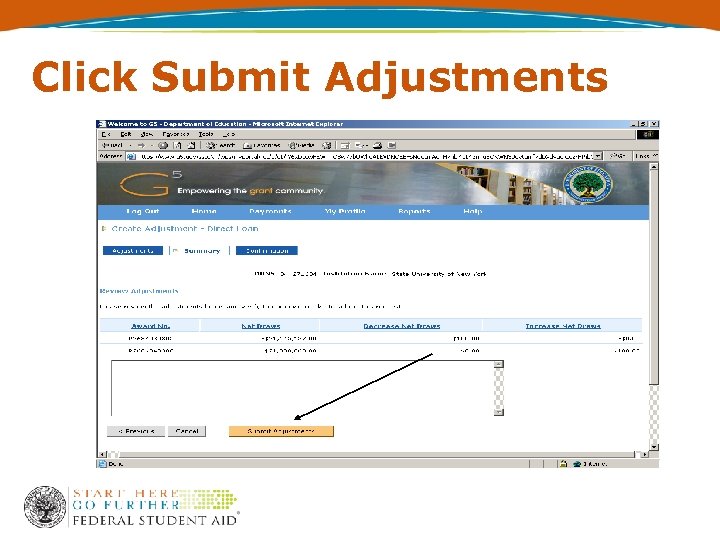 Click Submit Adjustments
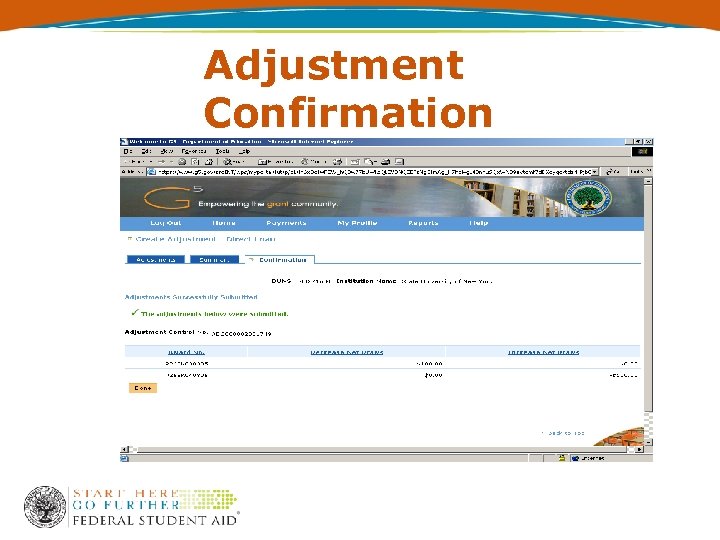 Adjustment Confirmation
 Advantages of Electronic Refunds • Posts to G 5 within 2 business days • You control the process • You direct from which bank account the money is refunded • Multiple refunds on one screen and at one time • Electronic processing reduces human error and delays
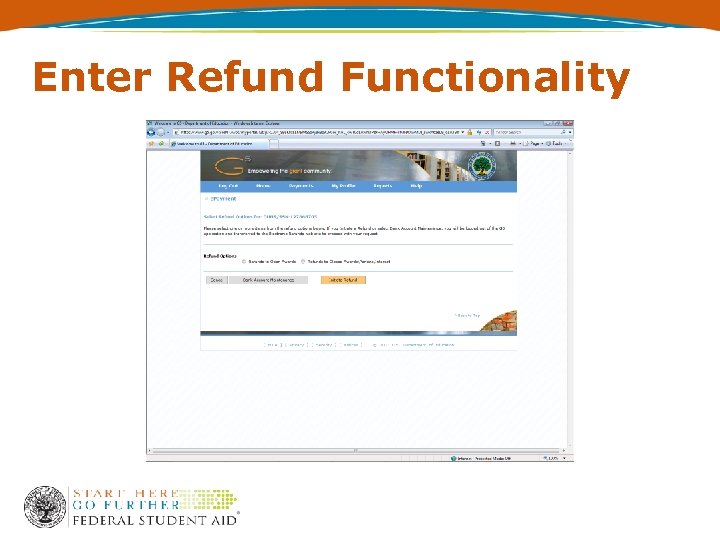 Enter Refund Functionality
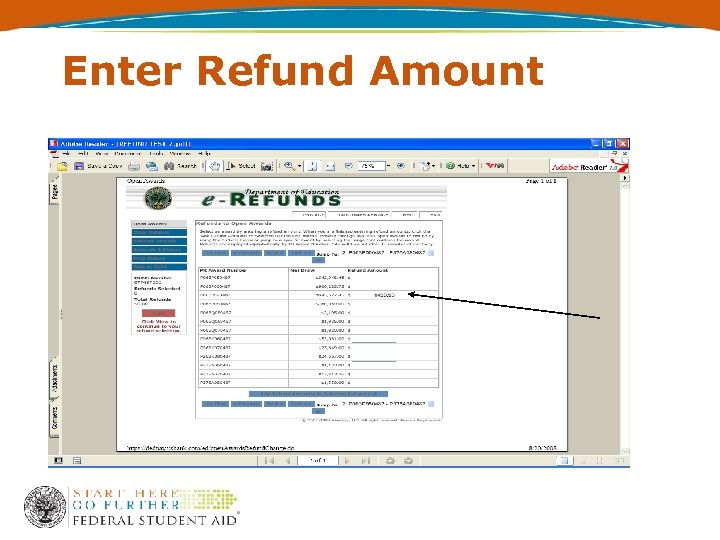 Enter Refund Amount
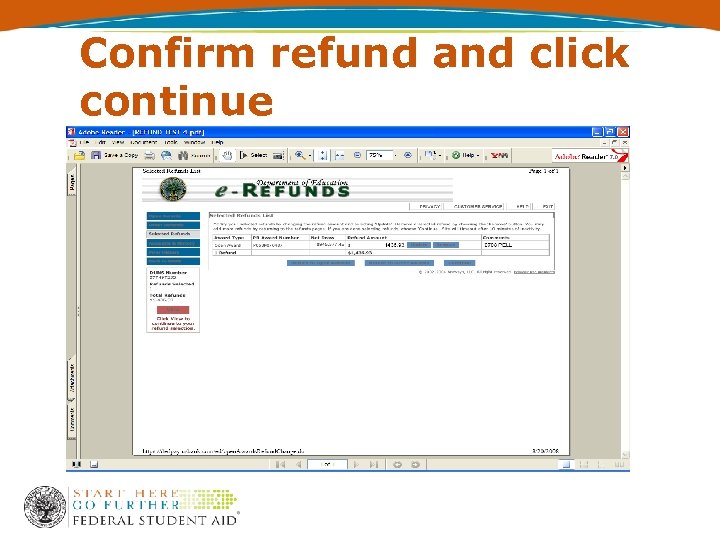 Confirm refund and click continue
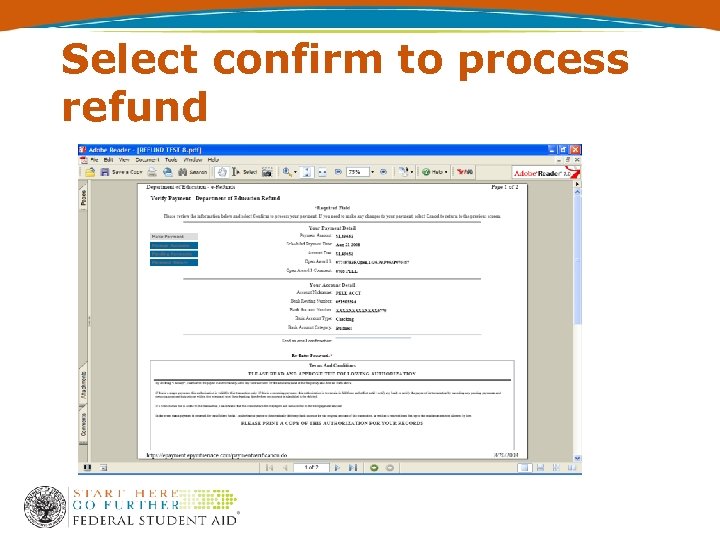 Select confirm to process refund
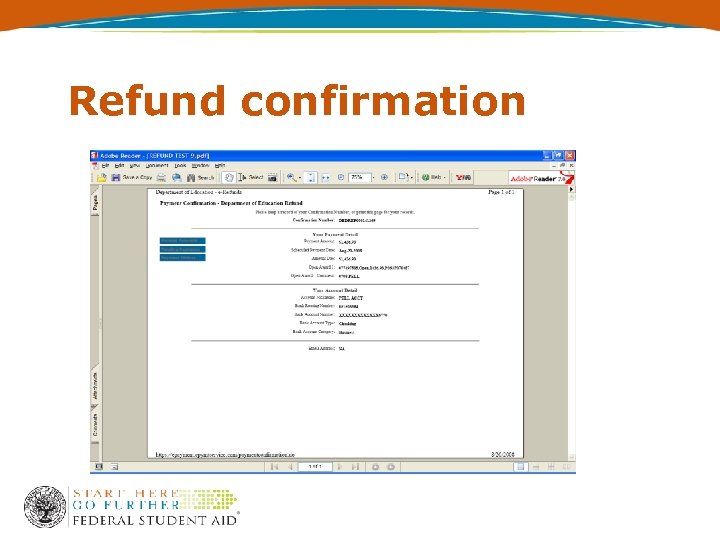 Refund confirmation
 G 5 Reporting
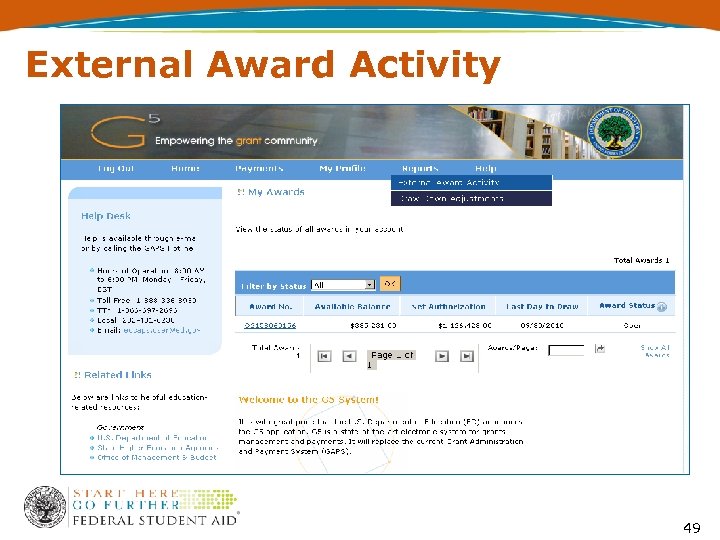 External Award Activity 49
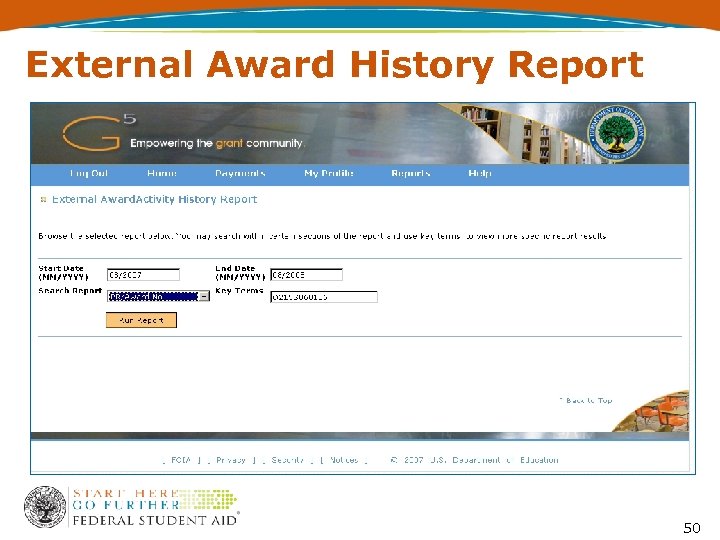 External Award History Report 50
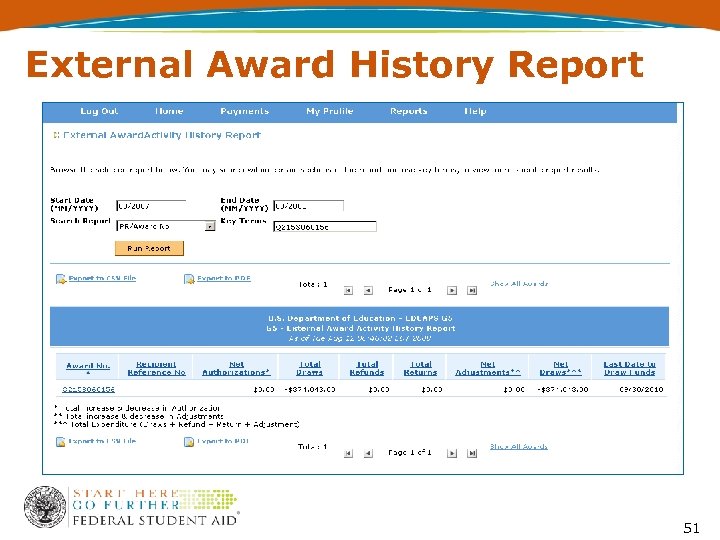 External Award History Report 51
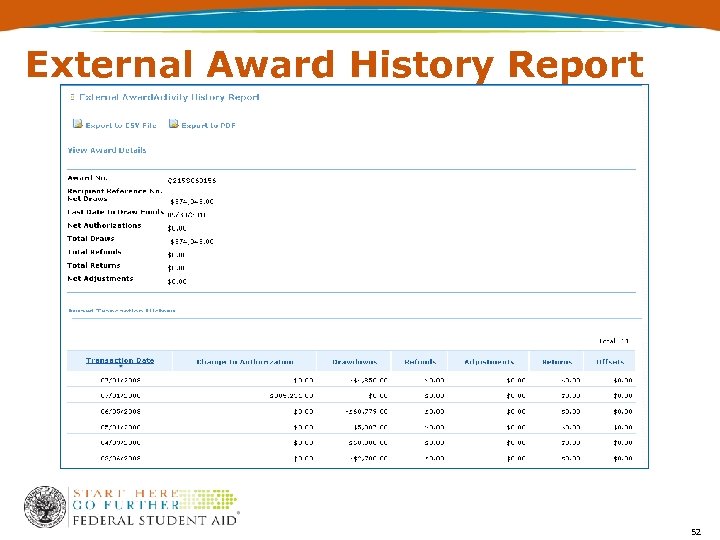 External Award History Report 52
 Need Funding Help? • COD School Relations Center 1 -800 -848 -0978 • G 5 Helpdesk 1 -888 -336 -8930 53
 Contact Information Anthony (Tony) Laing Director, Internal Controls Division anthony. laing@ed. gov (202) 377 -3112 Tremayne Cobb G 5 Functional Lead tremayne. cobb@ed. gov (202) 260 -4392 54