 Скачать презентацию Session 56 Two-Factor Authentication Steven Burke James
c58874f35de103c5cdeb2dd978946da5.ppt
- Количество слайдов: 20



Session #56 Two-Factor Authentication Steven Burke & James Mc. Mahon U. S. Department of Education
Project Overview To comply with the White House through the United States Office of Management and Budget (OMB) mandate, Memorandum M 07 -16 attachment 1, and as part of our ongoing efforts to ensure the security of Federal Student Aid data systems, the U. S. Department of Education is required to implement a security protocol through which all authorized users will enter two forms of “authentication” to access Federal Student Aid systems via the Internet. This process is referred to as Two-Factor Authentication (TFA). 2
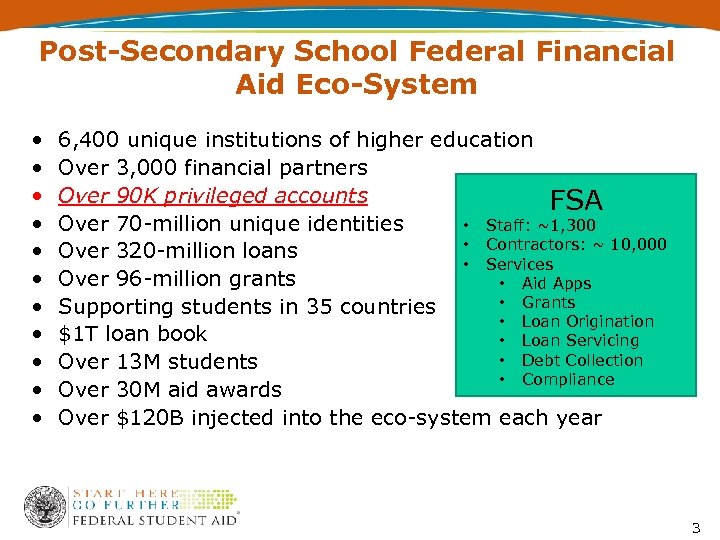
Post-Secondary School Federal Financial Aid Eco-System • • • 6, 400 unique institutions of higher education Over 3, 000 financial partners Over 90 K privileged accounts FSA Over 70 -million unique identities • Staff: ~1, 300 • Contractors: ~ 10, 000 Over 320 -million loans • Services Over 96 -million grants • Aid Apps • Grants Supporting students in 35 countries • Loan Origination $1 T loan book • Loan Servicing • Debt Collection Over 13 M students • Compliance Over 30 M aid awards Over $120 B injected into the eco-system each year 3
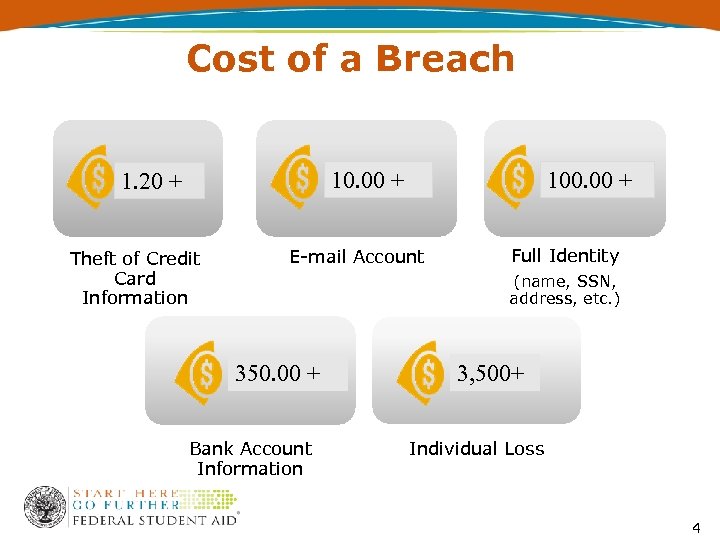
Cost of a Breach 10. 00 + 1. 20 + Theft of Credit Card Information 100. 00 + E-mail Account Full Identity (name, SSN, address, etc. ) 350. 00 + Bank Account Information 3, 500+ Individual Loss 4
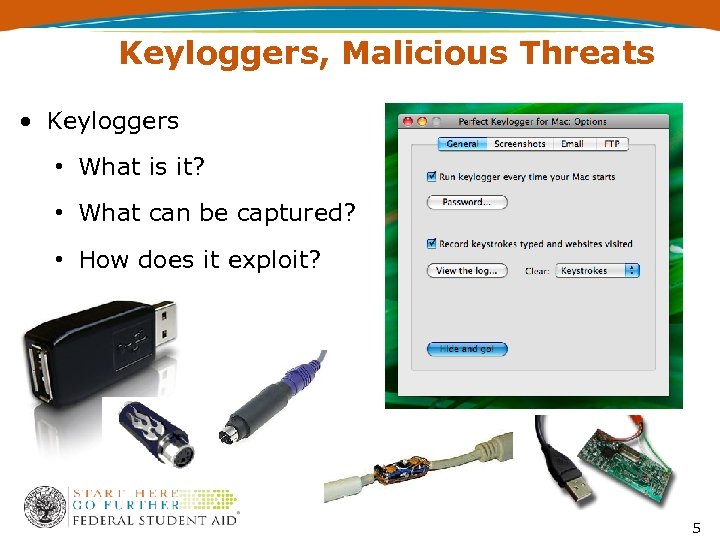
Keyloggers, Malicious Threats • Keyloggers • What is it? • What can be captured? • How does it exploit? 5
Two-Factor Authentication Scope • Provide safe and secure access to FSA network services • Encompasses all FSA, Dept. of Education, and partners • Postsecondary Schools and Sub-Contractors • Guaranty Agencies • Servicers/PCA’s/NFPs • Call Centers • Developers/Contractors and Sub-Contractors • TFA project is focused on privileged users • A privileged user is anyone who can see more than just their own personal data 6
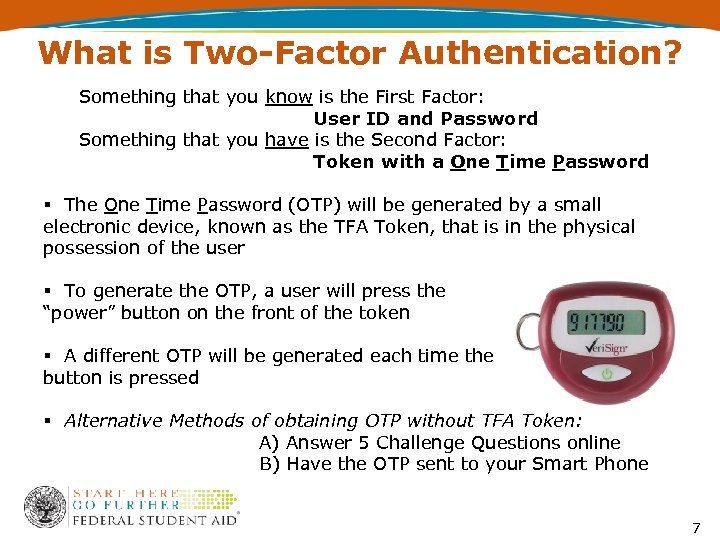
What is Two-Factor Authentication? Something that you know is the First Factor: User ID and Password Something that you have is the Second Factor: Token with a One Time Password § The One Time Password (OTP) will be generated by a small electronic device, known as the TFA Token, that is in the physical possession of the user § To generate the OTP, a user will press the “power” button on the front of the token § A different OTP will be generated each time the button is pressed § Alternative Methods of obtaining OTP without TFA Token: A) Answer 5 Challenge Questions online B) Have the OTP sent to your Smart Phone 7
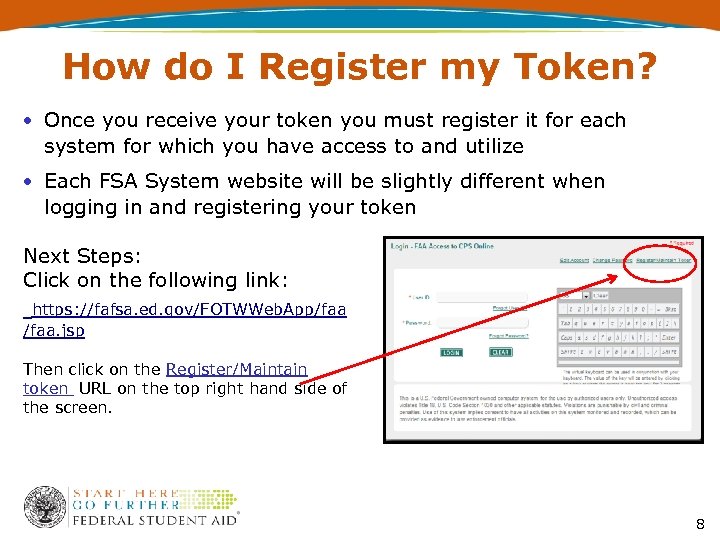
How do I Register my Token? • Once you receive your token you must register it for each system for which you have access to and utilize • Each FSA System website will be slightly different when logging in and registering your token Next Steps: Click on the following link: https: //fafsa. ed. gov/FOTWWeb. App/faa. jsp Then click on the Register/Maintain token URL on the top right hand side of the screen. 8
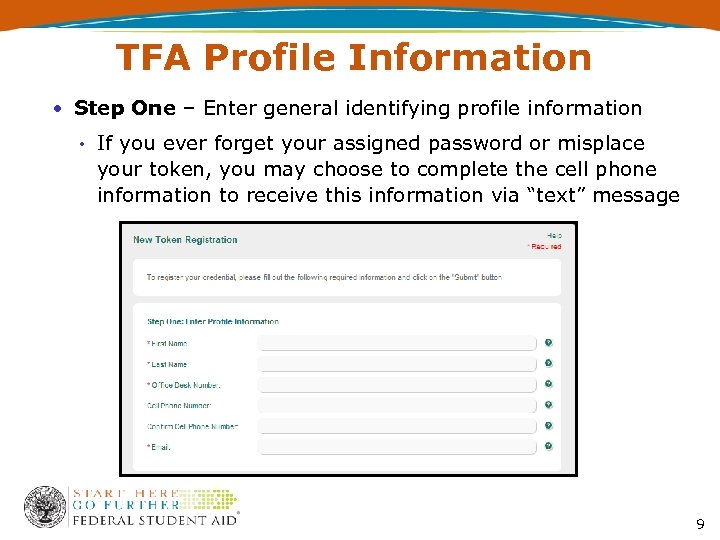
TFA Profile Information • Step One – Enter general identifying profile information • If you ever forget your assigned password or misplace your token, you may choose to complete the cell phone information to receive this information via “text” message 9
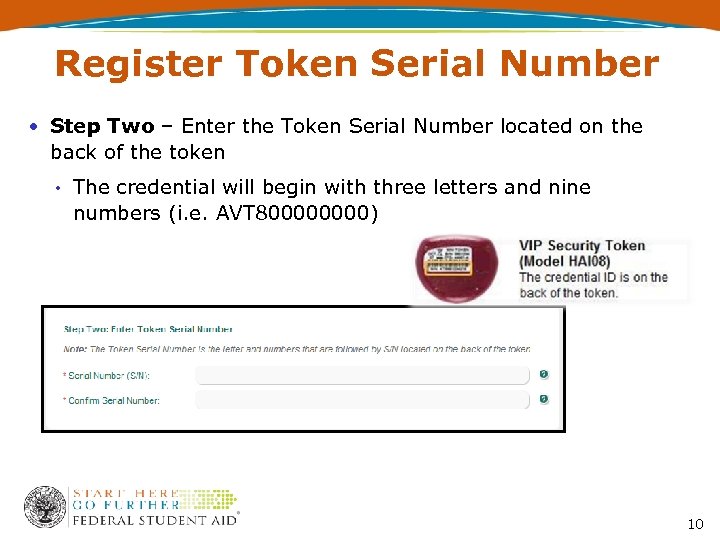
Register Token Serial Number • Step Two – Enter the Token Serial Number located on the back of the token • The credential will begin with three letters and nine numbers (i. e. AVT 80000) 10
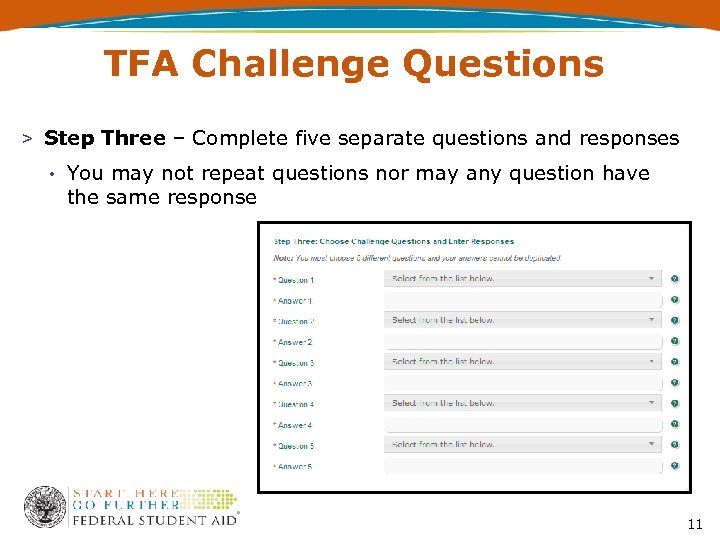
TFA Challenge Questions > Step Three – Complete five separate questions and responses • You may not repeat questions nor may any question have the same response 11
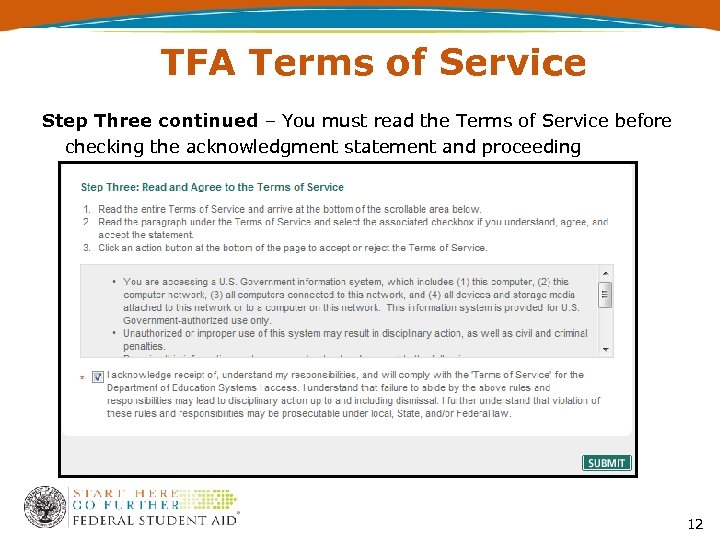
TFA Terms of Service Step Three continued – You must read the Terms of Service before checking the acknowledgment statement and proceeding 12
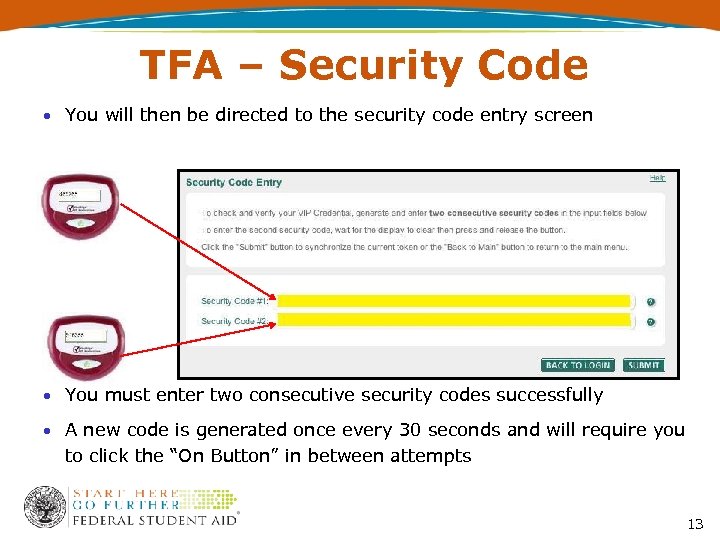
TFA – Security Code • You will then be directed to the security code entry screen • You must enter two consecutive security codes successfully • A new code is generated once every 30 seconds and will require you to click the “On Button” in between attempts 13
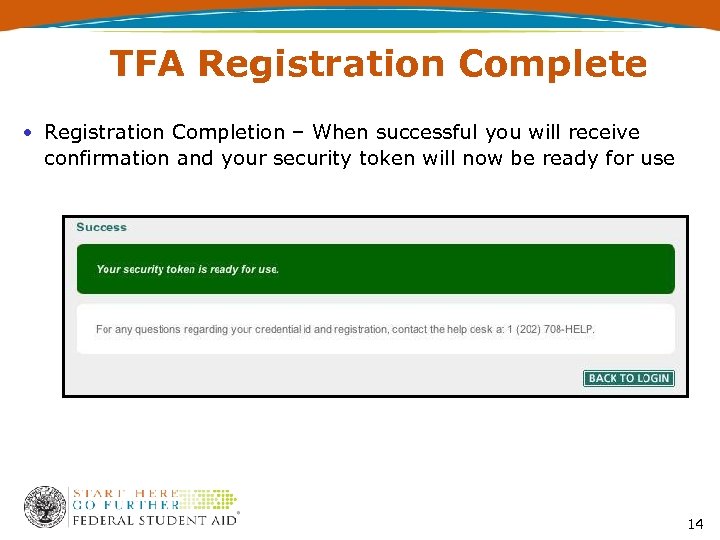
TFA Registration Complete • Registration Completion – When successful you will receive confirmation and your security token will now be ready for use 14
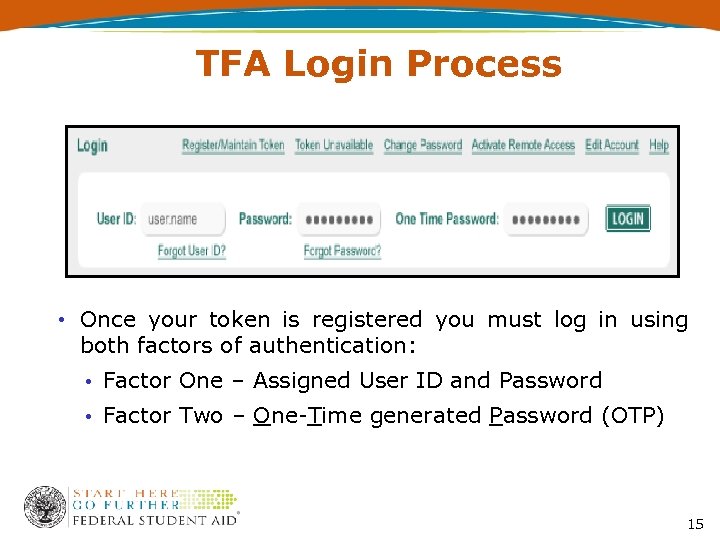
TFA Login Process • Once your token is registered you must log in using both factors of authentication: • Factor One – Assigned User ID and Password • Factor Two – One-Time generated Password (OTP) 15
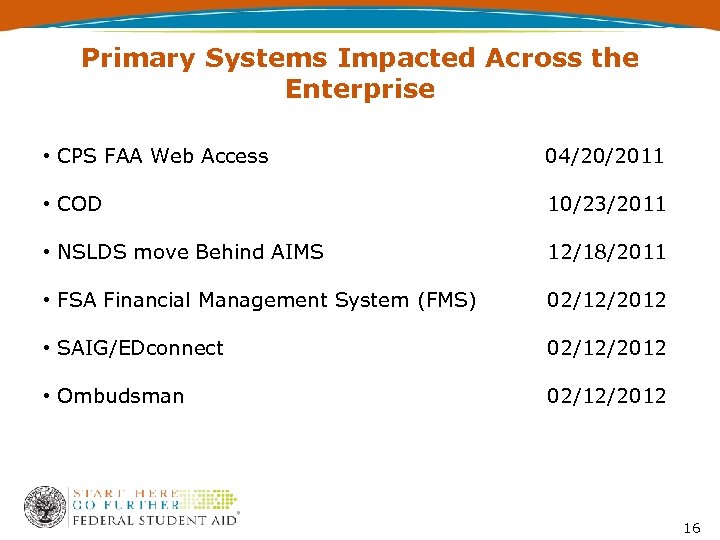
Primary Systems Impacted Across the Enterprise • CPS FAA Web Access 04/20/2011 • COD 10/23/2011 • NSLDS move Behind AIMS 12/18/2011 • FSA Financial Management System (FMS) 02/12/2012 • SAIG/EDconnect 02/12/2012 • Ombudsman 02/12/2012 16
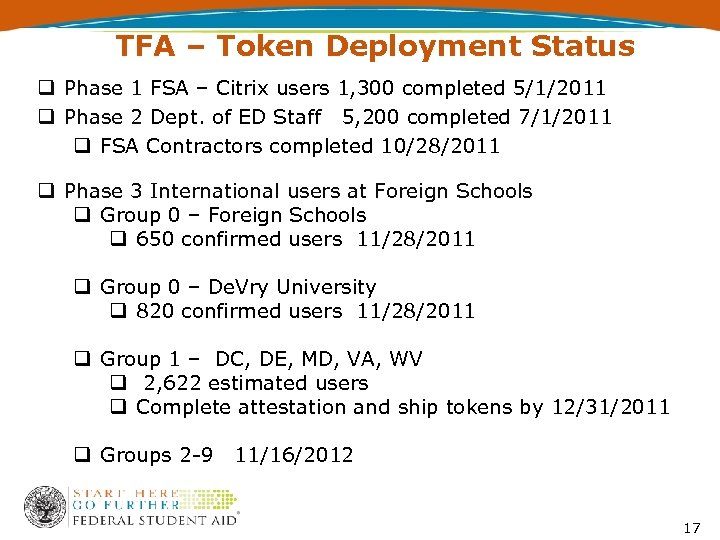
TFA – Token Deployment Status q Phase 1 FSA – Citrix users 1, 300 completed 5/1/2011 q Phase 2 Dept. of ED Staff 5, 200 completed 7/1/2011 q FSA Contractors completed 10/28/2011 q Phase 3 International users at Foreign Schools q Group 0 – Foreign Schools q 650 confirmed users 11/28/2011 q Group 0 – De. Vry University q 820 confirmed users 11/28/2011 q Group 1 – DC, DE, MD, VA, WV q 2, 622 estimated users q Complete attestation and ship tokens by 12/31/2011 q Groups 2 -9 11/16/2012 17
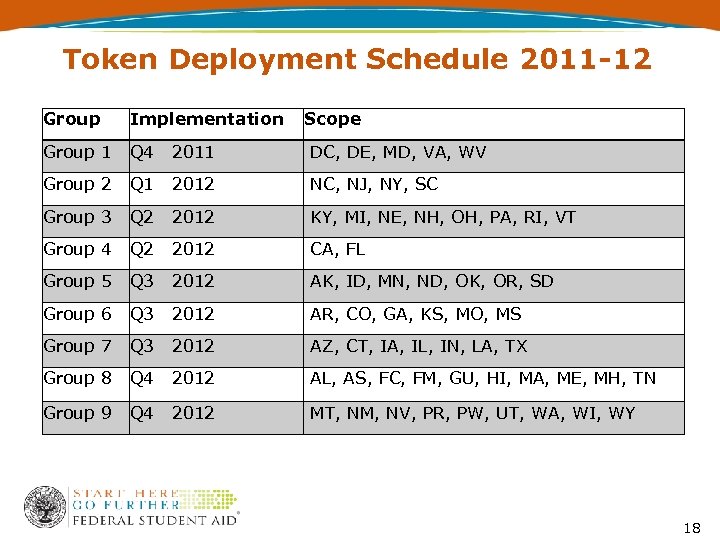
Token Deployment Schedule 2011 -12 Group Implementation Scope Group 1 Q 4 2011 DC, DE, MD, VA, WV Group 2 Q 1 2012 NC, NJ, NY, SC Group 3 Q 2 2012 KY, MI, NE, NH, OH, PA, RI, VT Group 4 Q 2 2012 CA, FL Group 5 Q 3 2012 AK, ID, MN, ND, OK, OR, SD Group 6 Q 3 2012 AR, CO, GA, KS, MO, MS Group 7 Q 3 2012 AZ, CT, IA, IL, IN, LA, TX Group 8 Q 4 2012 AL, AS, FC, FM, GU, HI, MA, ME, MH, TN Group 9 Q 4 2012 MT, NM, NV, PR, PW, UT, WA, WI, WY 18
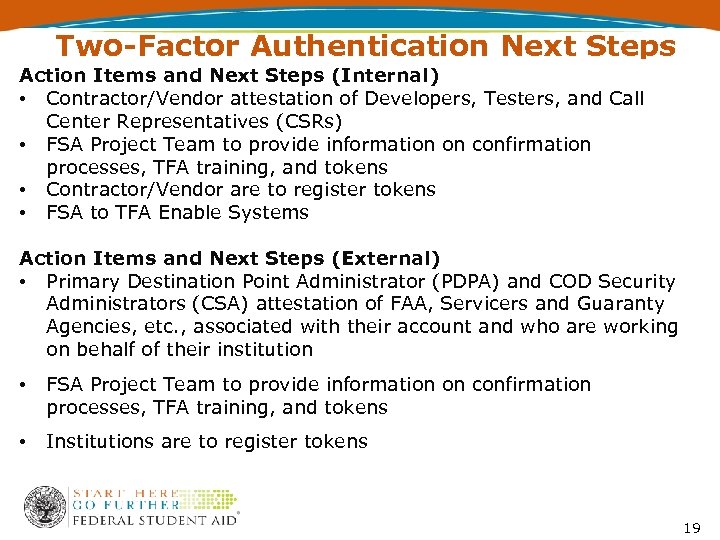
Two-Factor Authentication Next Steps Action Items and Next Steps (Internal) • Contractor/Vendor attestation of Developers, Testers, and Call Center Representatives (CSRs) • FSA Project Team to provide information on confirmation processes, TFA training, and tokens • Contractor/Vendor are to register tokens • FSA to TFA Enable Systems Action Items and Next Steps (External) • Primary Destination Point Administrator (PDPA) and COD Security Administrators (CSA) attestation of FAA, Servicers and Guaranty Agencies, etc. , associated with their account and who are working on behalf of their institution • FSA Project Team to provide information on confirmation processes, TFA training, and tokens • Institutions are to register tokens 19
Contact Information We appreciate your feedback & comments. Steven Burke • Phone: 202 -377 -4683 • E-mail: TFA_Communications@ed. gov 20
Скачать презентацию Session 56 Two-Factor Authentication Steven Burke James
c58874f35de103c5cdeb2dd978946da5.ppt