


 Скачать презентацию Series F 4 P 1 4 DIN Process and
3c9c60d641aa82e7419cc9ecfdbe724a.ppt
- Количество слайдов: 57
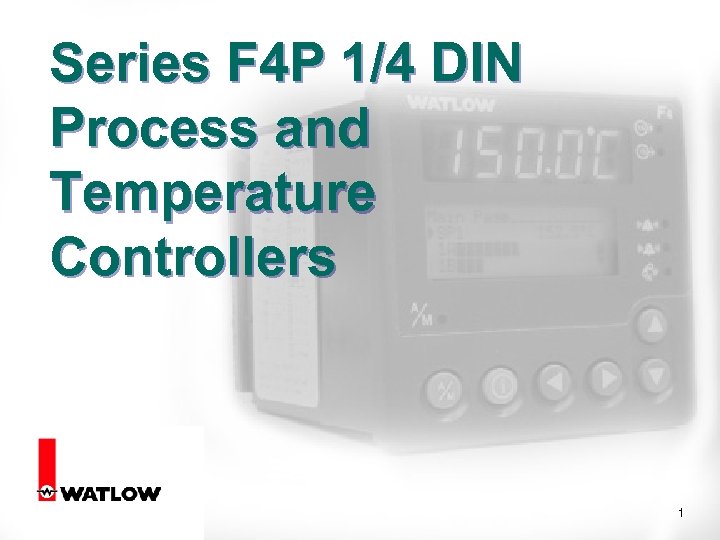 Series F 4 P 1/4 DIN Process and Temperature Controllers 1
 2
2
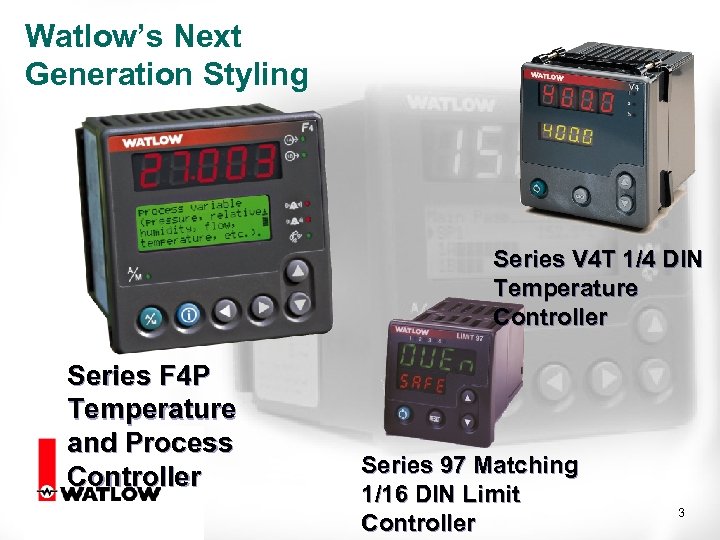 Watlow’s Next Generation Styling Series V 4 T 1/4 DIN Temperature Controller Series F 4 P Temperature and Process Controller Series 97 Matching 1/16 DIN Limit Controller 3
 F 4 P Focus Markets 4
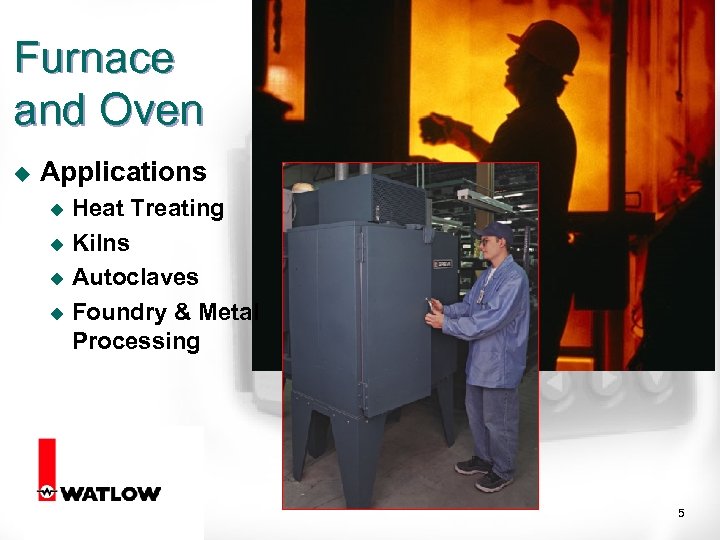 Furnace and Oven u Applications Heat Treating u Kilns u Autoclaves u Foundry & Metal Processing u 5
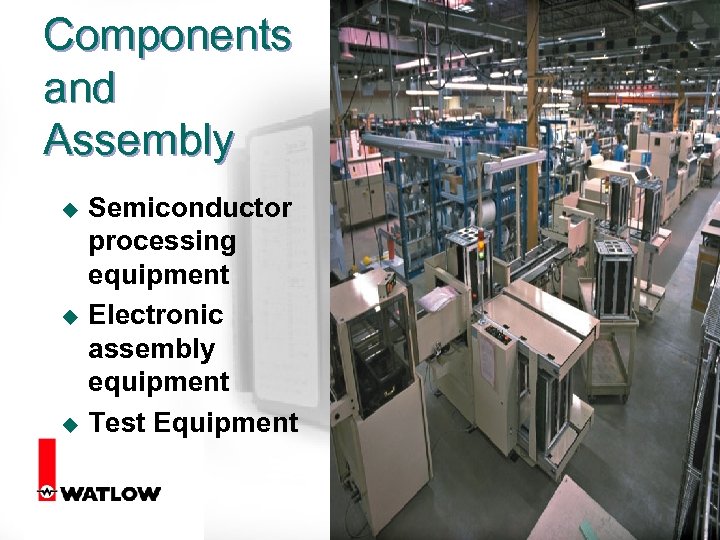 Components and Assembly u u u Semiconductor processing equipment Electronic assembly equipment Test Equipment 6
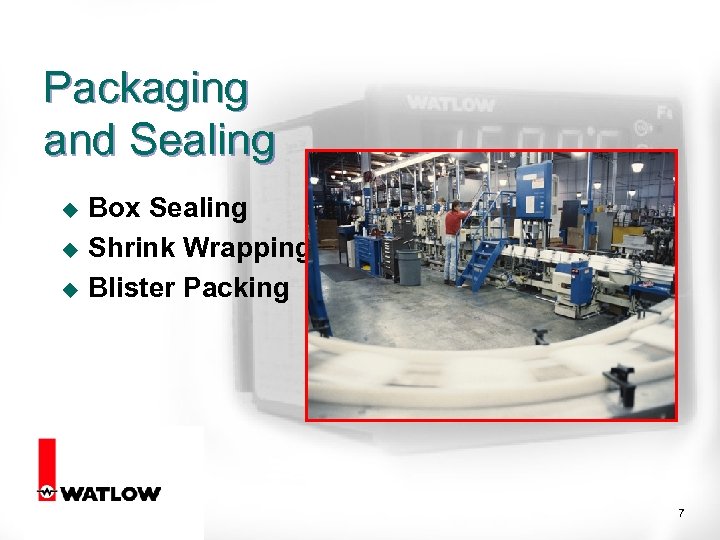 Packaging and Sealing u u u Box Sealing Shrink Wrapping Blister Packing 7
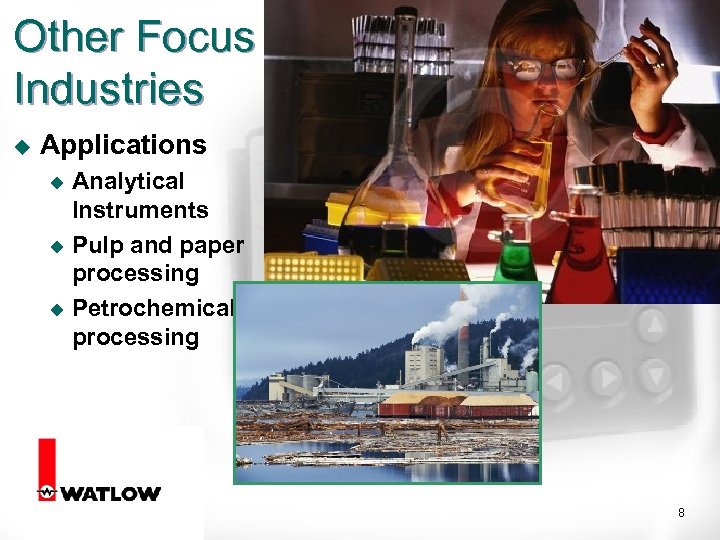 Other Focus Industries u Applications Analytical Instruments u Pulp and paper processing u Petrochemical processing u 8
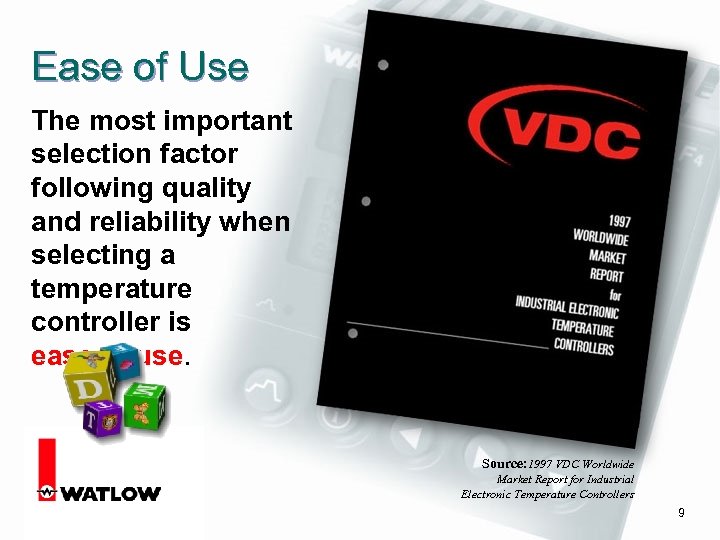 Ease of Use The most important selection factor following quality and reliability when selecting a temperature controller is ease of use. Source: 1997 VDC Worldwide Market Report for Industrial Electronic Temperature Controllers 9
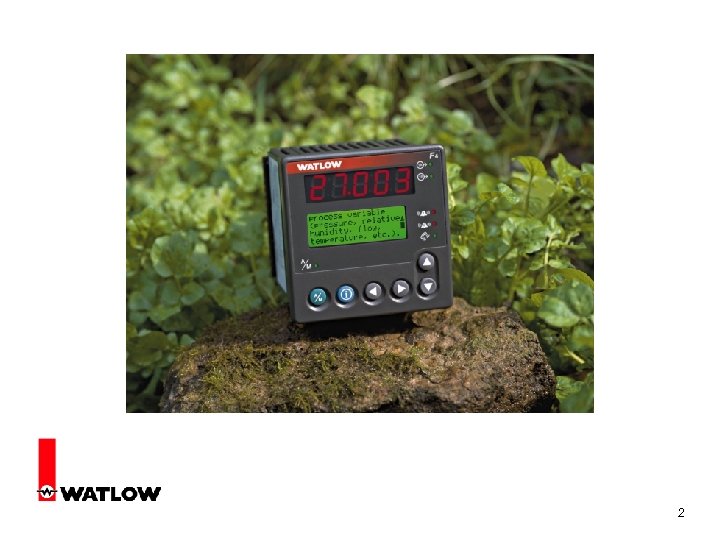
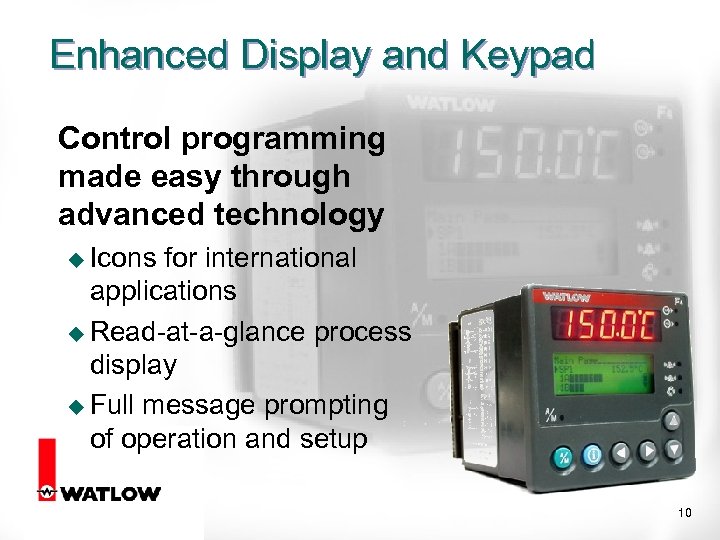 Enhanced Display and Keypad Control programming made easy through advanced technology u Icons for international applications u Read-at-a-glance process display u Full message prompting of operation and setup 10
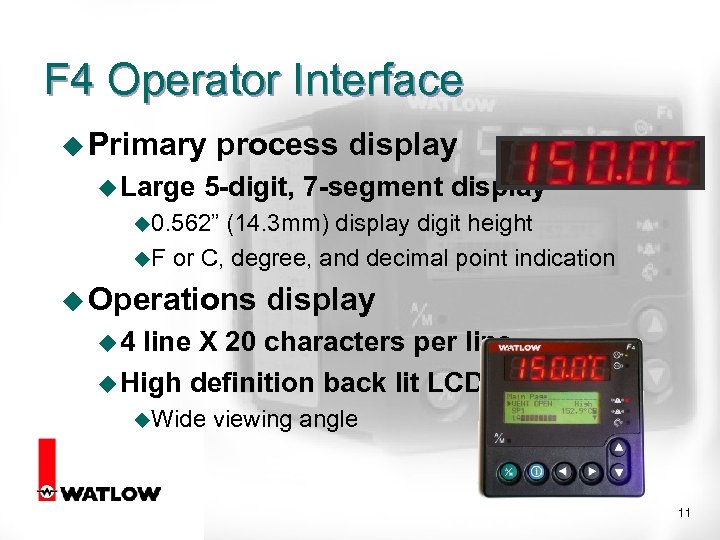 F 4 Operator Interface u Primary u Large process display 5 -digit, 7 -segment display u 0. 562” (14. 3 mm) display digit height u. F or C, degree, and decimal point indication u Operations display u 4 line X 20 characters per line u High definition back lit LCD u. Wide viewing angle 11
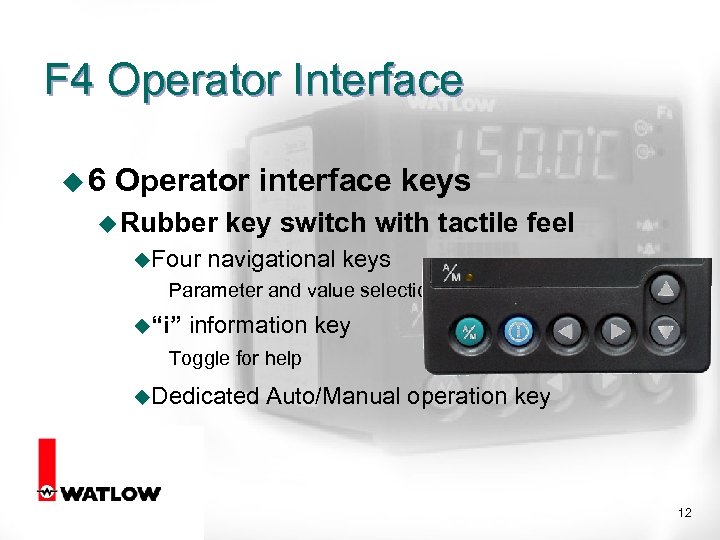 F 4 Operator Interface u 6 Operator interface keys u Rubber u. Four key switch with tactile feel navigational keys Parameter and value selection u“i” information key Toggle for help u. Dedicated Auto/Manual operation key 12
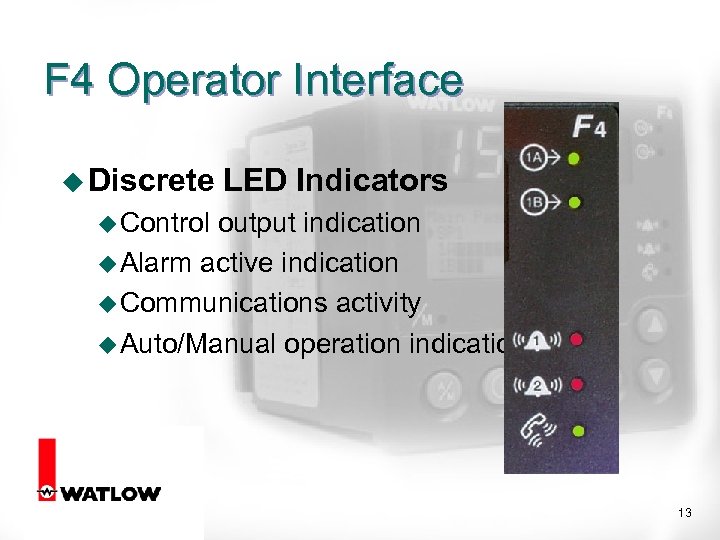 F 4 Operator Interface u Discrete LED Indicators u Control output indication u Alarm active indication u Communications activity u Auto/Manual operation indication 13
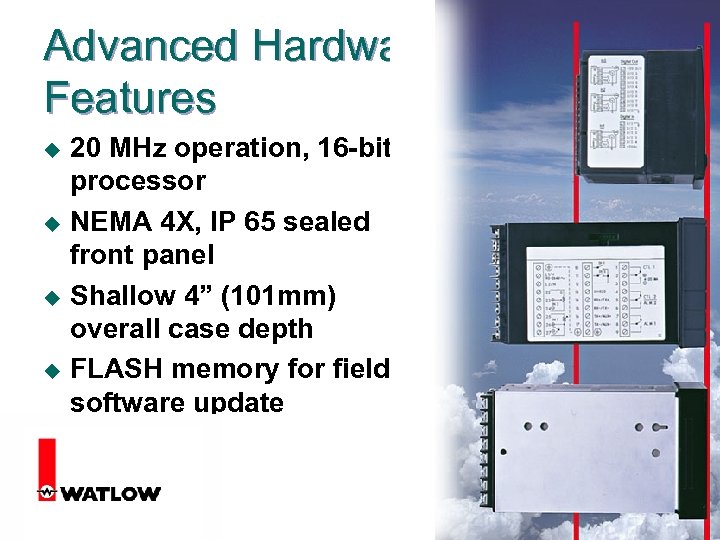 Advanced Hardware Features u u 20 MHz operation, 16 -bit processor NEMA 4 X, IP 65 sealed front panel Shallow 4” (101 mm) overall case depth FLASH memory for field software update 14
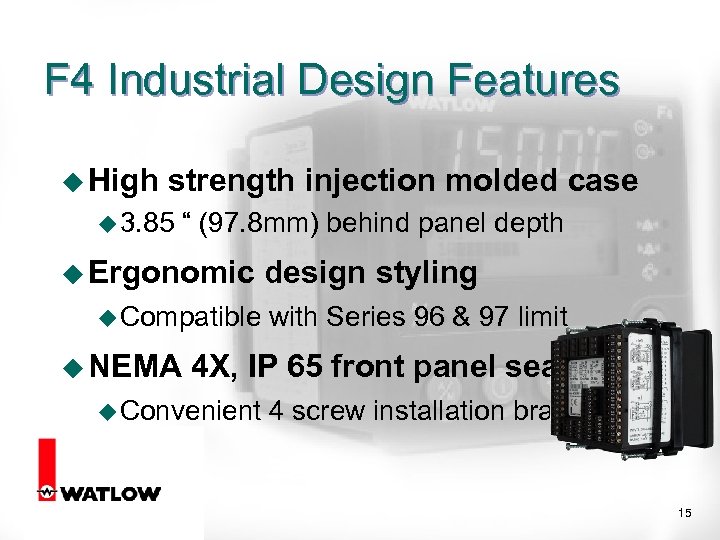 F 4 Industrial Design Features u High strength injection molded case u 3. 85 “ (97. 8 mm) behind panel depth u Ergonomic u Compatible u NEMA design styling with Series 96 & 97 limit 4 X, IP 65 front panel seal u Convenient 4 screw installation brackets 15
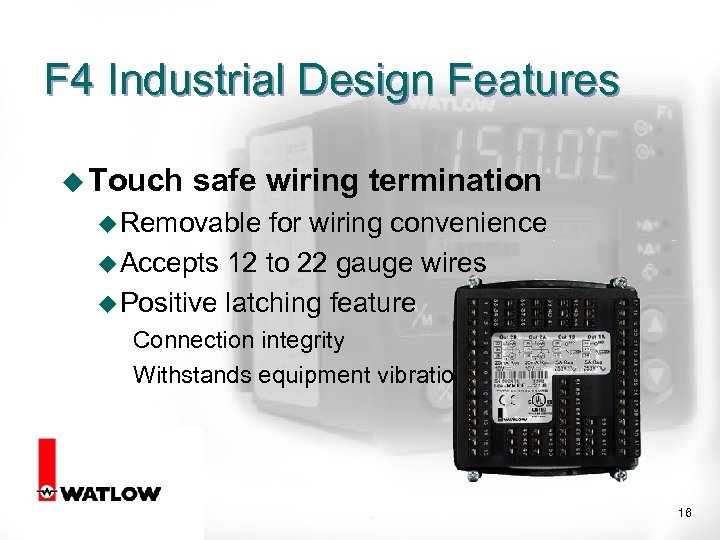 F 4 Industrial Design Features u Touch safe wiring termination u Removable for wiring convenience u Accepts 12 to 22 gauge wires u Positive latching feature Connection integrity Withstands equipment vibration 16
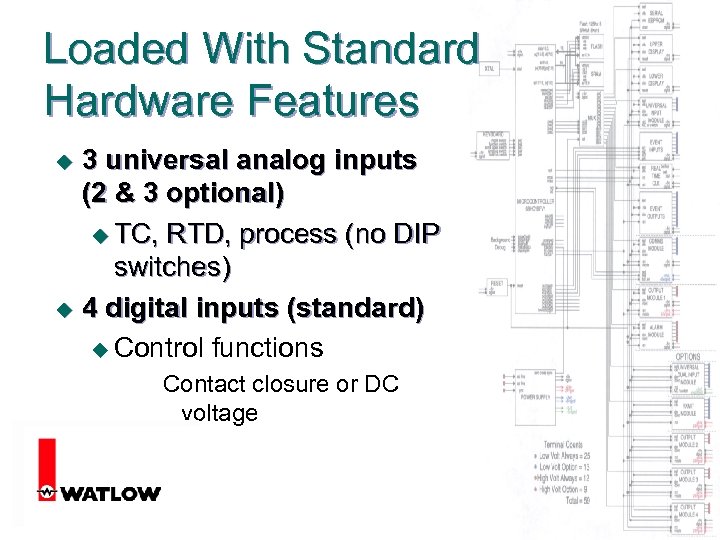 Loaded With Standard Hardware Features 3 universal analog inputs (2 & 3 optional) u TC, RTD, process (no DIP switches) u 4 digital inputs (standard) u Control functions u Contact closure or DC voltage 17
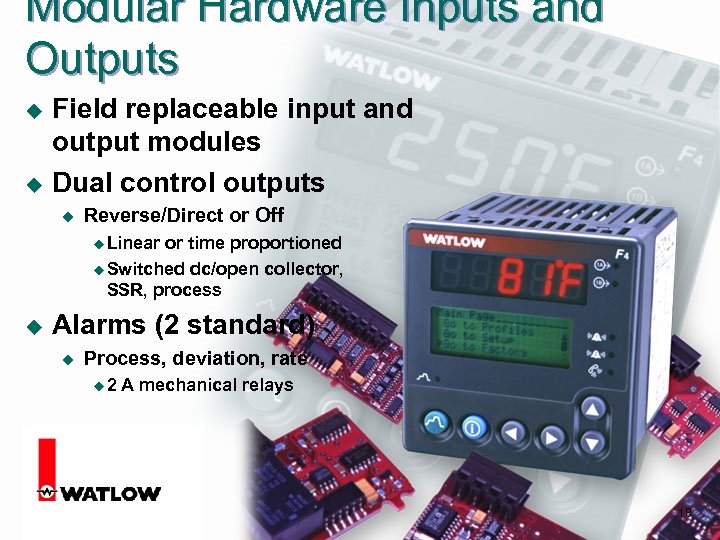 Modular Hardware Inputs and Outputs u u Field replaceable input and output modules Dual control outputs u Reverse/Direct or Off u Linear or time proportioned u Switched dc/open collector, SSR, process u Alarms (2 standard) u Process, deviation, rate u 2 A mechanical relays 18
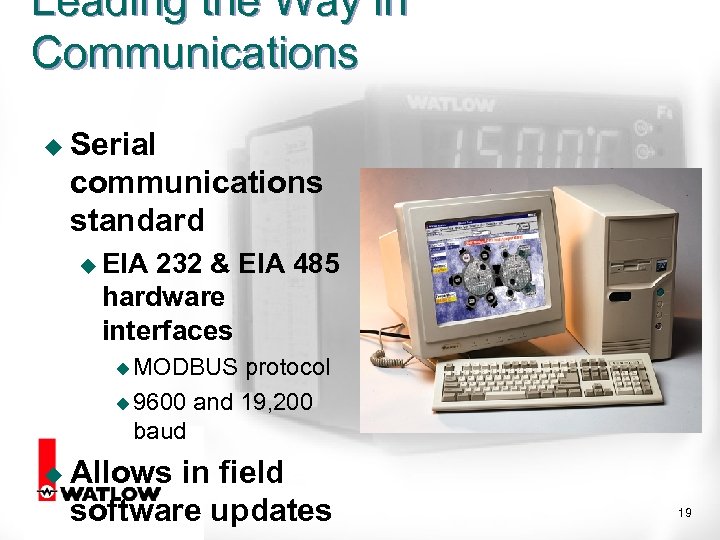 Leading the Way in Communications u Serial communications standard u EIA 232 & EIA 485 hardware interfaces u MODBUS protocol u 9600 and 19, 200 baud u Allows in field software updates 19
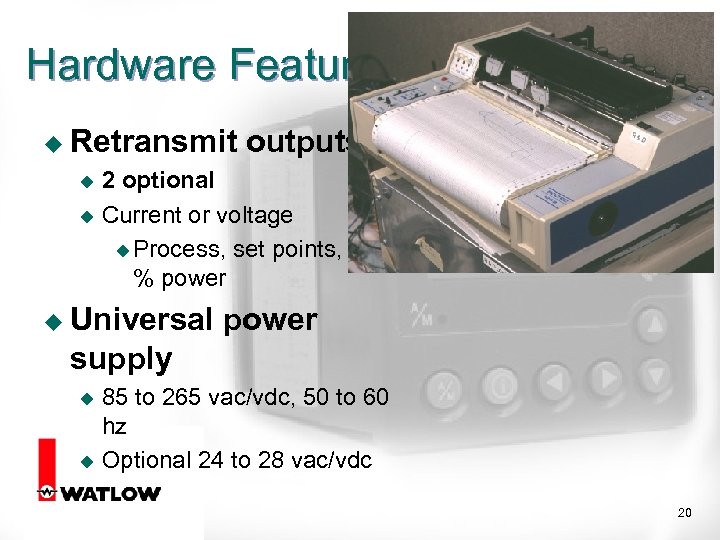 Hardware Features u Retransmit outputs 2 optional u Current or voltage u Process, set points, % power u u Universal power supply 85 to 265 vac/vdc, 50 to 60 hz u Optional 24 to 28 vac/vdc u 20
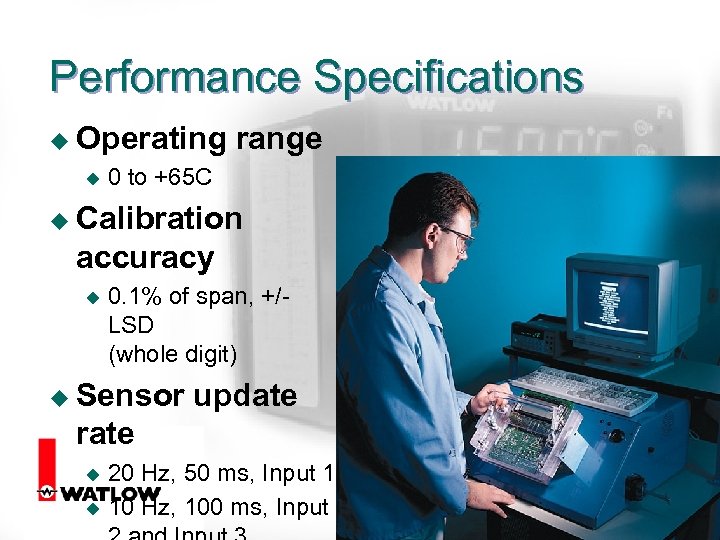 Performance Specifications u Operating u range 0 to +65 C u Calibration accuracy u 0. 1% of span, +/LSD (whole digit) u Sensor update rate 20 Hz, 50 ms, Input 1 u 10 Hz, 100 ms, Input u 21
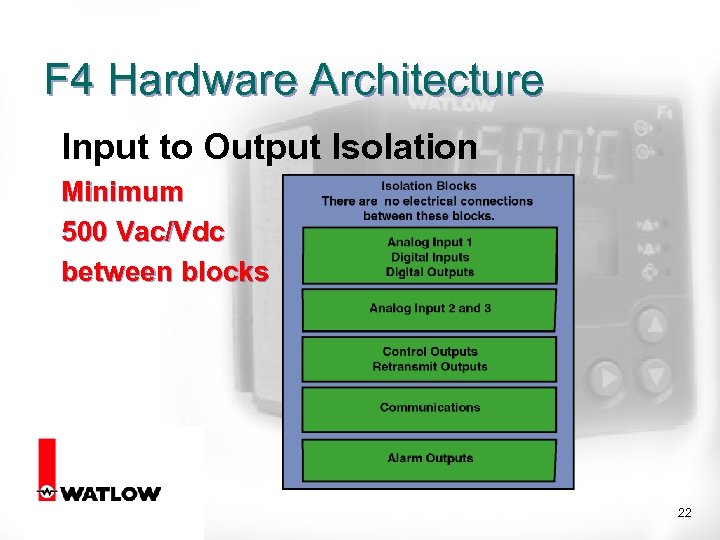 F 4 Hardware Architecture Input to Output Isolation Minimum 500 Vac/Vdc between blocks 22
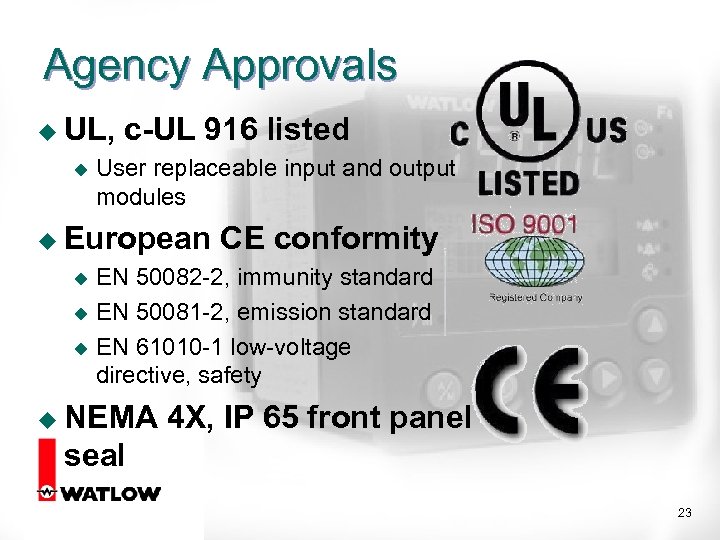 Agency Approvals u UL, u c-UL 916 listed User replaceable input and output modules u European CE conformity EN 50082 -2, immunity standard u EN 50081 -2, emission standard u EN 61010 -1 low-voltage directive, safety u u NEMA 4 X, IP 65 front panel seal 23
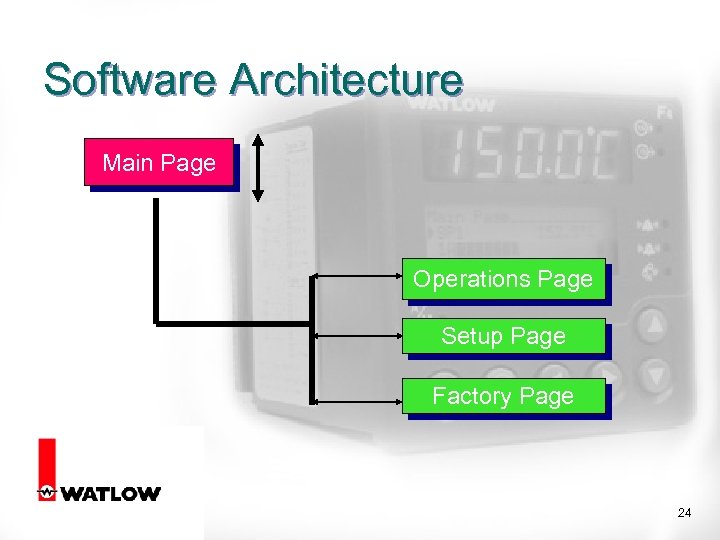 Software Architecture Main Page Operations Page Setup Page Factory Page 24
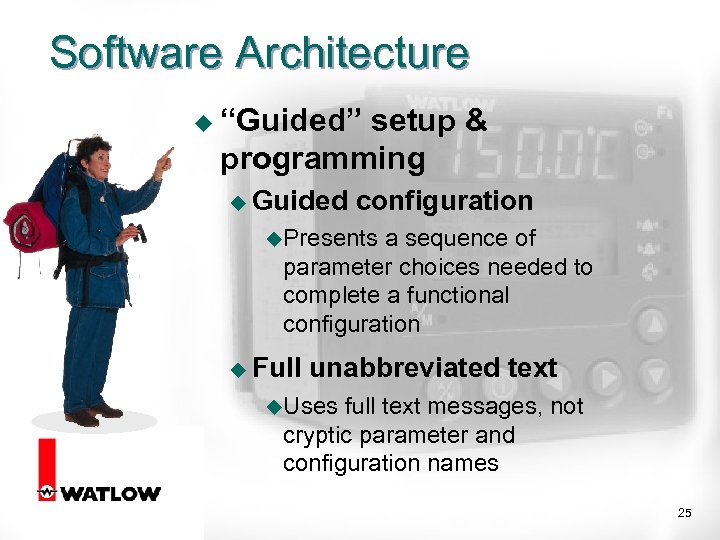 Software Architecture u “Guided” setup & programming u Guided configuration u. Presents a sequence of parameter choices needed to complete a functional configuration u Full unabbreviated text u. Uses full text messages, not cryptic parameter and configuration names 25
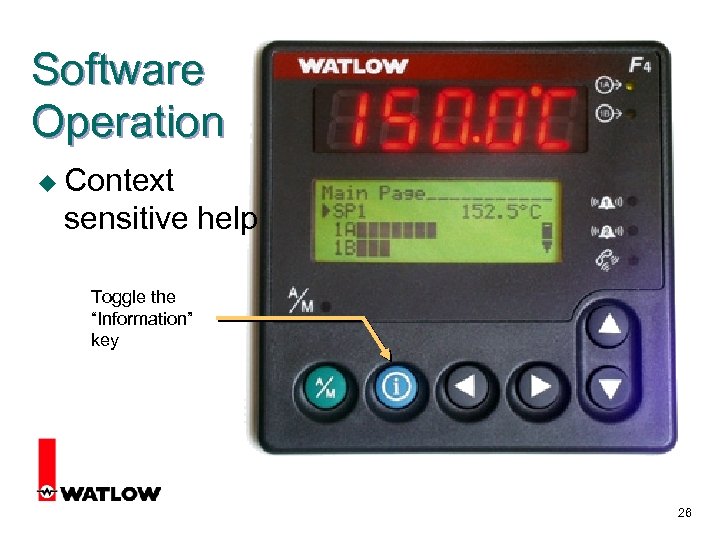 Software Operation u Context sensitive help Toggle the “Information” key 26
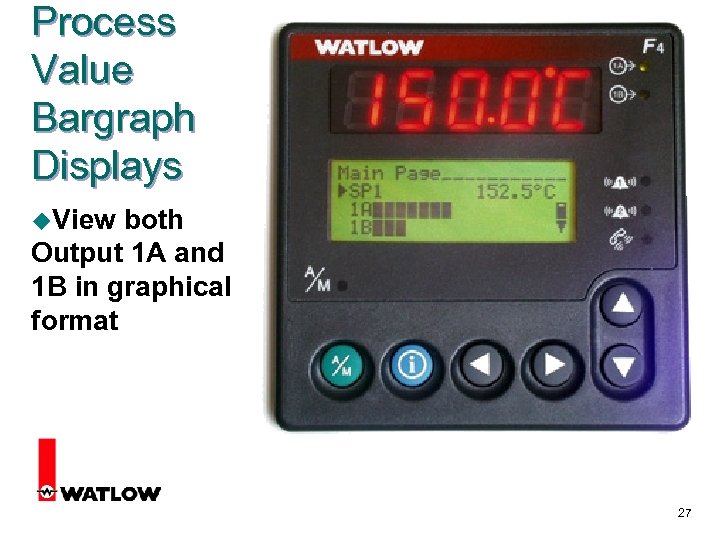 Process Value Bargraph Displays u. View both Output 1 A and 1 B in graphical format 27
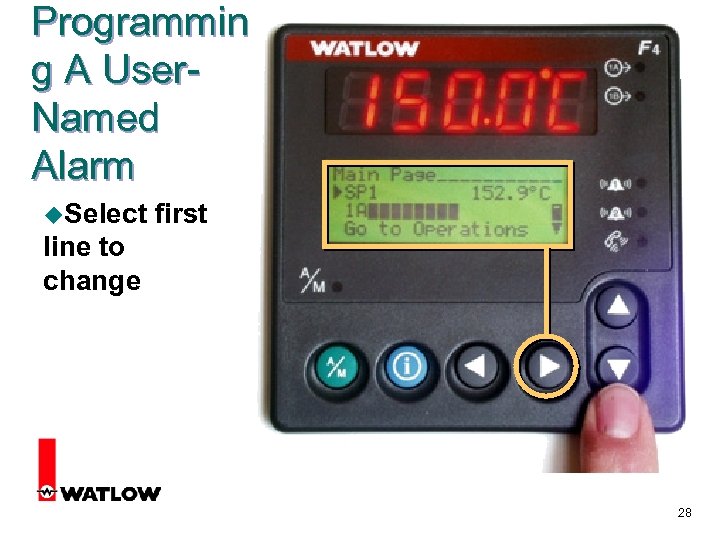 Programmin g A User. Named Alarm u. Select first line to change 28
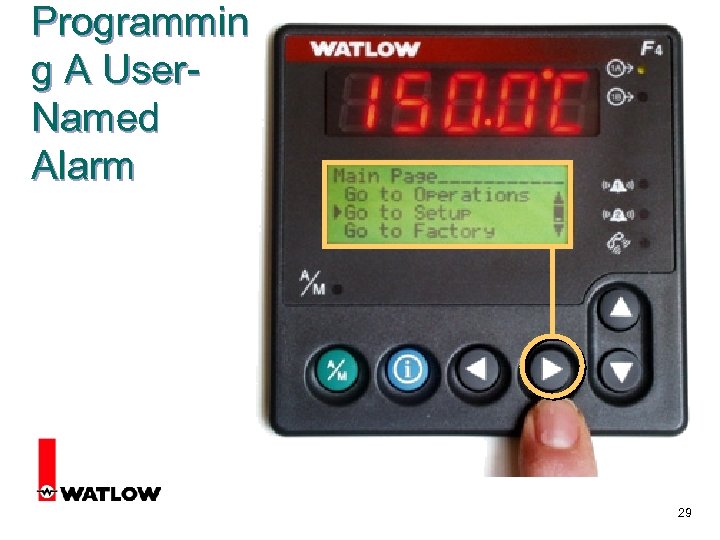 Programmin g A User. Named Alarm 29
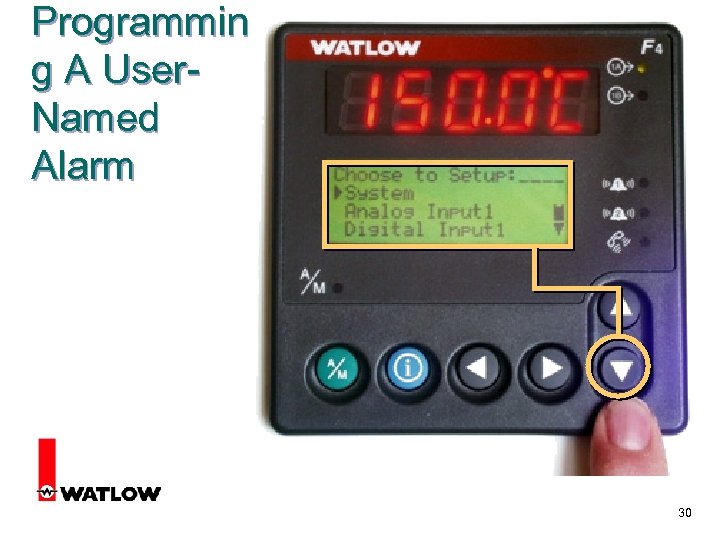 Programmin g A User. Named Alarm 30
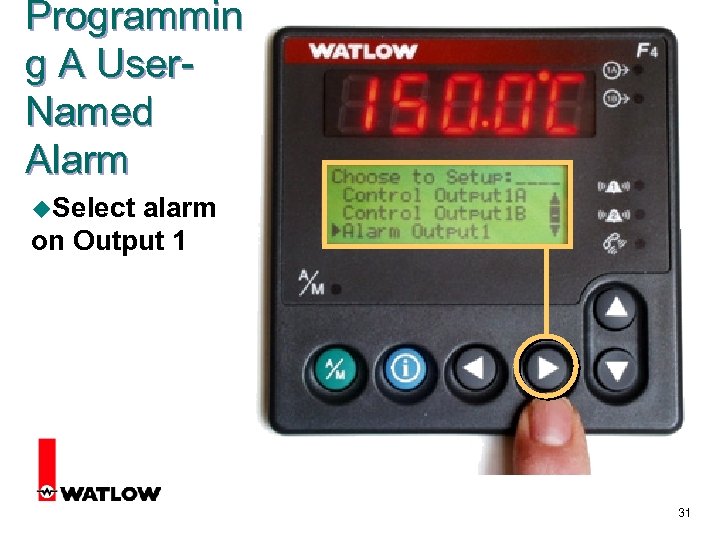 Programmin g A User. Named Alarm u. Select alarm on Output 1 31
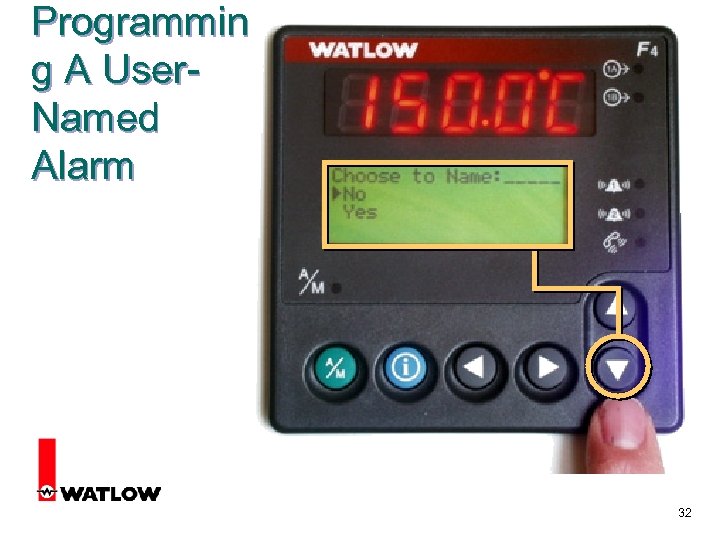 Programmin g A User. Named Alarm 32
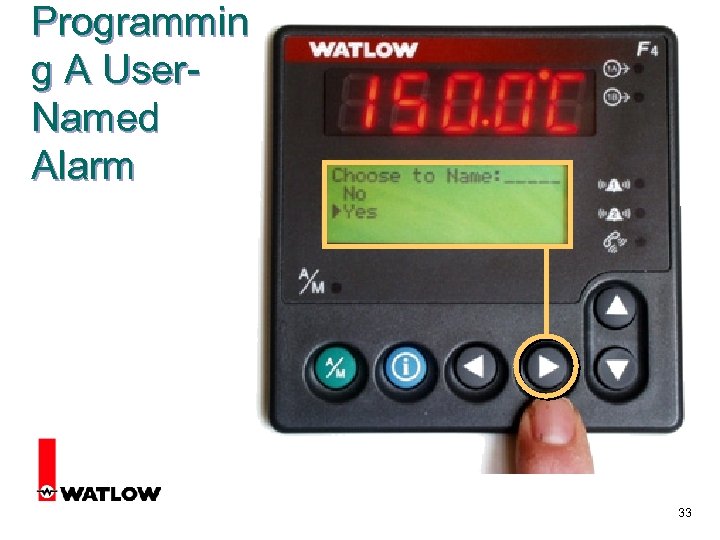 Programmin g A User. Named Alarm 33
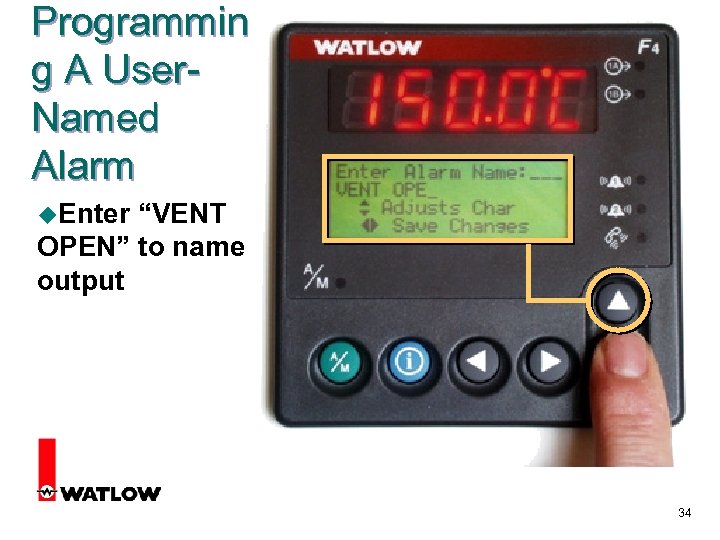 Programmin g A User. Named Alarm u. Enter “VENT OPEN” to name output 34
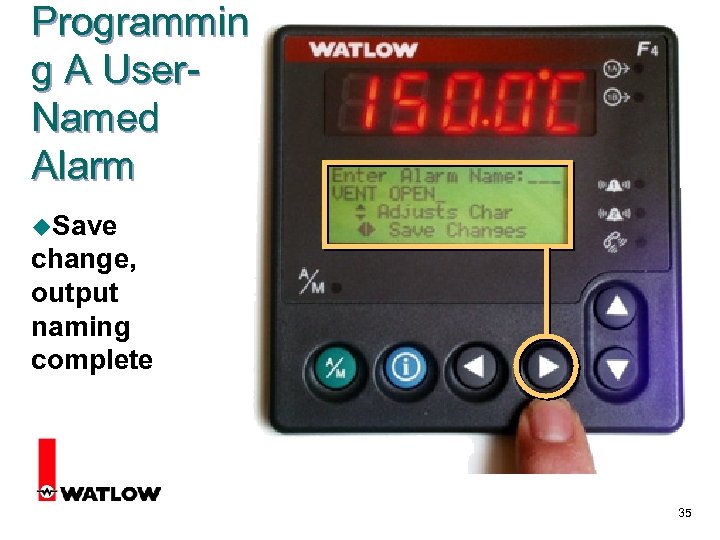 Programmin g A User. Named Alarm u. Save change, output naming complete 35
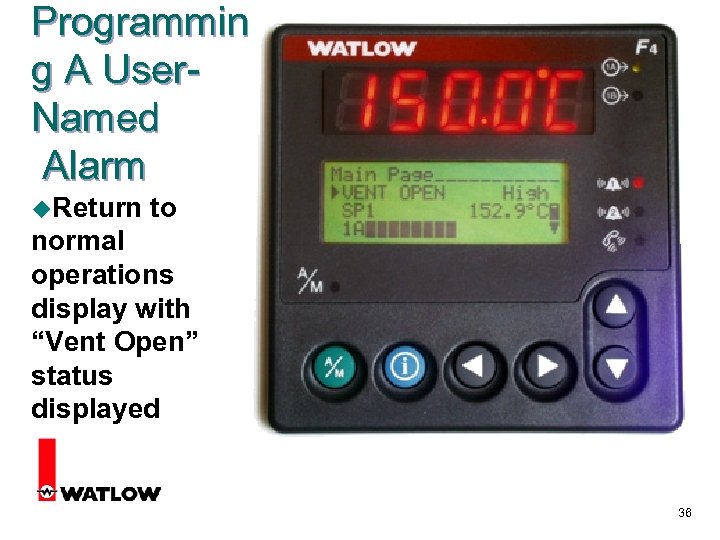 Programmin g A User. Named Alarm u. Return to normal operations display with “Vent Open” status displayed 36
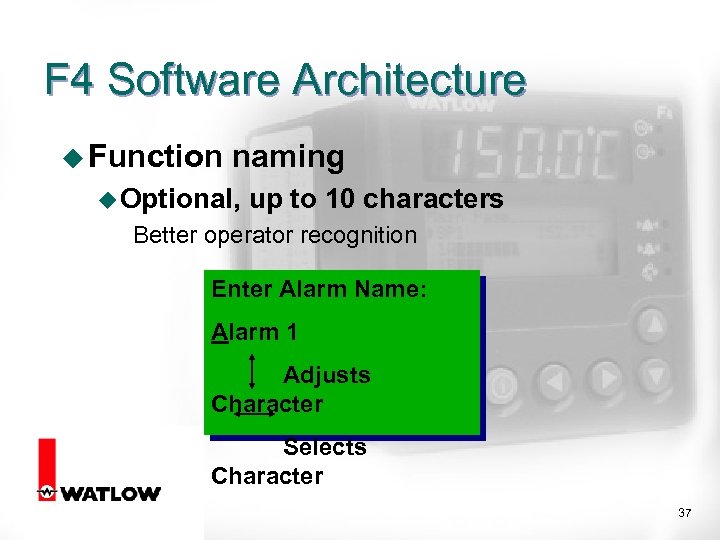 F 4 Software Architecture u Function naming u Optional, up to 10 characters Better operator recognition Enter Alarm Name: Alarm 1 Adjusts Character Selects Character 37
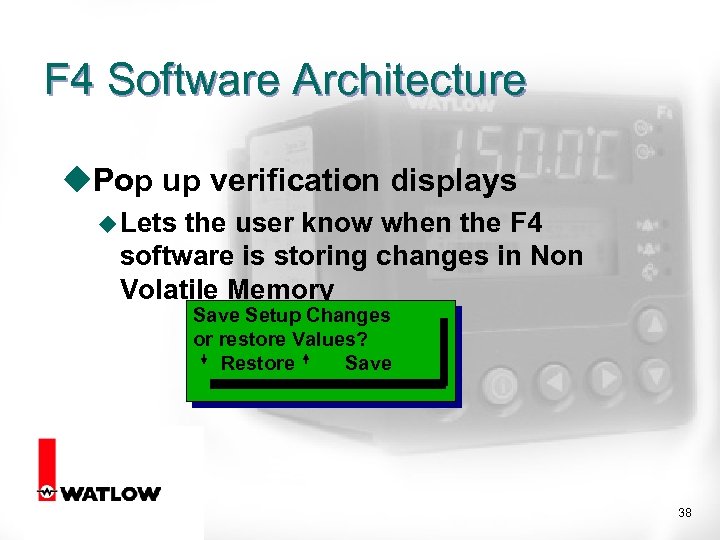 F 4 Software Architecture u. Pop up verification displays u Lets the user know when the F 4 software is storing changes in Non Volatile Memory Save Setup Changes or restore Values? Restore Save 38
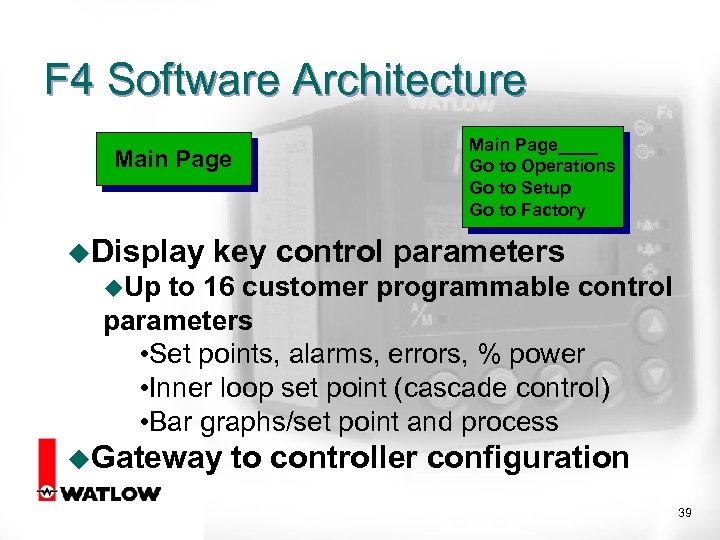 F 4 Software Architecture Main Page u. Display Main Page____ Go to Operations Go to Setup Go to Factory key control parameters u. Up to 16 customer programmable control parameters • Set points, alarms, errors, % power • Inner loop set point (cascade control) • Bar graphs/set point and process u. Gateway to controller configuration 39
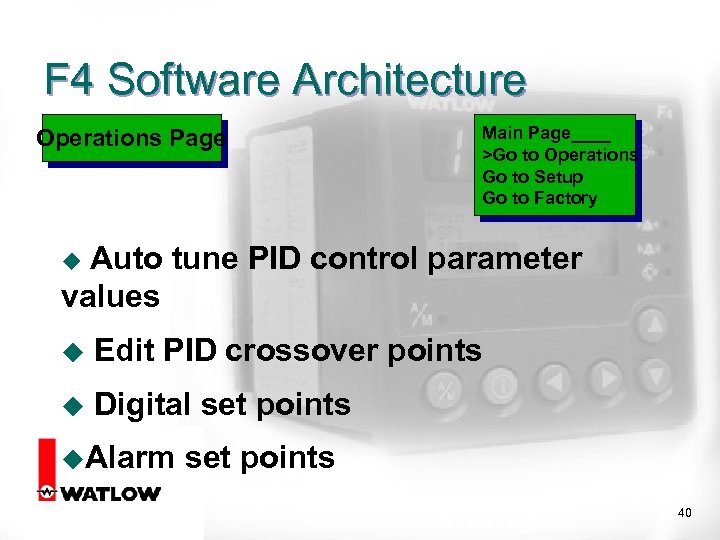 F 4 Software Architecture Operations Page Main Page____ >Go to Operations Go to Setup Go to Factory Auto tune PID control parameter values u u Edit PID crossover points u Digital set points u. Alarm set points 40
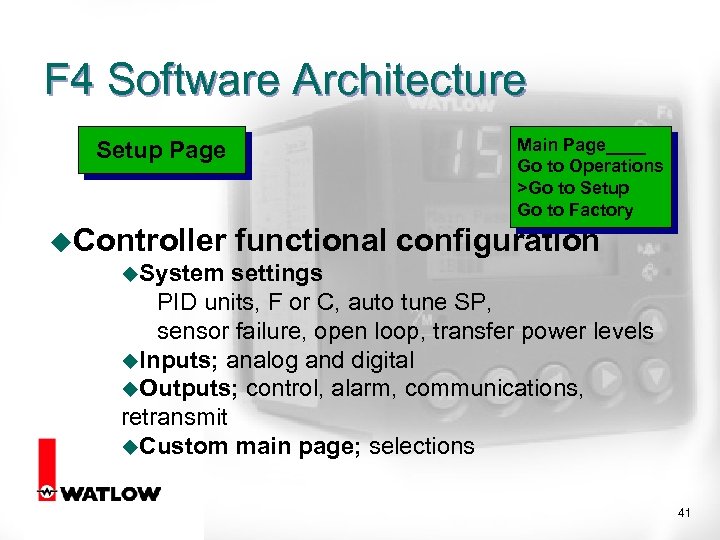 F 4 Software Architecture Setup Page Main Page____ Go to Operations >Go to Setup Go to Factory u. Controller functional configuration u. System settings PID units, F or C, auto tune SP, sensor failure, open loop, transfer power levels u. Inputs; analog and digital u. Outputs; control, alarm, communications, retransmit u. Custom main page; selections 41
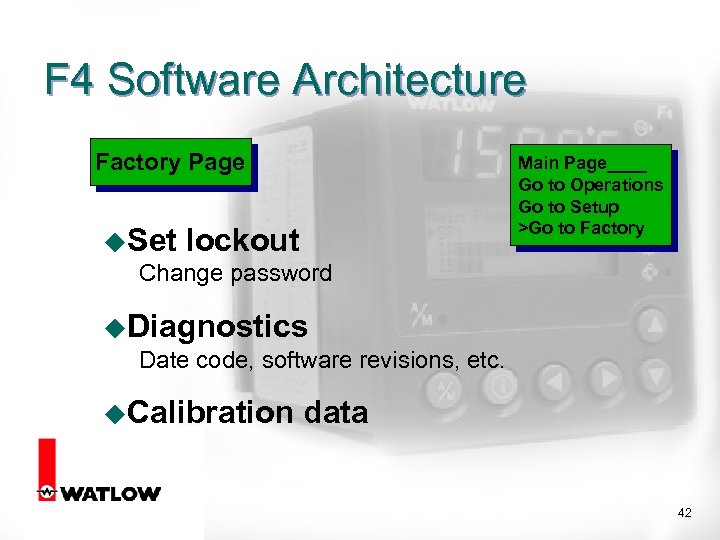 F 4 Software Architecture Factory Page u. Set lockout Change password Main Page____ Go to Operations Go to Setup >Go to Factory u. Diagnostics Date code, software revisions, etc. u. Calibration data 42
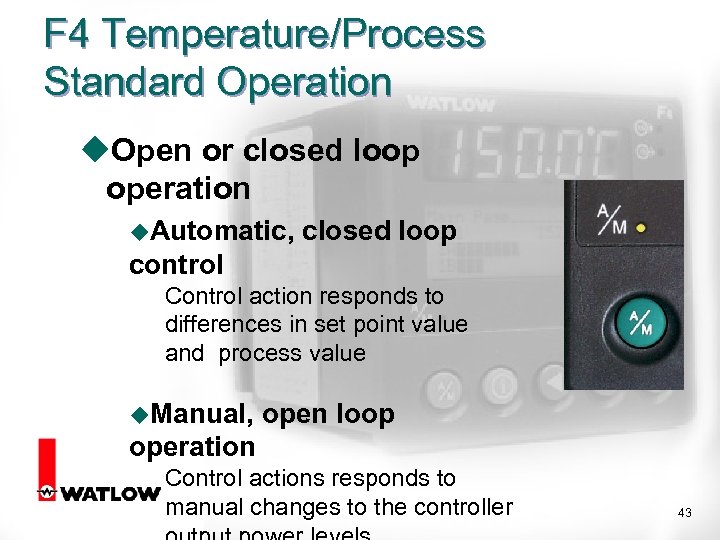 F 4 Temperature/Process Standard Operation u. Open or closed loop operation u. Automatic, closed loop control Control action responds to differences in set point value and process value u. Manual, open loop operation Control actions responds to manual changes to the controller 43
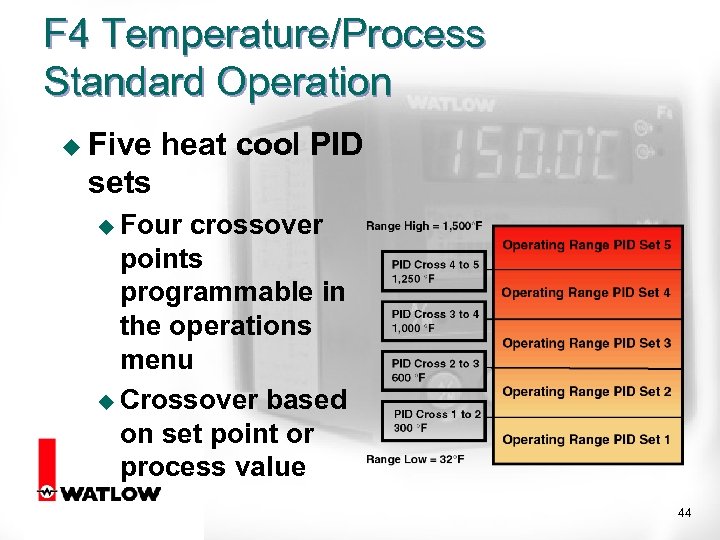 F 4 Temperature/Process Standard Operation u Five heat cool PID sets u Four crossover points programmable in the operations menu u Crossover based on set point or process value 44
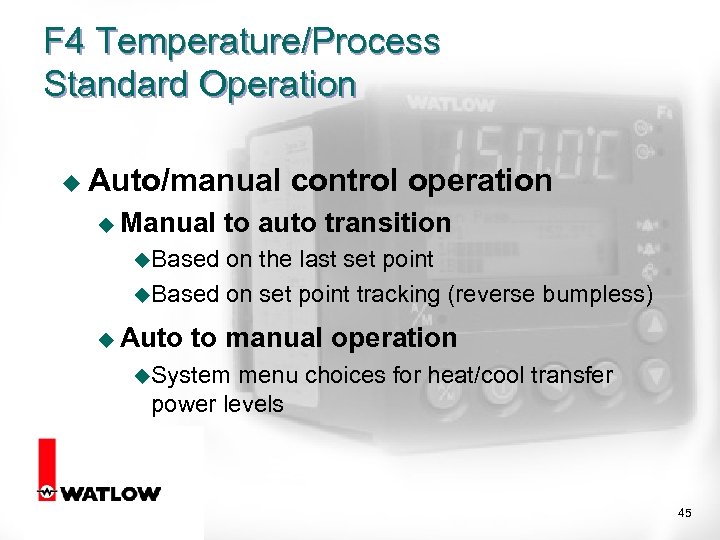 F 4 Temperature/Process Standard Operation u Auto/manual u Manual control operation to auto transition u. Based on the last set point u. Based on set point tracking (reverse bumpless) u Auto to manual operation u. System menu choices for heat/cool transfer power levels 45
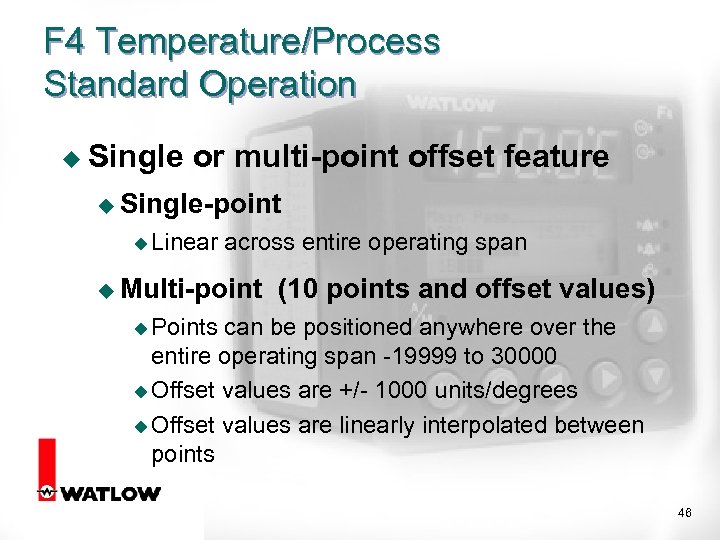 F 4 Temperature/Process Standard Operation u Single or multi-point offset feature u Single-point u Linear across entire operating span u Multi-point (10 points and offset values) u Points can be positioned anywhere over the entire operating span -19999 to 30000 u Offset values are +/- 1000 units/degrees u Offset values are linearly interpolated between points 46
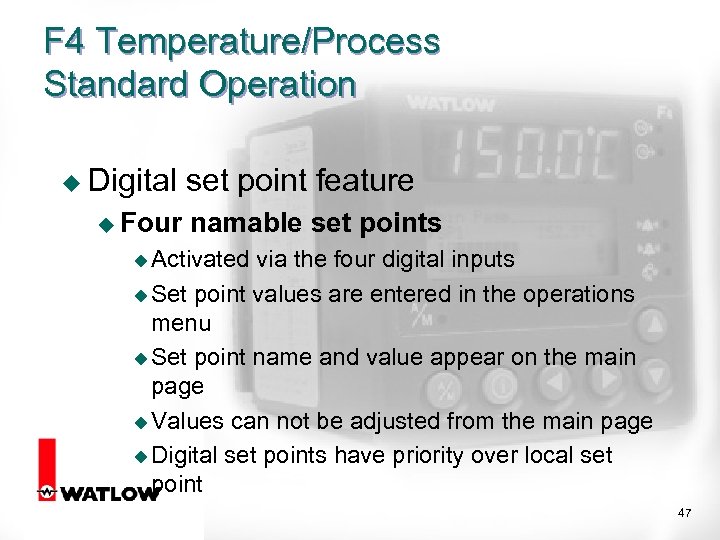 F 4 Temperature/Process Standard Operation u Digital u Four set point feature namable set points u Activated via the four digital inputs u Set point values are entered in the operations menu u Set point name and value appear on the main page u Values can not be adjusted from the main page u Digital set points have priority over local set point 47
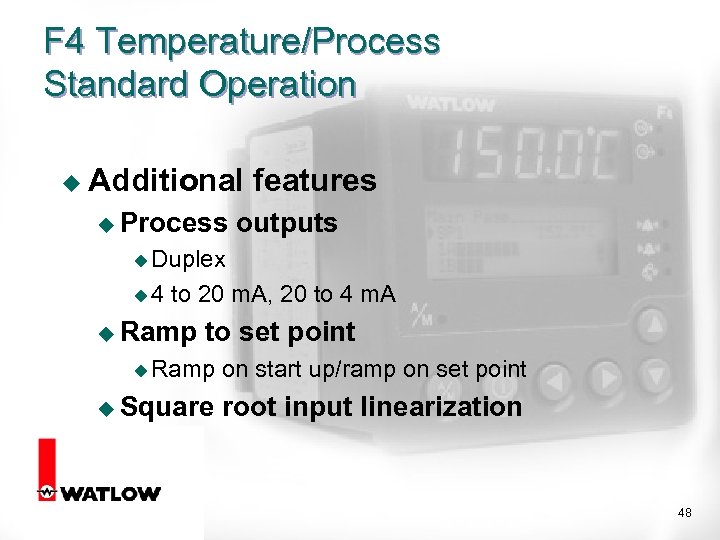 F 4 Temperature/Process Standard Operation u Additional u Process features outputs u Duplex u 4 to 20 m. A, 20 to 4 m. A u Ramp to set point u Ramp on start up/ramp on set point u Square root input linearization 48
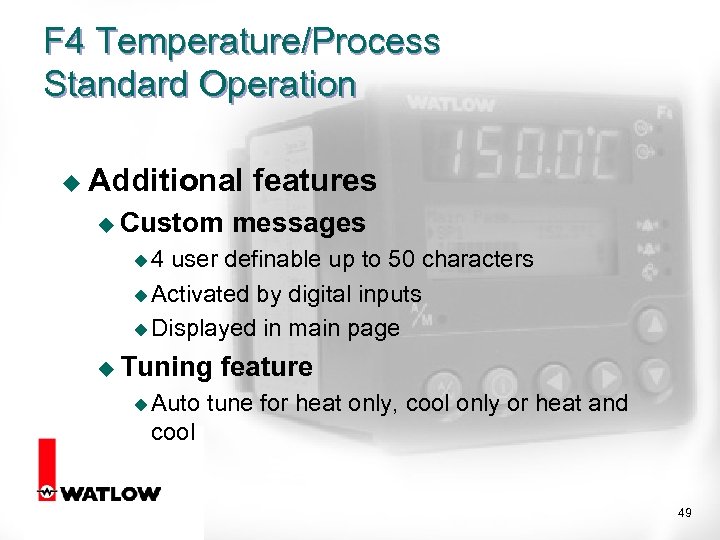 F 4 Temperature/Process Standard Operation u Additional u Custom features messages u 4 user definable up to 50 characters u Activated by digital inputs u Displayed in main page u Tuning u Auto feature tune for heat only, cool only or heat and cool 49
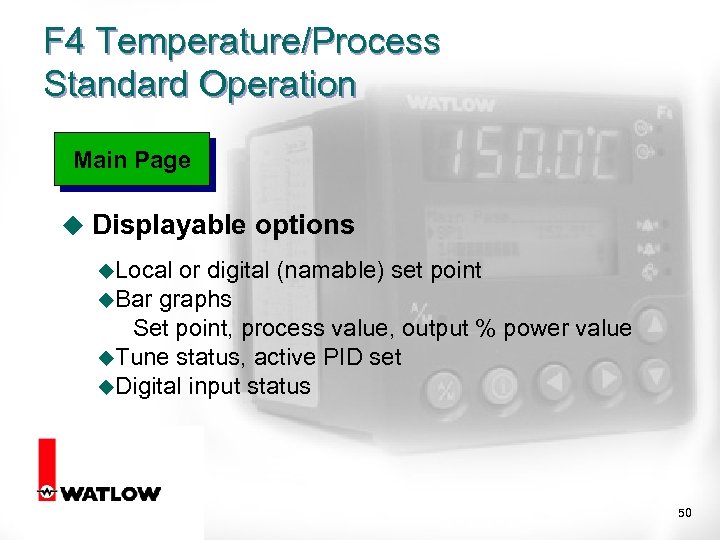 F 4 Temperature/Process Standard Operation Main Page u Displayable options u. Local or digital (namable) set point u. Bar graphs Set point, process value, output % power value u. Tune status, active PID set u. Digital input status 50
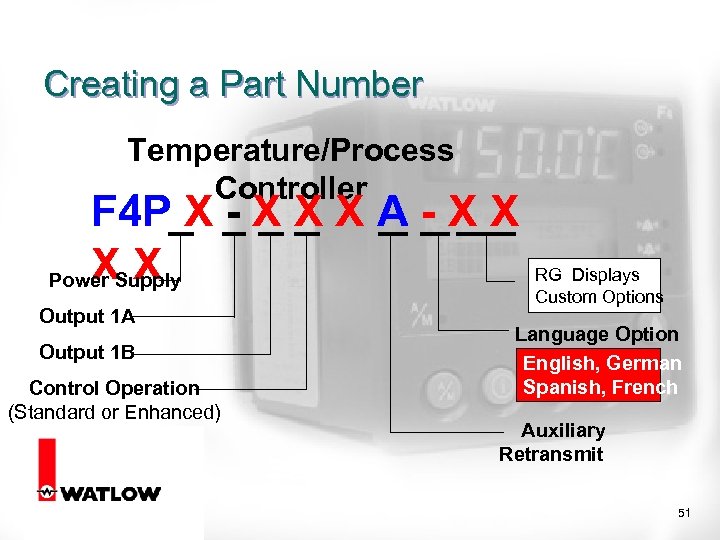 Creating a Part Number Temperature/Process Controller F 4 P X - X X X A - X X XX Power Supply Output 1 A Output 1 B Control Operation (Standard or Enhanced) RG Displays Custom Options Language Option English, German Spanish, French Auxiliary Retransmit 51
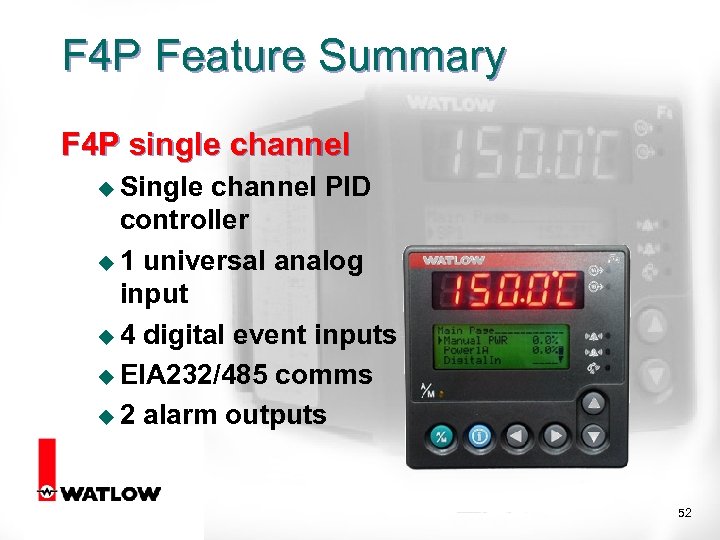 F 4 P Feature Summary F 4 P single channel u Single channel PID controller u 1 universal analog input u 4 digital event inputs u EIA 232/485 comms u 2 alarm outputs 52
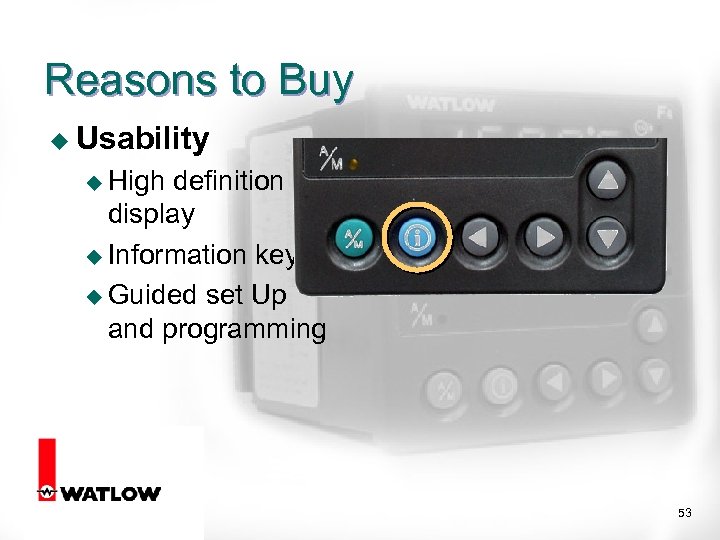 Reasons to Buy u Usability u High definition display u Information key u Guided set Up and programming 53
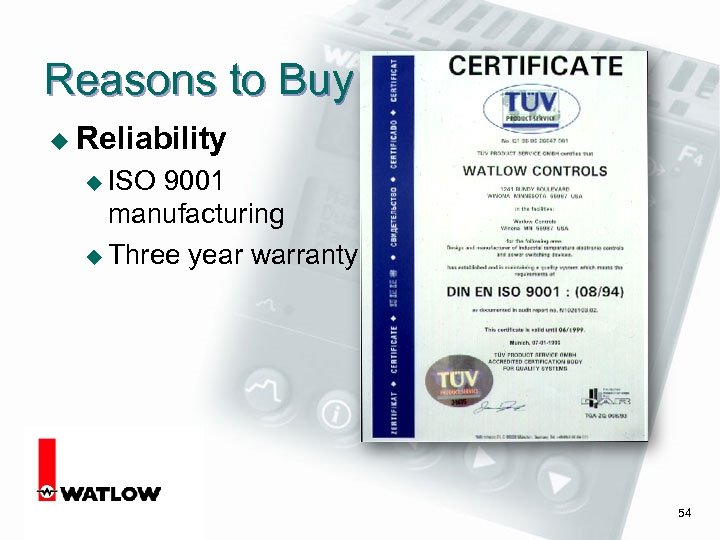 Reasons to Buy u Reliability u ISO 9001 manufacturing u Three year warranty 54
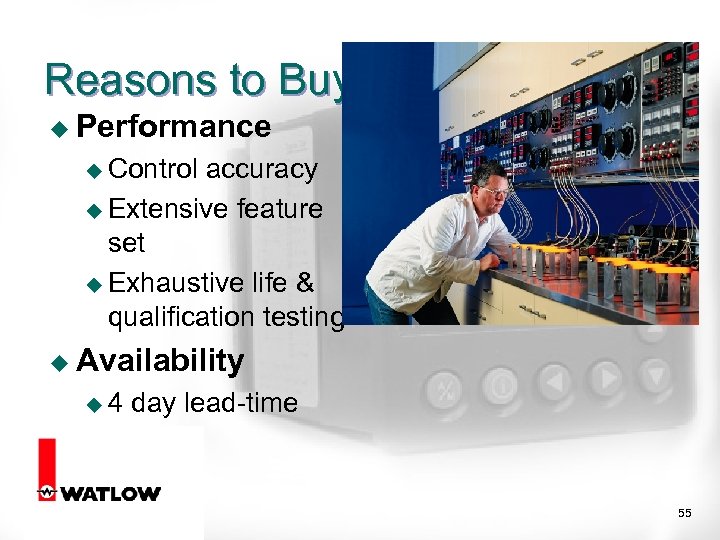 Reasons to Buy u Performance u Control accuracy u Extensive feature set u Exhaustive life & qualification testing u Availability u 4 day lead-time 55
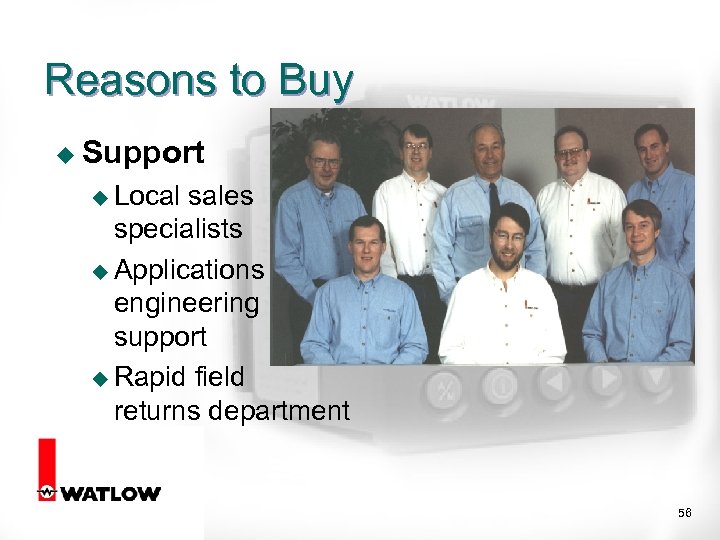 Reasons to Buy u Support u Local sales specialists u Applications engineering support u Rapid field returns department 56
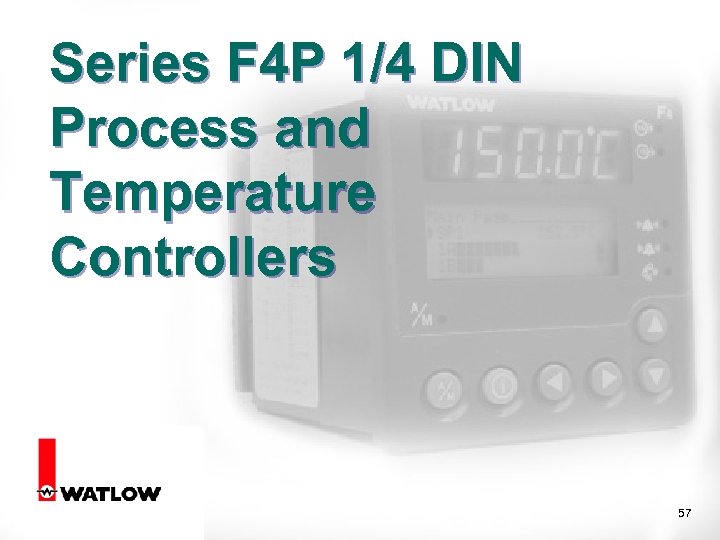 Series F 4 P 1/4 DIN Process and Temperature Controllers 57