


 Скачать презентацию Secure Your Documents Protect Your Data Lexmark Security
1b243ae1f16083b56df0977bab61486f.ppt
- Количество слайдов: 10
 Secure Your Documents. Protect Your Data. Lexmark Security for Solutions-Capable Printers and MFPs
 Protect your data and safeguard your information. When you secure your devices you can…. ► Prevent network intrusion ► Retain control over your network infrastructure ► Restrict access by unauthorised users Ask for a robust range of high-end features that protect your data and documents. © 2012 Lexmark International, Inc. 2
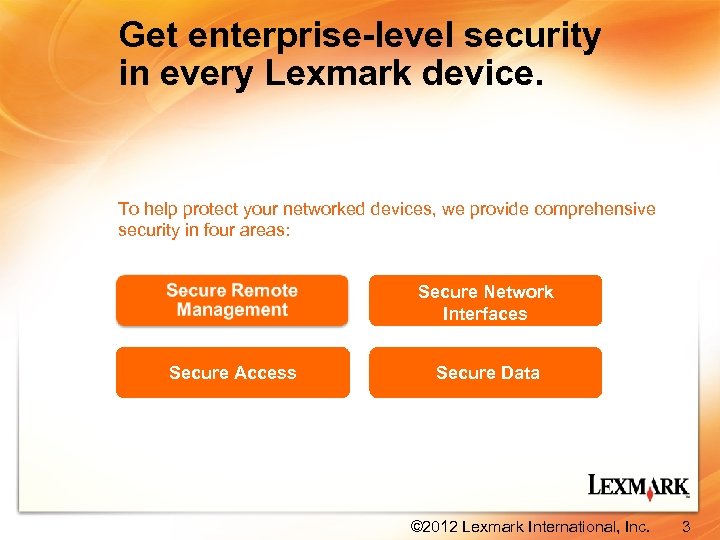 Get enterprise-level security in every Lexmark device. To help protect your networked devices, we provide comprehensive security in four areas: Secure Network Interfaces Secure Access Secure Data © 2012 Lexmark International, Inc. 3
 Secure Remote Management: Manage your devices efficiently. Take advantage of security features that make device remote management easier and more secure: ► Audit Logging ► Digital signed firmware updates ► Certificate Management ► Secure Password Reset ► SNMPv 3 ► HTTPS ► Secure IPP ► IPv 6 © 2012 Lexmark International, Inc. 4
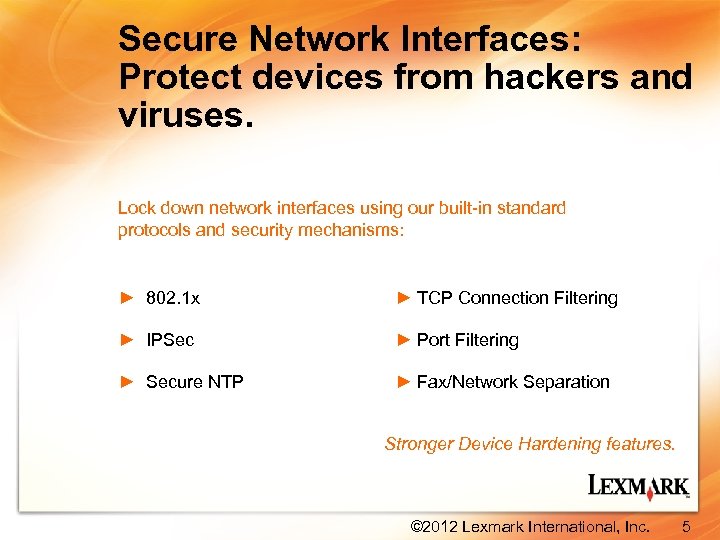 Secure Network Interfaces: Protect devices from hackers and viruses. Lock down network interfaces using our built-in standard protocols and security mechanisms: ► 802. 1 x ► TCP Connection Filtering ► IPSec ► Port Filtering ► Secure NTP ► Fax/Network Separation Stronger Device Hardening features. © 2012 Lexmark International, Inc. 5
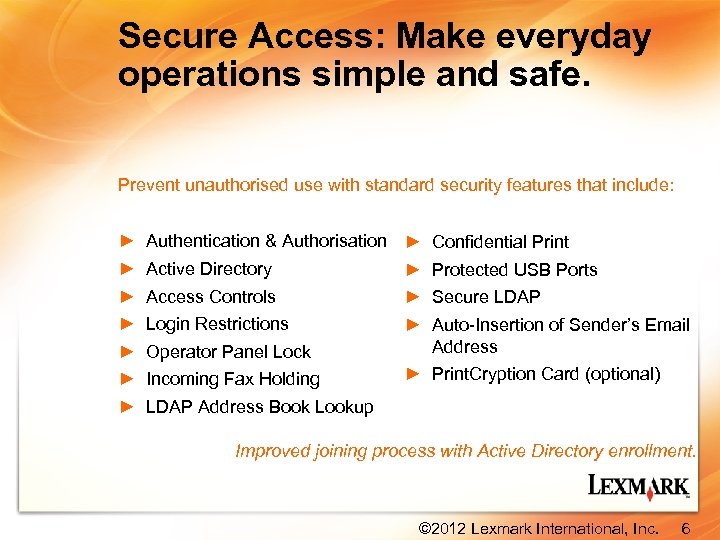 Secure Access: Make everyday operations simple and safe. Prevent unauthorised use with standard security features that include: ► ► ► ► Authentication & Authorisation ► Confidential Print Active Directory ► Protected USB Ports Access Controls ► Secure LDAP Login Restrictions Operator Panel Lock Incoming Fax Holding ► Auto-Insertion of Sender’s Email Address ► Print. Cryption Card (optional) LDAP Address Book Lookup Improved joining process with Active Directory enrollment. © 2012 Lexmark International, Inc. 6
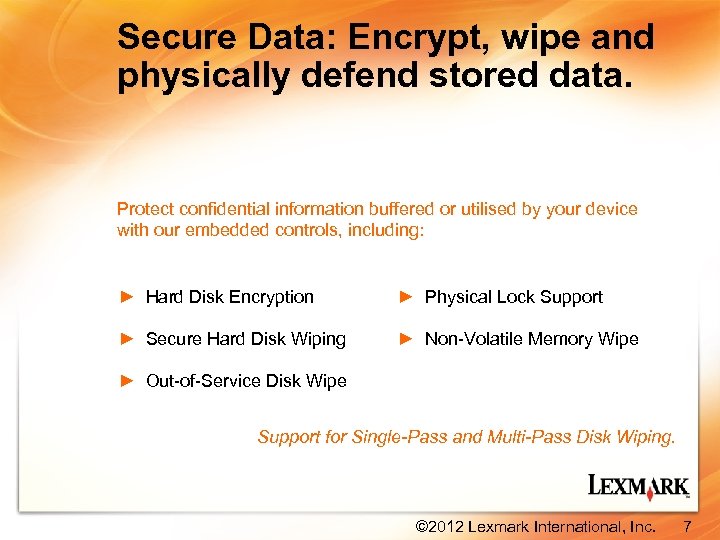 Secure Data: Encrypt, wipe and physically defend stored data. Protect confidential information buffered or utilised by your device with our embedded controls, including: ► Hard Disk Encryption ► Physical Lock Support ► Secure Hard Disk Wiping ► Non-Volatile Memory Wipe ► Out-of-Service Disk Wipe Support for Single-Pass and Multi-Pass Disk Wiping. © 2012 Lexmark International, Inc. 7
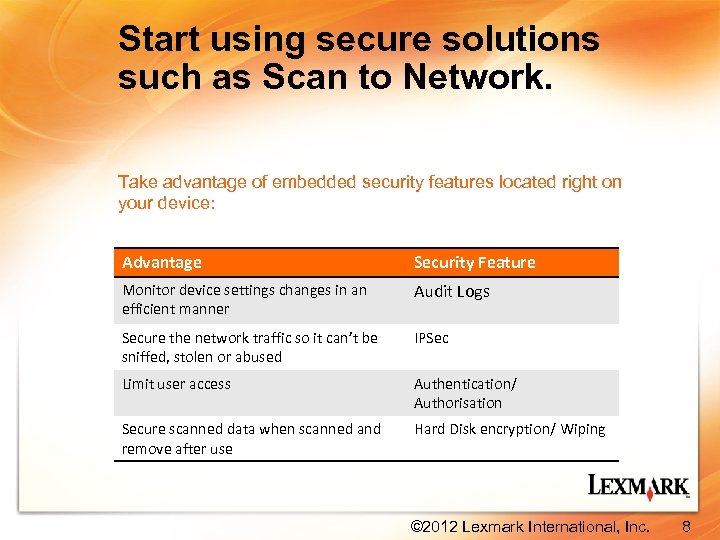 Start using secure solutions such as Scan to Network. Take advantage of embedded security features located right on your device: Advantage Security Feature Monitor device settings changes in an efficient manner Audit Logs Secure the network traffic so it can’t be sniffed, stolen or abused IPSec Limit user access Authentication/ Authorisation Secure scanned data when scanned and remove after use Hard Disk encryption/ Wiping © 2012 Lexmark International, Inc. 8
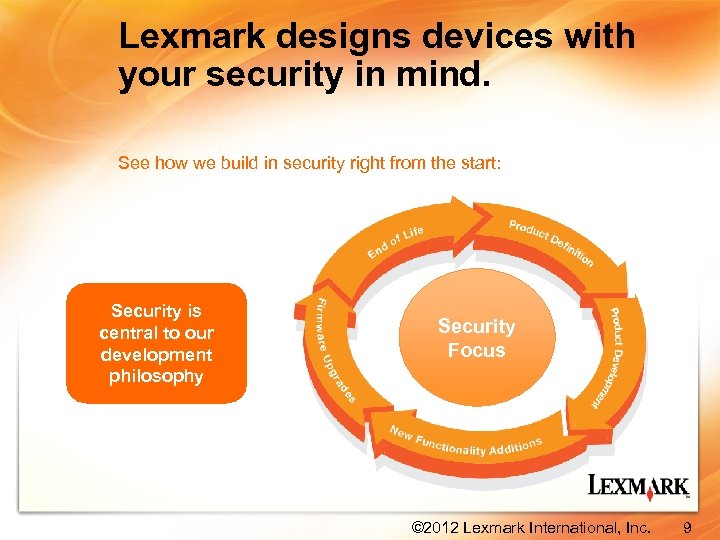 Lexmark designs devices with your security in mind. See how we build in security right from the start: Security is central to our development philosophy Security Focus © 2012 Lexmark International, Inc. 9
 Security solutions that help you work smarter…not harder. By working with Lexmark, you can: ► Secure your network devices to keep sensitive information safe and protect your data ► Empower your employees with secure access mechanisms and remote management tools ► Reduce your output costs with no add-ons to buy or additional data security kits to purchase ► Wipe hard drives to cleanly remove residual job data without pre-scheduling or impacting performance © 2012 Lexmark International, Inc. 10