 Скачать презентацию SEC 312 Enabling Secure Remote Access In your
ec390cf7f5942837987f0e2b36847aa1.ppt
- Количество слайдов: 80



SEC 312 Enabling Secure Remote Access In your environment Steve Riley Sr. Program Manager Security Business and Technology Unit steriley@microsoft. com blogs. technet. com/steriley
Our time today Solving the access vs. security dilemma l Understanding the three methods l l External access to internal web-based applications l Providing users with “desktop over HTTPS” capabilities l Building full IP-based virtual private networks l When to choose which?
The dilemma: access or security l More users require more access from more places l l Increase in mobile workers and where they come from (homes, hotels, airports, hotspots) Wireless access is everywhere now No longer just “employee” access: business partners, customers But we can’t compromise security l Remote access increases security risks l l Problems with implementing many current solutions l l l …unmanaged…unpatched…unprotected… High prices Difficult to deploy client side software Ugh! How do we do this?
Internal Applications Via the Web
Examples What’s in common? Internal application Runs on a web server New business requirement for providing access while not attached to corpnet E-mail (Outlook Web Access) l File sharing (Share. Point varieties) l Custom applications l
Security issues l HTTPS is the transport l Provides the necessary privacy for protecting confidential information in transit over the Internet l But what about checking the content? l Intrusion detection (if you still do this) l Validating conformance to information dissemination policies—email, documents, …
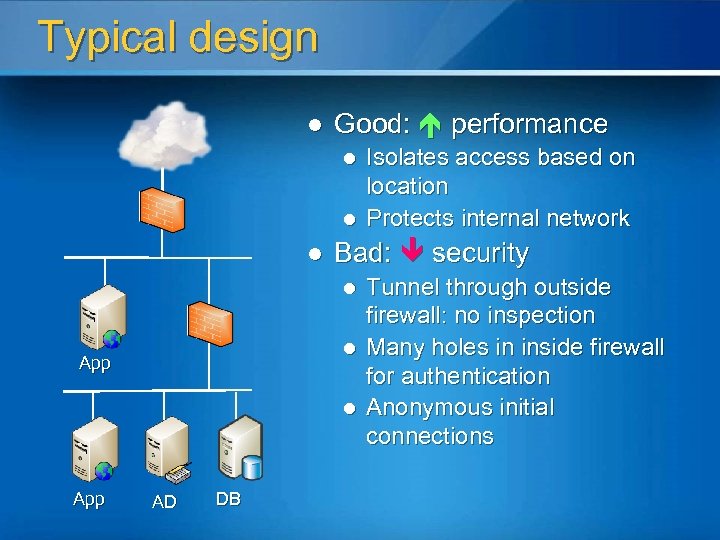
Typical design l Good: performance l l l Bad: security l l App AD DB Isolates access based on location Protects internal network Tunnel through outside firewall: no inspection Many holes in inside firewall for authentication Anonymous initial connections
Improving security l Security goals l Inspect SSL traffic l Maintain wire privacy l Enforce conformance to HTML/HTTP l Block misuse of the protocol l Allow l l only known URL construction Block URL-borne attacks Optionally l Pre-authenticate incoming connections
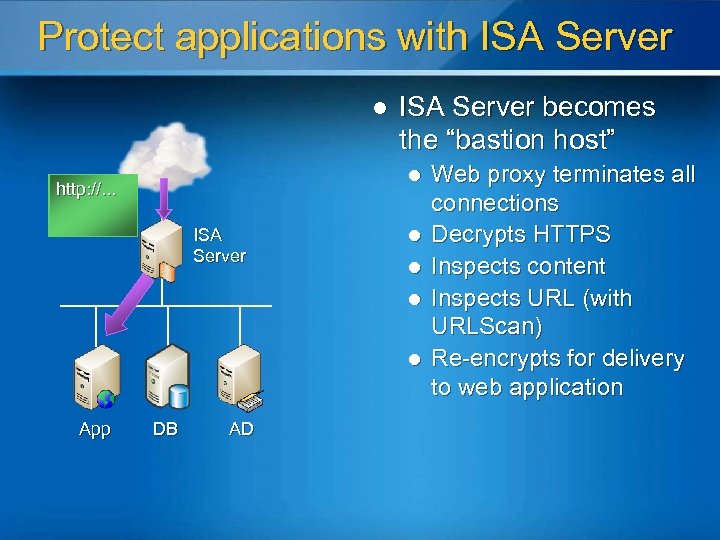
Protect applications with ISA Server l ISA Server becomes the “bastion host” l <a href… x 36 dj 23 s http: //. . . 2 oipn 49 v ISA Server l l App DB AD Web proxy terminates all connections Decrypts HTTPS Inspects content Inspects URL (with URLScan) Re-encrypts for delivery to web application
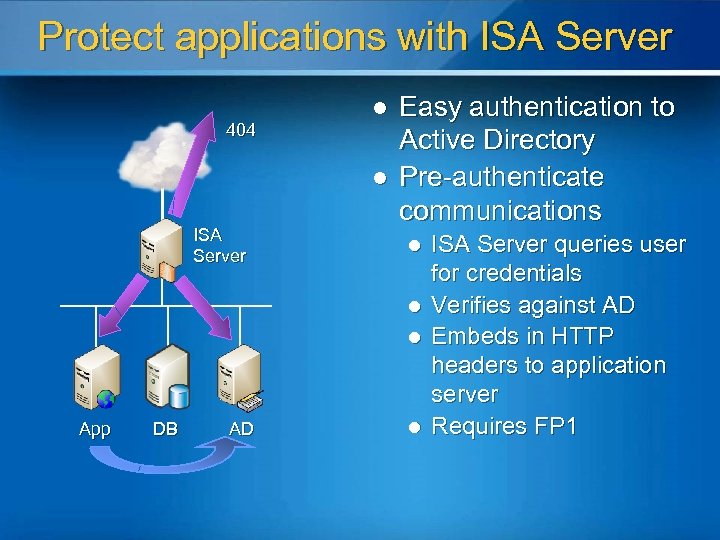
Protect applications with ISA Server 404 l l ISA Server Easy authentication to Active Directory Pre-authenticate communications l l l App DB AD l ISA Server queries user for credentials Verifies against AD Embeds in HTTP headers to application server Requires FP 1
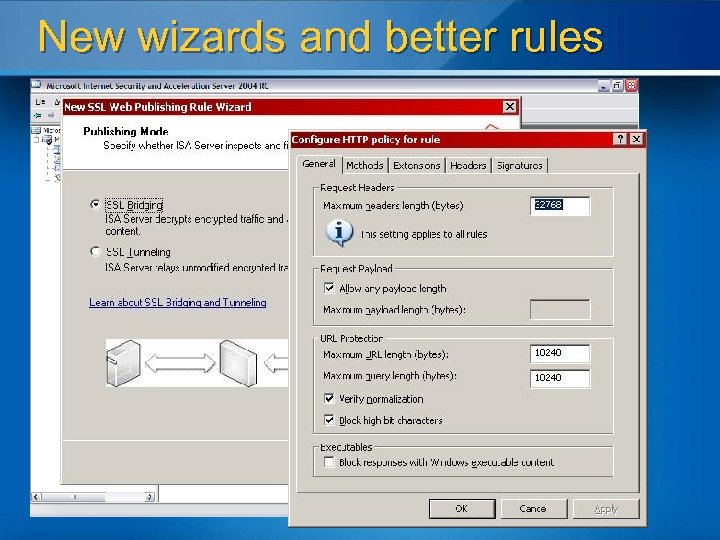
New wizards and better rules
Auth. N delegation requirements l l l Authenticate at the perimeter Choice of domain membership or RADIUS Client to ISA Server: basic or forms-based authentication l l l ISA Server presents form and generates cookie Separate timeouts for public and private computers OWA form included; can copy and reuse code for your own forms-based applications ISA Server to web server: basic Won’t work with client certificates l ISA Server has no access to client’s private key
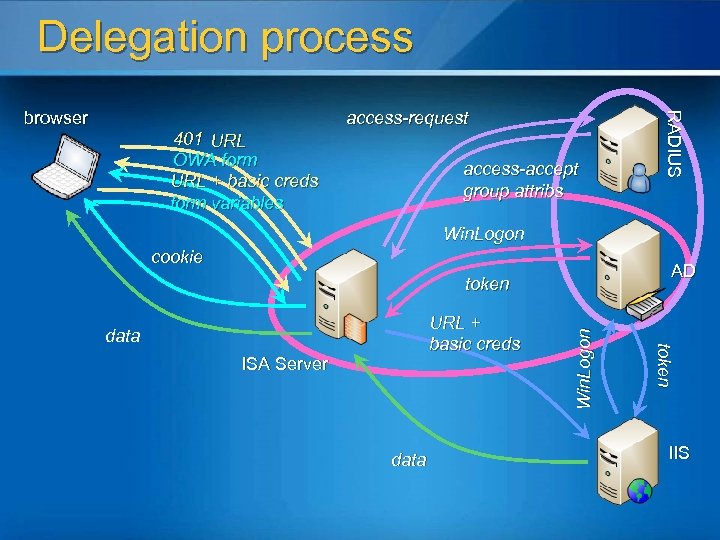
Delegation process 401 URL OWA form URL + basic creds form variables access-request access-accept group attribs RADIUS browser Win. Logon cookie AD ISA Server data token URL + basic creds data Win. Logon token IIS
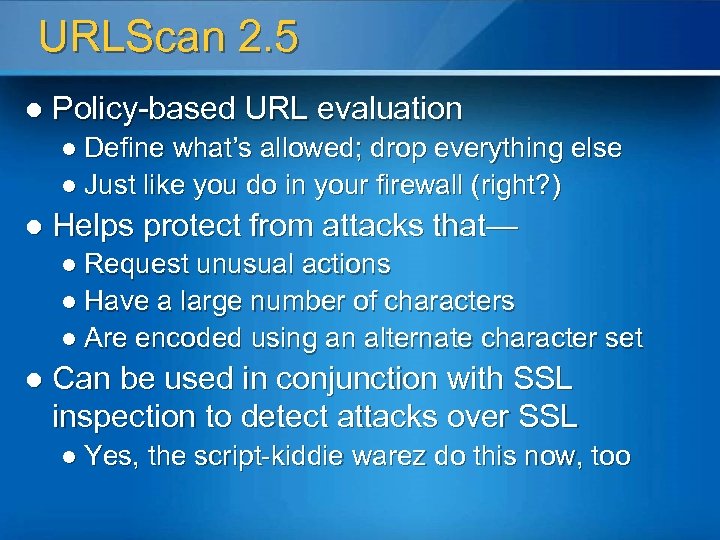
URLScan 2. 5 l Policy-based URL evaluation l Define what’s allowed; drop everything else l Just like you do in your firewall (right? ) l Helps protect from attacks that— l Request unusual actions l Have a large number of characters l Are encoded using an alternate character set l Can be used in conjunction with SSL inspection to detect attacks over SSL l Yes, the script-kiddie warez do this now, too
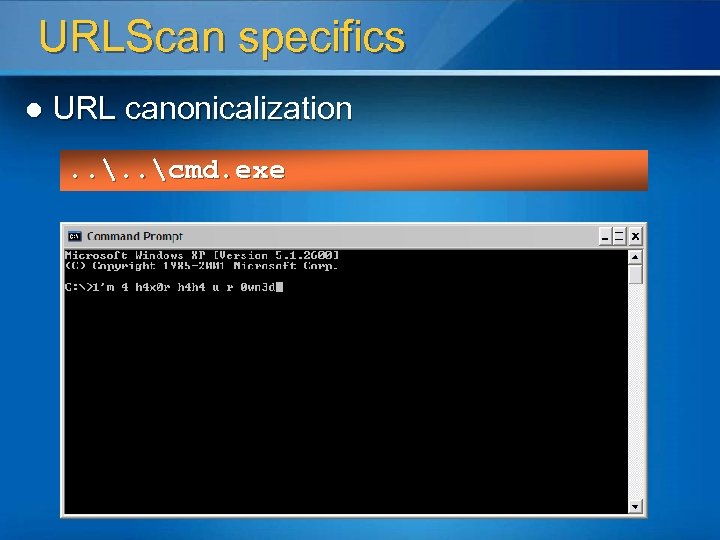
URLScan specifics l URL canonicalization. . cmd. exe
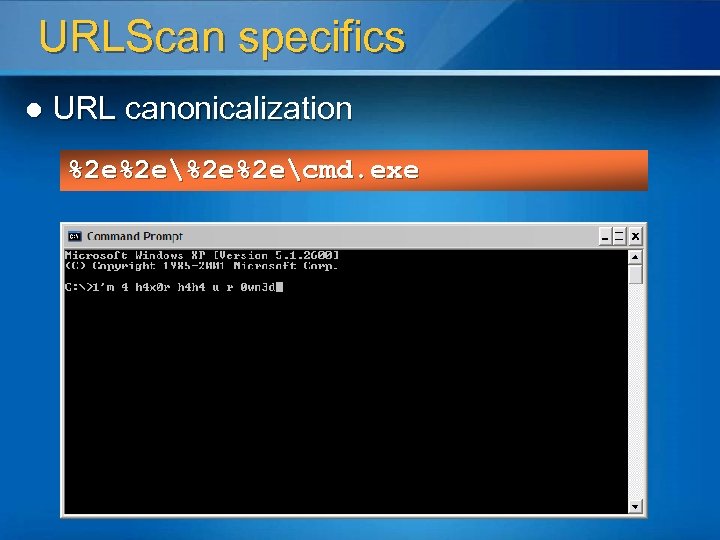
URLScan specifics l URL canonicalization %2 e%2 ecmd. exe
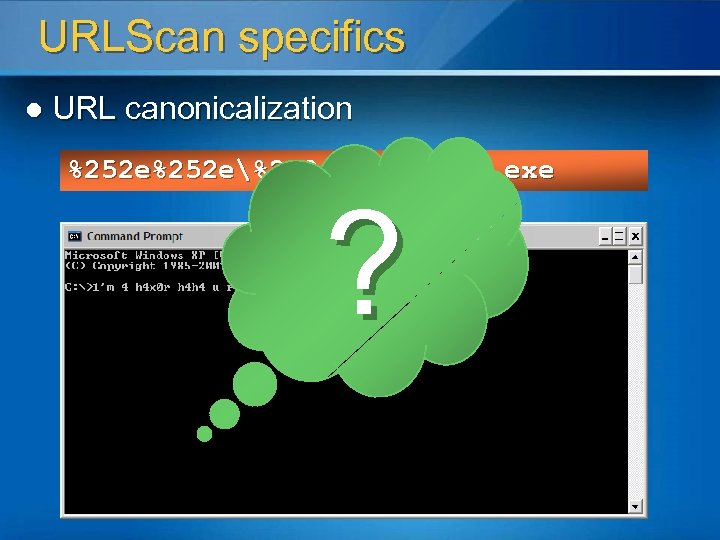
URLScan specifics l URL canonicalization %252 e%252 ecmd. exe ?
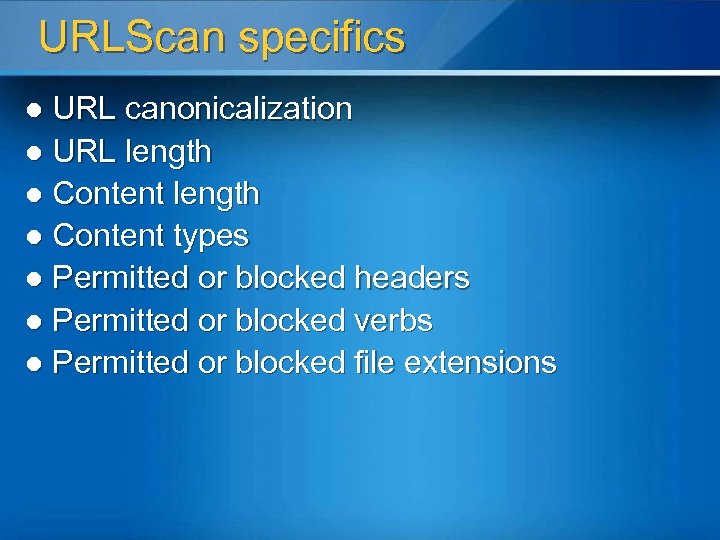
URLScan specifics URL canonicalization l URL length l Content types l Permitted or blocked headers l Permitted or blocked verbs l Permitted or blocked file extensions l
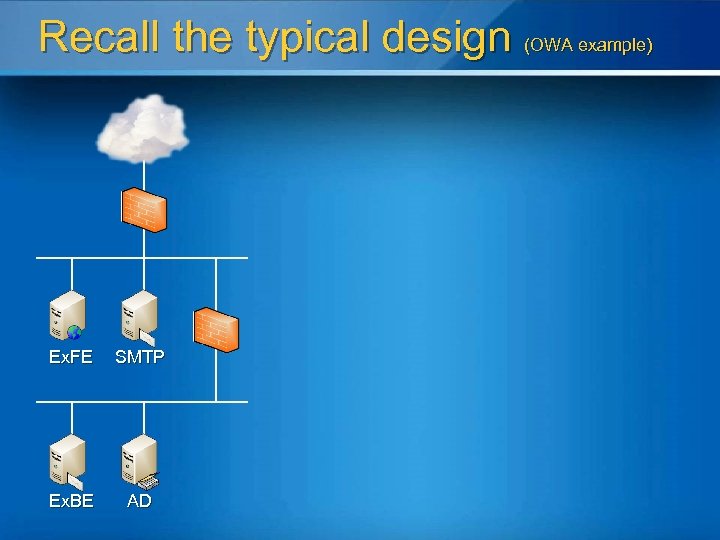
Recall the typical design (OWA example) Ex. FE SMTP Ex. BE AD
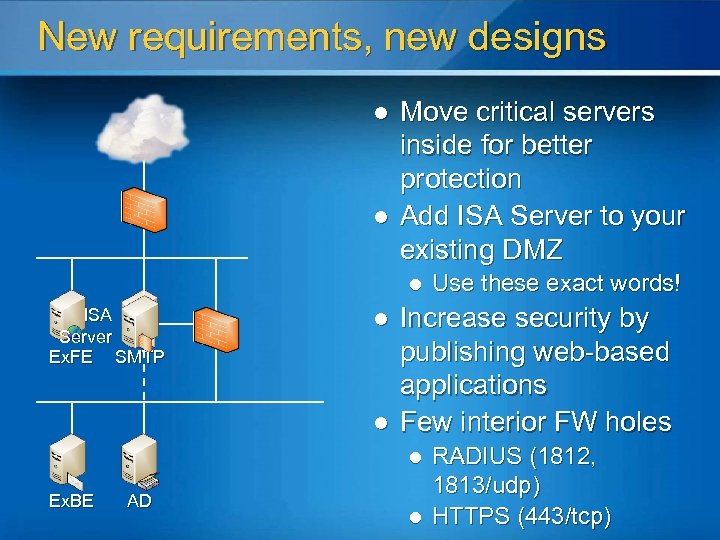
New requirements, new designs l l Move critical servers inside for better protection Add ISA Server to your existing DMZ l ISA Server Ex. FE SMTP l l Increase security by publishing web-based applications Few interior FW holes l Ex. BE AD Use these exact words! l RADIUS (1812, 1813/udp) HTTPS (443/tcp)
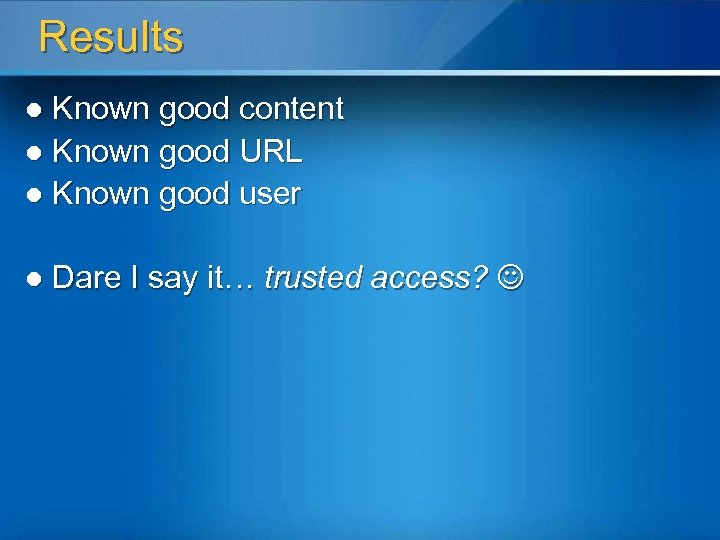
Results Known good content l Known good URL l Known good user l l Dare I say it… trusted access?
Remote Desktop Mechanisms
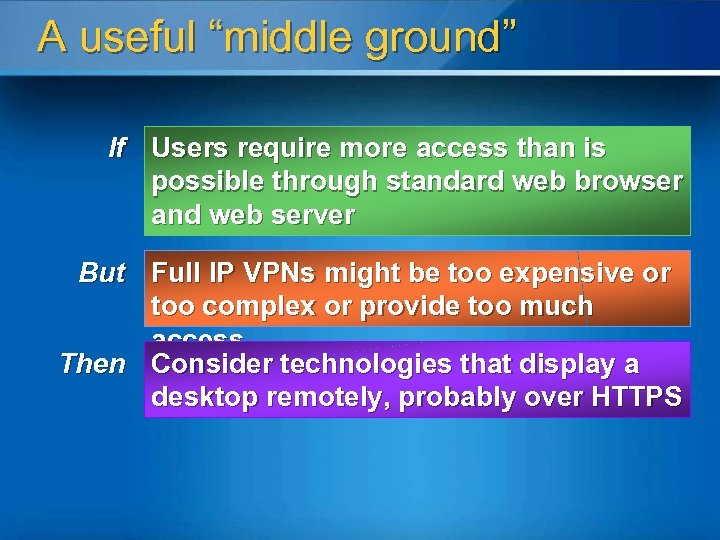
A useful “middle ground” If Users require more access than is possible through standard web browser and web server But Full IP VPNs might be too expensive or too complex or provide too much access Then Consider technologies that display a desktop remotely, probably over HTTPS
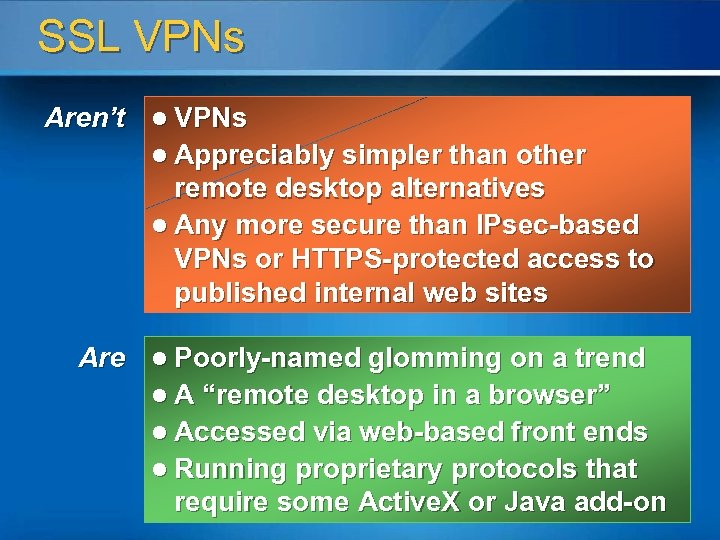
SSL VPNs Aren’t l VPNs l Appreciably simpler than other remote desktop alternatives l Any more secure than IPsec-based VPNs or HTTPS-protected access to published internal web sites Are l Poorly-named glomming on a trend l A “remote desktop in a browser” l Accessed via web-based front ends l Running proprietary protocols that require some Active. X or Java add-on
Why not call it what it is? l It’s just remote desktop or remote display l Certainly not a new idea l Apparently not as sexy as “SSL VPN” l Two products can do this for you now l Terminal Services—basic remote desktop display l Citrix Metaframe—more flexible preconfigured remote desktops and application groupings
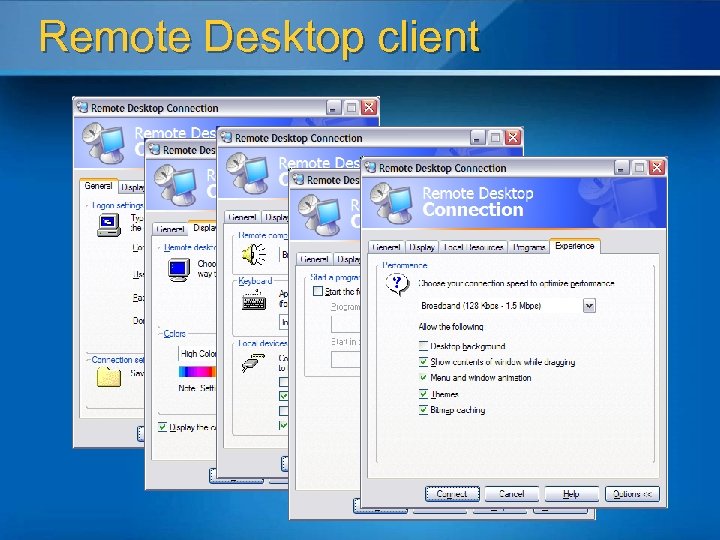
Remote Desktop client
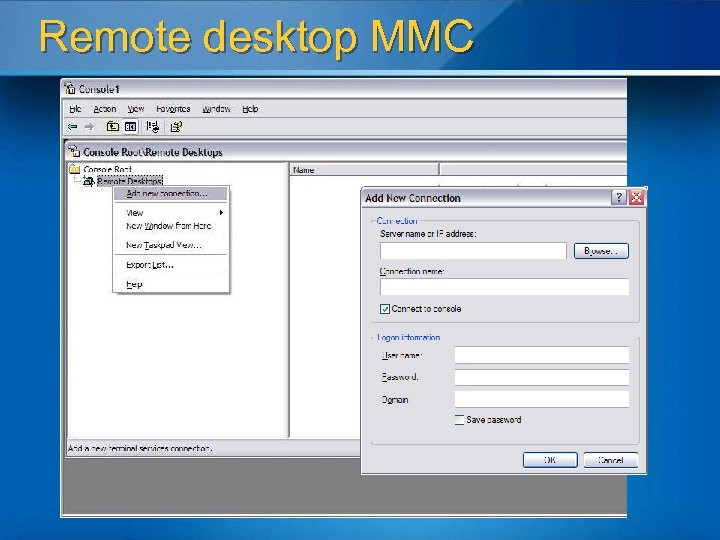
Remote desktop MMC
RDP in detail l Based on T-120 family of protocols l Multipoint Communications Service (MCS) (T. 122, 125) l l Generic Conference Control (GCC) l l l Manages channels and session connections, controls resources Extends core T. Share functionality Two drivers l l l Channel assignment, priority levels, data segmentation wdtshare. sys—UI, compression, encryption, framing tdtcp. sys—package RDP onto TCP Permits up to 64, 000 data transmission channels l Current version uses one channel for keyboard/mouse activity and display output
RDP in detail Operates independent of network and transport protocols l Bandwidth preservation l l Compression l Caching in RAM and to disk (up to 10 MB for bitmaps) l Supports Network Load Balancing
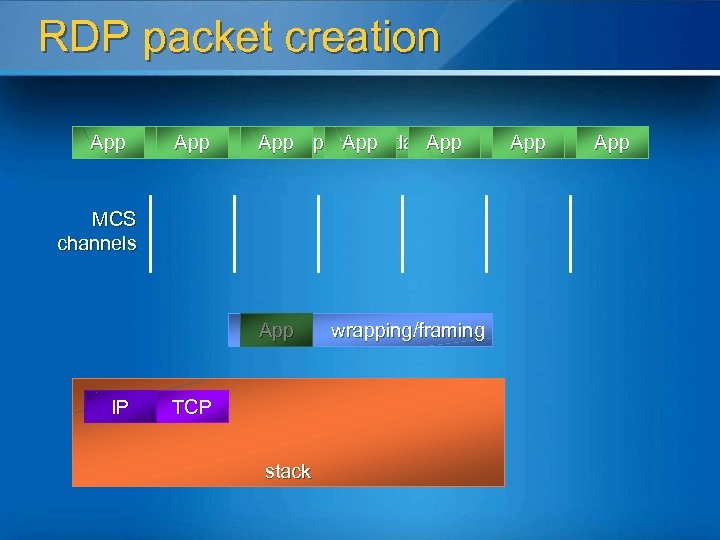
RDP packet creation App Application data App MCS channels App IP TCP stack wrapping/framing App
Server 2003 enhancements Can connect to real console in admin mode l Group policy control of various options l …profile paths…wallpaper…encryption… WMI provider for scripted TS configuration l ADSI provider for access to per-user TS profiles l TS Manager reduces automatic server enumeration l Can limit users to a single session l
Security enhancements l l Follows standard Windows paradigms better Remote Desktop Users (RDU) security group contains IDs of allowed users l l l Most people allow “Everyone” Permits controlling through group policy Can also use Security Policy Editor to grant permissions 128 -bit RC 4 (“high”) now the default Software Restriction Policies can limit the programs users are allowed to run Server certificates (TLS) in Windows Server 2003 Service Pack 1
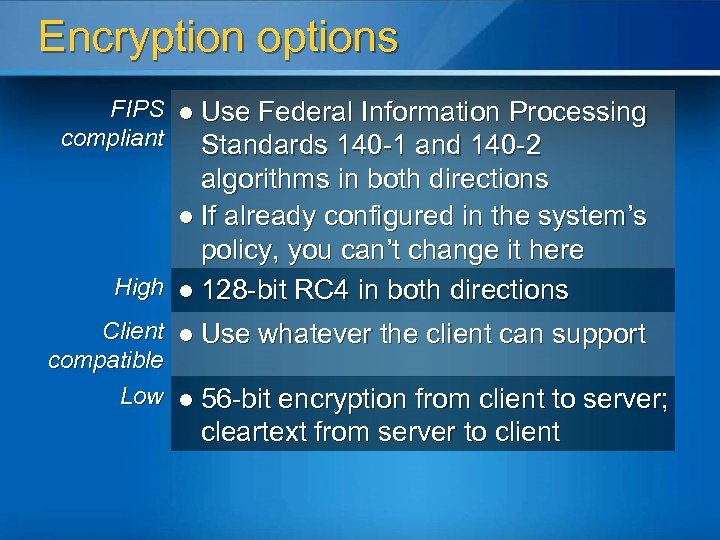
Encryption options FIPS l Use Federal Information Processing compliant Standards 140 -1 and 140 -2 algorithms in both directions l If already configured in the system’s policy, you can’t change it here High l 128 -bit RC 4 in both directions Client l Use whatever the client can support compatible Low l 56 -bit encryption from client to server; cleartext from server to client
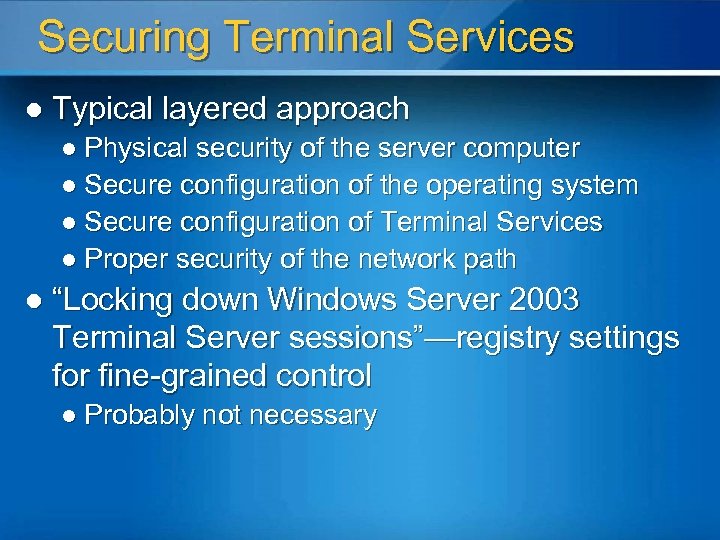
Securing Terminal Services l Typical layered approach l Physical security of the server computer l Secure configuration of the operating system l Secure configuration of Terminal Services l Proper security of the network path l “Locking down Windows Server 2003 Terminal Server sessions”—registry settings for fine-grained control l Probably not necessary
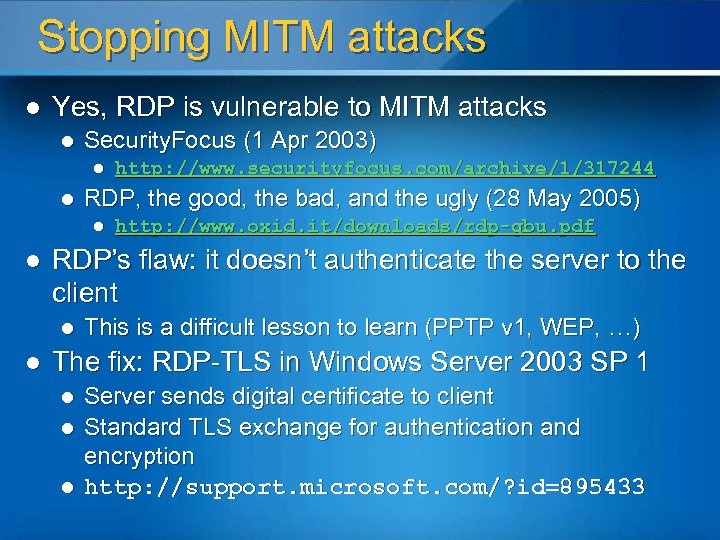
Stopping MITM attacks l Yes, RDP is vulnerable to MITM attacks l Security. Focus (1 Apr 2003) l l RDP, the good, the bad, and the ugly (28 May 2005) l l http: //www. oxid. it/downloads/rdp-gbu. pdf RDP’s flaw: it doesn’t authenticate the server to the client l l http: //www. securityfocus. com/archive/1/317244 This is a difficult lesson to learn (PPTP v 1, WEP, …) The fix: RDP-TLS in Windows Server 2003 SP 1 l l l Server sends digital certificate to client Standard TLS exchange for authentication and encryption http: //support. microsoft. com/? id=895433
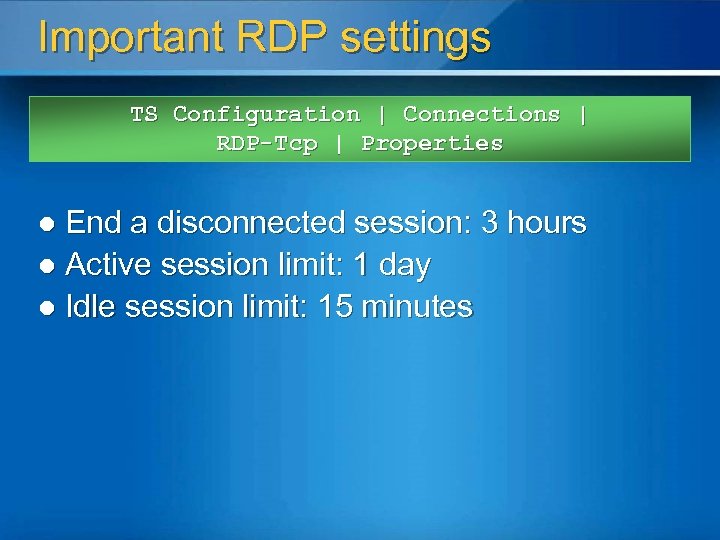
Important RDP settings TS Configuration | Connections | RDP-Tcp | Properties End a disconnected session: 3 hours l Active session limit: 1 day l Idle session limit: 15 minutes l
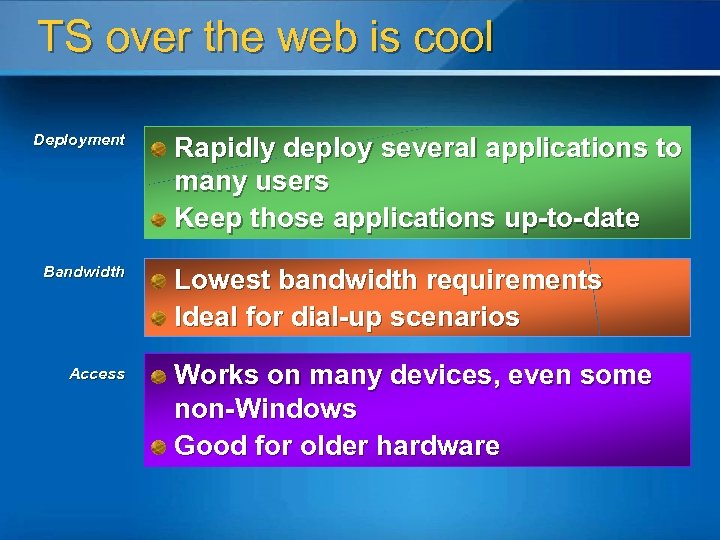
TS over the web is cool Deployment Bandwidth Access Rapidly deploy several applications to many users Keep those applications up-to-date Lowest bandwidth requirements Ideal for dial-up scenarios Works on many devices, even some non-Windows Good for older hardware
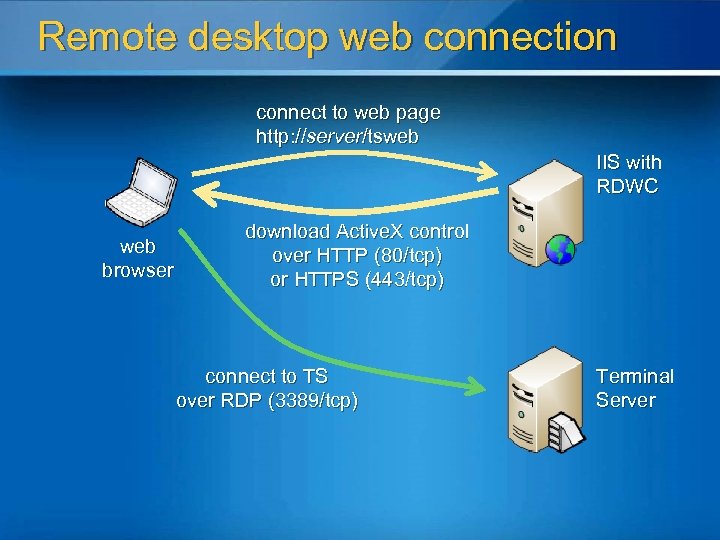
Remote desktop web connection connect to web page http: //server/tsweb IIS with RDWC web browser download Active. X control over HTTP (80/tcp) or HTTPS (443/tcp) connect to TS over RDP (3389/tcp) Terminal Server
Full IP VPNs
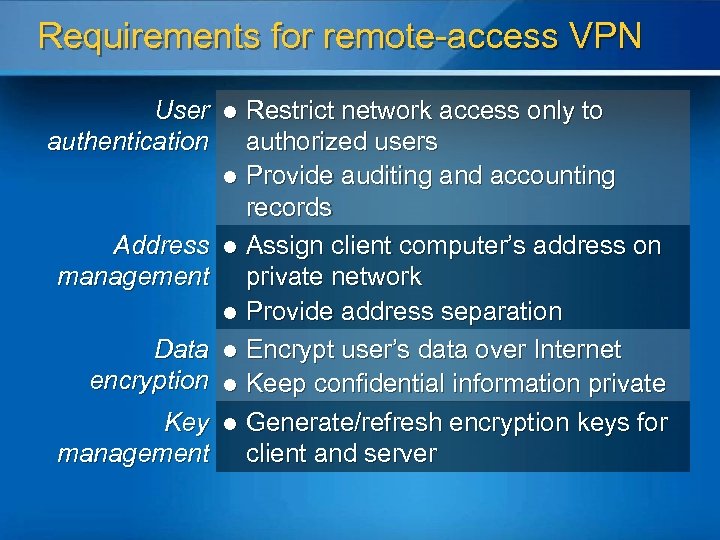
Requirements for remote-access VPN User authentication Address management Data encryption Key management Restrict network access only to authorized users l Provide auditing and accounting records l Assign client computer’s address on private network l Provide address separation l Encrypt user’s data over Internet l Keep confidential information private l Generate/refresh encryption keys for client and server l
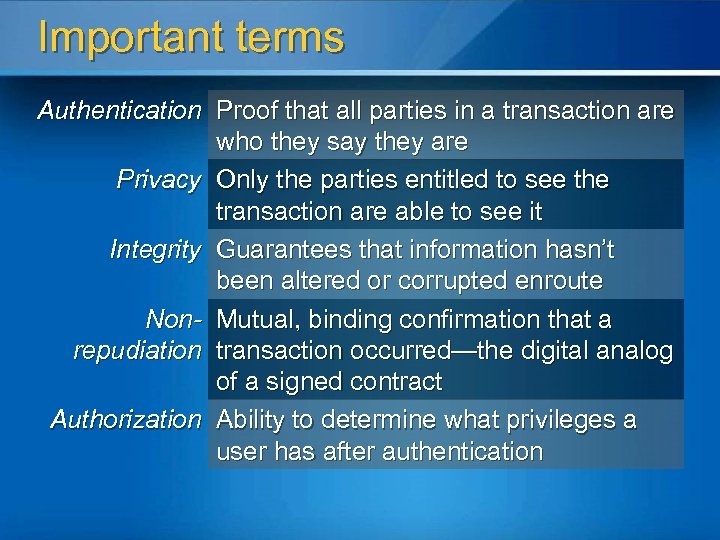
Important terms Authentication Proof that all parties in a transaction are who they say they are Privacy Only the parties entitled to see the transaction are able to see it Integrity Guarantees that information hasn’t been altered or corrupted enroute Non- Mutual, binding confirmation that a repudiation transaction occurred—the digital analog of a signed contract Authorization Ability to determine what privileges a user has after authentication
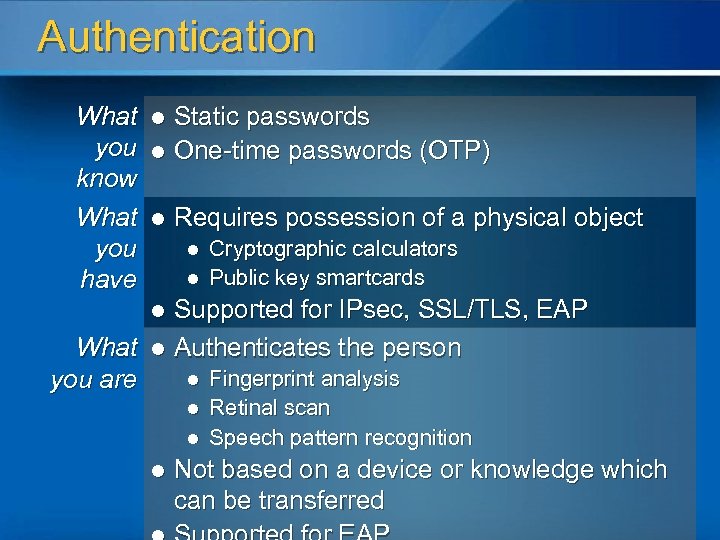
Authentication What you know What you have Static passwords l One-time passwords (OTP) l l Requires possession of a physical object l l Cryptographic calculators Public key smartcards Supported for IPsec, SSL/TLS, EAP What l Authenticates the person l Fingerprint analysis you are l l Retinal scan Speech pattern recognition Not based on a device or knowledge which can be transferred
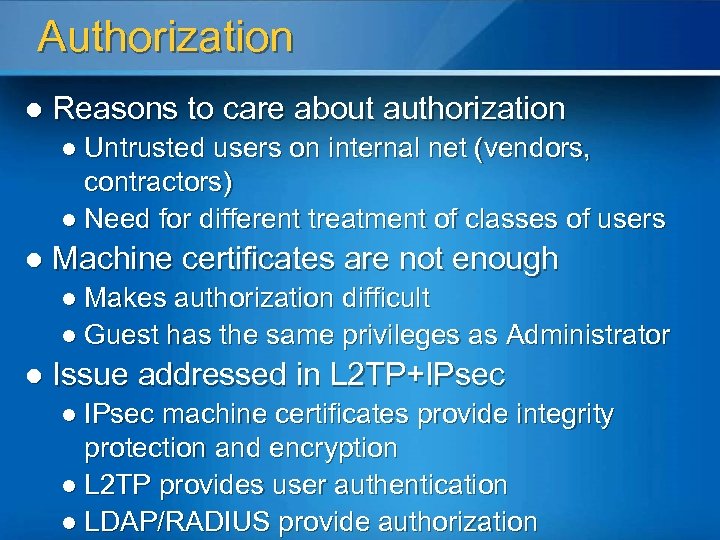
Authorization l Reasons to care about authorization l Untrusted users on internal net (vendors, contractors) l Need for different treatment of classes of users l Machine certificates are not enough l Makes authorization difficult l Guest has the same privileges as Administrator l Issue addressed in L 2 TP+IPsec l IPsec machine certificates provide integrity protection and encryption l L 2 TP provides user authentication l LDAP/RADIUS provide authorization
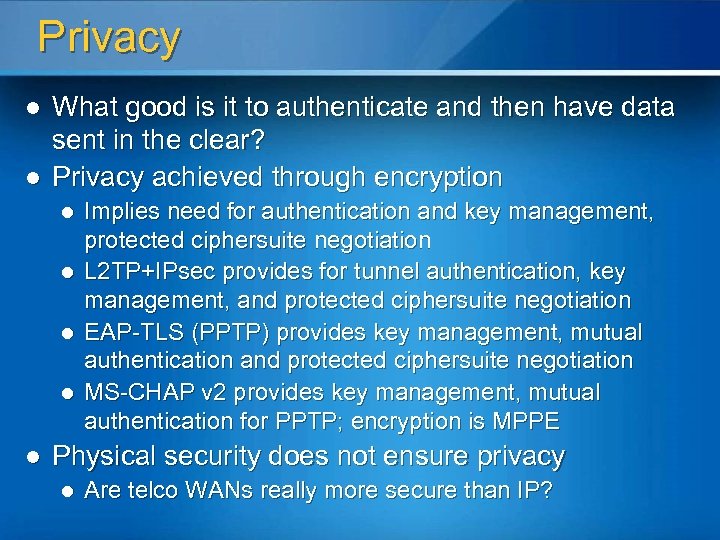
Privacy l l What good is it to authenticate and then have data sent in the clear? Privacy achieved through encryption l l l Implies need for authentication and key management, protected ciphersuite negotiation L 2 TP+IPsec provides for tunnel authentication, key management, and protected ciphersuite negotiation EAP-TLS (PPTP) provides key management, mutual authentication and protected ciphersuite negotiation MS-CHAP v 2 provides key management, mutual authentication for PPTP; encryption is MPPE Physical security does not ensure privacy l Are telco WANs really more secure than IP?
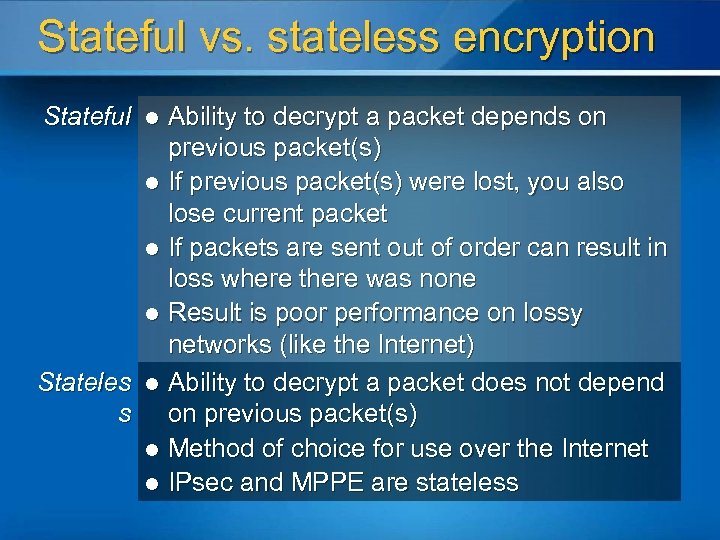
Stateful vs. stateless encryption Stateful Ability to decrypt a packet depends on previous packet(s) l If previous packet(s) were lost, you also lose current packet l If packets are sent out of order can result in loss where there was none l Result is poor performance on lossy networks (like the Internet) Stateles l Ability to decrypt a packet does not depend s on previous packet(s) l Method of choice for use over the Internet l IPsec and MPPE are stateless l
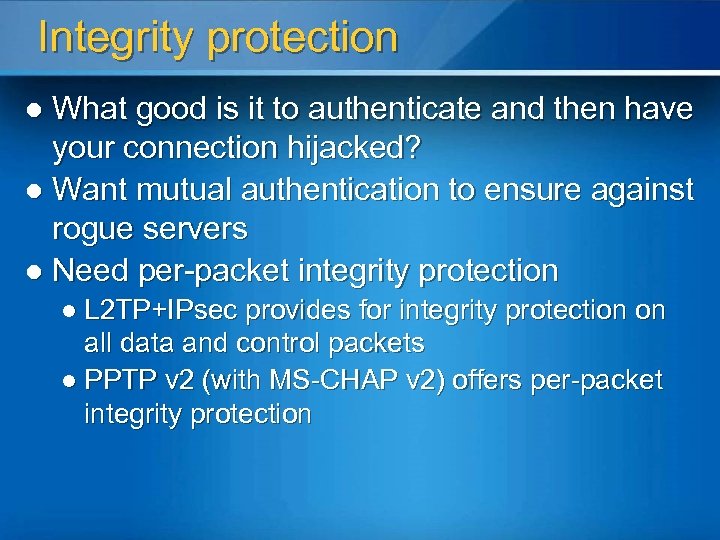
Integrity protection What good is it to authenticate and then have your connection hijacked? l Want mutual authentication to ensure against rogue servers l Need per-packet integrity protection l l L 2 TP+IPsec provides for integrity protection on all data and control packets l PPTP v 2 (with MS-CHAP v 2) offers per-packet integrity protection
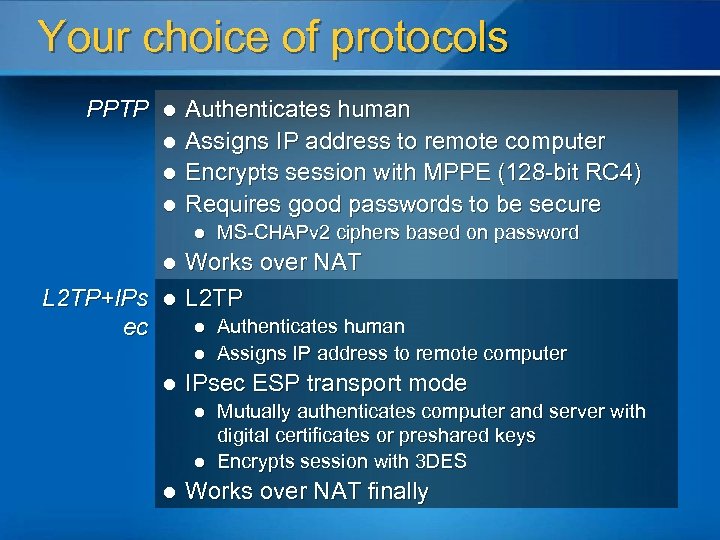
Your choice of protocols PPTP l l Authenticates human Assigns IP address to remote computer Encrypts session with MPPE (128 -bit RC 4) Requires good passwords to be secure l l L 2 TP+IPs ec l Works over NAT L 2 TP l l l Authenticates human Assigns IP address to remote computer IPsec ESP transport mode l l l MS-CHAPv 2 ciphers based on password Mutually authenticates computer and server with digital certificates or preshared keys Encrypts session with 3 DES Works over NAT finally
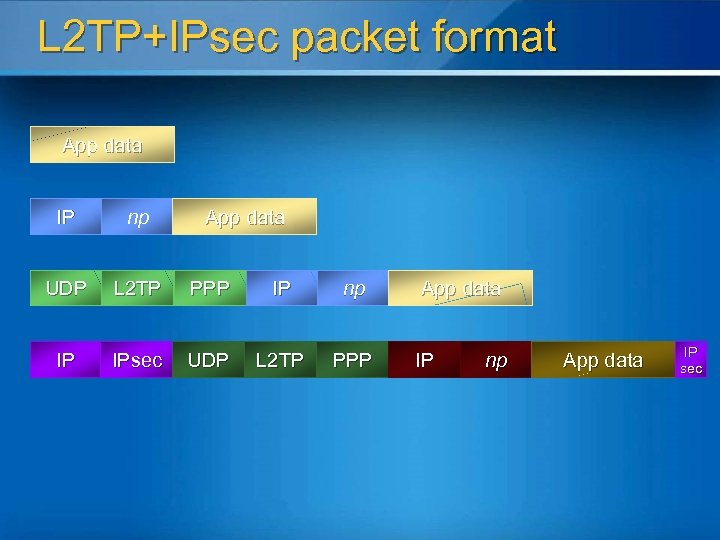
L 2 TP+IPsec packet format App data IP np UDP L 2 TP PPP IP np IP IPsec UDP L 2 TP PPP App data IP np App data IP sec
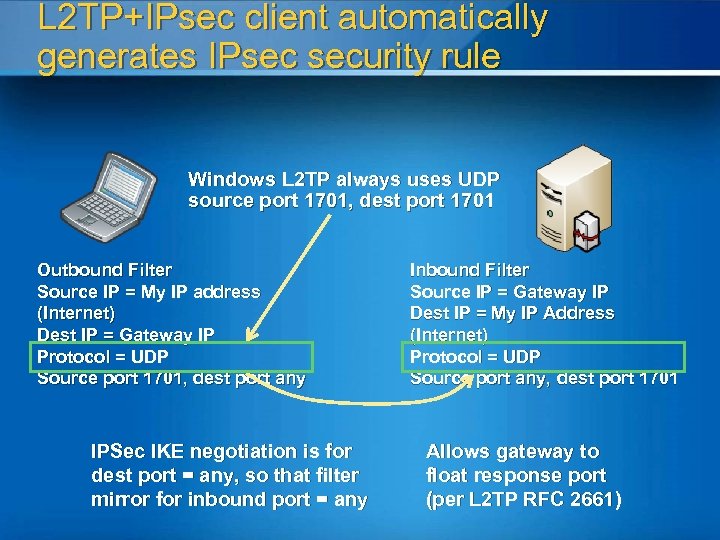
L 2 TP+IPsec client automatically generates IPsec security rule Windows L 2 TP always uses UDP source port 1701, dest port 1701 Outbound Filter Source IP = My IP address (Internet) Dest IP = Gateway IP Protocol = UDP Source port 1701, dest port any IPSec IKE negotiation is for dest port = any, so that filter mirror for inbound port = any Inbound Filter Source IP = Gateway IP Dest IP = My IP Address (Internet) Protocol = UDP Source port any, dest port 1701 Allows gateway to float response port (per L 2 TP RFC 2661)
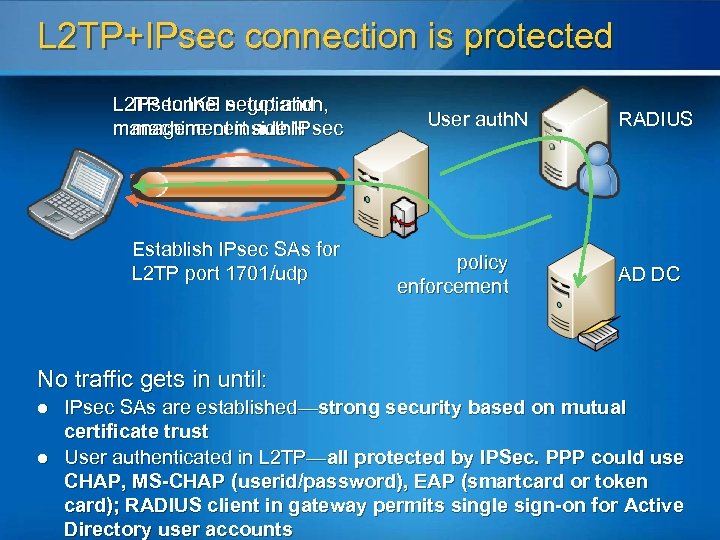
L 2 TP+IPsec connection is protected L 2 TP tunnel negotiation, IPsec IKE setup and management inside IPsec machine cert auth. N Establish IPsec SAs for L 2 TP port 1701/udp User auth. N policy enforcement RADIUS AD DC No traffic gets in until: l l IPsec SAs are established—strong security based on mutual certificate trust User authenticated in L 2 TP—all protected by IPSec. PPP could use CHAP, MS-CHAP (userid/password), EAP (smartcard or token card); RADIUS client in gateway permits single sign-on for Active Directory user accounts
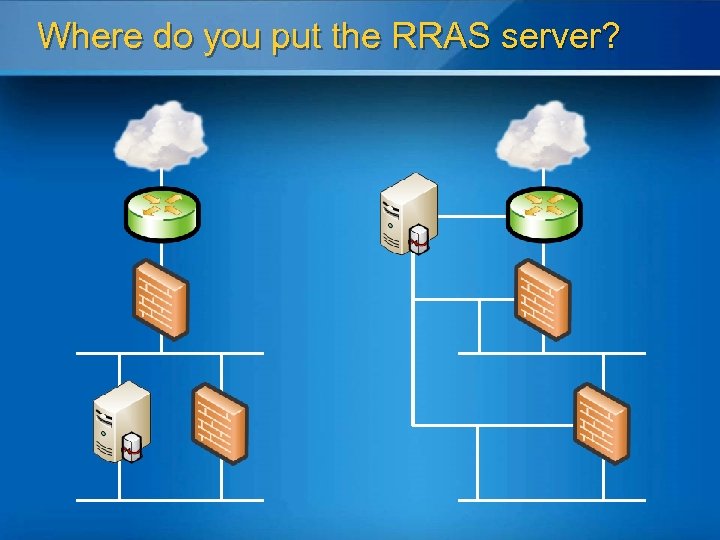
Where do you put the RRAS server?
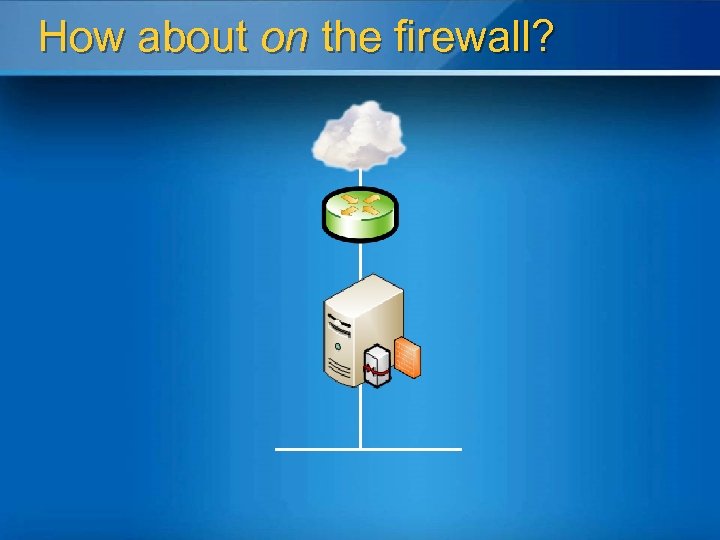
How about on the firewall?
How RRAS+ISA secures connections l Broad protocol support l l l Authentication l l PPTP and L 2 TP/IPSec NAT traversal (NAT-T) for connectivity across any network Active Directory uses existing Windows accounts, supports PKI for two factor authentication RADIUS uses non-Windows accounts databases with standards-based integration Secur. ID provides strong, two-factor authentication using tokens and RSA authentication servers All inbound and outbound traffic is inspected by ISA Server’s protocol filters
How RRAS+ISA controls access l Multi-network support l Control which portions of your network are accessible from remote locations l Application layer firewall l Inspects all traffic to and from remote clients l Ensures conformance to protocol specifications l Network quarantine l Perform security checks on client before it’s allowed access to the internal network l Provide mechanism for out-of-date clients to update themselves
Network access quarantine l Client script checks whether client meets corporate security policies l Personal firewall enabled? l Latest virus definitions used? l Required patches installed? l Routing table updates disabled? l Password-protected screen saver enabled? If checks succeed, client gets full access l If checks fail client gets disconnected after timeout period l
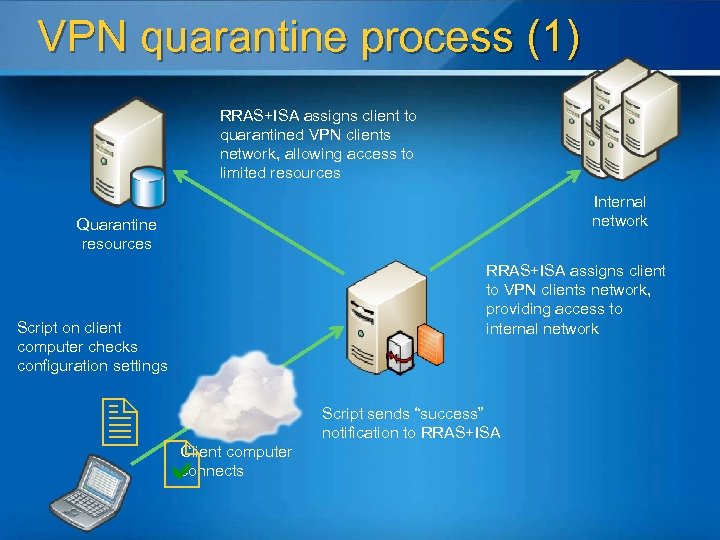
VPN quarantine process (1) RRAS+ISA assigns client to quarantined VPN clients network, allowing access to limited resources Internal network Quarantine resources RRAS+ISA assigns client to VPN clients network, providing access to internal network Script on client computer checks configuration settings Client computer connects Script sends “success” notification to RRAS+ISA
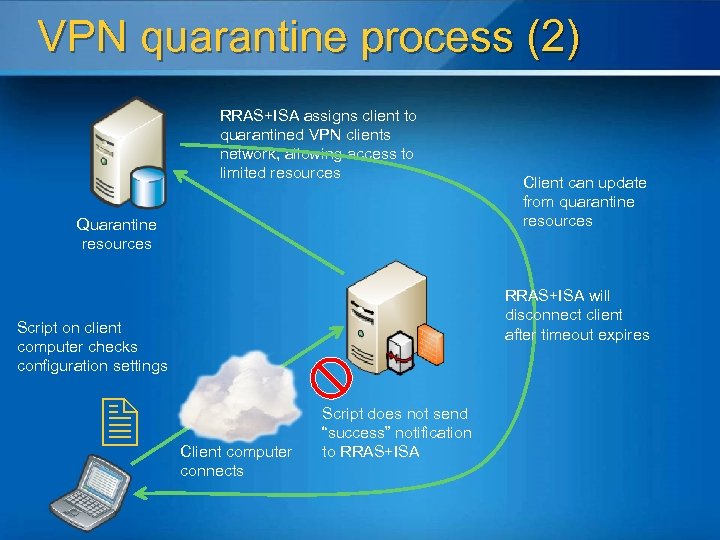
VPN quarantine process (2) RRAS+ISA assigns client to quarantined VPN clients network, allowing access to limited resources Quarantine resources RRAS+ISA will disconnect client after timeout expires Script on client computer checks configuration settings Client can update from quarantine resources Client computer connects Script does not send “success” notification to RRAS+ISA
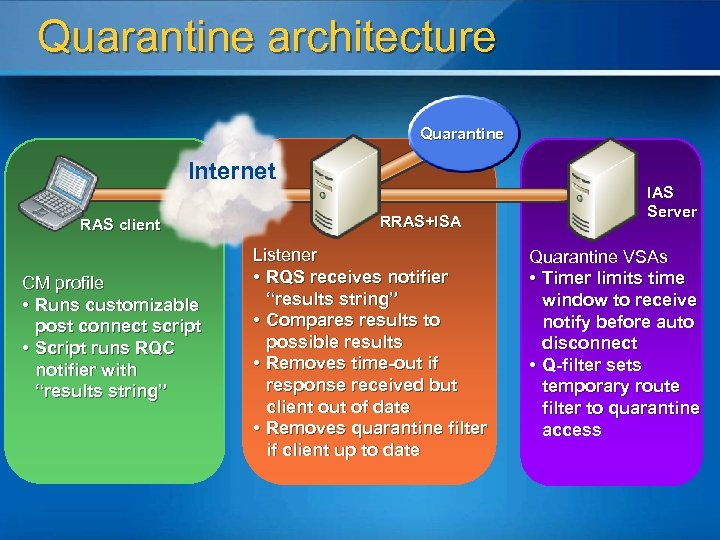
Quarantine architecture Quarantine Internet RAS client CM profile • Runs customizable post connect script • Script runs RQC notifier with “results string” RRAS+ISA Listener • RQS receives notifier “results string” • Compares results to possible results • Removes time-out if response received but client out of date • Removes quarantine filter if client up to date IAS Server Quarantine VSAs • Timer limits time window to receive notify before auto disconnect • Q-filter sets temporary route filter to quarantine access
How Microsoft Does VPN
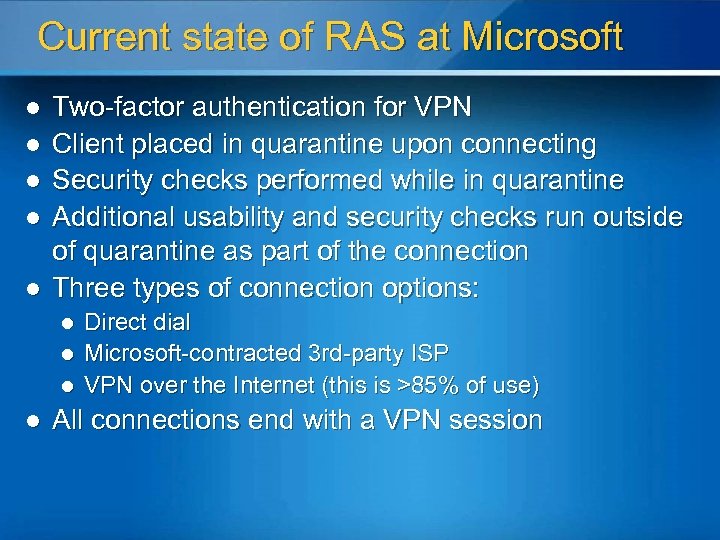
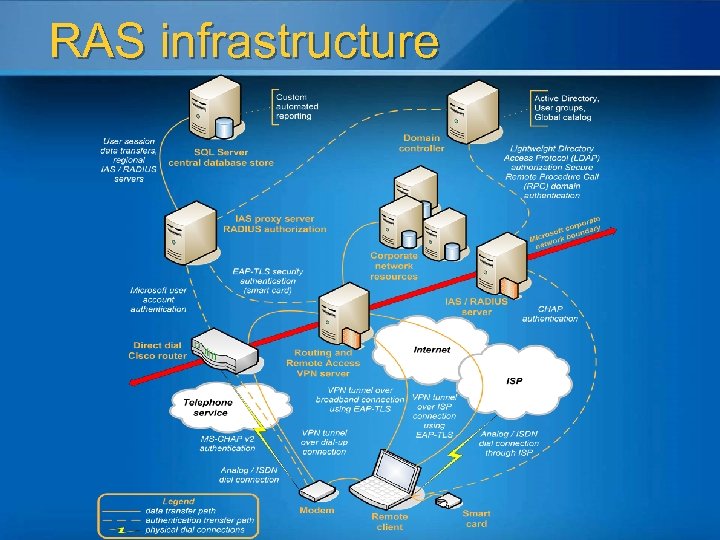
Current state of RAS at Microsoft l l l Two-factor authentication for VPN Client placed in quarantine upon connecting Security checks performed while in quarantine Additional usability and security checks run outside of quarantine as part of the connection Three types of connection options: l l Direct dial Microsoft-contracted 3 rd-party ISP VPN over the Internet (this is >85% of use) All connections end with a VPN session
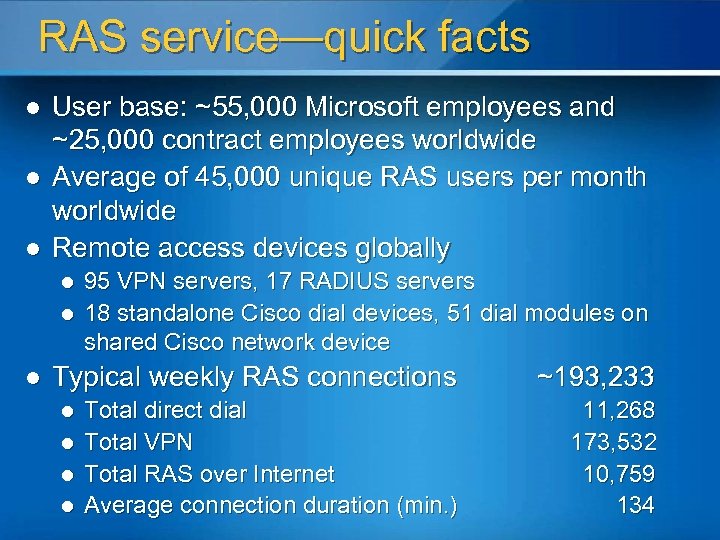
RAS service—quick facts l l l User base: ~55, 000 Microsoft employees and ~25, 000 contract employees worldwide Average of 45, 000 unique RAS users per month worldwide Remote access devices globally l l l 95 VPN servers, 17 RADIUS servers 18 standalone Cisco dial devices, 51 dial modules on shared Cisco network device Typical weekly RAS connections ~193, 233 Total direct dial Total VPN Total RAS over Internet Average connection duration (min. ) 11, 268 173, 532 10, 759 134 l l
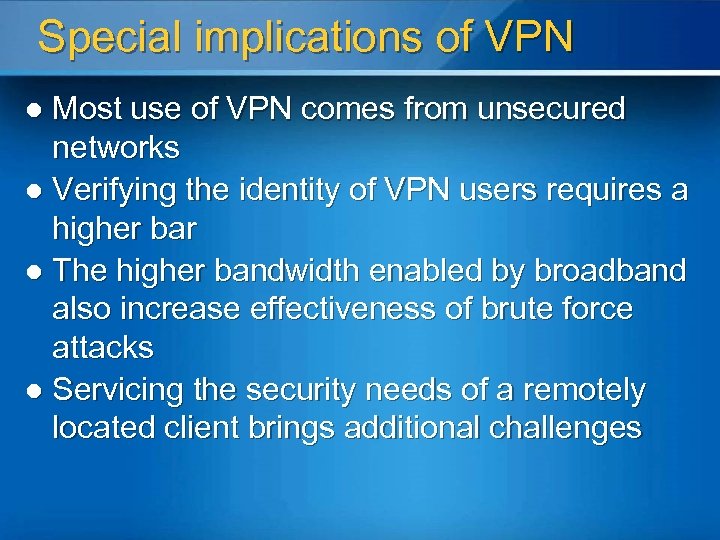
Special implications of VPN Most use of VPN comes from unsecured networks l Verifying the identity of VPN users requires a higher bar l The higher bandwidth enabled by broadband also increase effectiveness of brute force attacks l Servicing the security needs of a remotely located client brings additional challenges l
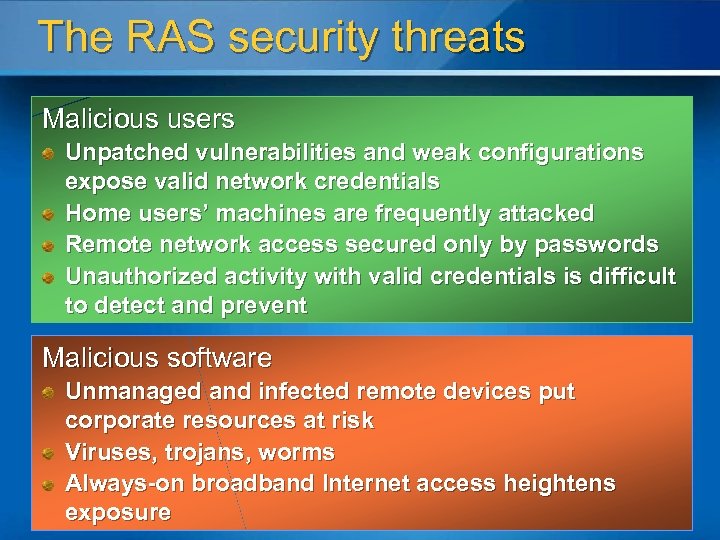
The RAS security threats Malicious users Unpatched vulnerabilities and weak configurations expose valid network credentials Home users’ machines are frequently attacked Remote network access secured only by passwords Unauthorized activity with valid credentials is difficult to detect and prevent Malicious software Unmanaged and infected remote devices put corporate resources at risk Viruses, trojans, worms Always-on broadband Internet access heightens exposure
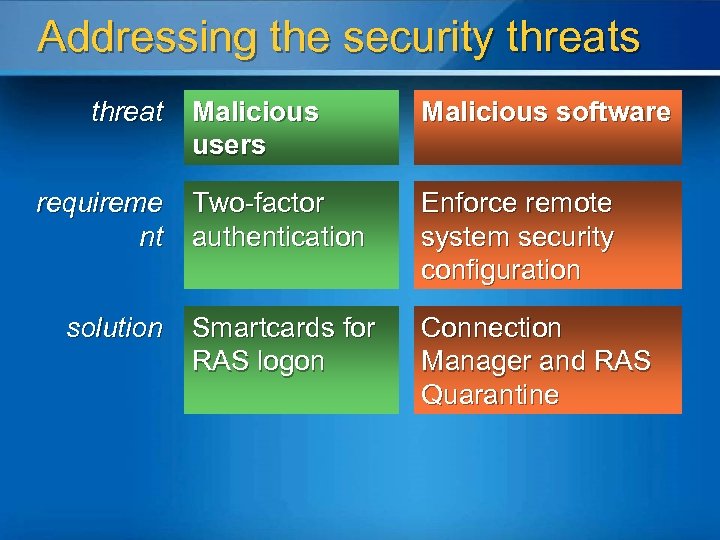
Addressing the security threats threat requireme nt solution Malicious users Malicious software Two-factor authentication Enforce remote system security configuration Smartcards for RAS logon Connection Manager and RAS Quarantine
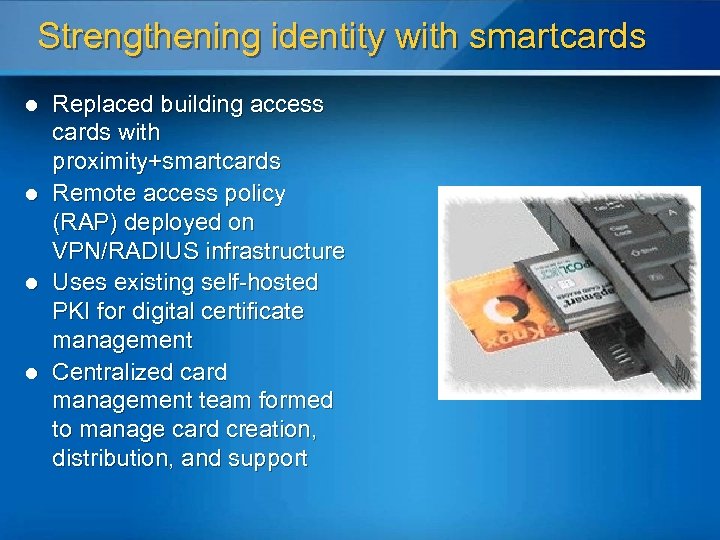
Strengthening identity with smartcards l l Replaced building access cards with proximity+smartcards Remote access policy (RAP) deployed on VPN/RADIUS infrastructure Uses existing self-hosted PKI for digital certificate management Centralized card management team formed to manage card creation, distribution, and support
Securing the RAS client l Infrastructure components l l l Windows 2003 RRAS server (~400 -600 ports configured per server) RQS on RRAS server Internet Authentication Services (IAS) l l l Responsible for authentication and policy setting Can apply different policies based on back end rules (this is how exceptions are granted) Connection Manager Administration Kit (CMAK) ISA Server 2004 Client side components l l Custom connection created with CMAK Security scanning scripts—”Secure Remote User” (SRU)
Why ISA Server 2004? l Packet size limitation with RADIUS that limits the size of the filter list l Microsoft needs more servers in the quarantine network then the limit allows for: l l DCs SRU Servers DNS Management of filter lists is easier with ISA Server 2004 then using IAS filters
Connection Manager Provides mechanism to manage phone book entries for service l Enables entry points for actions executed during connection experience l l Pre-initialize l Pre-connect l Post-connect l Pre-tunnel l Post-tunnel l SRU runs in various places during the connection
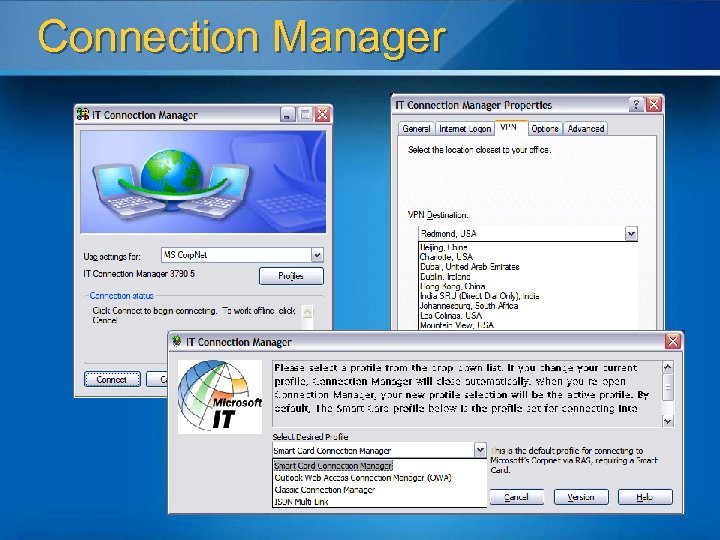
Connection Manager
Secure Remote User (SRU) Designed and developed by Microsoft IT Enterprise Application Services (EAS) l Performs critical security checks l l Windows Firewall on l Internet Connection Sharing off l Patch management l Anti-virus using Computer Associates e. Trust l Operating system version compliance l Very flexible, self updating and gathers metrics from the users perspective
RAS infrastructure
The user experience Average connect experience worldwide is under two minutes l Failed security check results in opportunity to remediate l l Microsoft l IT design decision Incorrect smartcard PIN results in quick notification l Since PIN unlocks card, decision is made locally l Five incorrect PIN entries will lock the smartard; takes a help desk call to unlock
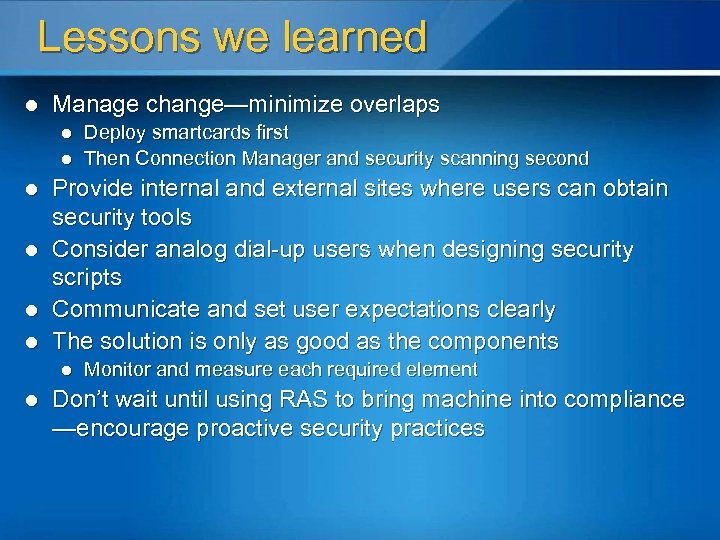
Lessons we learned l Manage change—minimize overlaps l l l Provide internal and external sites where users can obtain security tools Consider analog dial-up users when designing security scripts Communicate and set user expectations clearly The solution is only as good as the components l l Deploy smartcards first Then Connection Manager and security scanning second Monitor and measure each required element Don’t wait until using RAS to bring machine into compliance —encourage proactive security practices

So What to Do Now?
Resources Everything about VPN and RRAS http: //www. microsoft. com/vpn ISA Server info and deployment guides http: //www. microsoft. com/isaserver Terminal Server http: //www. microsoft. com/terminalserver
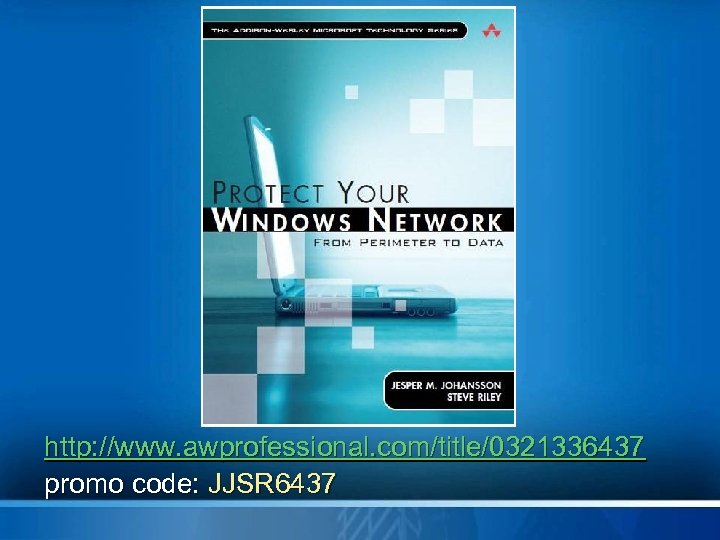
http: //www. awprofessional. com/title/0321336437 promo code: JJSR 6437
Steve Riley steriley@microsoft. com blogs. technet. com/steriley http: //www. awprofessional. com/title/0321336437 promo code: JJSR 6437 © 2005 Microsoft Corporation. All rights reserved. This presentation is for informational purposes only. Microsoft makes no warranties, express or implied, in this summary.

We invite you to participate in our online evaluation on Comm. Net, accessible Friday only If you choose to complete the evaluation online, there is no need to complete the paper evaluation


© 2005 Microsoft Corporation. All rights reserved. This presentation is for informational purposes only. Microsoft makes no warranties, express or implied, in this summary.
Скачать презентацию SEC 312 Enabling Secure Remote Access In your
ec390cf7f5942837987f0e2b36847aa1.ppt