


 Скачать презентацию Searching through the Internet Dr Eslam Al Maghayreh
7311d2d77534b4a2bd189a77c1ae7e24.ppt
- Количество слайдов: 30
 Searching through the Internet Dr. Eslam Al Maghayreh Computer Science Department Yarmouk University 1
 Outline n n n Introduction Information Retrieval Indexing Smarter Internet Searching Examples 2
 Introduction n n Internet has enormous quantity of information: n billions of web pages n thousands of newsgroups Two questions face any information seeker: n (1) How can I find what I want? n (2) How can I know that what I find is any good? 3
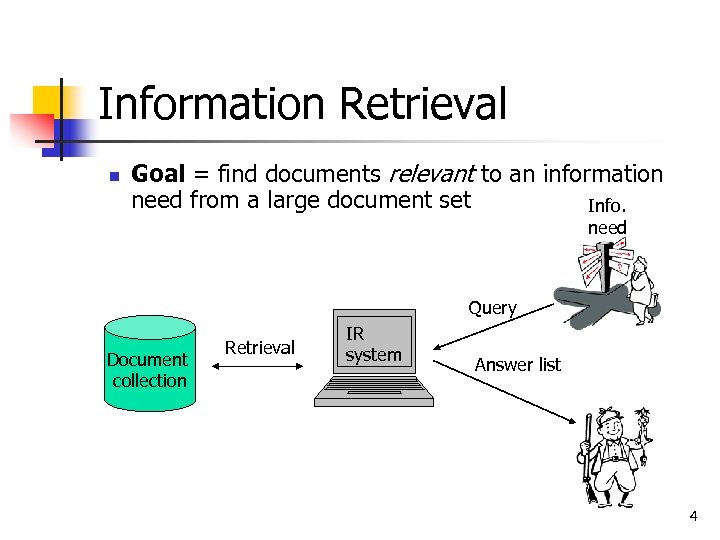 Information Retrieval n Goal = find documents relevant to an information need from a large document set Info. need Query Document collection Retrieval IR system Answer list 4
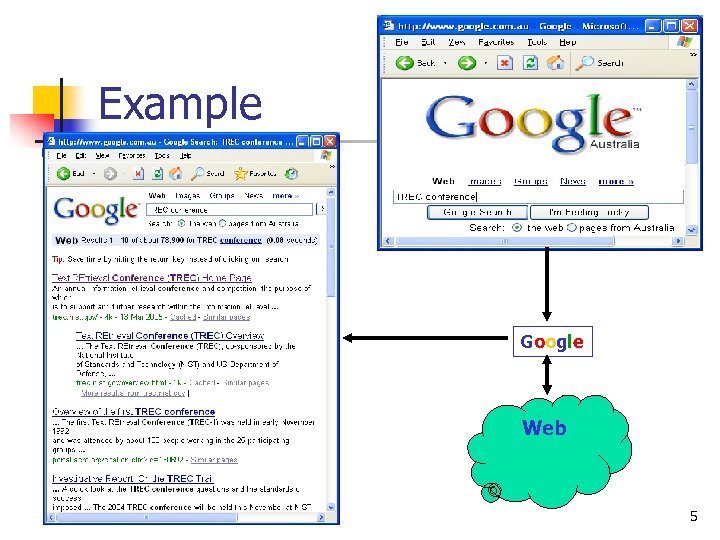 Example Google Web 5
 Search Engine n Consists of: n the interface you use to type in a query n an index of Web sites that the query is matched with n and a software program (called a spider or bot) that goes out on the Web and gets new sites for the index 6
 IR problem n First applications: in libraries (1950 s) ISBN: 0 -201 -12227 -8 Author: Salton, Gerard Title: Automatic text processing: the transformation, analysis, and retrieval of information by computer Editor: Addison-Wesley Date: 1989 Content:
 Possible approaches 1. String matching (linear search in documents) - Slow 2. Indexing - Fast - Flexible to further improvement 8
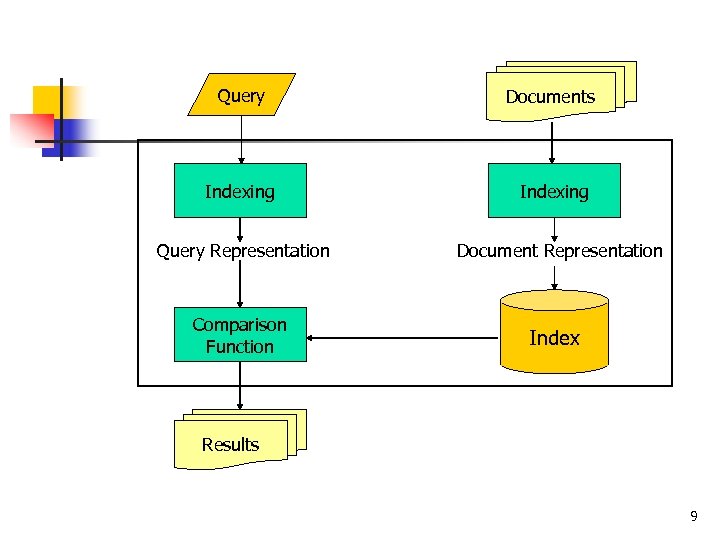 Query Documents Indexing Query Representation Comparison Function Document Representation Index Results 9
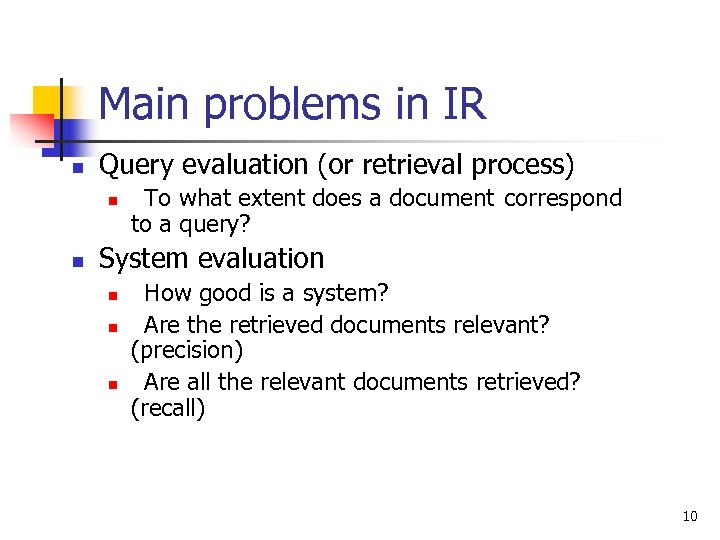 Main problems in IR n Query evaluation (or retrieval process) n n To what extent does a document correspond to a query? System evaluation n How good is a system? Are the retrieved documents relevant? (precision) Are all the relevant documents retrieved? (recall) 10
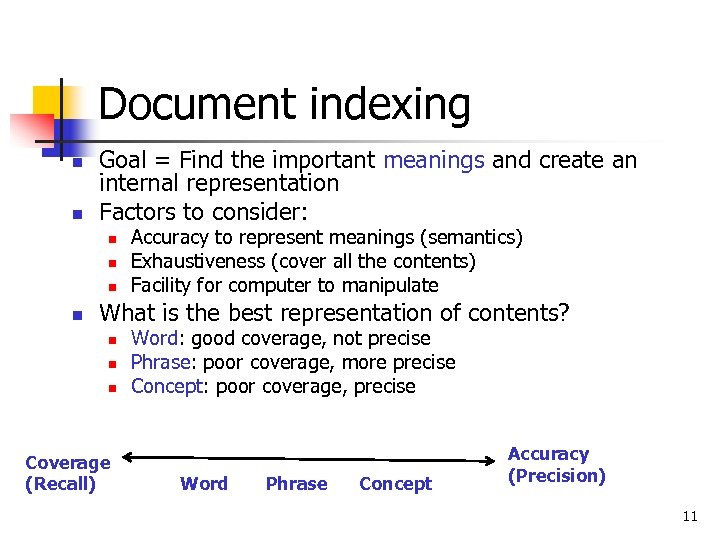 Document indexing n n Goal = Find the important meanings and create an internal representation Factors to consider: n n Accuracy to represent meanings (semantics) Exhaustiveness (cover all the contents) Facility for computer to manipulate What is the best representation of contents? n n n Coverage (Recall) Word: good coverage, not precise Phrase: poor coverage, more precise Concept: poor coverage, precise Word Phrase Concept Accuracy (Precision) 11
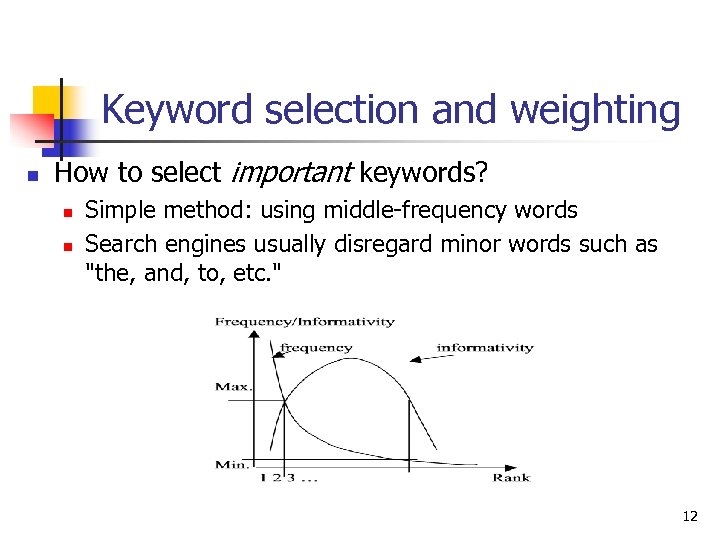 Keyword selection and weighting n How to select important keywords? n n Simple method: using middle-frequency words Search engines usually disregard minor words such as "the, and, to, etc. " 12
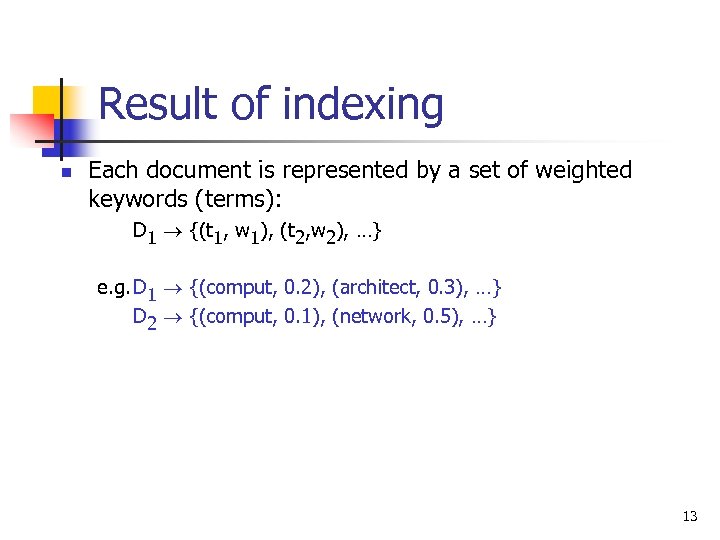 Result of indexing n Each document is represented by a set of weighted keywords (terms): D 1 {(t 1, w 1), (t 2, w 2), …} e. g. D 1 {(comput, 0. 2), (architect, 0. 3), …} D 2 {(comput, 0. 1), (network, 0. 5), …} 13
 Retrieval n The problems underlying retrieval n Retrieval model n n How is a document represented with the selected keywords? How are document and query representations compared to calculate a score? 14
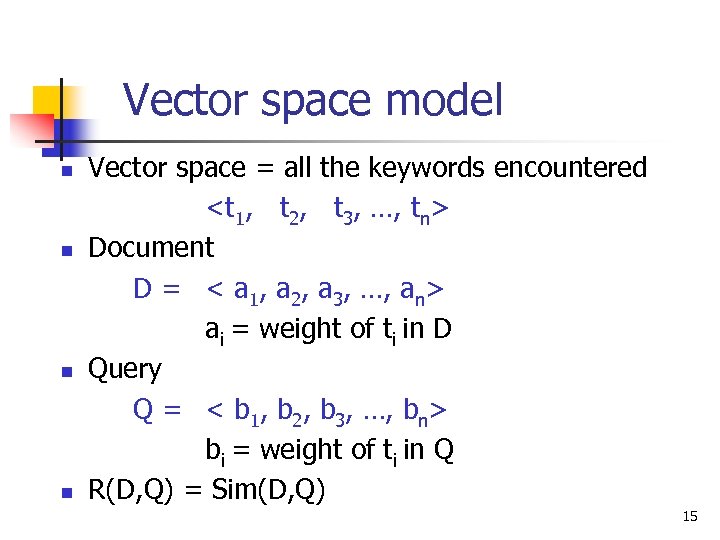 Vector space model n n Vector space = all the keywords encountered
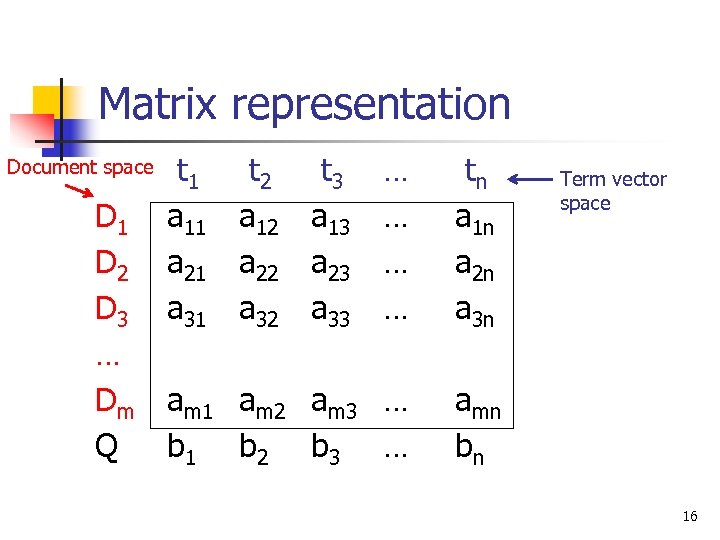 Matrix representation Document space D 1 D 2 D 3 … Dm Q t 1 a 11 a 21 a 31 t 2 a 12 a 22 a 32 t 3 a 13 a 23 a 33 … … tn a 1 n a 2 n a 3 n am 1 am 2 am 3 … b 1 b 2 b 3 … amn bn Term vector space 16
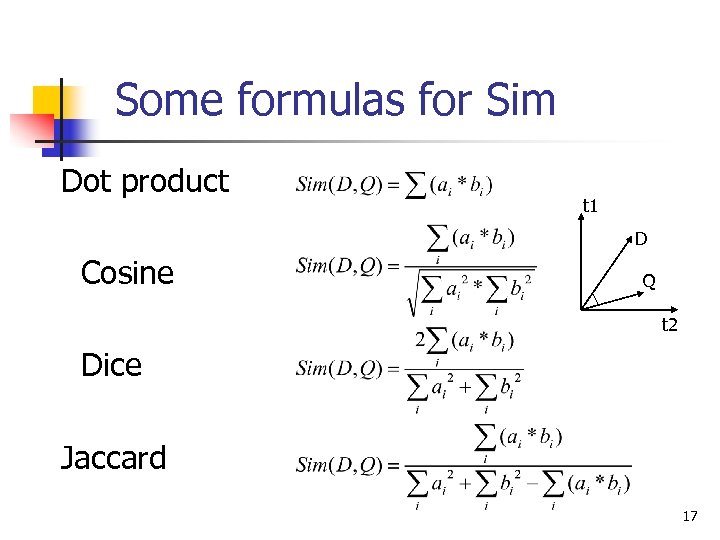 Some formulas for Sim Dot product t 1 D Cosine Q t 2 Dice Jaccard 17
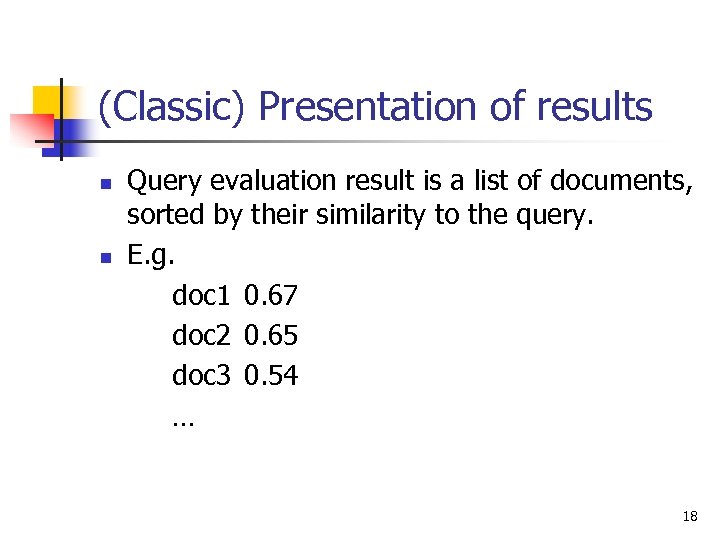 (Classic) Presentation of results n n Query evaluation result is a list of documents, sorted by their similarity to the query. E. g. doc 1 0. 67 doc 2 0. 65 doc 3 0. 54 … 18
 IR on the Web n n n No stable document collection (spider, crawler) Duplication Huge number of documents Multimedia documents Multilingual problem … 19
 Tips for smarter Internet searching n n Use unique, specific terms Use the minus operator (-) to narrow the search n n n yarmouk -university Utilize quotation marks, to view "consecutive words of a phrase, " such as "flower arrangement". Enter a short question, such as " what time is it in amman? “, “ 3. 55*4. 5 -11 =“, “who is the king of england? ”, “what is the distance between the sun and earth” 20
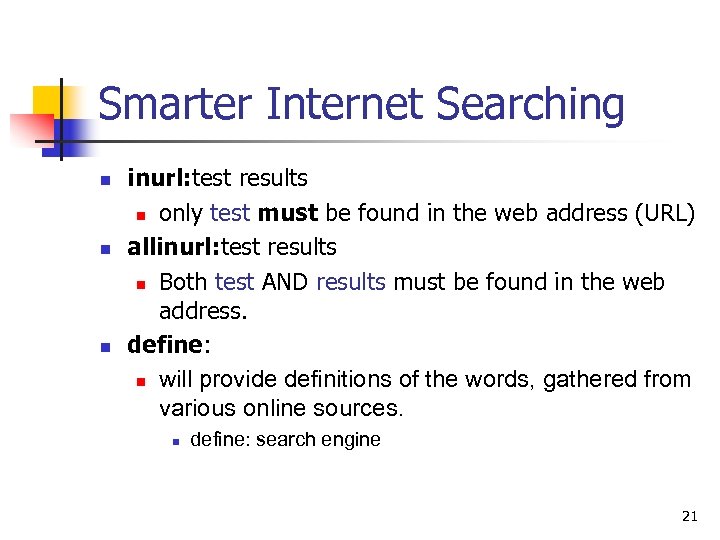 Smarter Internet Searching n n n inurl: test results n only test must be found in the web address (URL) allinurl: test results n Both test AND results must be found in the web address. define: n will provide definitions of the words, gathered from various online sources. n define: search engine 21
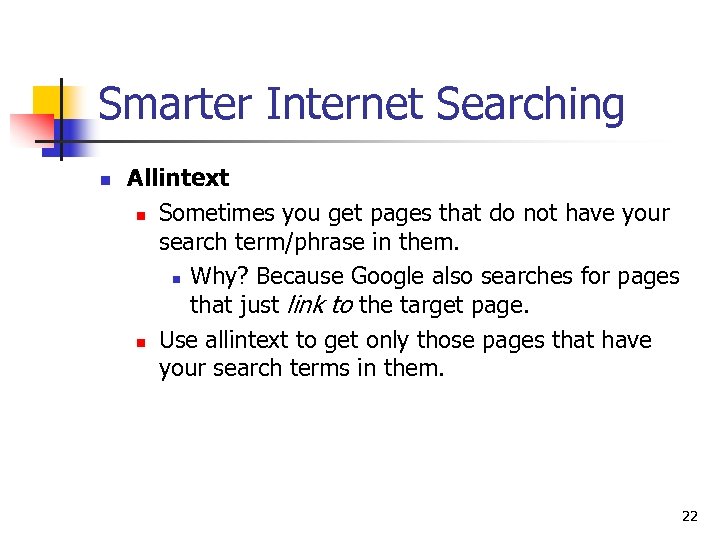 Smarter Internet Searching n Allintext n Sometimes you get pages that do not have your search term/phrase in them. n Why? Because Google also searches for pages that just link to the target page. n Use allintext to get only those pages that have your search terms in them. 22
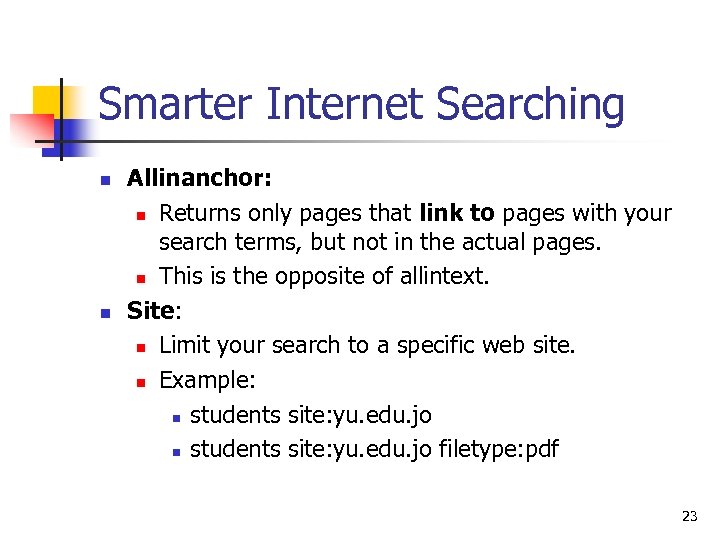 Smarter Internet Searching n n Allinanchor: n Returns only pages that link to pages with your search terms, but not in the actual pages. n This is the opposite of allintext. Site: n Limit your search to a specific web site. n Example: n students site: yu. edu. jo filetype: pdf 23
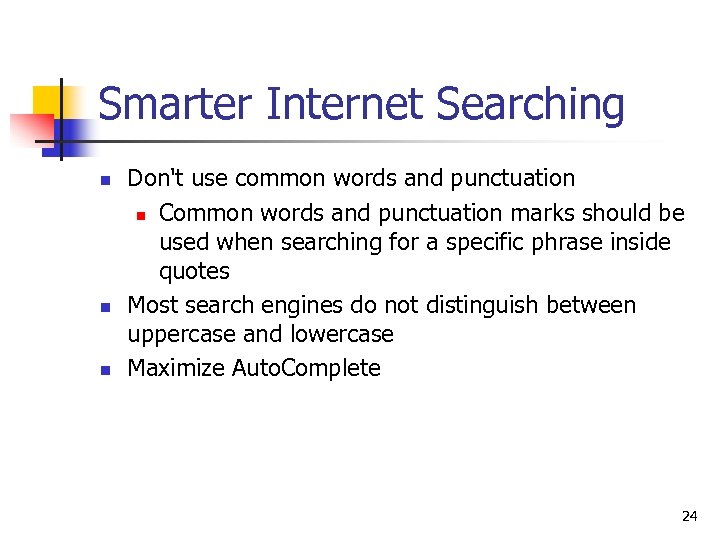 Smarter Internet Searching n n n Don't use common words and punctuation n Common words and punctuation marks should be used when searching for a specific phrase inside quotes Most search engines do not distinguish between uppercase and lowercase Maximize Auto. Complete 24
 Smarter Internet Searching n The wildcard operator (*): Google calls it the fill in the blank operator. For example, amusement * will return pages with amusement and any other term(s) the Google search engine deems relevant. n Using a wildcard (*) for a character does not work in Google. cat* returns the same results as cat. 25
 Smarter Internet Searching n Related sites: n n For example, related: www. yu. edu. jo can be used to find sites similar to Yarmouk University site. Specific file type: For example Information retrieval filetype: ppt 26
 Examples n Searching for papers n n n YU library Google scholar Searching for instructor resources n n Morgan Kaufmann Pearson 27
 Examples n n n Searching for books to buy n Amazon. com n Ebay. com Searching for items to buy n Electronics: bustbuy. com Searching for hotels n Expedia. com n Priceline. com n Booking. com 28
 Examples n Regional search n n Searching for images n n Google jo Google images Searching for a job n n Jobsinacademia. net Academickeys. com 29
 The End. 30