



 Скачать презентацию Search Search Engines Search Engine Optimization
5f5651bef18a4e0669db02dc862dbc93.ppt
- Количество слайдов: 23
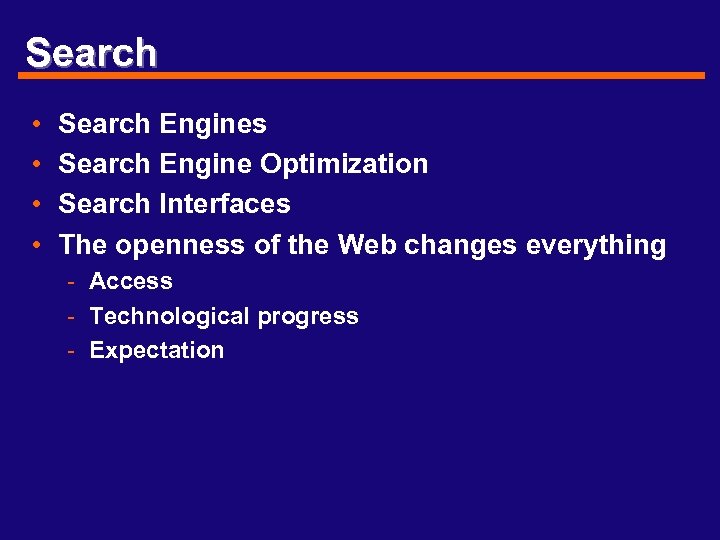 Search • • Search Engines Search Engine Optimization Search Interfaces The openness of the Web changes everything - Access - Technological progress - Expectation
 Designing search for USERS • Web Searching Metaphors - Are we there yet? - Is everything the same design? • How do people visualize the Web? • Is Browsing better? • Do we need new metaphors for using the Web? - Searching - Browsing - What else?
 How is IA for search different? • Links are the difference that makes the difference - Internal links on a page Internal links on a site Relationships between sites Link freshness • Popularity is very different for types of users • Kleinberg’s HITS method (1998) - Hypertext Induced Topic Search Number of pages that point to (processed) query Authorities (relevant content by links) Hubs (links to varied authorities)
 Problems with Page. Rank for SEO • Are more links always better? • What about pages without many outgoing links? • How do you count multiple links from within one page to another? • Do automatically generated sites/pages have an advantage? - CMS systems may have linking “fingerprints” - Metadata • How varied are the link weights? - Simple counts - Modified by other IR measures
 Popularity? • Do you always want the most popular information source? - • • Talk Radio New York Times Bestseller List “Lincoln’s Doctors Dog” “The C. S. I. Diet and Cookbook” Trend or Fad? Blogs, Editorials and Propaganda vs. “Facts”? Result Diversity Death of the Mid-List
 Search Engine Optimization • Found by spiders and submissions - More links to and from site - Registration on major directories - Links to and from major directories • Real Contact information Helps prove validity - META tag Header and footer of home page About Us or Contact Us pages Location/Map page
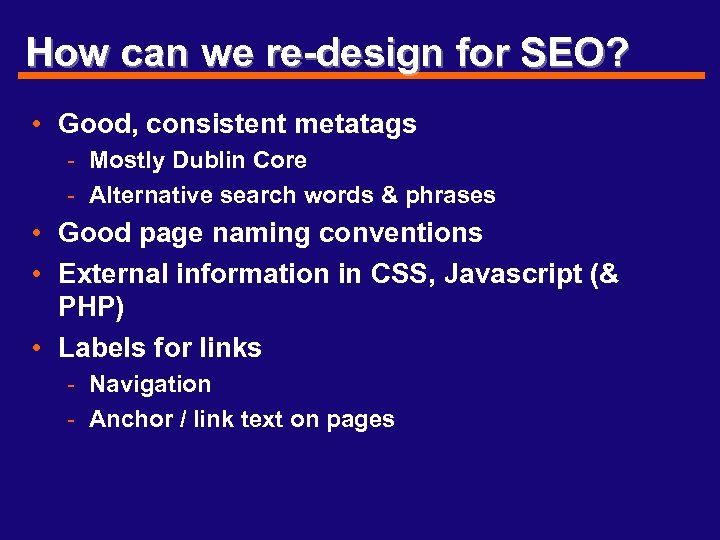
 Good Design is SEO • Basic interface • Well-structured links - Comprehensive Site Navigation - Updated and accurate links • Easy to find (via the Web or on the site itself) • Clear labels - TITLEs Headings Term consistency Link consistency • Small sizes to download quickly
 Let’s look at some good pages • How well designed are these pages for SEO? - UT i. School Main page My home page Who else? • Why do blogs have good SEO rankings? - www. boing. net - Engadget. com • How do they use CSS, Metatags & XHTML?
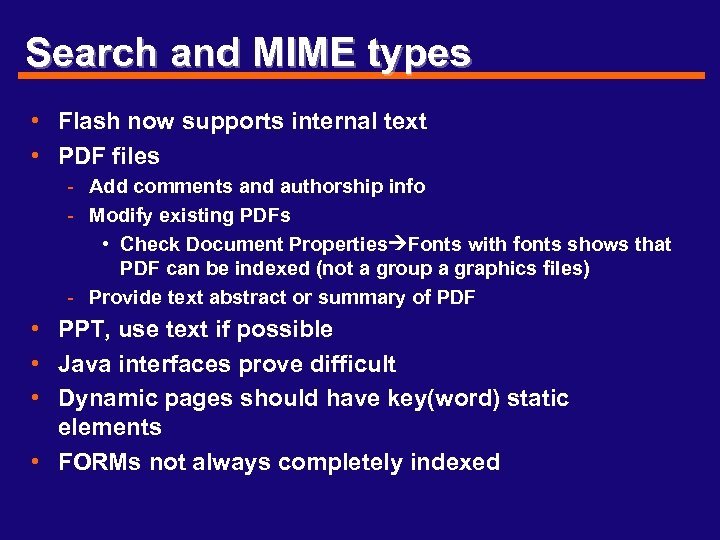
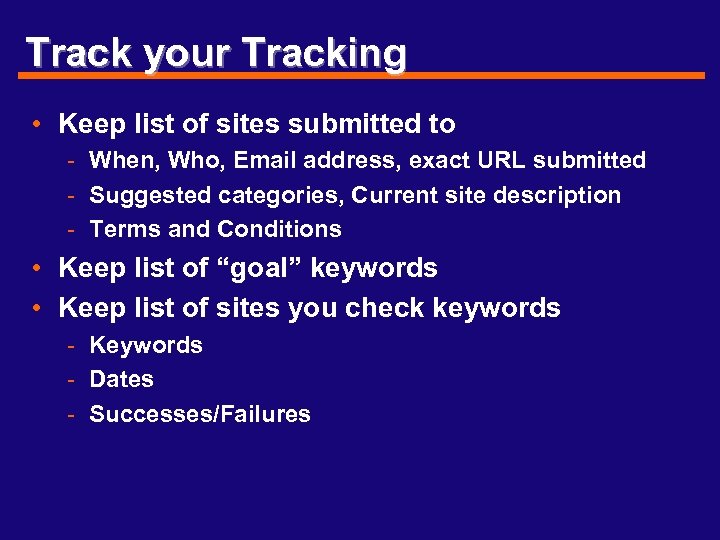
 Web Search Tests • Perform searches with targeted keywords • Compare and contrast top results with your potential site - Similar terms - Links (external and internal) - Popularity (sites that link to the site) • Use Data to - Build a keyword list - Build an introductory text • Blurbs • Description (2 sentences max) • Any page found via a Web search engine should have search for the site itself • Regularly monitor Search with your terms
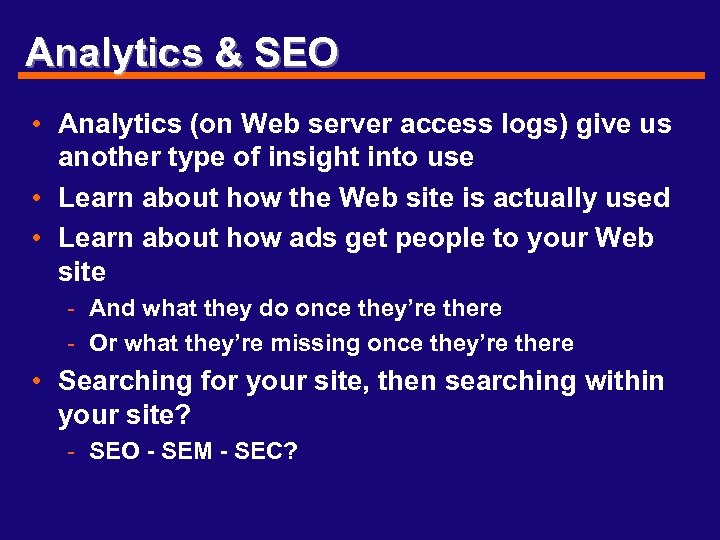
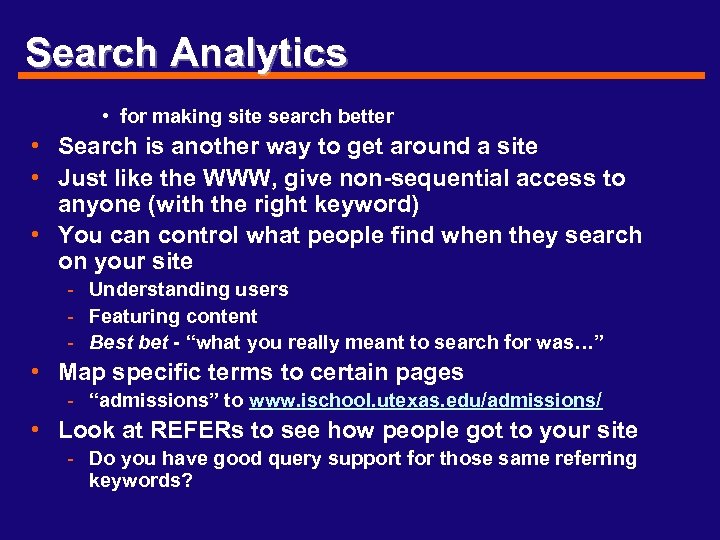
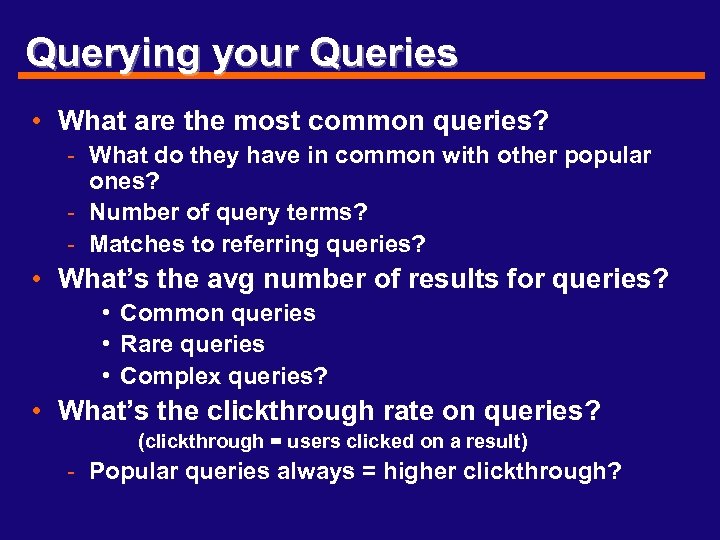
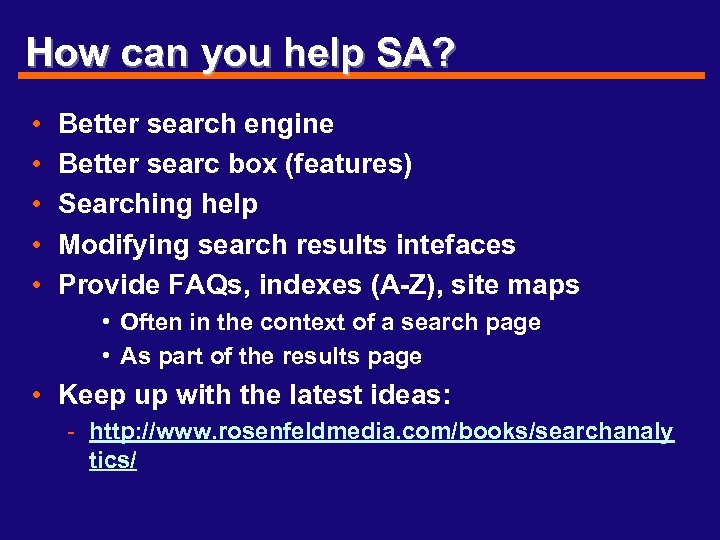
 Internal Search • Robots. txt • Log and analyze search results - Measure success and failure Tune for click-through productivity Keep list of terms Match terms to pages • Add terms • Script terms to certain pages - Provide list (links) of most recent search terms - Provide list (links) of most popular search terms
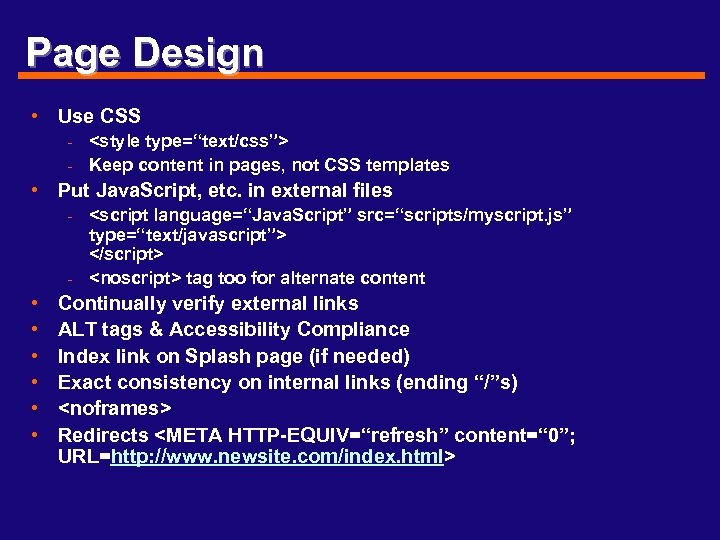 Page Design • Use CSS -