 Скачать презентацию Search or Classify Two solutions Both
1802aa2f0f7c485c3950411e611f81fa.ppt
- Количество слайдов: 38



Search or Classify
Two solutions • Both use Controlled Lists – Auto Classification (classify) – Integration with CRM (search)
What this presentation is about • Showing practical examples What this presentation is not about • How to do it
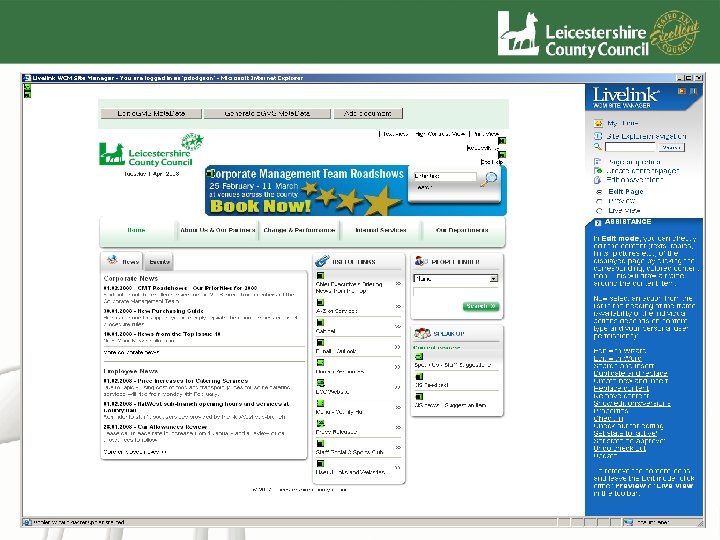
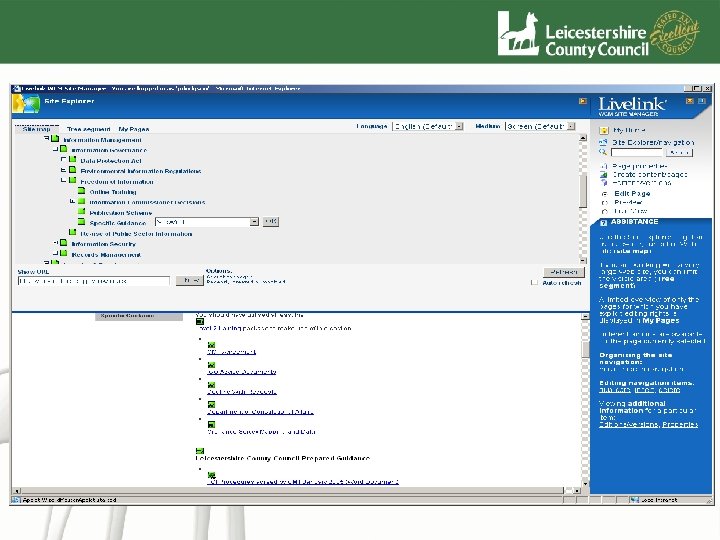
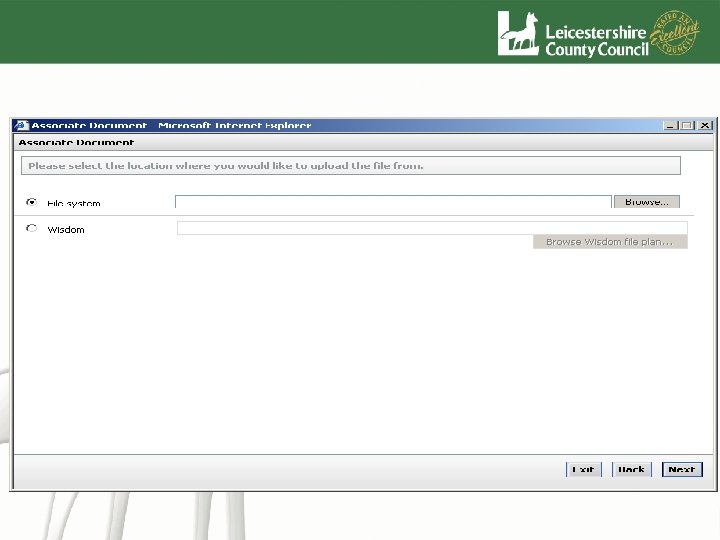
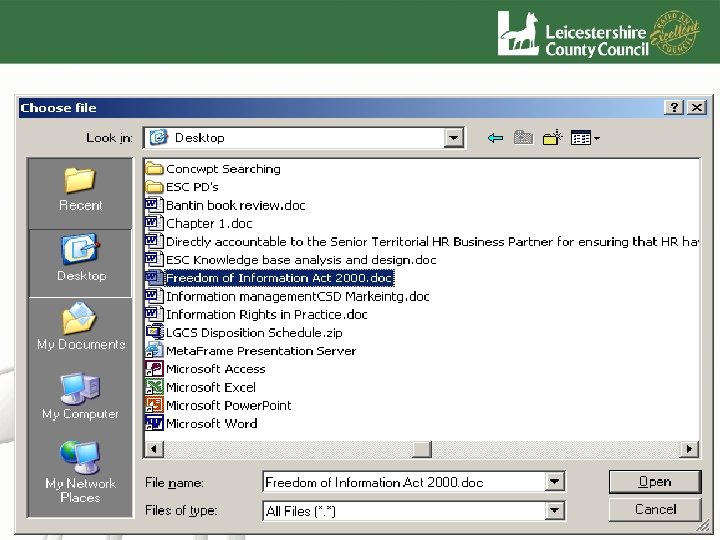
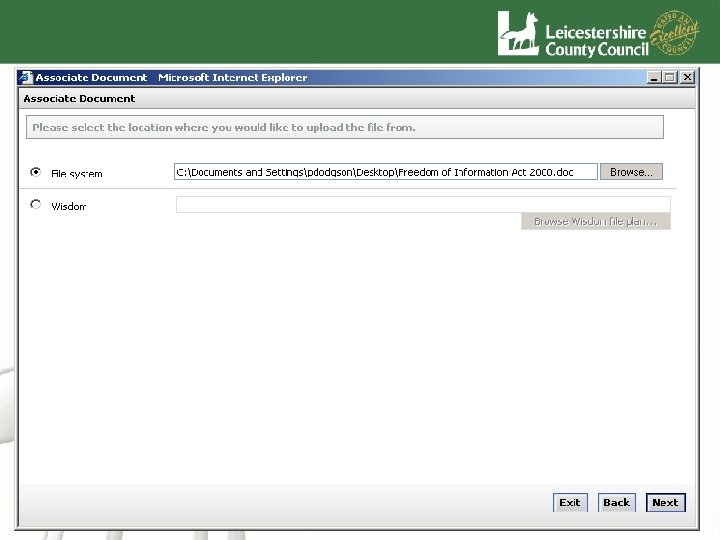
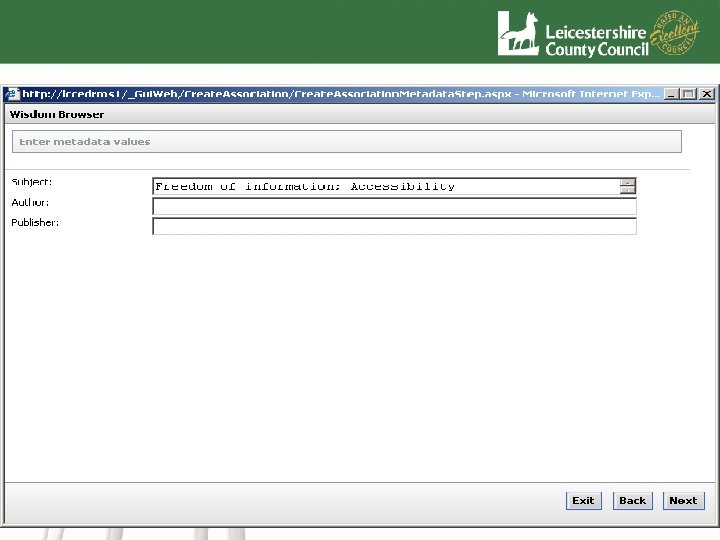
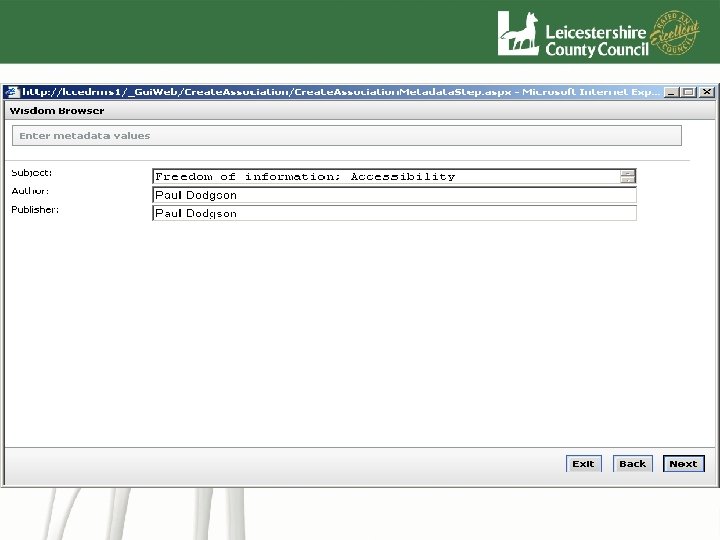
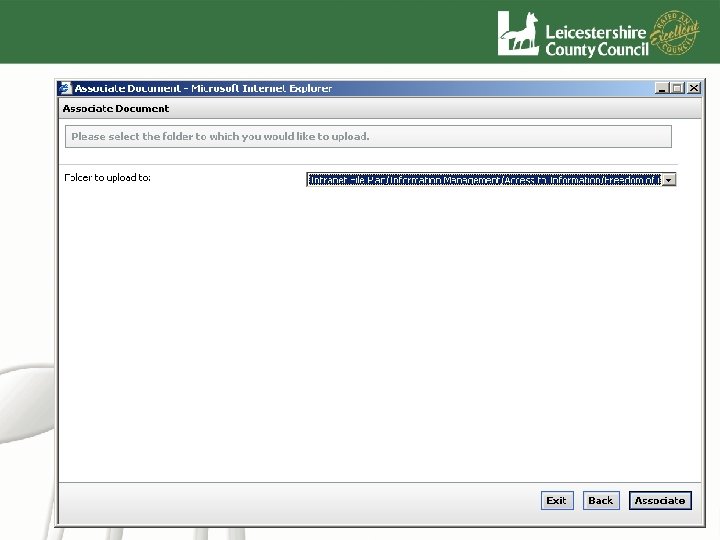
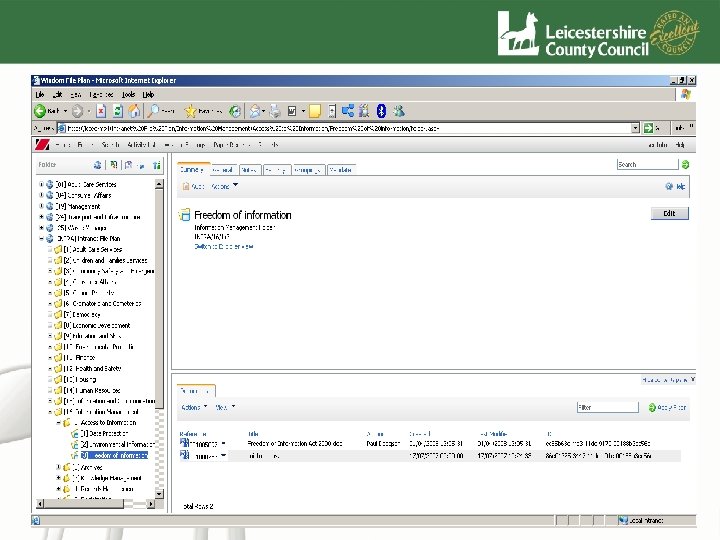
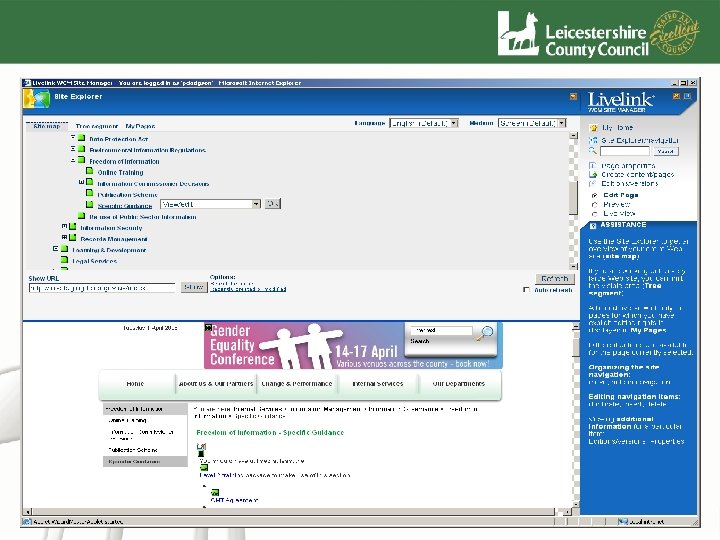
Classify • • • Auto Classify content For exposure via EDRMS to Intranet One version of the truth Full records management control GUID based links How do we do this?
Search. Light KM features • Search. Light – Makes the leap from citizens unstructured request for information, to detailed electronic content structured around the LGSL. – Accurately classifies content to the LGSL as defined by ESD standards – Automatically identifies the most relevant service being requested by the citizen, regardless of terminology used – Allows highly relevant content to be structured around the LGSL e. g. FAQ, e. Forms and Organisation contact details >>> Examples
Search. Light KM features • The citizen enters “There is a dumped car at the end of my road” Search. Light will translate this to “Abandoned Vehicles – reporting” LGSL entry “there is a dead dog on the road outside my house” Search. Light will translate this to “Animals – Dead – Removal”
Search. Light KM features • The citizen enters “Can I back date my benefit claim” Search. Light will translate this to “Council tax - benefit - backdated claim ” and “Housing benefit – backdating claims” Allowing the user/citizen to select the correct entry More later, first auto classification
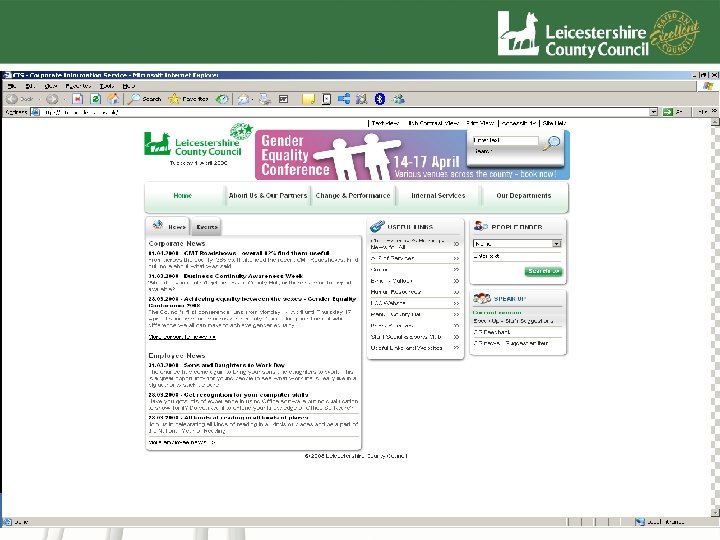
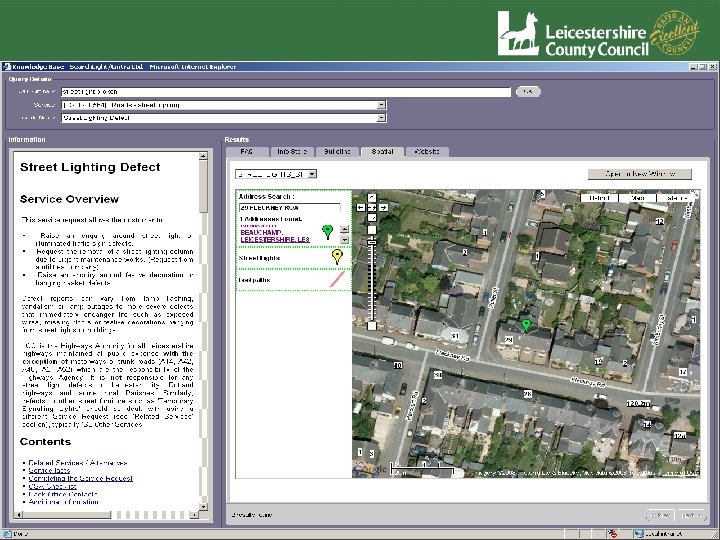
Introduction the Knowledge Base • Cintra Searchlight • Indexing Tool and Search Engine • Interrogates a number of information repositories with a common search string – Documents and Records (EDRMS) – Website / Intranet Pages – Spatial Information
Oracle Integration • Integrated with Oracle CRM as part of our Contact Centre Suite • Searches driven by an oracle text field and rendered in a custom user interface with an Oracle look and feel
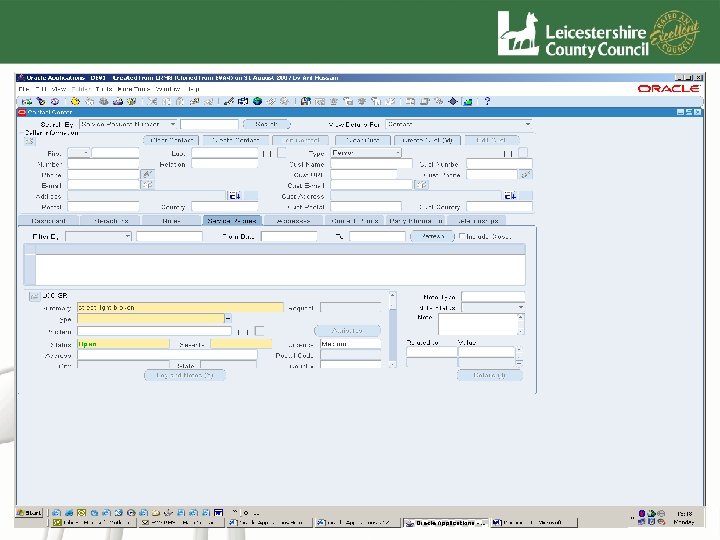
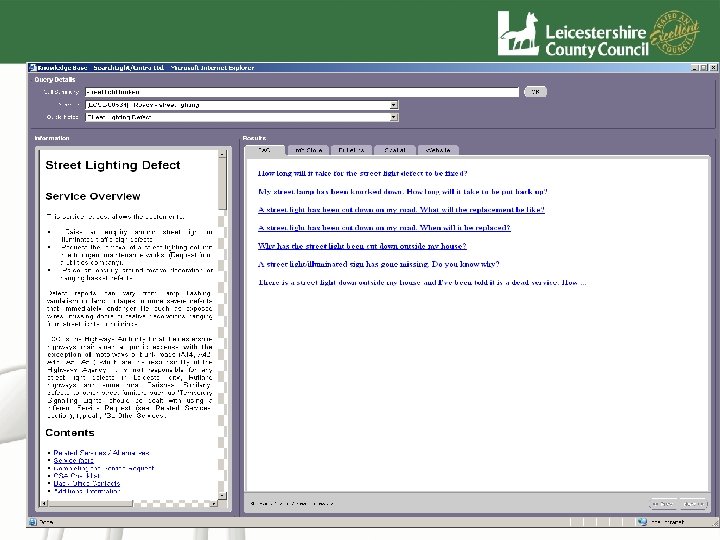
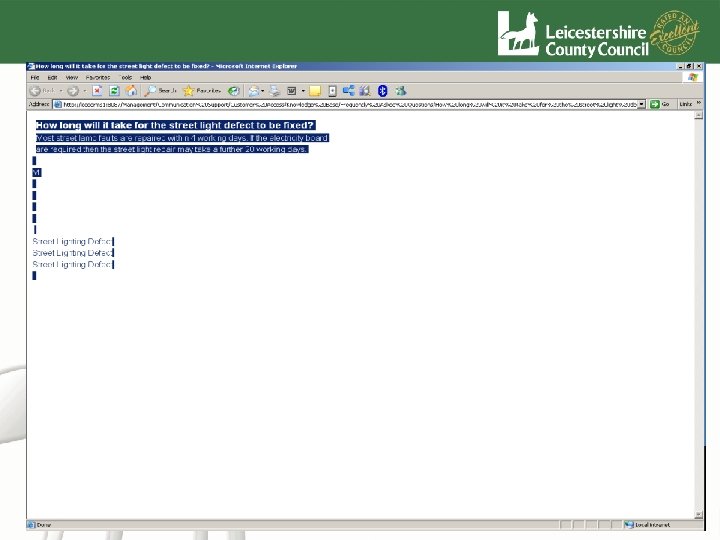
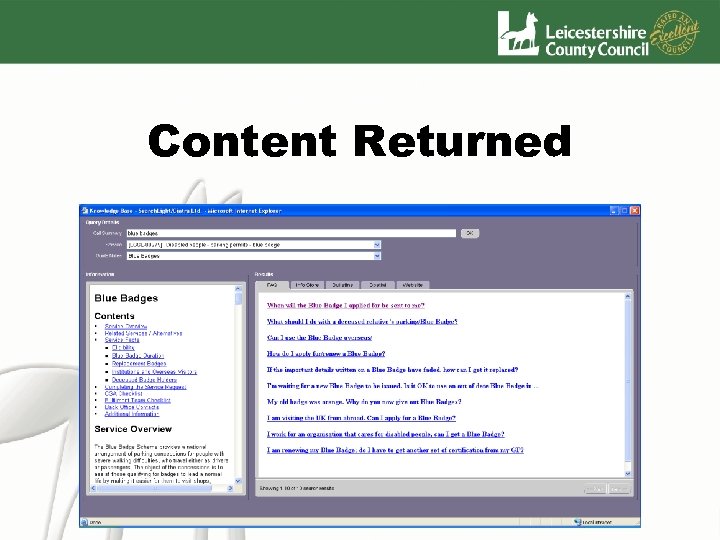
KB Interface • Results rendered in a custom UI • Each tab and pane is driven by a different index • For the contact centre information is grouped into: – – Guide Notes FAQs Supporting Documents Spatial Information
Spatial Tab • Can be linked to any GI System • Live system running an In-house spatial product • Development is ongoing to integrate Google Maps into the solution • Map pins can be used to send information to other back office systems – i. e. to mark a faulty street light
Content Update • Simple two stage process • Add content to EDRMS • Index EDRMS using Searchlight
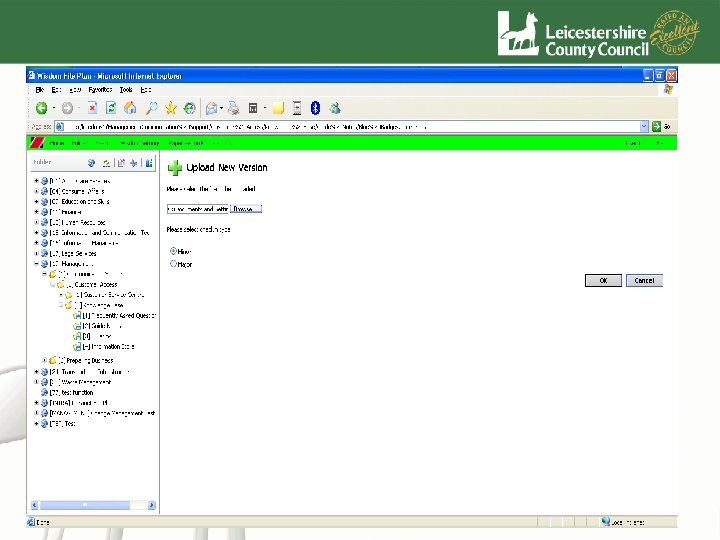
Content Added to EDRMS
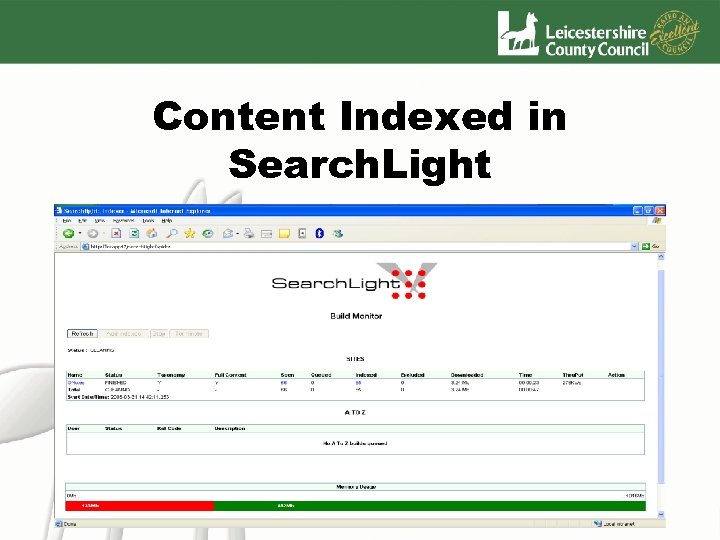
Content Indexed in Search. Light
Content Returned
Questions
Скачать презентацию Search or Classify Two solutions Both
1802aa2f0f7c485c3950411e611f81fa.ppt