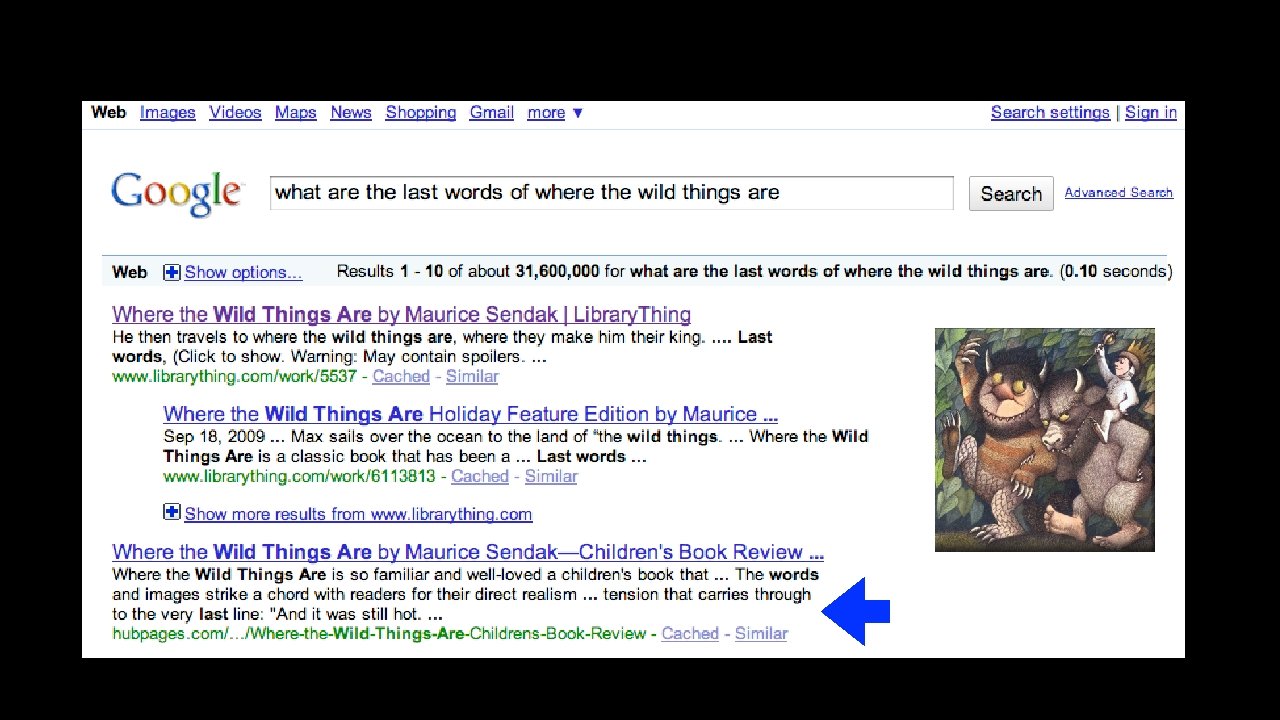
 Search Engines and Cloud Computing Charles Severance
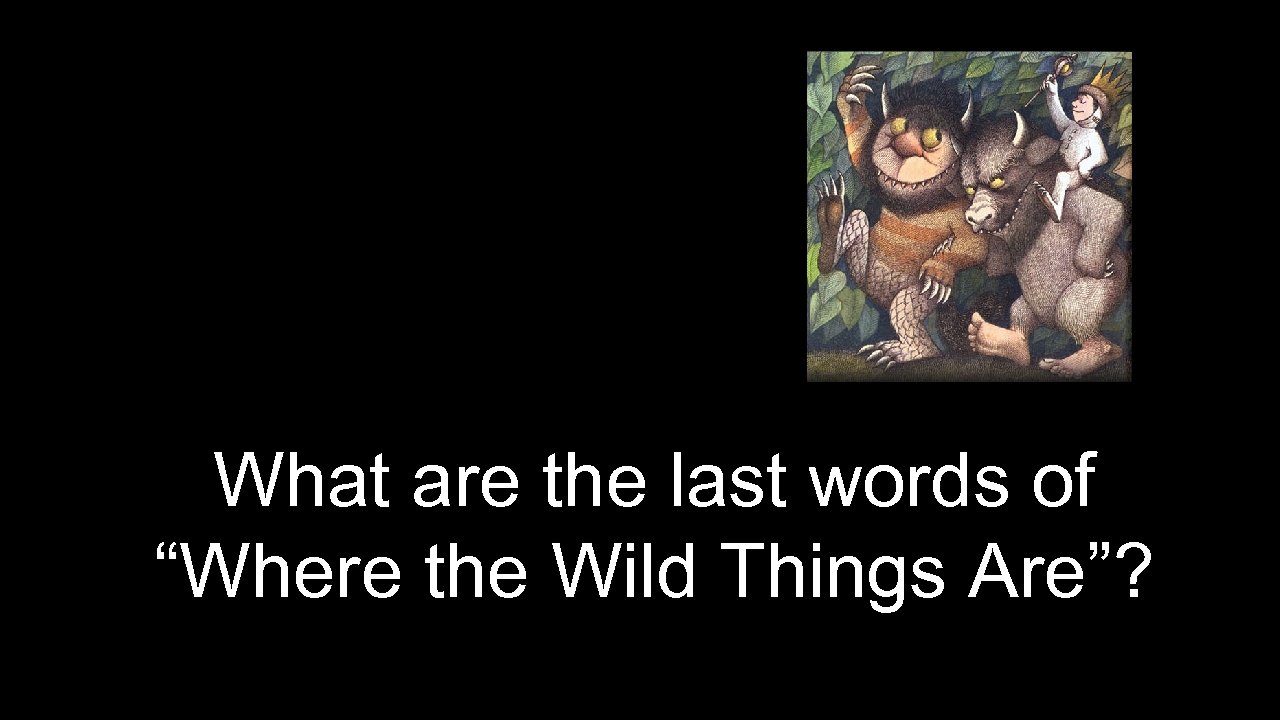 What are the last words of “Where the Wild Things Are”?
 Google
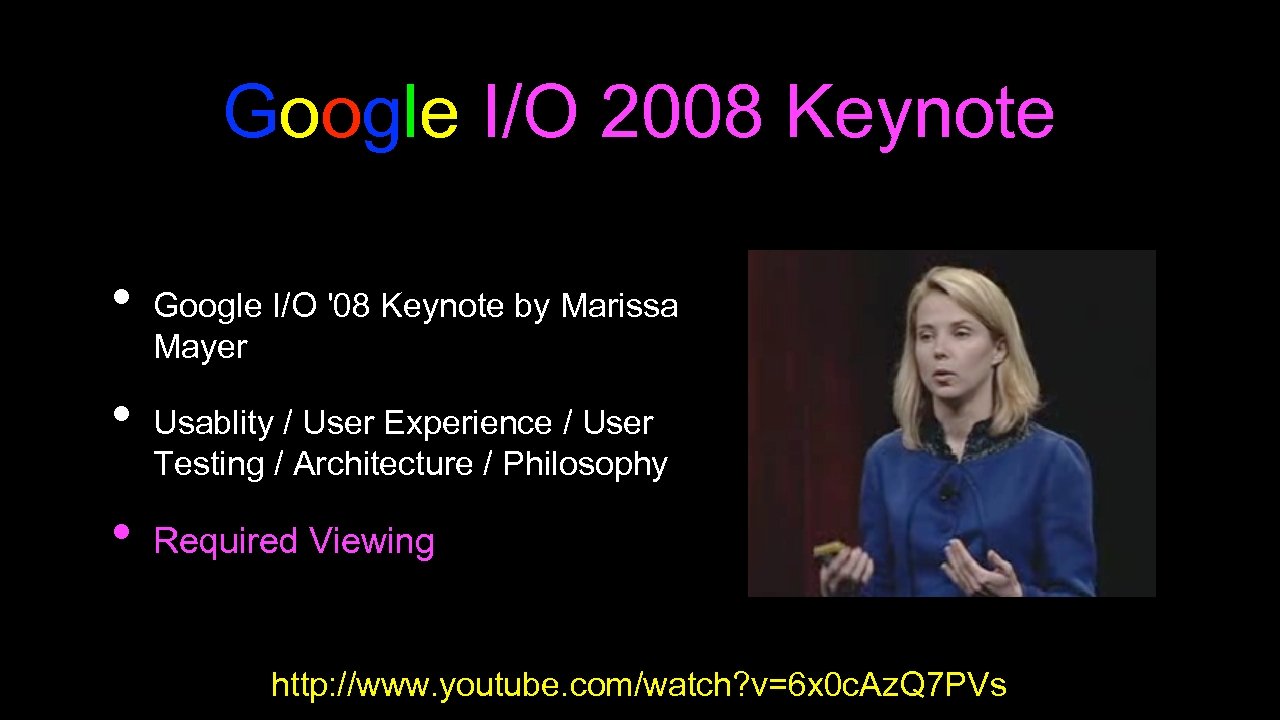 Google I/O 2008 Keynote • • • Google I/O '08 Keynote by Marissa Mayer Usablity / User Experience / User Testing / Architecture / Philosophy Required Viewing http: //www. youtube. com/watch? v=6 x 0 c. Az. Q 7 PVs
 Lessons • The cloud is wide - we can touch 1000 servers in 0. 1 seconds • For things that seem “intelligent” 0. 2 seconds is fast enough as long as you can do a lot of them • Lots of spread-out storage and a fast scan is important • Data - Information - Knowledge - starts with data and the ability to look through that data quickly
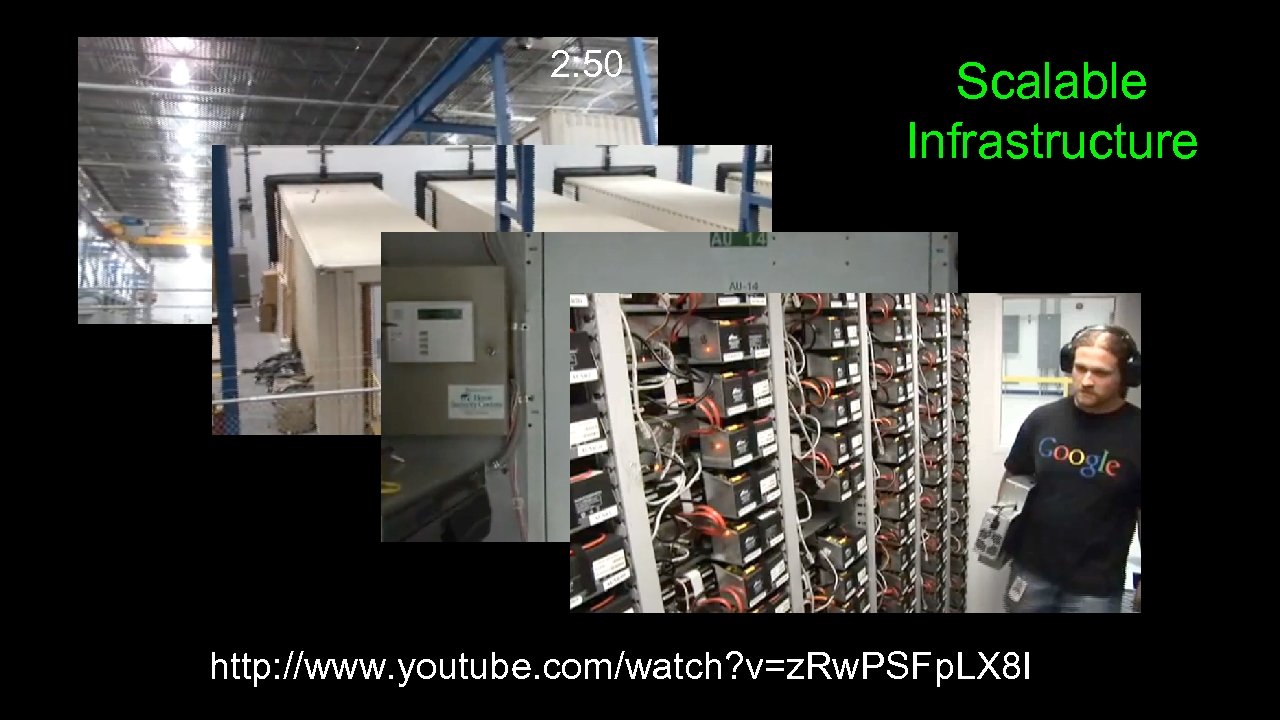 2: 50 Scalable Infrastructure http: //www. youtube. com/watch? v=z. Rw. PSFp. LX 8 I
 Infrastructure • • • The only sustainable scalability is when you scale with inexpensive, green solutions Tape Backup is a rate limiting factor - so we need something creative Disaster recovery - “Of course!”
 Extracting Knowledge for Search
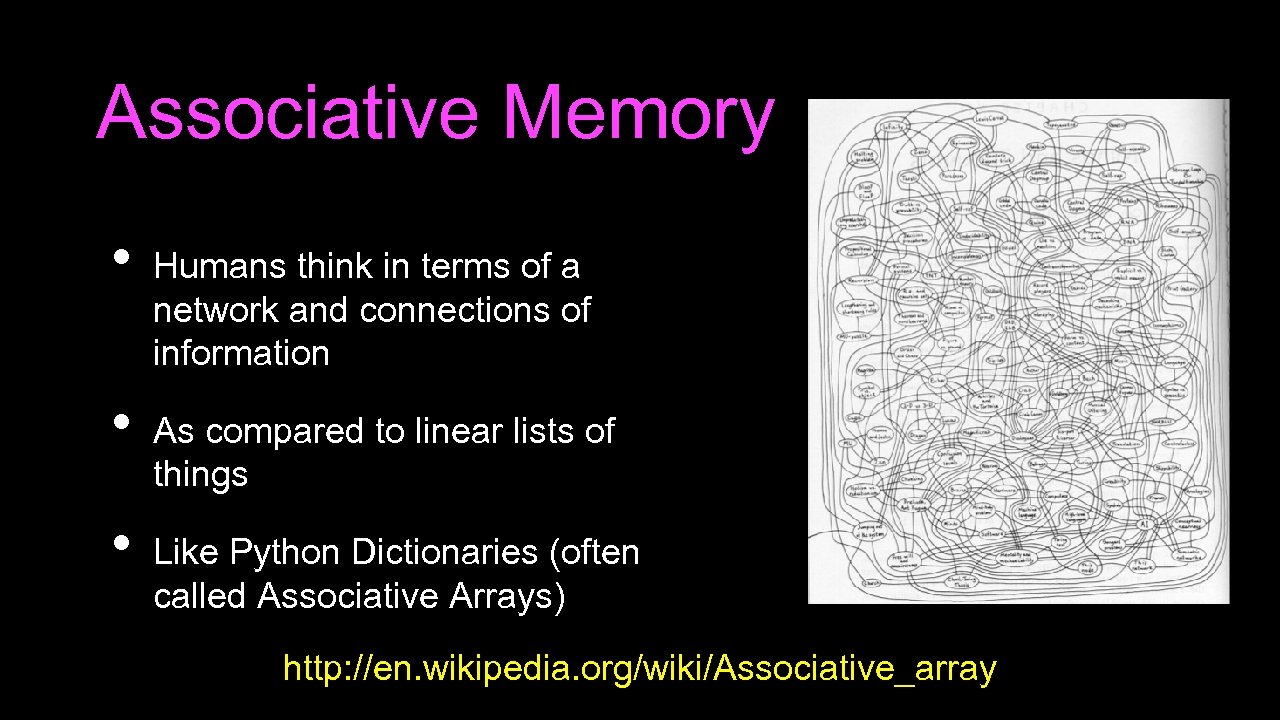 Associative Memory • • • Humans think in terms of a network and connections of information As compared to linear lists of things Like Python Dictionaries (often called Associative Arrays) http: //en. wikipedia. org/wiki/Associative_array
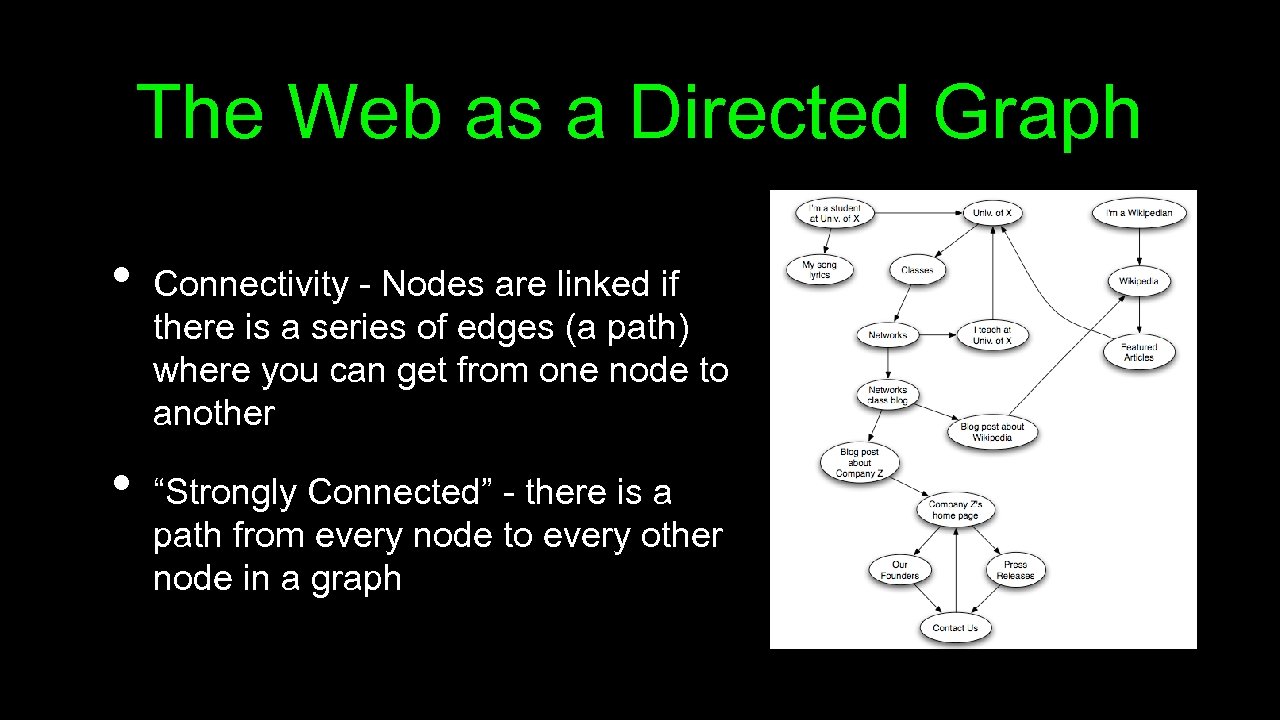 The Web as a Directed Graph • • Connectivity - Nodes are linked if there is a series of edges (a path) where you can get from one node to another “Strongly Connected” - there is a path from every node to every other node in a graph
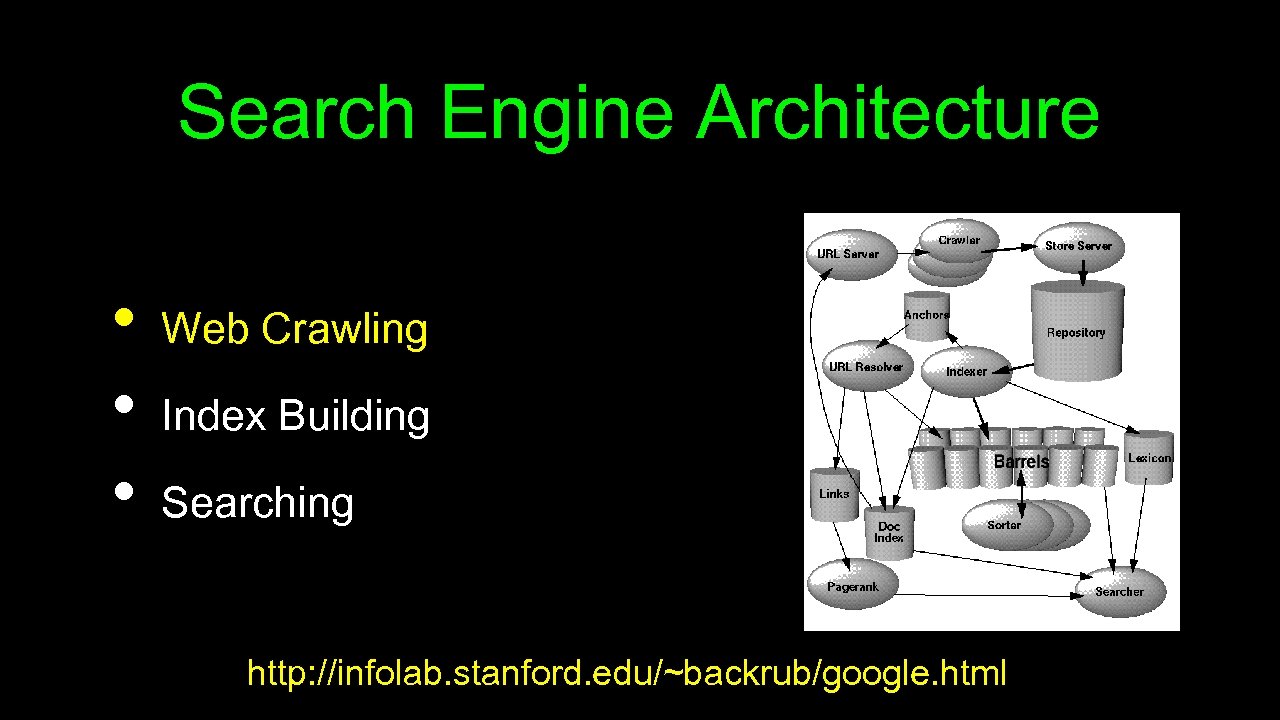 Search Engine Architecture • • • Web Crawling Index Building Searching http: //infolab. stanford. edu/~backrub/google. html
 Web Crawler A Web crawler is a computer program that browses the World Wide Web in a methodical, automated manner. Web crawlers are mainly used to create a copy of all the visited pages for later processing by a search engine that will index the downloaded pages to provide fast searches. http: //en. wikipedia. org/wiki/Web_crawler
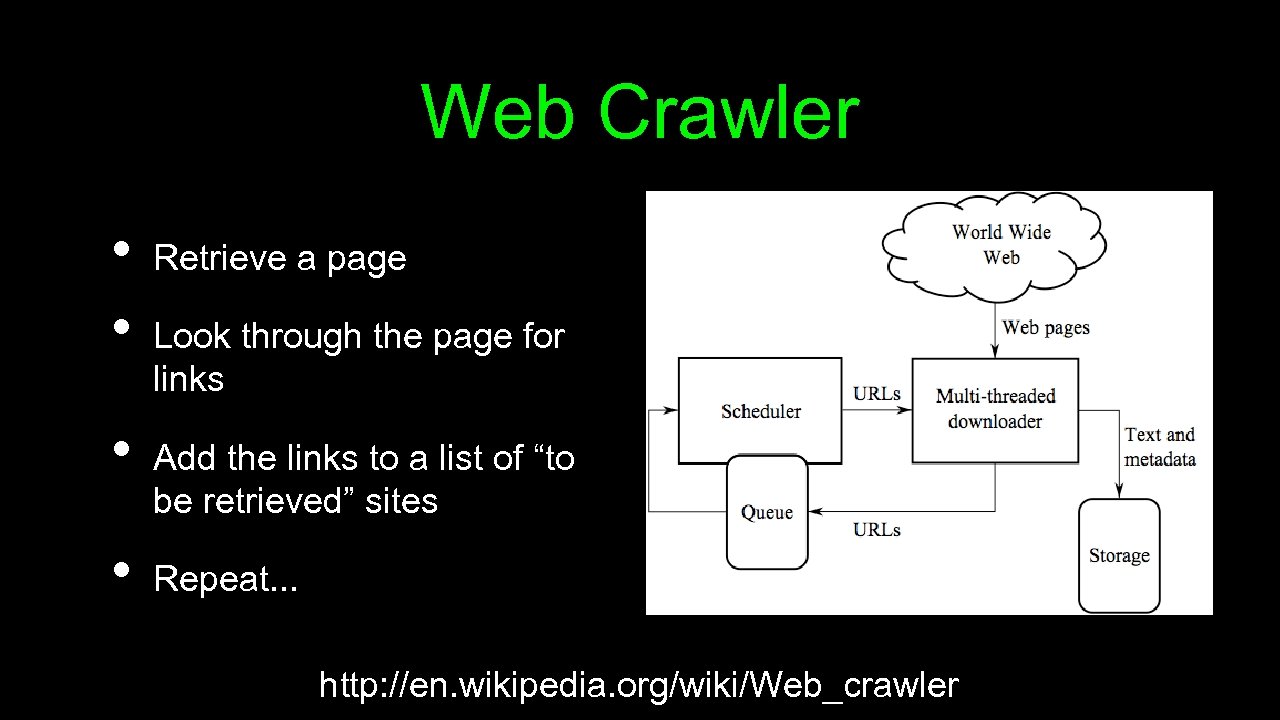 Web Crawler • • Retrieve a page Look through the page for links Add the links to a list of “to be retrieved” sites Repeat. . . http: //en. wikipedia. org/wiki/Web_crawler
 Web Crawling Policy • • a selection policy that states which pages to download, a re-visit policy that states when to check for changes to the pages, a politeness policy that states how to avoid overloading Web sites, and a parallelization policy that states how to coordinate distributed Web crawlers http: //en. wikipedia. org/wiki/Web_crawler
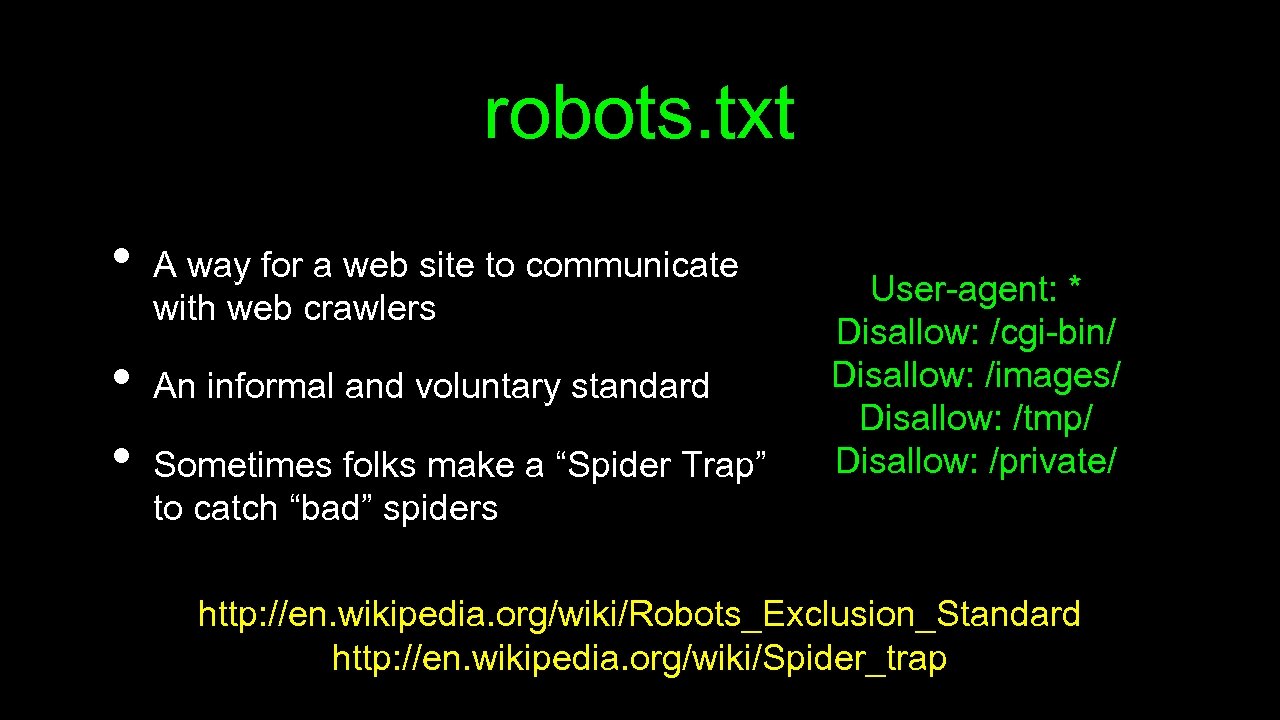 robots. txt • • • A way for a web site to communicate with web crawlers An informal and voluntary standard Sometimes folks make a “Spider Trap” to catch “bad” spiders User-agent: * Disallow: /cgi-bin/ Disallow: /images/ Disallow: /tmp/ Disallow: /private/ http: //en. wikipedia. org/wiki/Robots_Exclusion_Standard http: //en. wikipedia. org/wiki/Spider_trap
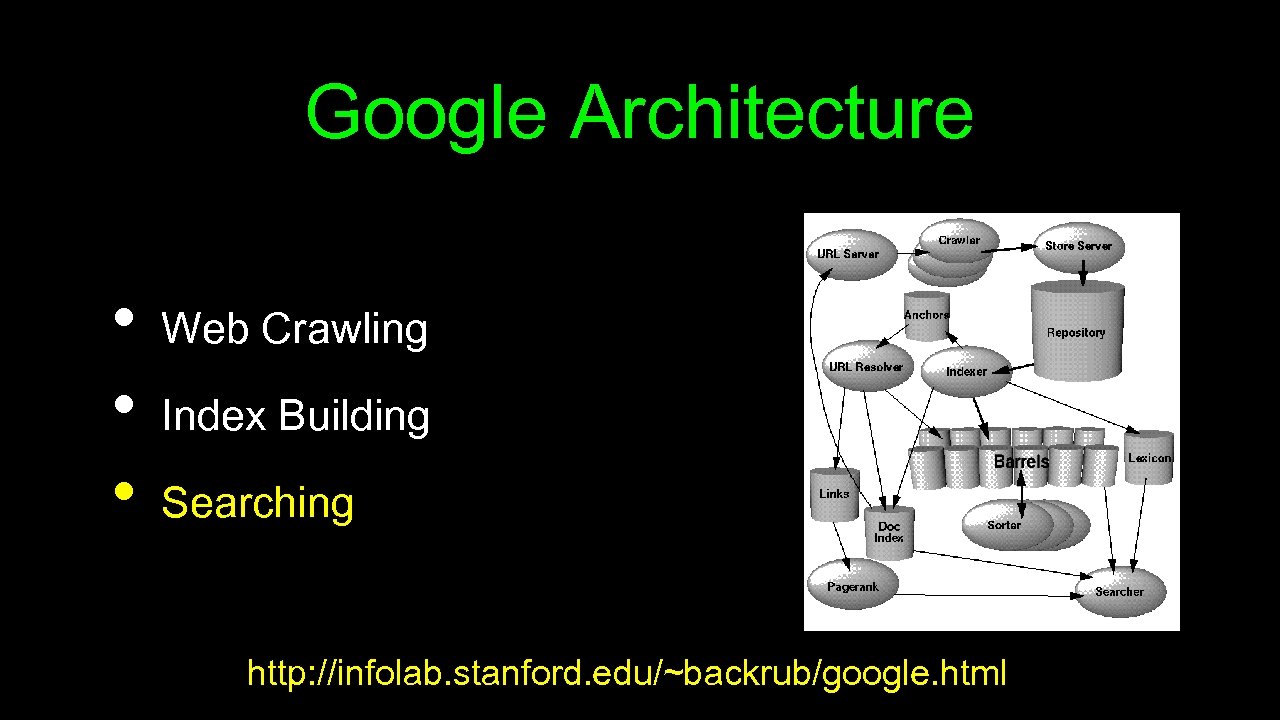
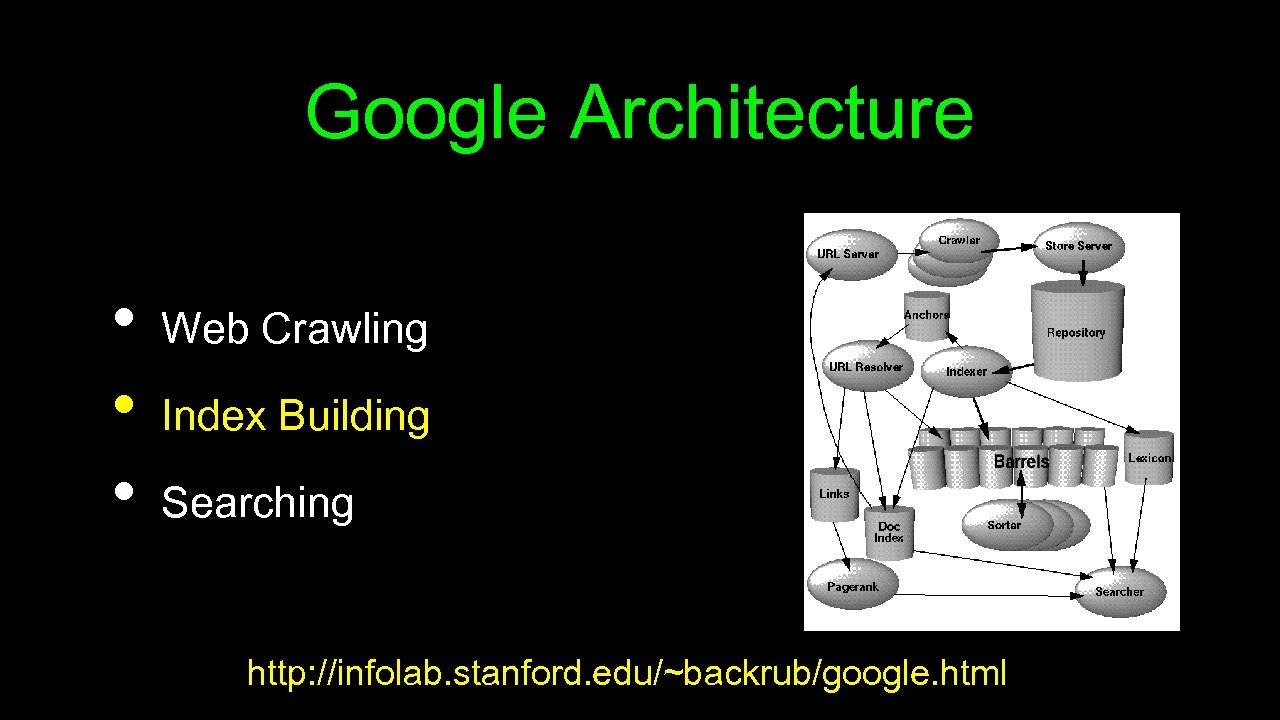 Google Architecture • • • Web Crawling Index Building Searching http: //infolab. stanford. edu/~backrub/google. html
 Search Indexing Search engine indexing collects, parses, and stores data to facilitate fast and accurate information retrieval. The purpose of storing an index is to optimize speed and performance in finding relevant documents for a search query. Without an index, the search engine would scan every document in the corpus, which would require considerable time and computing power. http: //en. wikipedia. org/wiki/Index_(search_engine)
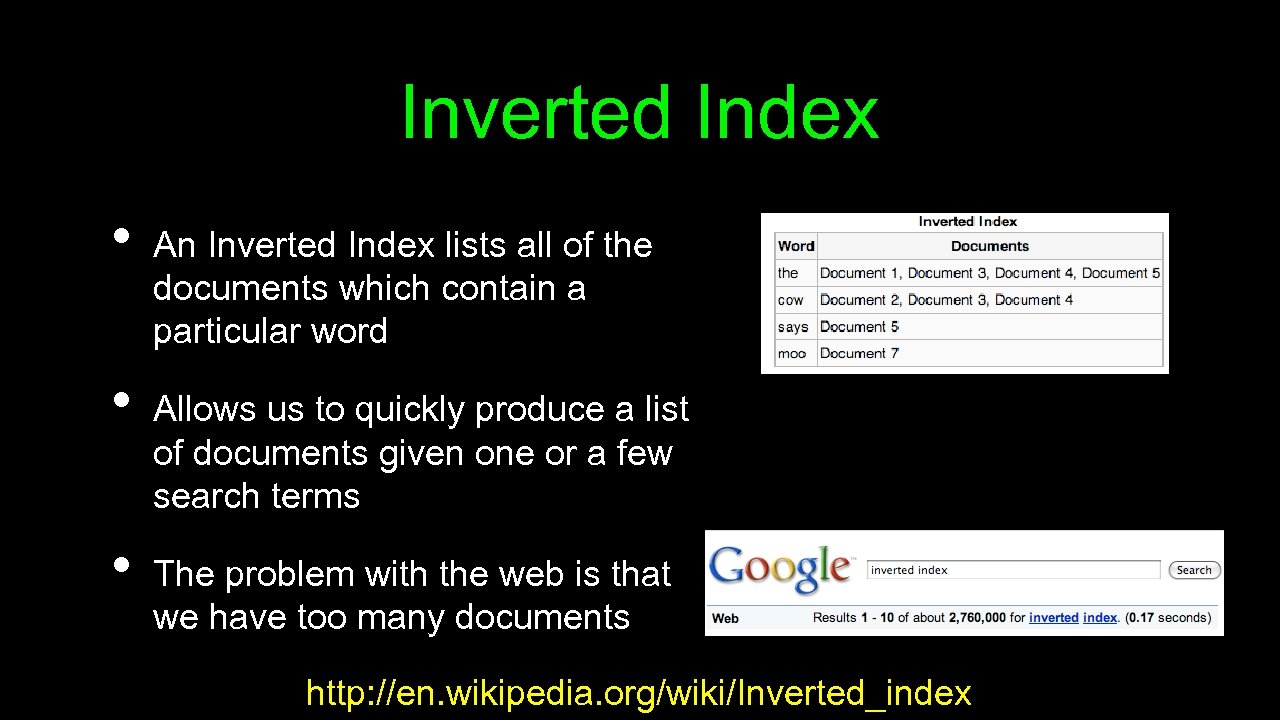 Inverted Index • • • An Inverted Index lists all of the documents which contain a particular word Allows us to quickly produce a list of documents given one or a few search terms The problem with the web is that we have too many documents http: //en. wikipedia. org/wiki/Inverted_index
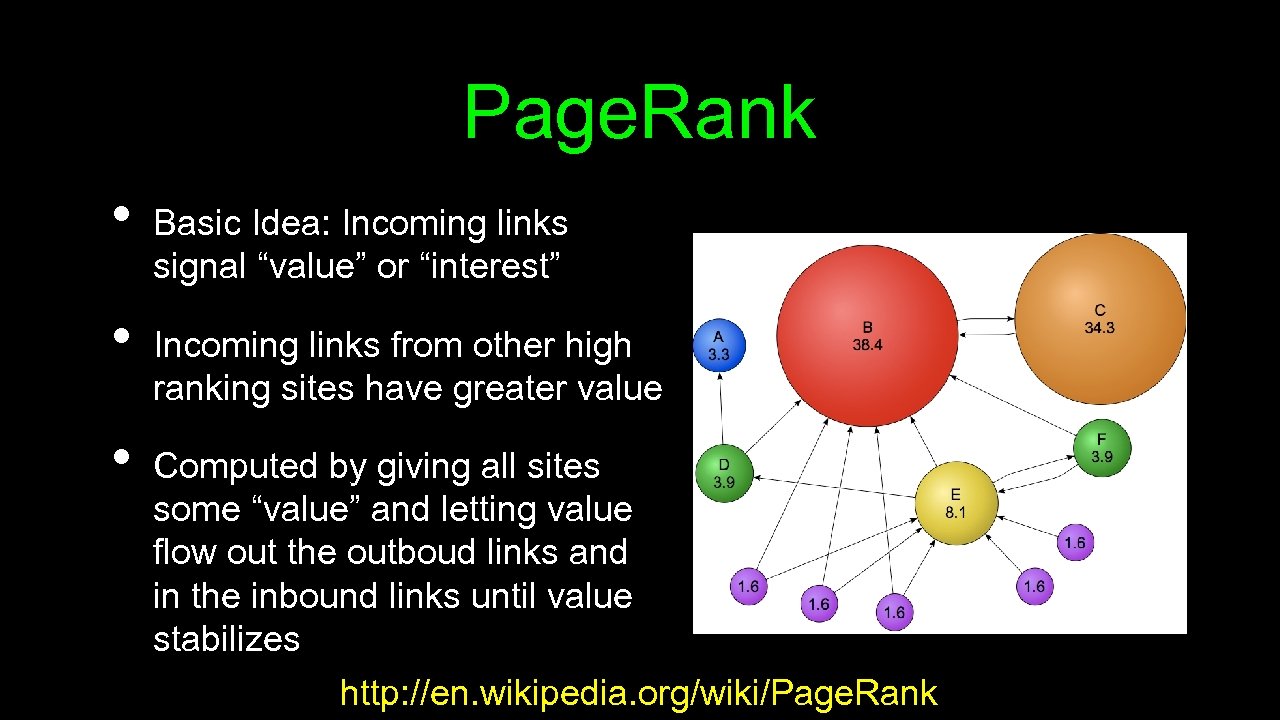 Page. Rank • • • Basic Idea: Incoming links signal “value” or “interest” Incoming links from other high ranking sites have greater value Computed by giving all sites some “value” and letting value flow out the outboud links and in the inbound links until value stabilizes http: //en. wikipedia. org/wiki/Page. Rank
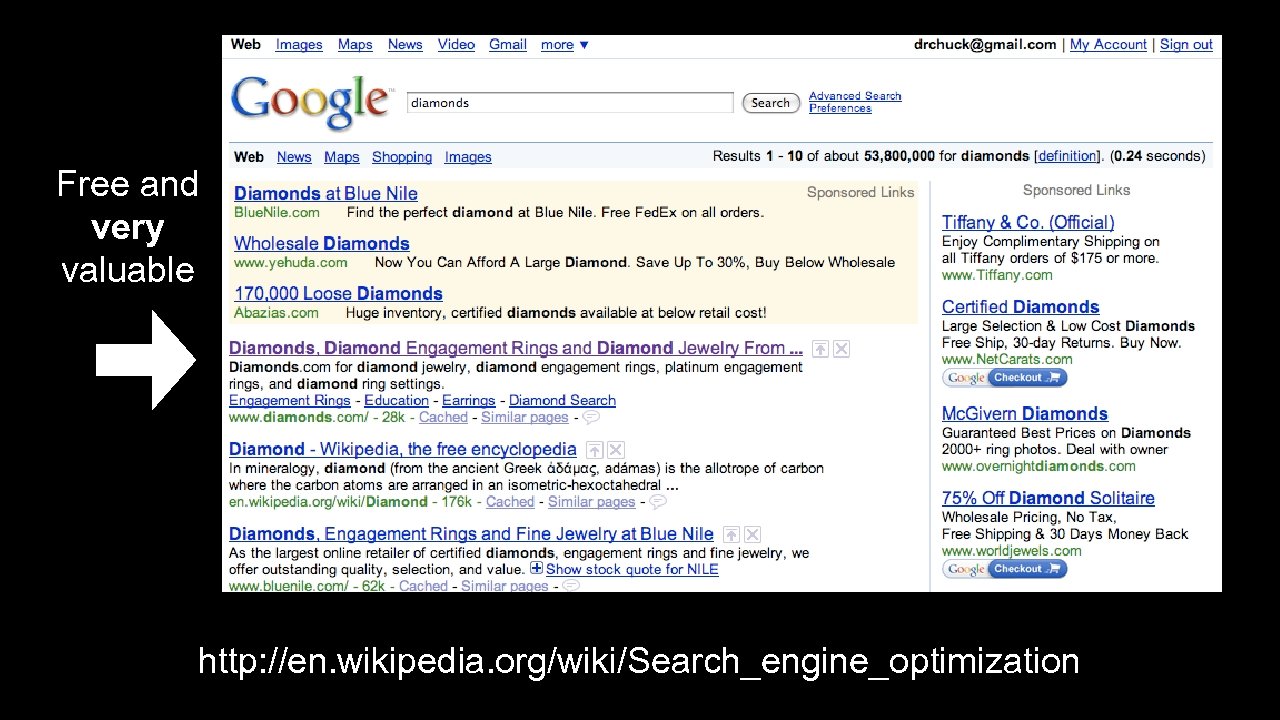 Free and very valuable http: //en. wikipedia. org/wiki/Search_engine_optimization
 Gaming Google • • • The real ranking mechanism has many subtle tuning parameters which are kept secret as well as human intervention Once the web site builders *know* the rules - they can game the system A busy little consultancy - Search Engine Optimization (SEO)
 Google Supplemental Index • • Not a good place to be - crawling happens less frequently and seldom appear in search results Causes: duplicate content, low page rank, link manipulation, page freshness, etc. “Google uses the index as a holding pen for pages it deems to be of low quality or designed to appear artificially high in search results. ” http: //en. wikipedia. org/wiki/Supplemental_Result
 Search Engine Optimization • • • Very dangerous and Google has rules Google will put your site on “supplimental index” for as long as a year Google “Google Hell” “Google uses the index as a holding pen for pages it deems to be of low quality or designed to appear artificially high in search results. ” http: //www. forbes. com/2007/04/29/sanar-google-skyfacet-techcx_ag_0430 googhell. html
 Google’s Webmaster Central • • • Lets you work with Google’s crawler and index with regards to your site You establish ownership of a site by adding a meta-tag You can look at crawling activity, page rank, set up a site map, etc. http: //www. google. com/webmasters/
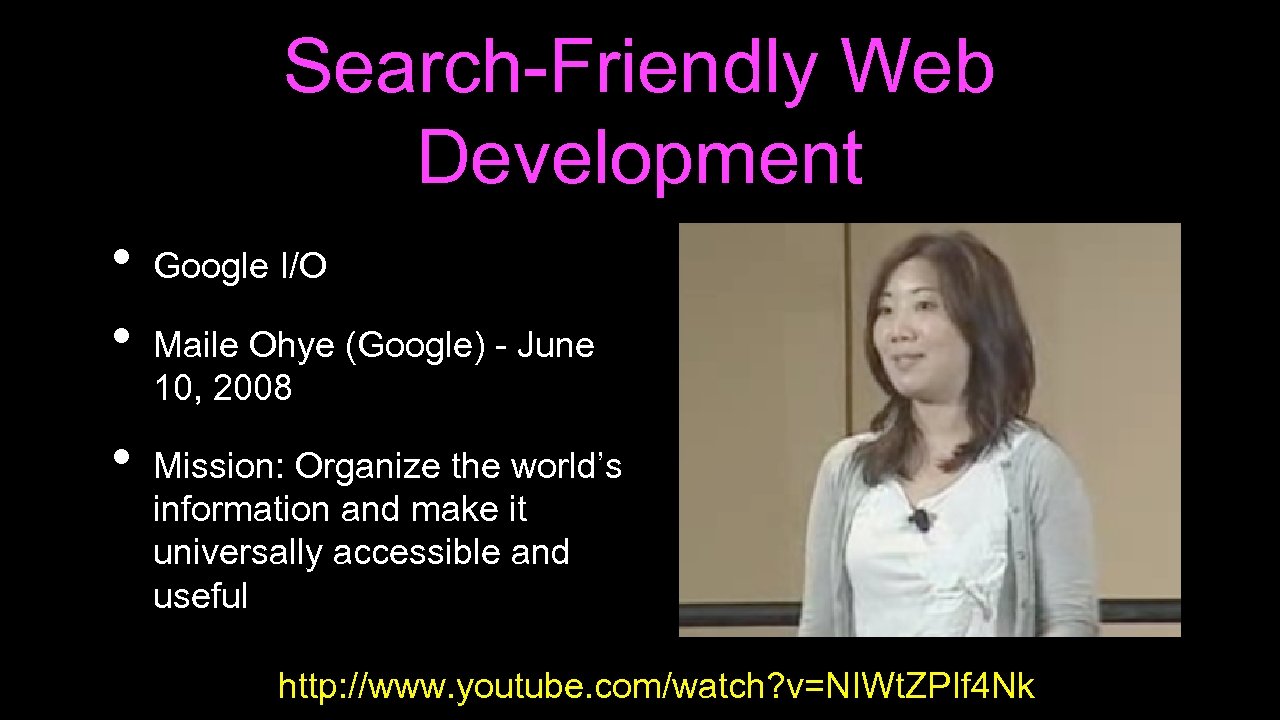 Search-Friendly Web Development • • • Google I/O Maile Ohye (Google) - June 10, 2008 Mission: Organize the world’s information and make it universally accessible and useful http: //www. youtube. com/watch? v=NIWt. ZPIf 4 Nk
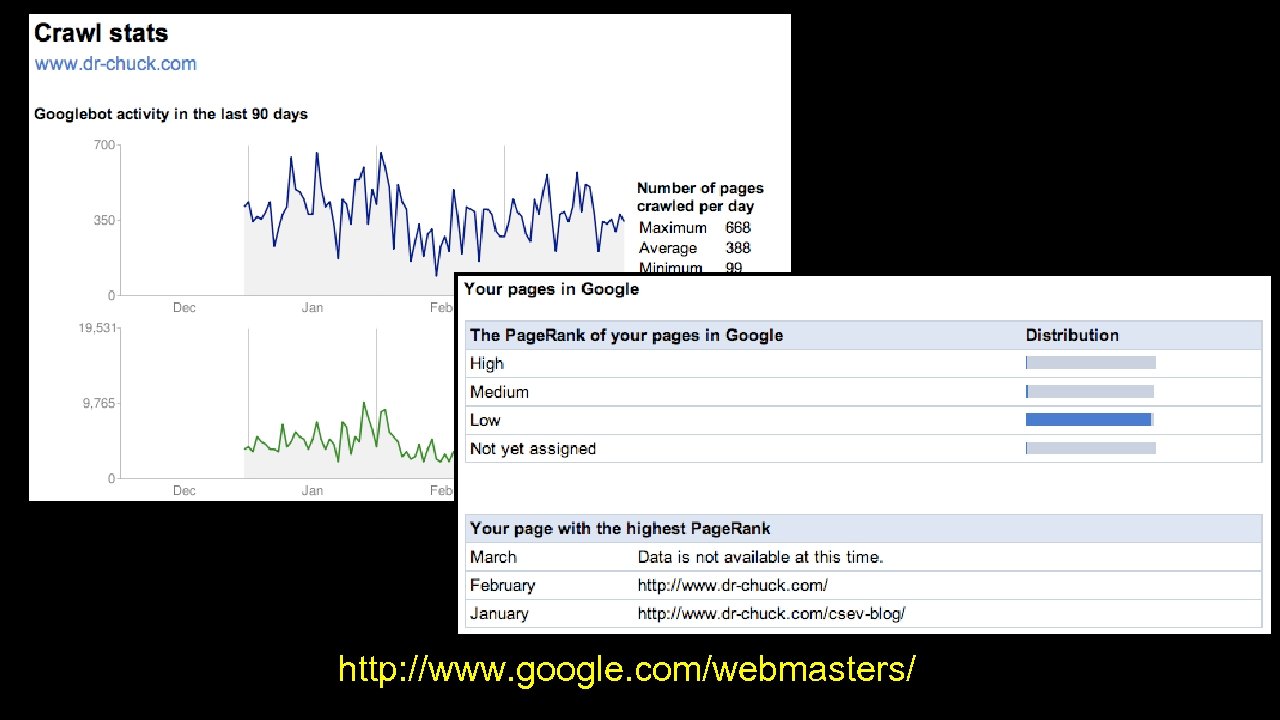 http: //www. google. com/webmasters/
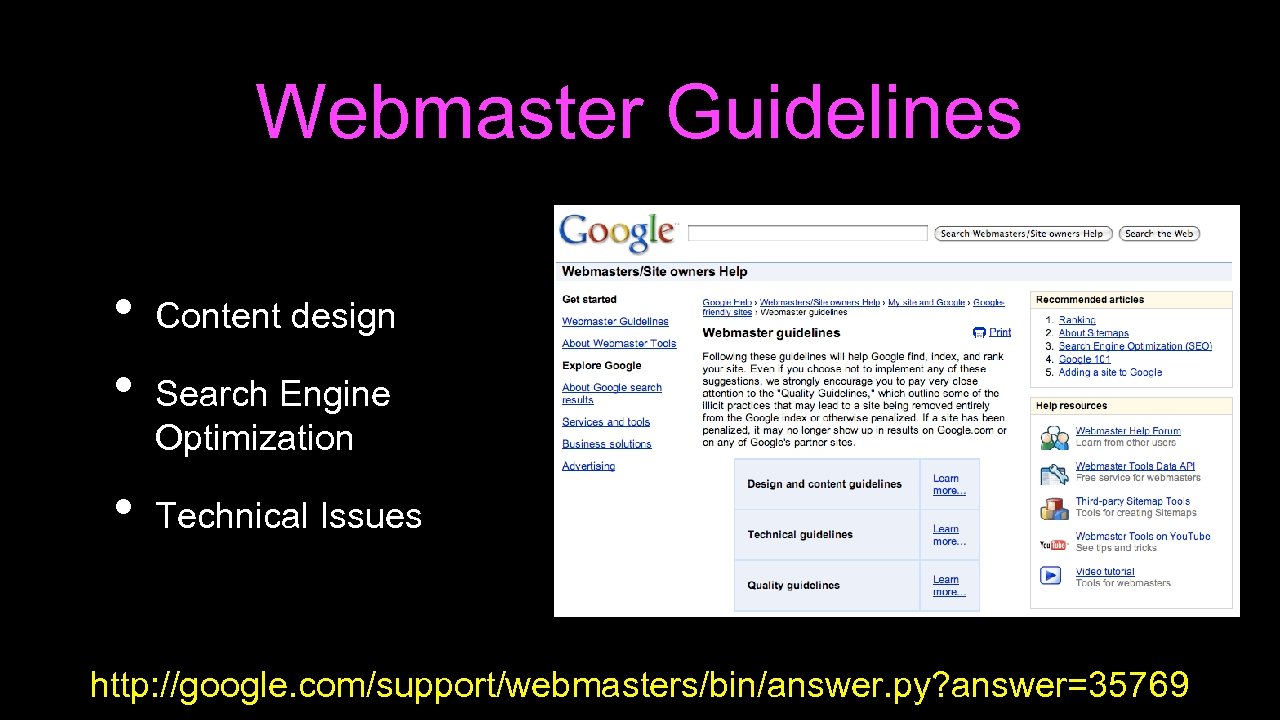 Webmaster Guidelines • • • Content design Search Engine Optimization Technical Issues http: //google. com/support/webmasters/bin/answer. py? answer=35769
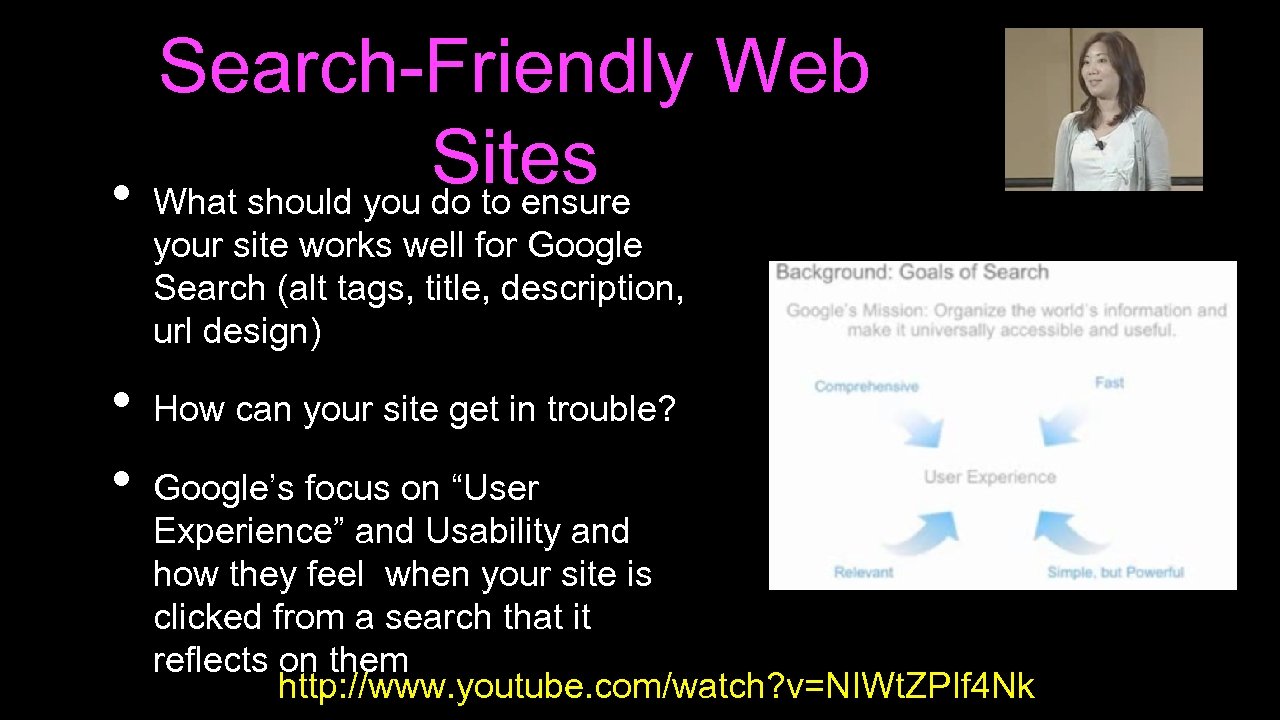 Search-Friendly Web Sites • What should you do to ensure your site works well for Google Search (alt tags, title, description, url design) • • How can your site get in trouble? Google’s focus on “User Experience” and Usability and how they feel when your site is clicked from a search that it reflects on them http: //www. youtube. com/watch? v=NIWt. ZPIf 4 Nk
 • • Make a site with a clear hierarchy and text links. Every page should be reachable from at least one static text link. Offer a site map to your users with links that point to the important parts of your site. If the site map is larger than 100 or so links, you may want to break the site map into separate pages. Create a useful, information-rich site, and write pages that clearly and accurately describe your content. Think about the words users would type to find your pages, and make sure that your site actually includes those words within it. http: //www. google. com/support/webmasters/bin/answer. py? answer=35769
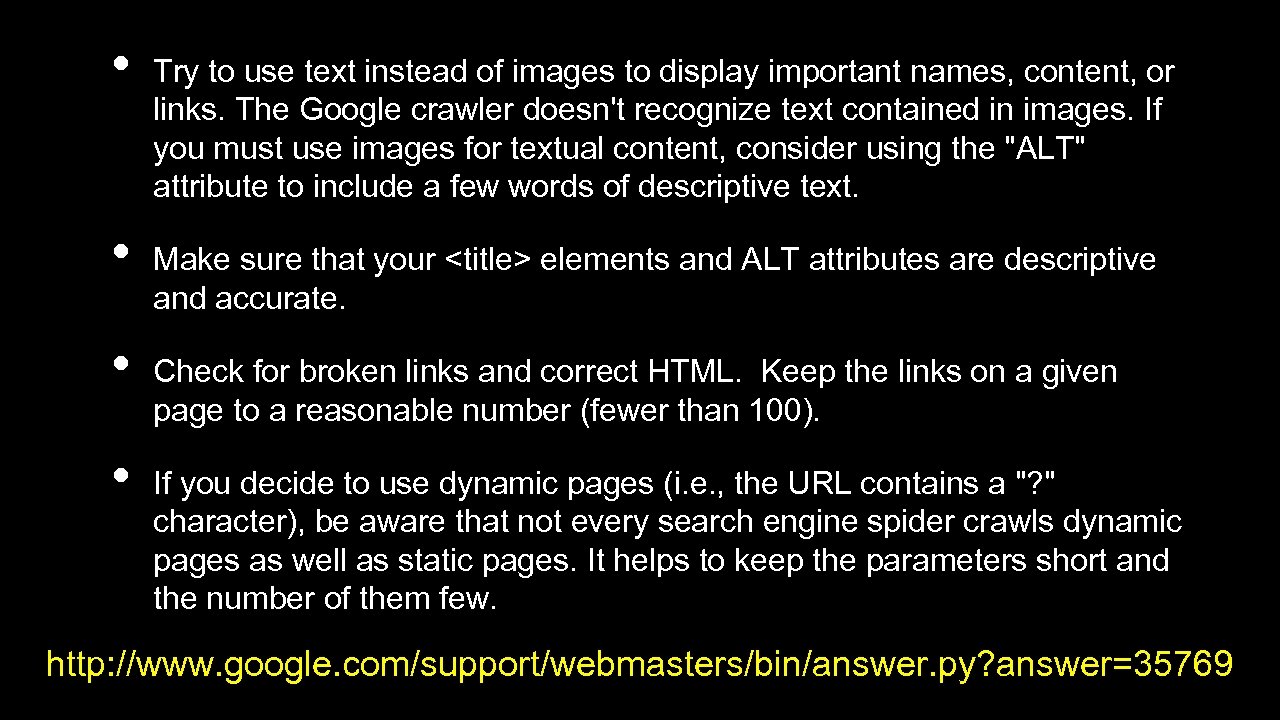 • • Try to use text instead of images to display important names, content, or links. The Google crawler doesn't recognize text contained in images. If you must use images for textual content, consider using the "ALT" attribute to include a few words of descriptive text. Make sure that your
elements and ALT attributes are descriptive and accurate. Check for broken links and correct HTML. Keep the links on a given page to a reasonable number (fewer than 100). If you decide to use dynamic pages (i. e. , the URL contains a "? " character), be aware that not every search engine spider crawls dynamic pages as well as static pages. It helps to keep the parameters short and the number of them few. http: //www. google. com/support/webmasters/bin/answer. py? answer=35769 </p>
</div>
<div style="width: auto;" class="description columns twelve"><p><img class="imgdescription" title="Google Architecture • • • Web Crawling Index Building Searching http: //infolab. stanford. edu/~backrub/google." src="https://present5.com/presentation/202ea7da50a120497da8ff0f3cf09fa2/image-32.jpg" alt="Google Architecture • • • Web Crawling Index Building Searching http: //infolab. stanford. edu/~backrub/google." />
Google Architecture • • • Web Crawling Index Building Searching http: //infolab. stanford. edu/~backrub/google. html </p>
</div>
<div style="width: auto;" class="description columns twelve"><p><img class="imgdescription" title="Search Queries A web search query is a query that a user enters into" src="https://present5.com/presentation/202ea7da50a120497da8ff0f3cf09fa2/image-33.jpg" alt="Search Queries A web search query is a query that a user enters into" />
Search Queries A web search query is a query that a user enters into web search engine to satisfy his or her information needs. Web search queries are distinctive in that they are unstructured and often ambiguous; they vary greatly from standard query languages which are governed by strict syntax rules. http: //en. wikipedia. org/wiki/Search_engine_indexing </p>
</div>
<div style="width: auto;" class="description columns twelve"><p><img class="imgdescription" title="How Search Works http: //www. youtube. com/watch? v=BNHR 6 IQJGZs " src="https://present5.com/presentation/202ea7da50a120497da8ff0f3cf09fa2/image-34.jpg" alt="How Search Works http: //www. youtube. com/watch? v=BNHR 6 IQJGZs " />
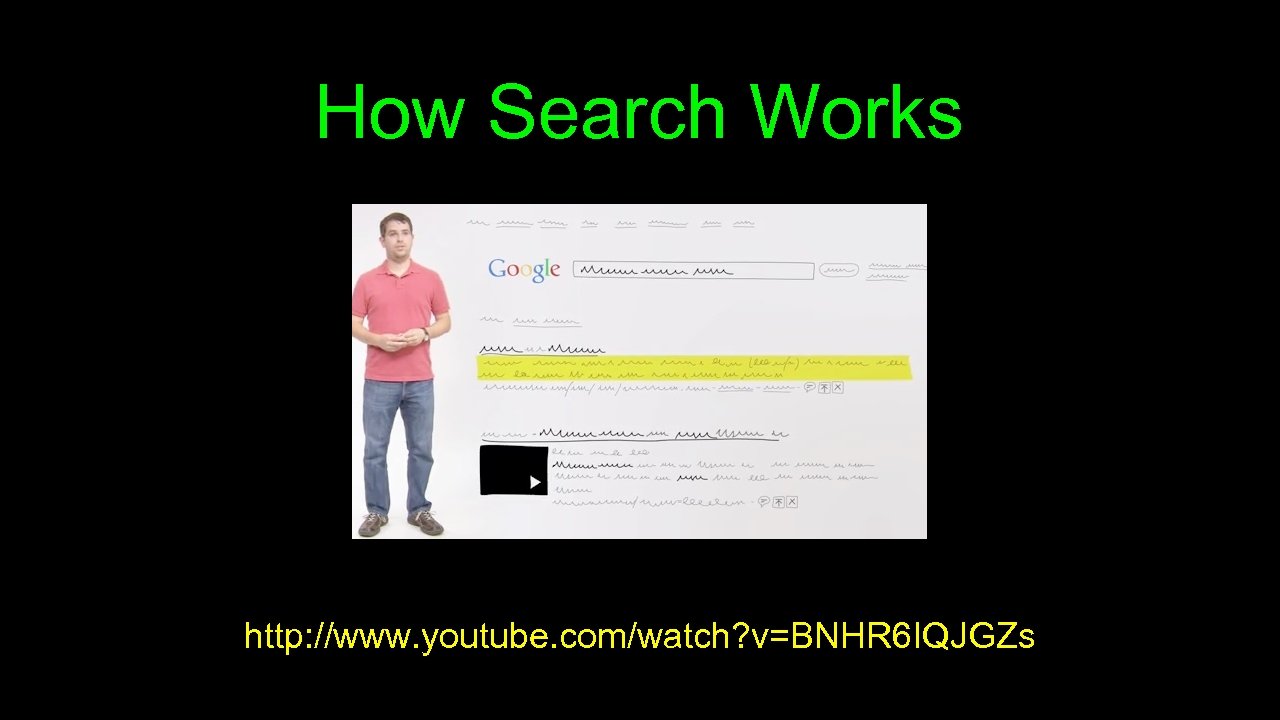
How Search Works http: //www. youtube. com/watch? v=BNHR 6 IQJGZs </p>
</div>
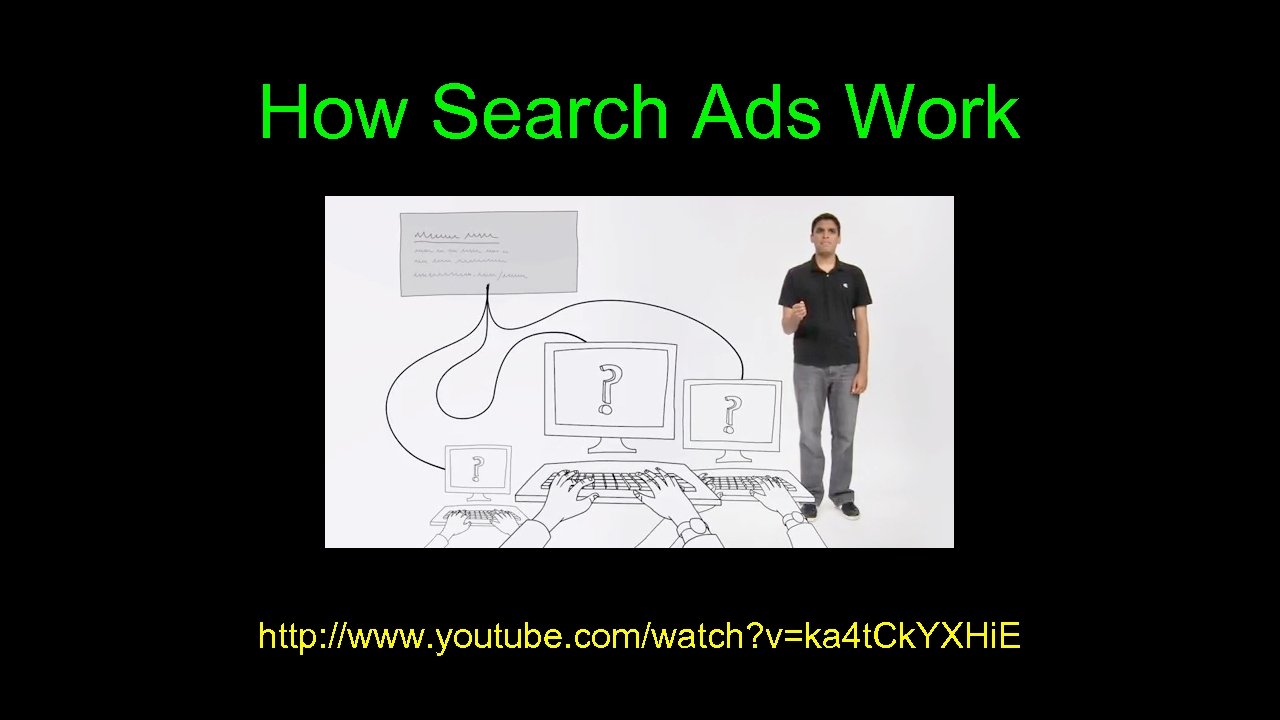
<div style="width: auto;" class="description columns twelve"><p><img class="imgdescription" title="How Search Ads Work http: //www. youtube. com/watch? v=ka 4 t. Ck. YXHi. E" src="https://present5.com/presentation/202ea7da50a120497da8ff0f3cf09fa2/image-35.jpg" alt="How Search Ads Work http: //www. youtube. com/watch? v=ka 4 t. Ck. YXHi. E" />
How Search Ads Work http: //www. youtube. com/watch? v=ka 4 t. Ck. YXHi. E </p>
</div>
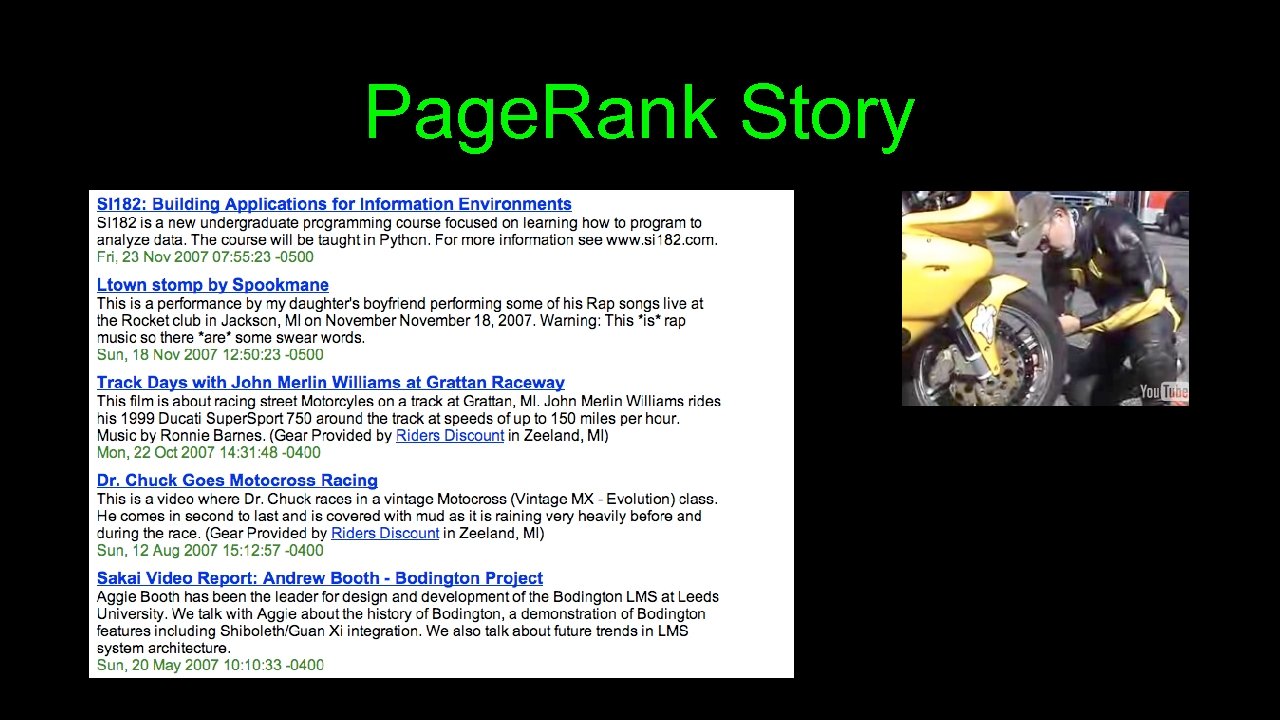
<div style="width: auto;" class="description columns twelve"><p><img class="imgdescription" title="Page. Rank Story " src="https://present5.com/presentation/202ea7da50a120497da8ff0f3cf09fa2/image-36.jpg" alt="Page. Rank Story " />
Page. Rank Story </p>
</div>
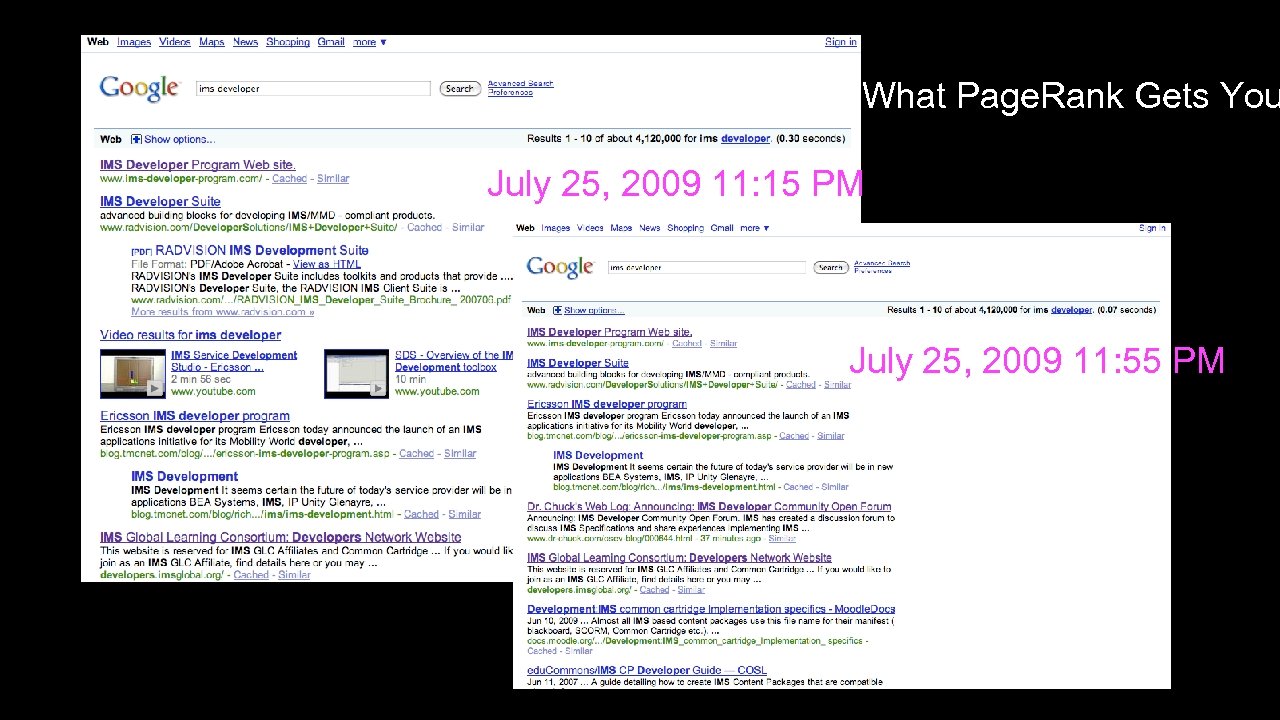
<div style="width: auto;" class="description columns twelve"><p><img class="imgdescription" title="What Page. Rank Gets You July 25, 2009 11: 15 PM July 25, 2009" src="https://present5.com/presentation/202ea7da50a120497da8ff0f3cf09fa2/image-37.jpg" alt="What Page. Rank Gets You July 25, 2009 11: 15 PM July 25, 2009" />
What Page. Rank Gets You July 25, 2009 11: 15 PM July 25, 2009 11: 55 PM </p>
</div>
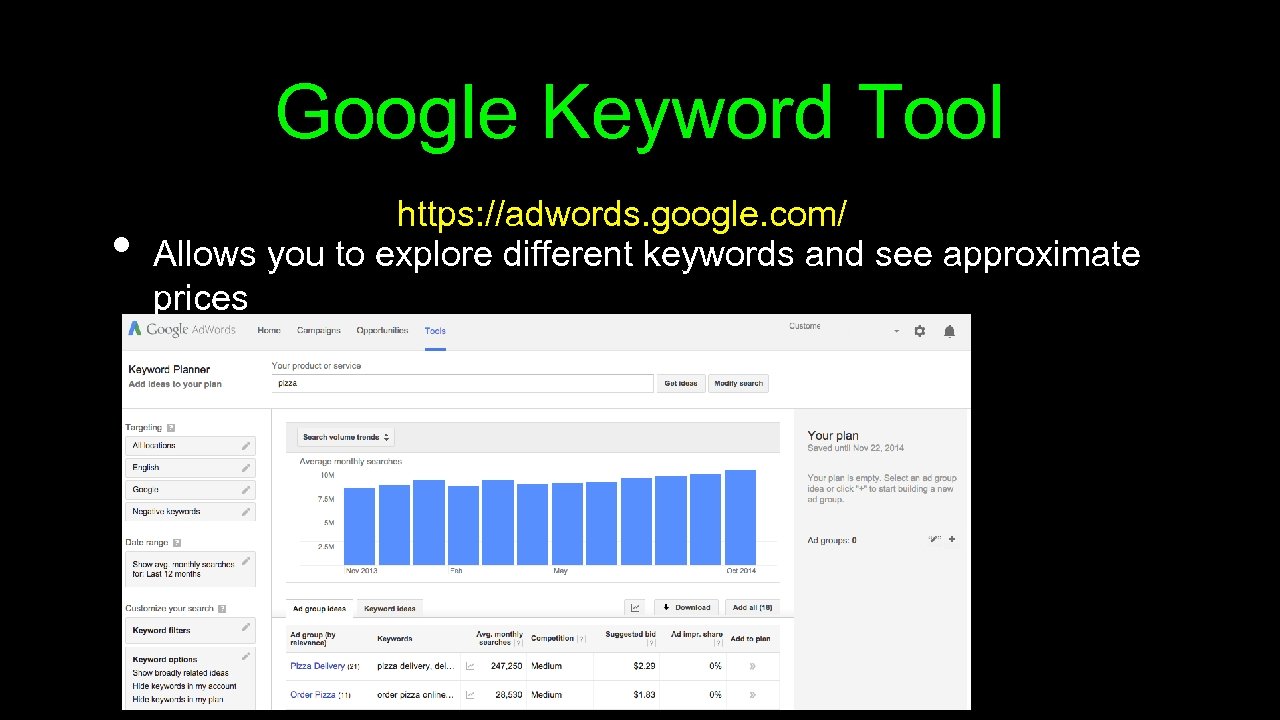
<div style="width: auto;" class="description columns twelve"><p><img class="imgdescription" title="Google Keyword Tool • https: //adwords. google. com/ Allows you to explore different keywords" src="https://present5.com/presentation/202ea7da50a120497da8ff0f3cf09fa2/image-38.jpg" alt="Google Keyword Tool • https: //adwords. google. com/ Allows you to explore different keywords" />
Google Keyword Tool • https: //adwords. google. com/ Allows you to explore different keywords and see approximate prices </p>
</div>
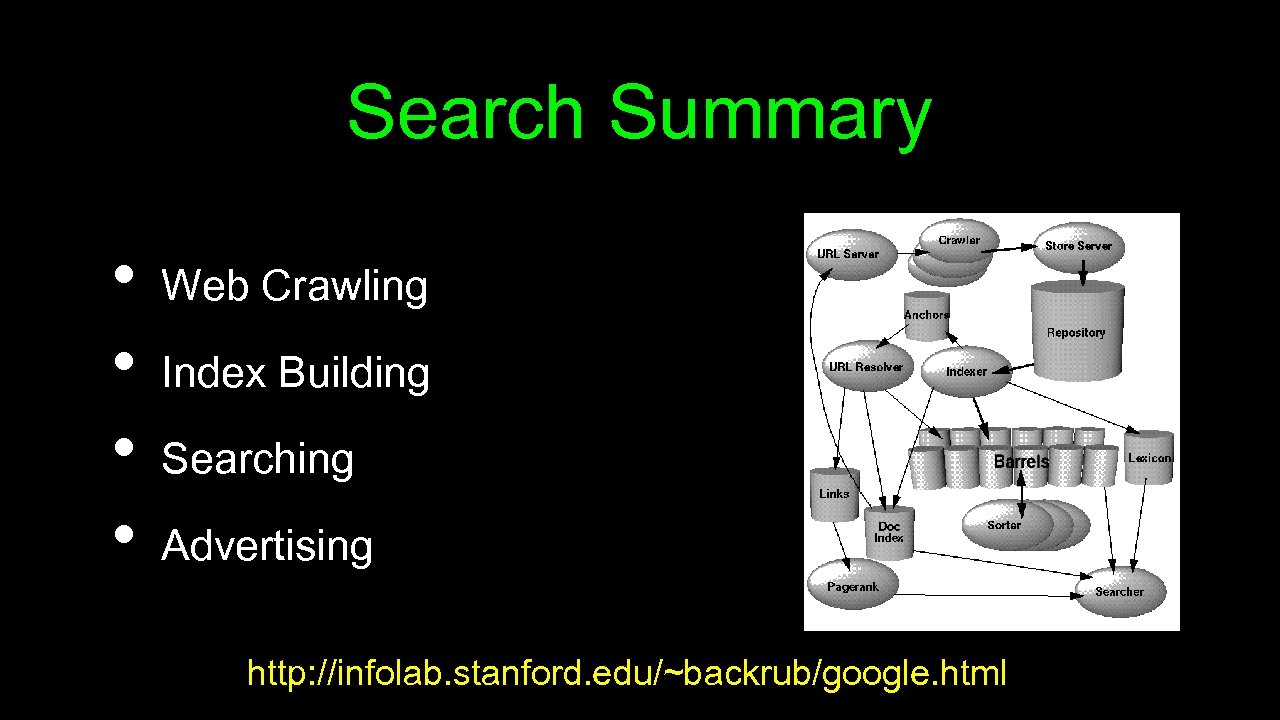
<div style="width: auto;" class="description columns twelve"><p><img class="imgdescription" title="Search Summary • • Web Crawling Index Building Searching Advertising http: //infolab. stanford. edu/~backrub/google." src="https://present5.com/presentation/202ea7da50a120497da8ff0f3cf09fa2/image-39.jpg" alt="Search Summary • • Web Crawling Index Building Searching Advertising http: //infolab. stanford. edu/~backrub/google." />
Search Summary • • Web Crawling Index Building Searching Advertising http: //infolab. stanford. edu/~backrub/google. html </p>
</div>
<div style="width: auto;" class="description columns twelve"><p><img class="imgdescription" title="Advanced Topics (not required) http: //infolab. stanford. edu/~backrub/google. html http: //video. google. com/videoplay? docid=7278544055668715642" src="https://present5.com/presentation/202ea7da50a120497da8ff0f3cf09fa2/image-40.jpg" alt="Advanced Topics (not required) http: //infolab. stanford. edu/~backrub/google. html http: //video. google. com/videoplay? docid=7278544055668715642" />
Advanced Topics (not required) http: //infolab. stanford. edu/~backrub/google. html http: //video. google. com/videoplay? docid=7278544055668715642 --- Big Table </p>
</div>
<div style="width: auto;" class="description columns twelve"><p><img class="imgdescription" title="" src="" alt="" />
</p>
</div>
</div>
<div id="inputform">
<script>$("#inputform").load("https://present5.com/wp-content/plugins/report-content/inc/report-form-aj.php");
</script>
</div>
</p>
<!--end entry-content-->
</div>
</article><!-- .post -->
</section><!-- #content -->
<div class="three columns">
<div class="widget-entry">
</div>
</div>
</div>
</div>
<!-- #content-wrapper -->
<footer id="footer" style="padding: 5px 0 5px;">
<div class="container">
<div class="columns twelve">
<!--noindex-->
<!--LiveInternet counter--><script type="text/javascript"><!--
document.write("<img src='//counter.yadro.ru/hit?t26.10;r"+
escape(document.referrer)+((typeof(screen)=="undefined")?"":
";s"+screen.width+"*"+screen.height+"*"+(screen.colorDepth?
screen.colorDepth:screen.pixelDepth))+";u"+escape(document.URL)+
";"+Math.random()+
"' alt='' title='"+" ' "+
"border='0' width='1' height='1'><\/a>")
//--></script><!--/LiveInternet-->
<a href="https://slidetodoc.com/" alt="Наш международный проект SlideToDoc.com!" target="_blank"><img src="https://present5.com/SlideToDoc.png"></a> <script>
$(window).load(function() {
var owl = document.getElementsByClassName('owl-carousel owl-theme owl-loaded owl-drag')[0];
document.getElementById("owlheader").insertBefore(owl, null);
$('#owlheader').css('display', 'inline-block');
});
</script>
<script type="text/javascript">
var yaParams = {'typepage': '1000_top_300k',
'author': '1000_top_300k'
};
</script>
<!-- Yandex.Metrika counter --> <script type="text/javascript" > (function(m,e,t,r,i,k,a){m[i]=m[i]||function(){(m[i].a=m[i].a||[]).push(arguments)}; m[i].l=1*new Date(); for (var j = 0; j < document.scripts.length; j++) {if (document.scripts[j].src === r) { return; }} k=e.createElement(t),a=e.getElementsByTagName(t)[0],k.async=1,k.src=r,a.parentNode.insertBefore(k,a)}) (window, document, "script", "https://mc.yandex.ru/metrika/tag.js", "ym"); ym(32395810, "init", { clickmap:true, trackLinks:true, accurateTrackBounce:true, webvisor:true }); </script> <noscript><div><img src="https://mc.yandex.ru/watch/32395810" style="position:absolute; left:-9999px;" alt="" /></div></noscript> <!-- /Yandex.Metrika counter -->
<!--/noindex-->
<nav id="top-nav">
<ul id="menu-top" class="top-menu clearfix">
</ul> </nav>
</div>
</div><!--.container-->
</footer>
<script type='text/javascript'>
/* <![CDATA[ */
var wpcf7 = {"apiSettings":{"root":"https:\/\/present5.com\/wp-json\/contact-form-7\/v1","namespace":"contact-form-7\/v1"}};
/* ]]> */
</script>
<script type='text/javascript' src='https://present5.com/wp-content/plugins/contact-form-7/includes/js/scripts.js?ver=5.1.4'></script>
<script type='text/javascript' src='https://present5.com/wp-content/themes/sampression-lite/lib/js/jquery.shuffle.js?ver=4.9.26'></script>
<script type='text/javascript' src='https://present5.com/wp-content/themes/sampression-lite/lib/js/scripts.js?ver=1.13'></script>
<script type='text/javascript' src='https://present5.com/wp-content/themes/sampression-lite/lib/js/shuffle.js?ver=4.9.26'></script>
<!--[if lt IE 9]>
<script type='text/javascript' src='https://present5.com/wp-content/themes/sampression-lite/lib/js/selectivizr.js?ver=1.0.2'></script>
<![endif]-->
<script type='text/javascript' src='https://present5.com/wp-content/themes/sampression-lite/lib/js/notify.js?ver=1770478790'></script>
<script type='text/javascript'>
/* <![CDATA[ */
var my_ajax_object = {"ajax_url":"https:\/\/present5.com\/wp-admin\/admin-ajax.php","nonce":"33a1179831"};
/* ]]> */
</script>
<script type='text/javascript' src='https://present5.com/wp-content/themes/sampression-lite/lib/js/filer.js?ver=1770478790'></script>
</body>
</html> 


 Скачать презентацию Search Engines and Cloud Computing Charles Severance