 Search Engine Optimization (SEO)
 What is Search Engine Optimization? Search engine optimization (SEO) is the process of improving the visibility of a website or a web page in search engines via the "natural" or un-paid ("organic" or "algorithmic") search results.
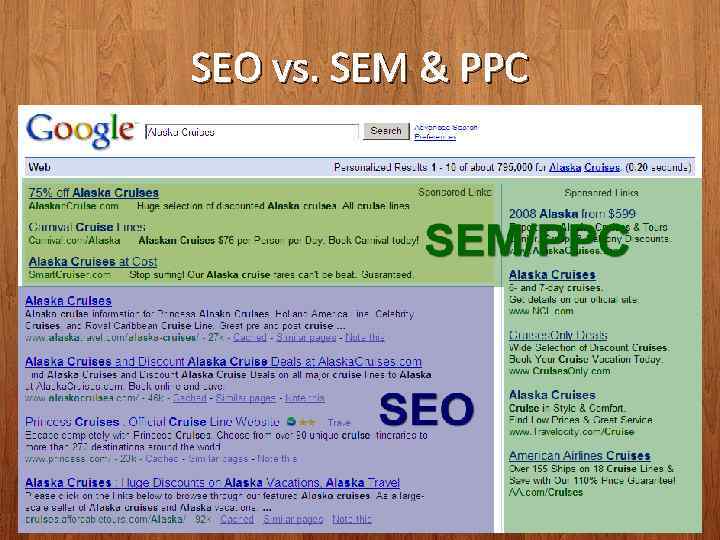 SEO vs. SEM & PPC
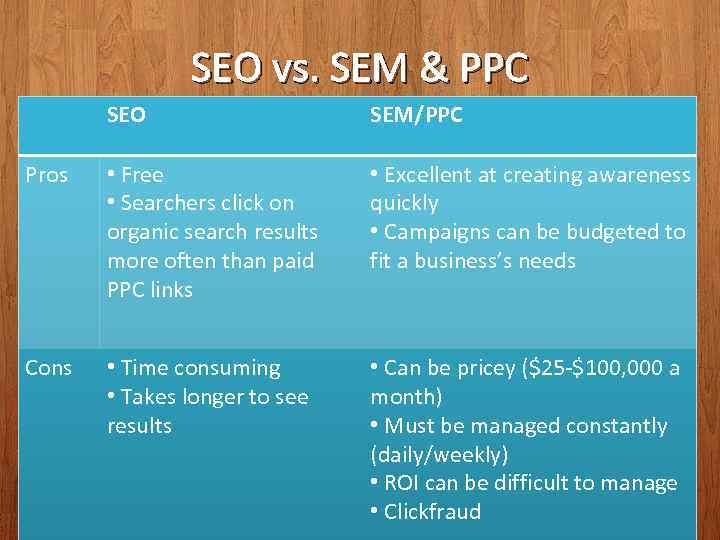 SEO vs. SEM & PPC SEO SEM/PPC Pros • Free • Searchers click on organic search results more often than paid PPC links • Excellent at creating awareness quickly • Campaigns can be budgeted to fit a business’s needs Cons • Time consuming • Takes longer to see results • Can be pricey ($25 -$100, 000 a month) • Must be managed constantly (daily/weekly) • ROI can be difficult to manage • Clickfraud
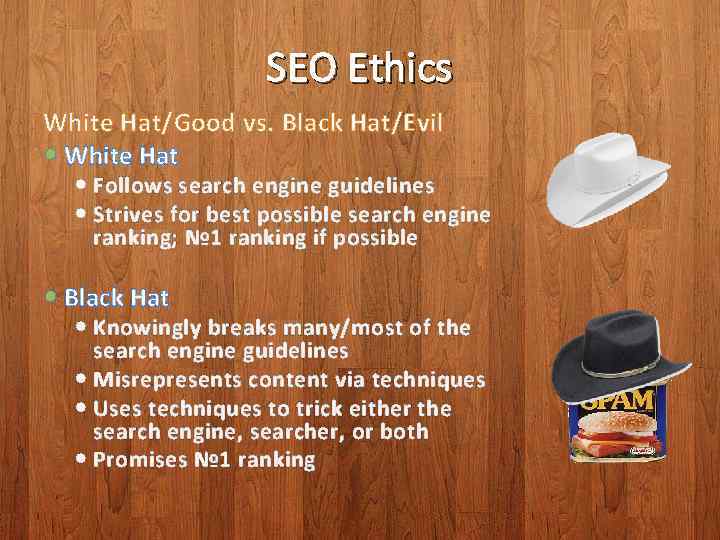 SEO Ethics White Hat/Good vs. Black Hat/Evil White Hat Follows search engine guidelines Strives for best possible search engine ranking; № 1 ranking if possible Black Hat Knowingly breaks many/most of the search engine guidelines Misrepresents content via techniques Uses techniques to trick either the search engine, searcher, or both Promises № 1 ranking
 Relevancy • The overall goal: – Search engines: to deliver the most relevant search results possible – Searchers: to find the most relevant search result – Site Owners: to optimize their site and it’s content for the most relevant searcher
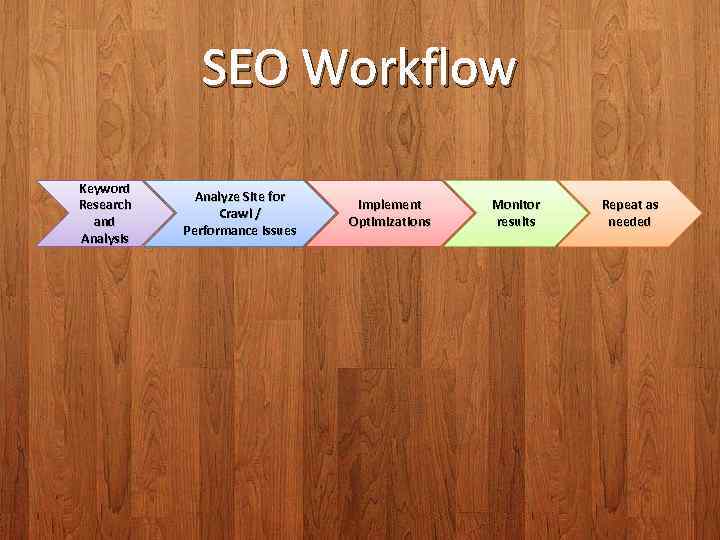 SEO Workflow Keyword Research and Analysis Analyze Site for Crawl / Performance issues Implement Optimizations Monitor results Repeat as needed
 Keywords • The core of Search Engine Optimization • The goal is to leverage and implement the same keywords throughout your content in a natural manner, to match the audience who’s searching for your information and you’re looking to attract • Keyword discovery and analysis is never ending
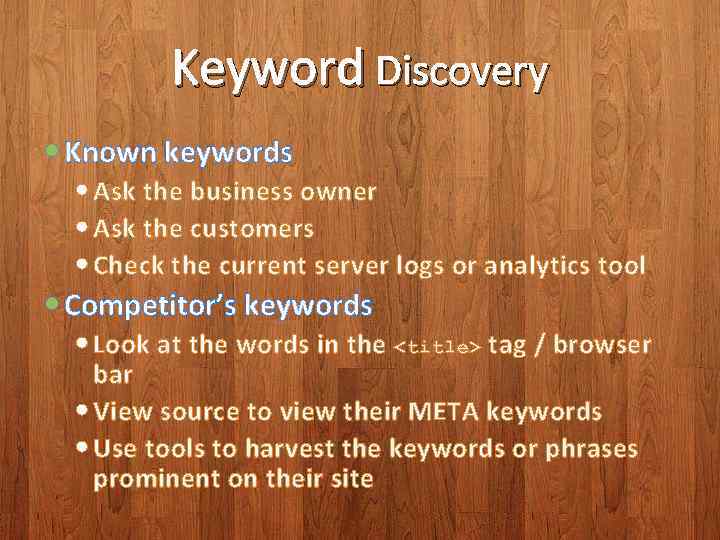 Keyword Discovery Known keywords Ask the business owner Ask the customers Check the current server logs or analytics tool Competitor’s keywords Look at the words in the
tag / browser bar View source to view their META keywords Use tools to harvest the keywords or phrases prominent on their site </p>
</div>
<div style="width: auto;" class="description columns twelve"><p><img class="imgdescription" title="Keyword Discovery & Analysis (widgets, churches) (cruise, sail, journey, tour) (fish - fishing) (Harbor" src="https://present5.com/presentation/18688450_140248104/image-10.jpg" alt="Keyword Discovery & Analysis (widgets, churches) (cruise, sail, journey, tour) (fish - fishing) (Harbor" />
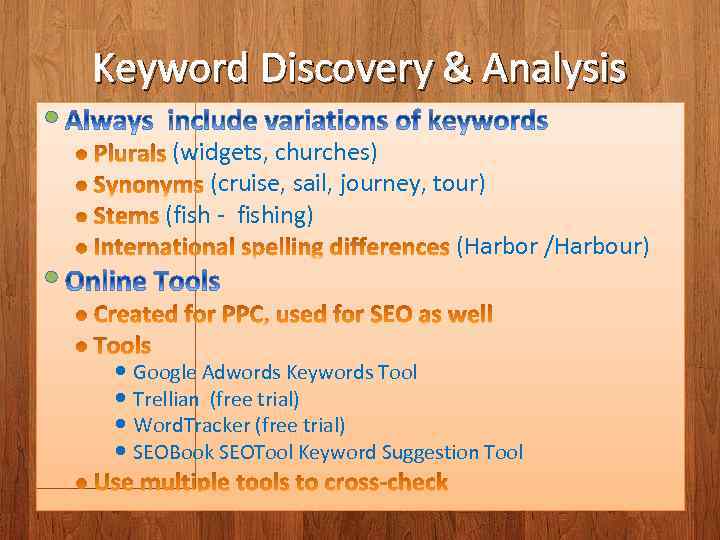
Keyword Discovery & Analysis (widgets, churches) (cruise, sail, journey, tour) (fish - fishing) (Harbor /Harbour) Google Adwords Keywords Tool Trellian (free trial) Word. Tracker (free trial) SEOBook SEOTool Keyword Suggestion Tool </p>
</div>
<div style="width: auto;" class="description columns twelve"><p><img class="imgdescription" title="Which Keywords to Use? It depends on the context & themes of your pages" src="https://present5.com/presentation/18688450_140248104/image-11.jpg" alt="Which Keywords to Use? It depends on the context & themes of your pages" />
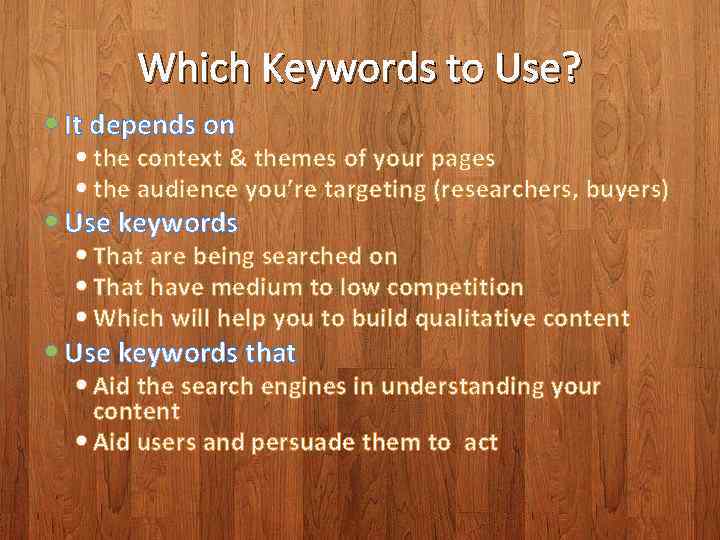
Which Keywords to Use? It depends on the context & themes of your pages the audience you’re targeting (researchers, buyers) Use keywords That are being searched on That have medium to low competition Which will help you to build qualitative content Use keywords that Aid the search engines in understanding your content Aid users and persuade them to act </p>
</div>
<div style="width: auto;" class="description columns twelve"><p><img class="imgdescription" title="Implementing Optimization " src="https://present5.com/presentation/18688450_140248104/image-12.jpg" alt="Implementing Optimization " />
Implementing Optimization </p>
</div>
<div style="width: auto;" class="description columns twelve"><p><img class="imgdescription" title="Domain / Site Optimization Age of site Builds prominence, credentials Inbound link popularity into" src="https://present5.com/presentation/18688450_140248104/image-13.jpg" alt="Domain / Site Optimization Age of site Builds prominence, credentials Inbound link popularity into" />
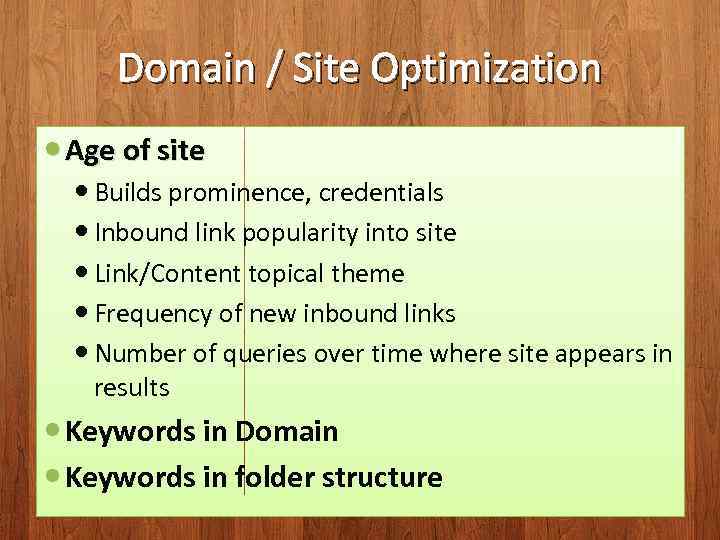
Domain / Site Optimization Age of site Builds prominence, credentials Inbound link popularity into site Link/Content topical theme Frequency of new inbound links Number of queries over time where site appears in results Keywords in Domain Keywords in folder structure </p>
</div>
<div style="width: auto;" class="description columns twelve"><p><img class="imgdescription" title="Page Optimization • Age of document • Freshness of document • Page filename (use" src="https://present5.com/presentation/18688450_140248104/image-14.jpg" alt="Page Optimization • Age of document • Freshness of document • Page filename (use" />
Page Optimization • Age of document • Freshness of document • Page filename (use keywords, hyphens as separators) • Quality/Relevance of inbound/outbound links • Page theme (content focused on a single topic, not topically scattered) </p>
</div>
<div style="width: auto;" class="description columns twelve"><p><img class="imgdescription" title="Page <title> 1. One of the most important things you can do fast 2." src="https://present5.com/presentation/18688450_140248104/image-15.jpg" alt="Page <title> 1. One of the most important things you can do fast 2." />
Page <title> 1. One of the most important things you can do fast 2. Unique title for every page on your site 3. Should contain one or two keywords, specific to the content on the page 4. Most important keyword/phrase at beginning of <title> 5. Repeat keyword/phrase up to 2 times 6. Limit to approx. 65 characters 7. Will appear as browser window title, link label in search results 8. Write the title to be persuasive to humans </p>
</div>
<div style="width: auto;" class="description columns twelve"><p><img class="imgdescription" title="Page <title> • Code example: <title>Rubber Widgets – Largest Selection of Rubber Widgets •" src="https://present5.com/presentation/18688450_140248104/image-16.jpg" alt="Page
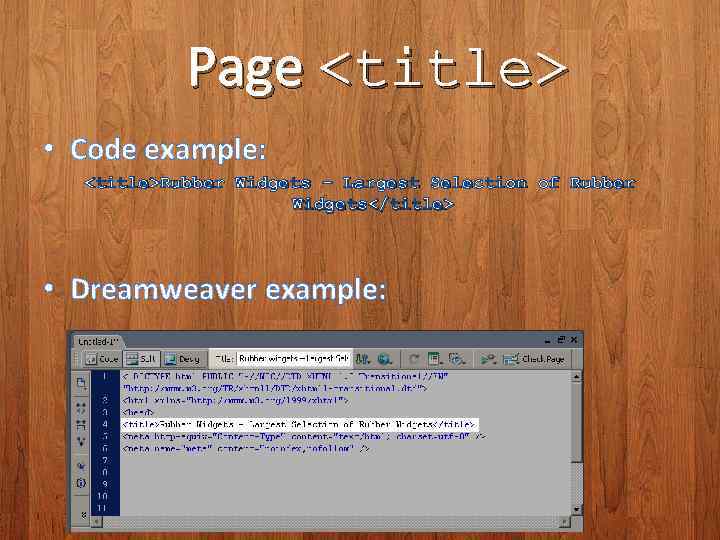
• Code example: <title>Rubber Widgets – Largest Selection of Rubber Widgets •" />
Page
• Code example: <title>Rubber Widgets – Largest Selection of Rubber Widgets • Dreamweaver example:
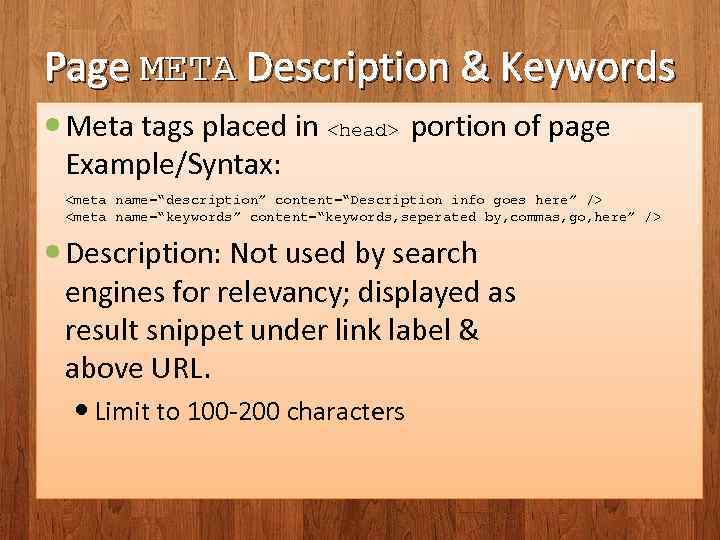 Page META Description & Keywords Meta tags placed in
portion of page Example/Syntax:
Description: Not used by search engines for relevancy; displayed as result snippet under link label & above URL. Limit to 100 -200 characters
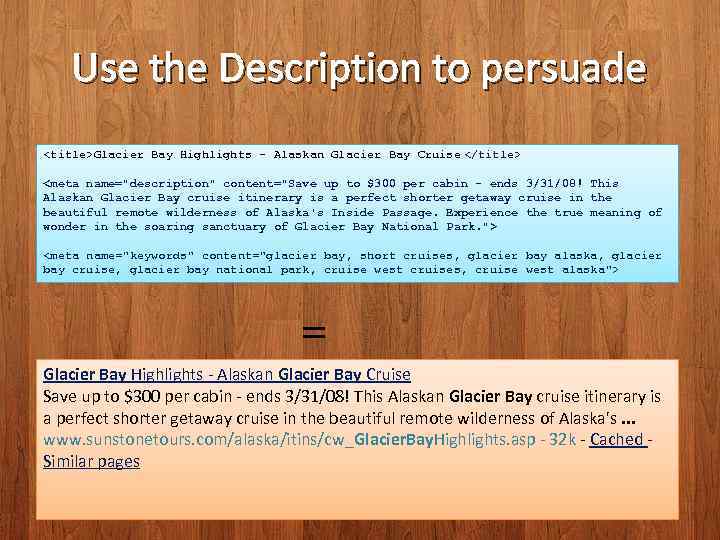 Use the Description to persuade
Glacier Bay Highlights - Alaskan Glacier Bay Cruise = Glacier Bay Highlights - Alaskan Glacier Bay Cruise Save up to $300 per cabin - ends 3/31/08! This Alaskan Glacier Bay cruise itinerary is a perfect shorter getaway cruise in the beautiful remote wilderness of Alaska's. . . www. sunstonetours. com/alaska/itins/cw_Glacier. Bay. Highlights. asp - 32 k - Cached - Similar pages
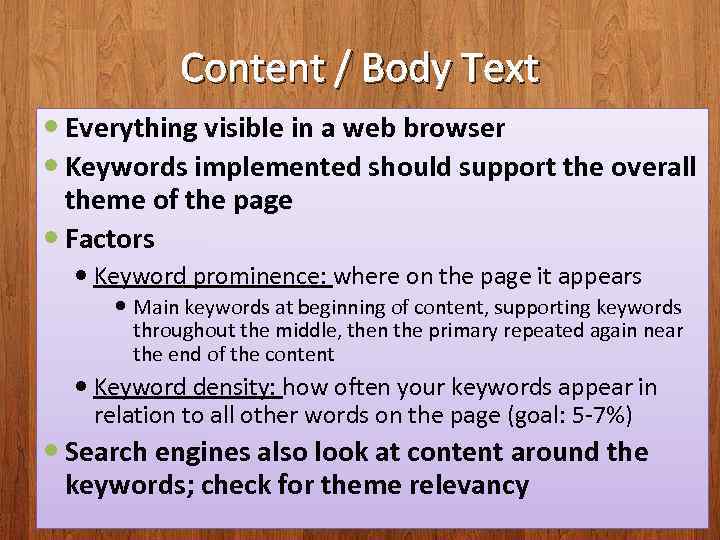 Content / Body Text Everything visible in a web browser Keywords implemented should support the overall theme of the page Factors Keyword prominence: where on the page it appears Main keywords at beginning of content, supporting keywords throughout the middle, then the primary repeated again near the end of the content Keyword density: how often your keywords appear in relation to all other words on the page (goal: 5 -7%) Search engines also look at content around the keywords; check for theme relevancy
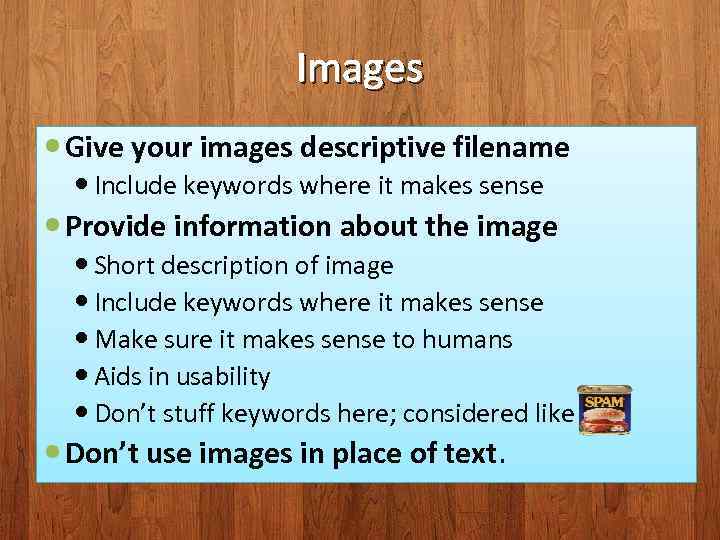 Images Give your images descriptive filename Include keywords where it makes sense Provide information about the image Short description of image Include keywords where it makes sense Make sure it makes sense to humans Aids in usability Don’t stuff keywords here; considered like Don’t use images in place of text.
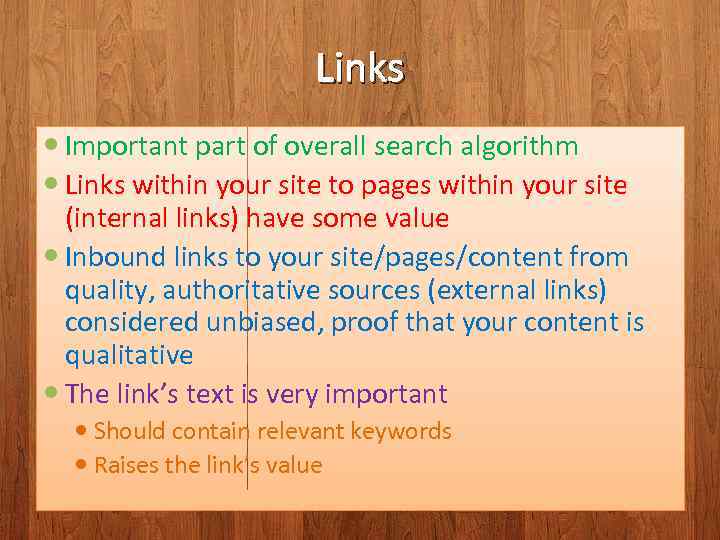 Links Important part of overall search algorithm Links within your site to pages within your site (internal links) have some value Inbound links to your site/pages/content from quality, authoritative sources (external links) considered unbiased, proof that your content is qualitative The link’s text is very important Should contain relevant keywords Raises the link’s value
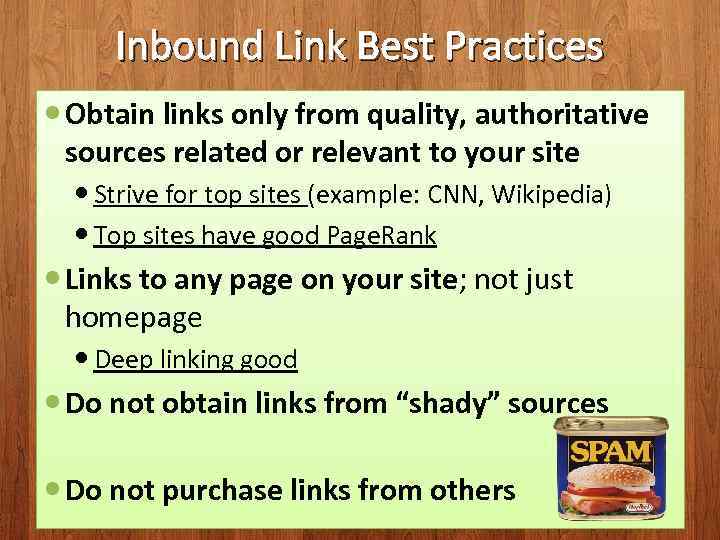 Inbound Link Best Practices Obtain links only from quality, authoritative sources related or relevant to your site Strive for top sites (example: CNN, Wikipedia) Top sites have good Page. Rank Links to any page on your site; not just homepage Deep linking good Do not obtain links from “shady” sources Do not purchase links from others
 Blogs Link Building Ideas create a blog link to your site comment on other subject related, relevant blogs RSS Feed Syndication Syndicate information from your site / blog to be displayed on other websites Control the text Press Releases submitted to online PR distributors Link back to your site Articles topics of expertise, syndicated on the web Link back to your site Industry Sources / Subject Authority Websites
 Analyze/Monitor your site Use an Analytics tool to monitor your site Visits Conversions Referrals Sites, URLS, Keywords Use a Monitoring tool to monitor your site’s ranking Ranking (based on keyword) Research competitors Age Inbound links Keywords used
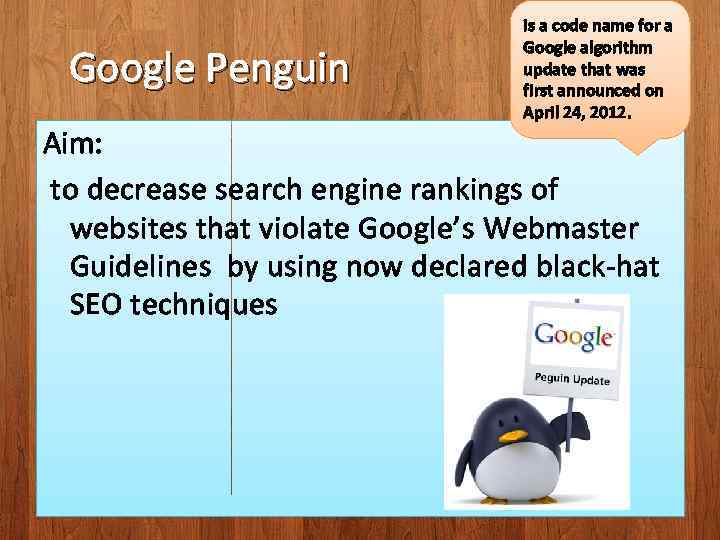 Google Penguin is a code name for a Google algorithm update that was first announced on April 24, 2012. Aim: to decrease search engine rankings of websites that violate Google’s Webmaster Guidelines by using now declared black-hat SEO techniques
 Google’s Webmaster Guidelines • Design and content guidelines • Technical guidelines • Quality guidelines
 When your site is ready: Submit it to Google at http: //www. google. com/submityourcontent/. Submit a Sitemap using Google Webmaster Tools. Google uses your Sitemap to learn about the structure of your site and to increase our coverage of your webpages. Make sure all the sites that should know about your pages are aware your site is online.
 Design and content guidelines 1. Make a site with a clear hierarchy and text links. 2. Offer a site map to your users with links that point to the important parts of your site. 3. Keep the links on a given page to a reasonable number. 4. Create a useful, information-rich site, and write pages that clearly and accurately describe your content. 5. Think about the words users would type to find your pages, and make sure that your site actually includes those words within it. 6. Try to use text instead of images to display important names, content, or links. 7. Make sure that your
elements are descriptive and accurate. 8. Check for broken links and correct HTML. </p>
</div>
<div style="width: auto;" class="description columns twelve"><p><img class="imgdescription" title="Quality guidelines - basic principles • Make pages primarily for users, not for search" src="https://present5.com/presentation/18688450_140248104/image-29.jpg" alt="Quality guidelines - basic principles • Make pages primarily for users, not for search" />
Quality guidelines - basic principles • Make pages primarily for users, not for search engines. • Don't deceive your users. • Avoid tricks intended to improve search engine rankings. Useful test is to ask: "Does this help my users? Would I do this if search engines didn't exist? " • Think about what makes your website unique, valuable, or engaging. </p>
</div>
<div style="width: auto;" class="description columns twelve"><p><img class="imgdescription" title="Quality guidelines - specific guidelines Avoid the following techniques: 1. Automatically generated content 2." src="https://present5.com/presentation/18688450_140248104/image-30.jpg" alt="Quality guidelines - specific guidelines Avoid the following techniques: 1. Automatically generated content 2." />
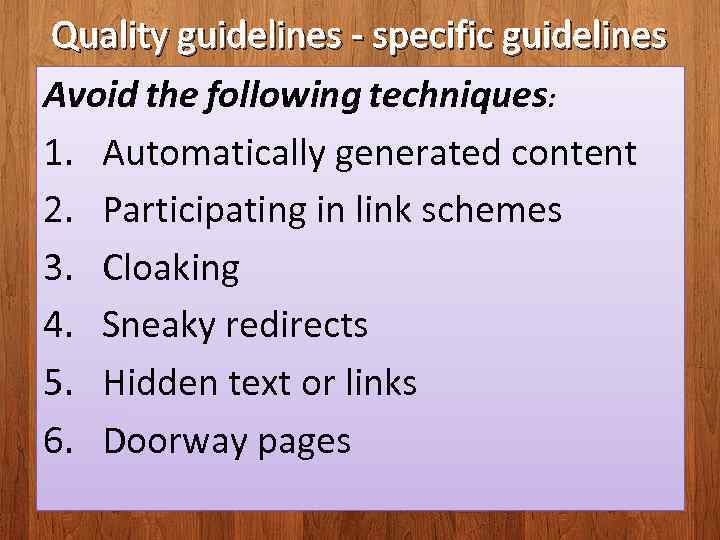
Quality guidelines - specific guidelines Avoid the following techniques: 1. Automatically generated content 2. Participating in link schemes 3. Cloaking 4. Sneaky redirects 5. Hidden text or links 6. Doorway pages </p>
</div>
<div style="width: auto;" class="description columns twelve"><p><img class="imgdescription" title="Avoid the following techniques: 7. Scraped content 8. Participating in affiliate programs without adding" src="https://present5.com/presentation/18688450_140248104/image-31.jpg" alt="Avoid the following techniques: 7. Scraped content 8. Participating in affiliate programs without adding" />
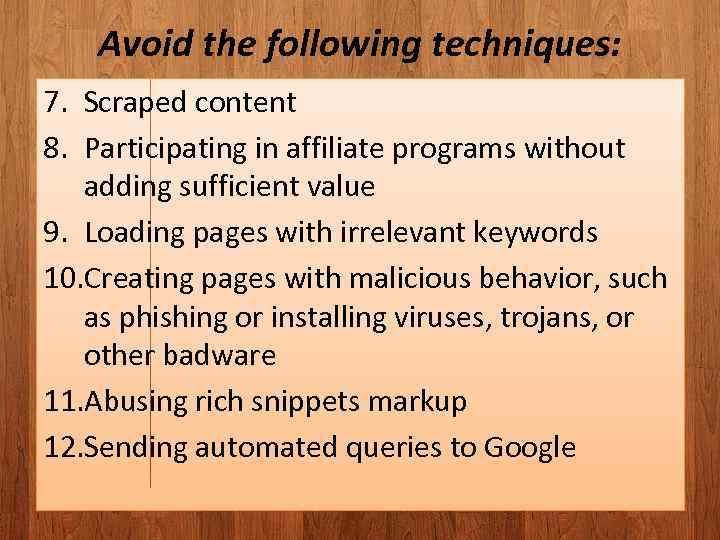
Avoid the following techniques: 7. Scraped content 8. Participating in affiliate programs without adding sufficient value 9. Loading pages with irrelevant keywords 10. Creating pages with malicious behavior, such as phishing or installing viruses, trojans, or other badware 11. Abusing rich snippets markup 12. Sending automated queries to Google </p>
</div>
<div style="width: auto;" class="description columns twelve"><p><img class="imgdescription" title="Automatically generated content • Automatically generated — or “autogenerated”—content is content that’s been generated" src="https://present5.com/presentation/18688450_140248104/image-32.jpg" alt="Automatically generated content • Automatically generated — or “autogenerated”—content is content that’s been generated" />
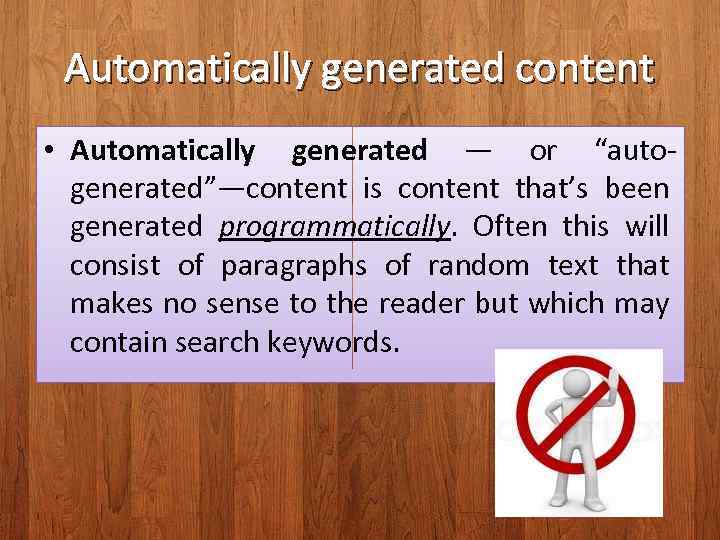
Automatically generated content • Automatically generated — or “autogenerated”—content is content that’s been generated programmatically. Often this will consist of paragraphs of random text that makes no sense to the reader but which may contain search keywords. </p>
</div>
<div style="width: auto;" class="description columns twelve"><p><img class="imgdescription" title="Examples of auto-generated content: • Text translated by an automated tool without human review" src="https://present5.com/presentation/18688450_140248104/image-33.jpg" alt="Examples of auto-generated content: • Text translated by an automated tool without human review" />
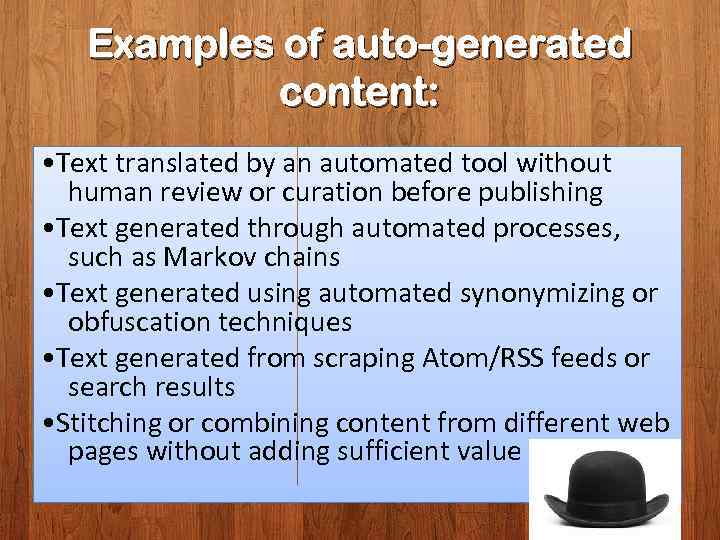
Examples of auto-generated content: • Text translated by an automated tool without human review or curation before publishing • Text generated through automated processes, such as Markov chains • Text generated using automated synonymizing or obfuscation techniques • Text generated from scraping Atom/RSS feeds or search results • Stitching or combining content from different web pages without adding sufficient value </p>
</div>
<div style="width: auto;" class="description columns twelve"><p><img class="imgdescription" title="Participating in link schemes • What is a link scheme? Link schemes - Interlinking" src="https://present5.com/presentation/18688450_140248104/image-34.jpg" alt="Participating in link schemes • What is a link scheme? Link schemes - Interlinking" />
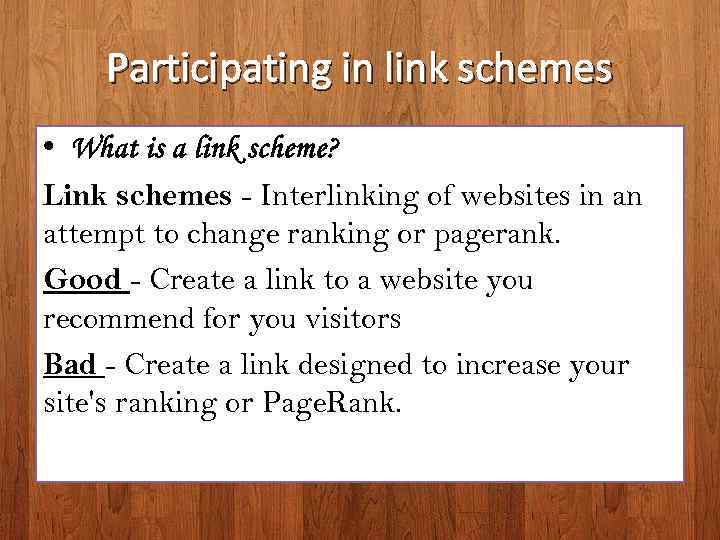
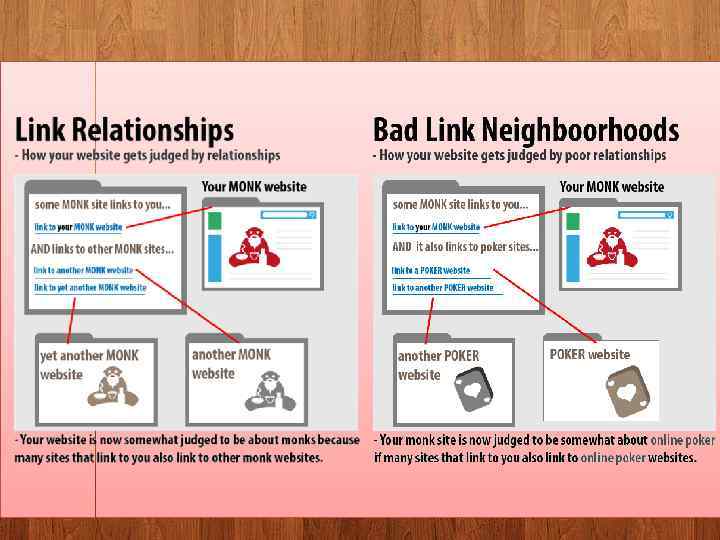
Participating in link schemes • What is a link scheme? Link schemes - Interlinking of websites in an attempt to change ranking or pagerank. Good - Create a link to a website you recommend for you visitors Bad - Create a link designed to increase your site's ranking or Page. Rank. </p>
</div>
<div style="width: auto;" class="description columns twelve"><p><img class="imgdescription" title="" src="https://present5.com/presentation/18688450_140248104/image-35.jpg" alt="" />
</p>
</div>
<div style="width: auto;" class="description columns twelve"><p><img class="imgdescription" title="Cloaking is a SEO technique in which the content presented to the search engine" src="https://present5.com/presentation/18688450_140248104/image-36.jpg" alt="Cloaking is a SEO technique in which the content presented to the search engine" />
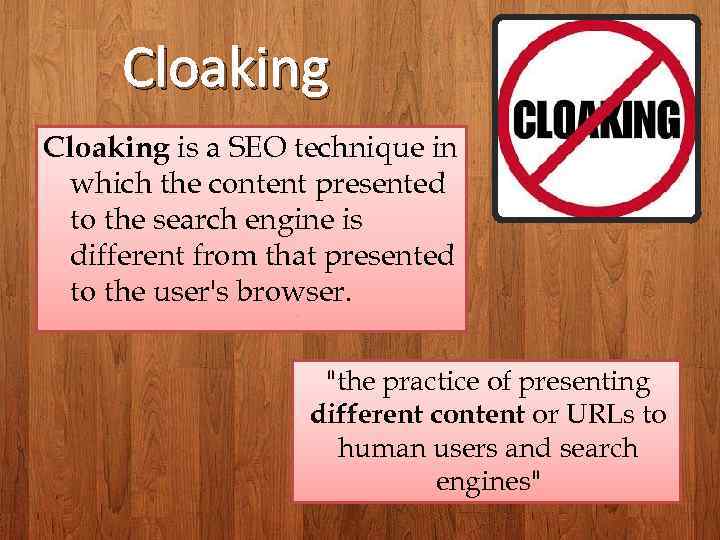
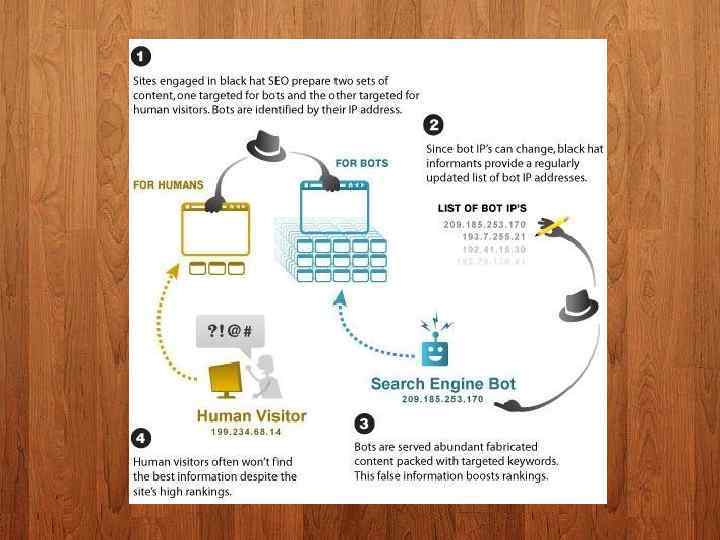
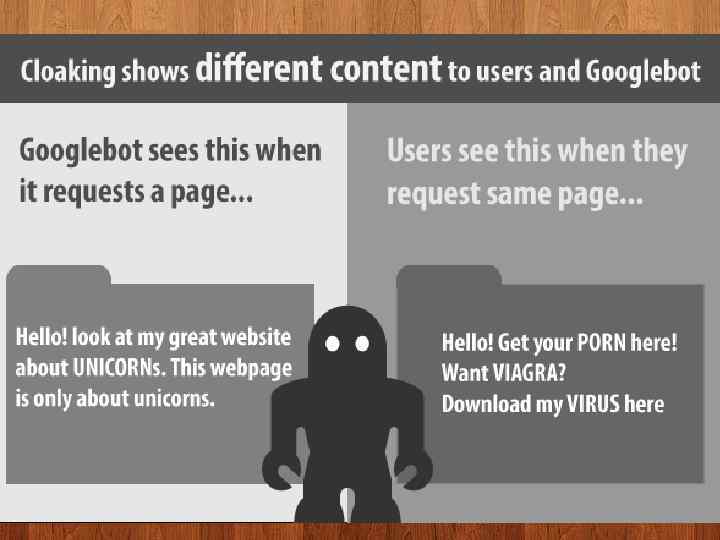
Cloaking is a SEO technique in which the content presented to the search engine is different from that presented to the user's browser. "the practice of presenting different content or URLs to human users and search engines" </p>
</div>
<div style="width: auto;" class="description columns twelve"><p><img class="imgdescription" title="" src="https://present5.com/presentation/18688450_140248104/image-37.jpg" alt="" />
</p>
</div>
<div style="width: auto;" class="description columns twelve"><p><img class="imgdescription" title="" src="https://present5.com/presentation/18688450_140248104/image-38.jpg" alt="" />
</p>
</div>
<div style="width: auto;" class="description columns twelve"><p><img class="imgdescription" title="Sneaky redirects Redirecting is the act of sending a visitor to a different URL" src="https://present5.com/presentation/18688450_140248104/image-39.jpg" alt="Sneaky redirects Redirecting is the act of sending a visitor to a different URL" />
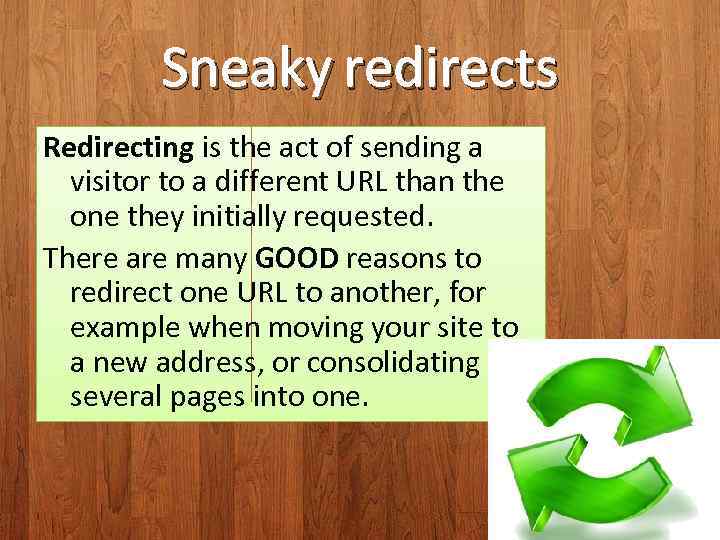
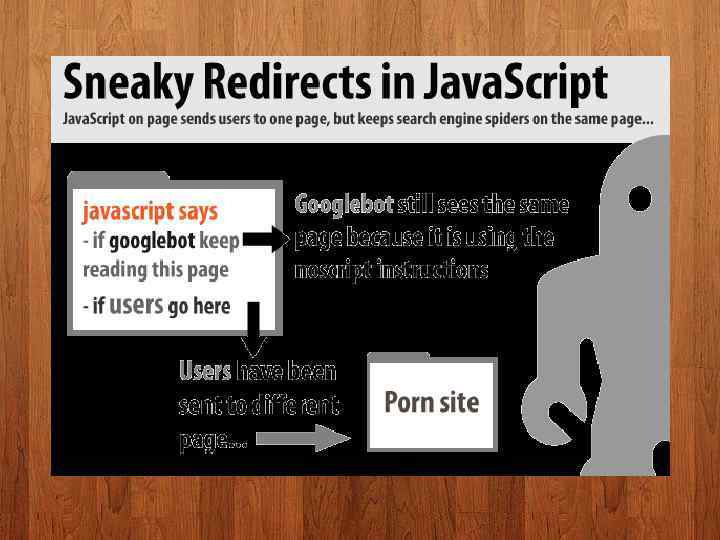
Sneaky redirects Redirecting is the act of sending a visitor to a different URL than the one they initially requested. There are many GOOD reasons to redirect one URL to another, for example when moving your site to a new address, or consolidating several pages into one. </p>
</div>
<div style="width: auto;" class="description columns twelve"><p><img class="imgdescription" title="" src="https://present5.com/presentation/18688450_140248104/image-40.jpg" alt="" />
</p>
</div>
<div style="width: auto;" class="description columns twelve"><p><img class="imgdescription" title="Key Points • Always send users and search engine spiders to the same place" src="https://present5.com/presentation/18688450_140248104/image-41.jpg" alt="Key Points • Always send users and search engine spiders to the same place" />
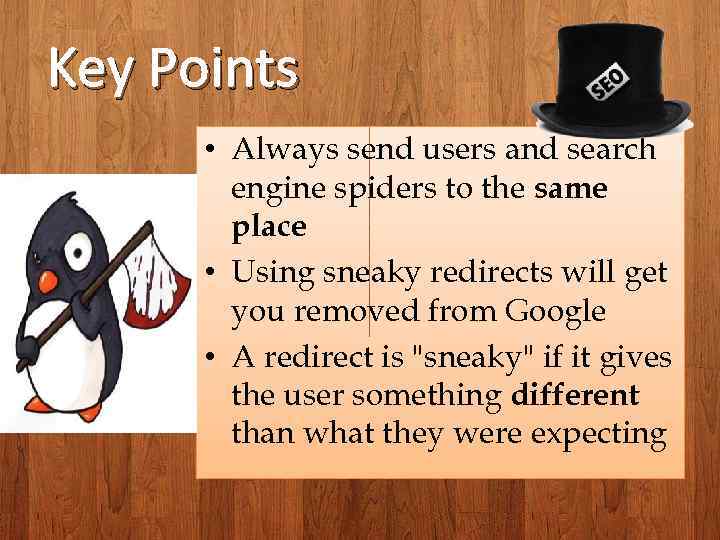
Key Points • Always send users and search engine spiders to the same place • Using sneaky redirects will get you removed from Google • A redirect is "sneaky" if it gives the user something different than what they were expecting </p>
</div>
<div style="width: auto;" class="description columns twelve"><p><img class="imgdescription" title="Hidden text or links Hiding text or links in your content to manipulate Google’s" src="https://present5.com/presentation/18688450_140248104/image-42.jpg" alt="Hidden text or links Hiding text or links in your content to manipulate Google’s" />
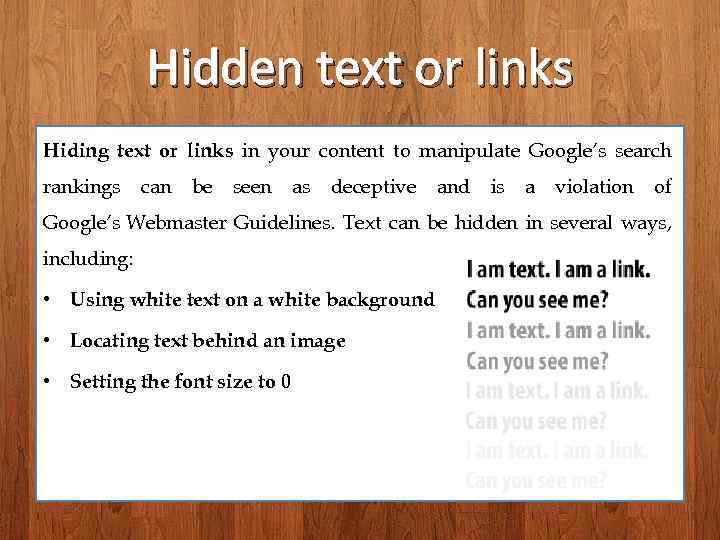
Hidden text or links Hiding text or links in your content to manipulate Google’s search rankings can be seen as deceptive and is a violation of Google’s Webmaster Guidelines. Text can be hidden in several ways, including: • Using white text on a white background • Locating text behind an image • Setting the font size to 0 </p>
</div>
<div style="width: auto;" class="description columns twelve"><p><img class="imgdescription" title="How to check for hidden text and links: The quickest way to see all" src="https://present5.com/presentation/18688450_140248104/image-43.jpg" alt="How to check for hidden text and links: The quickest way to see all" />
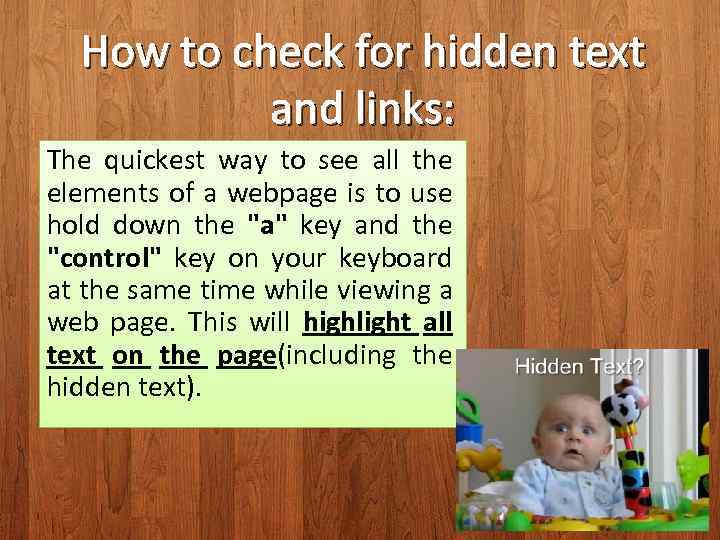
How to check for hidden text and links: The quickest way to see all the elements of a webpage is to use hold down the "a" key and the "control" key on your keyboard at the same time while viewing a web page. This will highlight all text on the page(including the hidden text). </p>
</div>
<div style="width: auto;" class="description columns twelve"><p><img class="imgdescription" title="Doorway pages are typically large sets of poor-quality pages where each page is optimized" src="https://present5.com/presentation/18688450_140248104/image-44.jpg" alt="Doorway pages are typically large sets of poor-quality pages where each page is optimized" />
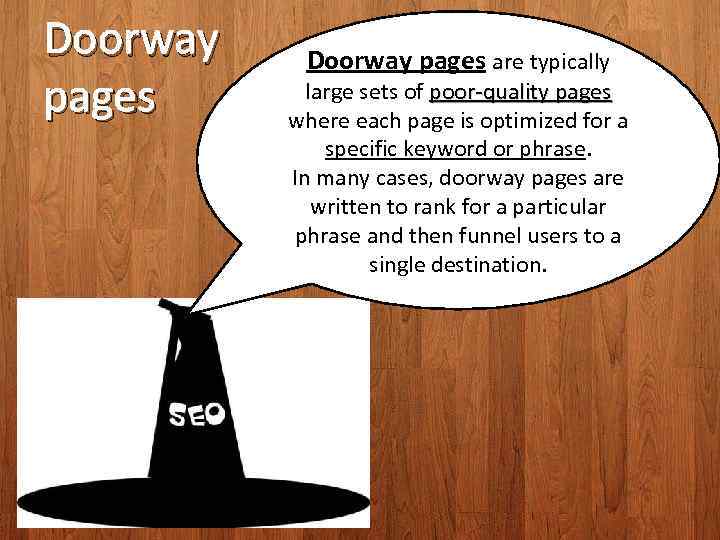
Doorway pages are typically large sets of poor-quality pages where each page is optimized for a specific keyword or phrase. In many cases, doorway pages are written to rank for a particular phrase and then funnel users to a single destination. </p>
</div>
<div style="width: auto;" class="description columns twelve"><p><img class="imgdescription" title="Doorway pages are web pages that are created for spamdexing, this is, for spamming" src="https://present5.com/presentation/18688450_140248104/image-45.jpg" alt="Doorway pages are web pages that are created for spamdexing, this is, for spamming" />
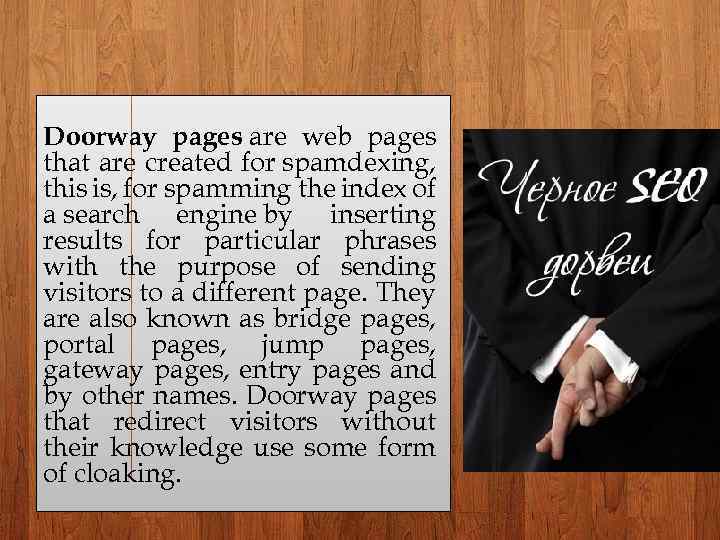
Doorway pages are web pages that are created for spamdexing, this is, for spamming the index of a search engine by inserting results for particular phrases with the purpose of sending visitors to a different page. They are also known as bridge pages, portal pages, jump pages, gateway pages, entry pages and by other names. Doorway pages that redirect visitors without their knowledge use some form of cloaking. </p>
</div>
<div style="width: auto;" class="description columns twelve"><p><img class="imgdescription" title=" • Content scraping is an illegal way of stealing original content from a" src="https://present5.com/presentation/18688450_140248104/image-46.jpg" alt=" • Content scraping is an illegal way of stealing original content from a" />
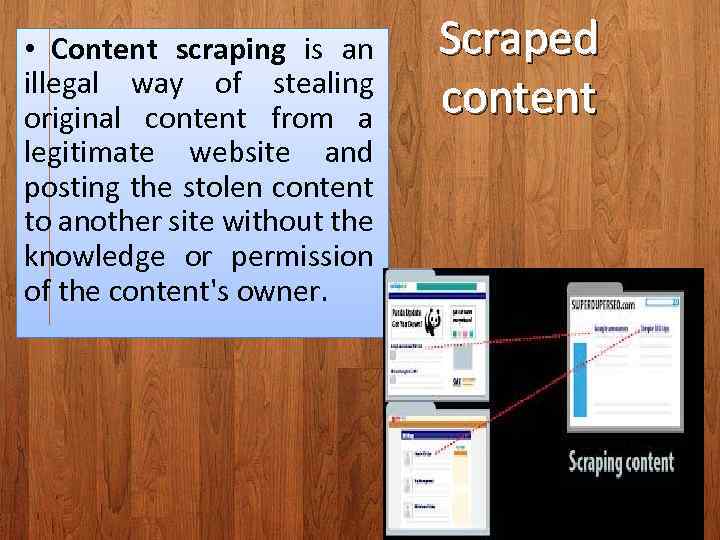
• Content scraping is an illegal way of stealing original content from a legitimate website and posting the stolen content to another site without the knowledge or permission of the content's owner. Scraped content </p>
</div>
<div style="width: auto;" class="description columns twelve"><p><img class="imgdescription" title=" • Some examples of Sites that copy and republish scraping include: content from" src="https://present5.com/presentation/18688450_140248104/image-47.jpg" alt=" • Some examples of Sites that copy and republish scraping include: content from" />
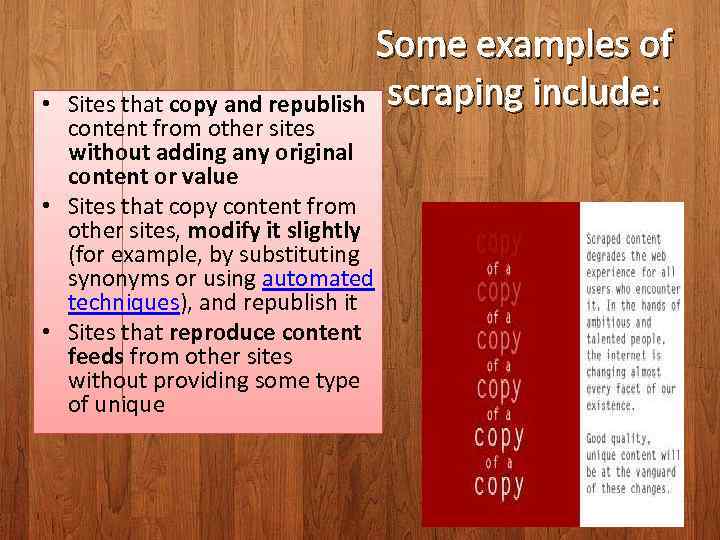
• Some examples of Sites that copy and republish scraping include: content from other sites without adding any original content or value • Sites that copy content from other sites, modify it slightly (for example, by substituting synonyms or using automated techniques), and republish it • Sites that reproduce content feeds from other sites without providing some type of unique </p>
</div>
<div style="width: auto;" class="description columns twelve"><p><img class="imgdescription" title="Participating in affiliate programs without adding sufficient value Affiliate program is the type of" src="https://present5.com/presentation/18688450_140248104/image-48.jpg" alt="Participating in affiliate programs without adding sufficient value Affiliate program is the type of" />
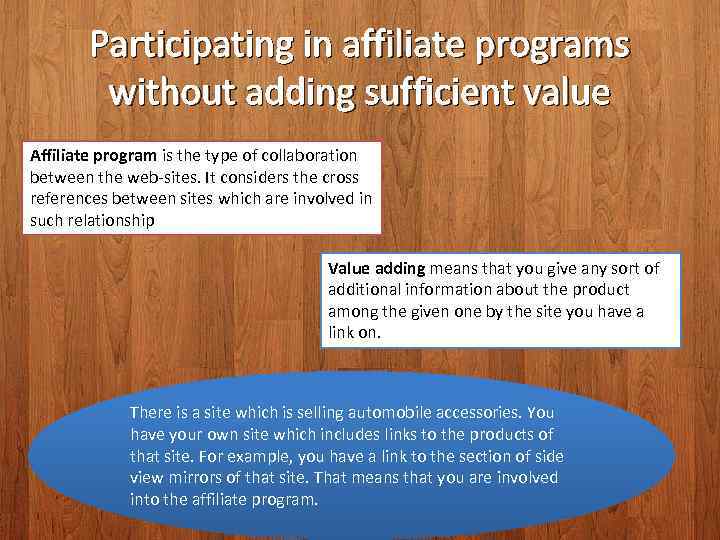
Participating in affiliate programs without adding sufficient value Affiliate program is the type of collaboration between the web-sites. It considers the cross references between sites which are involved in such relationship Value adding means that you give any sort of additional information about the product among the given one by the site you have a link on. There is a site which is selling automobile accessories. You have your own site which includes links to the products of that site. For example, you have a link to the section of side view mirrors of that site. That means that you are involved into the affiliate program. </p>
</div>
<div style="width: auto;" class="description columns twelve"><p><img class="imgdescription" title="Example of undesirable participating in affiliate program You have a link on the section" src="https://present5.com/presentation/18688450_140248104/image-49.jpg" alt="Example of undesirable participating in affiliate program You have a link on the section" />
Example of undesirable participating in affiliate program You have a link on the section “side view mirrors”. Google will decrease your rank if: 1. You have only link without the description of product 2. The description of program is not unique. For example, you have just copied the text from the original resource. </p>
</div>
<div style="width: auto;" class="description columns twelve"><p><img class="imgdescription" title="Example of proper participation in affiliate program 1. You have a unique description of" src="https://present5.com/presentation/18688450_140248104/image-50.jpg" alt="Example of proper participation in affiliate program 1. You have a unique description of" />
Example of proper participation in affiliate program 1. You have a unique description of the “side view mirrors” 2. You add any useful for visitors information about the product (reviews, pictures, etc) </p>
</div>
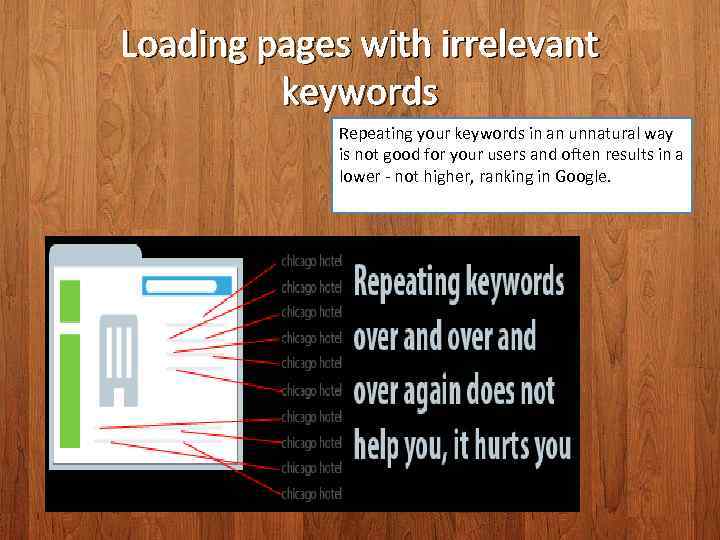
<div style="width: auto;" class="description columns twelve"><p><img class="imgdescription" title="Loading pages with irrelevant keywords Repeating your keywords in an unnatural way is not" src="https://present5.com/presentation/18688450_140248104/image-51.jpg" alt="Loading pages with irrelevant keywords Repeating your keywords in an unnatural way is not" />
Loading pages with irrelevant keywords Repeating your keywords in an unnatural way is not good for your users and often results in a lower - not higher, ranking in Google. </p>
</div>
<div style="width: auto;" class="description columns twelve"><p><img class="imgdescription" title="Remember that your webpage is a way to communicate with potential customers, so clear" src="https://present5.com/presentation/18688450_140248104/image-52.jpg" alt="Remember that your webpage is a way to communicate with potential customers, so clear" />
Remember that your webpage is a way to communicate with potential customers, so clear communication and word usage is important on your webpages so your potential customers know what you are offering and trust you as a resource. Think about the words users would type to find your pages, and make sure that your site actually includes those words within it. You are using keywords too much when you are repeating them so many times that your text seems unnatural. </p>
</div>
<div style="width: auto;" class="description columns twelve"><p><img class="imgdescription" title="Engage in good practices like the following: • Monitoring your site for hacking and" src="https://present5.com/presentation/18688450_140248104/image-53.jpg" alt="Engage in good practices like the following: • Monitoring your site for hacking and" />
Engage in good practices like the following: • Monitoring your site for hacking and removing hacked content as soon as it appears • Preventing and removing user-generated spam on your site </p>
</div>
<div style="width: auto;" class="description columns twelve"><p><img class="imgdescription" title="Panda & Penguin The main target of Google Penguin is spamdexing Panda aimed at" src="https://present5.com/presentation/18688450_140248104/image-54.jpg" alt="Panda & Penguin The main target of Google Penguin is spamdexing Panda aimed at" />
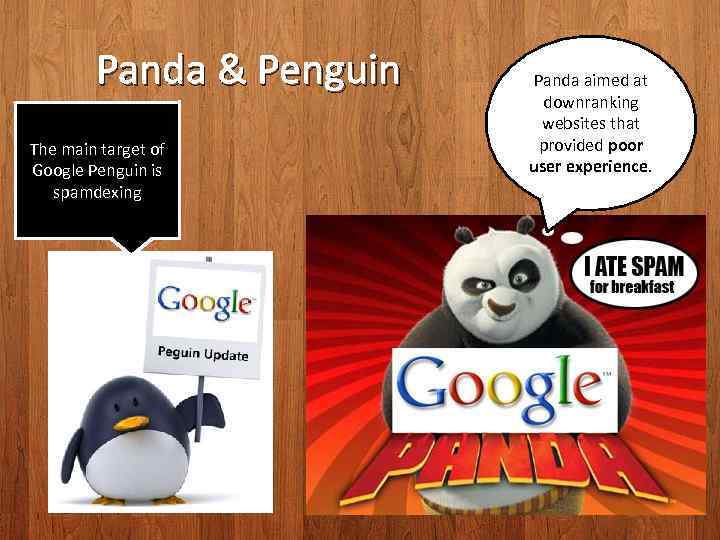
Panda & Penguin The main target of Google Penguin is spamdexing Panda aimed at downranking websites that provided poor user experience. </p>
</div>
<div style="width: auto;" class="description columns twelve"><p><img class="imgdescription" title="Google Penguin controls: • • • Glut Keywords Doorway pages and cloaking Hidden text" src="https://present5.com/presentation/18688450_140248104/image-55.jpg" alt="Google Penguin controls: • • • Glut Keywords Doorway pages and cloaking Hidden text" />
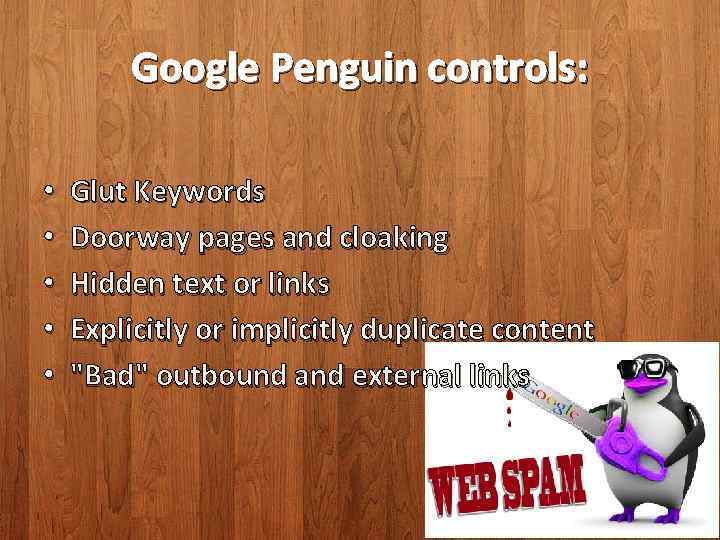
Google Penguin controls: • • • Glut Keywords Doorway pages and cloaking Hidden text or links Explicitly or implicitly duplicate content "Bad" outbound and external links </p>
</div>
<div style="width: auto;" class="description columns twelve"><p><img class="imgdescription" title="Summary • Perform detailed keyword analysis • Make sure your site is crawlable •" src="https://present5.com/presentation/18688450_140248104/image-56.jpg" alt="Summary • Perform detailed keyword analysis • Make sure your site is crawlable •" />
Summary • Perform detailed keyword analysis • Make sure your site is crawlable • Use Web Standards to create clean, light pages • Implement keywords on appropriate page elements • Obtain links from quality, authoritative sources • Design/implement with the user first, then the search engine in mind </p>
</div>
<div style="width: auto;" class="description columns twelve"><p><img class="imgdescription" title="" src="" alt="" />
</p>
</div>
</div>
<div id="inputform">
<script>$("#inputform").load("https://present5.com/wp-content/plugins/report-content/inc/report-form-aj.php");
</script>
</div>
</p>
<!--end entry-content-->
</div>
</article><!-- .post -->
</section><!-- #content -->
<div class="three columns">
<div class="widget-entry">
</div>
</div>
</div>
</div>
<!-- #content-wrapper -->
<footer id="footer" style="padding: 5px 0 5px;">
<div class="container">
<div class="columns twelve">
<!--noindex-->
<!--LiveInternet counter--><script type="text/javascript"><!--
document.write("<img src='//counter.yadro.ru/hit?t26.10;r"+
escape(document.referrer)+((typeof(screen)=="undefined")?"":
";s"+screen.width+"*"+screen.height+"*"+(screen.colorDepth?
screen.colorDepth:screen.pixelDepth))+";u"+escape(document.URL)+
";"+Math.random()+
"' alt='' title='"+" ' "+
"border='0' width='1' height='1'><\/a>")
//--></script><!--/LiveInternet-->
<a href="https://slidetodoc.com/" alt="Наш международный проект SlideToDoc.com!" target="_blank"><img src="https://present5.com/SlideToDoc.png"></a> <script>
$(window).load(function() {
var owl = document.getElementsByClassName('owl-carousel owl-theme owl-loaded owl-drag')[0];
document.getElementById("owlheader").insertBefore(owl, null);
$('#owlheader').css('display', 'inline-block');
});
</script>
<script type="text/javascript">
var yaParams = {'typepage': 'parserexe3',
'author': 'parserexe3'
};
</script>
<!-- Yandex.Metrika counter --> <script type="text/javascript" > (function(m,e,t,r,i,k,a){m[i]=m[i]||function(){(m[i].a=m[i].a||[]).push(arguments)}; m[i].l=1*new Date(); for (var j = 0; j < document.scripts.length; j++) {if (document.scripts[j].src === r) { return; }} k=e.createElement(t),a=e.getElementsByTagName(t)[0],k.async=1,k.src=r,a.parentNode.insertBefore(k,a)}) (window, document, "script", "https://mc.yandex.ru/metrika/tag.js", "ym"); ym(32395810, "init", { clickmap:true, trackLinks:true, accurateTrackBounce:true, webvisor:true }); </script> <noscript><div><img src="https://mc.yandex.ru/watch/32395810" style="position:absolute; left:-9999px;" alt="" /></div></noscript> <!-- /Yandex.Metrika counter -->
<!--/noindex-->
<nav id="top-nav">
<ul id="menu-top" class="top-menu clearfix">
</ul> </nav>
</div>
</div><!--.container-->
</footer>
<script type='text/javascript'>
/* <![CDATA[ */
var wpcf7 = {"apiSettings":{"root":"https:\/\/present5.com\/wp-json\/contact-form-7\/v1","namespace":"contact-form-7\/v1"}};
/* ]]> */
</script>
<script type='text/javascript' src='https://present5.com/wp-content/plugins/contact-form-7/includes/js/scripts.js?ver=5.1.4'></script>
<script type='text/javascript' src='https://present5.com/wp-content/themes/sampression-lite/lib/js/jquery.shuffle.js?ver=4.9.26'></script>
<script type='text/javascript' src='https://present5.com/wp-content/themes/sampression-lite/lib/js/scripts.js?ver=1.13'></script>
<script type='text/javascript' src='https://present5.com/wp-content/themes/sampression-lite/lib/js/shuffle.js?ver=4.9.26'></script>
<!--[if lt IE 9]>
<script type='text/javascript' src='https://present5.com/wp-content/themes/sampression-lite/lib/js/selectivizr.js?ver=1.0.2'></script>
<![endif]-->
<script type='text/javascript' src='https://present5.com/wp-content/themes/sampression-lite/lib/js/notify.js?ver=1770492219'></script>
<script type='text/javascript'>
/* <![CDATA[ */
var my_ajax_object = {"ajax_url":"https:\/\/present5.com\/wp-admin\/admin-ajax.php","nonce":"33a1179831"};
/* ]]> */
</script>
<script type='text/javascript' src='https://present5.com/wp-content/themes/sampression-lite/lib/js/filer.js?ver=1770492219'></script>
</body>
</html>