 Скачать презентацию SCT Banner Presentation Patty Peebles ECU Software Development
21216c280f9f17b6edb55103e386b921.ppt
- Количество слайдов: 24



SCT Banner Presentation Patty Peebles ECU Software Development Services September 10, 2003 UNC-G UNC Records Management Meeting 1
What is an ERP System? • Enterprise Resource Planning – Replace disparate systems in an organization – Integration of systems and functions – Eliminate data redundancy – Standardize and streamline business processes – Reduce/eliminate high mainframe and legacy costs – Provide quick, easy access to data for end-users – Internet based solution ** Banner is a noted leader in ERP for higher education 2
Evaluation Process • System Development Life Cycle – Problem definition – Requirements analysis – System specifications – Product evaluation – Recommendation – Product acquisition and implementation • Described in Information Technology Management Flexibility Plan under “Major IT Project Implementation” 3
Systems Development Life Cycle • Analyze SCT Banner – is it right for ECU? – Banner presentations – Banner “Discovery Days” on site – SCT Summit Conference – Requirements developed w/ responses from SCT – Gap analyses – Site visits: ODU, Drexel, Thomas Jefferson Medical U. – Web cast conferences on areas of concern – UNC Financial Systems User’s Group Conference 4
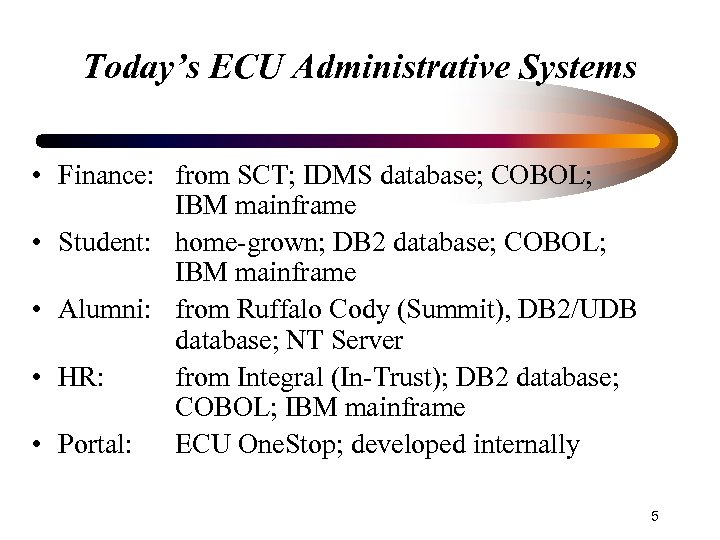
Today’s ECU Administrative Systems • Finance: from SCT; IDMS database; COBOL; IBM mainframe • Student: home-grown; DB 2 database; COBOL; IBM mainframe • Alumni: from Ruffalo Cody (Summit), DB 2/UDB database; NT Server • HR: from Integral (In-Trust); DB 2 database; COBOL; IBM mainframe • Portal: ECU One. Stop; developed internally 5
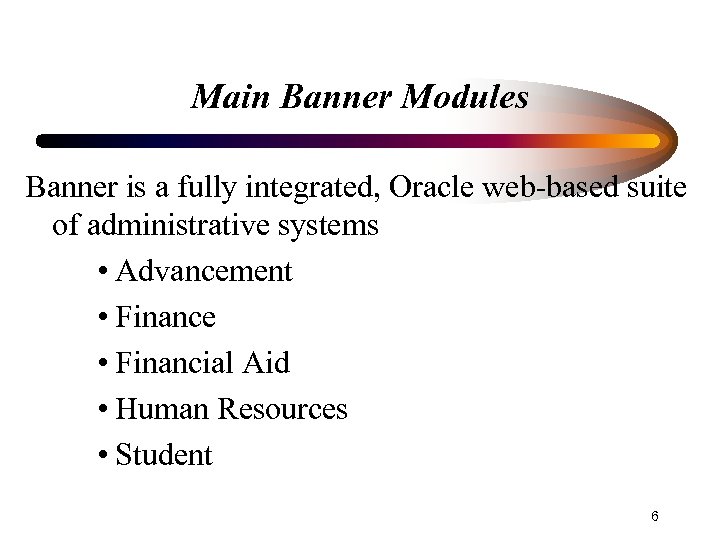
Main Banner Modules Banner is a fully integrated, Oracle web-based suite of administrative systems • Advancement • Finance • Financial Aid • Human Resources • Student 6
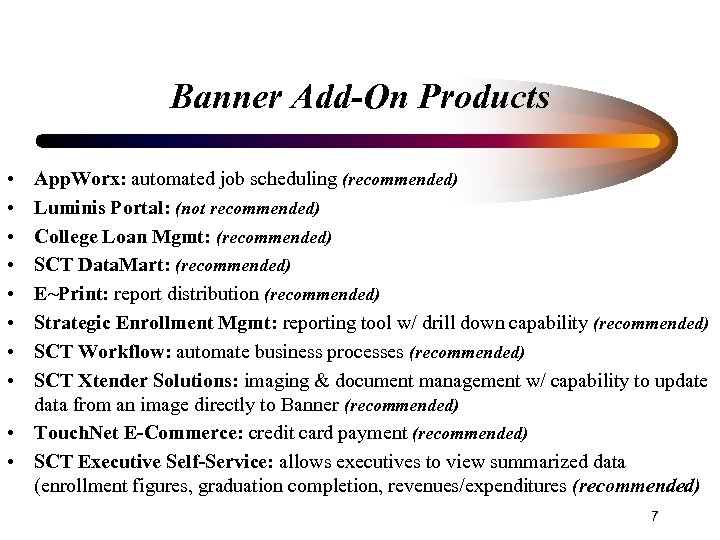
Banner Add-On Products • • App. Worx: automated job scheduling (recommended) Luminis Portal: (not recommended) College Loan Mgmt: (recommended) SCT Data. Mart: (recommended) E~Print: report distribution (recommended) Strategic Enrollment Mgmt: reporting tool w/ drill down capability (recommended) SCT Workflow: automate business processes (recommended) SCT Xtender Solutions: imaging & document management w/ capability to update data from an image directly to Banner (recommended) • Touch. Net E-Commerce: credit card payment (recommended) • SCT Executive Self-Service: allows executives to view summarized data (enrollment figures, graduation completion, revenues/expenditures (recommended) 7
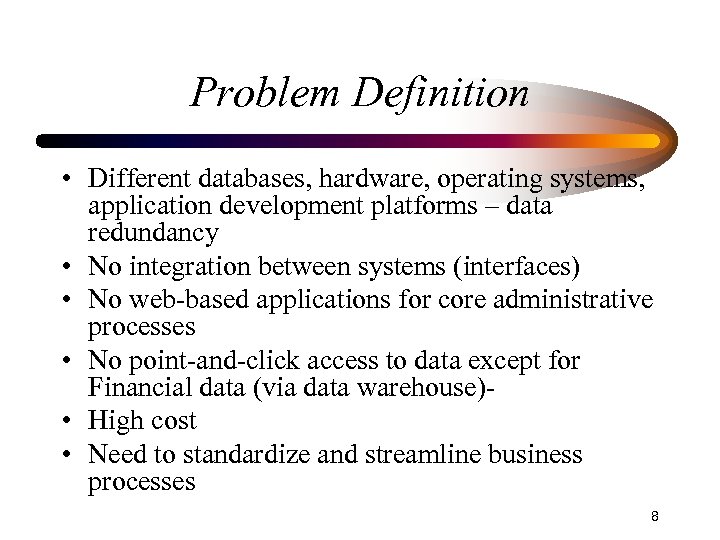
Problem Definition • Different databases, hardware, operating systems, application development platforms – data redundancy • No integration between systems (interfaces) • No web-based applications for core administrative processes • No point-and-click access to data except for Financial data (via data warehouse) • High cost • Need to standardize and streamline business processes 8
Requirements Analysis/System Specifications • Reviewed each ECU vs. Banner Application separately with thorough GAP analysis. 9
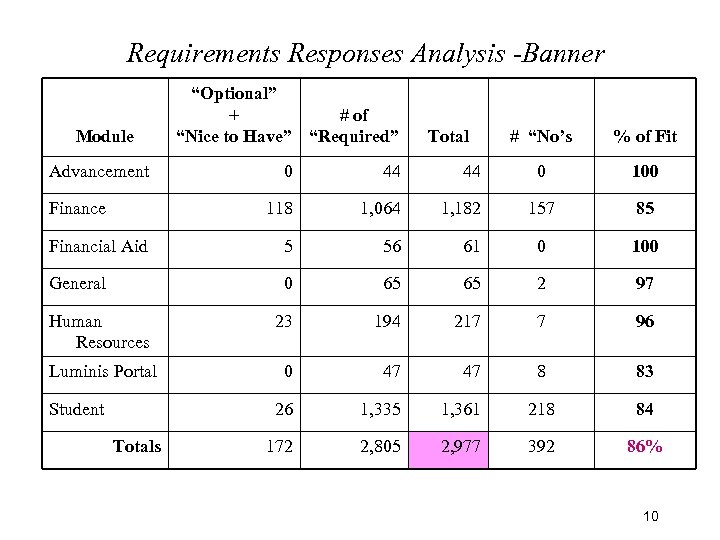
Requirements Responses Analysis -Banner Module Advancement “Optional” + # of “Nice to Have” “Required” Total # “No’s % of Fit 0 100 157 85 0 44 44 118 1, 064 1, 182 Financial Aid 5 56 61 0 100 General 0 65 65 2 97 Human Resources 23 194 217 7 96 Luminis Portal 0 47 47 8 83 26 1, 335 1, 361 218 84 172 2, 805 2, 977 392 86% Finance Student Totals 10
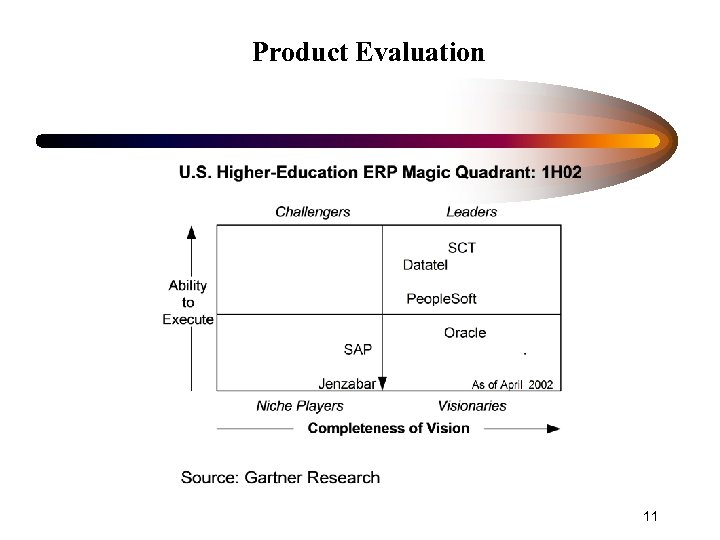
Product Evaluation 11
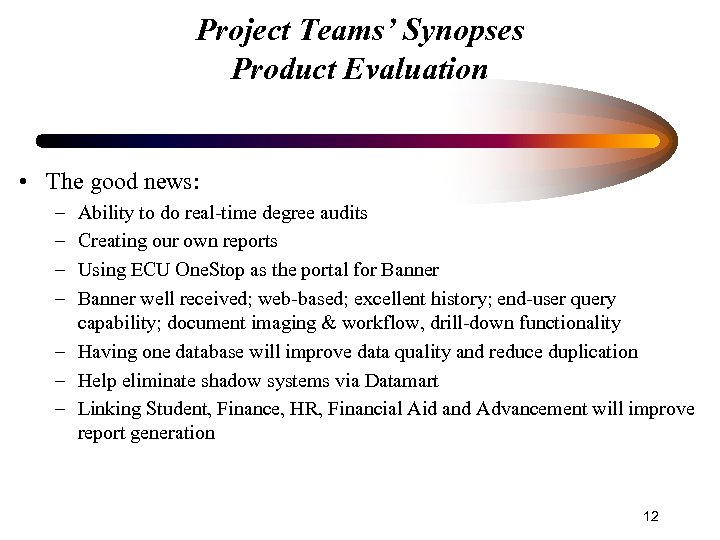
Project Teams’ Synopses Product Evaluation • The good news: – – Ability to do real-time degree audits Creating our own reports Using ECU One. Stop as the portal for Banner well received; web-based; excellent history; end-user query capability; document imaging & workflow, drill-down functionality – Having one database will improve data quality and reduce duplication – Help eliminate shadow systems via Datamart – Linking Student, Finance, HR, Financial Aid and Advancement will improve report generation 12
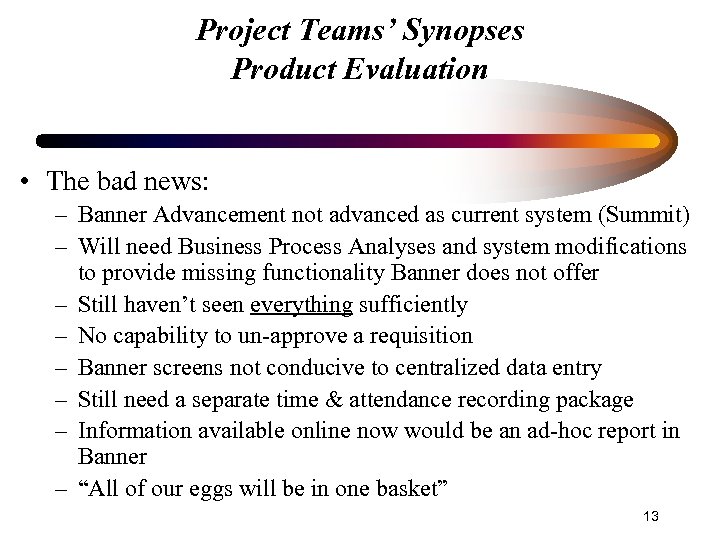
Project Teams’ Synopses Product Evaluation • The bad news: – Banner Advancement not advanced as current system (Summit) – Will need Business Process Analyses and system modifications to provide missing functionality Banner does not offer – Still haven’t seen everything sufficiently – No capability to un-approve a requisition – Banner screens not conducive to centralized data entry – Still need a separate time & attendance recording package – Information available online now would be an ad-hoc report in Banner – “All of our eggs will be in one basket” 13
Project Teams’ Synopses Product Evaluation • The good news: There were really no major “showstoppers” reported at this point! 14
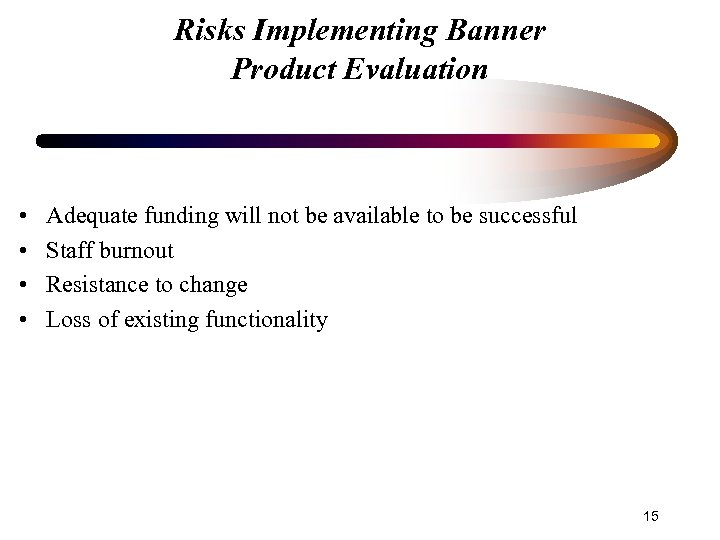
Risks Implementing Banner Product Evaluation • • Adequate funding will not be available to be successful Staff burnout Resistance to change Loss of existing functionality 15
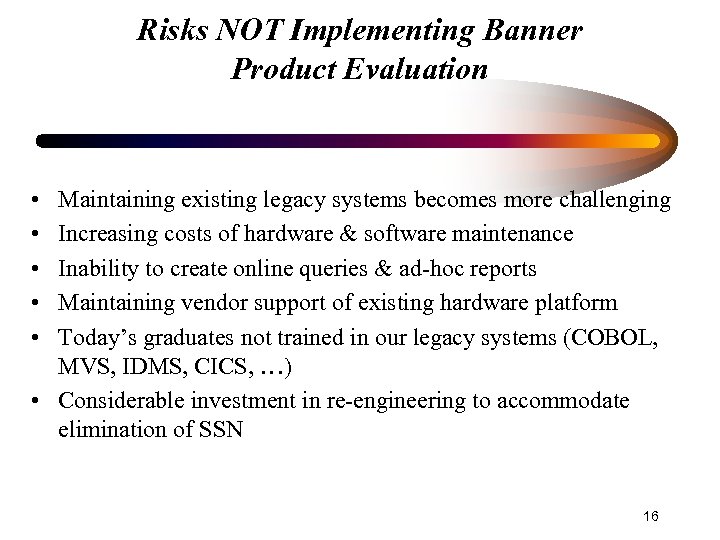
Risks NOT Implementing Banner Product Evaluation • • • Maintaining existing legacy systems becomes more challenging Increasing costs of hardware & software maintenance Inability to create online queries & ad-hoc reports Maintaining vendor support of existing hardware platform Today’s graduates not trained in our legacy systems (COBOL, MVS, IDMS, CICS, …) • Considerable investment in re-engineering to accommodate elimination of SSN 16
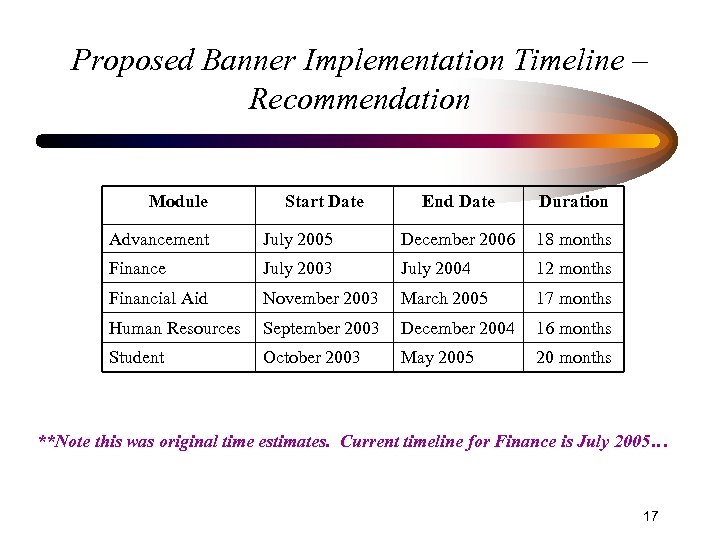
Proposed Banner Implementation Timeline – Recommendation Module Start Date End Date Duration Advancement July 2005 December 2006 18 months Finance July 2003 July 2004 12 months Financial Aid November 2003 March 2005 17 months Human Resources September 2003 December 2004 16 months Student October 2003 May 2005 20 months **Note this was original time estimates. Current timeline for Finance is July 2005… 17
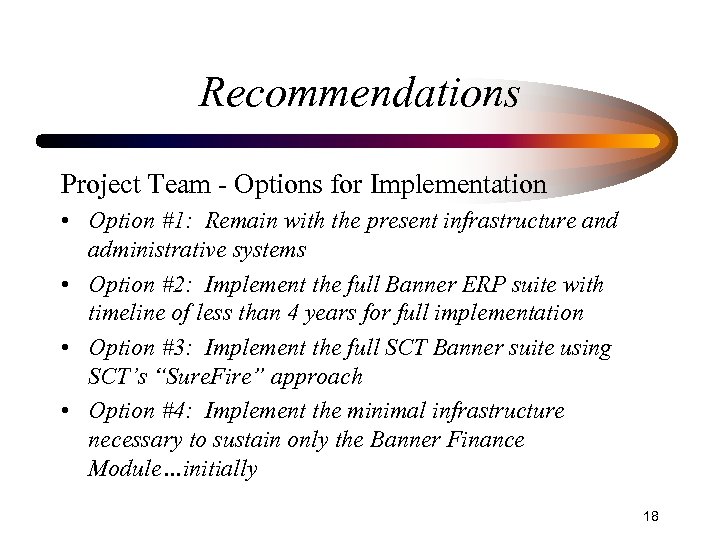
Recommendations Project Team - Options for Implementation • Option #1: Remain with the present infrastructure and administrative systems • Option #2: Implement the full Banner ERP suite with timeline of less than 4 years for full implementation • Option #3: Implement the full SCT Banner suite using SCT’s “Sure. Fire” approach • Option #4: Implement the minimal infrastructure necessary to sustain only the Banner Finance Module…initially 18
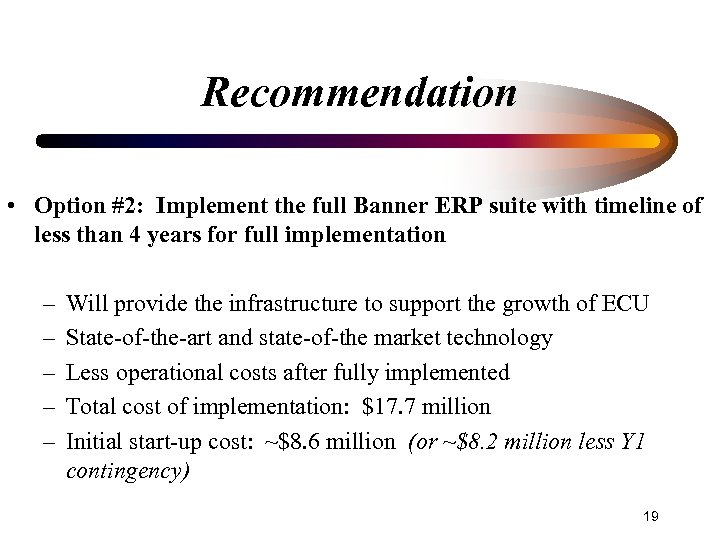
Recommendation • Option #2: Implement the full Banner ERP suite with timeline of less than 4 years for full implementation – – – Will provide the infrastructure to support the growth of ECU State-of-the-art and state-of-the market technology Less operational costs after fully implemented Total cost of implementation: $17. 7 million Initial start-up cost: ~$8. 6 million (or ~$8. 2 million less Y 1 contingency) 19
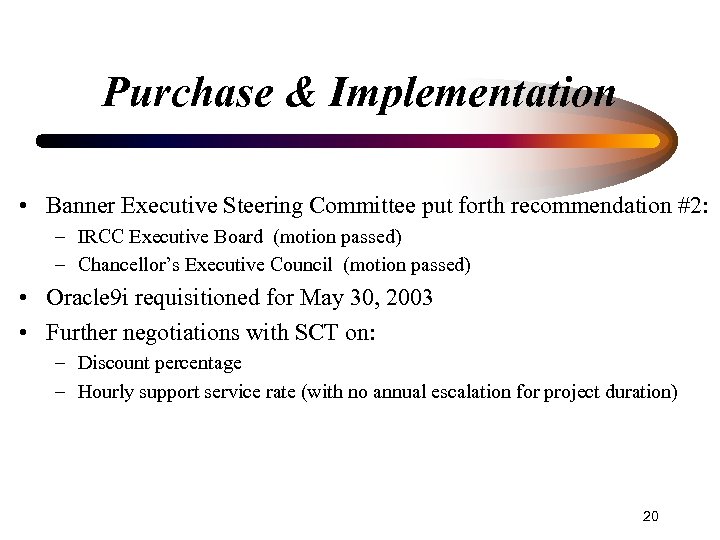
Purchase & Implementation • Banner Executive Steering Committee put forth recommendation #2: – IRCC Executive Board (motion passed) – Chancellor’s Executive Council (motion passed) • Oracle 9 i requisitioned for May 30, 2003 • Further negotiations with SCT on: – Discount percentage – Hourly support service rate (with no annual escalation for project duration) 20
Purchase & Implementation • Forming teams for Implementation • Putting in place the infrastructure to implement • Attending education classes on Banner through the UNC Alliance. • Reviewing department procedures to maximize the personnel efficiency to free up time for implementation teams. 21
Purchase & Implementation • • • Cost Considerations Core Banner Software Add-On Products Implementation Services Infrastructure Personnel Contingency Fund SCT Travel Expenses ECU travel, misc. Hardware Oracle 22
UNC Shared Services Alliance • Pool allocations of smaller schools – Purchase software solutions (economies of scale) – Implement standard processes across all schools • Full Members (pool their allocations) • Associate Members (keep their allocations) – ECU, NCSU, UNC-CH, UNCC, UNCG • Strategic intent motion to implement Banner (Full Members) • NCSU & UNC-CH not moving to Banner 23
SCT Banner Questions? 24
Скачать презентацию SCT Banner Presentation Patty Peebles ECU Software Development
21216c280f9f17b6edb55103e386b921.ppt