Скачать презентацию Scripting with Novell e Directory Using Perl and
1741fbb3ac2a51ac502d673eba5078cf.ppt
- Количество слайдов: 36
 Scripting with Novell e. Directory™ Using Perl and Novell Script www. novell. com Chris Seamons Software Engineer Novell, Inc. cseamons@novell. com
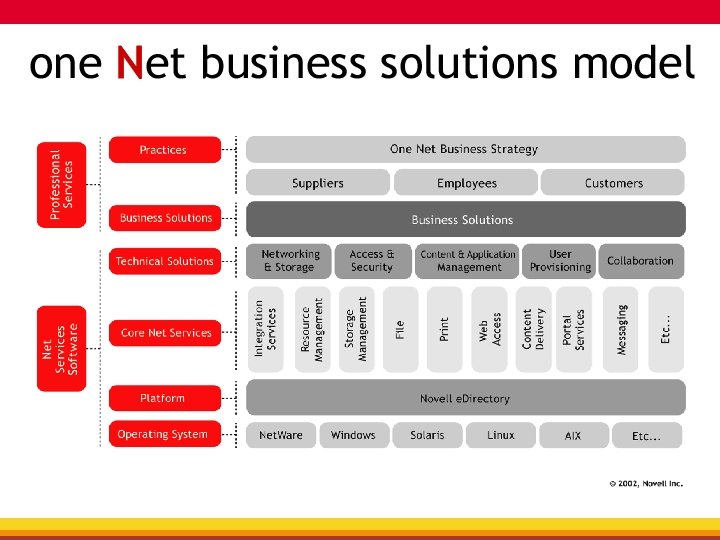
 Vision…one Net A world where networks of all types—corporate and public, intranets, extranets, and the Internet—work together as one Net and securely connect employees, customers, suppliers, and partners across organizational boundaries Mission To solve complex business and technical challenges with Net business solutions that enable people, processes, and systems to work together and our customers to profit from the opportunities of a networked world
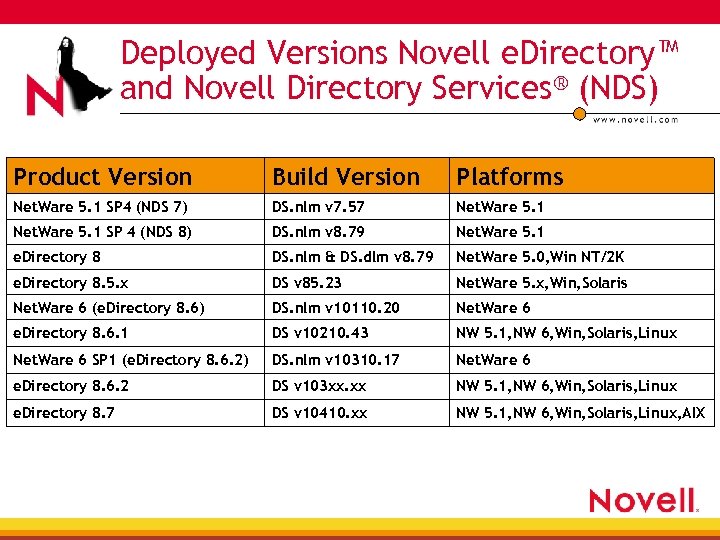 Deployed Versions Novell e. Directory™ and Novell Directory Services® (NDS) Product Version Build Version Platforms Net. Ware 5. 1 SP 4 (NDS 7) DS. nlm v 7. 57 Net. Ware 5. 1 SP 4 (NDS 8) DS. nlm v 8. 79 Net. Ware 5. 1 e. Directory 8 DS. nlm & DS. dlm v 8. 79 Net. Ware 5. 0, Win NT/2 K e. Directory 8. 5. x DS v 85. 23 Net. Ware 5. x, Win, Solaris Net. Ware 6 (e. Directory 8. 6) DS. nlm v 10110. 20 Net. Ware 6 e. Directory 8. 6. 1 DS v 10210. 43 NW 5. 1, NW 6, Win, Solaris, Linux Net. Ware 6 SP 1 (e. Directory 8. 6. 2) DS. nlm v 10310. 17 Net. Ware 6 e. Directory 8. 6. 2 DS v 103 xx. xx NW 5. 1, NW 6, Win, Solaris, Linux e. Directory 8. 7 DS v 10410. xx NW 5. 1, NW 6, Win, Solaris, Linux, AIX
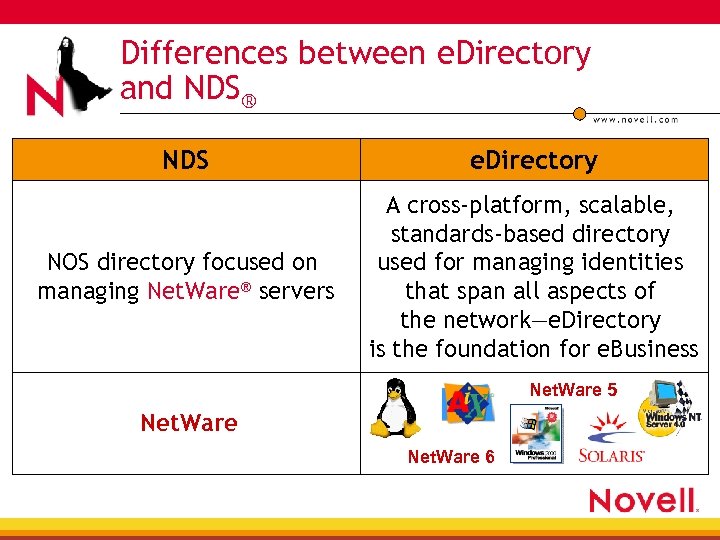 Differences between e. Directory and NDS® NDS e. Directory NOS directory focused on managing Net. Ware® servers A cross-platform, scalable, standards-based directory used for managing identities that span all aspects of the network—e. Directory is the foundation for e. Business Net. Ware 5 Net. Ware 6
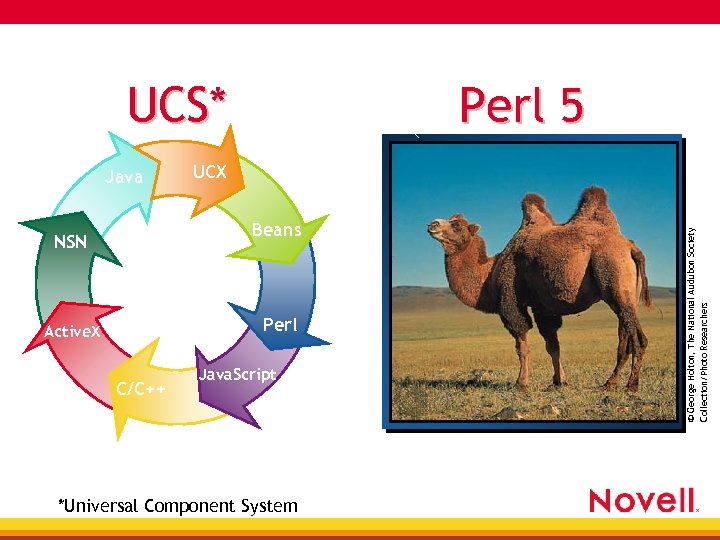 UCS* UCX Beans NSN Perl Active. X C/C++ Java. Script *Universal Component System © George Holton, The National Audubon Society Collection/Photo Researchers Java Perl 5
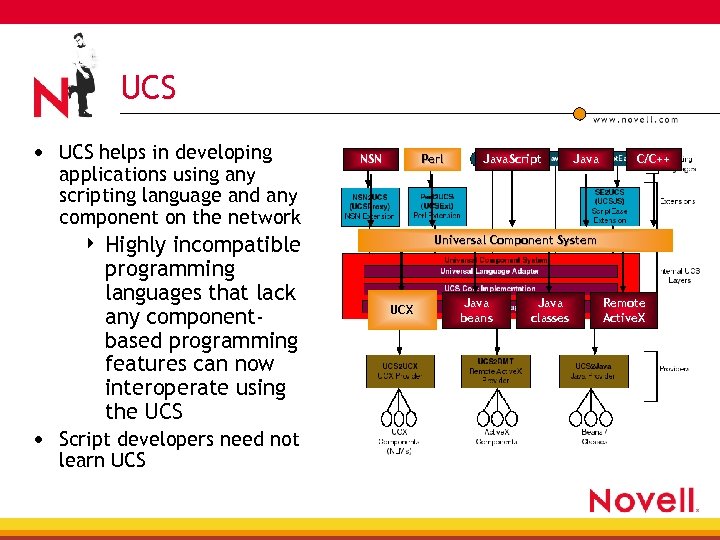 UCS • UCS helps in developing applications using any scripting language and any component on the network 4 Highly incompatible programming languages that lack any componentbased programming features can now interoperate using the UCS • Script developers need not learn UCS NSN Perl Java. Script Java C/C++ Universal Component System UCX Java beans Java classes Remote Active. X
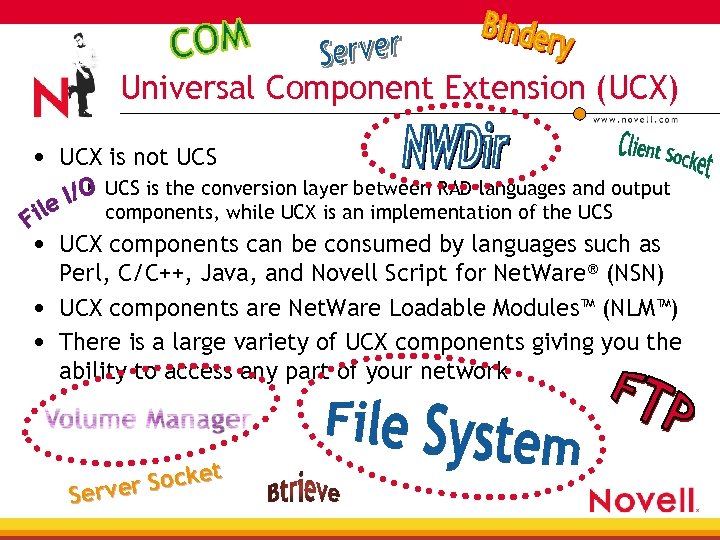 Universal Component Extension (UCX) • UCX is not UCS 4 UCS is the conversion layer between RAD languages and output components, while UCX is an implementation of the UCS • UCX components can be consumed by languages such as Perl, C/C++, Java, and Novell Script for Net. Ware® (NSN) • UCX components are Net. Ware Loadable Modules™ (NLM™) • There is a large variety of UCX components giving you the ability to access any part of your network Socket Server
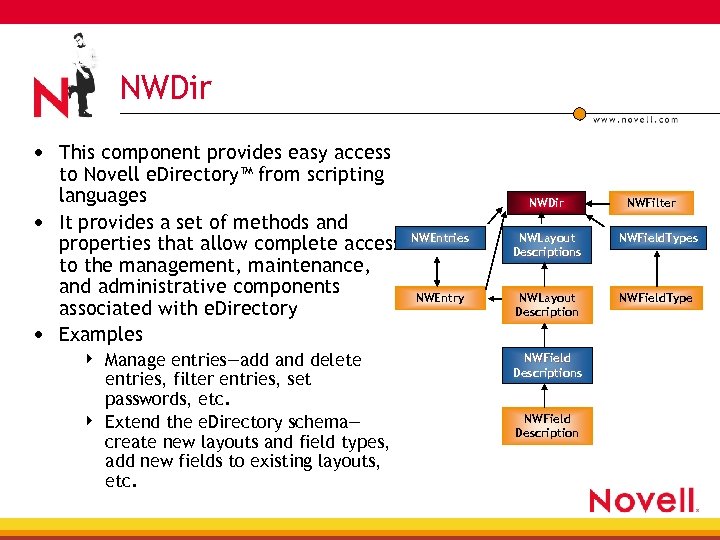 NWDir • This component provides easy access to Novell e. Directory™ from scripting languages • It provides a set of methods and properties that allow complete access to the management, maintenance, and administrative components associated with e. Directory • Examples 4 4 Manage entries—add and delete entries, filter entries, set passwords, etc. Extend the e. Directory schema— create new layouts and field types, add new fields to existing layouts, etc. NWDir NWFilter NWEntries NWLayout Descriptions NWField. Types NWEntry NWLayout Description NWField. Type NWField Descriptions NWField Description
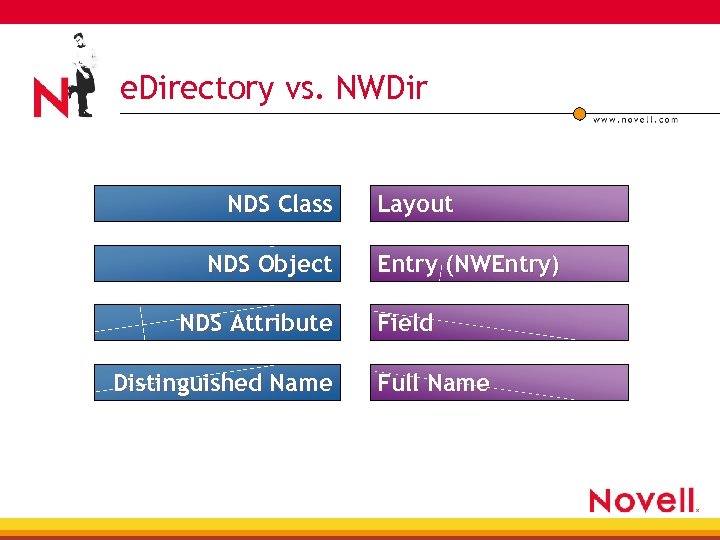 e. Directory vs. NWDir NDS Class NDS Object NDS Attribute Distinguished Name Layout Entry (NWEntry) Field Full Name
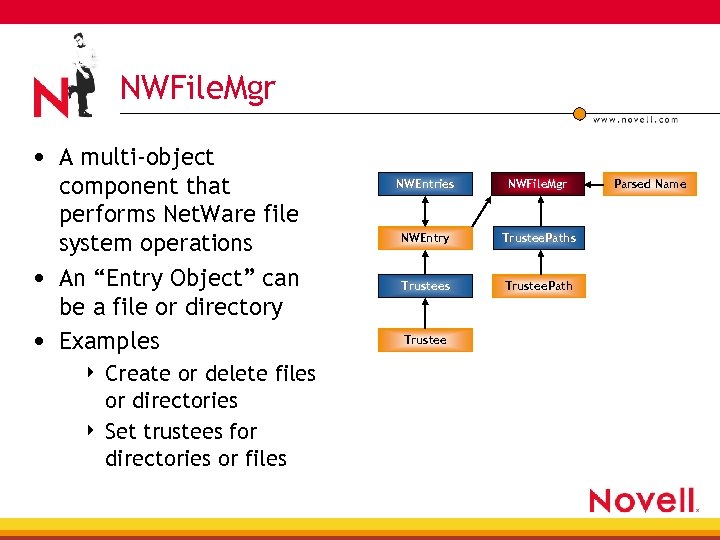 NWFile. Mgr • A multi-object component that performs Net. Ware file system operations • An “Entry Object” can be a file or directory • Examples Create or delete files or directories 4 Set trustees for directories or files 4 NWEntries NWFile. Mgr NWEntry Trustee. Paths Trustee. Path Trustee Parsed Name
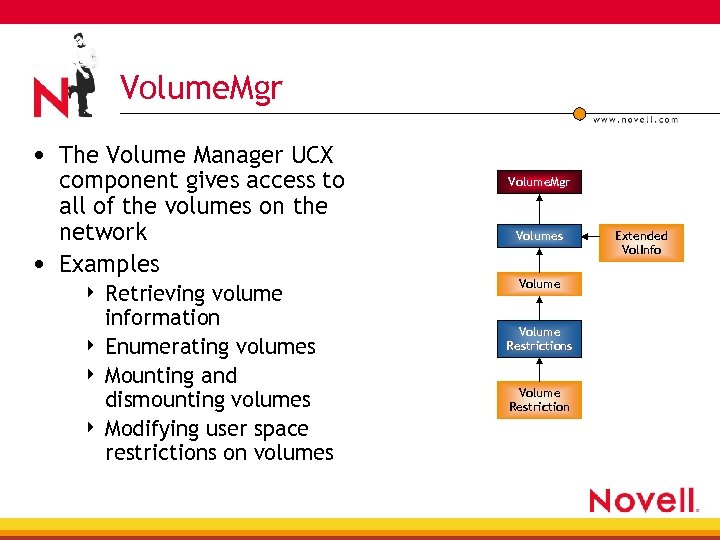 Volume. Mgr • The Volume Manager UCX component gives access to all of the volumes on the network • Examples Retrieving volume information 4 Enumerating volumes 4 Mounting and dismounting volumes 4 Modifying user space restrictions on volumes 4 Volume. Mgr Volumes Volume Restrictions Volume Restriction Extended Vol. Info
 Perl 5 for Net. Ware • • Report Language (Perl) Perl is both a compiler and an interpreter Perl doesn’t care Perl 5 for Net. Ware is based on the Active. State Windows 32 -bit version of Perl 5. 003_07 UCSExt extension gives Perl access to the UCS © Mickey Gibson/Animals 00 • Practical Extraction and
 Perl: A System Administration Tool • • Powerful text processor Administration processes can be automated Easy user interaction through CGI/web Examples 4 4 4 Automatically back up your server’s hard drive Change file ownership Delete backlogged e-mail messages Generate random passwords for users List all mounted volumes and available disk space on each Report disk space used by each user
 Objects in Perl • “An object is simply a referenced thingy that happens to know which class it belongs to” • Perl doesn’t provide 4 Any special syntax for constructors • new() is common 4 4 Any special syntax for class definitions Any special syntax for method definitions • Method invocation 4 4 method object params object->method(params) • Properties 4 4 object->{‘property’} object->property
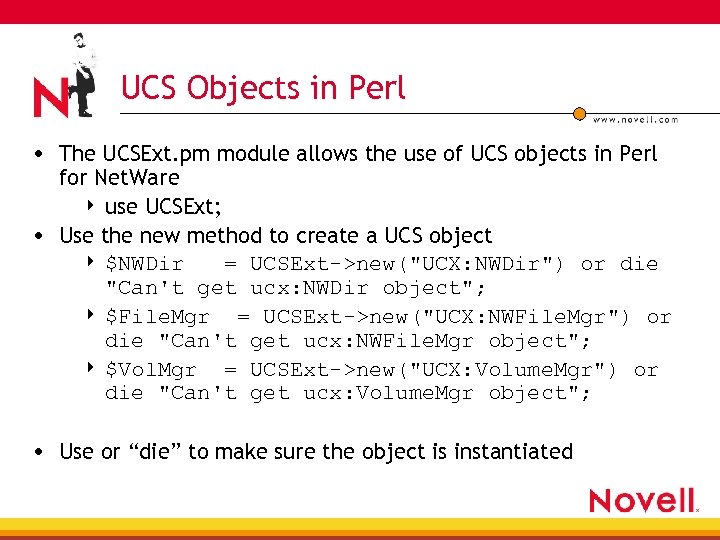 UCS Objects in Perl • The UCSExt. pm module allows the use of UCS objects in Perl for Net. Ware 4 use UCSExt; • Use the new method to create a UCS object 4 $NWDir = UCSExt->new("UCX: NWDir") or die "Can't get ucx: NWDir object"; 4 $File. Mgr = UCSExt->new("UCX: NWFile. Mgr") or die "Can't get ucx: NWFile. Mgr object"; 4 $Vol. Mgr = UCSExt->new("UCX: Volume. Mgr") or die "Can't get ucx: Volume. Mgr object"; • Use or “die” to make sure the object is instantiated
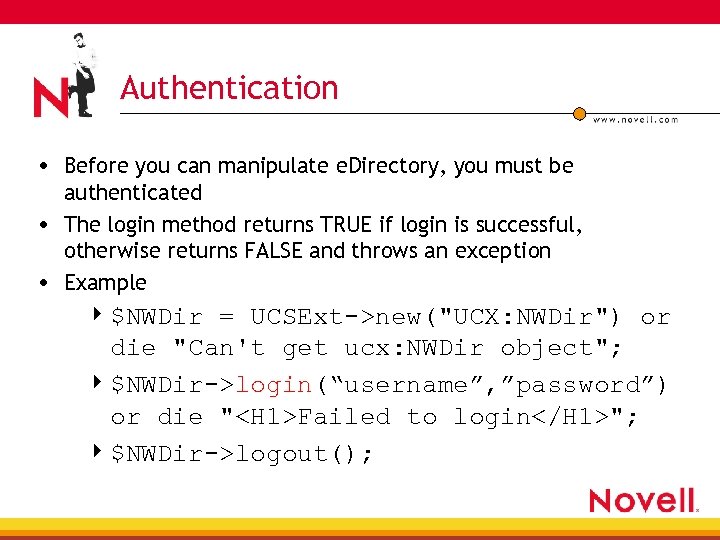 Authentication • Before you can manipulate e. Directory, you must be authenticated • The login method returns TRUE if login is successful, otherwise returns FALSE and throws an exception • Example 4 $NWDir = UCSExt->new("UCX: NWDir") or die "Can't get ucx: NWDir object"; 4 $NWDir->login(“username”, ”password”) or die "
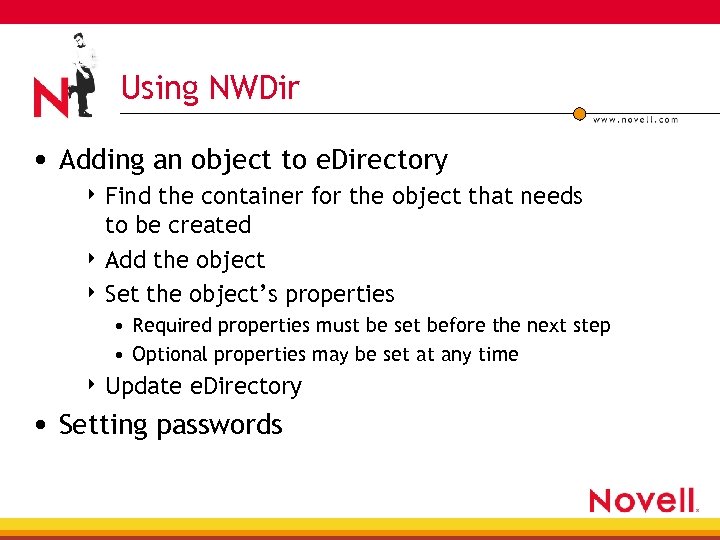 Using NWDir • Adding an object to e. Directory 4 Find the container for the object that needs to be created 4 Add the object 4 Set the object’s properties • Required properties must be set before the next step • Optional properties may be set at any time 4 Update e. Directory • Setting passwords
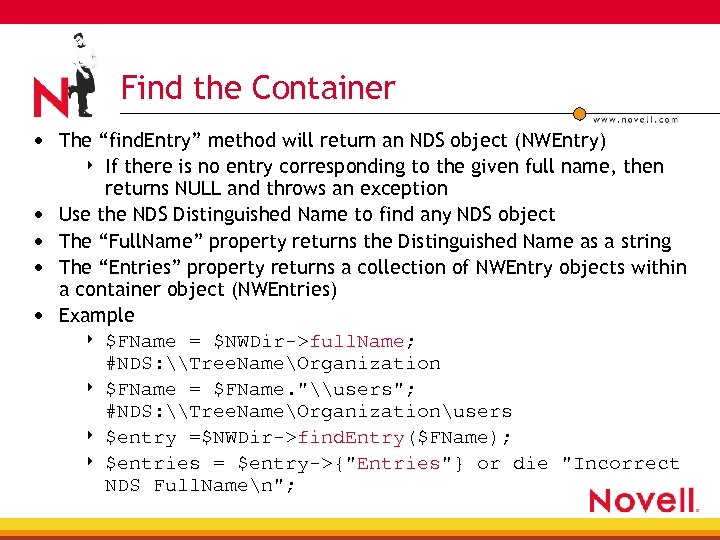 Find the Container • The “find. Entry” method will return an NDS object (NWEntry) If there is no entry corresponding to the given full name, then returns NULL and throws an exception Use the NDS Distinguished Name to find any NDS object The “Full. Name” property returns the Distinguished Name as a string The “Entries” property returns a collection of NWEntry objects within a container object (NWEntries) Example 4 $FName = $NWDir->full. Name; #NDS: \Tree. NameOrganization 4 $FName = $FName. "\users"; #NDS: \Tree. NameOrganizationusers 4 $entry =$NWDir->find. Entry($FName); 4 $entries = $entry->{"Entries"} or die "Incorrect NDS Full. Namen"; 4 • •
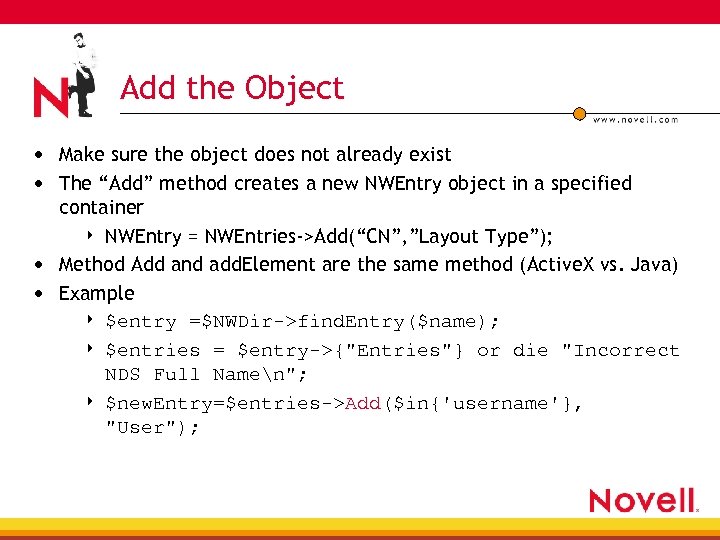 Add the Object • Make sure the object does not already exist • The “Add” method creates a new NWEntry object in a specified container 4 NWEntry = NWEntries->Add(“CN”, ”Layout Type”); • Method Add and add. Element are the same method (Active. X vs. Java) • Example 4 $entry =$NWDir->find. Entry($name); 4 $entries = $entry->{"Entries"} or die "Incorrect NDS Full Namen"; 4 $new. Entry=$entries->Add($in{'username'}, "User");
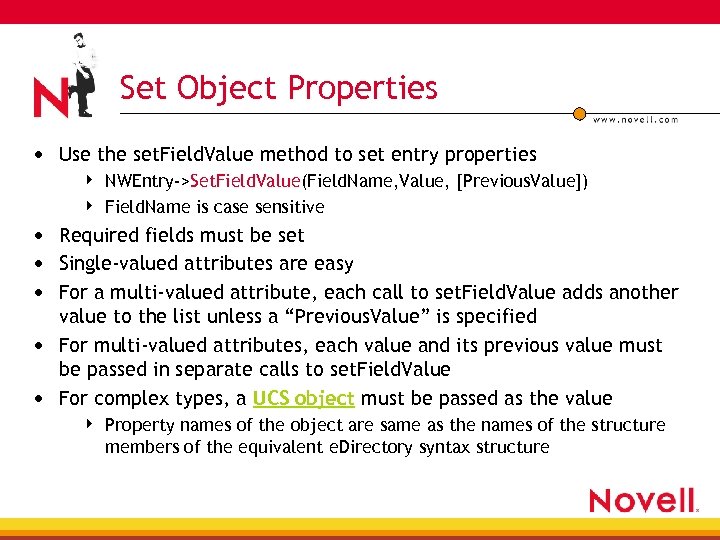 Set Object Properties • Use the set. Field. Value method to set entry properties 4 4 NWEntry->Set. Field. Value(Field. Name, Value, [Previous. Value]) Field. Name is case sensitive • Required fields must be set • Single-valued attributes are easy • For a multi-valued attribute, each call to set. Field. Value adds another value to the list unless a “Previous. Value” is specified • For multi-valued attributes, each value and its previous value must be passed in separate calls to set. Field. Value • For complex types, a UCS object must be passed as the value 4 Property names of the object are same as the names of the structure members of the equivalent e. Directory syntax structure
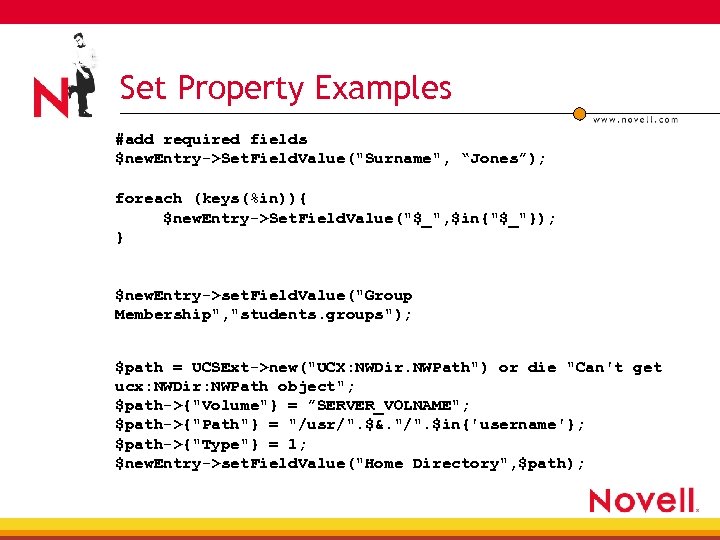 Set Property Examples #add required fields $new. Entry->Set. Field. Value("Surname", “Jones”); foreach (keys(%in)){ $new. Entry->Set. Field. Value("$_", $in{"$_"}); } $new. Entry->set. Field. Value("Group Membership", "students. groups"); $path = UCSExt->new("UCX: NWDir. NWPath") or die "Can't get ucx: NWDir: NWPath object"; $path->{"Volume"} = ”SERVER_VOLNAME"; $path->{"Path"} = "/usr/". $&. "/". $in{'username'}; $path->{"Type"} = 1; $new. Entry->set. Field. Value("Home Directory", $path);
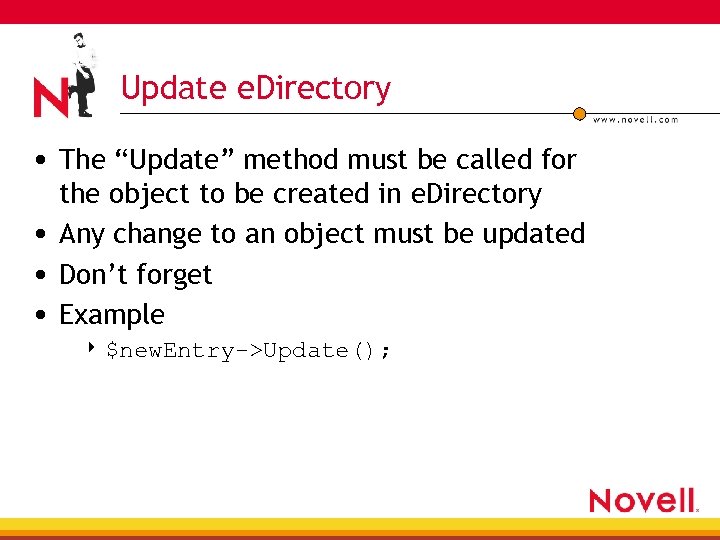 Update e. Directory • The “Update” method must be called for the object to be created in e. Directory • Any change to an object must be updated • Don’t forget • Example 4 $new. Entry->Update();
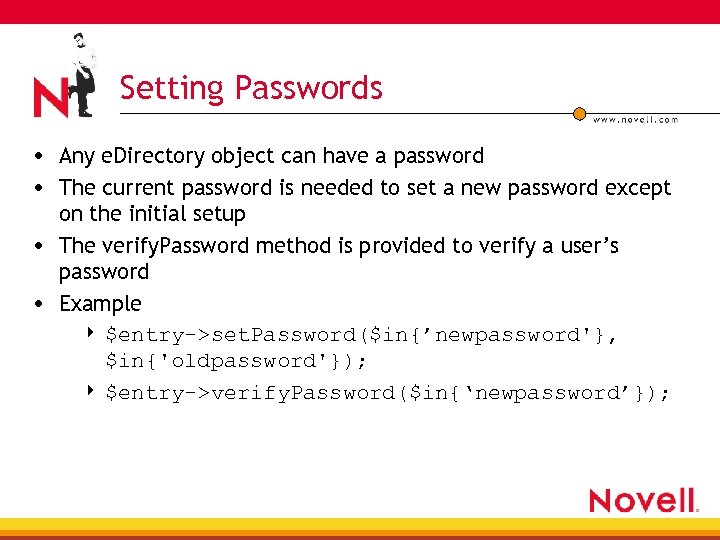 Setting Passwords • Any e. Directory object can have a password • The current password is needed to set a new password except on the initial setup • The verify. Password method is provided to verify a user’s password • Example 4 $entry->set. Password($in{’newpassword'}, $in{'oldpassword'}); 4 $entry->verify. Password($in{‘newpassword’});
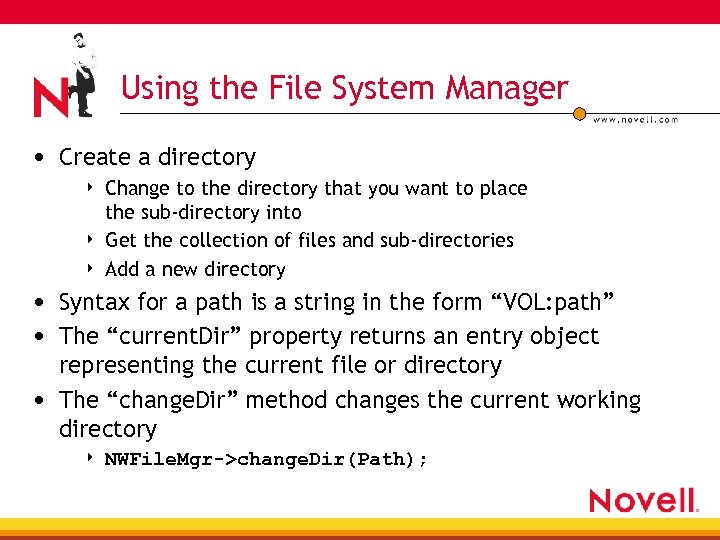 Using the File System Manager • Create a directory 4 4 4 Change to the directory that you want to place the sub-directory into Get the collection of files and sub-directories Add a new directory • Syntax for a path is a string in the form “VOL: path” • The “current. Dir” property returns an entry object representing the current file or directory • The “change. Dir” method changes the current working directory 4 NWFile. Mgr->change. Dir(Path);
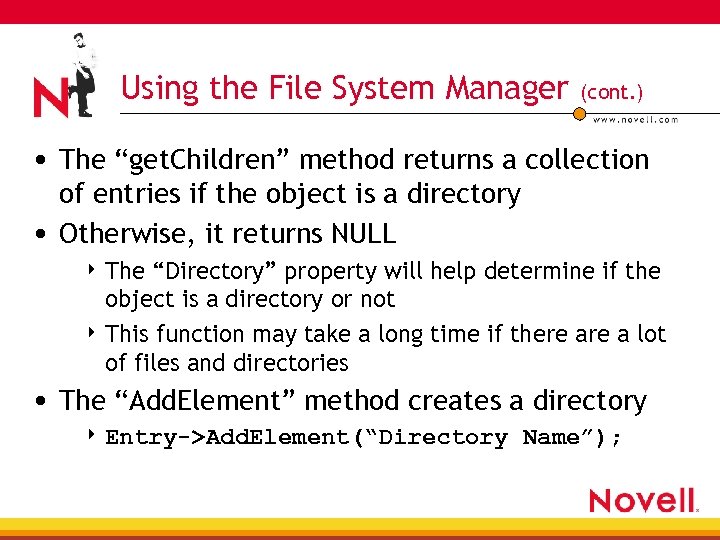 Using the File System Manager (cont. ) • The “get. Children” method returns a collection of entries if the object is a directory • Otherwise, it returns NULL 4 The “Directory” property will help determine if the object is a directory or not 4 This function may take a long time if there a lot of files and directories • The “Add. Element” method creates a directory 4 Entry->Add. Element(“Directory Name”);
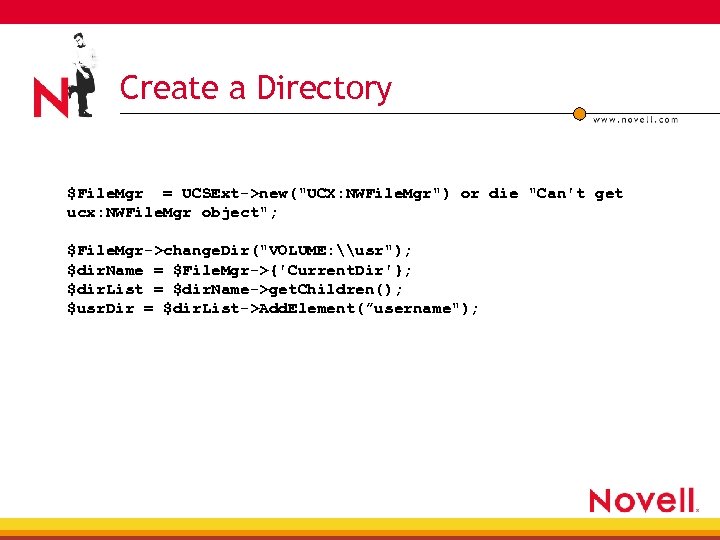 Create a Directory $File. Mgr = UCSExt->new("UCX: NWFile. Mgr") or die "Can't get ucx: NWFile. Mgr object"; $File. Mgr->change. Dir("VOLUME: \usr"); $dir. Name = $File. Mgr->{'Current. Dir'}; $dir. List = $dir. Name->get. Children(); $usr. Dir = $dir. List->Add. Element(”username");
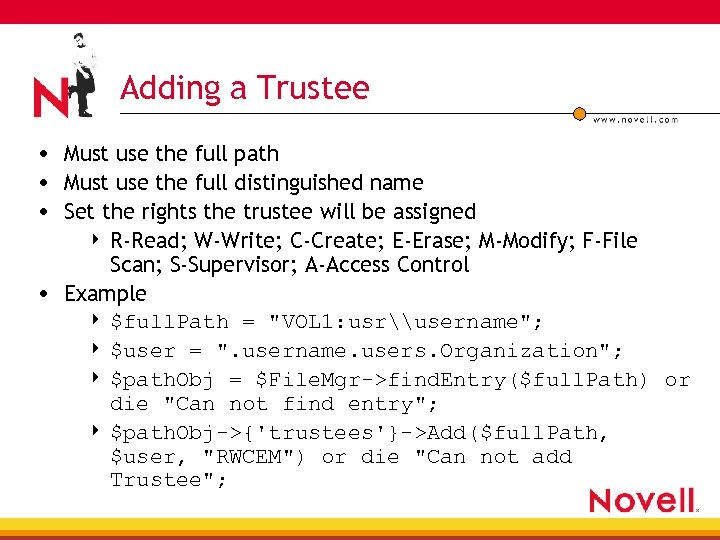 Adding a Trustee • Must use the full path • Must use the full distinguished name • Set the rights the trustee will be assigned R-Read; W-Write; C-Create; E-Erase; M-Modify; F-File Scan; S-Supervisor; A-Access Control • Example 4 $full. Path = "VOL 1: usr\username"; 4 $user = ". username. users. Organization"; 4 $path. Obj = $File. Mgr->find. Entry($full. Path) or die "Can not find entry"; 4 $path. Obj->{'trustees'}->Add($full. Path, $user, "RWCEM") or die "Can not add Trustee"; 4
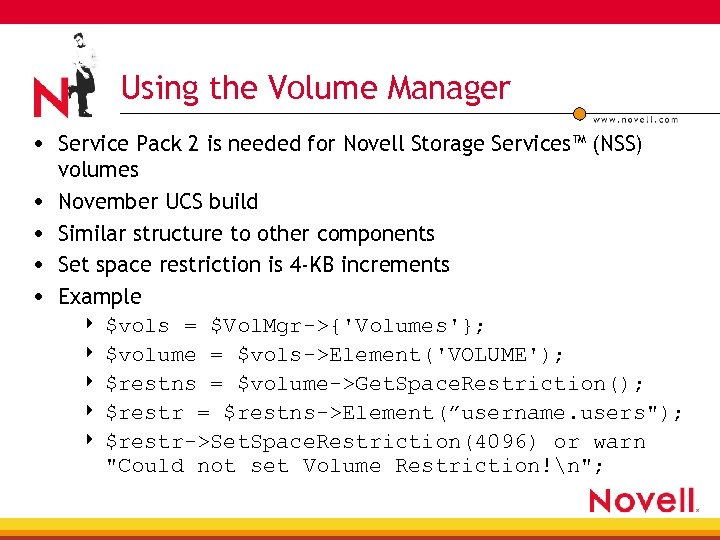 Using the Volume Manager • Service Pack 2 is needed for Novell Storage Services™ (NSS) • • volumes November UCS build Similar structure to other components Set space restriction is 4 -KB increments Example 4 $vols = $Vol. Mgr->{'Volumes'}; 4 $volume = $vols->Element('VOLUME'); 4 $restns = $volume->Get. Space. Restriction(); 4 $restr = $restns->Element(”username. users"); 4 $restr->Set. Space. Restriction(4096) or warn "Could not set Volume Restriction!n";
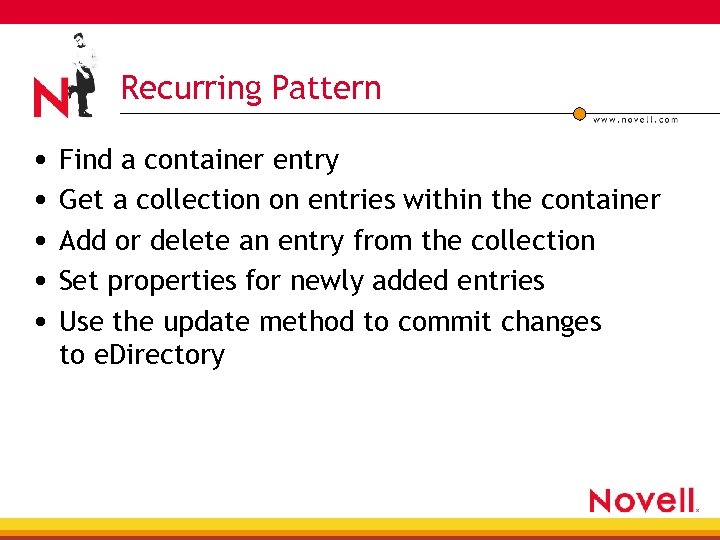 Recurring Pattern • Find a container entry • Get a collection on entries within the container • Add or delete an entry from the collection • Set properties for newly added entries • Use the update method to commit changes to e. Directory
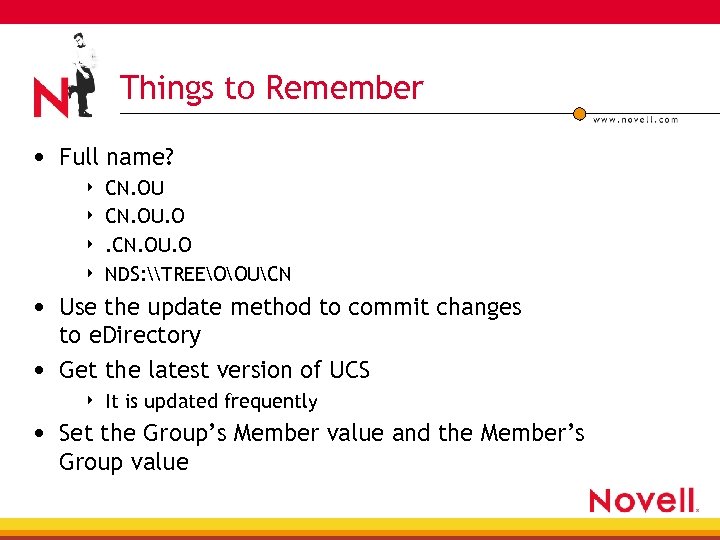 Things to Remember • Full name? 4 4 CN. OU. O NDS: \TREEOOUCN • Use the update method to commit changes to e. Directory • Get the latest version of UCS 4 It is updated frequently • Set the Group’s Member value and the Member’s Group value
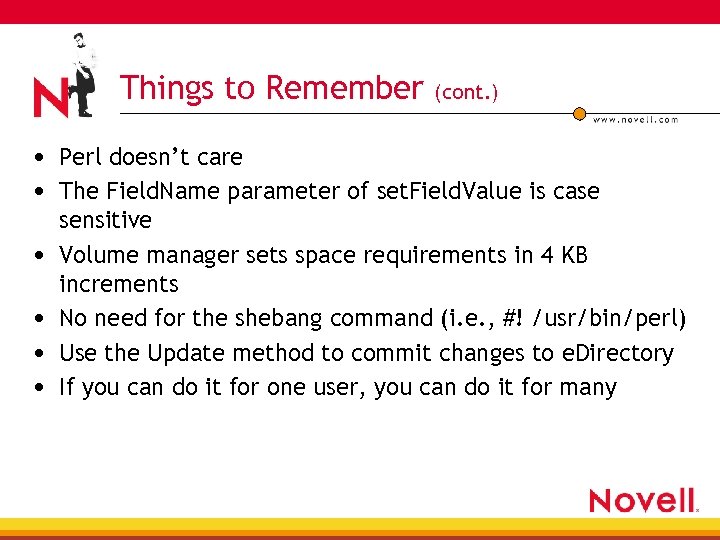 Things to Remember (cont. ) • Perl doesn’t care • The Field. Name parameter of set. Field. Value is case • • sensitive Volume manager sets space requirements in 4 KB increments No need for the shebang command (i. e. , #! /usr/bin/perl) Use the Update method to commit changes to e. Directory If you can do it for one user, you can do it for many
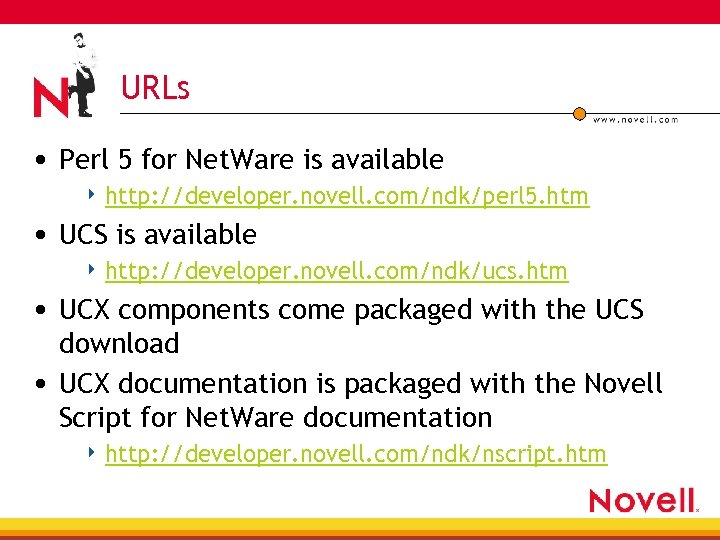 URLs • Perl 5 for Net. Ware is available 4 http: //developer. novell. com/ndk/perl 5. htm • UCS is available 4 http: //developer. novell. com/ndk/ucs. htm • UCX components come packaged with the UCS download • UCX documentation is packaged with the Novell Script for Net. Ware documentation 4 http: //developer. novell. com/ndk/nscript. htm
 Demonstration http: //brainshare/index. html
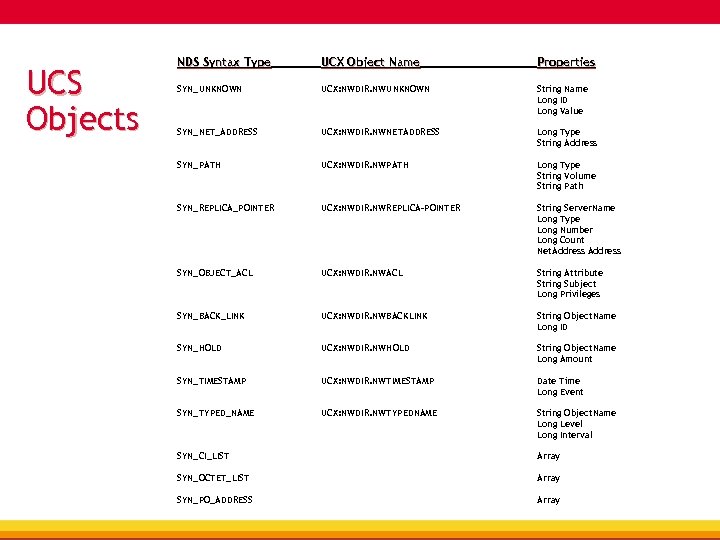 UCS Objects NDS Syntax Type UCX Object Name Properties SYN_UNKNOWN UCX: NWDIR. NWUNKNOWN String Name Long ID Long Value SYN_NET_ADDRESS UCX: NWDIR. NWNETADDRESS Long Type String Address SYN_PATH UCX: NWDIR. NWPATH Long Type String Volume String Path SYN_REPLICA_POINTER UCX: NWDIR. NWREPLICA-POINTER String Server. Name Long Type Long Number Long Count Net. Address SYN_OBJECT_ACL UCX: NWDIR. NWACL String Attribute String Subject Long Privileges SYN_BACK_LINK UCX: NWDIR. NWBACKLINK String Object. Name Long ID SYN_HOLD UCX: NWDIR. NWHOLD String Object. Name Long Amount SYN_TIMESTAMP UCX: NWDIR. NWTIMESTAMP Date Time Long Event SYN_TYPED_NAME UCX: NWDIR. NWTYPEDNAME String Object. Name Long Level Long Interval SYN_CI_LIST Array SYN_OCTET_LIST Array SYN_PO_ADDRESS Array