


 Скачать презентацию SCIENTIFIC AND TECHNICAL COMPUTATIONS Ivan Prochazka Summer Semester
744d8217d7d8e9c691cb4f82a7478469.ppt
- Количество слайдов: 52
 SCIENTIFIC AND TECHNICAL COMPUTATIONS Ivan Prochazka Summer Semester 1+1 Czech Technical University in Prague Faculty of Nuclear Science and Physical Engineering Department of Physical Electronics I. Prochazka, 2018
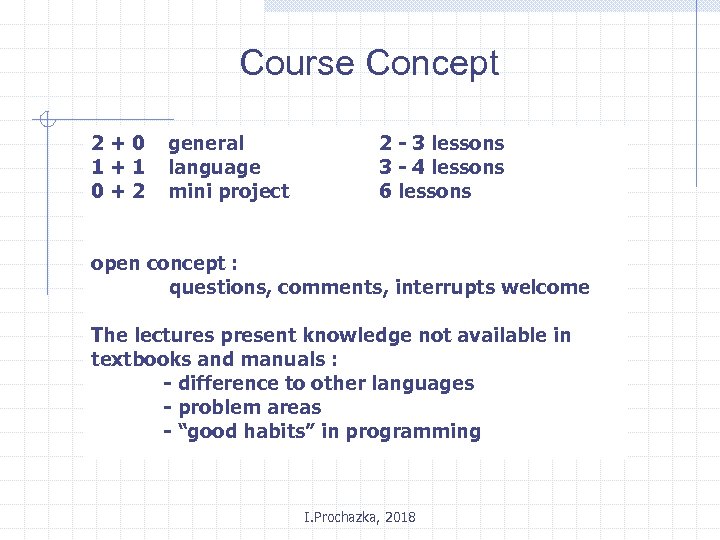 Course Concept 2+0 1+1 0+2 general language mini project 2 - 3 lessons 3 - 4 lessons 6 lessons open concept : questions, comments, interrupts welcome The lectures present knowledge not available in textbooks and manuals : - difference to other languages - problem areas - “good habits” in programming I. Prochazka, 2018
 Gentlemen agreement No one PC touched by a student within a lecture I. Prochazka, 2018
 Requirements - active presence on 80 % of lessons - completion of all the programming examples in a “real time” - completion of a mini project in time before the end of “zapoctovy tyden” I. Prochazka, 2018
 COURSE GOALS FORTRAN language review, history principle basic programming problem areas Programming guidelines Programming team work Project I. Prochazka, 2018
 Literature - Vogel, Programování ve FORTRANu, Praha 1967, … - compilers manuals / documentation - www based (GNU, Salford, . . ) - Microsoft Fortran 77 - Lahey Fortran (90) - Compaq Fortran (90, 95) - and many others I. Prochazka, 2018
 SUBJECT CHARACTERISTICS numerical computations, formulas “long term problems” ( > 50 years !) large teams space / time platform independent memory and CPU efficient high CPU power requirements (rel. ) low number of I/O data volumes(rel. ) problem libraries I. Prochazka, 2018
 FORTRAN FORmula TRANslation Fortran history FORTRAN, BASIC FORTRAN, 4, 4 X, 77, 90, . . Why to use Fortran now ? History Libraries Back-compatibility World-wide accepted Examples (Apollo Project Simulator, LOWTRAN, , ILRS, GLAD, …) I. Prochazka, 2018
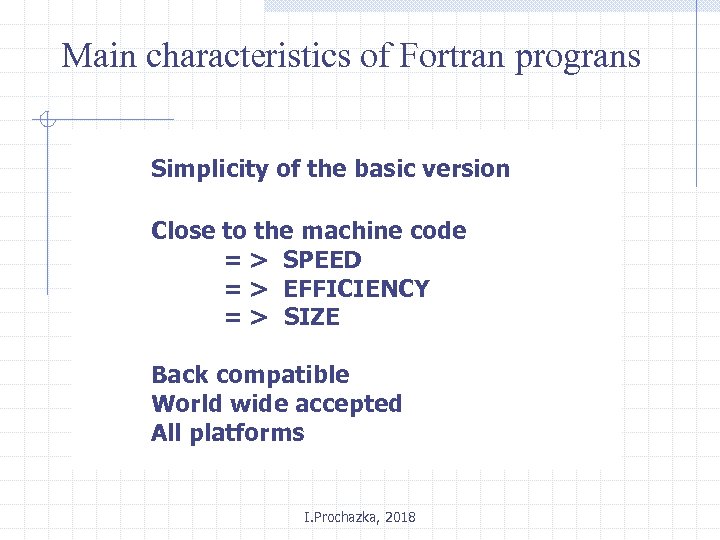 Main characteristics of Fortran prograns Simplicity of the basic version Close to the machine code = > SPEED = > EFFICIENCY = > SIZE Back compatible World wide accepted All platforms I. Prochazka, 2018
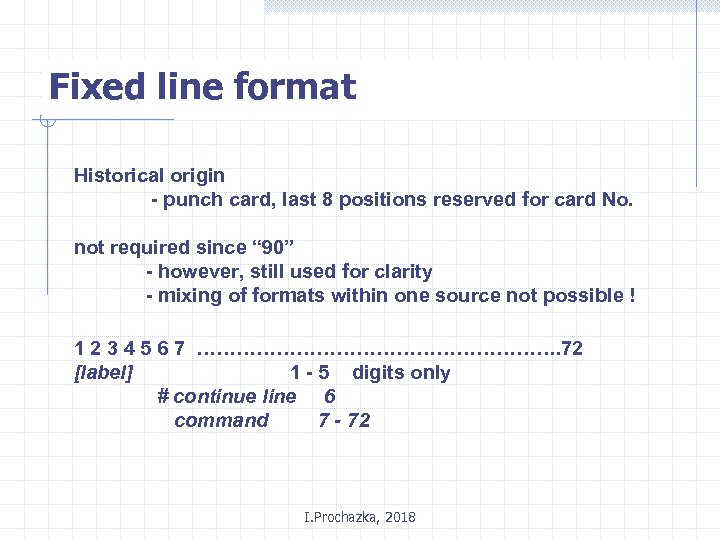 Fixed line format Historical origin - punch card, last 8 positions reserved for card No. not required since “ 90” - however, still used for clarity - mixing of formats within one source not possible ! 1 2 3 4 5 6 7 ………………………. 72 [label] 1 - 5 digits only # continue line 6 command 7 - 72 I. Prochazka, 2018
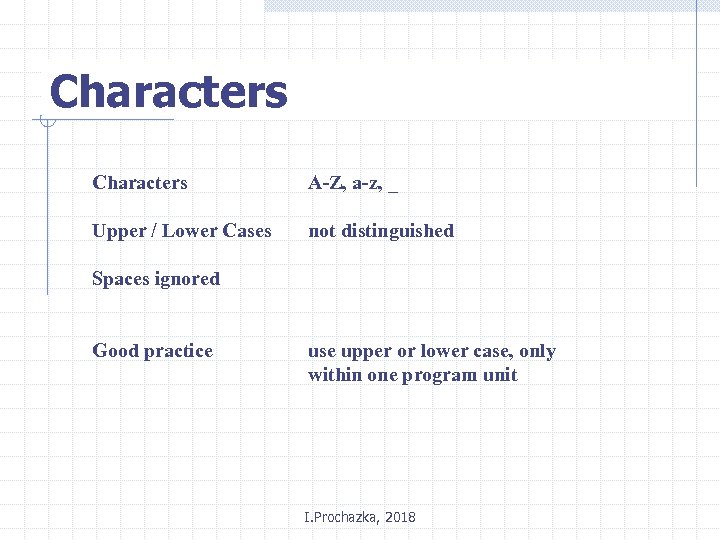 Characters A-Z, a-z, _ Upper / Lower Cases not distinguished Spaces ignored Good practice use upper or lower case, only within one program unit I. Prochazka, 2018
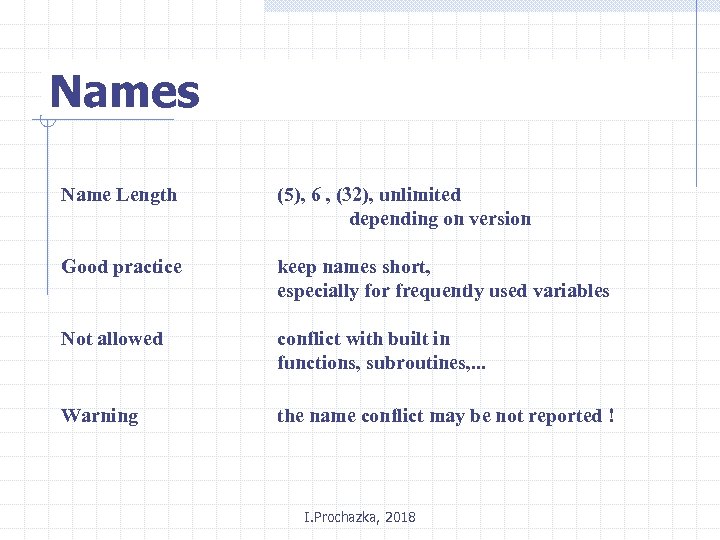 Names Name Length (5), 6 , (32), unlimited depending on version Good practice keep names short, especially for frequently used variables Not allowed conflict with built in functions, subroutines, . . . Warning the name conflict may be not reported ! I. Prochazka, 2018
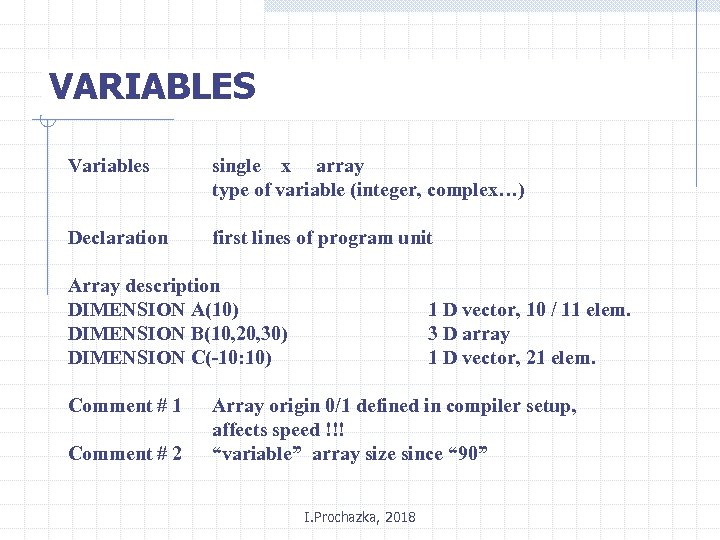 VARIABLES Variables single x array type of variable (integer, complex…) Declaration first lines of program unit Array description DIMENSION A(10) DIMENSION B(10, 20, 30) DIMENSION C(-10: 10) Comment # 1 Comment # 2 1 D vector, 10 / 11 elem. 3 D array 1 D vector, 21 elem. Array origin 0/1 defined in compiler setup, affects speed !!! “variable” array size since “ 90” I. Prochazka, 2018
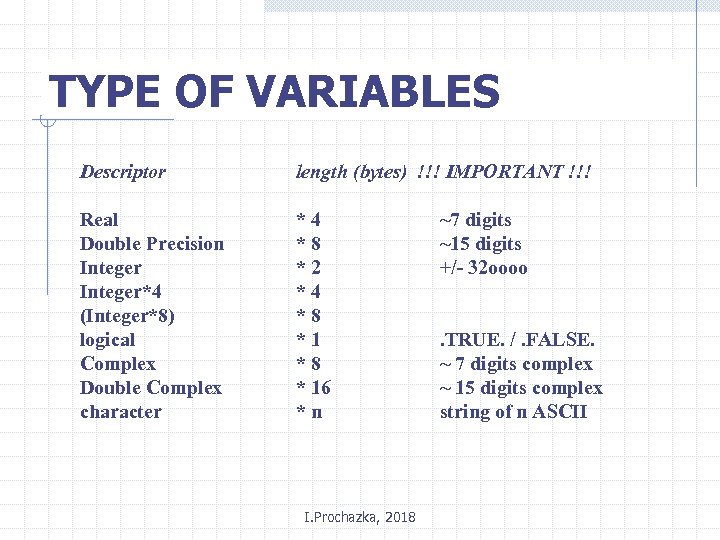 TYPE OF VARIABLES Descriptor length (bytes) !!! IMPORTANT !!! Real Double Precision Integer*4 (Integer*8) logical Complex Double Complex character *4 *8 *2 *4 *8 *1 *8 * 16 *n I. Prochazka, 2018 ~7 digits ~15 digits +/- 32 oooo. TRUE. /. FALSE. ~ 7 digits complex ~ 15 digits complex string of n ASCII
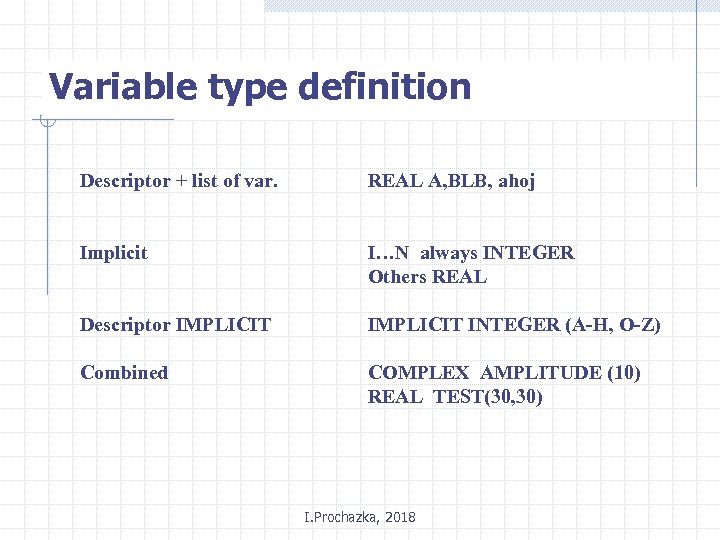 Variable type definition Descriptor + list of var. REAL A, BLB, ahoj Implicit I…N always INTEGER Others REAL Descriptor IMPLICIT INTEGER (A-H, O-Z) Combined COMPLEX AMPLITUDE (10) REAL TEST(30, 30) I. Prochazka, 2018
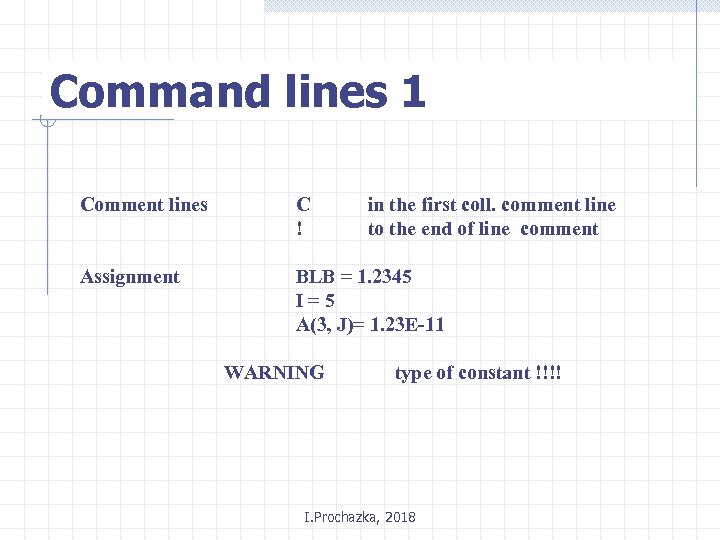 Command lines 1 Comment lines C ! Assignment BLB = 1. 2345 I=5 A(3, J)= 1. 23 E-11 WARNING in the first coll. comment line to the end of line comment type of constant !!!! I. Prochazka, 2018
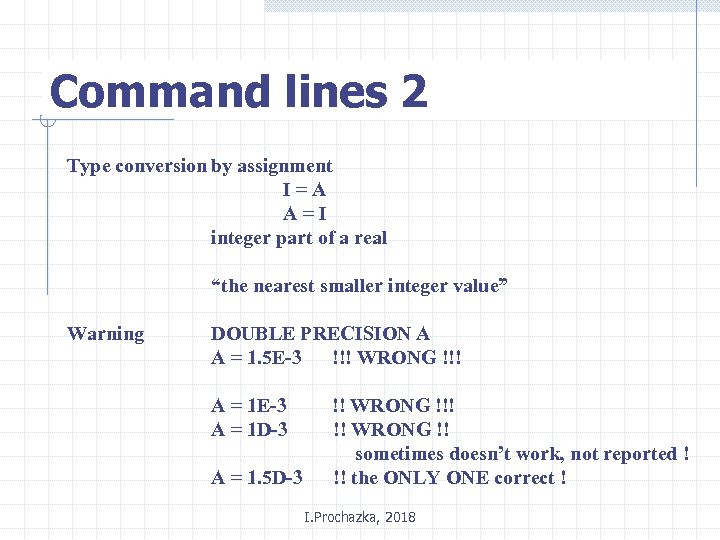 Command lines 2 Type conversion by assignment I=A A=I integer part of a real “the nearest smaller integer value” Warning DOUBLE PRECISION A A = 1. 5 E-3 !!! WRONG !!! A = 1 E-3 A = 1 D-3 A = 1. 5 D-3 !! WRONG !!! !! WRONG !! sometimes doesn’t work, not reported ! !! the ONLY ONE correct ! I. Prochazka, 2018
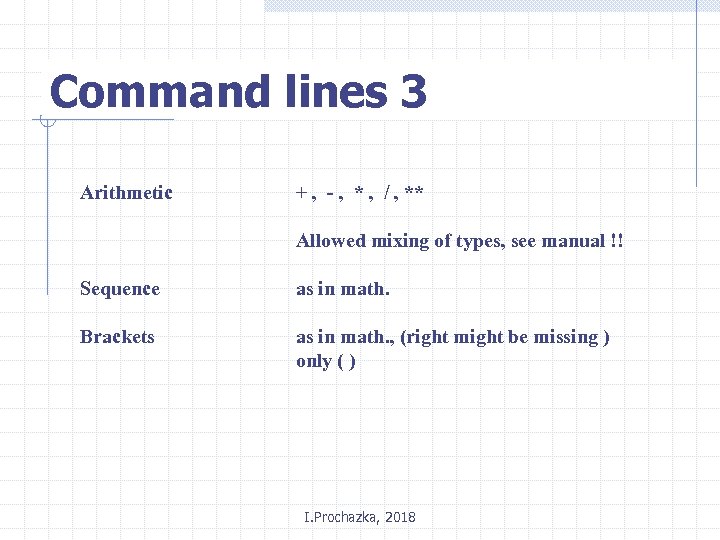 Command lines 3 Arithmetic + , - , * , / , ** Allowed mixing of types, see manual !! Sequence as in math. Brackets as in math. , (right might be missing ) only ( ) I. Prochazka, 2018
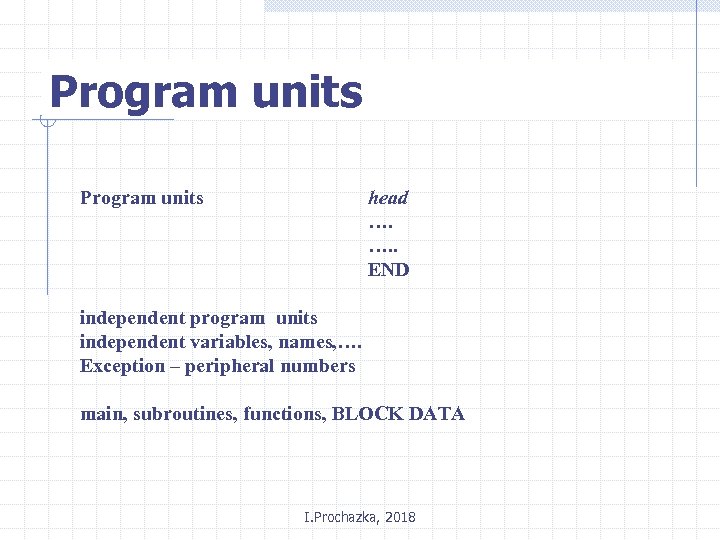 Program units head …. …. . END independent program units independent variables, names, …. Exception – peripheral numbers main, subroutines, functions, BLOCK DATA I. Prochazka, 2018
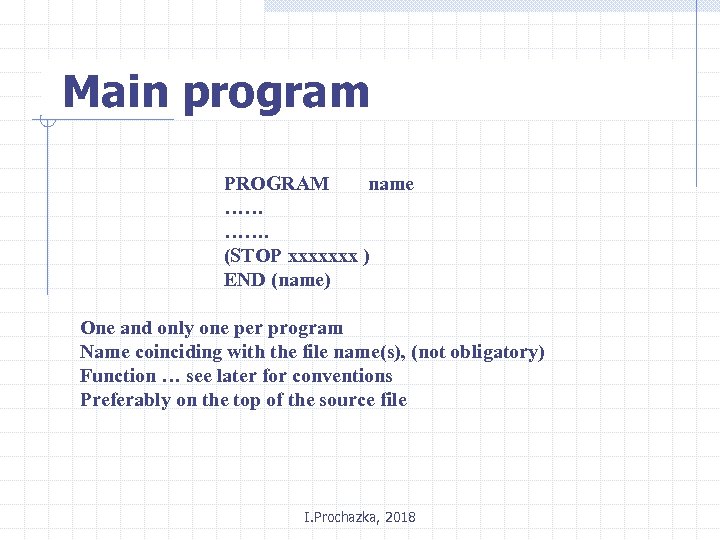 Main program PROGRAM name …… ……. (STOP xxxxxxx ) END (name) One and only one per program Name coinciding with the file name(s), (not obligatory) Function … see later for conventions Preferably on the top of the source file I. Prochazka, 2018
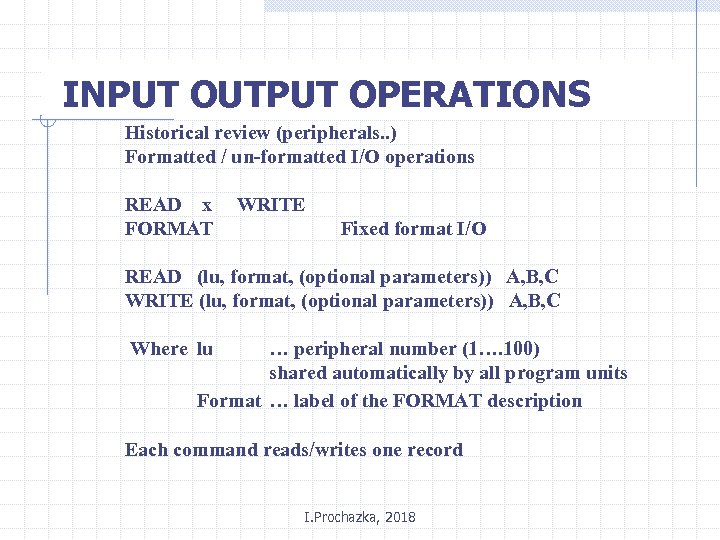 INPUT OUTPUT OPERATIONS Historical review (peripherals. . ) Formatted / un-formatted I/O operations READ x FORMAT WRITE Fixed format I/O READ (lu, format, (optional parameters)) A, B, C WRITE (lu, format, (optional parameters)) A, B, C Where lu … peripheral number (1…. 100) shared automatically by all program units Format … label of the FORMAT description Each command reads/writes one record I. Prochazka, 2018
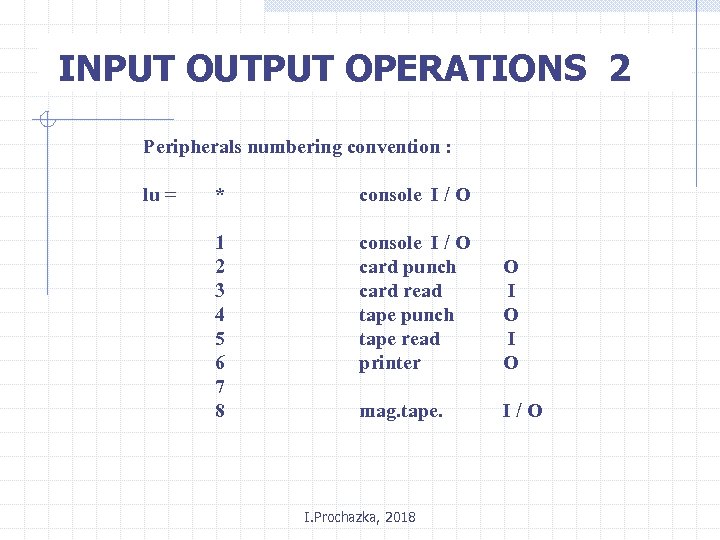 INPUT OUTPUT OPERATIONS 2 Peripherals numbering convention : lu = * console I / O 1 2 3 4 5 6 7 8 console I / O card punch card read tape punch tape read printer O I O mag. tape. I/O I. Prochazka, 2018
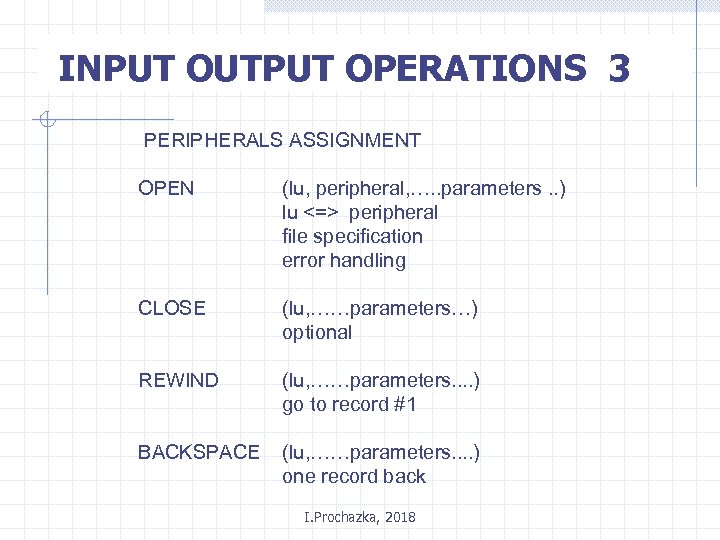 INPUT OUTPUT OPERATIONS 3 PERIPHERALS ASSIGNMENT OPEN (lu, peripheral, …. . parameters. . ) lu <=> peripheral file specification error handling CLOSE (lu, ……parameters…) optional REWIND (lu, ……parameters. . ) go to record #1 BACKSPACE (lu, ……parameters. . ) one record back I. Prochazka, 2018
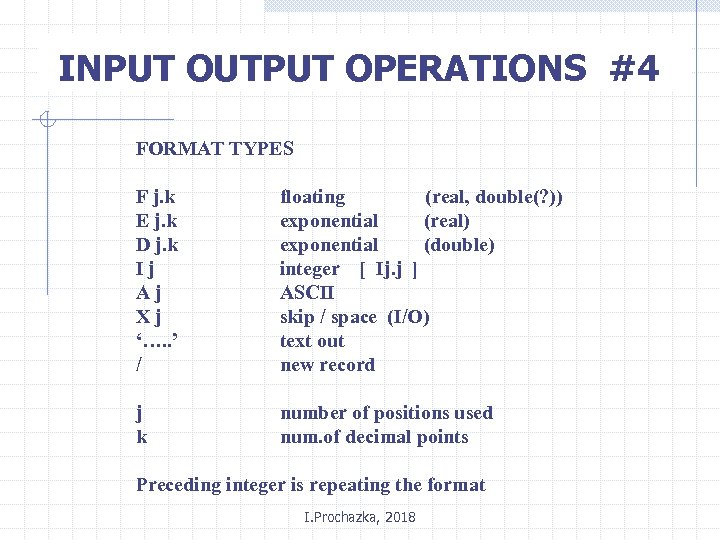 INPUT OUTPUT OPERATIONS #4 FORMAT TYPES F j. k E j. k D j. k Ij Aj Xj ‘…. . ’ / floating (real, double(? )) exponential (real) exponential (double) integer [ Ij. j ] ASCII skip / space (I/O) text out new record j k number of positions used num. of decimal points Preceding integer is repeating the format I. Prochazka, 2018
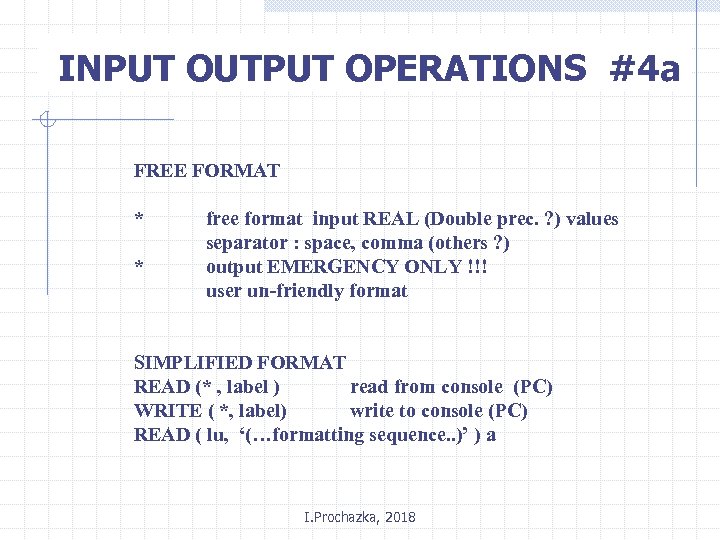 INPUT OUTPUT OPERATIONS #4 a FREE FORMAT * * free format input REAL (Double prec. ? ) values separator : space, comma (others ? ) output EMERGENCY ONLY !!! user un-friendly format SIMPLIFIED FORMAT READ (* , label ) read from console (PC) WRITE ( *, label) write to console (PC) READ ( lu, ‘(…formatting sequence. . )’ ) a I. Prochazka, 2018
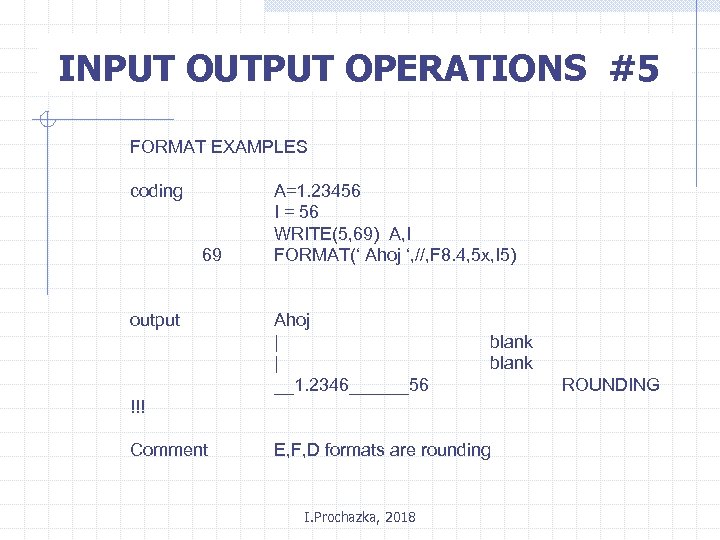 INPUT OUTPUT OPERATIONS #5 FORMAT EXAMPLES coding 69 output A=1. 23456 I = 56 WRITE(5, 69) A, I FORMAT(‘ Ahoj ‘, //, F 8. 4, 5 x, I 5) Ahoj | | __1. 2346______56 blank !!! Comment E, F, D formats are rounding I. Prochazka, 2018 ROUNDING
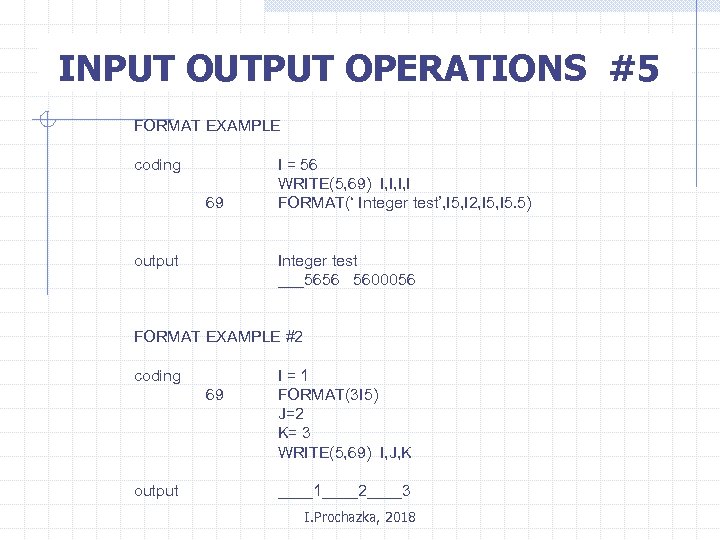 INPUT OUTPUT OPERATIONS #5 FORMAT EXAMPLE coding 69 output I = 56 WRITE(5, 69) I, I, I, I FORMAT(‘ Integer test’, I 5, I 2, I 5. 5) Integer test ___5656 5600056 FORMAT EXAMPLE #2 coding 69 output I=1 FORMAT(3 I 5) J=2 K= 3 WRITE(5, 69) I, J, K ____1____2____3 I. Prochazka, 2018
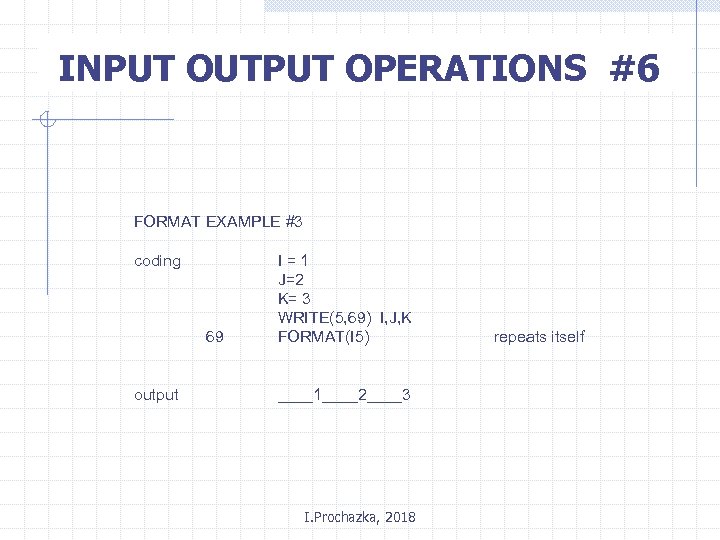 INPUT OUTPUT OPERATIONS #6 FORMAT EXAMPLE #3 coding 69 output I=1 J=2 K= 3 WRITE(5, 69) I, J, K FORMAT(I 5) ____1____2____3 I. Prochazka, 2018 repeats itself
 Exercise general instructions 0. Get familiar with the Fortran compiler (both in the classroom and elsewhere) 1. Writing the code, create a separate file for each the exercise 2. The deadline is the next lesson 3. Obey the instructions listed on the end of this course strictly I. Prochazka, 2018
 Exercise # 1 0. Get familiar with some Fortran compiler 1. Create an interactive calculator 4 basic operations, real comment the code and I/O well ! 2. see # 1, output to the file 3. see # 1, input from the file 4. see # 1, double precision 5. see # 1, complex I. Prochazka, 2018
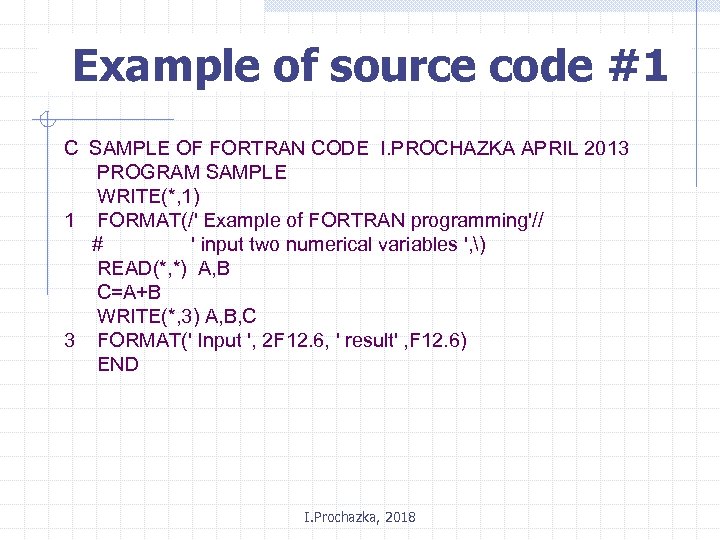 Example of source code #1 C SAMPLE OF FORTRAN CODE I. PROCHAZKA APRIL 2013 PROGRAM SAMPLE WRITE(*, 1) 1 FORMAT(/' Example of FORTRAN programming'// # ' input two numerical variables ', ) READ(*, *) A, B C=A+B WRITE(*, 3) A, B, C 3 FORMAT(' Input ', 2 F 12. 6, ' result' , F 12. 6) END I. Prochazka, 2018
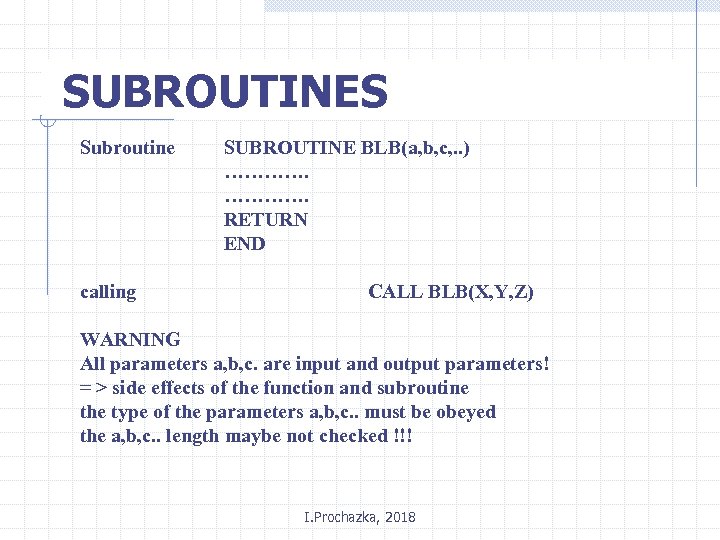 SUBROUTINES Subroutine calling SUBROUTINE BLB(a, b, c, . . ) …………. RETURN END CALL BLB(X, Y, Z) WARNING All parameters a, b, c. are input and output parameters! = > side effects of the function and subroutine the type of the parameters a, b, c. . must be obeyed the a, b, c. . length maybe not checked !!! I. Prochazka, 2018
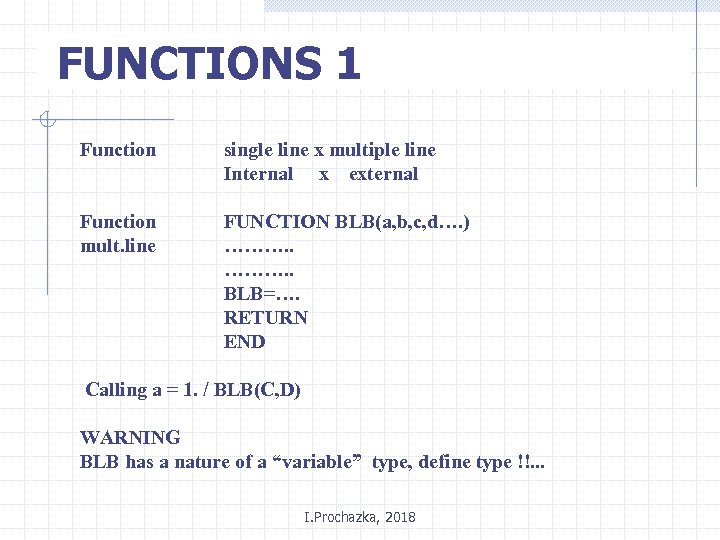 FUNCTIONS 1 Function single line x multiple line Internal x external Function mult. line FUNCTION BLB(a, b, c, d…. ) ………. . BLB=…. RETURN END Calling a = 1. / BLB(C, D) WARNING BLB has a nature of a “variable” type, define type !!. . . I. Prochazka, 2018
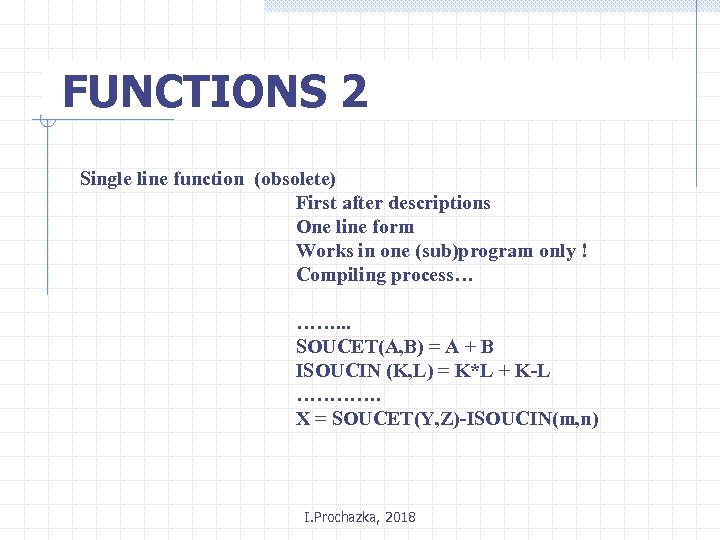 FUNCTIONS 2 Single line function (obsolete) First after descriptions One line form Works in one (sub)program only ! Compiling process… ……. . . SOUCET(A, B) = A + B ISOUCIN (K, L) = K*L + K-L …………. X = SOUCET(Y, Z)-ISOUCIN(m, n) I. Prochazka, 2018
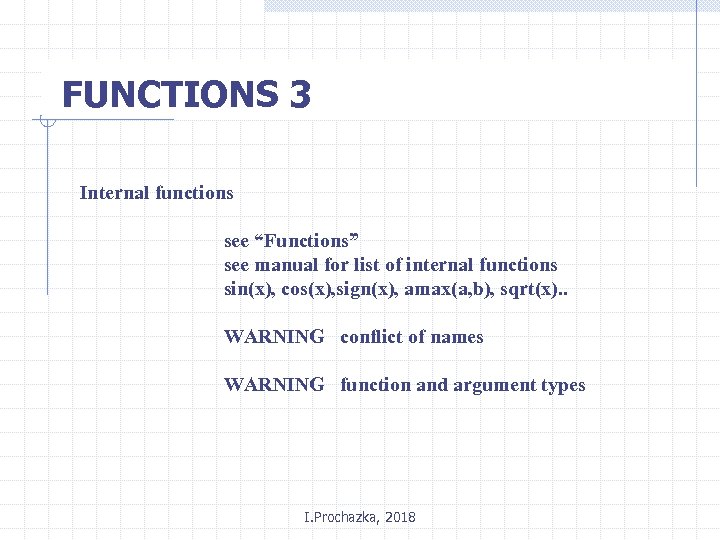 FUNCTIONS 3 Internal functions see “Functions” see manual for list of internal functions sin(x), cos(x), sign(x), amax(a, b), sqrt(x). . WARNING conflict of names WARNING function and argument types I. Prochazka, 2018
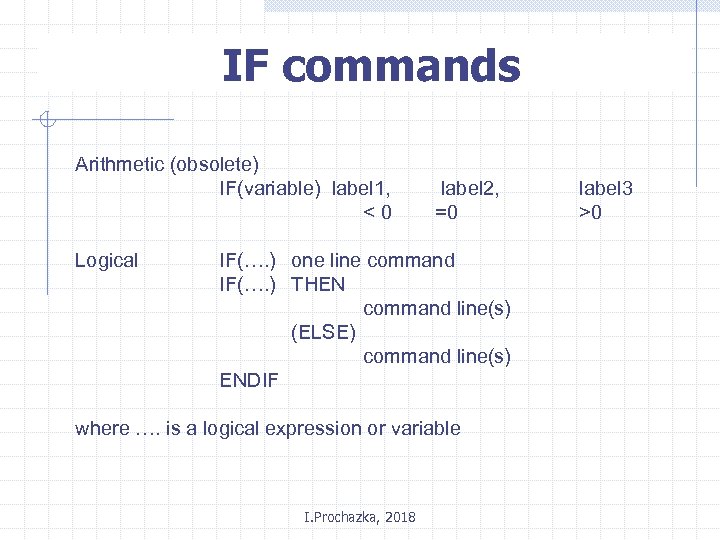 IF commands Arithmetic (obsolete) IF(variable) label 1, <0 Logical label 2, =0 IF(…. ) one line command IF(…. ) THEN command line(s) (ELSE) command line(s) ENDIF where …. is a logical expression or variable I. Prochazka, 2018 label 3 >0
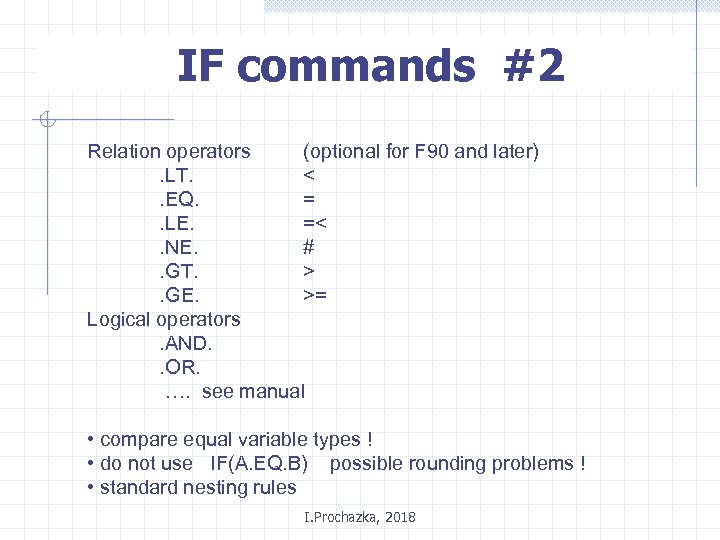 IF commands #2 Relation operators (optional for F 90 and later). LT. <. EQ. =. LE. =<. NE. #. GT. >. GE. >= Logical operators. AND. . OR. …. see manual • compare equal variable types ! • do not use IF(A. EQ. B) possible rounding problems ! • standard nesting rules I. Prochazka, 2018
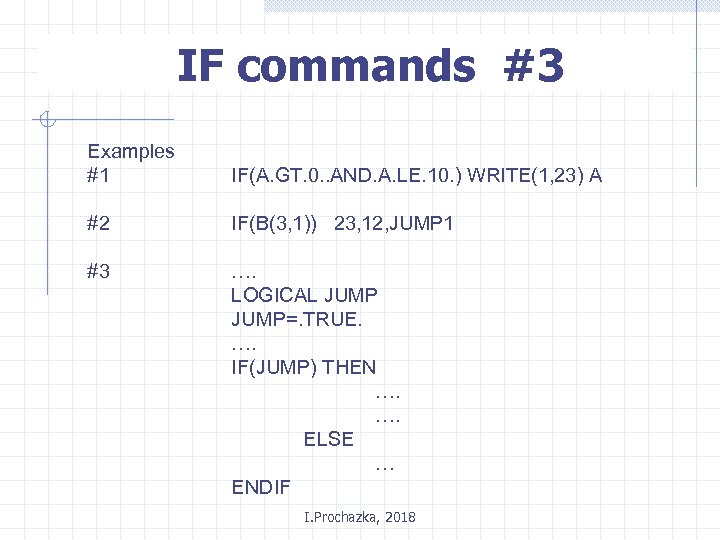 IF commands #3 Examples #1 IF(A. GT. 0. . AND. A. LE. 10. ) WRITE(1, 23) A #2 IF(B(3, 1)) 23, 12, JUMP 1 #3 …. LOGICAL JUMP=. TRUE. …. IF(JUMP) THEN …. …. ELSE … ENDIF I. Prochazka, 2018
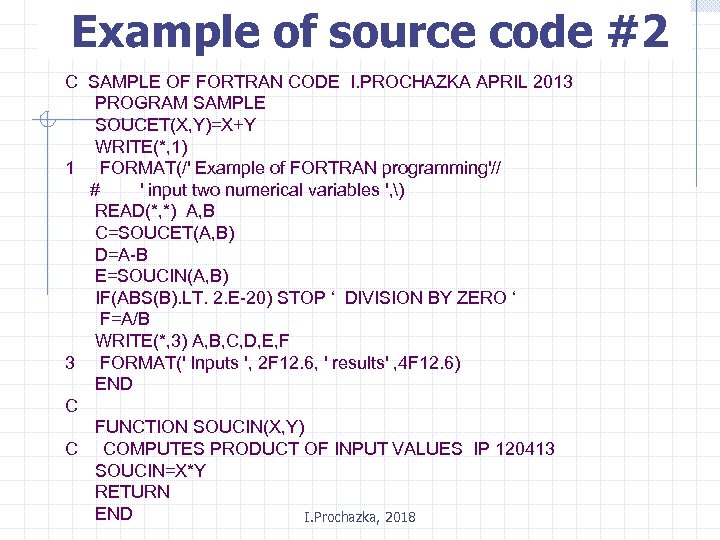 Example of source code #2 C SAMPLE OF FORTRAN CODE I. PROCHAZKA APRIL 2013 PROGRAM SAMPLE SOUCET(X, Y)=X+Y WRITE(*, 1) 1 FORMAT(/' Example of FORTRAN programming'// # ' input two numerical variables ', ) READ(*, *) A, B C=SOUCET(A, B) D=A-B E=SOUCIN(A, B) IF(ABS(B). LT. 2. E-20) STOP ‘ DIVISION BY ZERO ‘ F=A/B WRITE(*, 3) A, B, C, D, E, F 3 FORMAT(' Inputs ', 2 F 12. 6, ' results' , 4 F 12. 6) END C FUNCTION SOUCIN(X, Y) C COMPUTES PRODUCT OF INPUT VALUES IP 120413 SOUCIN=X*Y RETURN END I. Prochazka, 2018
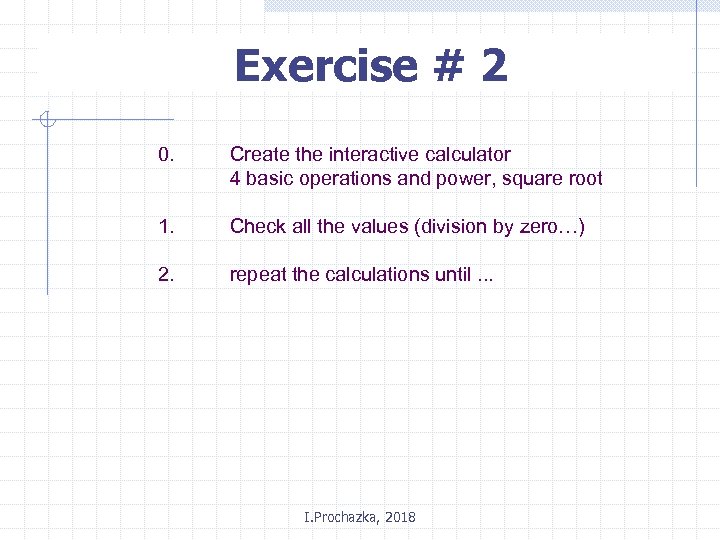 Exercise # 2 0. Create the interactive calculator 4 basic operations and power, square root 1. Check all the values (division by zero…) 2. repeat the calculations until. . . I. Prochazka, 2018
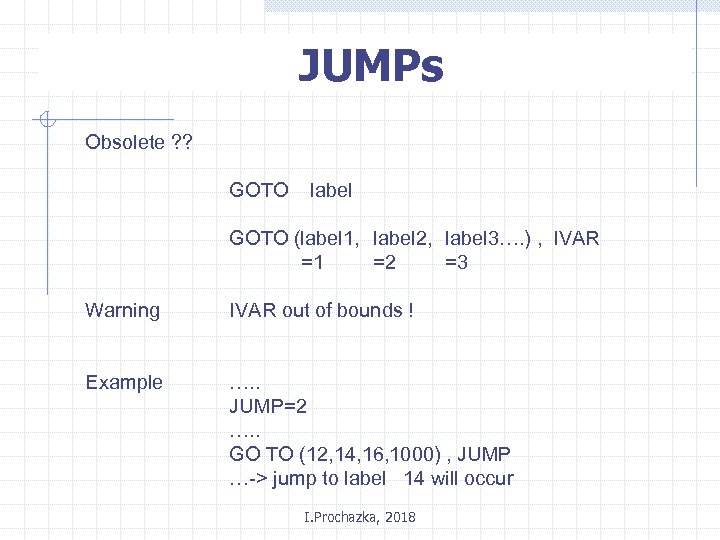 JUMPs Obsolete ? ? GOTO label GOTO (label 1, label 2, label 3…. ) , IVAR =1 =2 =3 Warning IVAR out of bounds ! Example …. . JUMP=2 …. . GO TO (12, 14, 16, 1000) , JUMP …-> jump to label 14 will occur I. Prochazka, 2018
 Empty line Obsolete ? • “ empty command” • good for label ! • good for program readability CONTINUE I. Prochazka, 2018
 Exercise # 3 0. Create the interactive calculator 4 basic operations, real all the comments 1. separate subroutine for each operation 2. separate function for each operation 3. single line function. . . I. Prochazka, 2018
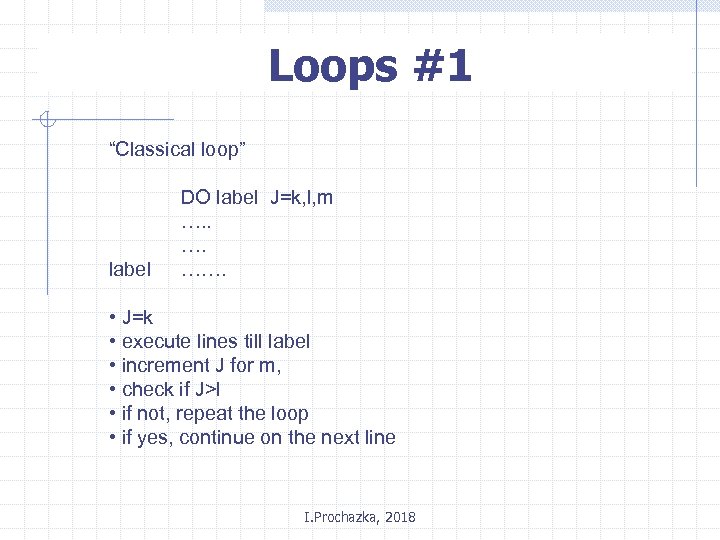 Loops #1 “Classical loop” label DO label J=k, l, m …. ……. • J=k • execute lines till label • increment J for m, • check if J>l • if not, repeat the loop • if yes, continue on the next line I. Prochazka, 2018
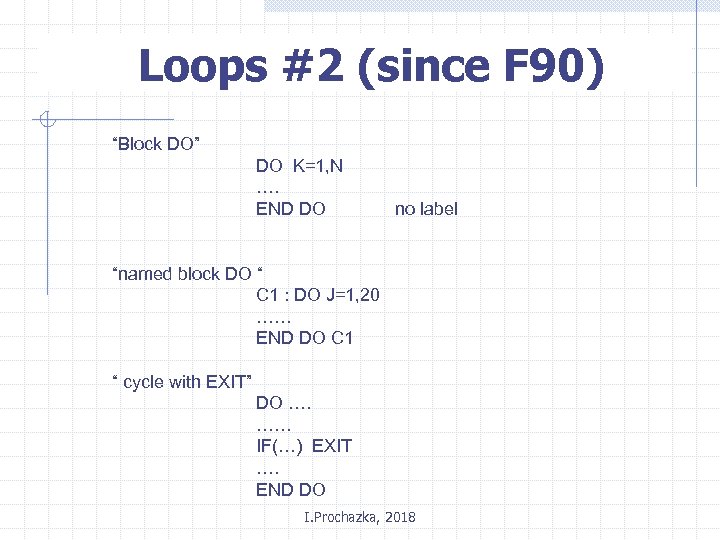 Loops #2 (since F 90) “Block DO” DO K=1, N …. END DO no label “named block DO “ C 1 : DO J=1, 20 …… END DO C 1 “ cycle with EXIT” DO …. …… IF(…) EXIT …. END DO I. Prochazka, 2018
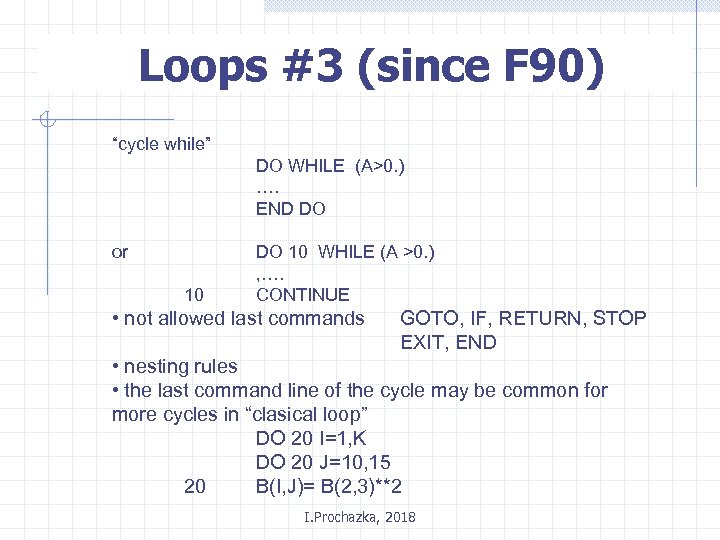 Loops #3 (since F 90) “cycle while” DO WHILE (A>0. ) …. END DO or 10 DO 10 WHILE (A >0. ) , …. CONTINUE • not allowed last commands GOTO, IF, RETURN, STOP EXIT, END • nesting rules • the last command line of the cycle may be common for more cycles in “clasical loop” DO 20 I=1, K DO 20 J=10, 15 20 B(I, J)= B(2, 3)**2 I. Prochazka, 2018
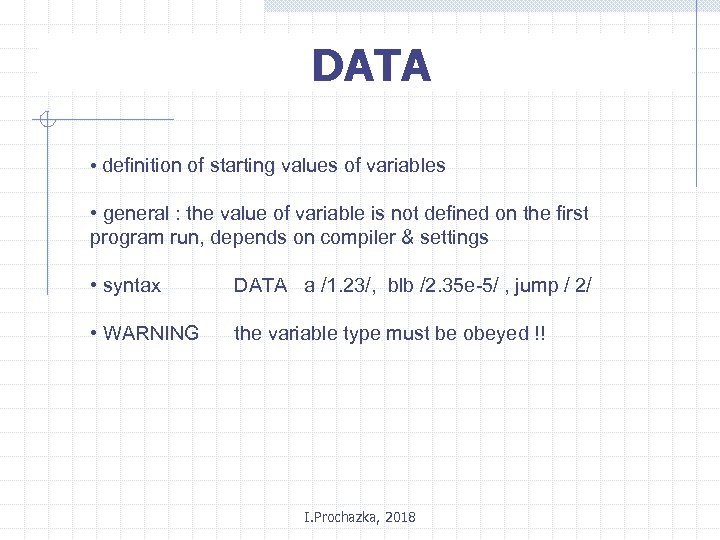 DATA • definition of starting values of variables • general : the value of variable is not defined on the first program run, depends on compiler & settings • syntax DATA a /1. 23/, blb /2. 35 e-5/ , jump / 2/ • WARNING the variable type must be obeyed !! I. Prochazka, 2018
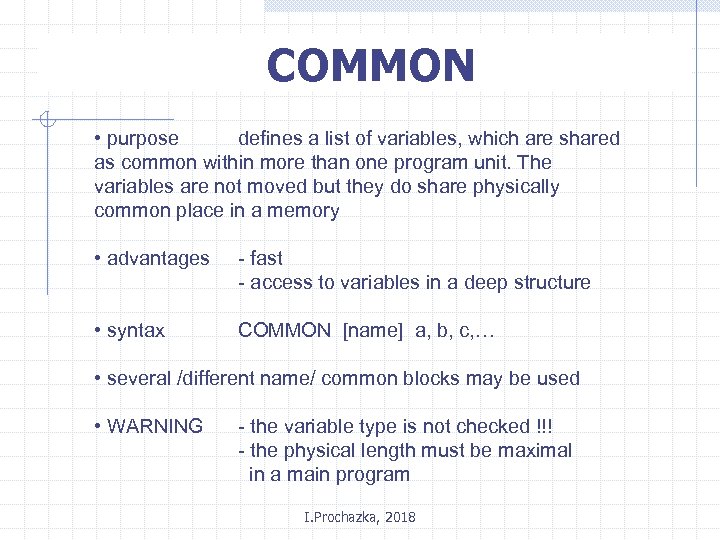 COMMON • purpose defines a list of variables, which are shared as common within more than one program unit. The variables are not moved but they do share physically common place in a memory • advantages - fast - access to variables in a deep structure • syntax COMMON [name] a, b, c, … • several /different name/ common blocks may be used • WARNING - the variable type is not checked !!! - the physical length must be maximal in a main program I. Prochazka, 2018
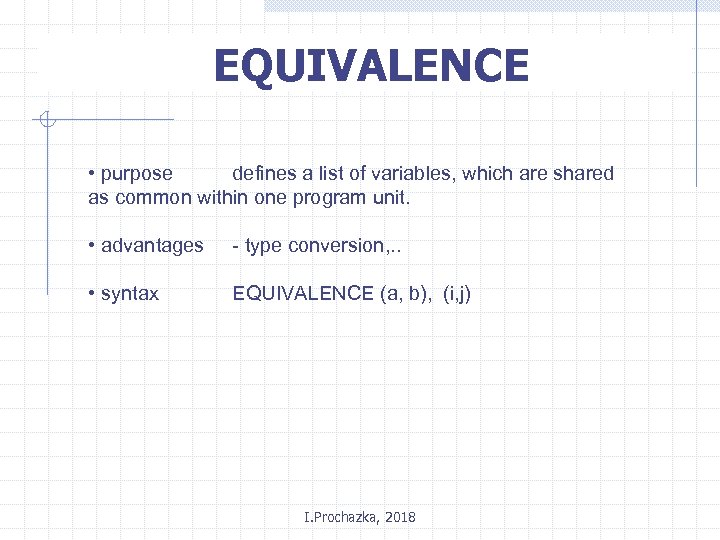 EQUIVALENCE • purpose defines a list of variables, which are shared as common within one program unit. • advantages - type conversion, . . • syntax EQUIVALENCE (a, b), (i, j) I. Prochazka, 2018
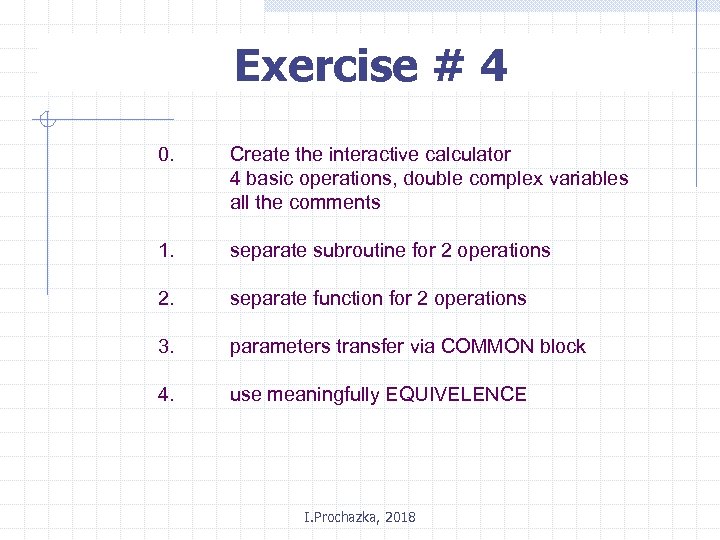 Exercise # 4 0. Create the interactive calculator 4 basic operations, double complex variables all the comments 1. separate subroutine for 2 operations 2. separate function for 2 operations 3. parameters transfer via COMMON block 4. use meaningfully EQUIVELENCE I. Prochazka, 2018
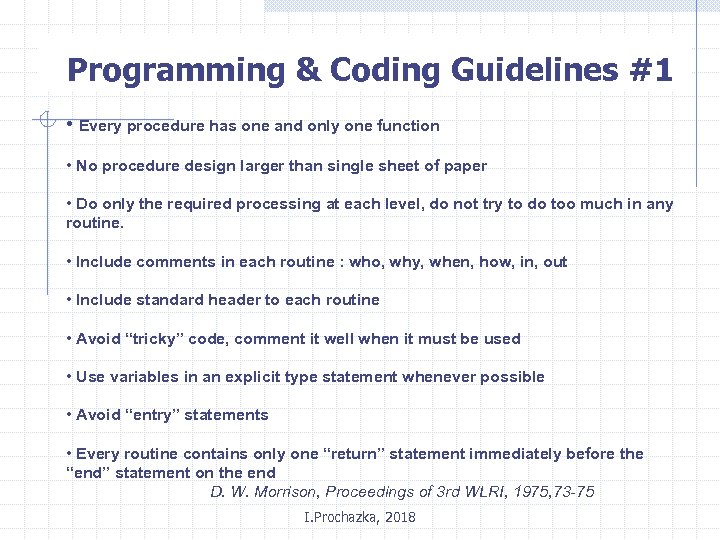 Programming & Coding Guidelines #1 • Every procedure has one and only one function • No procedure design larger than single sheet of paper • Do only the required processing at each level, do not try to do too much in any routine. • Include comments in each routine : who, why, when, how, in, out • Include standard header to each routine • Avoid “tricky” code, comment it well when it must be used • Use variables in an explicit type statement whenever possible • Avoid “entry” statements • Every routine contains only one “return” statement immediately before the “end” statement on the end D. W. Morrison, Proceedings of 3 rd WLRI, 1975, 73 -75 I. Prochazka, 2018
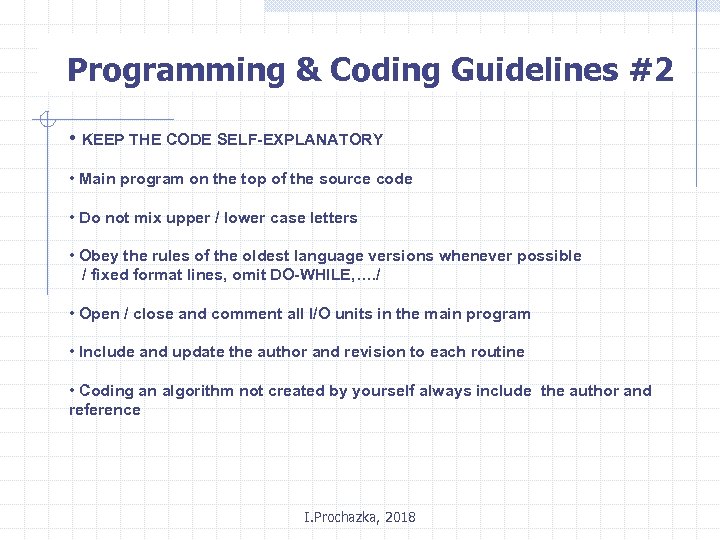 Programming & Coding Guidelines #2 • KEEP THE CODE SELF-EXPLANATORY • Main program on the top of the source code • Do not mix upper / lower case letters • Obey the rules of the oldest language versions whenever possible / fixed format lines, omit DO-WHILE, …. / • Open / close and comment all I/O units in the main program • Include and update the author and revision to each routine • Coding an algorithm not created by yourself always include the author and reference I. Prochazka, 2018