 Скачать презентацию Scan Trip Dispatcher Docu Breeze Larry Bastanza
dfea2eb3f925c70abea94c678758bece.ppt
- Количество слайдов: 61



Scan. Trip, Dispatcher & Docu. Breeze Larry Bastanza, Product Marketing Manager
Agenda Intro to SEC Software Security Scan. Trip What is it? Main features Why buy Scan. Trip? Advantages
Agenda Dispatcher What is it? Main features Why buy Dispatcher? Advantages: Bates Stamp Case study: BCBS SC Intro to Dispatcher Pro
Agenda Docu. Breeze What is it? Main features Client and Server Requirements Why buy Docu. Breeze? Advantages Configurations BLI Report BNA form Product Strategy Where to Find More Information
Intro to SEC "Vision is seeing things not as they are, but as they will be" The Systems Engineering Center (SEC), located in Windsor, CT, is an important part of Konica Minolta's research and development activities. SEC is charged with identifying new market opportunities and with providing solutions for Konica Minolta's customers. We are committed to providing our customers with a wide range of applications to fit their needs. Scan. Trip, Dispatcher and Docu. Breeze are just the tip of the iceberg. SEC will continue to provide our unique services to improve and expand our ever-growing solution base. www. sec. kmbs. us
Intro to SEC Members of team that created our original IP controllers Introduced solutions into XK (Application Revolution) Market/channel researchers Identify and penetrate new opportunities Support Marketing and Planning functions Programmers/developers of: Scan. Trip, Scan. Trip Admin, Scan. Trip Mac, Scan. Trip LINUX Dispatcher, Dispatcher Pro Loco. Lingo Collector Docu. Breeze And many more. . We work for YOU!
SEC Software Security
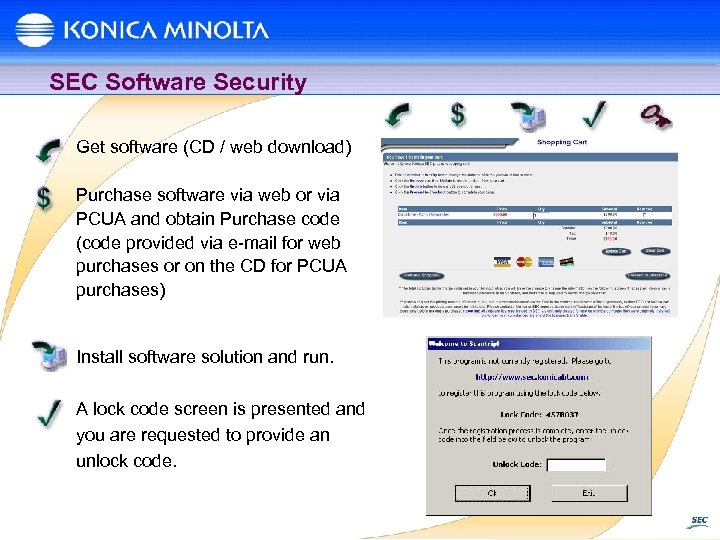
SEC Software Security Get software (CD / web download) Purchase software via web or via PCUA and obtain Purchase code (code provided via e-mail for web purchases or on the CD for PCUA purchases) Install software solution and run. A lock code screen is presented and you are requested to provide an unlock code.
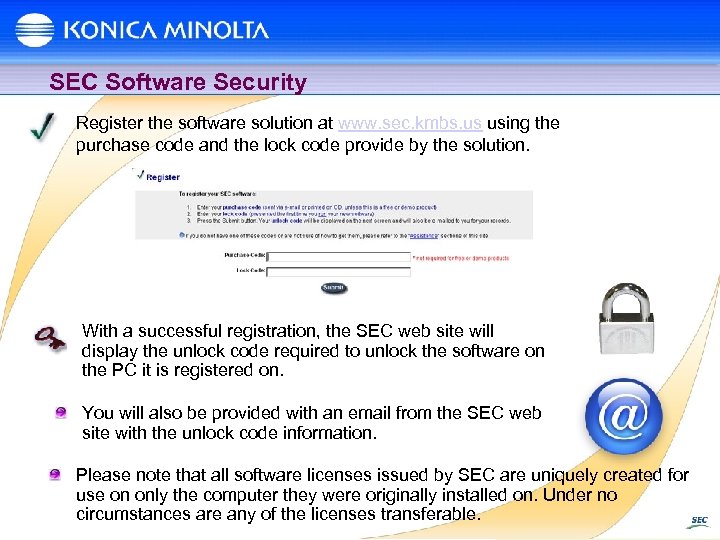
SEC Software Security Register the software solution at www. sec. kmbs. us using the purchase code and the lock code provide by the solution. With a successful registration, the SEC web site will display the unlock code required to unlock the software on the PC it is registered on. You will also be provided with an email from the SEC web site with the unlock code information. Please note that all software licenses issued by SEC are uniquely created for use on only the computer they were originally installed on. Under no circumstances are any of the licenses transferable.
Scan. Trip
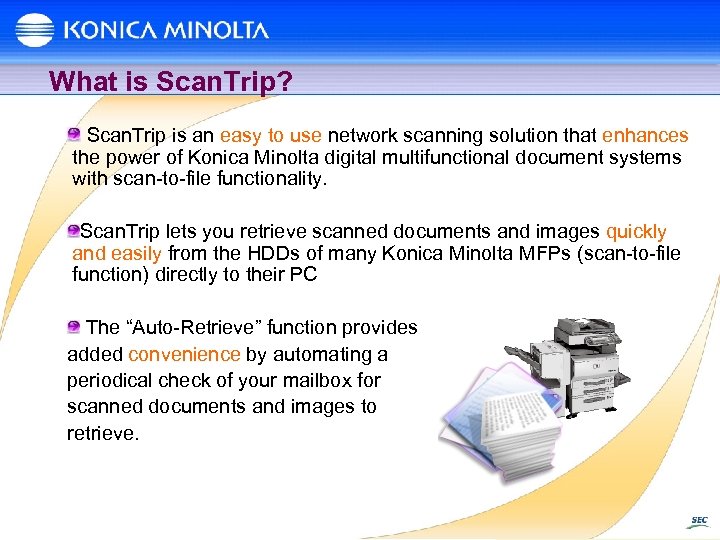
What is Scan. Trip? Scan. Trip is an easy to use network scanning solution that enhances the power of Konica Minolta digital multifunctional document systems with scan-to-file functionality. Scan. Trip lets you retrieve scanned documents and images quickly and easily from the HDDs of many Konica Minolta MFPs (scan-to-file function) directly to their PC The “Auto-Retrieve” function provides added convenience by automating a periodical check of your mailbox for scanned documents and images to retrieve.
Main Features of Scan. Trip Simple scanning and retrieval of scanned documents and images from mailboxes on your Konica Minolta MFP Convenience in knowing that the images are stored on MFP HDD and can be retrieved whenever a user desires. Auto-Retrieve Periodically checks your mailbox for images and places them in a predetermined directory on your PC Auto-Open Automatically open your scanned image with the associated application International Language Support Fully supported Demo Version is available
Why Buy Scan. Trip? Scan. Trip is a proven stable solution. Nothing else to purchase. All patches and updates are provided for FREE. Why not use scan-to-email instead? Scanned images can be quite large in size and some mail servers may block the email. No indication if the email was sent correctly. Email to yourself, nothing arrives Walk back to the MFP and scan-to-email again. Inconsistent image delivery With scan-to-email, you may get your image in 5 minutes or 5 hours depending on the mail servers involved. No Backup copy stored on MFP
Why Buy Scan. Trip? Why not use Scan-to-FTP instead? Customer must install an FTP server. Users must install FTP client software Excessive support required No backup copy stored on MFP Why not use Scan-to-SMB instead? User must have admin rights on their PC (Most do not). Too much data entry at the MFP touch panel - OR – You must leave your PC information at the MFP where others have accesses to it No backup copy stored on MFP. With one solution, users can scan from legacy MFPs, C 350, bizhub Pro 1050 and future MFPs. Same/similar full function GUI for Windows, LINUX and Mac.
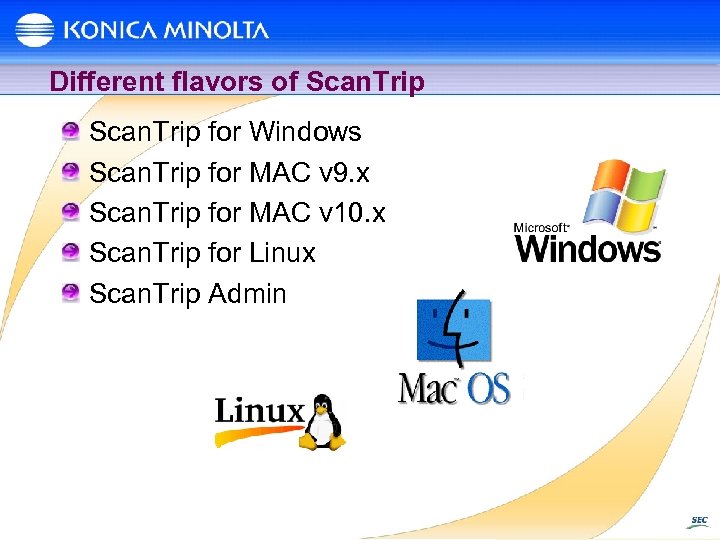
Different flavors of Scan. Trip for Windows Scan. Trip for MAC v 9. x Scan. Trip for MAC v 10. x Scan. Trip for Linux Scan. Trip Admin
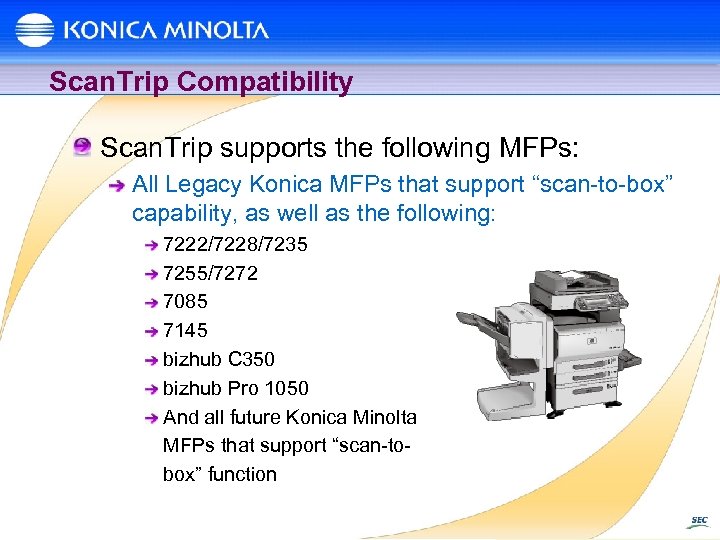
Scan. Trip Compatibility Scan. Trip supports the following MFPs: All Legacy Konica MFPs that support “scan-to-box” capability, as well as the following: 7222/7228/7235 7255/7272 7085 7145 bizhub C 350 bizhub Pro 1050 And all future Konica Minolta MFPs that support “scan-tobox” function
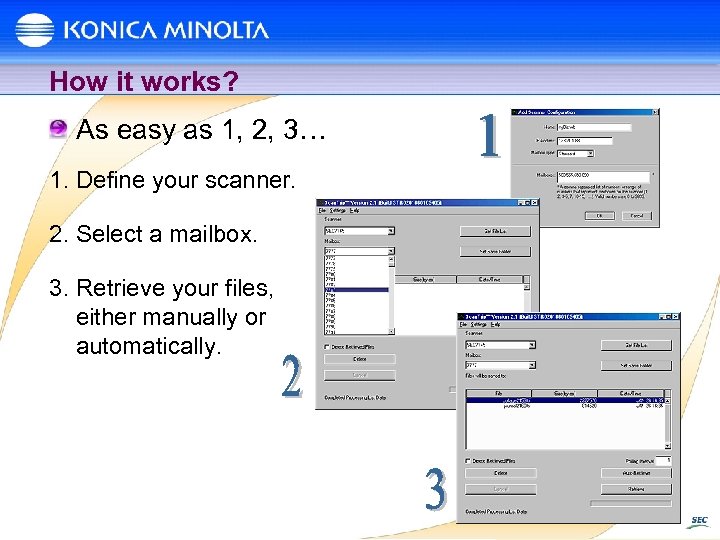
How it works? As easy as 1, 2, 3… 1. Define your scanner. 2. Select a mailbox. 3. Retrieve your files, either manually or automatically.
Scan. Trip Advantages Gateway to easy network scanning Pull Scanning Scanned images are kept on the MFP’s hard drive and pulled to any workstation on the network Easy to bundle as part of a sale Dedicated PC not required Stable, proven and accepted world-wide solution All future updates at no additional cost! High return on investment.
Post-Sales Support Licensing www. sec. kmbs. us Technical Support/Troubleshooting NSSG Monday – Friday, 8 a. m. – 8 p. m. EST at 1 -800 -825 -5664
Dispatcher
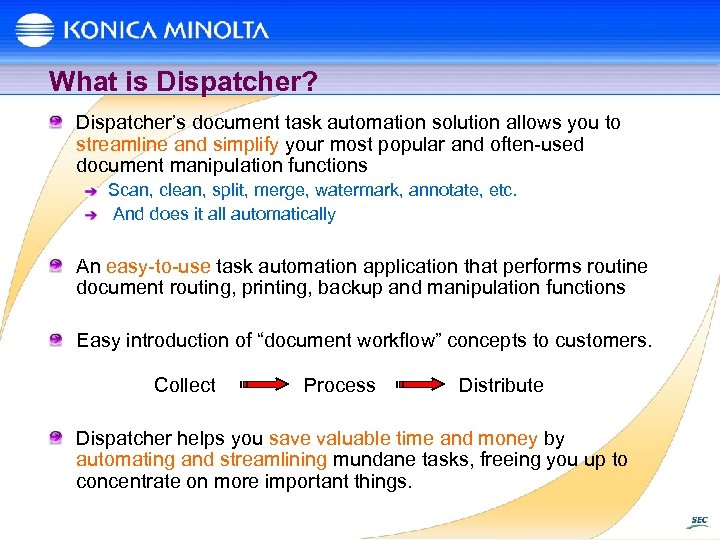
What is Dispatcher? Dispatcher’s document task automation solution allows you to streamline and simplify your most popular and often-used document manipulation functions Scan, clean, split, merge, watermark, annotate, etc. And does it all automatically An easy-to-use task automation application that performs routine document routing, printing, backup and manipulation functions Easy introduction of “document workflow” concepts to customers. Collect Process Distribute Dispatcher helps you save valuable time and money by automating and streamlining mundane tasks, freeing you up to concentrate on more important things.
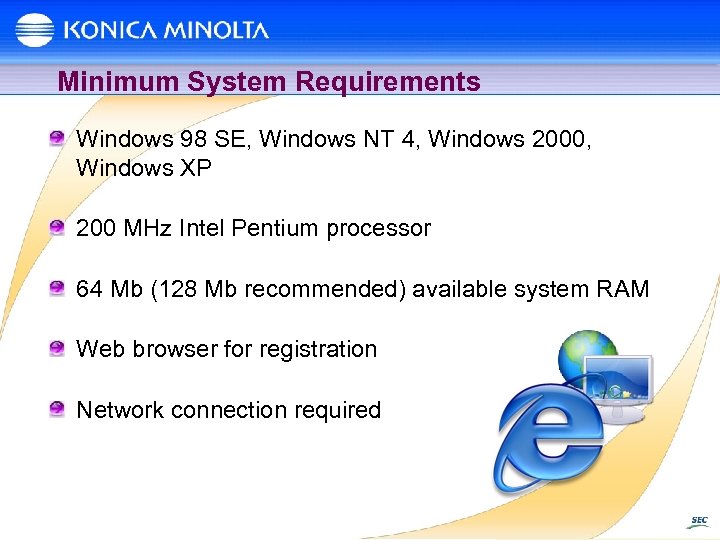
Minimum System Requirements Windows 98 SE, Windows NT 4, Windows 2000, Windows XP 200 MHz Intel Pentium processor 64 Mb (128 Mb recommended) available system RAM Web browser for registration Network connection required
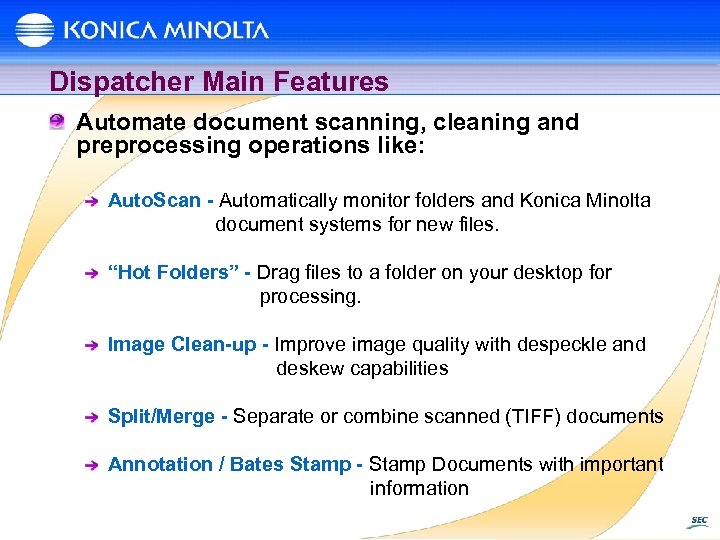
Dispatcher Main Features Automate document scanning, cleaning and preprocessing operations like: Auto. Scan - Automatically monitor folders and Konica Minolta document systems for new files. “Hot Folders” - Drag files to a folder on your desktop for processing. Image Clean-up - Improve image quality with despeckle and deskew capabilities Split/Merge - Separate or combine scanned (TIFF) documents Annotation / Bates Stamp - Stamp Documents with important information
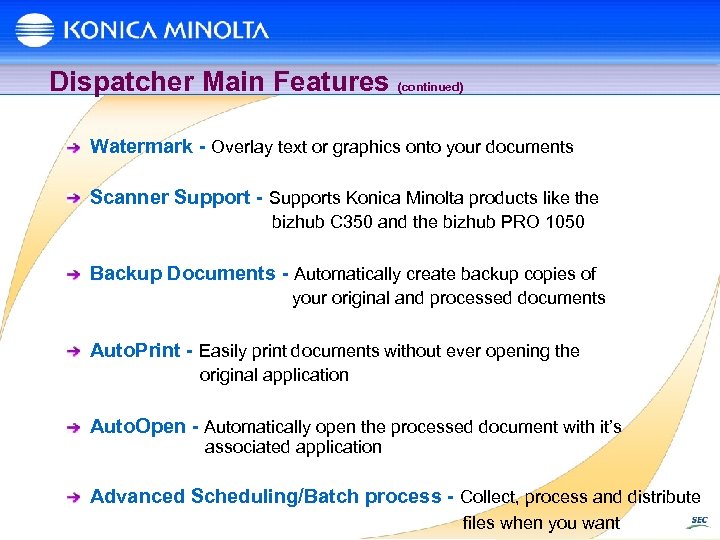
Dispatcher Main Features (continued) Watermark - Overlay text or graphics onto your documents Scanner Support - Supports Konica Minolta products like the bizhub C 350 and the bizhub PRO 1050 Backup Documents - Automatically create backup copies of your original and processed documents Auto. Print - Easily print documents without ever opening the original application Auto. Open - Automatically open the processed document with it’s associated application Advanced Scheduling/Batch process - Collect, process and distribute files when you want
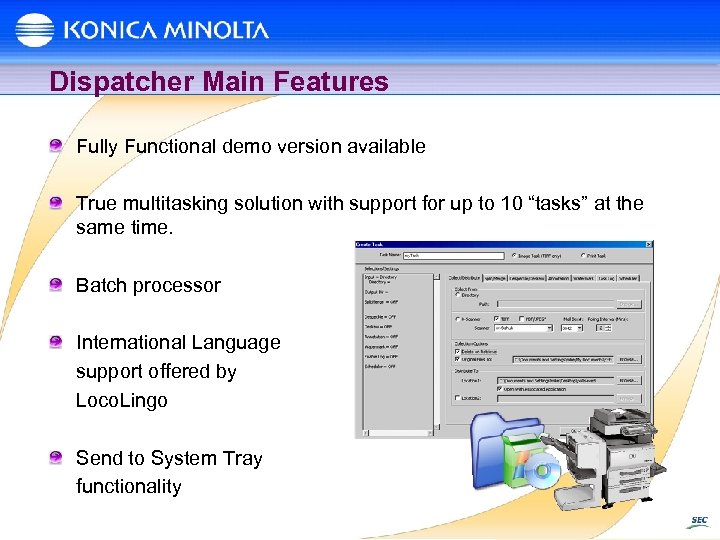
Dispatcher Main Features Fully Functional demo version available True multitasking solution with support for up to 10 “tasks” at the same time. Batch processor International Language support offered by Loco. Lingo Send to System Tray functionality
Why Annotation / Bate Stamping? Dispatcher’s Annotation/Bates Stamp functionality was derived from customer requests to automate “Bates Stamping” functionality for the Legal market. Bates Stamp solutions range from a couple hundred dollars to $Millions. Most Law firms still manually stamp each document that they received with a date and a sequential number. Dispatcher allows the paralegal to: Scan a document with an MFP Clean the document Add a Bates Stamp Save the document to a network PC Print the stamped copy. All this by just scanning the documents into a mailbox on an MFP!
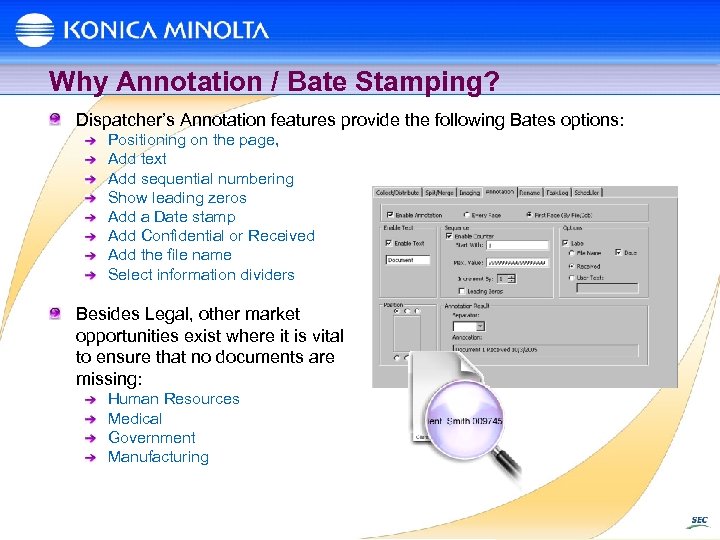
Why Annotation / Bate Stamping? Dispatcher’s Annotation features provide the following Bates options: Positioning on the page, Add text Add sequential numbering Show leading zeros Add a Date stamp Add Confidential or Received Add the file name Select information dividers Besides Legal, other market opportunities exist where it is vital to ensure that no documents are missing: Human Resources Medical Government Manufacturing
Why Buy? Dispatcher is a proven stable solution. Nothing else to purchase. All patches and/or updates are provided for FREE. Inexpensive “Bates Stamping” solution Entry level routing and imaging solution that can help you better position Page. Scope Router and Docu. Breeze. Auto despeckle/deskew and automatically opens images in application before you even get back to your desk.
Why Buy? Why Dispatcher instead of PS Router or Docu. Breeze? No dedicated server required Very easy to install and use Contains most of the everyday functionality required by most customers Least expensive solution With one solution users can scan from legacy MFPs, C 350, bizhub Pro 1050 and future MFPs. Accepted as a world-wide solution and easy to bundle with every sale
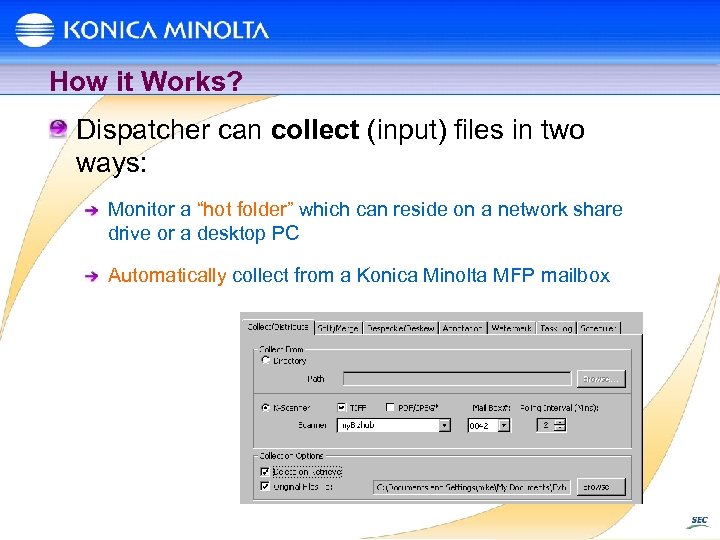
How it Works? Dispatcher can collect (input) files in two ways: Monitor a “hot folder” which can reside on a network share drive or a desktop PC Automatically collect from a Konica Minolta MFP mailbox
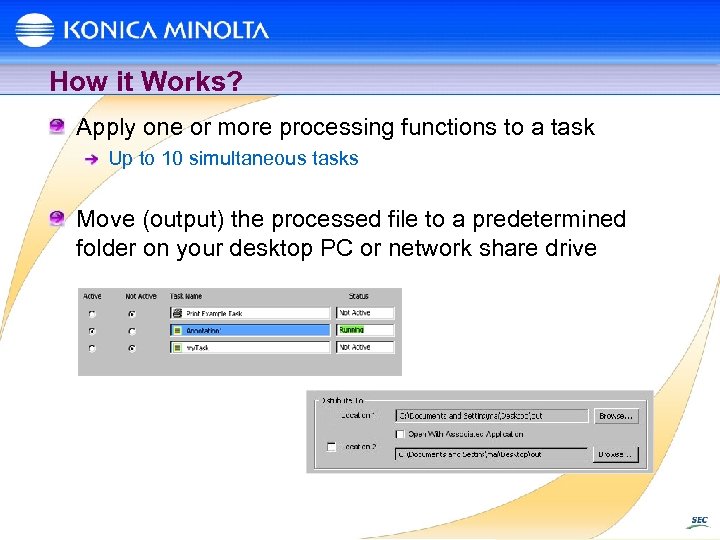
How it Works? Apply one or more processing functions to a task Up to 10 simultaneous tasks Move (output) the processed file to a predetermined folder on your desktop PC or network share drive
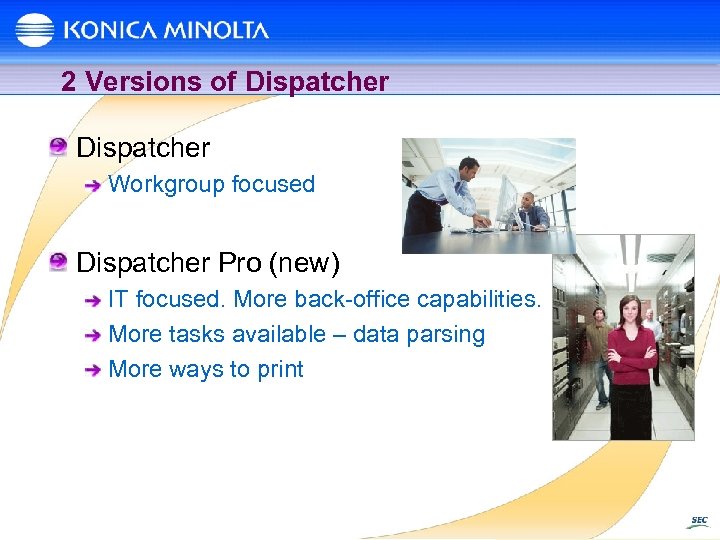
2 Versions of Dispatcher Workgroup focused Dispatcher Pro (new) IT focused. More back-office capabilities. More tasks available – data parsing More ways to print
Introducing Dispatcher Pro
What is Dispatcher Pro? Dispatcher Pro’s document task automation solution allows you to streamline and simplify your most popular and often-used document manipulation functions Scan, clean, split, merge, watermark, annotate, rename, etc. Ability to parse documents and react to content And does it all automatically An easy-to-use task automation application that performs routine document routing, printing, backup and manipulation functions Easy introduction of “document workflow” concepts to customers. Collect Process Distribute Dispatcher Pro helps you save valuable time and money by automating and streamlining mundane tasks, freeing you up to concentrate on more important things. Run up to 100 tasks at once
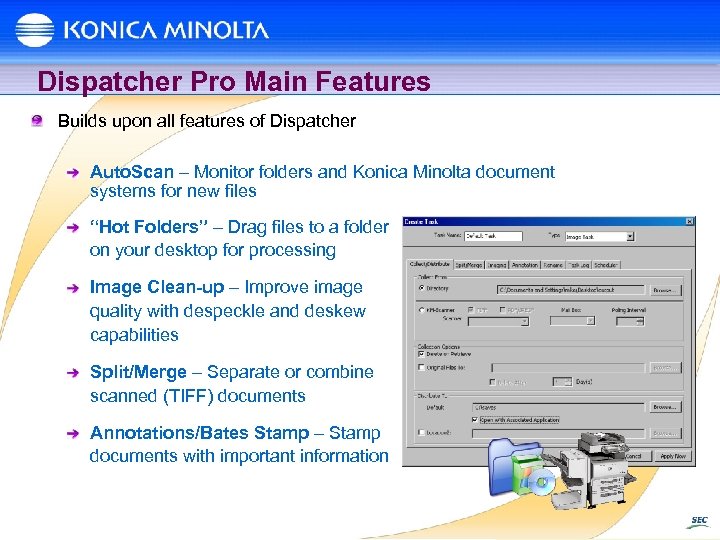
Dispatcher Pro Main Features Builds upon all features of Dispatcher Auto. Scan – Monitor folders and Konica Minolta document systems for new files “Hot Folders” – Drag files to a folder on your desktop for processing Image Clean-up – Improve image quality with despeckle and deskew capabilities Split/Merge – Separate or combine scanned (TIFF) documents Annotations/Bates Stamp – Stamp documents with important information
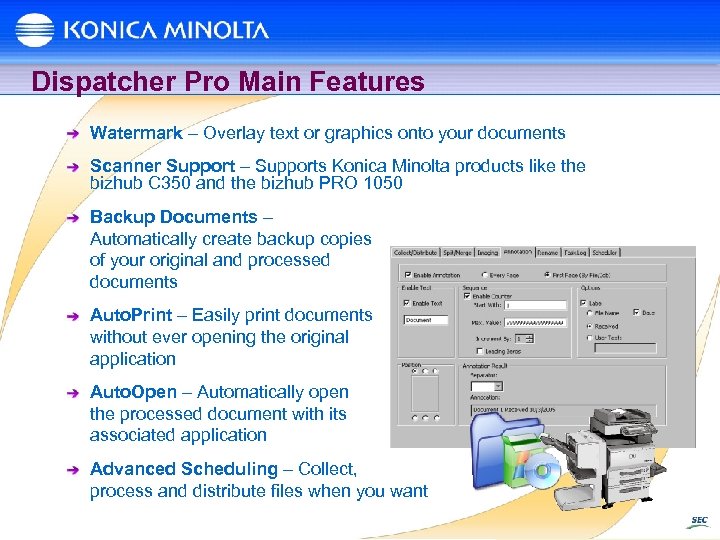
Dispatcher Pro Main Features Watermark – Overlay text or graphics onto your documents Scanner Support – Supports Konica Minolta products like the bizhub C 350 and the bizhub PRO 1050 Backup Documents – Automatically create backup copies of your original and processed documents Auto. Print – Easily print documents without ever opening the original application Auto. Open – Automatically open the processed document with its associated application Advanced Scheduling – Collect, process and distribute files when you want
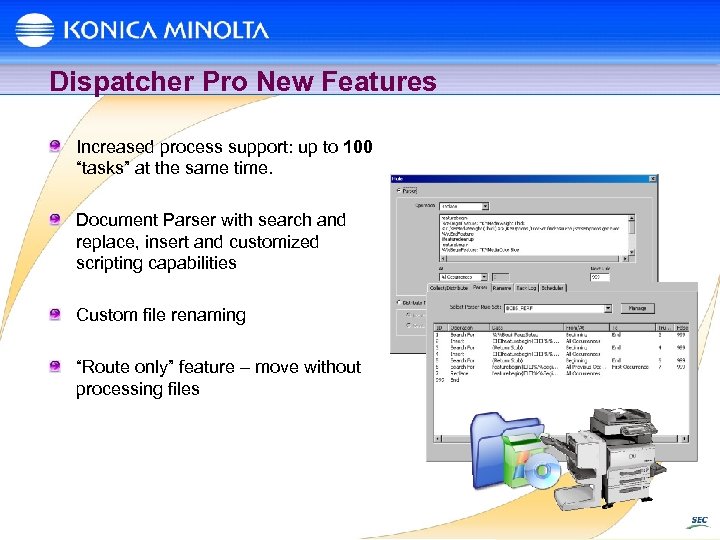
Dispatcher Pro New Features Increased process support: up to 100 “tasks” at the same time. Document Parser with search and replace, insert and customized scripting capabilities Custom file renaming “Route only” feature – move without processing files
Minimum System Requirements Windows NT 4, Windows 2000, Windows XP 1 GHz Intel Pentium processor 512 Mb (1 Gb recommended) available system RAM Web browser for registration Network connection required
Case Study – Blue Cross Blue Shield SC A Custom Solution One of the primary needs for the high-speed production devices in the print shop is the requirement to print out client insurance packs that include individual policy information along with new insurance cards. The data files are provided by an automated system that builds each client package based on the insurance options that they had requested. The data files, hundreds to thousand at a time, can either contain no insurance card OR can include one of four card stocks as the first page and with 100 additional duplexed pages of policy information. Based on multiple information included in each of the files, a determination needed to be made if card stock is need for the packet and if so, which card is to be selected and printed on as the first page. The card is printed to one of four pre-printed stocks (in pre-defined trays), the body is selected as plain paper, and each packet, card and body, is stapled together for the finished product. To accomplish this job, the print shop had a custom proprietary software solution created that was required to be installed on each of the two existing 110 ppm production devices from a different vendor. The solution was tethered to each 110 ppm product and required the print shop to contact the vender and have their Engineer visit to make any minor corrections.
Case Study – Blue Cross Blue Shield SC With the arrival of the bizhub PRO 1050 and its ability for the user to “name” the type of stock and the drawer that it resides in, Fabian wanted to use the bizhub PRO 1050 to offload some of the client packets from the other two devices, due to reliability issues. Because the current program was designed only to work with the other devices, Fabian asked Konica Minolta to find a solution. Konica Minolta’s System Engineering Center (SEC), a custom software development division of Konica Minolta Business Solutions U. S. A, was able to provide multiple software options, consisting 3 rd party solutions and SEC’s own developed solution – Konica Minolta Dispatcher Pro. By installing Dispatcher Pro on a PC prior to the print jobs being sent to the bizhub PRO 1050, the data stream could be parsed, altered as needed, without any disruption to the existing process. On the day that the Konica Minolta SEC engineer came to install Dispatcher, Fabian added an unexpected variable. Instead of the four types of card stock that they had been using, the print shop now was required to add a fifth card stock and, worst of all, the process and information required to identify the card stock was 100% different than anything currently existing. “When programming changes such as this were needed with our old software, we would have had to call in the vendor and spend significant time and money to handle the complex reprogramming, ” said Fabian. “Konica Minolta’s SEC handled the change in a single afternoon, and more importantly, showed us how to make future changes on our own through simple logic programming. It’s tremendously easy to customize Dispatcher. ” As an open, configurable solution, Dispatcher Pro gives the print shop the flexibility to use whatever device they choose to complete this job. In addition, Dispatcher is also able to handle many of the print shop’s scanning tasks such as automated scanning, despeckling and deskewing — eliminating the need for additional software license costs.
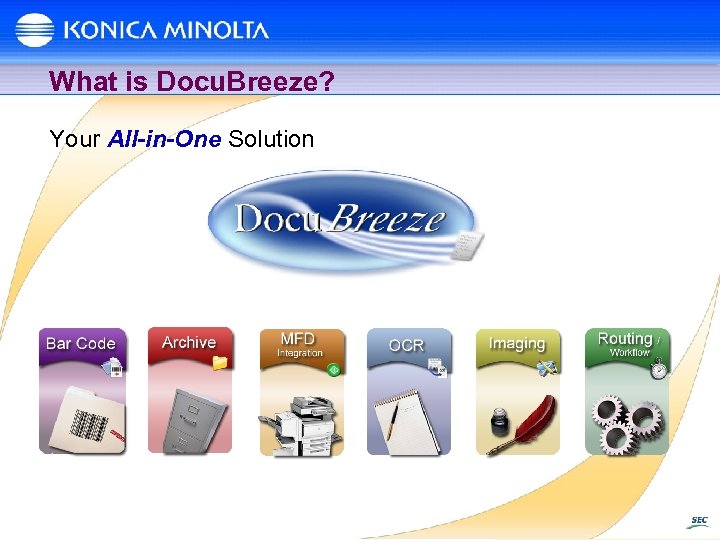
What is Docu. Breeze? Your All-in-One Solution
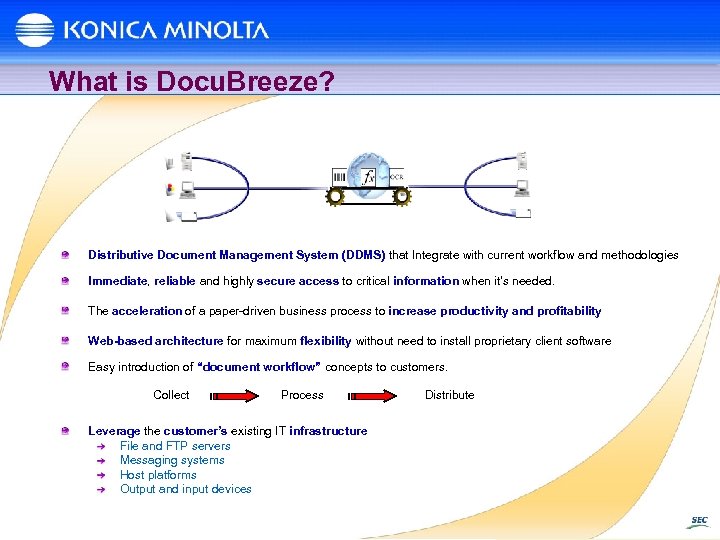
What is Docu. Breeze? Distributive Document Management System (DDMS) that Integrate with current workflow and methodologies Immediate, reliable and highly secure access to critical information when it's needed. The acceleration of a paper-driven business process to increase productivity and profitability Web-based architecture for maximum flexibility without need to install proprietary client software Easy introduction of “document workflow” concepts to customers. Collect Process Leverage the customer’s existing IT infrastructure File and FTP servers Messaging systems Host platforms Output and input devices Distribute
What is Docu. Breeze? Docu. Breeze helps you save valuable time and money by automating and streamlining mundane tasks, freeing you up to concentrate on more important things. Docu. Breeze captures a wide variety of documents and associated data and organizes them. Docu. Breeze can capture documents from any source, such as scanned, faxed, and electronic files, including black and white, color, and common file types. Docu. Breeze allows any end user, not just a programmer or super-user to efficiently create workflows to organize and index documents that are then stored in your choice of public and private archives.
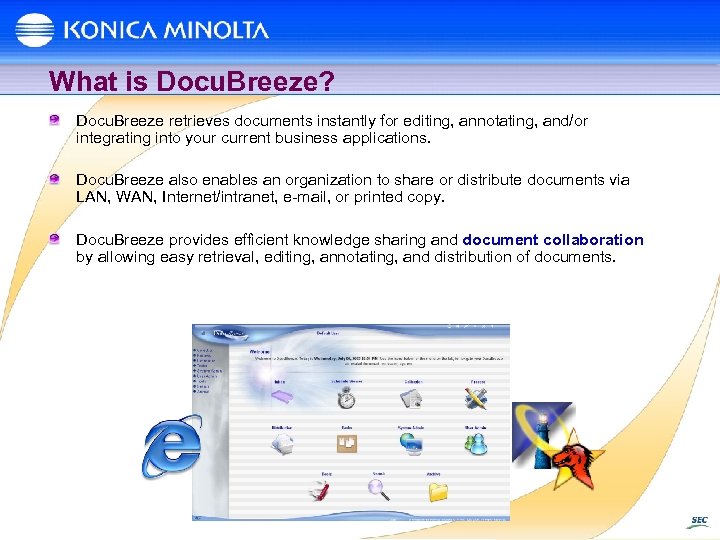
What is Docu. Breeze? Docu. Breeze retrieves documents instantly for editing, annotating, and/or integrating into your current business applications. Docu. Breeze also enables an organization to share or distribute documents via LAN, WAN, Internet/intranet, e-mail, or printed copy. Docu. Breeze provides efficient knowledge sharing and document collaboration by allowing easy retrieval, editing, annotating, and distribution of documents.
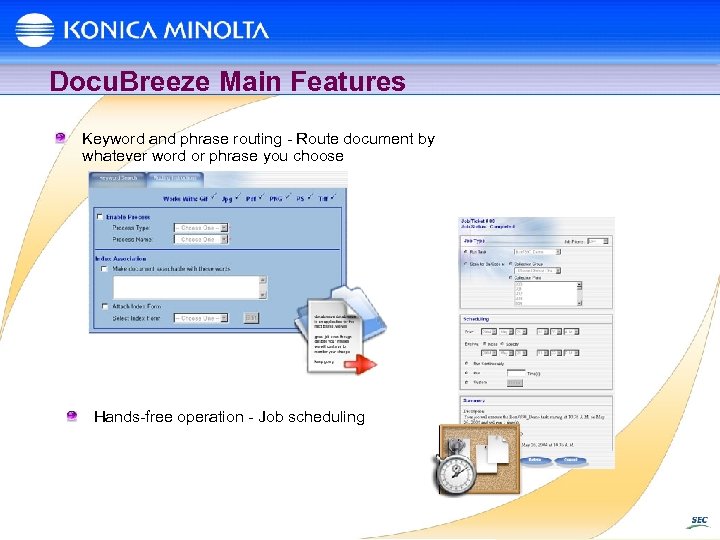
Docu. Breeze Main Features Keyword and phrase routing - Route document by whatever word or phrase you choose Hands-free operation - Job scheduling
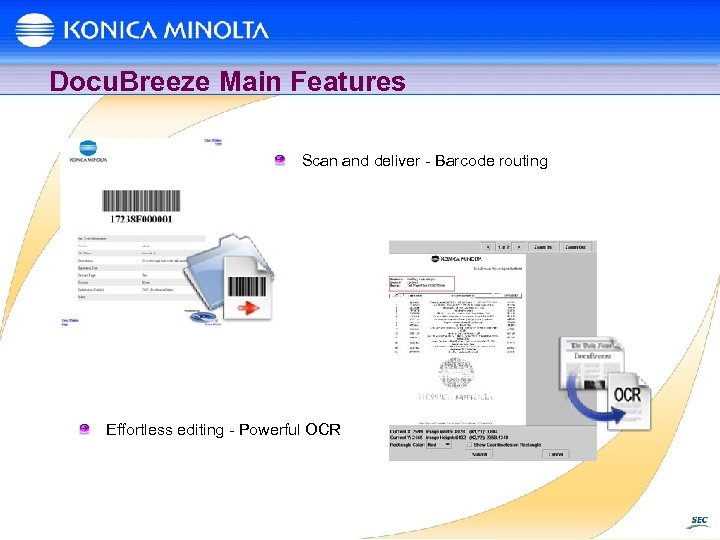
Docu. Breeze Main Features Scan and deliver - Barcode routing Effortless editing - Powerful OCR
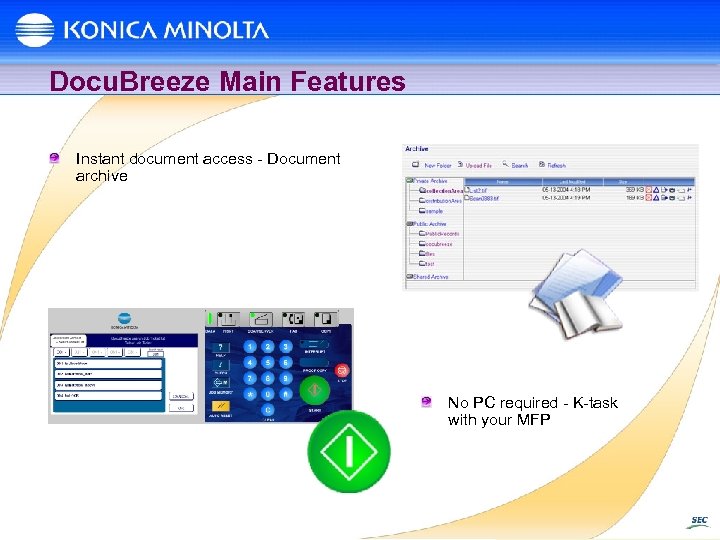
Docu. Breeze Main Features Instant document access - Document archive No PC required - K-task with your MFP
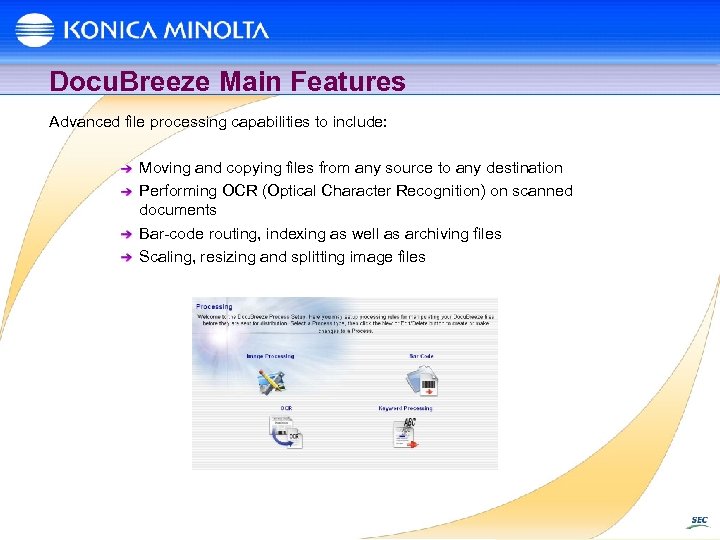
Docu. Breeze Main Features Advanced file processing capabilities to include: Moving and copying files from any source to any destination Performing OCR (Optical Character Recognition) on scanned documents Bar-code routing, indexing as well as archiving files Scaling, resizing and splitting image files
Docu. Breeze Main Features Advanced file processing capabilities to include: Annotations (Bates stamping) Keyword routing Web-based archive with public and private volumes with rights management Document collaboration Job ticketing Multi type file index
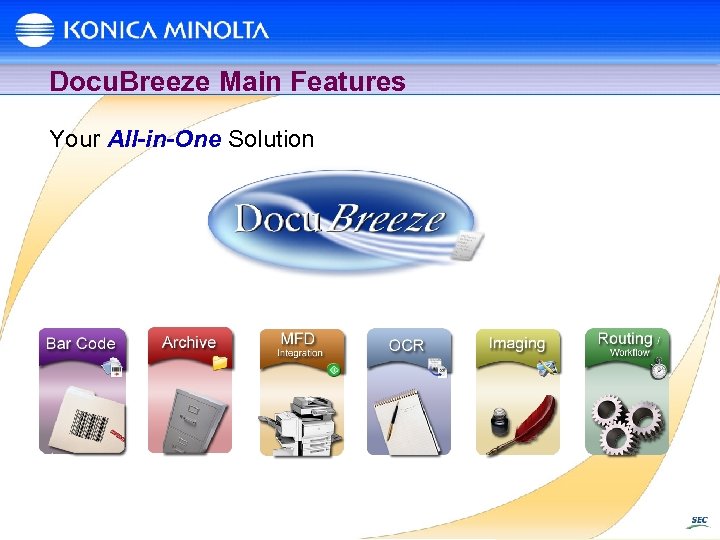
Docu. Breeze Main Features Your All-in-One Solution
With Docu. Breeze, nothing could be easier to SIMPLIFY your document management needs?
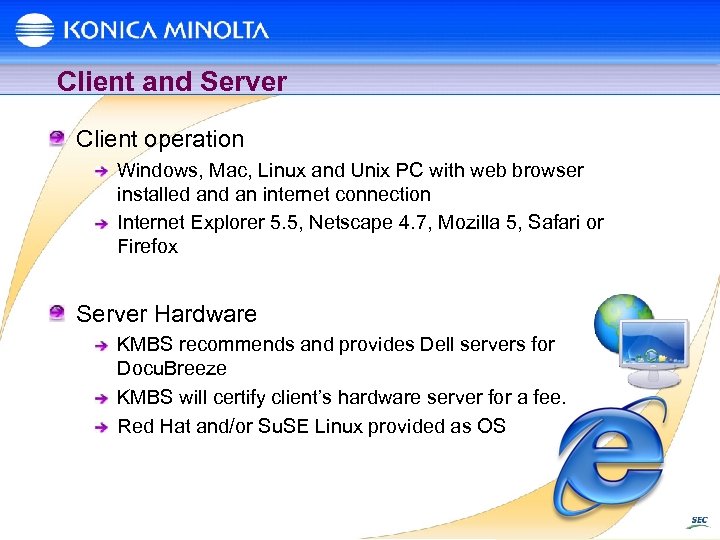
Client and Server Client operation Windows, Mac, Linux and Unix PC with web browser installed an internet connection Internet Explorer 5. 5, Netscape 4. 7, Mozilla 5, Safari or Firefox Server Hardware KMBS recommends and provides Dell servers for Docu. Breeze KMBS will certify client’s hardware server for a fee. Red Hat and/or Su. SE Linux provided as OS
Why Buy? Docu. Breeze is a proven solution. Inexpensive All-In-One solution Scales to the enterprise as your business grows Full web based solution reduces IT support burden 1000 active users included True multi-tasking system Automated Batch processing works to increase business efficiency
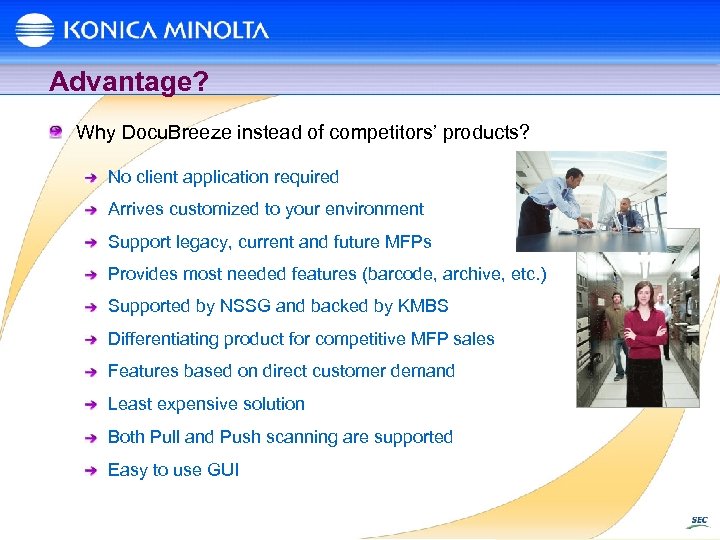
Advantage? Why Docu. Breeze instead of competitors’ products? No client application required Arrives customized to your environment Support legacy, current and future MFPs Provides most needed features (barcode, archive, etc. ) Supported by NSSG and backed by KMBS Differentiating product for competitive MFP sales Features based on direct customer demand Least expensive solution Both Pull and Push scanning are supported Easy to use GUI
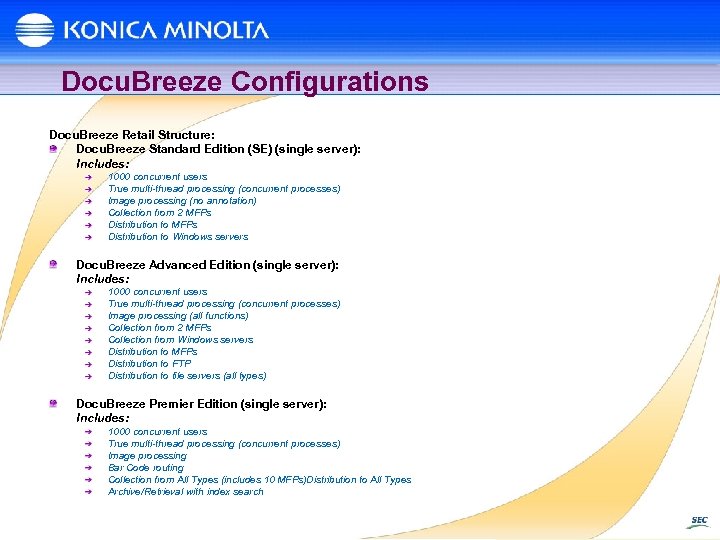
Docu. Breeze Configurations Docu. Breeze Retail Structure: Docu. Breeze Standard Edition (SE) (single server): Includes: 1000 concurrent users True multi-thread processing (concurrent processes) Image processing (no annotation) Collection from 2 MFPs Distribution to Windows servers Docu. Breeze Advanced Edition (single server): Includes: 1000 concurrent users True multi-thread processing (concurrent processes) Image processing (all functions) Collection from 2 MFPs Collection from Windows servers Distribution to MFPs Distribution to FTP Distribution to file servers (all types) Docu. Breeze Premier Edition (single server): Includes: 1000 concurrent users True multi-thread processing (concurrent processes) Image processing Bar Code routing Collection from All Types (includes 10 MFPs)Distribution to All Types Archive/Retrieval with index search
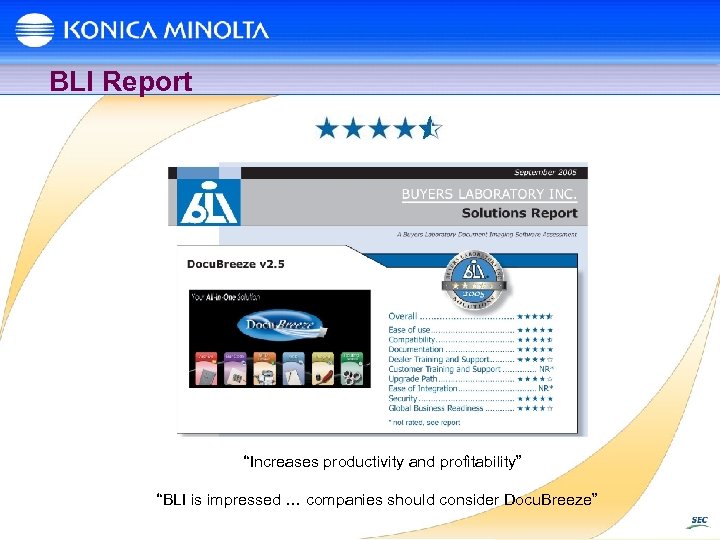
BLI Report “Increases productivity and profitability” “BLI is impressed … companies should consider Docu. Breeze”
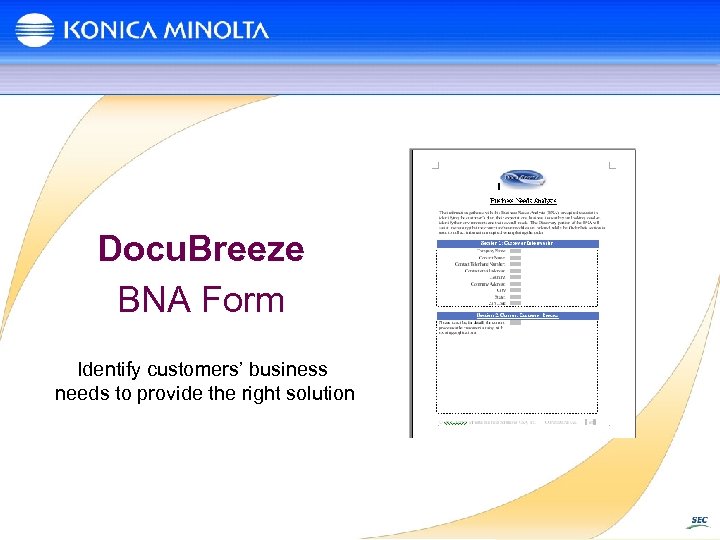
Docu. Breeze BNA Form Identify customers’ business needs to provide the right solution
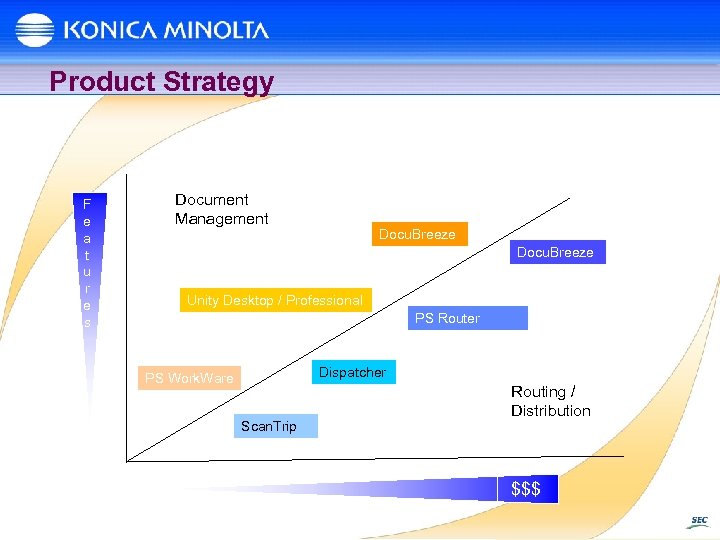
Product Strategy F e a t u r e s Document Management Docu. Breeze Unity Desktop / Professional PS Router Dispatcher PS Work. Ware Scan. Trip Routing / Distribution $$$
Where to Find More Information Visit the Docu. Breeze website at www. docubreeze. com For information about Docu. Breeze or any of the solutions shown here, visit the SEC website at www. sec. kmbs. us
Thank you!
Скачать презентацию Scan Trip Dispatcher Docu Breeze Larry Bastanza
dfea2eb3f925c70abea94c678758bece.ppt