


 Скачать презентацию SC ICT Certification Level 1 03 Computer Hardware
4626d6ef5ced8215f3987fab26bcd870.ppt
- Количество слайдов: 35
 SC ICT Certification Level 1 03 Computer Hardware By Ross Parker
 03. 1 WHY DO I CARE?
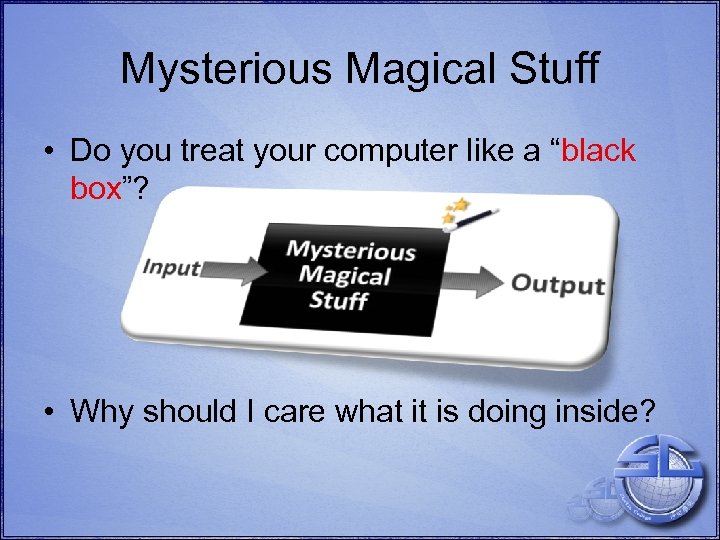 Mysterious Magical Stuff • Do you treat your computer like a “black box”? • Why should I care what it is doing inside?
 4 Reasons • Purchasing – Understand what you are buying • Performance – Know why your computer is running slow • Power – Persuade your boss as to why you need a new or upgraded computer! • Peace-of-mind – Understand what is normal and what is not
 03. 2 THE BASICS
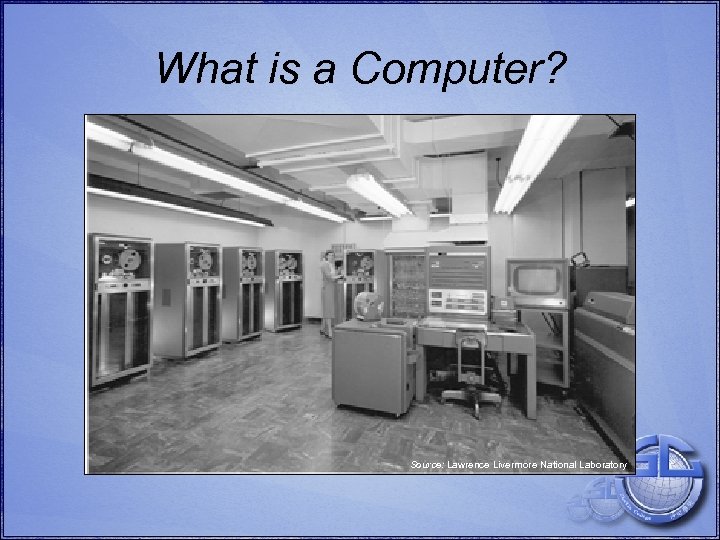 What is a Computer? Source: Lawrence Livermore National Laboratory
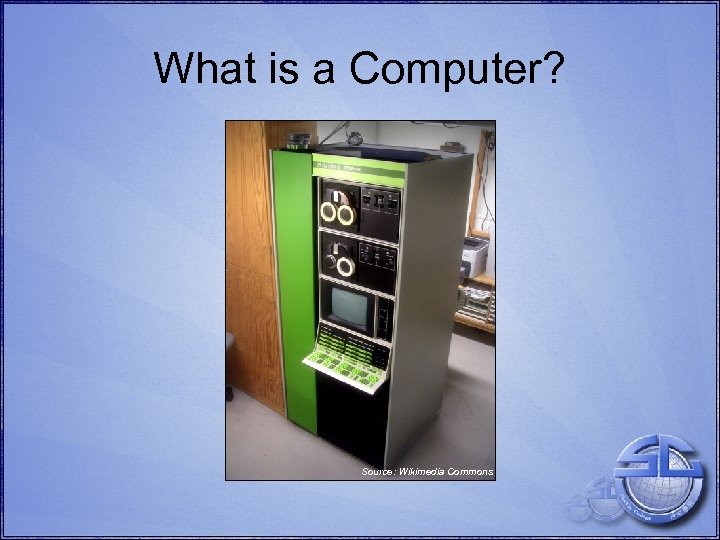 What is a Computer? Source: Wikimedia Commons
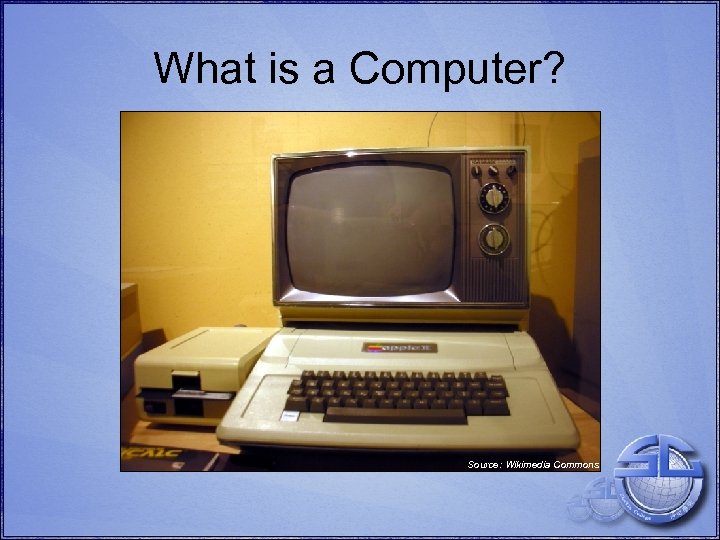 What is a Computer? Source: Wikimedia Commons
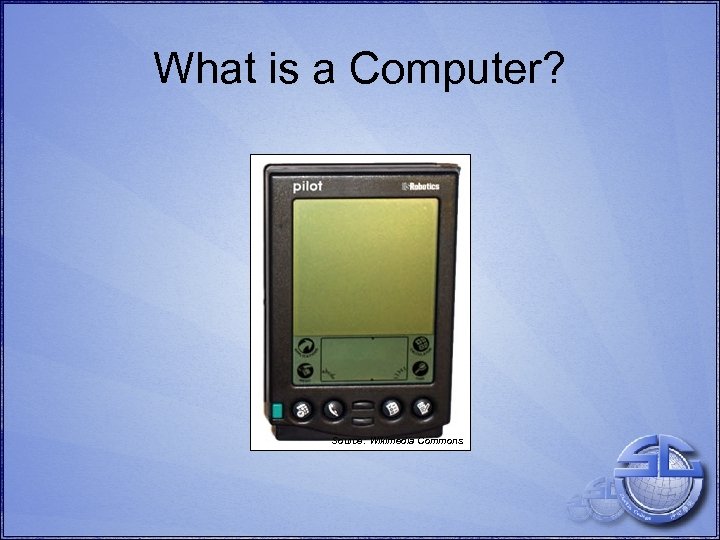 What is a Computer? Source: Wikimedia Commons
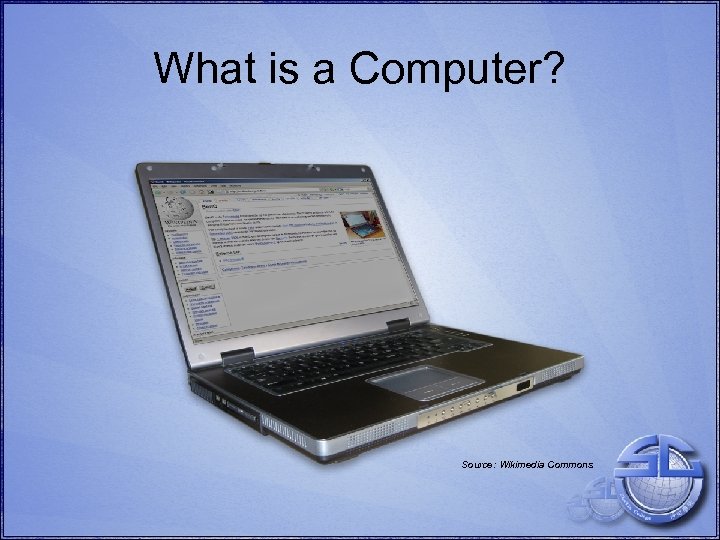 What is a Computer? Source: Wikimedia Commons
 What is a Computer? • wikipedia. org: “a computer is a machine that manipulates data according to a list of instructions. ” • techterms. com: “technically, a computer is a programmable machine” • merriam-webster. com: “a programmable usually electronic device that can store, retrieve, and process data”
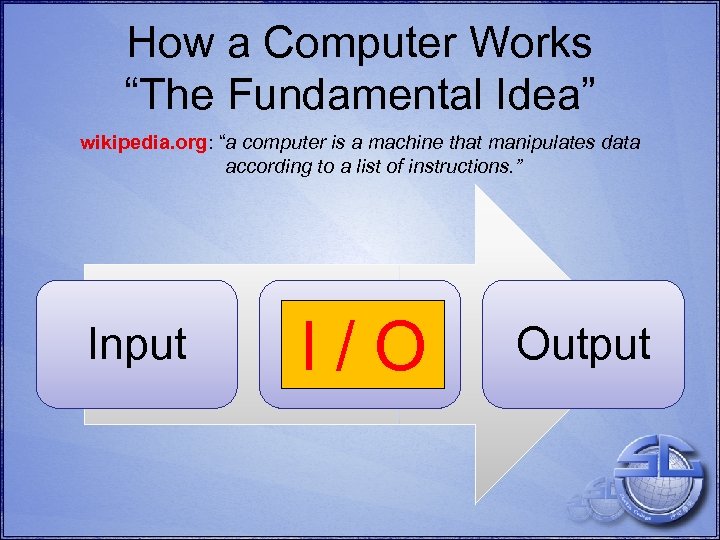 How a Computer Works “The Fundamental Idea” wikipedia. org: “a computer is a machine that manipulates data according to a list of instructions. ” Input Process I/O Output
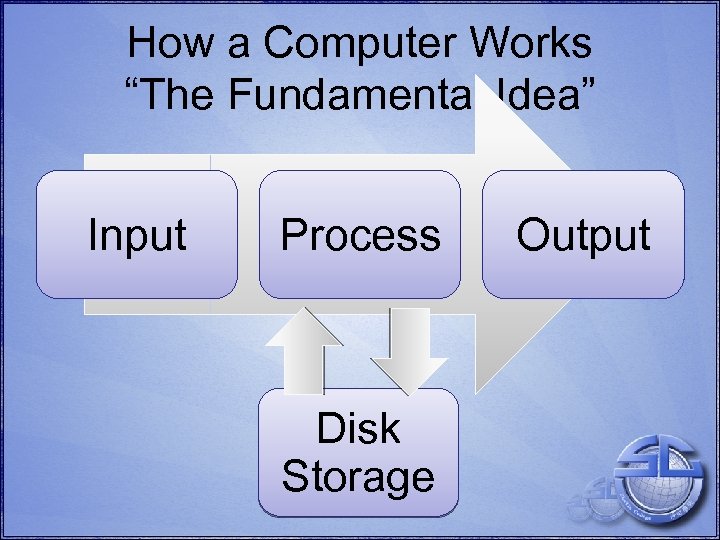 How a Computer Works “The Fundamental Idea” Input Process Disk Storage Output
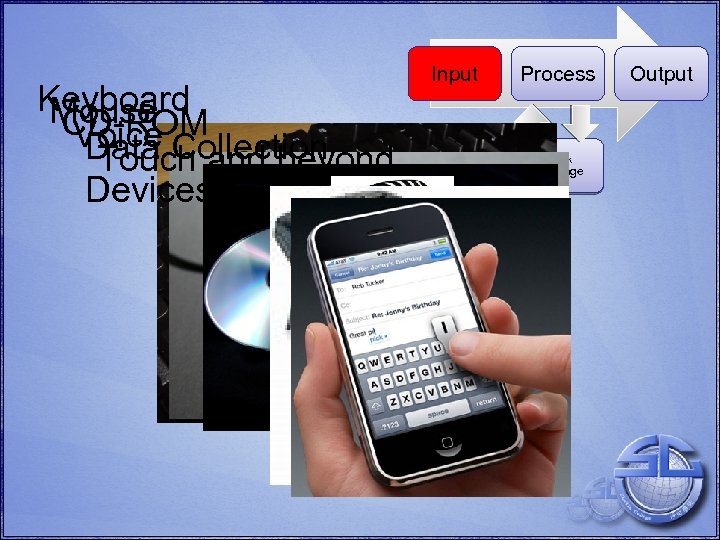 Keyboard Mouse CD-ROM Voice Collection Data and beyond Touch Devices Input Process Disk Storage Output
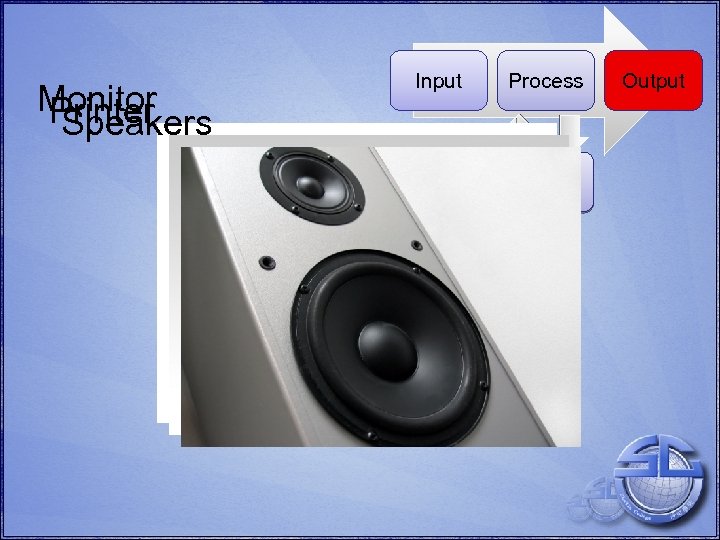 Monitor Printer Speakers Input Process Disk Storage Output
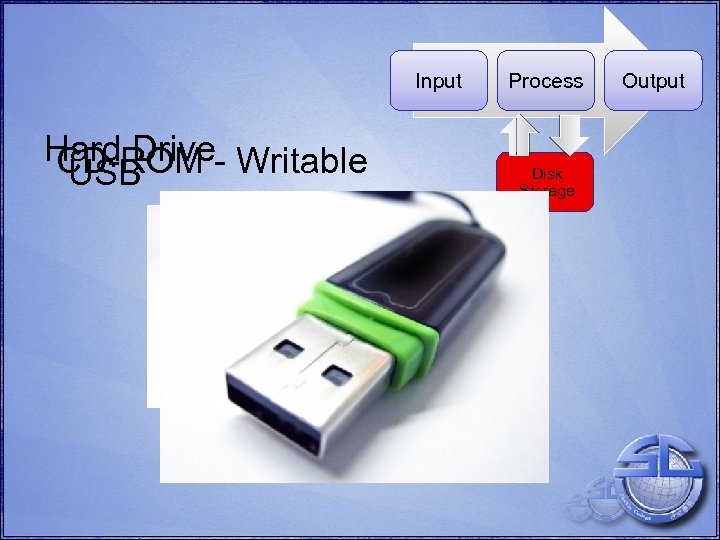 Input Hard Drive- Writable CD-ROM USB Process Disk Storage Output
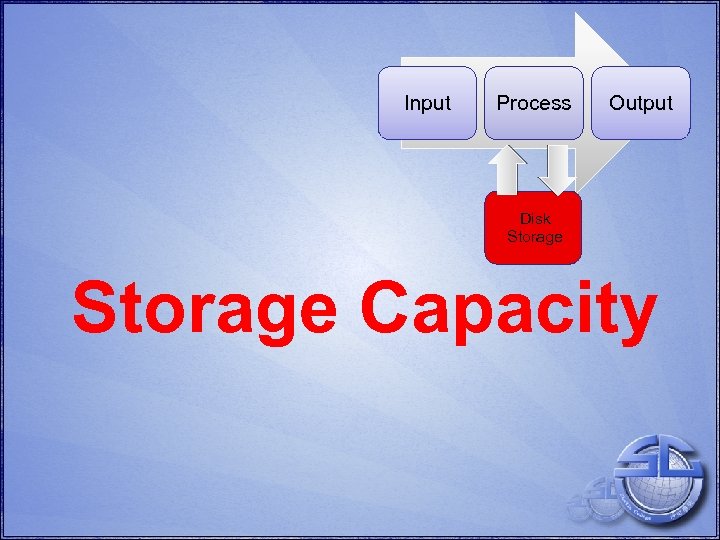 Input Process Output Disk Storage Capacity
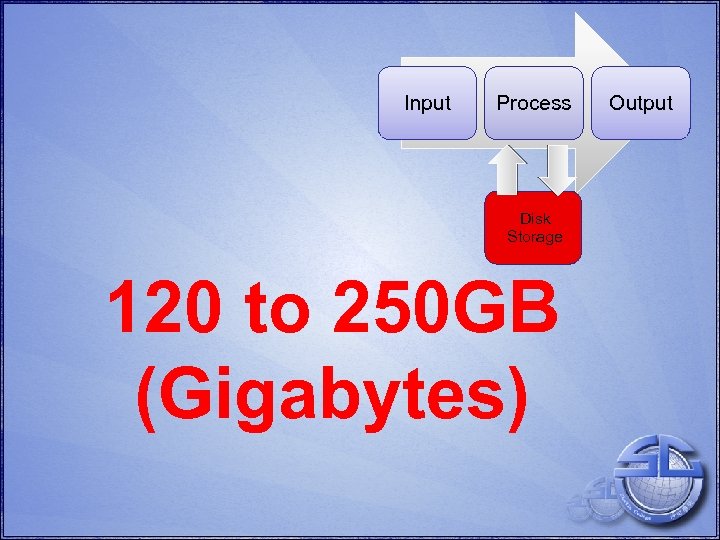 Input Process Disk Storage 120 to 250 GB (Gigabytes) Output
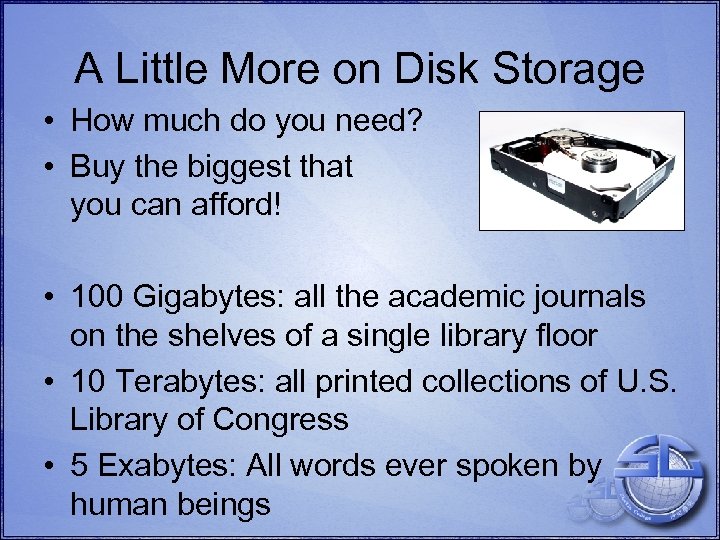 A Little More on Disk Storage • How much do you need? • Buy the biggest that you can afford! • 100 Gigabytes: all the academic journals on the shelves of a single library floor • 10 Terabytes: all printed collections of U. S. Library of Congress • 5 Exabytes: All words ever spoken by human beings
 What Does This Storage Mean for You? 1 TB (Terabyte) Hard Drive • 781, 250 pictures • 1, 250 hours of video
 03. 3 INSIDE THE COMPUTER
 What Makes a Computer
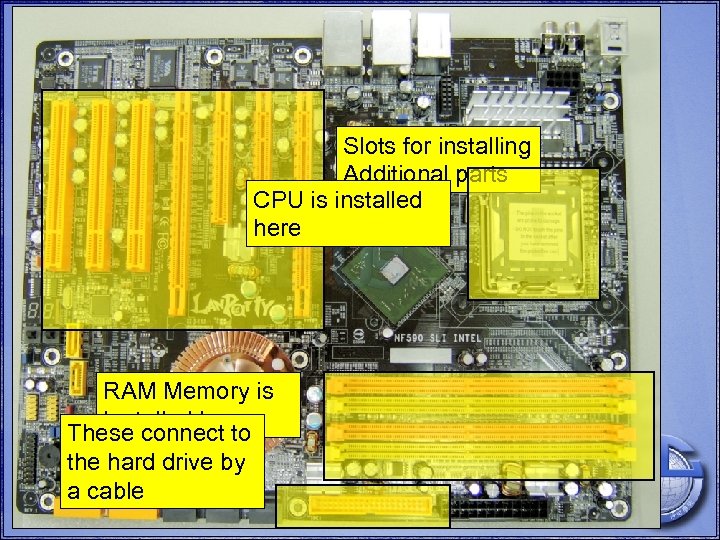 Motherboard Slots for installing Additional parts CPU is installed here RAM Memory is Installed here These connect to the hard drive by a cable
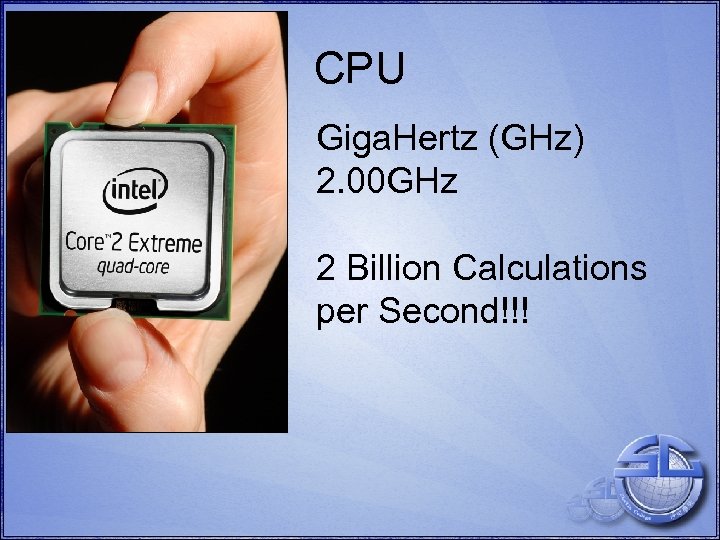 CPU Giga. Hertz (GHz) 2. 00 GHz 2 Billion Calculations per Second!!!
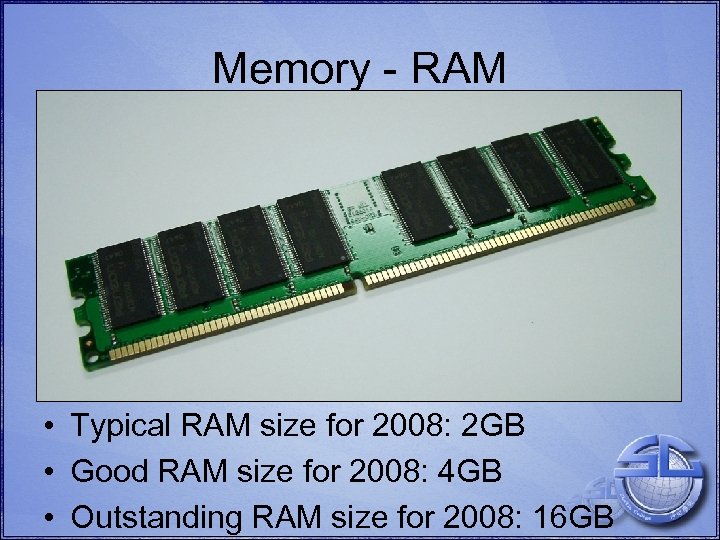 Memory - RAM • Typical RAM size for 2008: 2 GB • Good RAM size for 2008: 4 GB • Outstanding RAM size for 2008: 16 GB
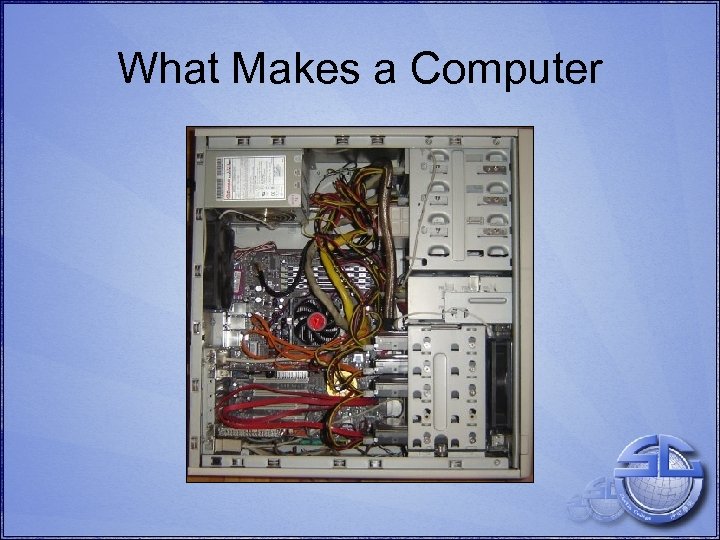
 • • • What Makes a Computer? Motherboard – connects together and coordinates other components. CPU – processes information according to stored instructions. The heart of the beast! Internal Storage – persistent instruction and data storage. Usually a hard disk. Memory– temporary instruction and data storage. Usually RAM. Removable media devices I/O – Keyboard, mouse, webcam – Display, speakers – Network • Power supply
 Slowness • Hardware – Older, slower processor – Insufficient RAM – Slow hard drive – Hard drive almost at capacity – Network issues • Software – Demanding operating system & applications – Excessive multi-tasking – Malicious software
 03. 4 PLAYTIME!
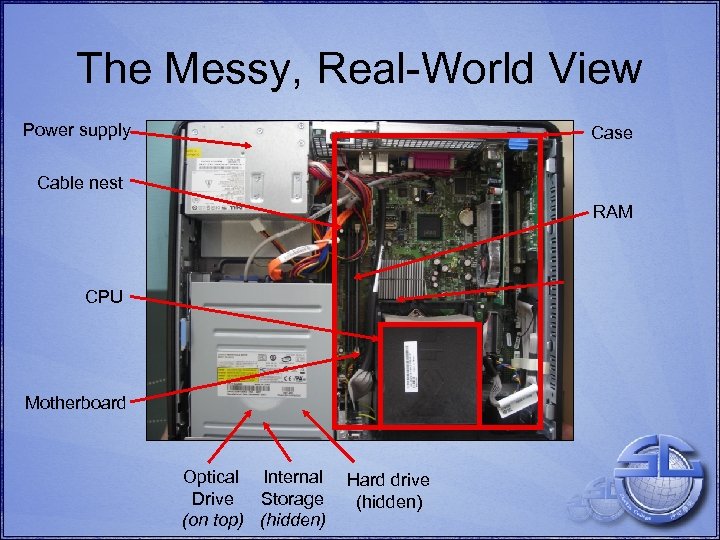 The Messy, Real-World View Power supply Case Cable nest RAM CPU Motherboard Optical Internal Drive Storage (on top) (hidden) Hard drive (hidden)
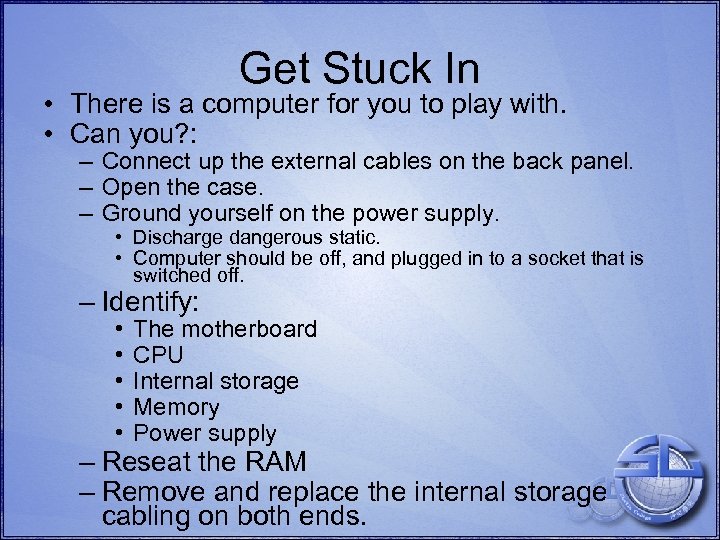 Get Stuck In • There is a computer for you to play with. • Can you? : – Connect up the external cables on the back panel. – Open the case. – Ground yourself on the power supply. • Discharge dangerous static. • Computer should be off, and plugged in to a socket that is switched off. – Identify: • • • The motherboard CPU Internal storage Memory Power supply – Reseat the RAM – Remove and replace the internal storage cabling on both ends.
 03. 5 OUTRODUCTION
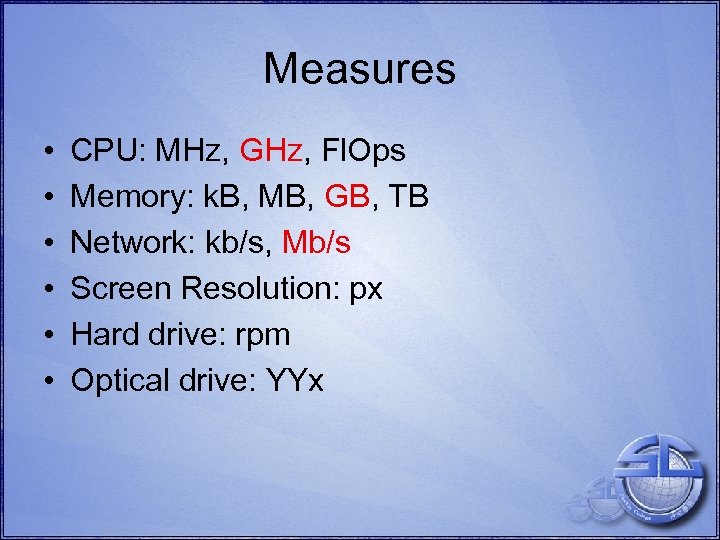 Measures • • • CPU: MHz, GHz, Fl. Ops Memory: k. B, MB, GB, TB Network: kb/s, Mb/s Screen Resolution: px Hard drive: rpm Optical drive: YYx
 Summary • • • Extreme complexity Understandable by most Grasp what you are buying Basic knowledge of problems Understanding of that mysterious magical stuff
 Thank You
 Licensing • • • All original work used here is licensed under the Creative Commons Attribution-Share Alike 3. 0 Unported license. For more details please look at http: //creativecommons. org/licenses/by-sa/3. 0/. This license has been chosen to permit a high degree of sharing, whilst protecting the author’s control as to how the content is used. Please respect this license and use accordingly! Recycled and borrowed works from other sources are used under appropriate licenses, which are not affected by this license. The original source is always given. All original work created by Ross Parker (Sha Tin College, English Schools Foundation, Hong Kong), except where specified.