 Скачать презентацию SBD Usability Evaluation Chris North cs 3724 HCI
cf0861a925c0fb4ef1e44e6be1a693c3.ppt
- Количество слайдов: 42



SBD: Usability Evaluation Chris North cs 3724: HCI
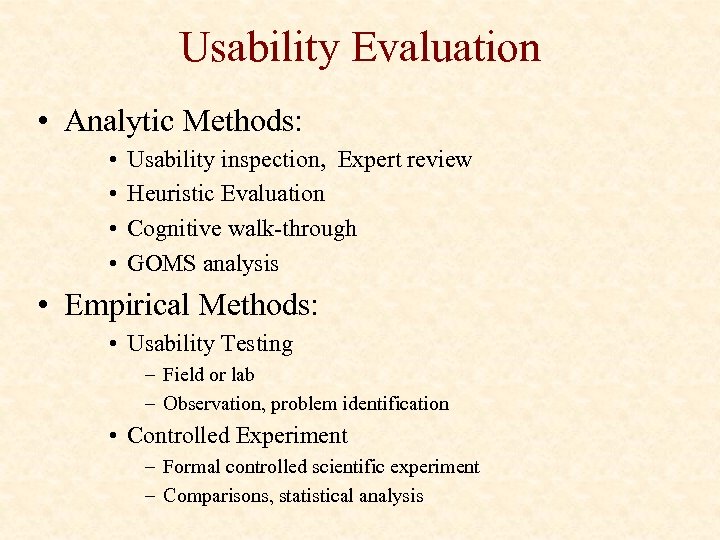
Usability Evaluation • Analytic Methods: • • Usability inspection, Expert review Heuristic Evaluation Cognitive walk-through GOMS analysis • Empirical Methods: • Usability Testing – Field or lab – Observation, problem identification • Controlled Experiment – Formal controlled scientific experiment – Comparisons, statistical analysis
Heuristic Evaluation
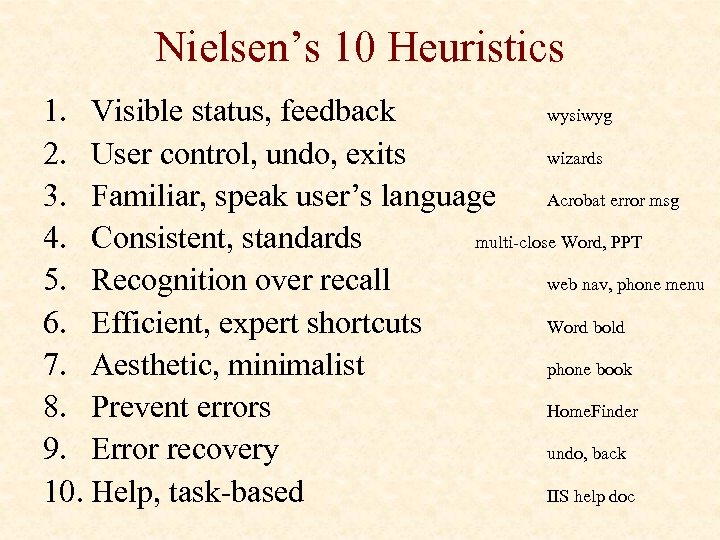
Nielsen’s 10 Heuristics 1. Visible status, feedback wysiwyg 2. User control, undo, exits wizards 3. Familiar, speak user’s language Acrobat error msg 4. Consistent, standards multi-close Word, PPT 5. Recognition over recall web nav, phone menu 6. Efficient, expert shortcuts Word bold 7. Aesthetic, minimalist phone book 8. Prevent errors Home. Finder 9. Error recovery undo, back 10. Help, task-based IIS help doc
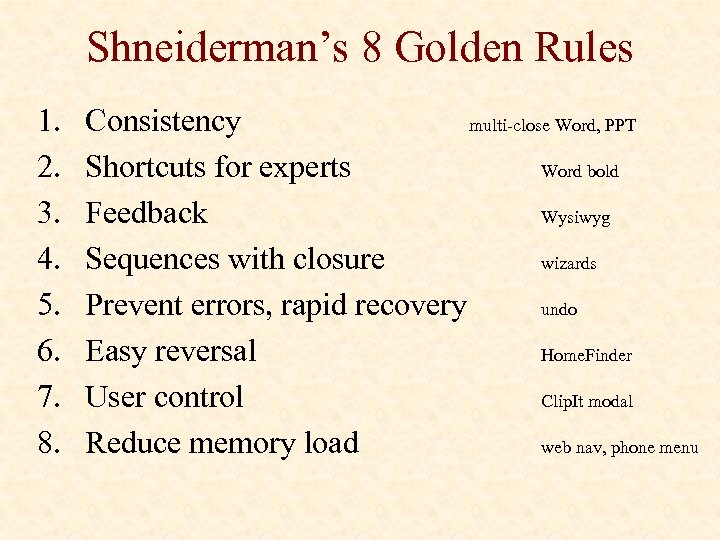
Shneiderman’s 8 Golden Rules 1. 2. 3. 4. 5. 6. 7. 8. Consistency multi-close Word, PPT Shortcuts for experts Word bold Feedback Wysiwyg Sequences with closure wizards Prevent errors, rapid recovery undo Easy reversal Home. Finder User control Clip. It modal Reduce memory load web nav, phone menu
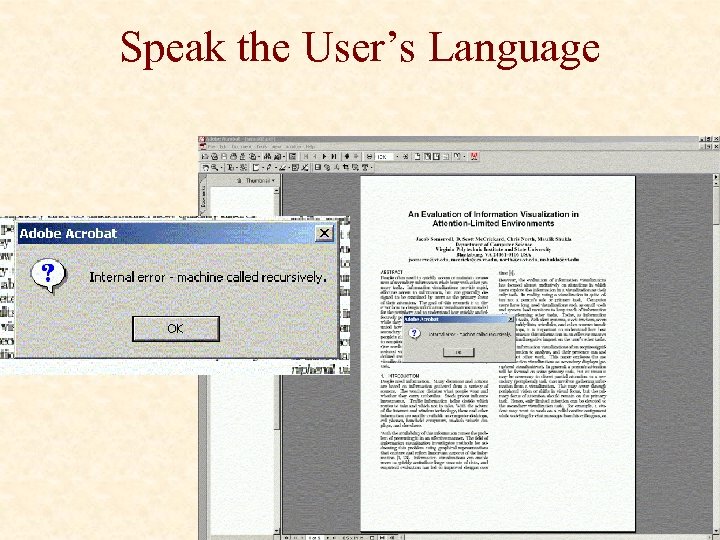
Speak the User’s Language
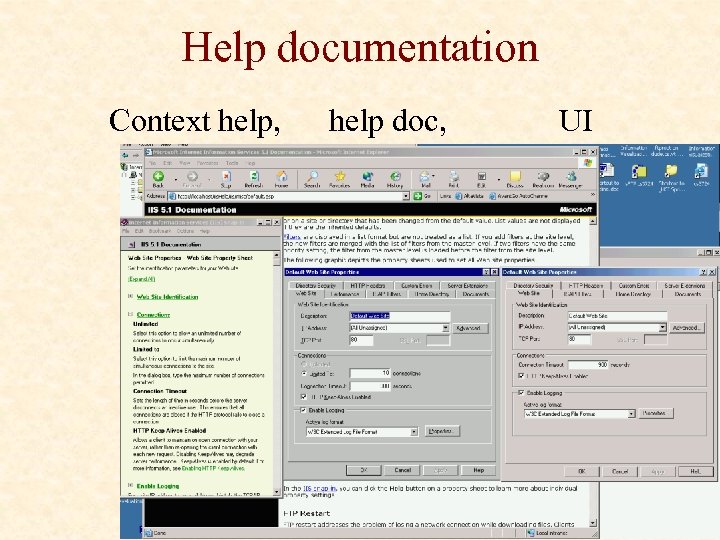
Help documentation Context help, help doc, UI
Usability Testing
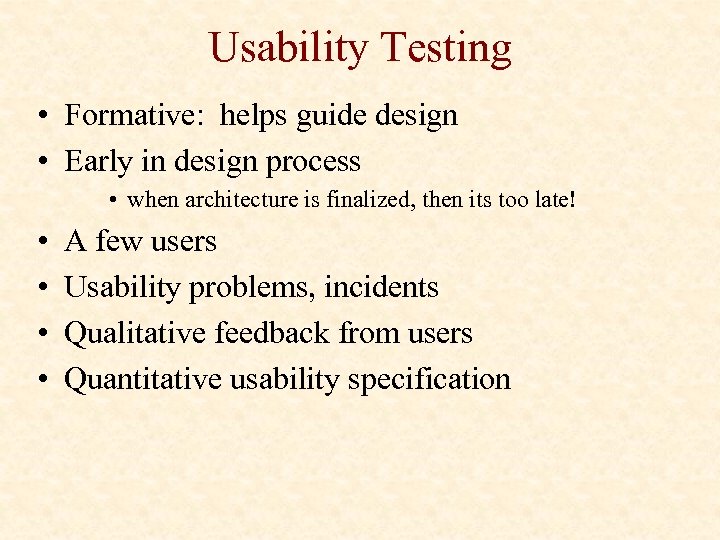
Usability Testing • Formative: helps guide design • Early in design process • when architecture is finalized, then its too late! • • A few users Usability problems, incidents Qualitative feedback from users Quantitative usability specification
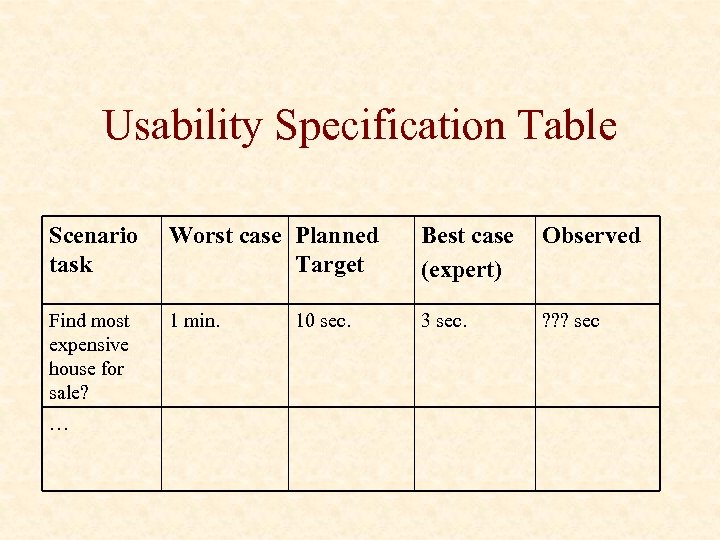
Usability Specification Table Scenario task Worst case Planned Target Best case (expert) Observed Find most expensive house for sale? 1 min. 3 sec. ? ? ? sec … 10 sec.
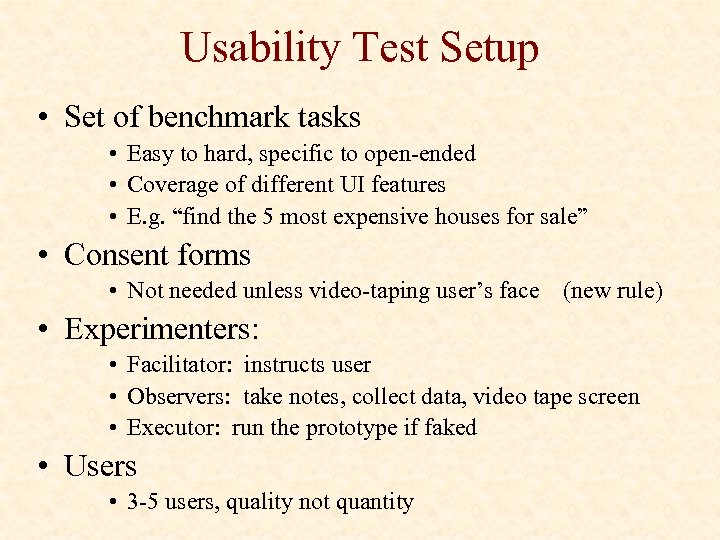
Usability Test Setup • Set of benchmark tasks • Easy to hard, specific to open-ended • Coverage of different UI features • E. g. “find the 5 most expensive houses for sale” • Consent forms • Not needed unless video-taping user’s face (new rule) • Experimenters: • Facilitator: instructs user • Observers: take notes, collect data, video tape screen • Executor: run the prototype if faked • Users • 3 -5 users, quality not quantity
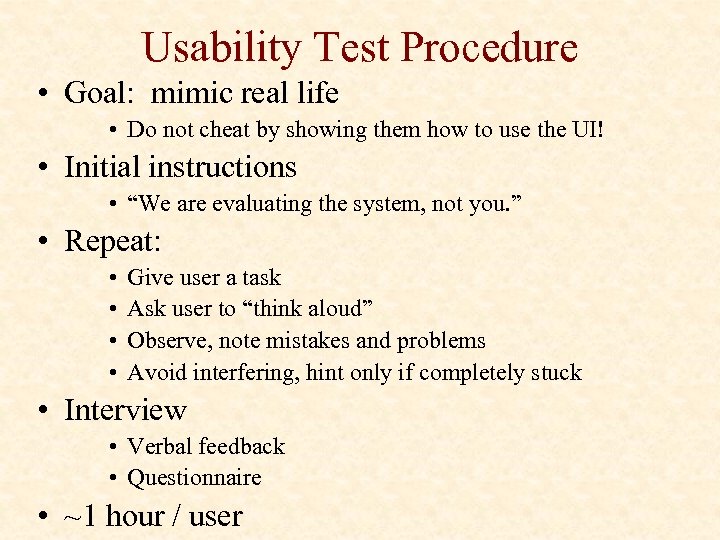
Usability Test Procedure • Goal: mimic real life • Do not cheat by showing them how to use the UI! • Initial instructions • “We are evaluating the system, not you. ” • Repeat: • • Give user a task Ask user to “think aloud” Observe, note mistakes and problems Avoid interfering, hint only if completely stuck • Interview • Verbal feedback • Questionnaire • ~1 hour / user
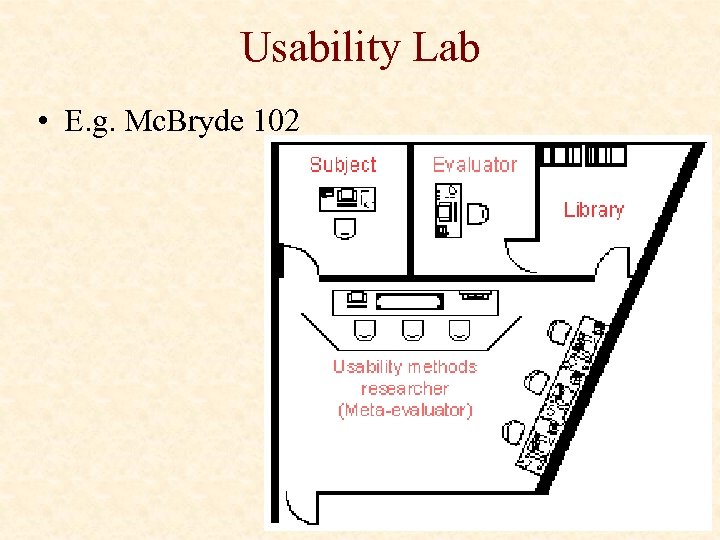
Usability Lab • E. g. Mc. Bryde 102
Data • Note taking • E. g. “&%$#@ user keeps clicking on the wrong button…” • Verbal protocol: think aloud • E. g. user thinks that button does something else… • Rough quantitative measures • HCI metrics: e. g. task completion time, . . • Interview feedback and surveys • Video-tape screen & mouse • Eye tracking, biometrics?
Analyze • Initial reaction: • “stupid user!”, “that’s developer X’s fault!”, “this sucks” • Mature reaction: • “how can we redesign UI to solve that usability problem? ” • the user is always right • Identify usability problems • Learning issues: e. g. can’t figure out or didn’t notice feature • Performance issues: e. g. arduous, tiring to solve tasks • Subjective issues: e. g. annoying, ugly • Problem severity: critical vs. minor
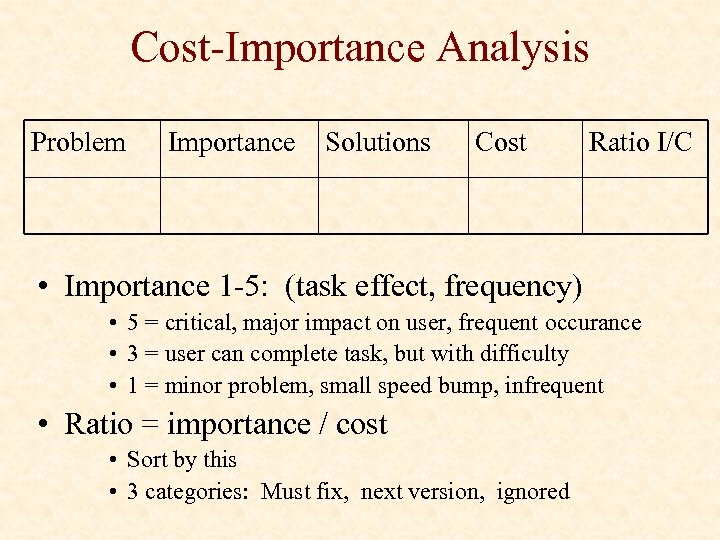
Cost-Importance Analysis Problem Importance Solutions Cost Ratio I/C • Importance 1 -5: (task effect, frequency) • 5 = critical, major impact on user, frequent occurance • 3 = user can complete task, but with difficulty • 1 = minor problem, small speed bump, infrequent • Ratio = importance / cost • Sort by this • 3 categories: Must fix, next version, ignored
Refine UI • Simple solutions vs. major redesigns • Solve problems in order of: importance/cost • Example: • Problem: user didn’t know he could zoom in to see more… • Potential solutions: – – Better zoom button icon, tooltip Add a zoom bar slider (like moosburg) Icons for different zoom levels: boundaries, roads, buildings NOT: more “help” documentation!!! You can do better. • Iterate • Test, refine, test, refine, … • Until? Meets usability specification
Project: Usability Evaluation • Usability Evaluation: • • Informal test 3 users: Not (tainted) HCI students Simple data collection (Biometrics optional!) Exploit this opportunity to improve your design • Report: • • Procedure (users, tasks, specs, data collection) Usability problems identified, specs not met Design modifications Revised implementation plan
Controlled Experiments
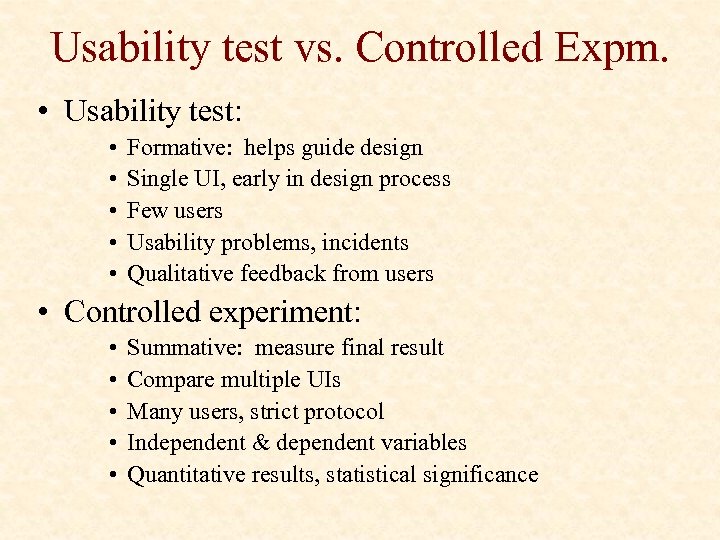
Usability test vs. Controlled Expm. • Usability test: • • • Formative: helps guide design Single UI, early in design process Few users Usability problems, incidents Qualitative feedback from users • Controlled experiment: • • • Summative: measure final result Compare multiple UIs Many users, strict protocol Independent & dependent variables Quantitative results, statistical significance
What is Science? • Measurement • Modeling
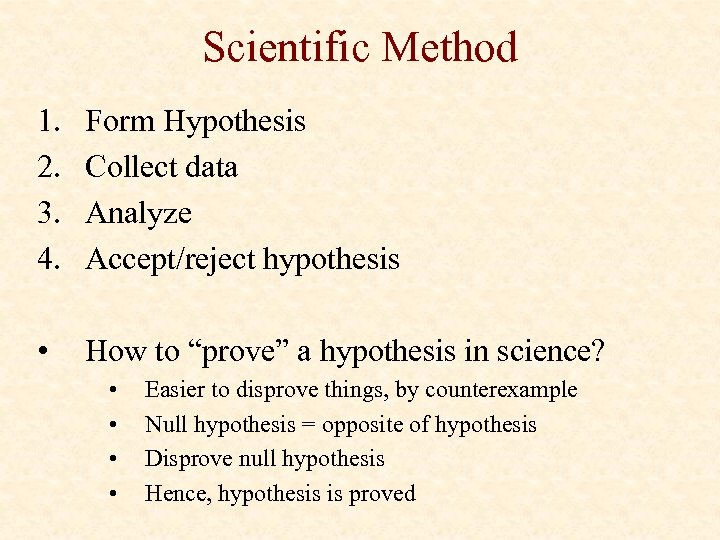
Scientific Method 1. 2. 3. 4. Form Hypothesis Collect data Analyze Accept/reject hypothesis • How to “prove” a hypothesis in science? • • Easier to disprove things, by counterexample Null hypothesis = opposite of hypothesis Disprove null hypothesis Hence, hypothesis is proved
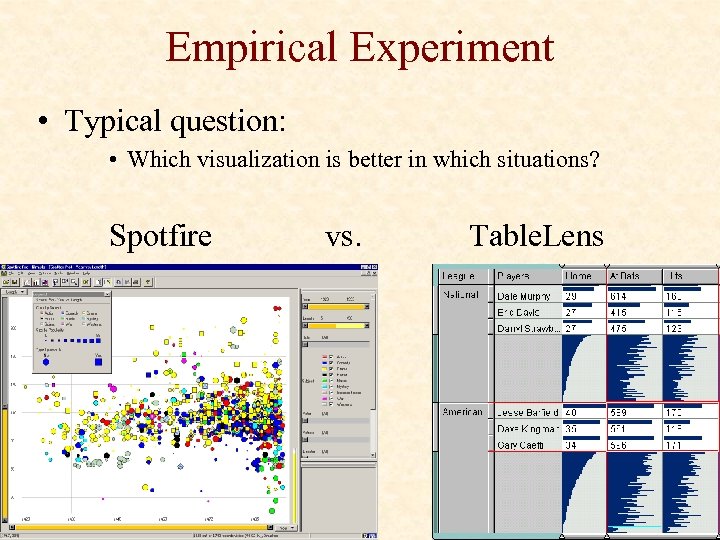
Empirical Experiment • Typical question: • Which visualization is better in which situations? Spotfire vs. Table. Lens
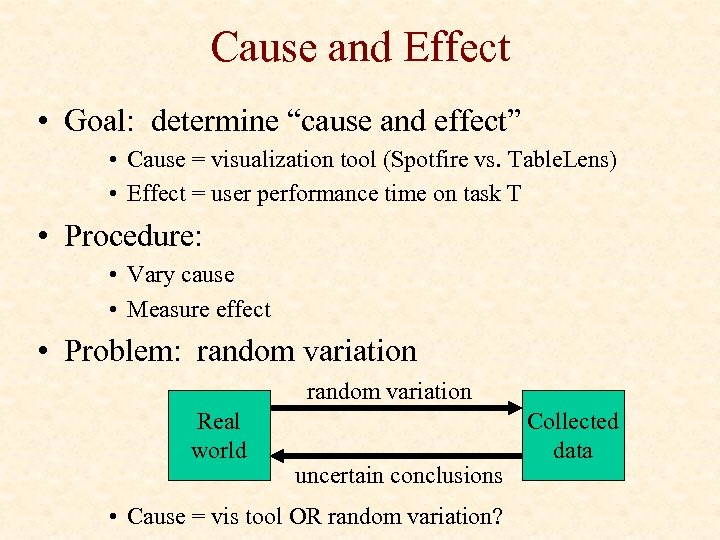
Cause and Effect • Goal: determine “cause and effect” • Cause = visualization tool (Spotfire vs. Table. Lens) • Effect = user performance time on task T • Procedure: • Vary cause • Measure effect • Problem: random variation Real world uncertain conclusions • Cause = vis tool OR random variation? Collected data
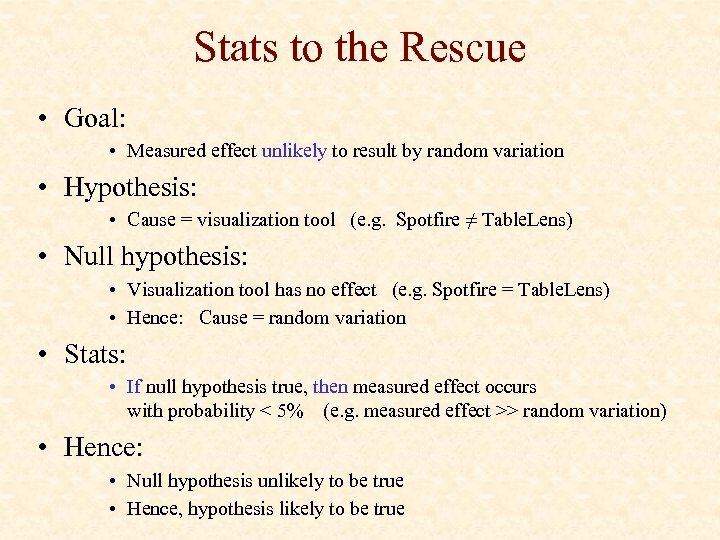
Stats to the Rescue • Goal: • Measured effect unlikely to result by random variation • Hypothesis: • Cause = visualization tool (e. g. Spotfire ≠ Table. Lens) • Null hypothesis: • Visualization tool has no effect (e. g. Spotfire = Table. Lens) • Hence: Cause = random variation • Stats: • If null hypothesis true, then measured effect occurs with probability < 5% (e. g. measured effect >> random variation) • Hence: • Null hypothesis unlikely to be true • Hence, hypothesis likely to be true
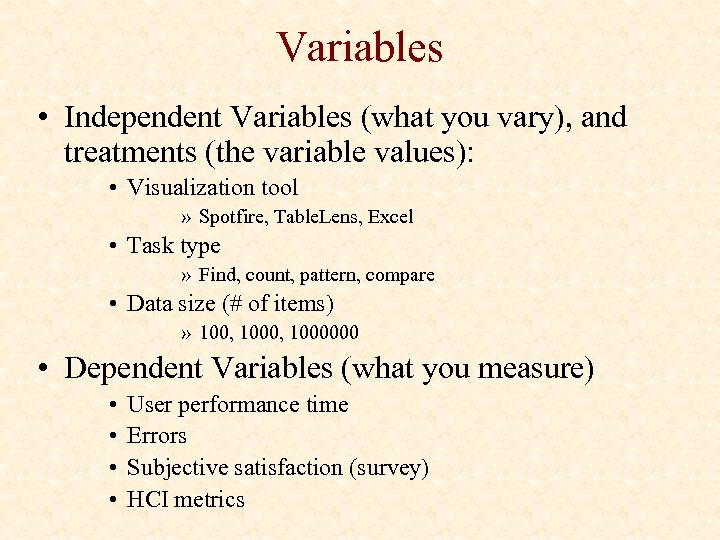
Variables • Independent Variables (what you vary), and treatments (the variable values): • Visualization tool » Spotfire, Table. Lens, Excel • Task type » Find, count, pattern, compare • Data size (# of items) » 100, 1000000 • Dependent Variables (what you measure) • • User performance time Errors Subjective satisfaction (survey) HCI metrics
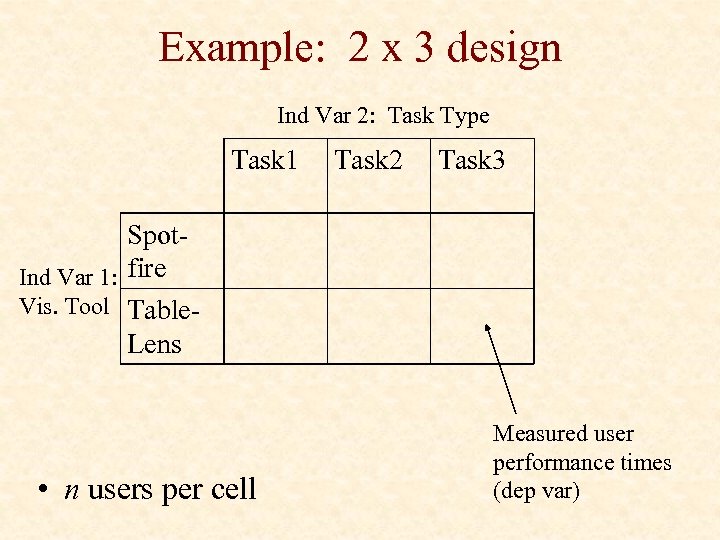
Example: 2 x 3 design Ind Var 2: Task Type Task 1 Task 2 Task 3 Spot. Ind Var 1: fire Vis. Tool Table. Lens • n users per cell Measured user performance times (dep var)
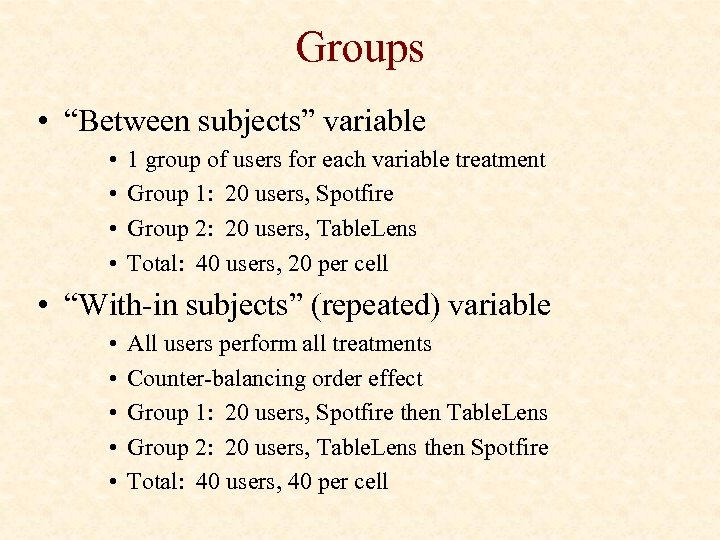
Groups • “Between subjects” variable • • 1 group of users for each variable treatment Group 1: 20 users, Spotfire Group 2: 20 users, Table. Lens Total: 40 users, 20 per cell • “With-in subjects” (repeated) variable • • • All users perform all treatments Counter-balancing order effect Group 1: 20 users, Spotfire then Table. Lens Group 2: 20 users, Table. Lens then Spotfire Total: 40 users, 40 per cell
Issues • Eliminate or measure extraneous factors • Randomized • Fairness • Identical procedures, … • Bias • User privacy, data security • IRB (internal review board)
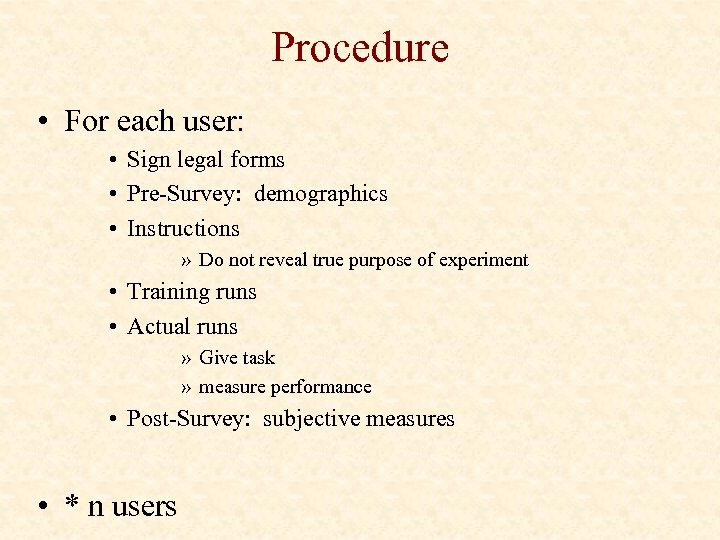
Procedure • For each user: • Sign legal forms • Pre-Survey: demographics • Instructions » Do not reveal true purpose of experiment • Training runs • Actual runs » Give task » measure performance • Post-Survey: subjective measures • * n users
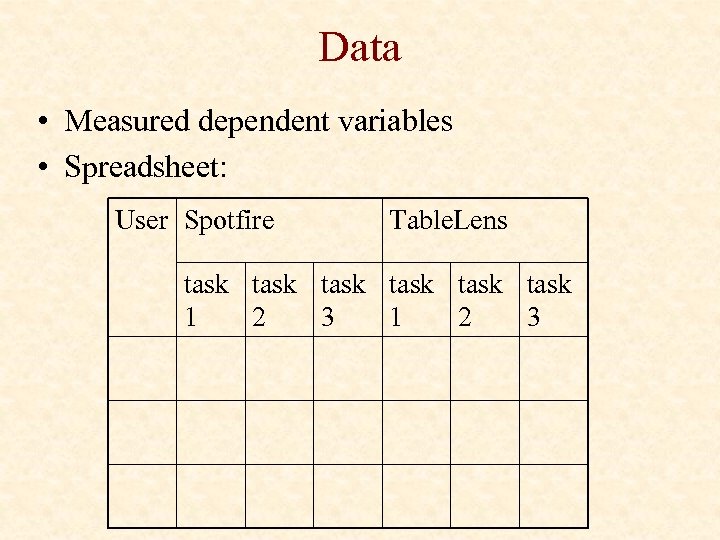
Data • Measured dependent variables • Spreadsheet: User Spotfire Table. Lens task task 1 2 3
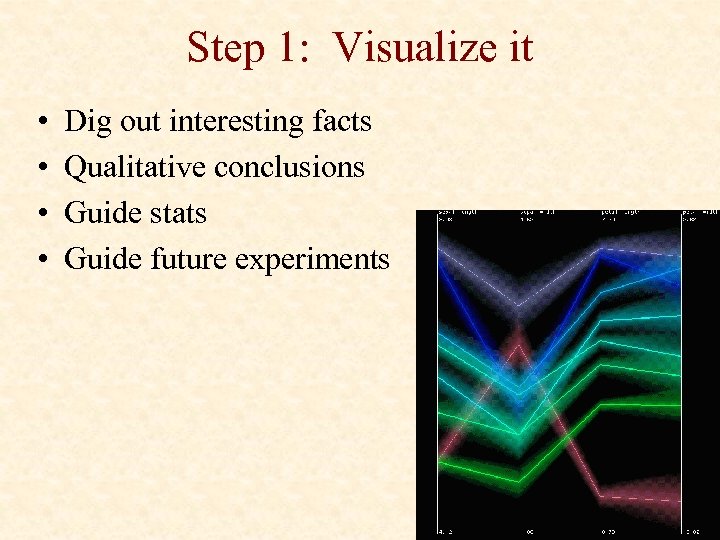
Step 1: Visualize it • • Dig out interesting facts Qualitative conclusions Guide stats Guide future experiments
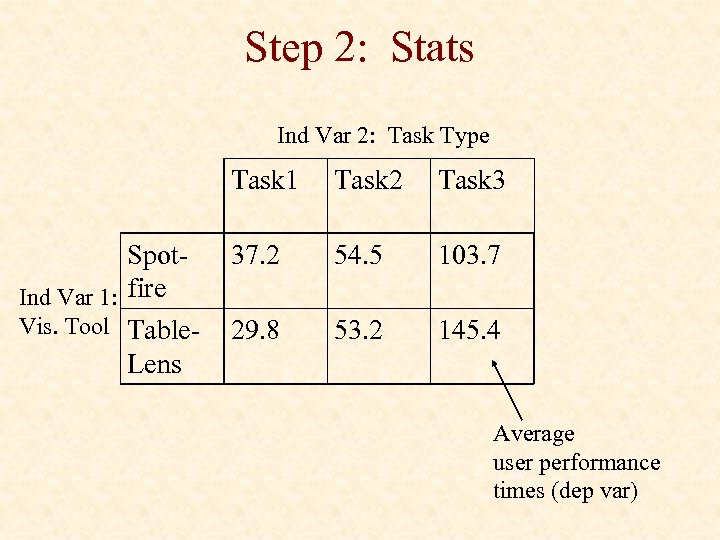
Step 2: Stats Ind Var 2: Task Type Task 1 Spot. Ind Var 1: fire Vis. Tool Table. Lens Task 2 Task 3 37. 2 54. 5 103. 7 29. 8 53. 2 145. 4 Average user performance times (dep var)
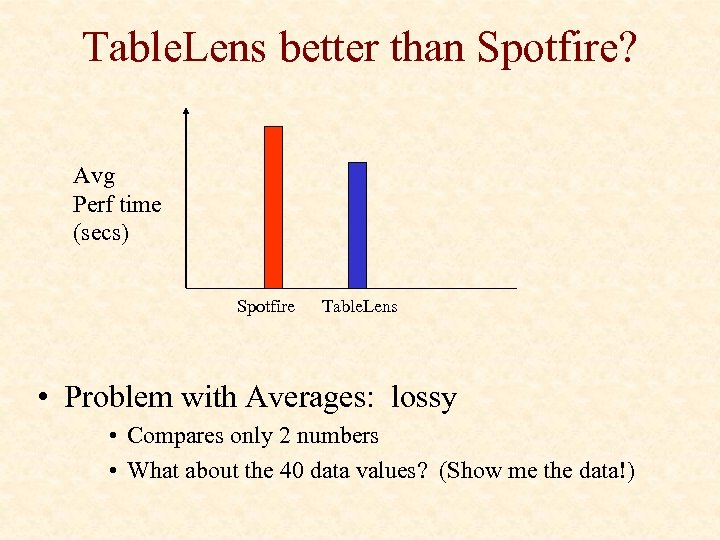
Table. Lens better than Spotfire? Avg Perf time (secs) Spotfire Table. Lens • Problem with Averages: lossy • Compares only 2 numbers • What about the 40 data values? (Show me the data!)
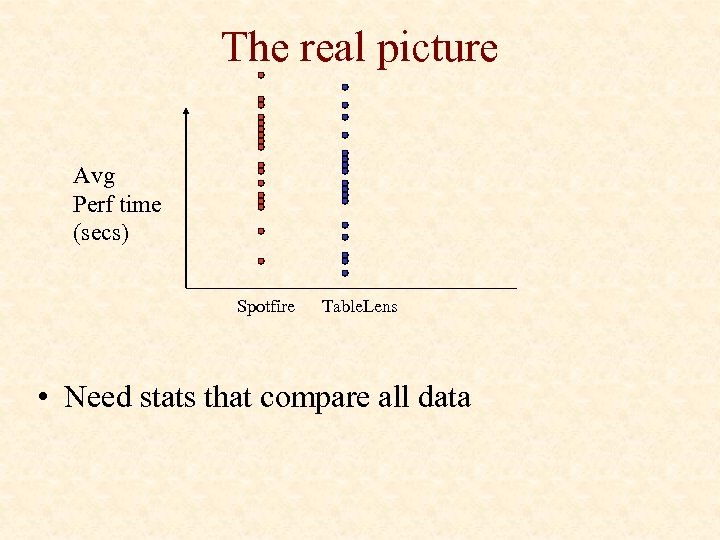
The real picture Avg Perf time (secs) Spotfire Table. Lens • Need stats that compare all data
Statistics • t-test • Compares 1 dep var on 2 treatments of 1 ind var • ANOVA: Analysis of Variance • Compares 1 dep var on n treatments of m ind vars • Result: • p = probability that difference between treatments is random (null hypothesis) • “statistical significance” level • typical cut-off: p < 0. 05 • Hypothesis confidence = 1 - p
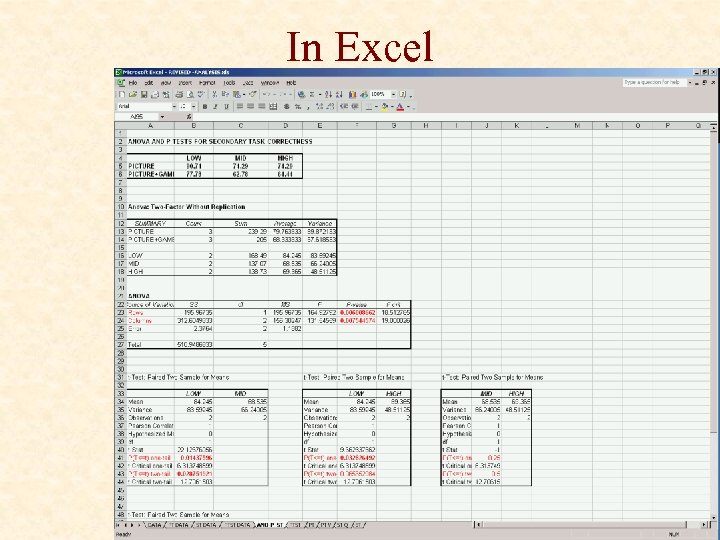
In Excel
p < 0. 05 • • Woohoo! Found a “statistically significant” difference Averages determine which is ‘better’ Conclusion: • • • Cause = visualization tool (e. g. Spotfire ≠ Table. Lens) Vis Tool has an effect on user performance for task T … “ 95% confident that Table. Lens better than Spotfire …” NOT “Table. Lens beats Spotfire 95% of time” 5% chance of being wrong! Be careful about generalizing
p > 0. 05 • Hence, no difference? • Vis Tool has no effect on user performance for task T…? • Spotfire = Table. Lens ? • NOT! • • Did not detect a difference, but could still be different Potential real effect did not overcome random variation Provides evidence for Spotfire = Table. Lens, but not proof Boring, basically found nothing • How? • Not enough users • Need better tasks, data, …
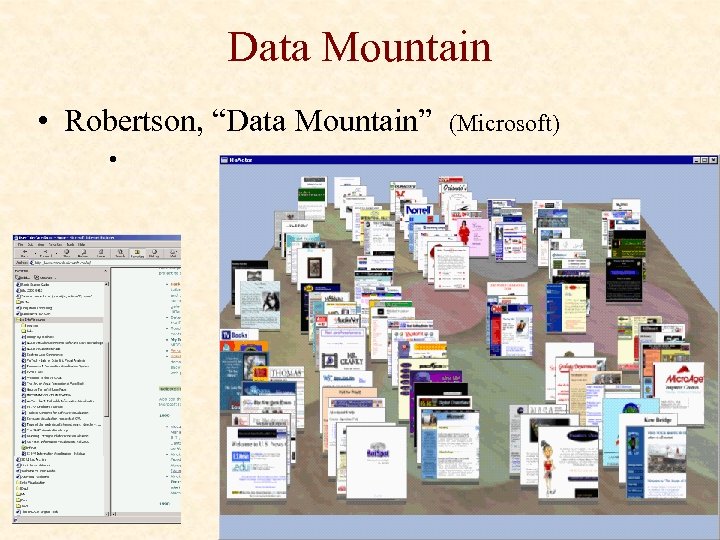
Data Mountain • Robertson, “Data Mountain” • (Microsoft)
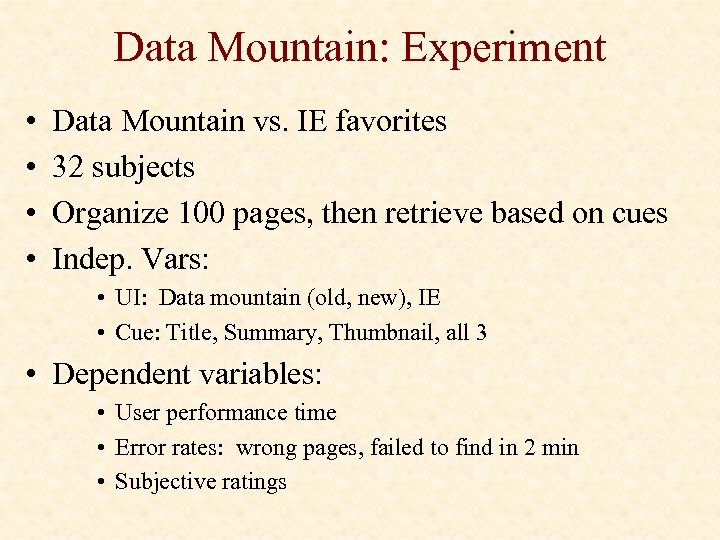
Data Mountain: Experiment • • Data Mountain vs. IE favorites 32 subjects Organize 100 pages, then retrieve based on cues Indep. Vars: • UI: Data mountain (old, new), IE • Cue: Title, Summary, Thumbnail, all 3 • Dependent variables: • User performance time • Error rates: wrong pages, failed to find in 2 min • Subjective ratings
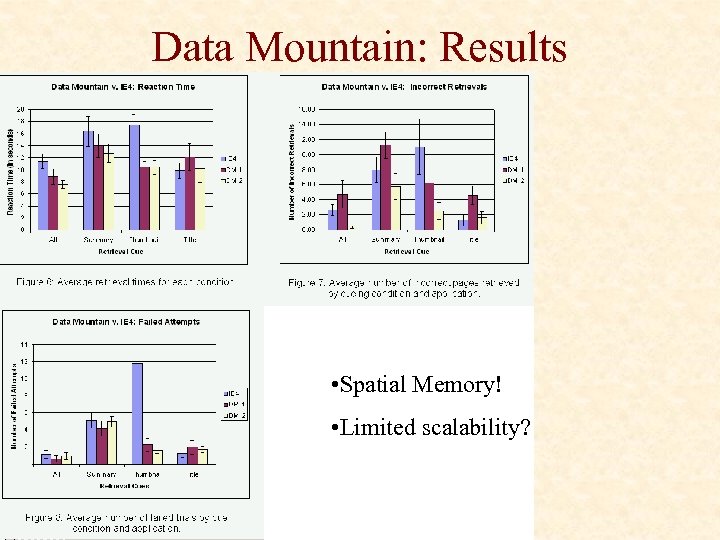
Data Mountain: Results • Spatial Memory! • Limited scalability?
Скачать презентацию SBD Usability Evaluation Chris North cs 3724 HCI
cf0861a925c0fb4ef1e44e6be1a693c3.ppt