


 Скачать презентацию SAS ODS Output Delivery System Donald Miller 812
635709199e60f5ee92e1358f82926318.ppt
- Количество слайдов: 9
 SAS ODS (Output Delivery System) Donald Miller 812 Oswald Tower 3 -3155; miller@pop. psu. edu
 ODS Purpose • To allow more stylized / fancier output for SAS jobs, using HTML, PDF, RTF, or Postscript • To eliminate the need for macros that used to convert standard SAS output to a Microsoft Word, Word. Perfect, or HTML document
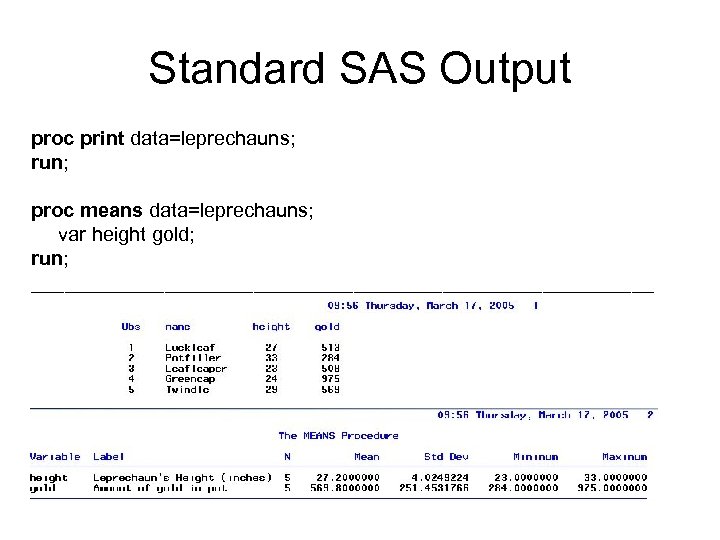 Standard SAS Output proc print data=leprechauns; run; proc means data=leprechauns; var height gold; run; ____________________________
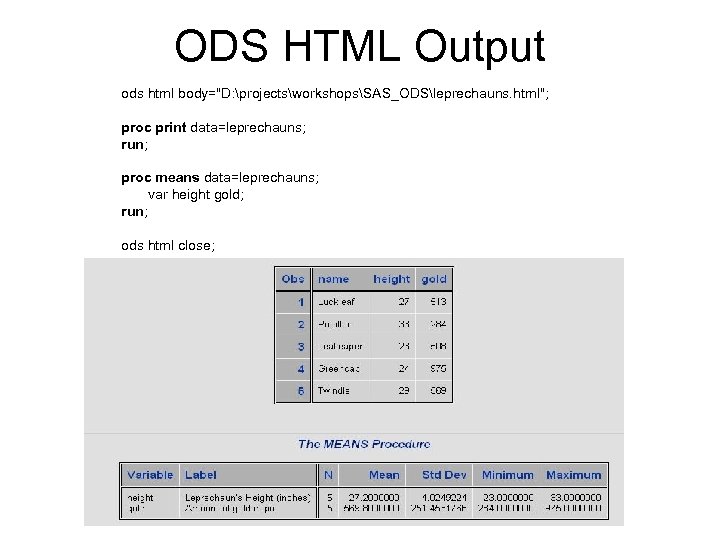 ODS HTML Output ods html body="D: projectsworkshopsSAS_ODSleprechauns. html"; proc print data=leprechauns; run; proc means data=leprechauns; var height gold; run; ods html close;
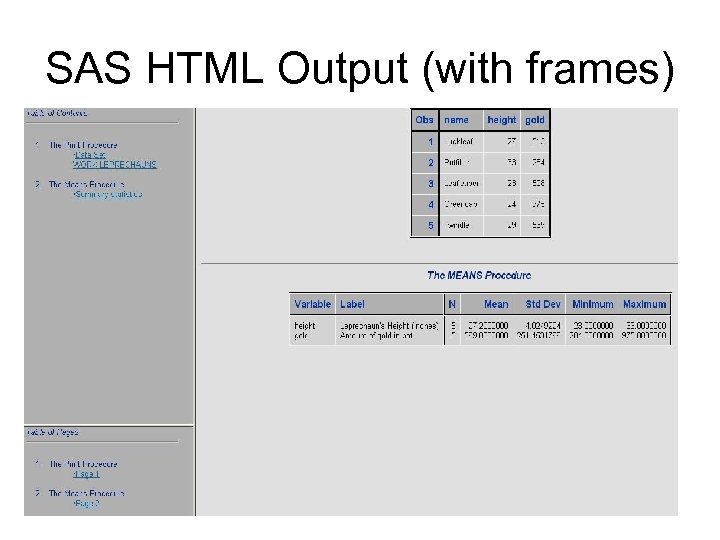 SAS HTML Output (with frames)
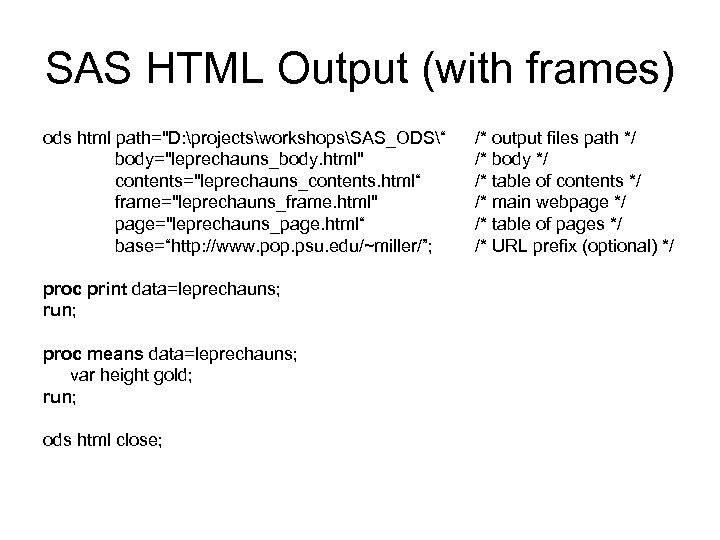 SAS HTML Output (with frames) ods html path="D: projectsworkshopsSAS_ODS“ body="leprechauns_body. html" contents="leprechauns_contents. html“ frame="leprechauns_frame. html" page="leprechauns_page. html“ base=“http: //www. pop. psu. edu/~miller/”; proc print data=leprechauns; run; proc means data=leprechauns; var height gold; run; ods html close; /* output files path */ /* body */ /* table of contents */ /* main webpage */ /* table of pages */ /* URL prefix (optional) */
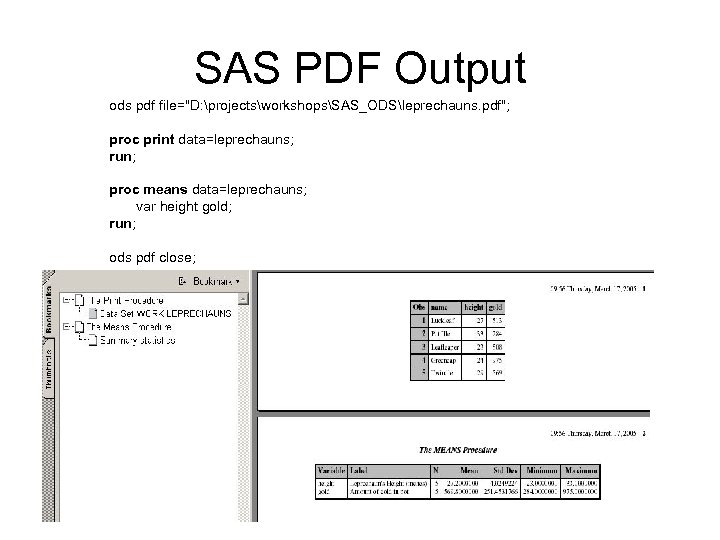 SAS PDF Output ods pdf file="D: projectsworkshopsSAS_ODSleprechauns. pdf"; proc print data=leprechauns; run; proc means data=leprechauns; var height gold; run; ods pdf close;
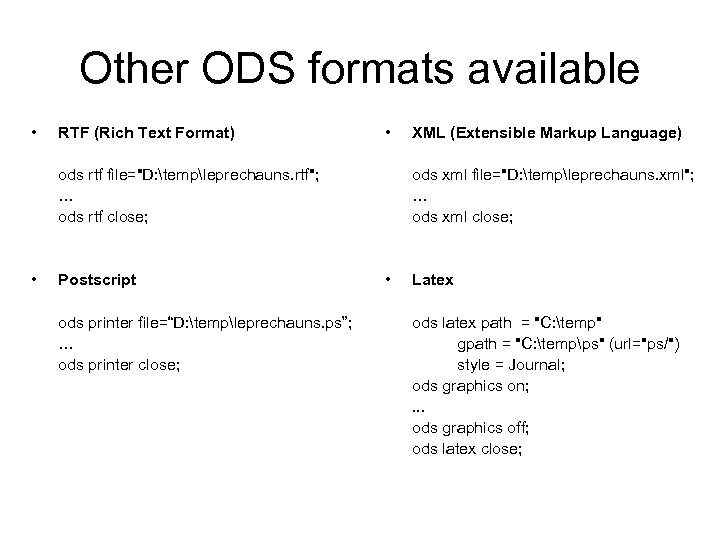 Other ODS formats available • RTF (Rich Text Format) • ods rtf file="D: templeprechauns. rtf"; … ods rtf close; • Postscript ods printer file=“D: templeprechauns. ps”; … ods printer close; XML (Extensible Markup Language) ods xml file="D: templeprechauns. xml"; … ods xml close; • Latex ods latex path = "C: temp" gpath = "C: tempps" (url="ps/") style = Journal; ods graphics on; . . . ods graphics off; ods latex close;
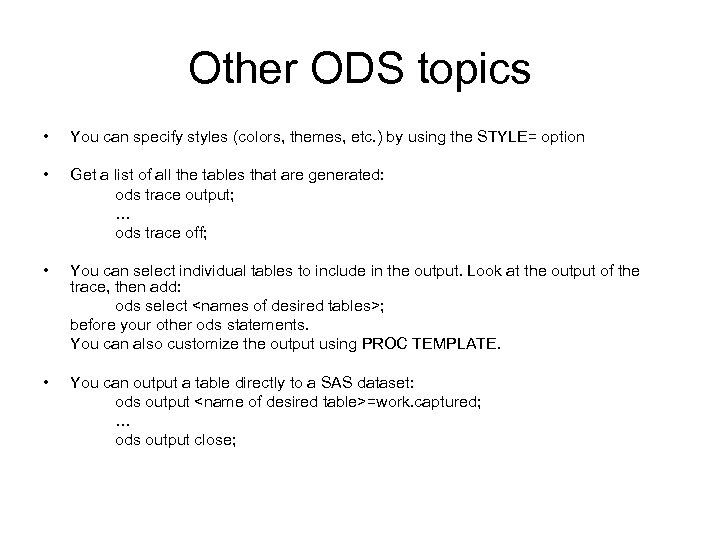 Other ODS topics • You can specify styles (colors, themes, etc. ) by using the STYLE= option • Get a list of all the tables that are generated: ods trace output; … ods trace off; • You can select individual tables to include in the output. Look at the output of the trace, then add: ods select