


 Скачать презентацию Safeguarding GIS Data through Metadata The Minnesota Geographic
15fbfaa823ac23b43391626aac7ee4ab.ppt
- Количество слайдов: 48
 Safeguarding GIS Data through Metadata The Minnesota Geographic Metadata Guidelines n Christopher Cialek & Nancy Rader n Land Management Information Center n MN Planning n U-MN GIS Student Organization n March 29, 2003
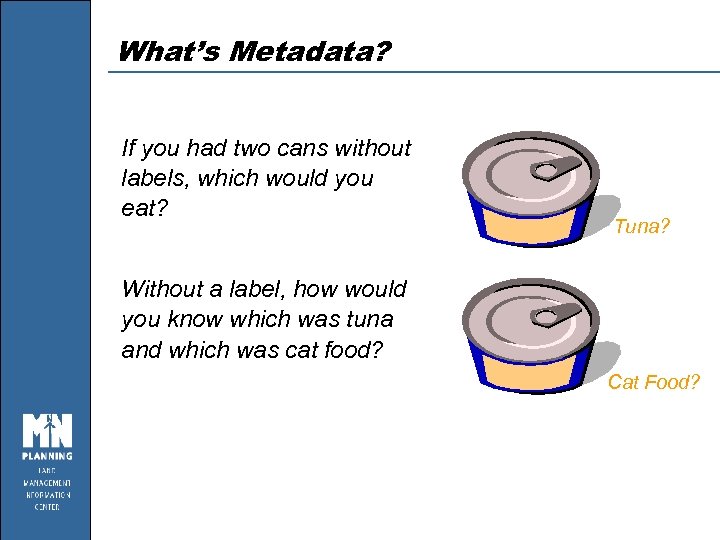 What’s Metadata? If you had two cans without labels, which would you eat? Tuna? Without a label, how would you know which was tuna and which was cat food? Cat Food?
 By the end of the Workshop. . . You will: n Understand what metadata is; its value appreciate n Become familiar with Minnesota’s metadata guidelines n Create your own metadata records n Use the Geo. Gateway to find data n Know where to go for help
 What’s Metadata? “the information that makes data sets understandable, usable and sharable. ” International Standards Organization
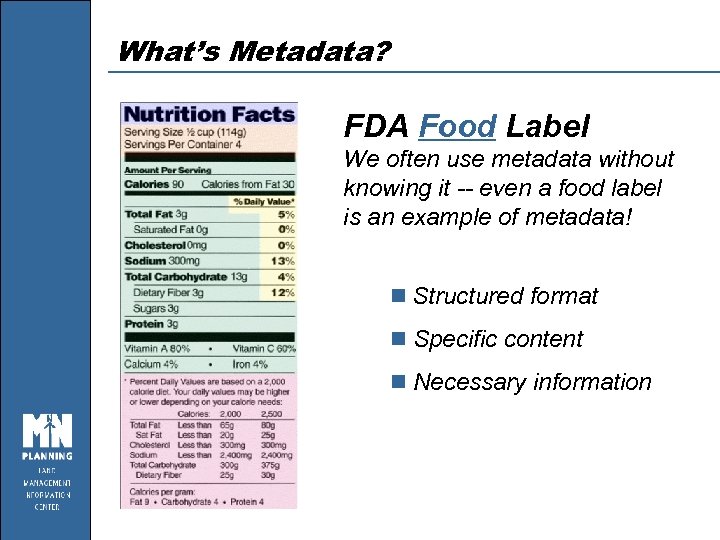 What’s Metadata? FDA Food Label We often use metadata without knowing it -- even a food label is an example of metadata! n Structured format n Specific content n Necessary information
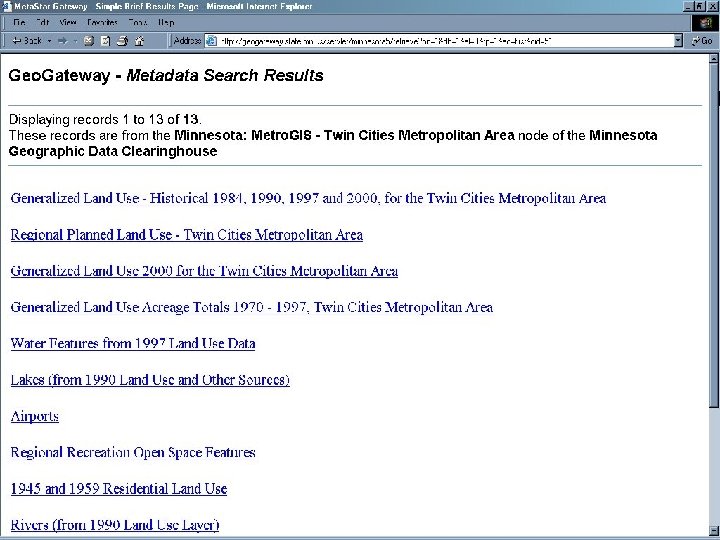
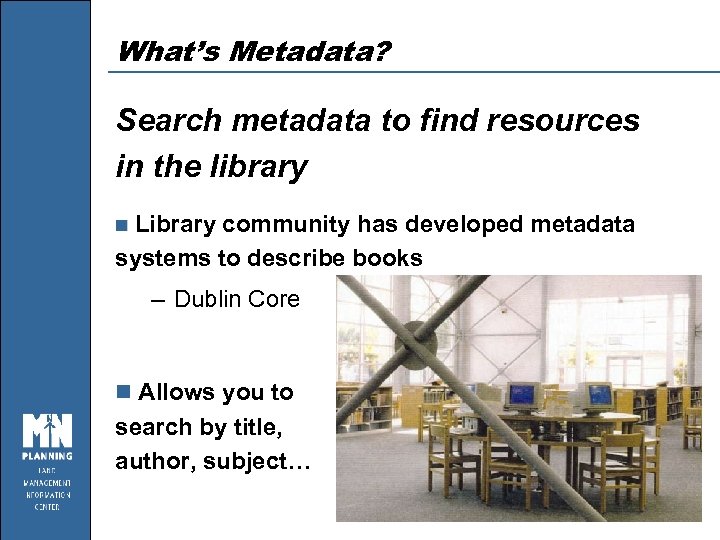 What’s Metadata? Search metadata to find resources in the library n Library community has developed metadata systems to describe books – Dublin Core n Allows you to search by title, author, subject…
 What are Metadata Used For? n MANAGING DATABASES n COMPARING DATA SETS n FACILITATING DATA SHARING n PROVIDING TECHNICAL SPECS n FINDING DATA
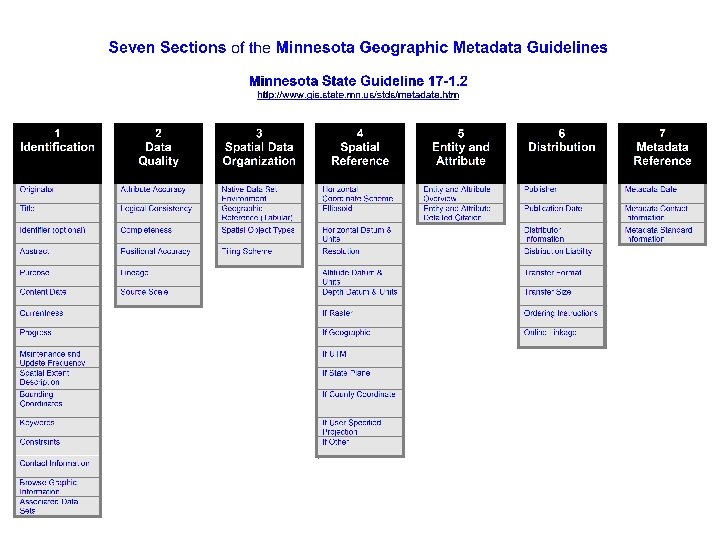
 Standards n Content Standard for Digital Geospatial Metadata (CSDGM) – Established by the FGDC (v 2. 0) approved 1998 – Structured, thorough, complex – www. fgdc. gov/metadata/contstan. html n Minnesota Geographic Metadata Guidelines (MGMG) – Derived from the federal standard in 1998 – Simplified, but retains all required fields – Became state standard in 1999 – www. gis. state. mn. us/stds/metadata. htm
 Standards n ISO 19115 – International geospatial metadata standard – Currently under development, available late this year – Crosswalk to CSDGM: http: //ogcengine. nima. mil/metadata/index. htm
 The Minnesota Geographic Metadata Guidelines
 The MGMG n SUBSET OF A FEDERAL STANDARD n MADE UP OF SEVEN SECTIONS n DRIVES WEB SEARCH TOOLS n USED BY OVER 75 ORGS IN MN n MN STANDARD; FGDC RECOGNIZED
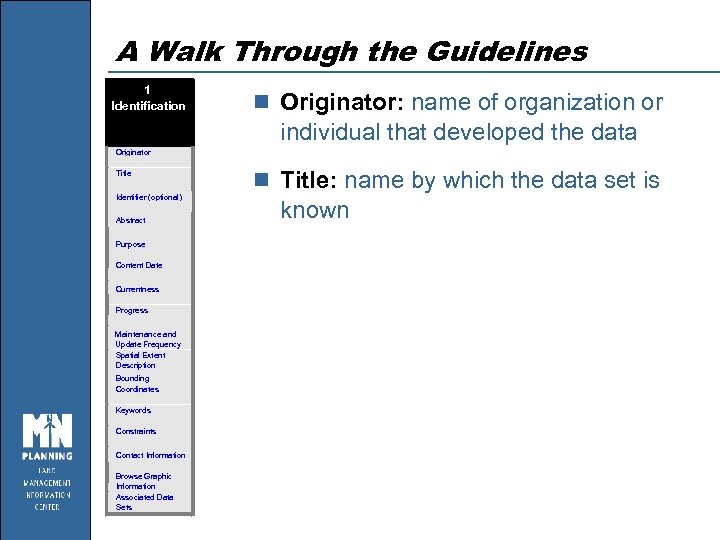 A Walk Through the Guidelines 1 Identification n Originator: name of organization or individual that developed the data Originator Title Identifier (optional) Abstract Purpose Content Date Currentness Progress Maintenance and Update Frequency Spatial Extent Description Bounding Coordinates Keywords Constraints Contact Information Browse Graphic Information Associated Data Sets n Title: name by which the data set is known
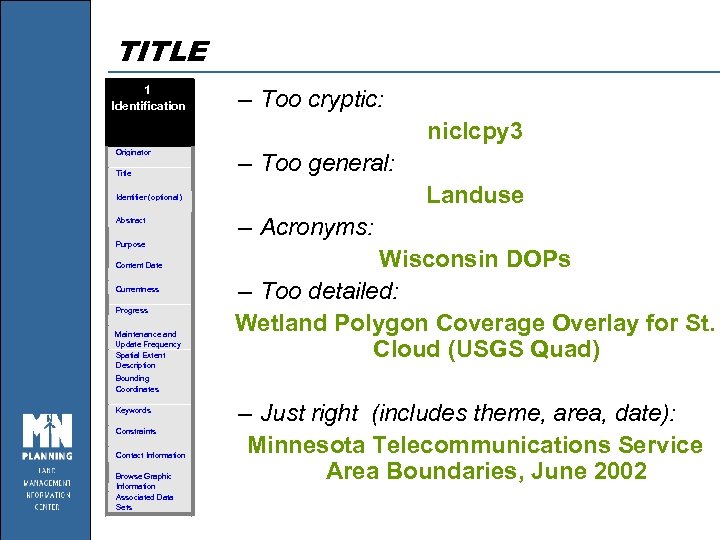 TITLE 1 Identification – Too cryptic: niclcpy 3 Originator Title – Too general: Landuse Identifier (optional) Abstract Purpose Content Date Currentness Progress Maintenance and Update Frequency Spatial Extent Description – Acronyms: Wisconsin DOPs – Too detailed: Wetland Polygon Coverage Overlay for St. Cloud (USGS Quad) Bounding Coordinates Keywords Constraints Contact Information Browse Graphic Information Associated Data Sets – Just right (includes theme, area, date): Minnesota Telecommunications Service Area Boundaries, June 2002
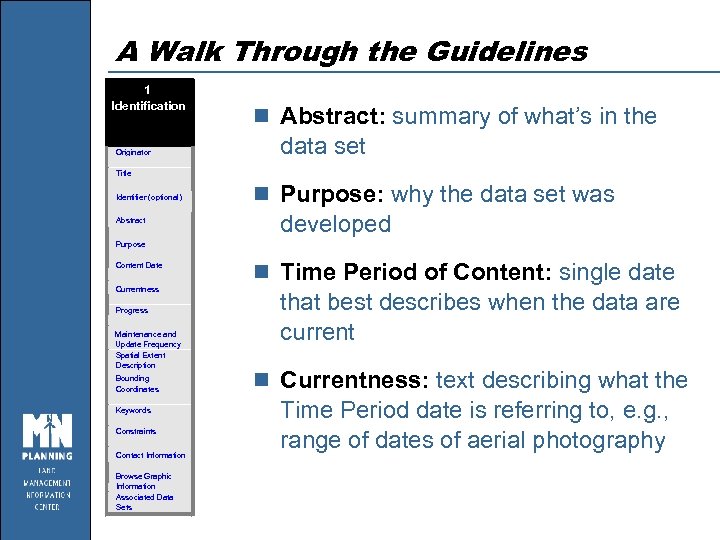 A Walk Through the Guidelines 1 Identification Originator n Abstract: summary of what’s in the data set Title Identifier (optional) Abstract n Purpose: why the data set was developed Purpose Content Date Currentness Progress Maintenance and Update Frequency Spatial Extent Description Bounding Coordinates Keywords Constraints Contact Information Browse Graphic Information Associated Data Sets n Time Period of Content: single date that best describes when the data are current n Currentness: text describing what the Time Period date is referring to, e. g. , range of dates of aerial photography
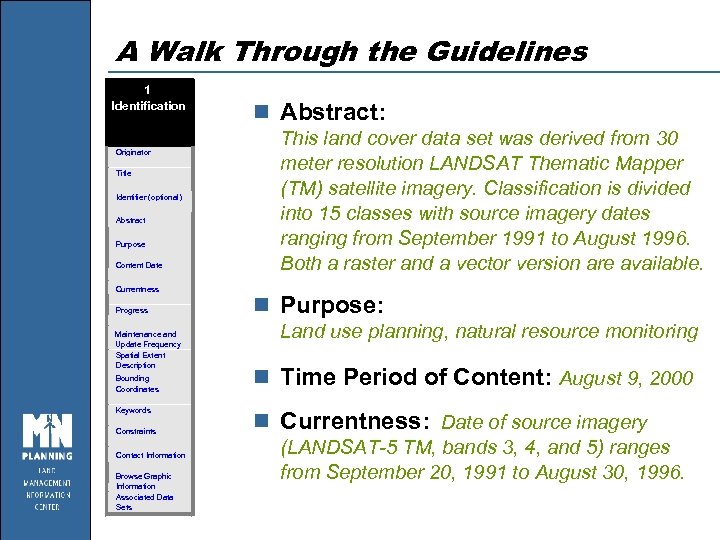 A Walk Through the Guidelines 1 Identification Originator Title Identifier (optional) Abstract Purpose Content Date Currentness Progress Maintenance and Update Frequency Spatial Extent Description Bounding Coordinates Keywords Constraints Contact Information Browse Graphic Information Associated Data Sets n Abstract: This land cover data set was derived from 30 meter resolution LANDSAT Thematic Mapper (TM) satellite imagery. Classification is divided into 15 classes with source imagery dates ranging from September 1991 to August 1996. Both a raster and a vector version are available. n Purpose: Land use planning, natural resource monitoring n Time Period of Content: August 9, 2000 n Currentness: Date of source imagery (LANDSAT-5 TM, bands 3, 4, and 5) ranges from September 20, 1991 to August 30, 1996.
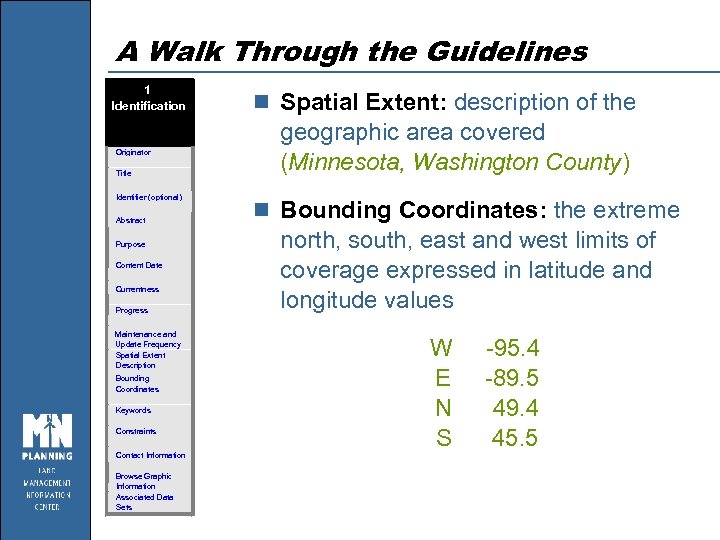 A Walk Through the Guidelines 1 Identification Originator Title Identifier (optional) Abstract Purpose Content Date Currentness Progress Maintenance and Update Frequency Spatial Extent Description Bounding Coordinates Keywords Constraints Contact Information Browse Graphic Information Associated Data Sets n Spatial Extent: description of the geographic area covered (Minnesota, Washington County) n Bounding Coordinates: the extreme north, south, east and west limits of coverage expressed in latitude and longitude values W E N S -95. 4 -89. 5 49. 4 45. 5
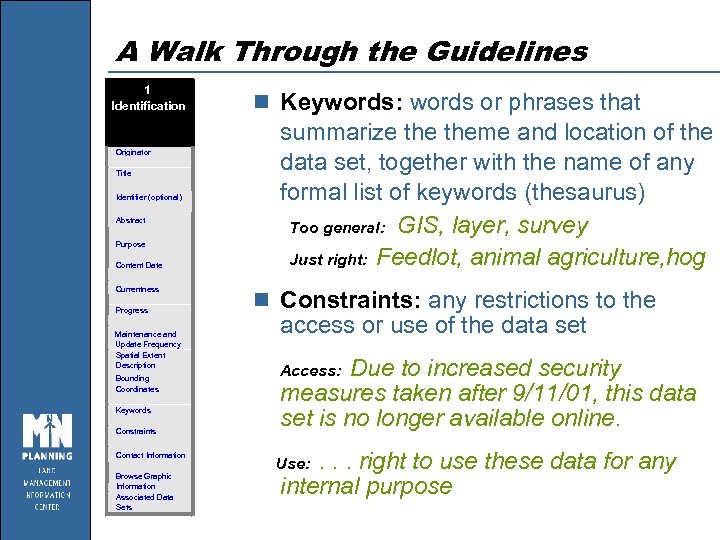 A Walk Through the Guidelines 1 Identification Originator Title Identifier (optional) Abstract Purpose Content Date Currentness Progress Maintenance and Update Frequency Spatial Extent Description Bounding Coordinates Keywords Constraints Contact Information Browse Graphic Information Associated Data Sets n Keywords: words or phrases that summarize theme and location of the data set, together with the name of any formal list of keywords (thesaurus) Too general: GIS, layer, survey Just right: Feedlot, animal agriculture, hog n Constraints: any restrictions to the access or use of the data set Due to increased security measures taken after 9/11/01, this data set is no longer available online. Access: . . . right to use these data for any internal purpose Use:
 A Walk Through the Guidelines 1 Identification Originator Title Identifier (optional) Abstract Purpose Content Date Currentness Progress Maintenance and Update Frequency Spatial Extent Description Bounding Coordinates Keywords Constraints Contact Information Browse Graphic Information Associated Data Sets n Contact Information: the person who can answer questions about the content or development of the data set
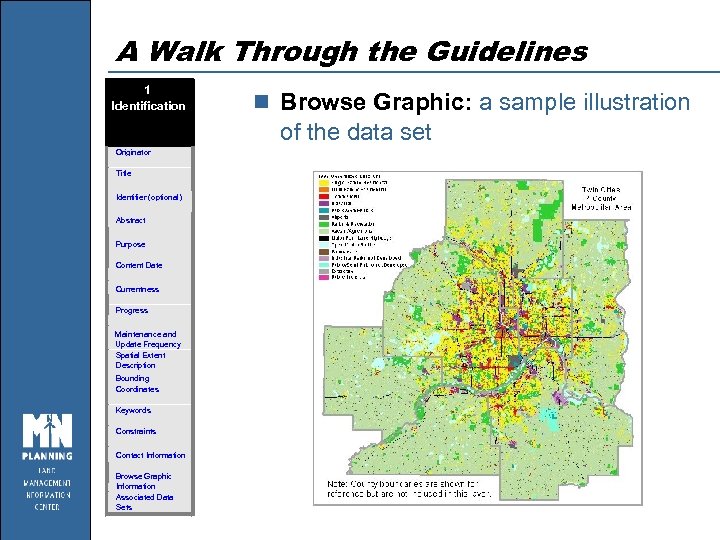 A Walk Through the Guidelines 1 Identification n Browse Graphic: a sample illustration of the data set Originator Title Identifier (optional) Abstract Purpose Content Date Currentness Progress Maintenance and Update Frequency Spatial Extent Description Bounding Coordinates Keywords Constraints Contact Information Browse Graphic Information Associated Data Sets
 A Walk Through the Guidelines 1 Identification Originator Title n Associated Data Sets: information about other, related data sets that may be of interest Identifier (optional) Abstract Purpose Content Date Currentness If you’re interested in this data set, here are others that may also interest you. NOT a list of source materials. Progress Maintenance and Update Frequency Spatial Extent Description Bounding Coordinates Keywords Constraints Contact Information Browse Graphic Information Associated Data Sets For information on other air photos available for Minnesota, see www. lmic. state. mn. us/chouse/airphoto
 A Walk Through the Guidelines 2 Data Quality Attribute Accuracy Logical Consistency Completeness Positional Accuracy Lineage Source Scale n Attribute Accuracy: qualitative or quantitative explanation of how accurately features in the data set have been described, including procedures used to assess accuracy (examples: field-checking, checkplots, frequency counts to find invalid codes)
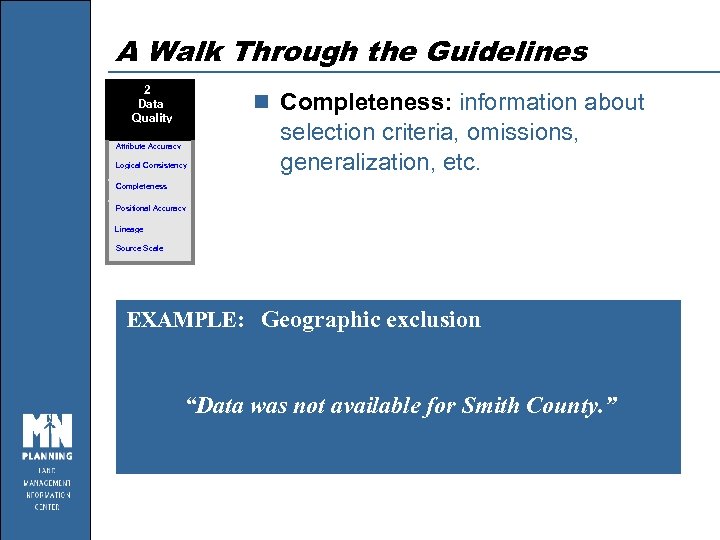 A Walk Through the Guidelines 2 Data Quality n Completeness: information about Attribute Accuracy Logical Consistency selection criteria, omissions, generalization, etc. Completeness Positional Accuracy Lineage Source Scale EXAMPLE: Geographic exclusion “Data was not available for Smith County. ”
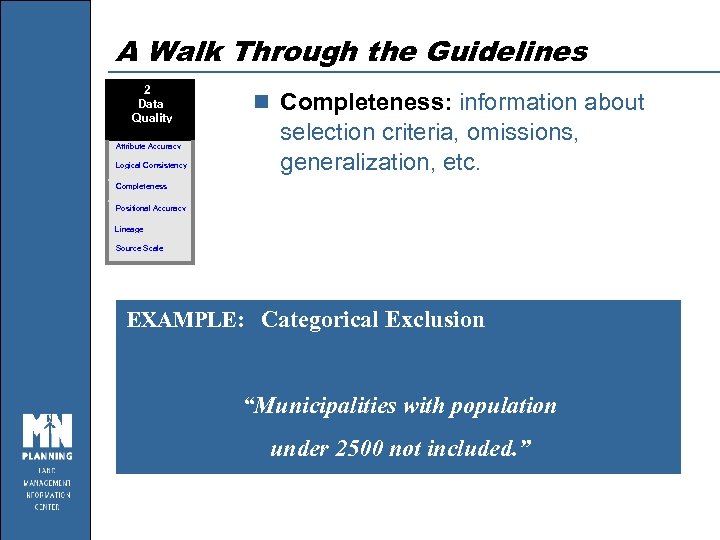 A Walk Through the Guidelines 2 Data Quality Attribute Accuracy Logical Consistency n Completeness: information about selection criteria, omissions, generalization, etc. Completeness Positional Accuracy Lineage Source Scale EXAMPLE: Categorical Exclusion “Municipalities with population under 2500 not included. ”
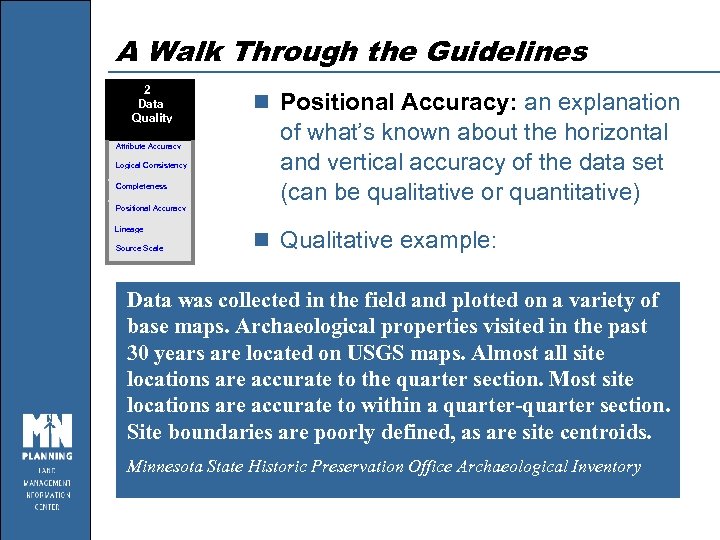 A Walk Through the Guidelines 2 Data Quality Attribute Accuracy Logical Consistency Completeness Positional Accuracy Lineage Source Scale n Positional Accuracy: an explanation of what’s known about the horizontal and vertical accuracy of the data set (can be qualitative or quantitative) n Qualitative example: Data was collected in the field and plotted on a variety of base maps. Archaeological properties visited in the past 30 years are located on USGS maps. Almost all site locations are accurate to the quarter section. Most site locations are accurate to within a quarter-quarter section. Site boundaries are poorly defined, as are site centroids. Minnesota State Historic Preservation Office Archaeological Inventory
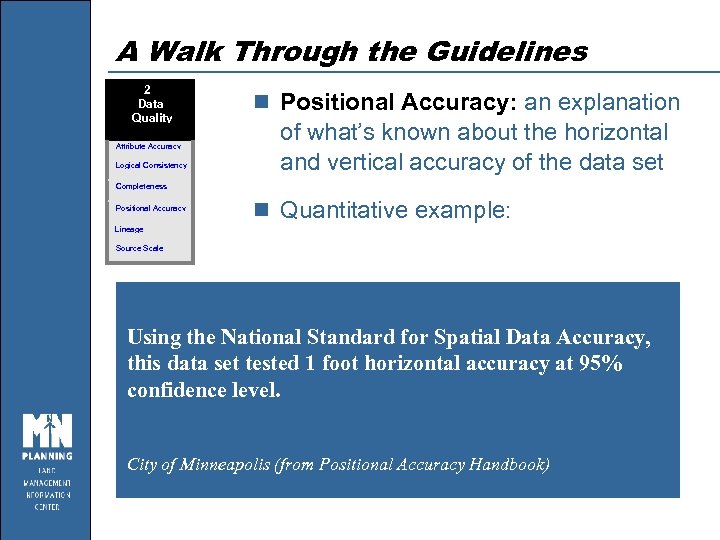 A Walk Through the Guidelines 2 Data Quality Attribute Accuracy Logical Consistency n Positional Accuracy: an explanation of what’s known about the horizontal and vertical accuracy of the data set Completeness Positional Accuracy n Quantitative example: Lineage Source Scale Using the National Standard for Spatial Data Accuracy, this data set tested 1 foot horizontal accuracy at 95% confidence level. City of Minneapolis (from Positional Accuracy Handbook)
 A Walk Through the Guidelines 2 Data Quality Attribute Accuracy Logical Consistency Completeness Positional Accuracy Lineage Source Scale n Lineage: information about the sources of data used to construct the data set & processing steps applied
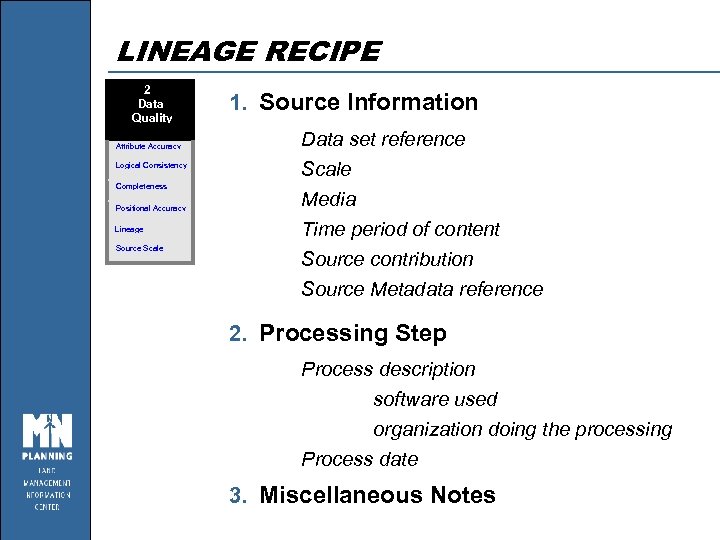 LINEAGE RECIPE 2 Data Quality Attribute Accuracy Logical Consistency Completeness Positional Accuracy Lineage Source Scale 1. Source Information Data set reference Scale Media Time period of content Source contribution Source Metadata reference 2. Processing Step Process description software used organization doing the processing Process date 3. Miscellaneous Notes
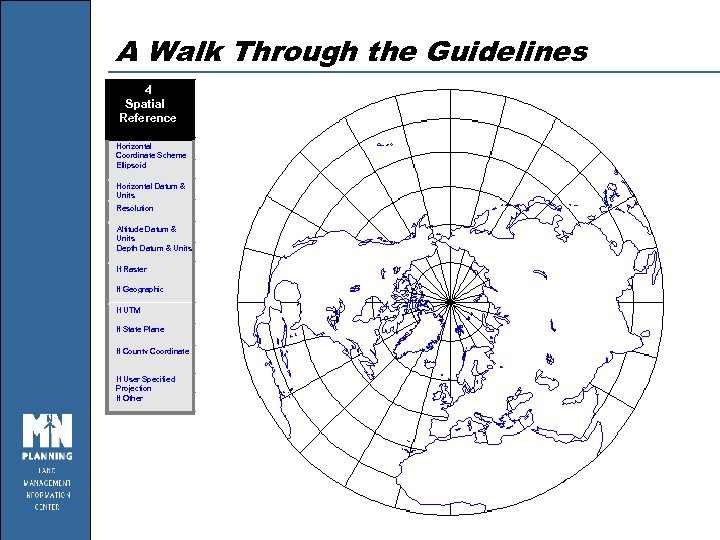 A Walk Through the Guidelines 4 Spatial Reference Horizontal Coordinate Scheme Ellipsoid Horizontal Datum & Units Resolution Altitude Datum & Units Depth Datum & Units If Raster If Geographic If UTM If State Plane If County Coordinate If User Specified Projection If Other
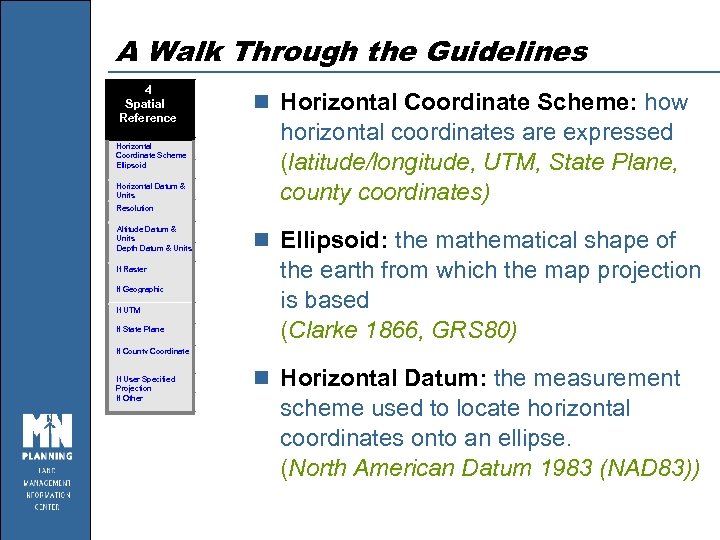 A Walk Through the Guidelines 4 Spatial Reference Horizontal Coordinate Scheme Ellipsoid Horizontal Datum & Units Resolution Altitude Datum & Units Depth Datum & Units If Raster If Geographic If UTM If State Plane n Horizontal Coordinate Scheme: how horizontal coordinates are expressed (latitude/longitude, UTM, State Plane, county coordinates) n Ellipsoid: the mathematical shape of the earth from which the map projection is based (Clarke 1866, GRS 80) If County Coordinate If User Specified Projection If Other n Horizontal Datum: the measurement scheme used to locate horizontal coordinates onto an ellipse. (North American Datum 1983 (NAD 83))
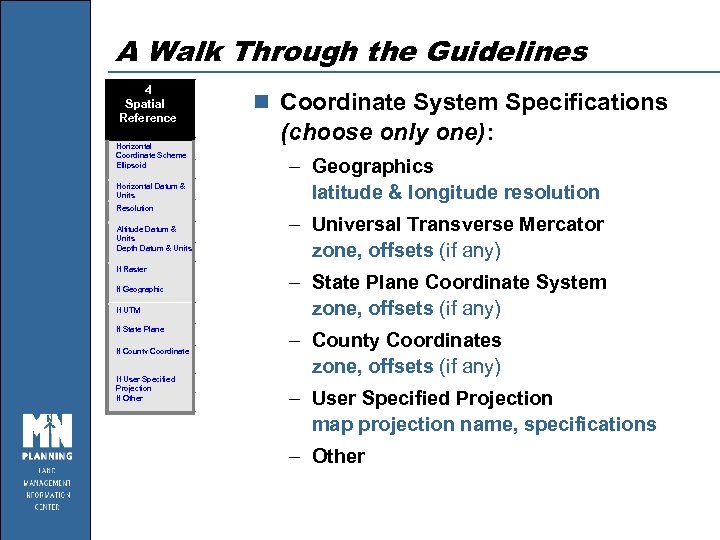 A Walk Through the Guidelines 4 Spatial Reference Horizontal Coordinate Scheme Ellipsoid Horizontal Datum & Units n Coordinate System Specifications (choose only one): – Geographics latitude & longitude resolution Resolution Altitude Datum & Units Depth Datum & Units If Raster If Geographic If UTM If State Plane If County Coordinate If User Specified Projection If Other – Universal Transverse Mercator zone, offsets (if any) – State Plane Coordinate System zone, offsets (if any) – County Coordinates zone, offsets (if any) – User Specified Projection map projection name, specifications – Other
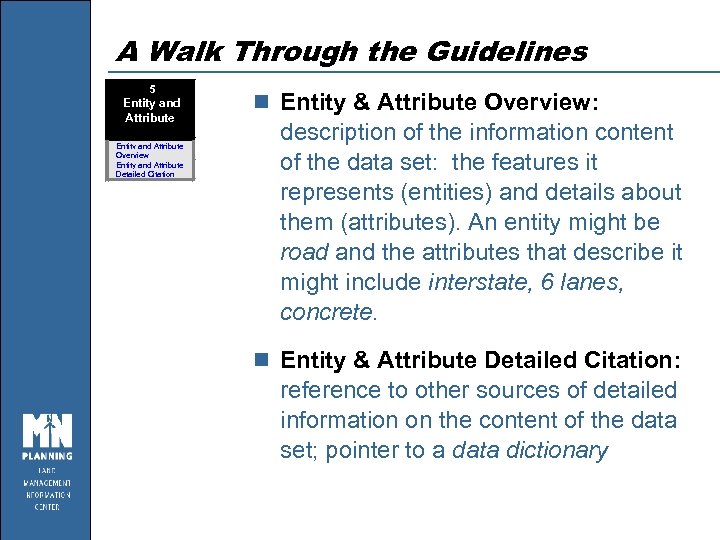 A Walk Through the Guidelines 5 Entity and Attribute Overview Entity and Attribute Detailed Citation n Entity & Attribute Overview: description of the information content of the data set: the features it represents (entities) and details about them (attributes). An entity might be road and the attributes that describe it might include interstate, 6 lanes, concrete. n Entity & Attribute Detailed Citation: reference to other sources of detailed information on the content of the data set; pointer to a data dictionary
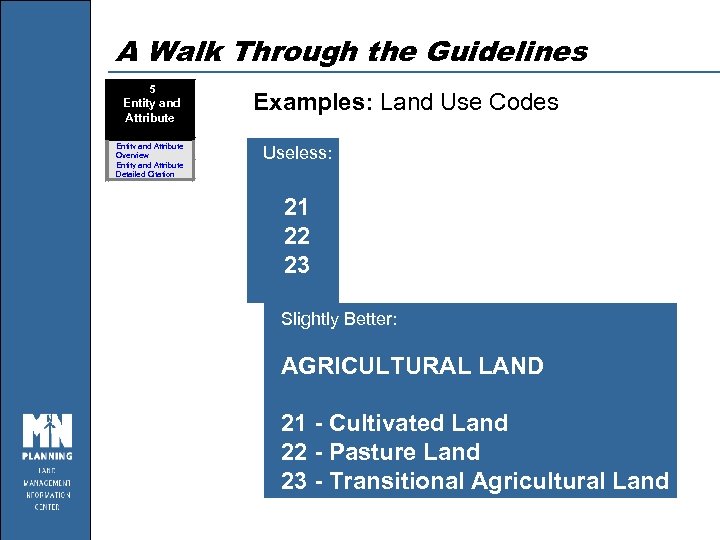 A Walk Through the Guidelines 5 Entity and Attribute Overview Entity and Attribute Detailed Citation Examples: Land Use Codes Useless: 21 22 23 Slightly Better: AGRICULTURAL LAND 21 - Cultivated Land 22 - Pasture Land 23 - Transitional Agricultural Land
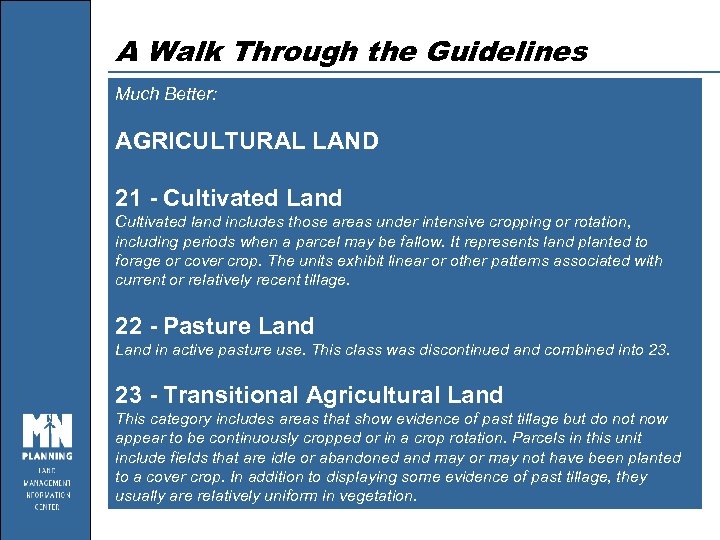 A Walk Through the Guidelines Much Better: AGRICULTURAL LAND 21 - Cultivated Land Cultivated land includes those areas under intensive cropping or rotation, including periods when a parcel may be fallow. It represents land planted to forage or cover crop. The units exhibit linear or other patterns associated with current or relatively recent tillage. 22 - Pasture Land in active pasture use. This class was discontinued and combined into 23. 23 - Transitional Agricultural Land This category includes areas that show evidence of past tillage but do not now appear to be continuously cropped or in a crop rotation. Parcels in this unit include fields that are idle or abandoned and may or may not have been planted to a cover crop. In addition to displaying some evidence of past tillage, they usually are relatively uniform in vegetation.
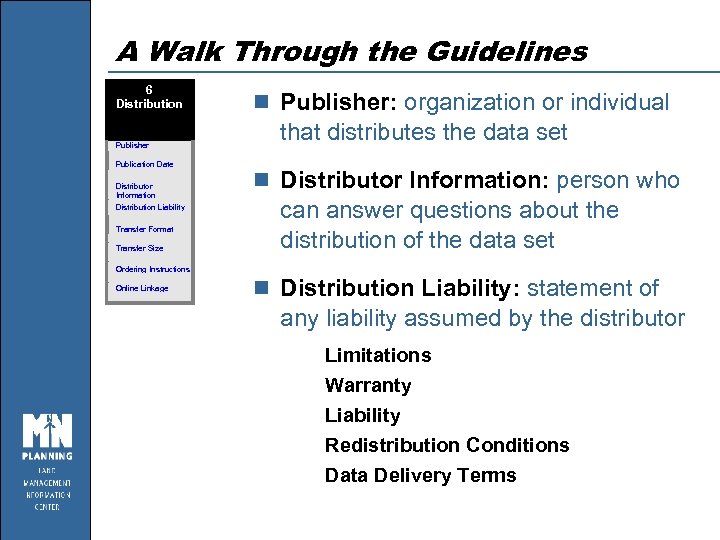 A Walk Through the Guidelines 6 Distribution Publisher Publication Date Distributor Information Distribution Liability Transfer Format Transfer Size n Publisher: organization or individual that distributes the data set n Distributor Information: person who can answer questions about the distribution of the data set Ordering Instructions Online Linkage n Distribution Liability: statement of any liability assumed by the distributor Limitations Warranty Liability Redistribution Conditions Data Delivery Terms
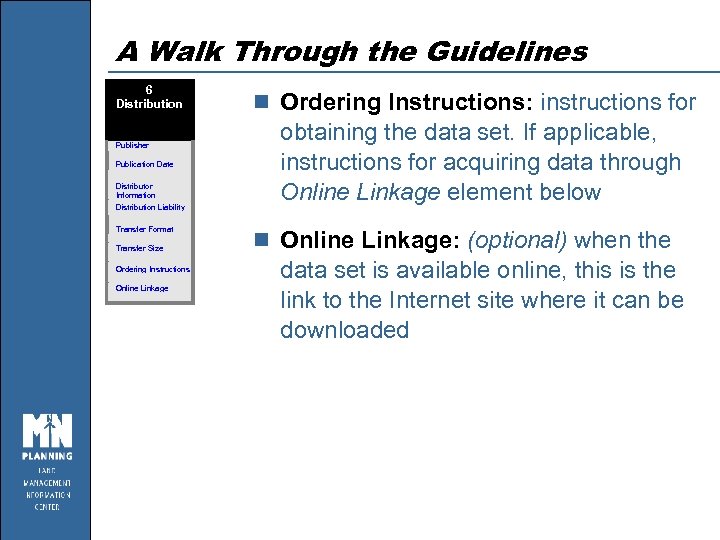 A Walk Through the Guidelines 6 Distribution Publisher Publication Date Distributor Information Distribution Liability Transfer Format Transfer Size Ordering Instructions Online Linkage n Ordering Instructions: instructions for obtaining the data set. If applicable, instructions for acquiring data through Online Linkage element below n Online Linkage: (optional) when the data set is available online, this is the link to the Internet site where it can be downloaded

 Purpose of a Metadata Entry Tool n Organizes metadata content n Provides help n Formats results – printed reports – webpages – Clearinghouse searches n Can it write the whole record for you?
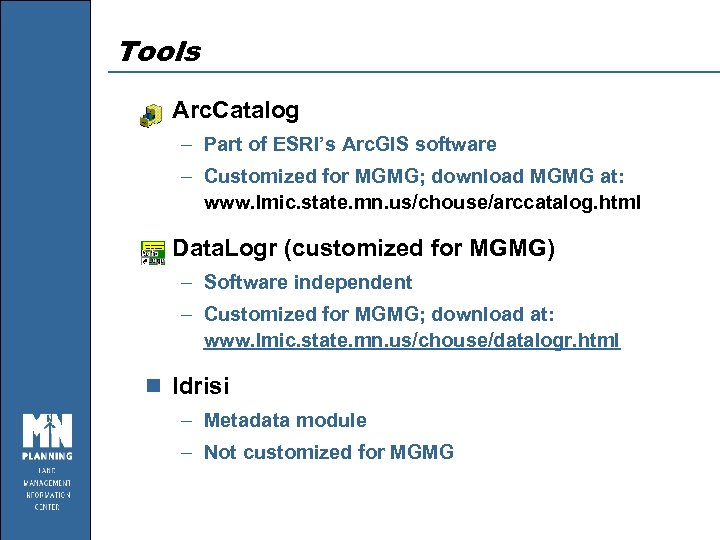 Tools n Arc. Catalog – Part of ESRI’s Arc. GIS software – Customized for MGMG; download MGMG at: www. lmic. state. mn. us/chouse/arccatalog. html n Data. Logr (customized for MGMG) – Software independent – Customized for MGMG; download at: www. lmic. state. mn. us/chouse/datalogr. html n Idrisi – Metadata module – Not customized for MGMG
 Arc. Catalog n Editor – change an existing metadata record – create a new record n Stylesheet – needed to view a metadata record
 MGMG Converter Utility n Creates standardized formatted output – HTML (. htm): for display – XML (. xml): used by Arc. Catalog and Clearinghouse – LGR (. lgr): used by Data. Logr – Generic database (. csv): use in databases n Creates hotlinks for web addresses
 Hands-on Session with Arc. Catalog n Part 1: Get started – Become familiar with viewing and editing screens n Part 2: Edit a record – Change the content of an existing metadata record n Part 3: Display a record – Create an HTML version of your edited record – Compare different views of a record n Part 4: Create a new record – Evaluate automatically created record – Create your own starter template
 Exercise Wrap-up n View and edit existing metadata n Find help n Online Linkage n MGMG converter n Stylesheets n Starter template n Tools evolve
 How to Make this Easier… n Use starter templates and existing documents n Prioritize your legacy data – What is most critical? – What will you get asked about the most? n Create metadata DURING your project – When you create new data – When you change existing data – If you leave metadata until the end, it rarely gets done n Avoid defining data sets too finely or too broadly
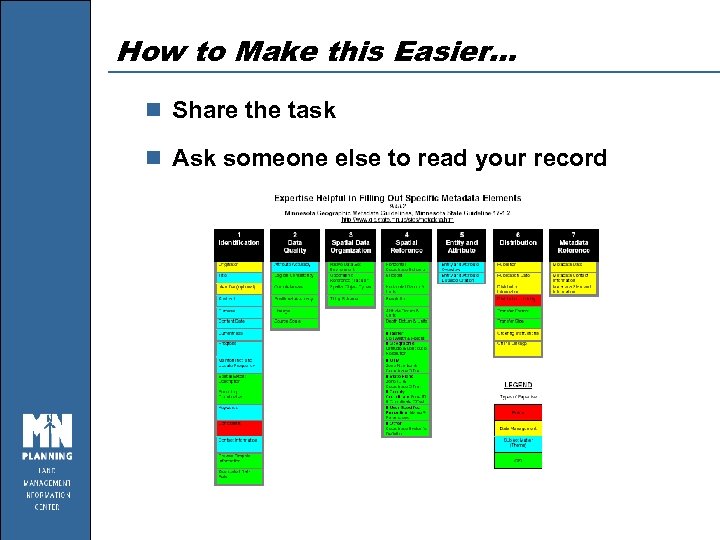 How to Make this Easier… n Share the task n Ask someone else to read your record
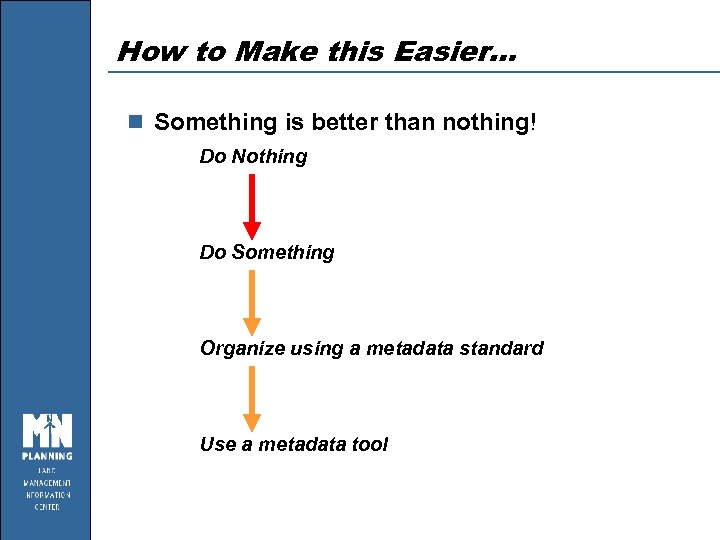 How to Make this Easier… n Something is better than nothing! Do Nothing Do Something Organize using a metadata standard Use a metadata tool