


 Скачать презентацию Running Third Party Applications on Open Server 6
74f6c1efd3b7f39ea686d9125a12361a.ppt
- Количество слайдов: 50
 Running Third Party Applications on Open. Server 6 Richard Harry John Wolfe Director, UNIX® Engineering Senior Software Engineer
 Agenda § In this session we will cover: § § § § Benefits of Migration to Open. Server 6 Hardware System Requirements ISL issues and debugging Migrating Third Party Apps to Open. Server 6 Debugging Post-ISL Examples of Customer Application Migration How to Get Some Assistance
 Reasons to Deploy Open. Server 6
 Benefits § Better performance than on Open. Server 5 on identical hardware. § Better OS support for current available commodity hardware. § High(er) Mean Time Between Failure (MTBF)
![Open. Server 6 Technical Overview § Features new to Open. Server 6 [1]: §](https://present5.com/presentation/74f6c1efd3b7f39ea686d9125a12361a/image-5.jpg "Open. Server 6 Technical Overview § Features new to Open. Server 6 [1]: §") Open. Server 6 Technical Overview § Features new to Open. Server 6 [1]: § New SVR 5 Kernel that delivers [1]: § Advanced fine grained locking to scale up to 16 CPUs (OSR 507=4) § Support for up to 16 GB General Purpose Memory (OSR 5=4 GB) § Support via PSE for up to 64 GB using shm/dshm § Large File Support up to 1 Tb (OSR 507 = 2 GB) § Improved Disk I/O Performance § Improved Network Stack Performance § Improved SMP and Load Balancing § Kernel Threads § Dynamically Loadable Modules § Hyperthreading and Dual-Core
Open. Server 6 Technical Overview § Features new to Open. Server 6 [1]: § New SVR 5 Kernel that delivers [1]: § Advanced fine grained locking to scale up to 16 CPUs (OSR 507=4) § Support for up to 16 GB General Purpose Memory (OSR 5=4 GB) § Support via PSE for up to 64 GB using shm/dshm § Large File Support up to 1 Tb (OSR 507 = 2 GB) § Improved Disk I/O Performance § Improved Network Stack Performance § Improved SMP and Load Balancing § Kernel Threads § Dynamically Loadable Modules § Hyperthreading and Dual-Core
![Open. Server 6 Technical Overview § Features new to Open. Server 6 [2]: §](https://present5.com/presentation/74f6c1efd3b7f39ea686d9125a12361a/image-6.jpg "Open. Server 6 Technical Overview § Features new to Open. Server 6 [2]: §") Open. Server 6 Technical Overview § Features new to Open. Server 6 [2]: § New SVR 5 Kernel that delivers [2]: § § § Dynamic Add Memory Support Hot Plug CPU Hot Plug PCIx Hot Plug of Disk, Tape and CD/DVD Devices Veritas Journalling Filesystem Encrypted Filesystem support IPsec and VPN MPIO NIC Failover Automatic Tuning at boot time SAN Support (MSA 500, MSA 1000, MSA 1500)
Open. Server 6 Technical Overview § Features new to Open. Server 6 [2]: § New SVR 5 Kernel that delivers [2]: § § § Dynamic Add Memory Support Hot Plug CPU Hot Plug PCIx Hot Plug of Disk, Tape and CD/DVD Devices Veritas Journalling Filesystem Encrypted Filesystem support IPsec and VPN MPIO NIC Failover Automatic Tuning at boot time SAN Support (MSA 500, MSA 1000, MSA 1500)
![Open. Server 6 Technical Overview § Features new to Open. Server 6 [3]: §](https://present5.com/presentation/74f6c1efd3b7f39ea686d9125a12361a/image-7.jpg "Open. Server 6 Technical Overview § Features new to Open. Server 6 [3]: §") Open. Server 6 Technical Overview § Features new to Open. Server 6 [3]: § New SVR 5 Kernel that delivers [3]: § Serial ATA HBA Support (ahci driver) § Serial Attached SCSI HBA Support (hpsas, adp 94 xx driver) - LSI coming § Fiberchannel HBA Support (Qlogic qlc 2300 HBA) § Prism II Wireless Nic Support (pcpms driver) § Centrino™ Wireless Nic Support § Improved AIO (not compatible with Open. Server 5 AIO) § AC 97 support for i 845 chipset for applications that do not expect opensound driver.
Open. Server 6 Technical Overview § Features new to Open. Server 6 [3]: § New SVR 5 Kernel that delivers [3]: § Serial ATA HBA Support (ahci driver) § Serial Attached SCSI HBA Support (hpsas, adp 94 xx driver) - LSI coming § Fiberchannel HBA Support (Qlogic qlc 2300 HBA) § Prism II Wireless Nic Support (pcpms driver) § Centrino™ Wireless Nic Support § Improved AIO (not compatible with Open. Server 5 AIO) § AC 97 support for i 845 chipset for applications that do not expect opensound driver.
![Open. Server 6 Technical Overview § Features new to Open. Server 6 [4]: §](https://present5.com/presentation/74f6c1efd3b7f39ea686d9125a12361a/image-8.jpg "Open. Server 6 Technical Overview § Features new to Open. Server 6 [4]: §") Open. Server 6 Technical Overview § Features new to Open. Server 6 [4]: § § § Media Less Boot and Network Install (PXE boot) Emergency Recovery CD KDE Desktop Release 3. 3 Ericom Power. Term. TM Web. Connect Server X. org X 11 R 6 X Server with § Greater device support, Improved performance and Multi-head support § Doc. View support the Print Book Option in Postscript and PDF format § Doc. View content changed from Book to Topic format
Open. Server 6 Technical Overview § Features new to Open. Server 6 [4]: § § § Media Less Boot and Network Install (PXE boot) Emergency Recovery CD KDE Desktop Release 3. 3 Ericom Power. Term. TM Web. Connect Server X. org X 11 R 6 X Server with § Greater device support, Improved performance and Multi-head support § Doc. View support the Print Book Option in Postscript and PDF format § Doc. View content changed from Book to Topic format
![Open. Server 6 Technical Overview § Features new to Open. Server 6 [5]: §](https://present5.com/presentation/74f6c1efd3b7f39ea686d9125a12361a/image-9.jpg "Open. Server 6 Technical Overview § Features new to Open. Server 6 [5]: §") Open. Server 6 Technical Overview § Features new to Open. Server 6 [5]: § § § § § Single Certification of Applications SCOAdmin FTP Manager SCOAdmin Hot Plug Manager SCOAdmin Printer Manager can invoke CUPS Admin Heimdal Kerberos 0. 6. 2 Ib tcpdump Extended Shells (bash, zsh and tcsh) foomatic, ghostscript and hpijs vim and xpdf
Open. Server 6 Technical Overview § Features new to Open. Server 6 [5]: § § § § § Single Certification of Applications SCOAdmin FTP Manager SCOAdmin Hot Plug Manager SCOAdmin Printer Manager can invoke CUPS Admin Heimdal Kerberos 0. 6. 2 Ib tcpdump Extended Shells (bash, zsh and tcsh) foomatic, ghostscript and hpijs vim and xpdf
 Hardware System Requirements
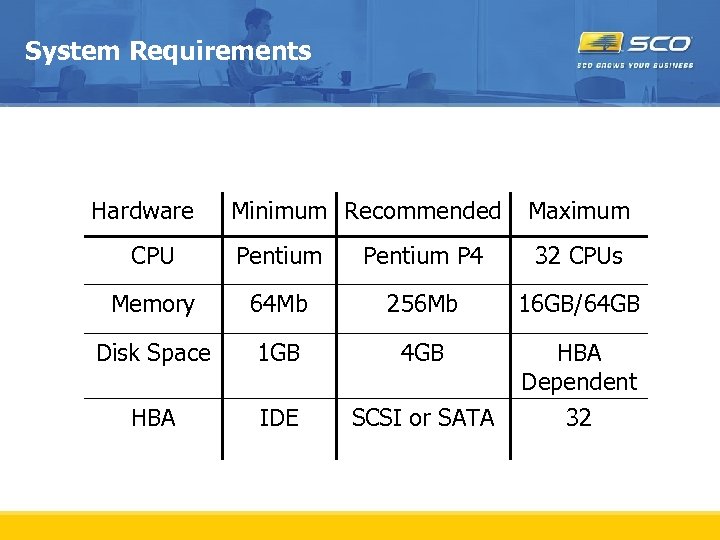 System Requirements Hardware Minimum Recommended Maximum CPU Pentium P 4 32 CPUs Memory 64 Mb 256 Mb 16 GB/64 GB Disk Space 1 GB 4 GB HBA IDE SCSI or SATA HBA Dependent 32
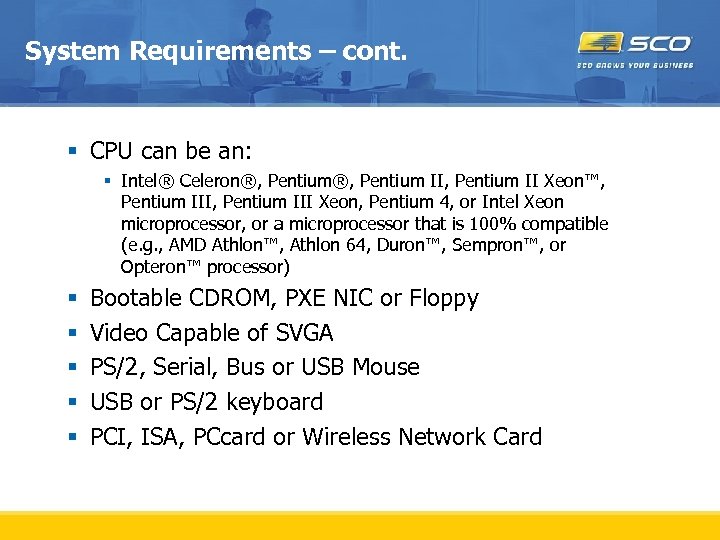 System Requirements – cont. § CPU can be an: § Intel® Celeron®, Pentium II, Pentium II Xeon™, Pentium III Xeon, Pentium 4, or Intel Xeon microprocessor, or a microprocessor that is 100% compatible (e. g. , AMD Athlon™, Athlon 64, Duron™, Sempron™, or Opteron™ processor) § § § Bootable CDROM, PXE NIC or Floppy Video Capable of SVGA PS/2, Serial, Bus or USB Mouse USB or PS/2 keyboard PCI, ISA, PCcard or Wireless Network Card
 ISL – Issues and Debugging
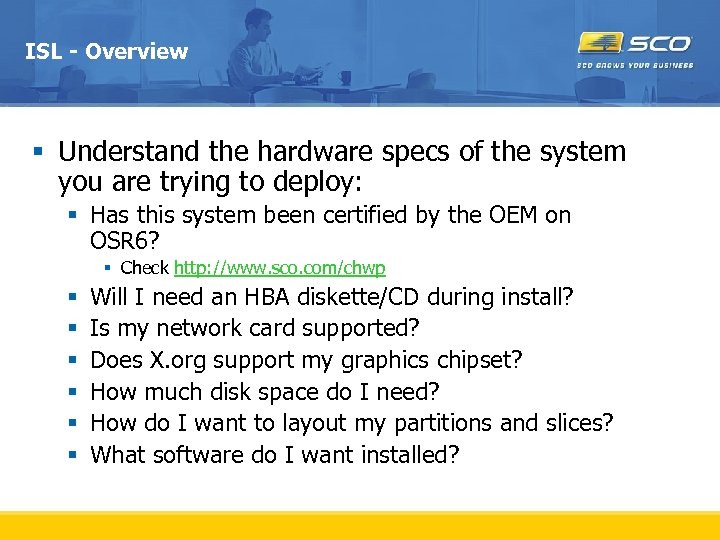 ISL - Overview § Understand the hardware specs of the system you are trying to deploy: § Has this system been certified by the OEM on OSR 6? § Check http: //www. sco. com/chwp § § § Will I need an HBA diskette/CD during install? Is my network card supported? Does X. org support my graphics chipset? How much disk space do I need? How do I want to layout my partitions and slices? What software do I want installed?
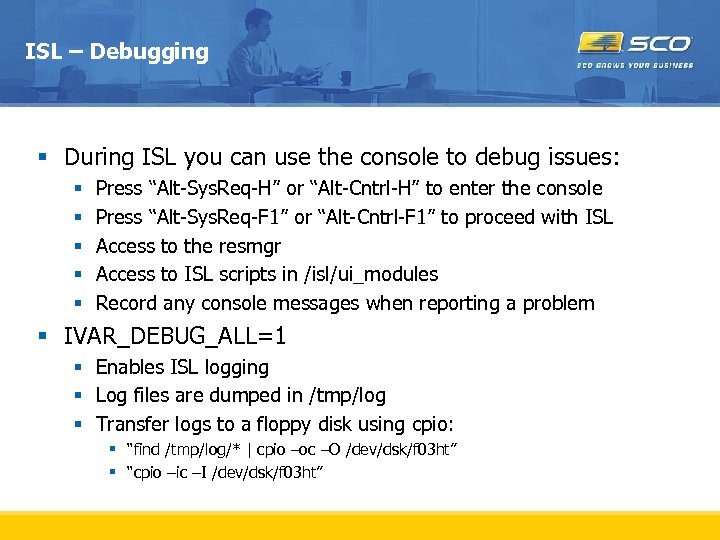 ISL – Debugging § During ISL you can use the console to debug issues: § § § Press “Alt-Sys. Req-H” or “Alt-Cntrl-H” to enter the console Press “Alt-Sys. Req-F 1” or “Alt-Cntrl-F 1” to proceed with ISL Access to the resmgr Access to ISL scripts in /isl/ui_modules Record any console messages when reporting a problem § IVAR_DEBUG_ALL=1 § Enables ISL logging § Log files are dumped in /tmp/log § Transfer logs to a floppy disk using cpio: § “find /tmp/log/* | cpio –oc –O /dev/dsk/f 03 ht” § “cpio –ic –I /dev/dsk/f 03 ht”
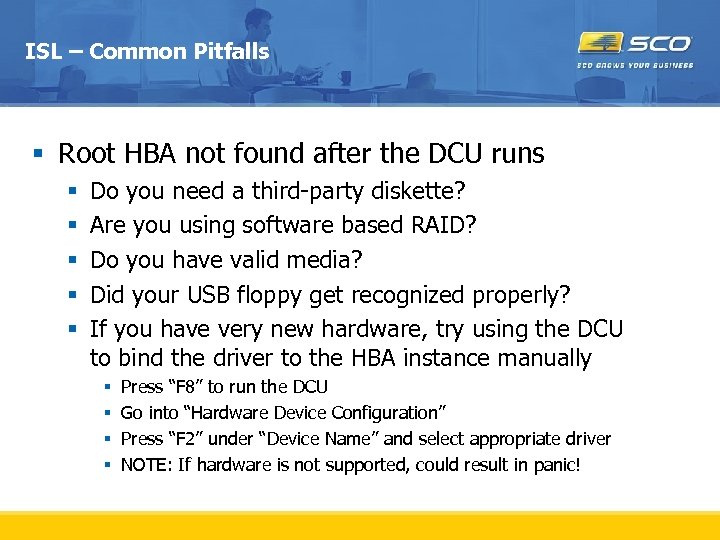 ISL – Common Pitfalls § Root HBA not found after the DCU runs § § § Do you need a third-party diskette? Are you using software based RAID? Do you have valid media? Did your USB floppy get recognized properly? If you have very new hardware, try using the DCU to bind the driver to the HBA instance manually § § Press “F 8” to run the DCU Go into “Hardware Device Configuration” Press “F 2” under “Device Name” and select appropriate driver NOTE: If hardware is not supported, could result in panic!
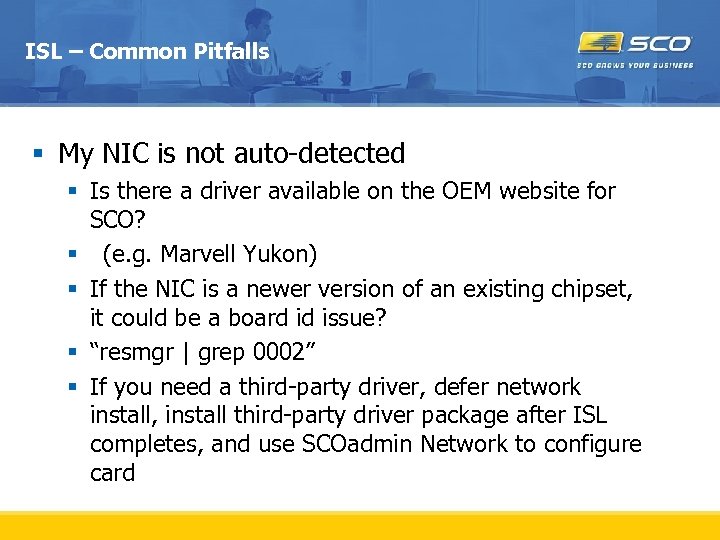 ISL – Common Pitfalls § My NIC is not auto-detected § Is there a driver available on the OEM website for SCO? § (e. g. Marvell Yukon) § If the NIC is a newer version of an existing chipset, it could be a board id issue? § “resmgr | grep 0002” § If you need a third-party driver, defer network install, install third-party driver package after ISL completes, and use SCOadmin Network to configure card
 ISL – Common Pitfalls § PANIC: vfs_mountroot() failure § This panic occurs when the kernel loads but the root disk is not detected § Check to see you installed to the right disk! § During ISL you can “Select alternate root disk” during the “Setting up your hard disks” screen. § Make sure the BIOS boot order is setup properly § Make sure the BIOS enumerated the disk properly
 ISL – Common Pitfalls § Screen goes blank after ISL kernel initially loads § Does your graphics chipset support VESA mode? § USE_VESA_BIOS=Y § Tells the kernel to use standard VESA BIOS calls instead of relying on the ECM tables on the card § Cards that use system memory for the framebuffer can cause issues (e. g. Intel Extreme Graphics chipsets) § Most modern graphic chipsets are supported by ISL
 Common Hardware Issues § Commands timing out or hang right after copyright displayed § Interrupt Routing § Pn. P OS set to NO in the BIOS § PANIC very early during ISL § MPS table issue § PSM=atup or ACPI=y § Default PSM in OSR 6 is MPS § MPS tables are broken on some newer hardware
 Common Hardware Issues § What about multi-core CPUs? § Multi-core CPUs require ACPI which is not in the mini-kernel during ISL § ISL using atup, add latest maintenance pack, rebuild, reboot. OSR 6 will see multi-core CPUs (NOTE: Intel dual-core is in MP 1) § PSM=atup § ENABLE_JT=Y (to turn on logical processors) § MULTICORE=N (to turn off physical processors MP 1) § psradm/psrinfo (to get status and turn on individual processors)
 Common Hardware Issues § Root filesystem is left dirty on a soft reboot § BIOS Power Management settings § Turn off aggressive power management in BIOS § OSR 6 has the Intel ACPI-CA but does not use it for power management yet § Check battery on RAID adapter § Check firmware revision § § OEMs typically broadcast firmware revisions on their website Flashing firmware Check driver version – IHVVERSION field http: //www. sco. com/support/download. html § Check target § Look for CHECK CONDITIONS and other messages in osmlog
 Common Hardware Issues § Useful BOOT PARAMETERS: § § § § ATAPI_DMA_DISABLE ACPI ENABLE_JT PSM IVAR_DEBUG_ALL MULTICORE (MP 1) SHOW BOOTPROG
 Third Party Application Issues & Configuration
 General Issues – Third Party Applications § Install, start-up or runtime checks for Open. Server 5 release or version § Uses OSR 5 native Development System § /usr/include, /usr/lib, and /usr/ccs/bin is the SVR 5 ABI compilation system § /osr 5/usr/include, /osr 5/usr/lib, /osr 5/usr/ccs/bin provide OSR 5 ABI compilation system § Uses the kernel compilation tools - /bin/id? ? § Idtools have changed and are SVR 5 ABI compatible
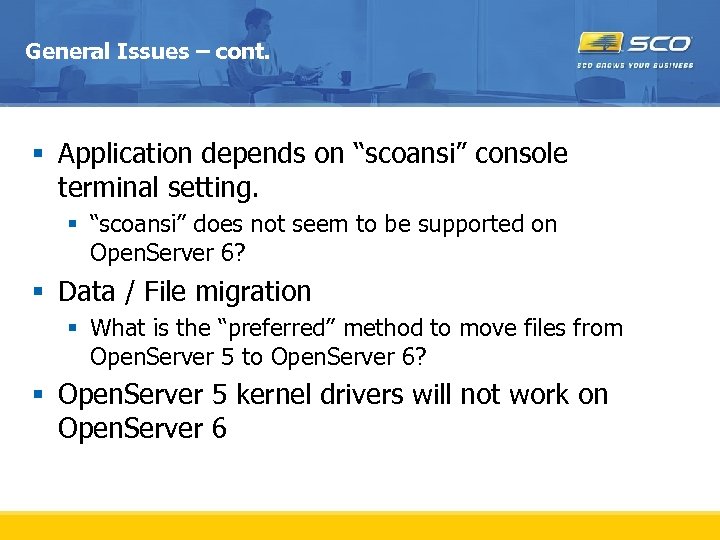 General Issues – cont. § Application depends on “scoansi” console terminal setting. § “scoansi” does not seem to be supported on Open. Server 6? § Data / File migration § What is the “preferred” method to move files from Open. Server 5 to Open. Server 6? § Open. Server 5 kernel drivers will not work on Open. Server 6
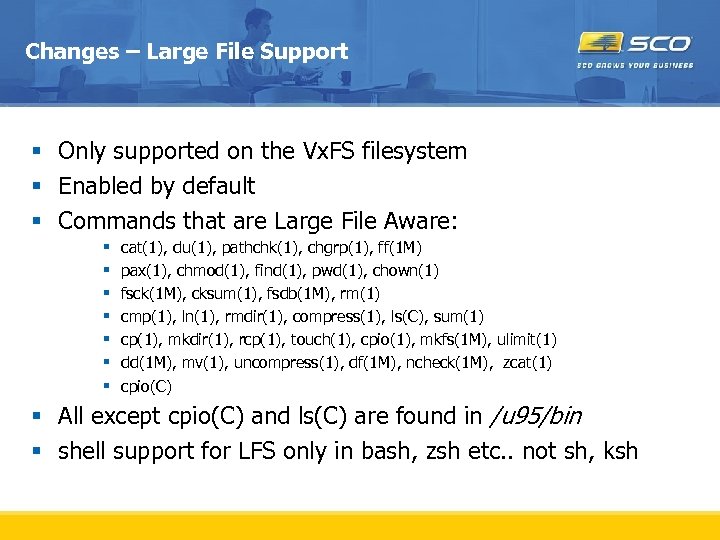 Changes – Large File Support § Only supported on the Vx. FS filesystem § Enabled by default § Commands that are Large File Aware: § § § § cat(1), du(1), pathchk(1), chgrp(1), ff(1 M) pax(1), chmod(1), find(1), pwd(1), chown(1) fsck(1 M), cksum(1), fsdb(1 M), rm(1) cmp(1), ln(1), rmdir(1), compress(1), ls(C), sum(1) cp(1), mkdir(1), rcp(1), touch(1), cpio(1), mkfs(1 M), ulimit(1) dd(1 M), mv(1), uncompress(1), df(1 M), ncheck(1 M), zcat(1) cpio(C) § All except cpio(C) and ls(C) are found in /u 95/bin § shell support for LFS only in bash, zsh etc. . not sh, ksh
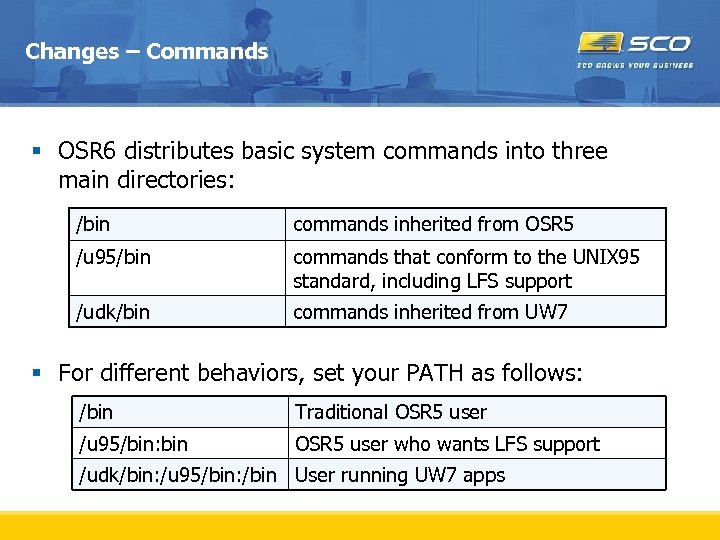 Changes – Commands § OSR 6 distributes basic system commands into three main directories: /bin commands inherited from OSR 5 /u 95/bin commands that conform to the UNIX 95 standard, including LFS support /udk/bin commands inherited from UW 7 § For different behaviors, set your PATH as follows: /bin Traditional OSR 5 user /u 95/bin: bin OSR 5 user who wants LFS support /udk/bin: /u 95/bin: /bin User running UW 7 apps
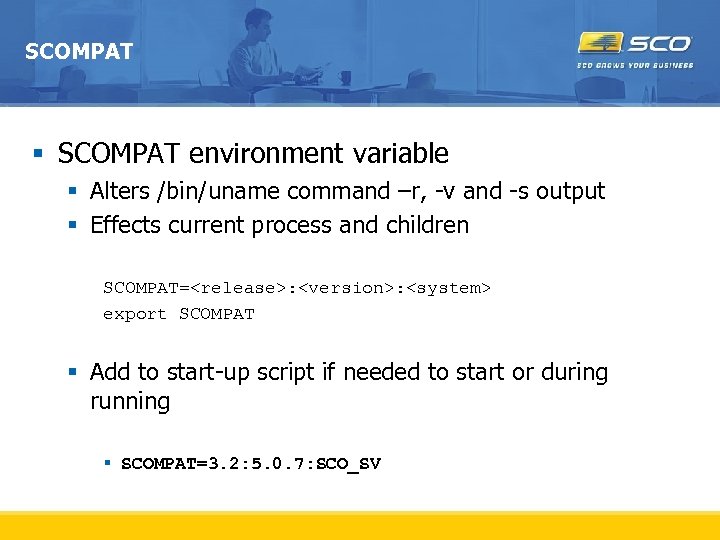 SCOMPAT § SCOMPAT environment variable § Alters /bin/uname command –r, -v and -s output § Effects current process and children SCOMPAT=
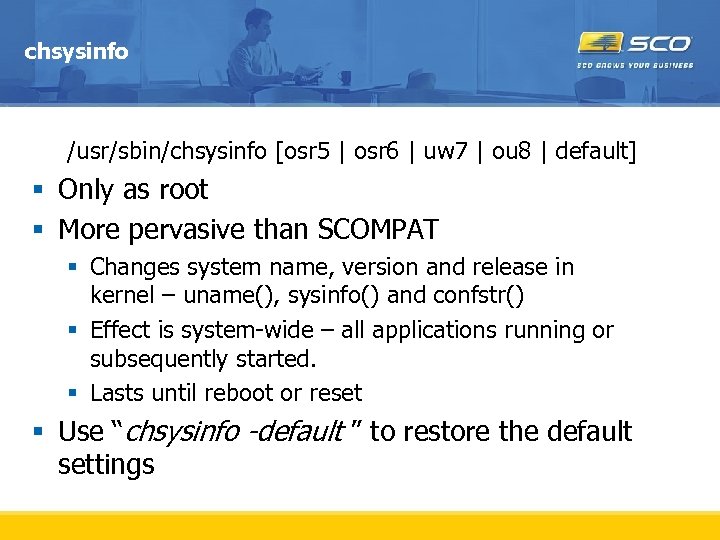 chsysinfo /usr/sbin/chsysinfo [osr 5 | osr 6 | uw 7 | ou 8 | default] § Only as root § More pervasive than SCOMPAT § Changes system name, version and release in kernel – uname(), sysinfo() and confstr() § Effect is system-wide – all applications running or subsequently started. § Lasts until reboot or reset § Use “chsysinfo -default ” to restore the default settings
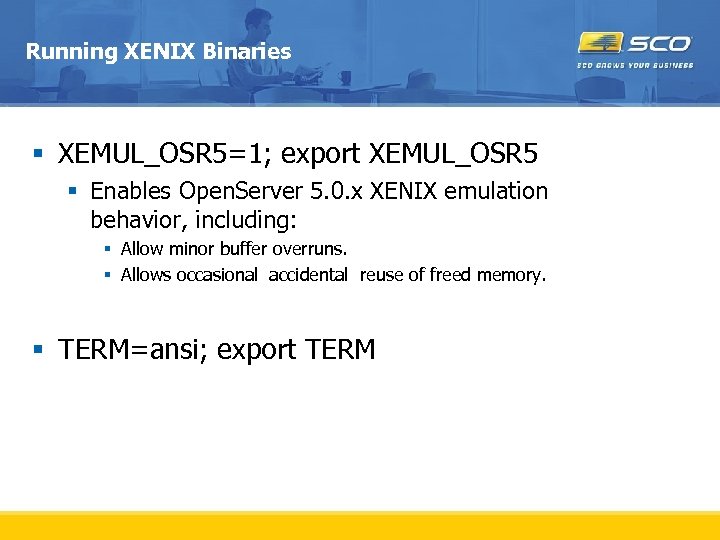 Running XENIX Binaries § XEMUL_OSR 5=1; export XEMUL_OSR 5 § Enables Open. Server 5. 0. x XENIX emulation behavior, including: § Allow minor buffer overruns. § Allows occasional accidental reuse of freed memory. § TERM=ansi; export TERM
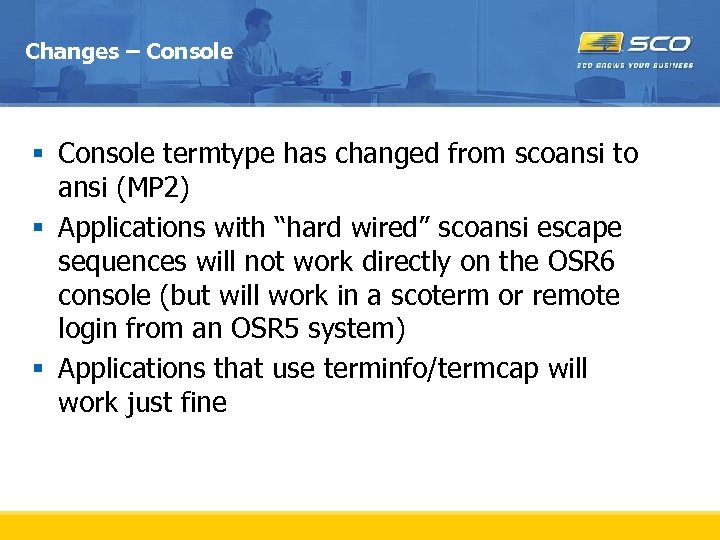 Changes – Console § Console termtype has changed from scoansi to ansi (MP 2) § Applications with “hard wired” scoansi escape sequences will not work directly on the OSR 6 console (but will work in a scoterm or remote login from an OSR 5 system) § Applications that use terminfo/termcap will work just fine
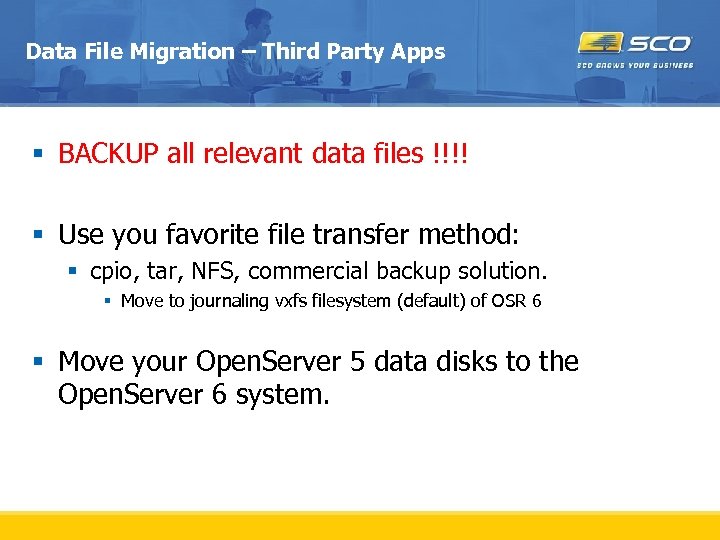 Data File Migration – Third Party Apps § BACKUP all relevant data files !!!! § Use you favorite file transfer method: § cpio, tar, NFS, commercial backup solution. § Move to journaling vxfs filesystem (default) of OSR 6 § Move your Open. Server 5 data disks to the Open. Server 6 system.
 Migrating User Data – Mount OSR 5 disk § To mount an existing OSR 5 disk (5. 0. 6 or 5. 0. 7 only), you must first install the wd Supplement on the OSR 5 system § Connect the drive to the OSR 6 system § After booting, login as root and run the command getlclfsdev to determine the /dev/dsk device nodes for the filesystems on the disk § Use the Filesystem Manager to mount the filesystems
 Debugging Third Party Applications Collecting enough information so that SCO engineers can provide some assistance
 TRUSS – trace system calls & signals § Open. Server 6 system call trace § SVR 5 based § Similar to, but better than Open. Server 5 “trace” § Works on stripped binaries § Displays I/O buffer contents – default 32 bytes § Selective include or exclude system calls, signals or machine faults. § Options § -f follow all children of this process § -o
 Problems Running a XENIX Application § Collect XENIX Emulation Trace information. § XEMUL_TRACE=1; export XEMUL_TRACE § Run the application § Collect trace file – xtrace.
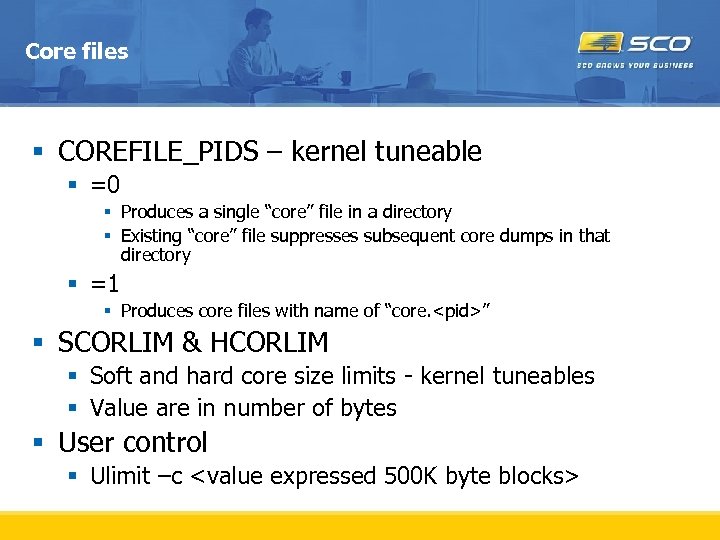 Core files § COREFILE_PIDS – kernel tuneable § =0 § Produces a single “core” file in a directory § Existing “core” file suppresses subsequent core dumps in that directory § =1 § Produces core files with name of “core.
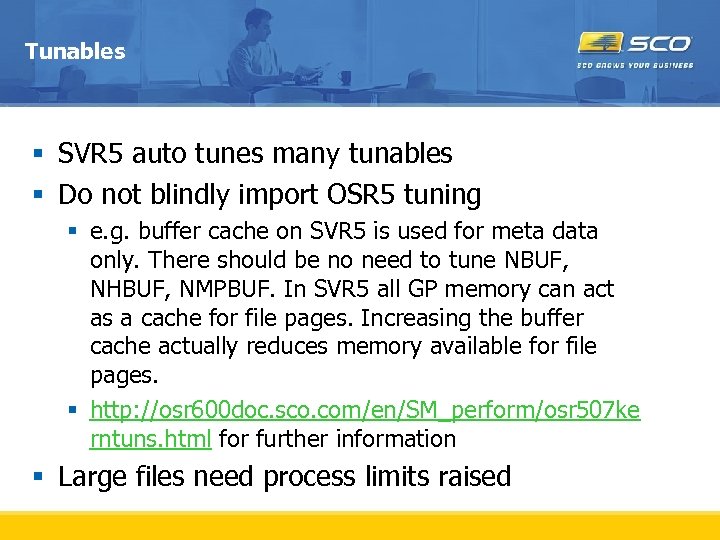 Tunables § SVR 5 auto tunes many tunables § Do not blindly import OSR 5 tuning § e. g. buffer cache on SVR 5 is used for meta data only. There should be no need to tune NBUF, NHBUF, NMPBUF. In SVR 5 all GP memory can act as a cache for file pages. Increasing the buffer cache actually reduces memory available for file pages. § http: //osr 600 doc. sco. com/en/SM_perform/osr 507 ke rntuns. html for further information § Large files need process limits raised
 Examples
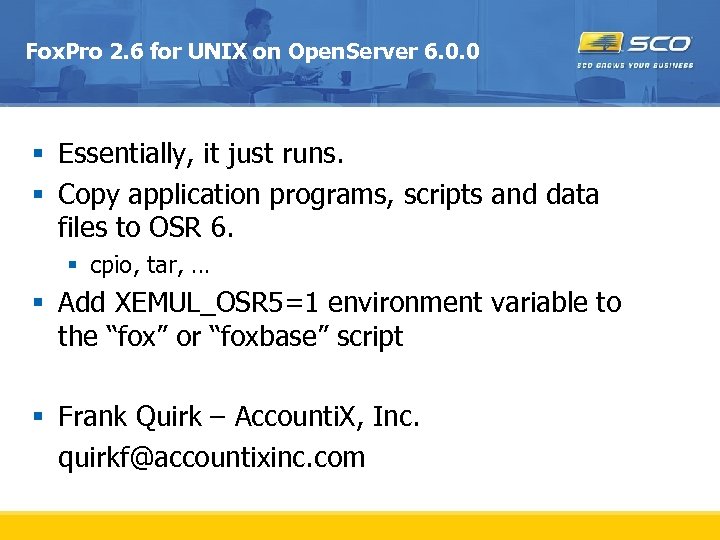 Fox. Pro 2. 6 for UNIX on Open. Server 6. 0. 0 § Essentially, it just runs. § Copy application programs, scripts and data files to OSR 6. § cpio, tar, … § Add XEMUL_OSR 5=1 environment variable to the “fox” or “foxbase” script § Frank Quirk – Accounti. X, Inc. quirkf@accountixinc. com
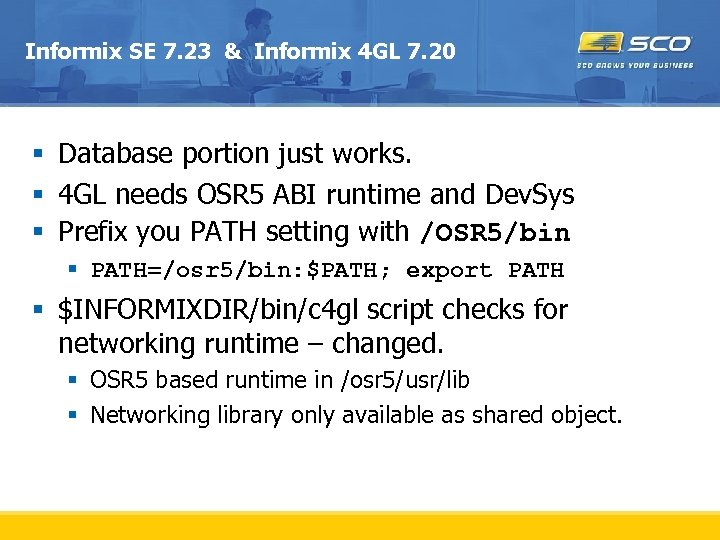 Informix SE 7. 23 & Informix 4 GL 7. 20 § Database portion just works. § 4 GL needs OSR 5 ABI runtime and Dev. Sys § Prefix you PATH setting with /OSR 5/bin § PATH=/osr 5/bin: $PATH; export PATH § $INFORMIXDIR/bin/c 4 gl script checks for networking runtime – changed. § OSR 5 based runtime in /osr 5/usr/lib § Networking library only available as shared object.
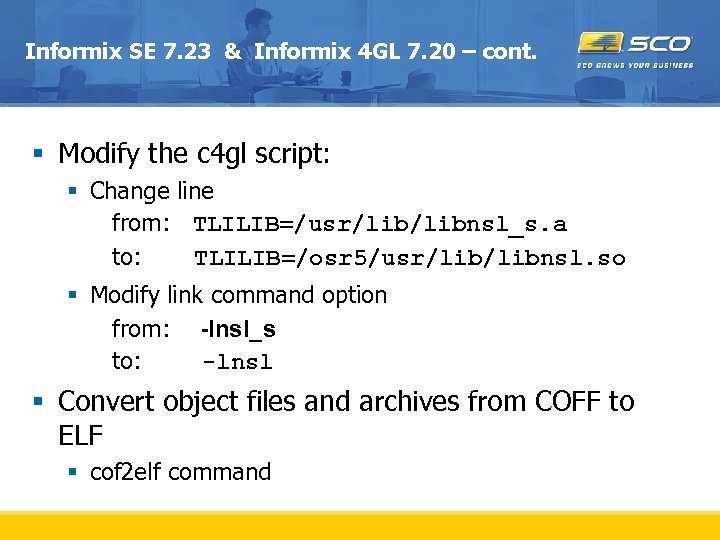 Informix SE 7. 23 & Informix 4 GL 7. 20 – cont. § Modify the c 4 gl script: § Change line from: TLILIB=/usr/libnsl_s. a to: TLILIB=/osr 5/usr/libnsl. so § Modify link command option from: -lnsl_s to: -lnsl § Convert object files and archives from COFF to ELF § cof 2 elf command
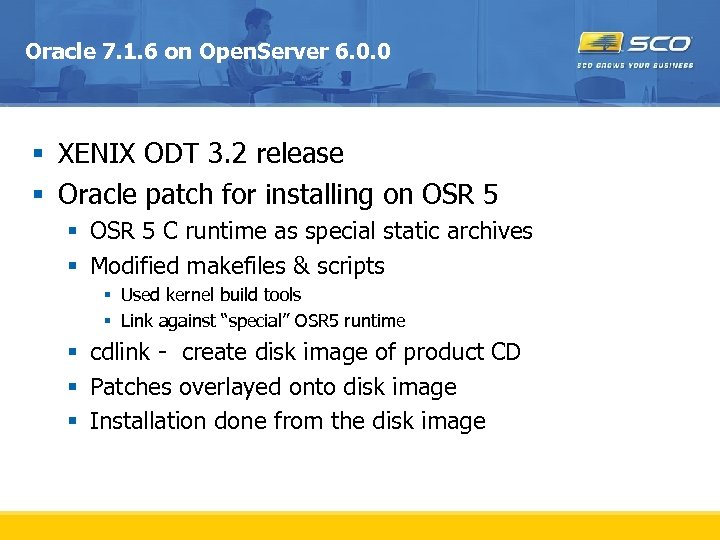 Oracle 7. 1. 6 on Open. Server 6. 0. 0 § XENIX ODT 3. 2 release § Oracle patch for installing on OSR 5 § OSR 5 C runtime as special static archives § Modified makefiles & scripts § Used kernel build tools § Link against “special” OSR 5 runtime § cdlink - create disk image of product CD § Patches overlayed onto disk image § Installation done from the disk image
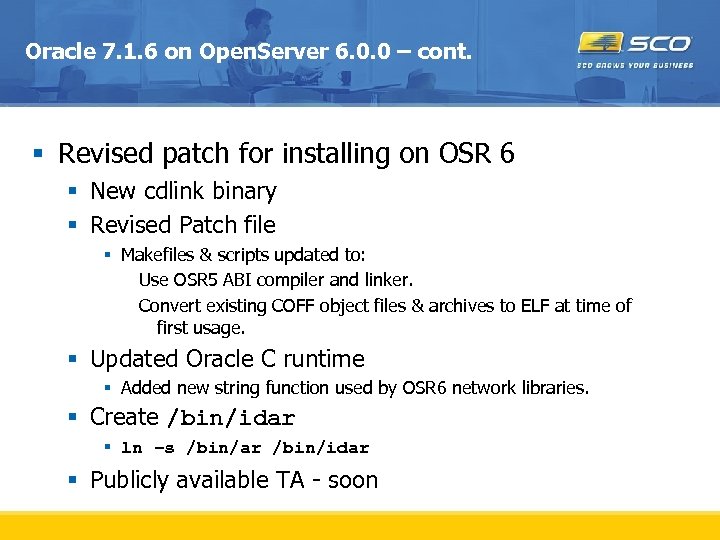 Oracle 7. 1. 6 on Open. Server 6. 0. 0 – cont. § Revised patch for installing on OSR 6 § New cdlink binary § Revised Patch file § Makefiles & scripts updated to: Use OSR 5 ABI compiler and linker. Convert existing COFF object files & archives to ELF at time of first usage. § Updated Oracle C runtime § Added new string function used by OSR 6 network libraries. § Create /bin/idar § ln –s /bin/ar /bin/idar § Publicly available TA - soon
 Oracle 7. 3. x on Open. Server 6. 0. 0 § Required native OSR 5 development system. § Prototyped OSR 6 set of patches § Makefiles & scripts modified to: § Use OSR 5 ABI compilation system § OSR 5 ANSI Std C++ available § All installed COFF object files and archives are converted to ELF § Verified by customer with copied $ORACLE_HOME § OSR 5 post_wait driver - /dev/sleeper prototype for OSR 6 § Developing “patched” install § cdlink – create disk image of product CD § Modified wgstart – patch image, install, run cof 2 elf conversion § Expect as publicly available TA
 Available Support Resources
 Open. Server 6 Support Resources § Porting Guide: § http: //www. sco. com/support/docs/openserver/600/ porting/osr 6 porting. TOC. html § Upgrade Guide: § http: //www. sco. com/support/docs/openserver/600/ upgrade/index. html § Knowledge base: § http: //wdb 1. sco. com/kb/search § Online Documentation and Late News § http: //www. sco. com/support/docs/openserver/
 Open. Server 6 Support Resources § Support Download Page for Open. Server 6: § http: //www. sco. com/support/update/download/pro duct. php? pfid=12&prid=20 § SCO “Legend” Mailing List: Public § Legend-subscribe@list. sco. com § Porting/Migration Alias: § osr 5 to 6@sco. com § Certified and Compatible Hardware § http: //www. sco. com/chwp
 Questions and Answers