


 Скачать презентацию Running CE and SE in a XEN virtualized
9bfcc03bee1e57e2af1854eebc87b48e.ppt
- Количество слайдов: 18
 Running CE and SE in a XEN virtualized environment S. Chechelnitskiy Simon Fraser University CHEP 2007 September 6 th 2007 S. Chechelnitskiy / SFU Simon Fraser
 Running CE and SE in a XEN virtualized environment • • Motivation Proposed architecture Required software XEN performance tests Test suite and results Implementation schedule Running SE in XEN Conclusion S. Chechelnitskiy / SFU Simon Fraser
 Motivation • SFU is a Tier-2 site • SFU has to serve its researchers • Funding is done through West. Grid only • West. Grid is a consortia of Canadian Universities. It operates a high performance computing (HPC), collaboration and visualization infrastructure across Western Canada. • West. Grid SFU cluster must be an Atlas Tier-2 CE. • CE must run on a West. Grid facility S. Chechelnitskiy / SFU Simon Fraser
 Motivation (cont. ) Current West. Grid SFU cluster load • 70% of jobs are serial • 30% of jobs are parallel (MPICH-2) • 10% of serial jobs are preemptible • • Scheduling policies No walltime limit for serial jobs 1 MPI job per user with Ncpu = 1/4 of Ncpu_total Minimize waiting time through the use of preemption Extensive backfill policies S. Chechelnitskiy / SFU Simon Fraser
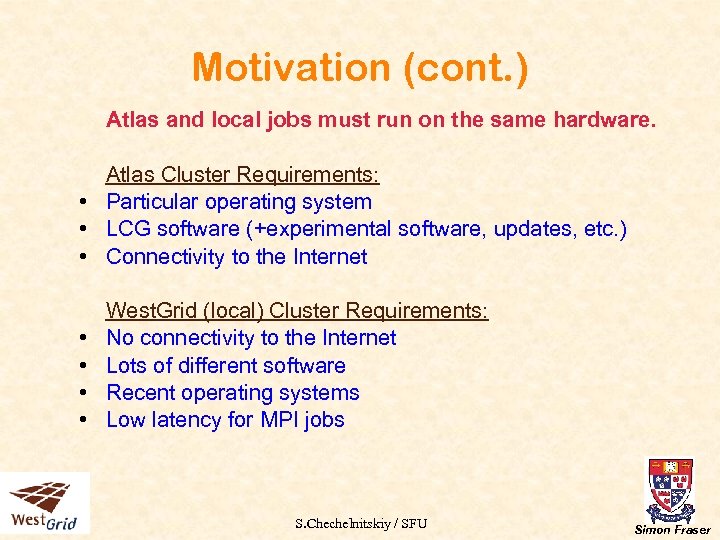 Motivation (cont. ) Atlas and local jobs must run on the same hardware. Atlas Cluster Requirements: • Particular operating system • LCG software (+experimental software, updates, etc. ) • Connectivity to the Internet • • West. Grid (local) Cluster Requirements: No connectivity to the Internet Lots of different software Recent operating systems Low latency for MPI jobs S. Chechelnitskiy / SFU Simon Fraser
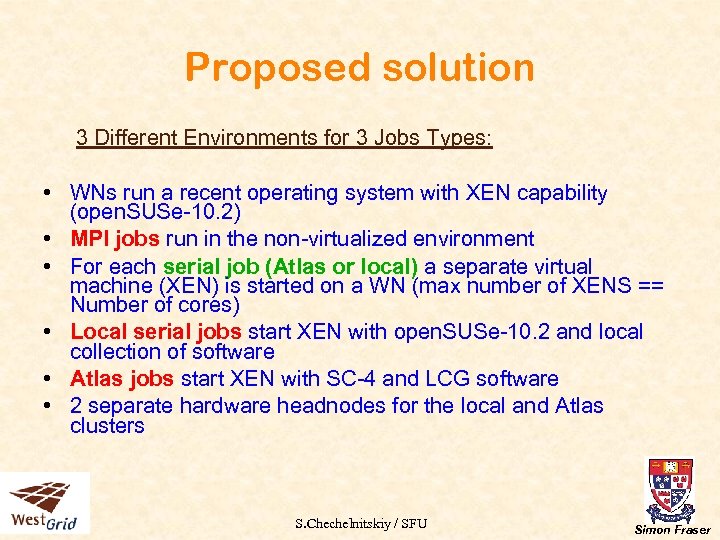 Proposed solution 3 Different Environments for 3 Jobs Types: • WNs run a recent operating system with XEN capability (open. SUSe-10. 2) • MPI jobs run in the non-virtualized environment • For each serial job (Atlas or local) a separate virtual machine (XEN) is started on a WN (max number of XENS == Number of cores) • Local serial jobs start XEN with open. SUSe-10. 2 and local collection of software • Atlas jobs start XEN with SC-4 and LCG software • 2 separate hardware headnodes for the local and Atlas clusters S. Chechelnitskiy / SFU Simon Fraser
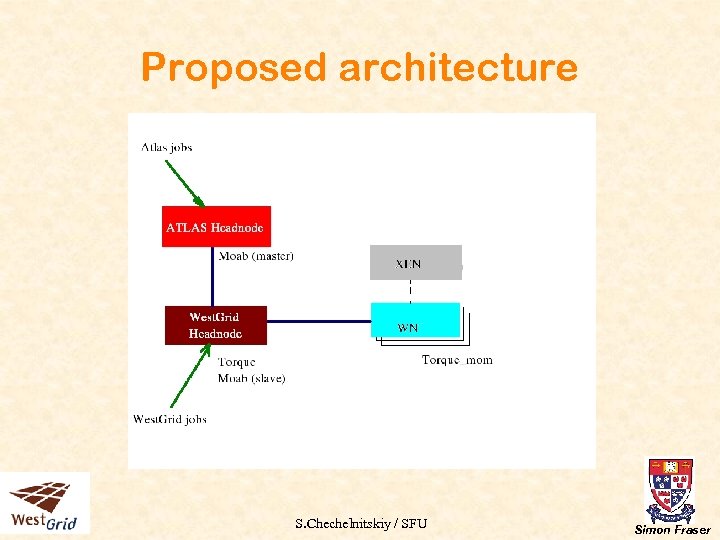 Proposed architecture S. Chechelnitskiy / SFU Simon Fraser
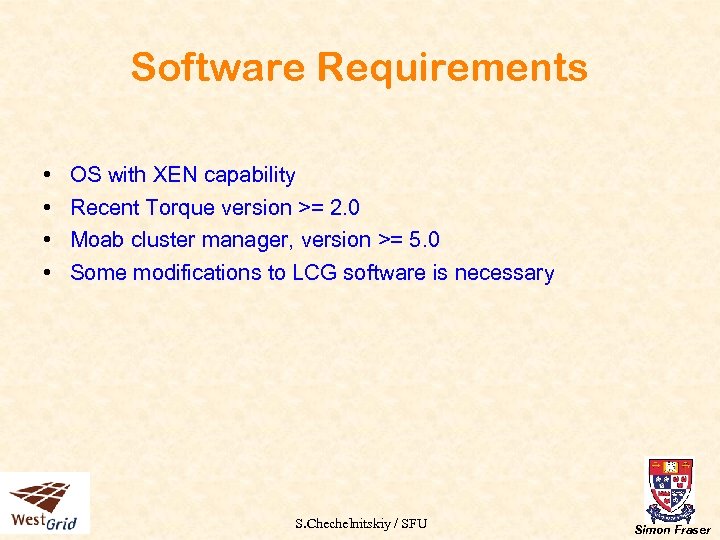 Software Requirements • • OS with XEN capability Recent Torque version >= 2. 0 Moab cluster manager, version >= 5. 0 Some modifications to LCG software is necessary S. Chechelnitskiy / SFU Simon Fraser
 XEN Performance Tests • Performance for serial jobs in XEN is better than 95% of the performance of the same job running in a non-virtualized environment and the same OS • Network bandwidth is still a problem for XEN but it is not required by serial jobs (neither Atlas, nor local) • Memory usage for one XEN virtual machine is about 230 -250 MB • XEN startup time is less than a minute S. Chechelnitskiy / SFU Simon Fraser
 Test Suite and Results Test Suite: • One SUN X 2100 as an Atlas headnode, software installed: LCG-CE, Moab (master), mounts /var/spool/pbs from the local headnode for accounting purposes • One SUN V 20 Z as a local headnode, software installed: Moab (slave), Torque • Two SUN X 4100 (dual core) as WNs, software installed: torque_mom, XEN-kernel • Images repository is located on the headnodes and mounted to WNs S. Chechelnitskiy / SFU Simon Fraser
 Test Results (continued) Test Scenario: • One 4 cpu MPI job running on 2 different WNs, two local jobs and two Atlas jobs starting their XENs • Play with priorities, queues • Play with different images Test Results: • Everything works, ready for implementation • Preliminary results: migration of serial jobs (from node to node) also works • Images are successfully stored/migrated/deleted S. Chechelnitskiy / SFU Simon Fraser
 Test Results (continued) Advantages of this Configuration: • Great flexibility in memory usage (Moab can handle various scenarios) • Very efficient hardware usage • Clusters can be configured/updated/upgraded almost independently • Great flexibility: can migrate all serial jobs between nodes to free the whole WN(s) for MPI jobs S. Chechelnitskiy / SFU Simon Fraser
 Implementation Schedule • October 2007 - Setup a small prototype of the future cluster: two final separate headnodes, 2 to 5 worker nodes • November 2007 - Test the prototype, optimize scheduling policies, verify the changes to LCG software • November - December 2007 - convert the prototype into a production 28+ nodes blade center cluster, run real West. Grid and A tlas jobs, replace the current SFU Atlas cluster • March 2008 - expand the small cluster into the final West. Grid/Atlas cluster (2000+ cores) S. Chechelnitskiy / SFU Simon Fraser
 Running SE-dcache in XEN Motivation • Reliability. • In case of a hardware failure you can restart the virtual machine on another box in 5 minutes. • Run XEN on open. Solaris with ZFS and use ZFS advantages (improved mirroring, fast snapshots) to increase the stability and improve the emergency repair time. S. Chechelnitskiy / SFU Simon Fraser
 Running SE-dcache in XEN (cont. ) Limitations: • Due to XEN’s poor networking properties only the core d. Cache services can run in a virtualized environment (no pools, no grdftp or dcap doors) Test Result: • A base d. Cache-1. 8 with Chimera namespace provider was installed in a XEN running on open. Solaris-10. 3 (guest OS was open. SUSe 10. 2) • Same d. Cache installations were made on the same hardware running open. Solaris and open. SUSe (to compare the performance) • Pools and doors were started on different hardware S. Chechelnitskiy / SFU Simon Fraser
 Running SE-dcache in XEN (cont. ) Test Result: • All functional tests were successful • Performance was up to 95% of the same d. Cache configuration performance running at the same OS in a nonvirtualized environment • Benefit: run different d. Cache core services in different virtual machines and balance the load on the fly • Non-XEN d. Cache runs approximately 10 -15% faster on Solaris than on Linux (AMD box). Better java optimization, memory usage ? S. Chechelnitskiy / SFU Simon Fraser
 Benefits of a Virtualized Environment • Low Risk Scalability: Running jobs in a virtualized environment is possible and has a lot of advantages. Disadvantages are minor • Lower Costs: Buy a general purpose cluster and use it for many different purposes • Stability: Setup your site specific scheduling policies without affecting your Atlas cluster • Flexibility: Run different LCG services in a virtualized environment to improve the stability and flexibility of your site S. Chechelnitskiy / SFU Simon Fraser
 Acknowledgments! • Thanks to Cluster Resources Inc. for their help in setting up the specific configuration • And thanks also to SUN Microsystems Inc. for providing the hardware and software for our tests Questions? S. Chechelnitskiy / SFU Simon Fraser